 United States
RAM Dell High-Performance Memory
Engineered for reliability and superior performance, Dell RAM delivers optimized system stability and enhanced efficiency. Experience seamless computing with premium memory solutions designed to meet demanding technology needs.
Talk to an expert
2 Matching results
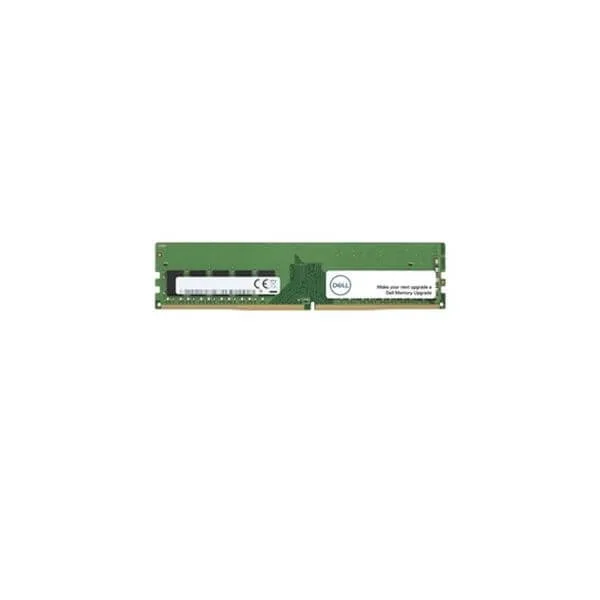
SNP888JGC (Dell Memory Upgrade - 8GB - 1Rx8 DDR4 RDIMM 2400MHz)
4.2 (5)- Computer Memory
- Dell
- DDR4
- 16 GB
- Desktop / Laptop / Server
- Workstation
- UDIMM
Est Value $358.81
$306.31
14.6% offIn stockRefurbishedFirst-Time Buyer Discount – Get up to 2% additional off on your first order
ORM Rewards Earn $50 in Rewards + Free Expedited Delivery – Join Now!
Use eCoupon ORMSAVE10
eCoupon limited to 5 units
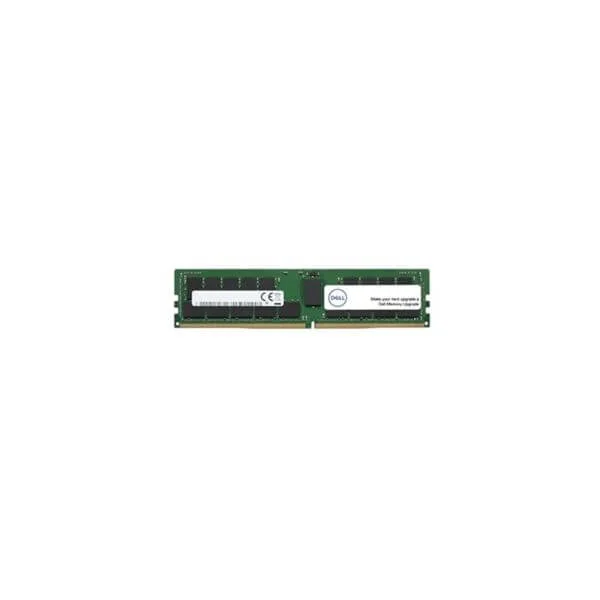
SNPCPC7GC/32G (Dell Memory Upgrade - 32GB - 2RX4 DDR4 RDIMM 2400MHz)
4.6 (5)- Computer Memory
- Dell
- DDR4
- 32 GB
- Desktop
- Workstation
- UDIMM
Est Value $418.50$267.75
36% offIn stockNewRefurbishedFirst-Time Buyer Discount – Get up to 2% additional off on your first order
ORM Rewards Earn $50 in Rewards + Free Expedited Delivery – Join Now!
Use eCoupon ORMSAVE10
eCoupon limited to 5 units

ORM Sales Advisors
Buying for your business? Get a personalised quote in under 2 hours. Talk to an expert
LEARNFilters (2) 
Questions & Answers
What is Dell RAM and why is it important?
Dell RAM (Random Access Memory) is a high-performance memory module designed to store working data and machine code for faster system operations. It is critical because it directly impacts multitasking capability, application load times and overall responsiveness.
How do I check RAM compatibility for my Dell system?
Visit Dell’s official support website, enter your service tag or model number, and review the ‘Memory’ section to view compatible RAM types, speeds and maximum capacity for your system.
Can I upgrade RAM on my Dell laptop or desktop?
Yes. Most Dell laptops and desktops support user-installable RAM upgrades. Confirm compatibility on Dell’s support page, power down the system, open the memory compartment and install the new modules as instructed in the user guide.
What types of RAM does Dell support?
Dell systems commonly support DDR4 and DDR5 UDIMM for desktops and DDR4/DDR5 SODIMM for laptops, with variations in speed, voltage and ECC or non-ECC capabilities depending on the model.
How much RAM do I need for my Dell computer?
8 GB is suitable for standard office and web tasks, 16 GB is recommended for gaming and multimedia, and 32 GB or more is ideal for professional content creation, virtualization and heavy multitasking.
How do I install RAM in a Dell computer?
Power off and unplug the system, ground yourself, open the access panel, align the module’s notch with the motherboard slot, press firmly until the clips lock, then replace the panel and power on.
What is the warranty on Dell RAM modules?
Dell RAM modules carry a limited lifetime warranty that covers defects in materials and workmanship for the life of the product when used in the originally intended Dell system.
Can mixing Dell RAM modules cause performance issues?
Mixing modules of different speeds, capacities or architectures can lead to suboptimal performance or system instability. Always match speed, capacity and voltage for best results.
How do I troubleshoot Dell RAM errors?
Run Dell’s built-in diagnostics (F12 on boot), note any memory error codes, reseat or replace faulty modules and ensure firmware and BIOS are up to date.
What is ECC RAM and does Dell support it?
ECC RAM (Error-Correcting Code) automatically detects and corrects data corruption. Dell PowerEdge servers and select Precision workstations support ECC modules for enhanced reliability.
How can I check current RAM capacity and speed on my Dell system?
Open Task Manager (Ctrl+Shift+Esc) on Windows, select the Performance tab and click Memory to view total capacity, speed, form factor and slot usage.
What is the difference between DDR4 and DDR5 Dell RAM?
DDR5 offers higher bandwidth, improved power efficiency and greater density per module compared to DDR4. Compatibility depends on your system’s chipset and BIOS support.
Does Dell offer SODIMM modules for laptops?
Yes. Dell supplies DDR4 and DDR5 SODIMM modules for its Latitude, XPS and Inspiron laptop lines. Confirm your model’s supported speed and capacity before purchasing.
How can I optimize RAM performance on my Dell PC?
Enable XMP/DOCP profiles in BIOS, match paired modules in dual- or quad-channel configurations, install the latest BIOS and chipset drivers, and avoid mixing different memory specifications.
Are genuine Dell RAM upgrades certified?
Yes. Dell-certified RAM is tested for compatibility, performance and reliability on Dell systems. Unauthorized third-party modules may void warranty and cause instability.
Where can I purchase Dell RAM upgrades?
Buy Dell RAM upgrades directly from Dell’s online store, authorized retailers or Dell Premier partners to ensure genuine modules and full warranty coverage.