 United States
HP Memory & RAM Performance
Discover robust and reliable HP Memory & RAM solutions engineered to enhance system performance, accelerate multitasking, and drive exceptional computing speeds across professional environments.
Talk to an expert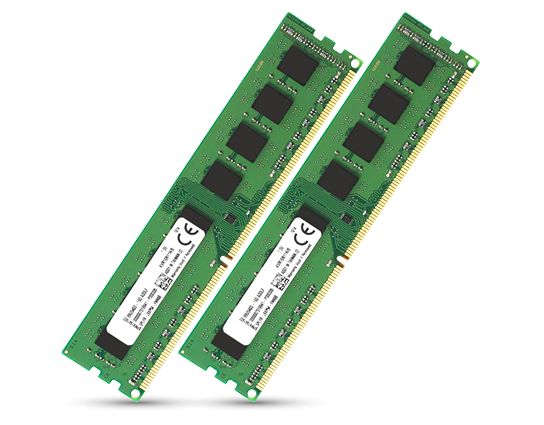
43 Matching results
T9V39AA (8GB (1x8GB) DDR4-2400 ECC Reg RAM - 8 GB - 1 x 8 GB - DDR4 - 2400 MHz - 288-pin DIMM)
4.8 (5)- Computer Memory
- Hp
- DDR4
- 16 GB
- Desktop / Laptop / Server
- Workstation
- UDIMM
Est Value $379.82
$128.14
66.3% offIn stockRefurbishedFirst-Time Buyer Discount – Get up to 2% additional off on your first order
ORM Rewards Earn $50 in Rewards + Free Expedited Delivery – Join Now!
Use eCoupon ORMSAVE10
eCoupon limited to 5 units
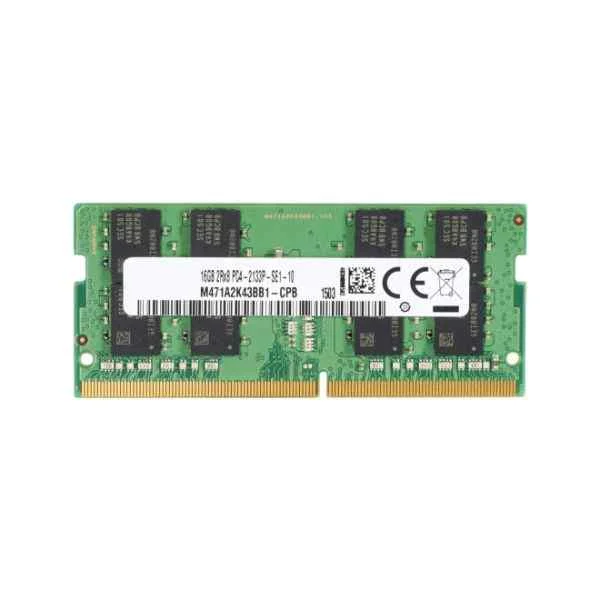
Y7B55AA (4GB (1x4GB) DDR4-2400 nECC SO-DIMM - 4 GB - 1 x 4 GB - DDR4 - 2400 MHz - Black - Green)
4.8 (5)- Computer Memory
- Hp
- DDR4
- 16 GB
- Desktop
- Workstation
- UDIMM
Est Value $185.98$158.76
14.6% offIn stockRefurbishedFirst-Time Buyer Discount – Get up to 2% additional off on your first order
ORM Rewards Earn $50 in Rewards + Free Expedited Delivery – Join Now!
Use eCoupon ORMSAVE10
eCoupon limited to 5 units
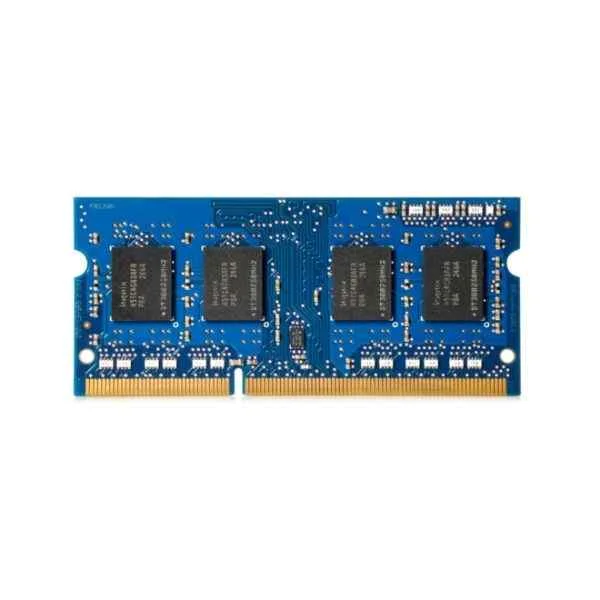
H6Y75AA (4GB DDR3L-1600 1.35V SODIMM - 4 GB - 1 x 4 GB - DDR3 - 1600 MHz - 204-pin SO-DIMM)
4.6 (5)- Computer Memory
- Hp
- DDR4
- 16 GB
- Desktop
- UDIMM
Est Value $192.52$164.35
14.6% offIn stockRefurbishedFirst-Time Buyer Discount – Get up to 2% additional off on your first order
ORM Rewards Earn $50 in Rewards + Free Expedited Delivery – Join Now!
Use eCoupon ORMSAVE10
eCoupon limited to 5 units
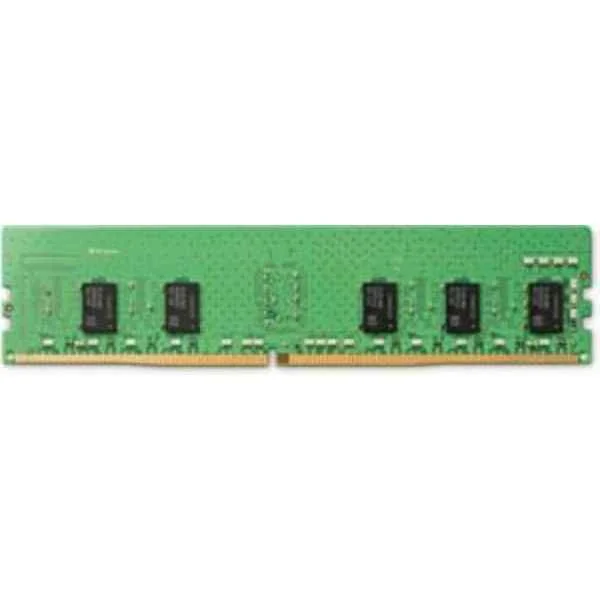
1XD84AA (8GB DDR4 2666MHz - 8 GB - 1 x 8 GB - DDR4 - 2666 MHz - 288-pin DIMM - Green)
4.8 (5)- Computer Memory
- Hp
- DDR4
- 16 GB
- Desktop
- Workstation
- UDIMM
Est Value $378.00$189.00
50% offIn stockRefurbishedFirst-Time Buyer Discount – Get up to 2% additional off on your first order
ORM Rewards Earn $50 in Rewards + Free Expedited Delivery – Join Now!
Use eCoupon ORMSAVE10
eCoupon limited to 5 units
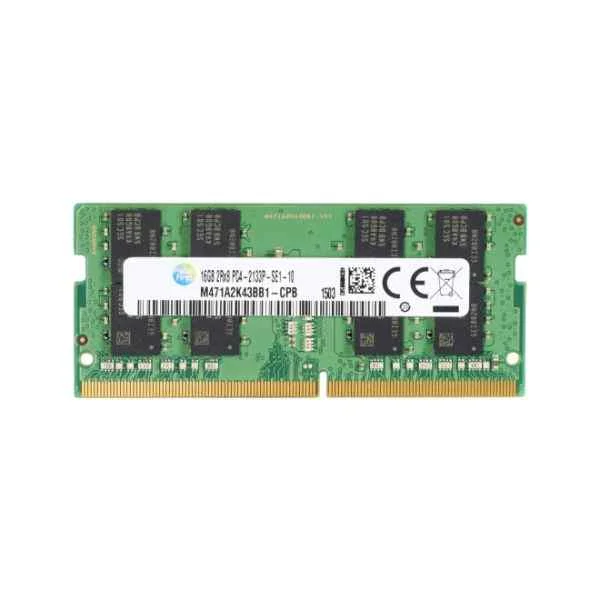
Z9H56AA (8GB DDR4-2400 SoDIMM - 8 GB - 1 x 8 GB - DDR4 - 2400 MHz)
4.4 (5)- Computer Memory
- Hp
- DDR4
- 16 GB
- Desktop
- UDIMM
Est Value $227.08$193.85
14.6% offIn stockRefurbishedFirst-Time Buyer Discount – Get up to 2% additional off on your first order
ORM Rewards Earn $50 in Rewards + Free Expedited Delivery – Join Now!
Use eCoupon ORMSAVE10
eCoupon limited to 5 units
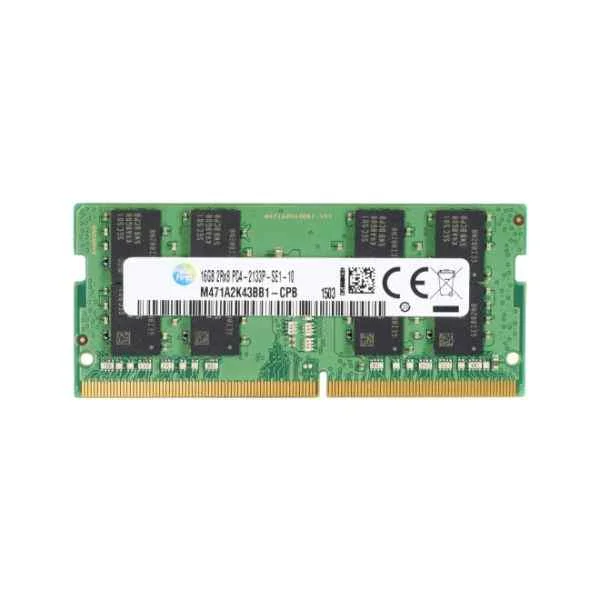
P1N53AA (4GB SODIMM DDR4 Memory - 4 GB - 1 x 4 GB - DDR4 - 2133 MHz - 260-pin SO-DIMM)
4.4 (5)- Computer Memory
- Hp
- DDR4
- 8 GB
- Desktop
- Workstation
- UDIMM
Est Value $228.75$195.28
14.6% offIn stockRefurbishedFirst-Time Buyer Discount – Get up to 2% additional off on your first order
ORM Rewards Earn $50 in Rewards + Free Expedited Delivery – Join Now!
Use eCoupon ORMSAVE10
eCoupon limited to 5 units
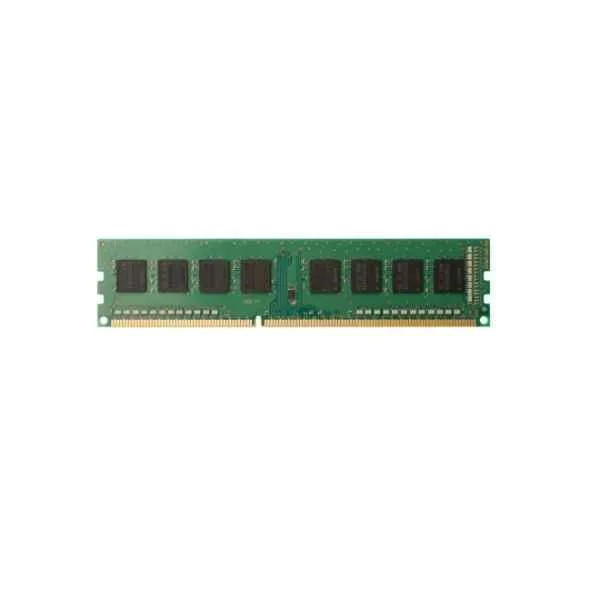
T0E51AA (8GB (1x8GB) DDR4-2133 non-ECC RAM - 8 GB - 1 x 8 GB - DDR4 - 2133 MHz - 288-pin DIMM)
4.2 (5)- Computer Memory
- Hp
- DDR4
- 16 GB
- Desktop
- Workstation
- UDIMM
Est Value $412.18$233.73
43.3% offIn stockRefurbishedFirst-Time Buyer Discount – Get up to 2% additional off on your first order
ORM Rewards Earn $50 in Rewards + Free Expedited Delivery – Join Now!
Use eCoupon ORMSAVE10
eCoupon limited to 5 units
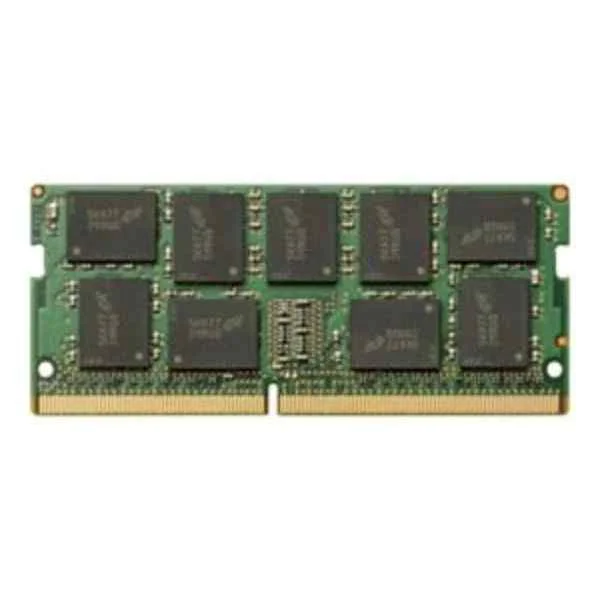
141J2AA (8GB 1x8GB 3200 DDR4 ECC SODIMM - 8 GB - DDR4)
4.2 (5)- Computer Memory
- Hp
- DDR4
- 16 GB
- Desktop / Laptop / Server
- Workstation
- UDIMM
Est Value $285.69$243.88
14.6% offIn stockRefurbishedFirst-Time Buyer Discount – Get up to 2% additional off on your first order
ORM Rewards Earn $50 in Rewards + Free Expedited Delivery – Join Now!
Use eCoupon ORMSAVE10
eCoupon limited to 5 units
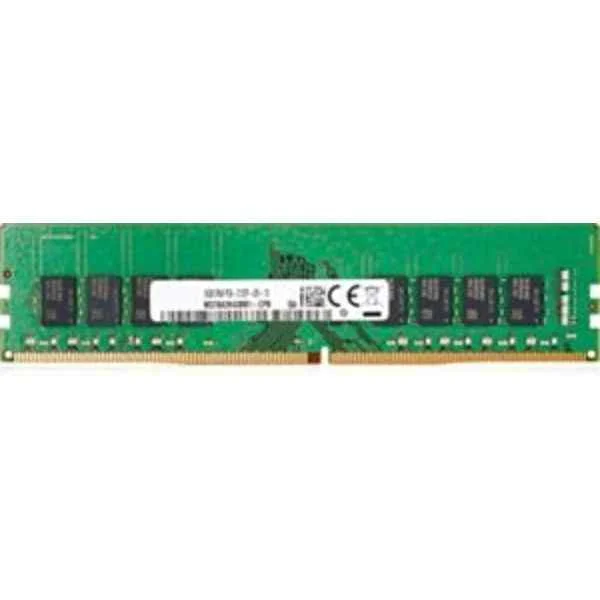
3PL81AA (8GB DDR4 2666MHz - 8 GB - 1 x 8 GB - DDR4 - 2666 MHz - Green)
4.6 (5)- Computer Memory
- Hp
- DDR4
- 16 GB
- Desktop / Laptop / Server
- Rack Server / Tower Server / Blade Server / Workstation / N/A
- UDIMM
Est Value $288.88$246.60
14.6% offIn stockRefurbishedFirst-Time Buyer Discount – Get up to 2% additional off on your first order
ORM Rewards Earn $50 in Rewards + Free Expedited Delivery – Join Now!
Use eCoupon ORMSAVE10
eCoupon limited to 5 units
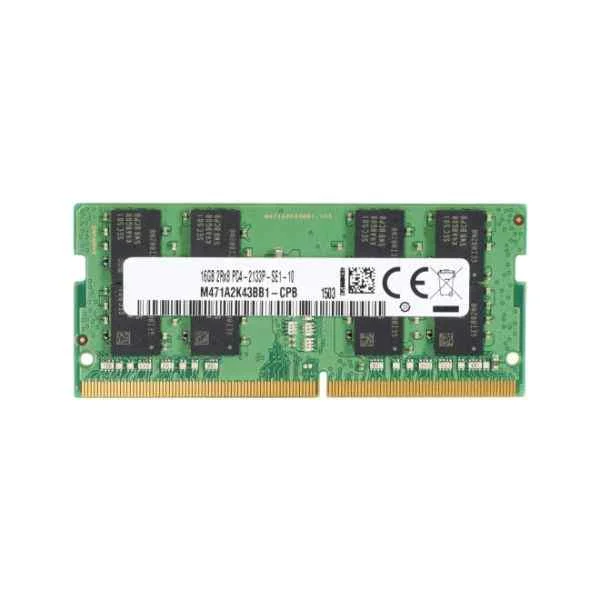
T9V38AA (4GB (1x4GB) DDR4-2400 ECC Reg RAM - 4 GB - 1 x 4 GB - DDR4 - 2400 MHz - 288-pin DIMM)
4.6 (5)- Computer Memory
- Hp
- DDR4
- 16 GB
- Desktop
- Tower Server
- UDIMM
Est Value $302.55$258.28
14.6% offIn stockRefurbishedFirst-Time Buyer Discount – Get up to 2% additional off on your first order
ORM Rewards Earn $50 in Rewards + Free Expedited Delivery – Join Now!
Use eCoupon ORMSAVE10
eCoupon limited to 5 units
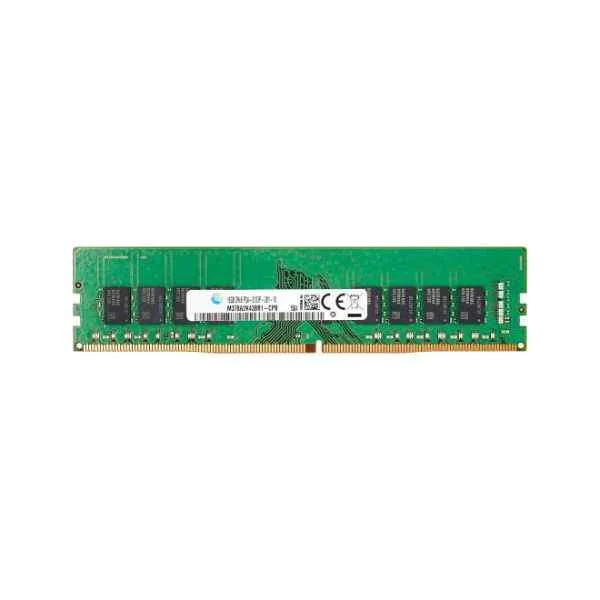
Z9H59AA (4GB DDR4-2400 DIMM - 4 GB - 1 x 4 GB - DDR4 - 2400 MHz)
4.6 (5)- Computer Memory
- Hp
- DDR4
- 16 GB
- Desktop
- Workstation
- UDIMM
Est Value $302.55$258.28
14.6% offIn stockRefurbishedFirst-Time Buyer Discount – Get up to 2% additional off on your first order
ORM Rewards Earn $50 in Rewards + Free Expedited Delivery – Join Now!
Use eCoupon ORMSAVE10
eCoupon limited to 5 units
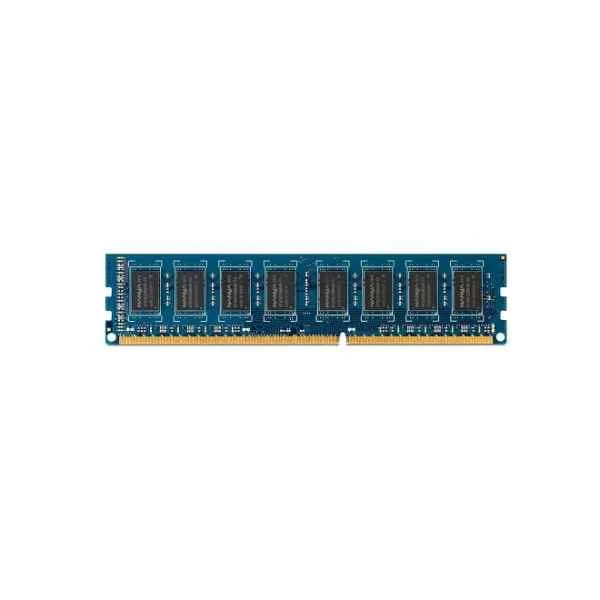
B4U36AA (4-GB PC3-12800 (DDR3-1600 MHz) DIMM Memory - 4 GB - 1 x 4 GB - DDR3 - 1600 MHz - 240-pin DIMM)
4.6 (5)- Computer Memory
- Hp
- DDR4
- 16 GB
- Desktop / Laptop / Server
- Workstation
- UDIMM
Est Value $342.63$292.49
14.6% offIn stockRefurbishedFirst-Time Buyer Discount – Get up to 2% additional off on your first order
ORM Rewards Earn $50 in Rewards + Free Expedited Delivery – Join Now!
Use eCoupon ORMSAVE10
eCoupon limited to 5 units
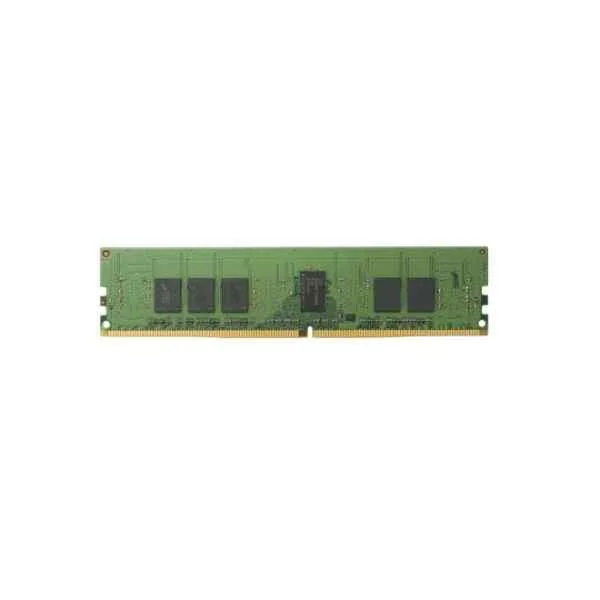
Y7B54AA (16GB (1x16GB) DDR4-2400 nECC SO-DIMM - 16 GB - 1 x 16 GB - DDR4 - 2400 MHz - Black - Green)
4.8 (5)- Computer Memory
- Hp
- DDR4
- 16 GB
- Desktop
- Workstation
- UDIMM
Est Value $344.52$294.11
14.6% offIn stockRefurbishedFirst-Time Buyer Discount – Get up to 2% additional off on your first order
ORM Rewards Earn $50 in Rewards + Free Expedited Delivery – Join Now!
Use eCoupon ORMSAVE10
eCoupon limited to 5 units
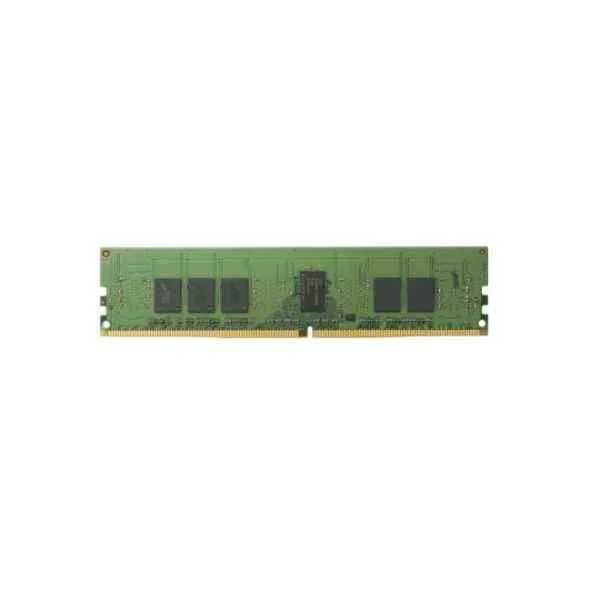
Z4Y84AA (4 GB 2400 MHz DDR4 - 4 GB - 1 x 4 GB - DDR3 - 2400 MHz - 260-pin SO-DIMM)
4.6 (5)- Computer Memory
- Hp
- DDR4
- 16 GB
- Desktop
- UDIMM
Est Value $599.76$299.88
50% offIn stockRefurbishedFirst-Time Buyer Discount – Get up to 2% additional off on your first order
ORM Rewards Earn $50 in Rewards + Free Expedited Delivery – Join Now!
Use eCoupon ORMSAVE10
eCoupon limited to 5 units
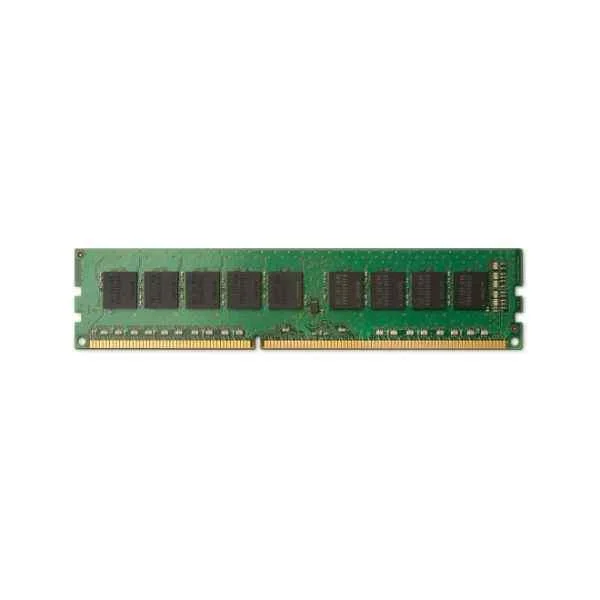
N0H87AA (8GB (1x8GB) DDR4-2133 ECC RAM - 8 GB - 1 x 8 GB - DDR4 - 2133 MHz - 288-pin DIMM)
4.4 (5)- Computer Memory
- Hp
- DDR4
- 16 GB
- Desktop
- Workstation
- UDIMM
Est Value $353.35$301.64
14.6% offIn stockRefurbishedFirst-Time Buyer Discount – Get up to 2% additional off on your first order
ORM Rewards Earn $50 in Rewards + Free Expedited Delivery – Join Now!
Use eCoupon ORMSAVE10
eCoupon limited to 5 units
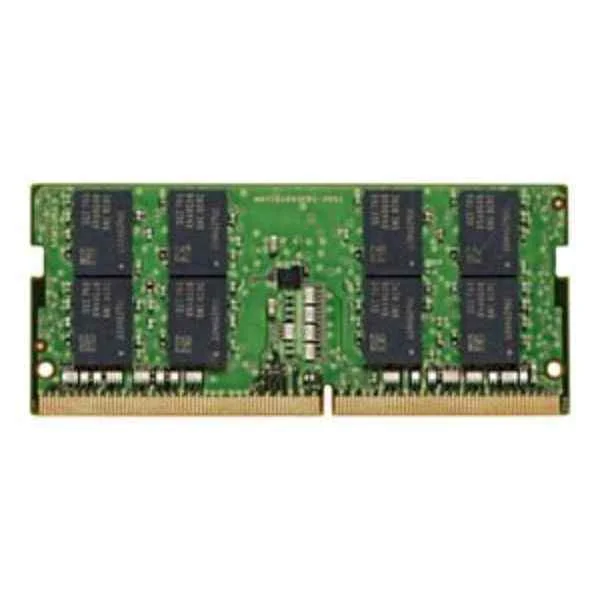
141H5AA (HP 16GB 1x16GB 3200 DDR4 NECC SODIMM - 16 GB - DDR4 (141H5AA))
4.6 (5)- Computer Memory
- Hp
- DDR4
- 16 GB
- Desktop
- Workstation
- UDIMM
Est Value $369.16$315.14
14.6% offIn stockRefurbishedFirst-Time Buyer Discount – Get up to 2% additional off on your first order
ORM Rewards Earn $50 in Rewards + Free Expedited Delivery – Join Now!
Use eCoupon ORMSAVE10
eCoupon limited to 5 units
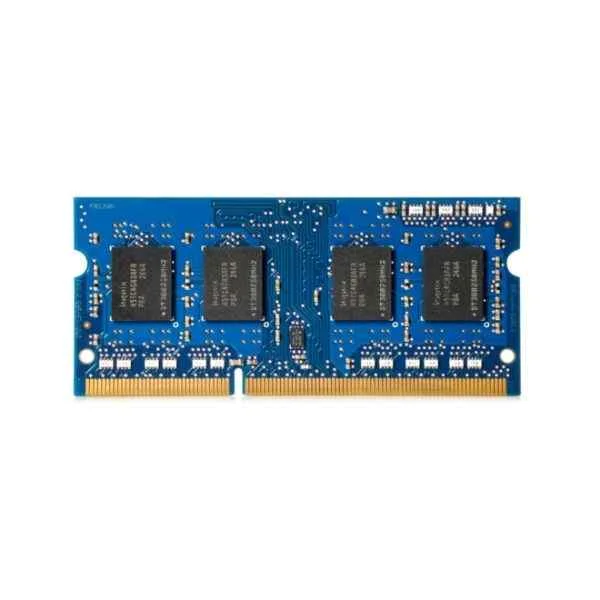
1CA79AA (8GB DDR4-2400 ECC RAM - 8 GB - 1 x 8 GB - DDR4 - 2400 MHz - 288-pin DIMM - Black - Green)
4.6 (5)- Computer Memory
- Hp
- DDR4
- 16 GB
- Desktop
- UDIMM
Est Value $369.16$315.14
14.6% offIn stockRefurbishedFirst-Time Buyer Discount – Get up to 2% additional off on your first order
ORM Rewards Earn $50 in Rewards + Free Expedited Delivery – Join Now!
Use eCoupon ORMSAVE10
eCoupon limited to 5 units
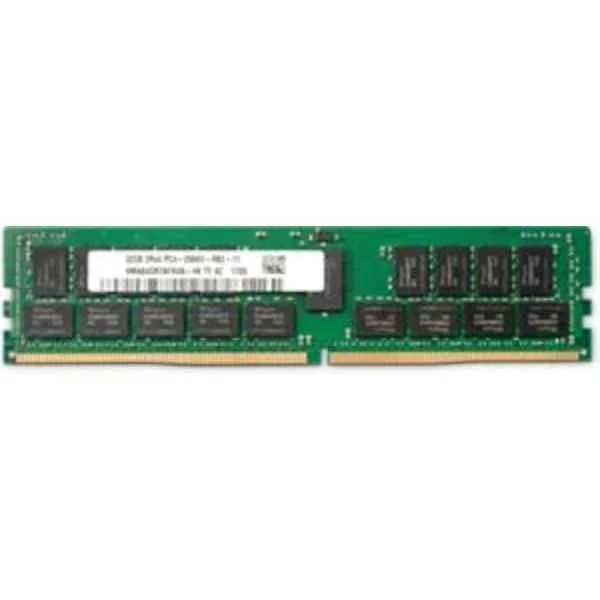
1XD86AA (32GB DDR4 2666MHz - 32 GB - 1 x 32 GB - DDR4 - 2666 MHz - 288-pin DIMM - Green)
5 (5)- Computer Memory
- Hp
- DDR4
- 16 GB
- Desktop
- UDIMM
Est Value $392.75$335.28
14.6% offIn stockRefurbishedFirst-Time Buyer Discount – Get up to 2% additional off on your first order
ORM Rewards Earn $50 in Rewards + Free Expedited Delivery – Join Now!
Use eCoupon ORMSAVE10
eCoupon limited to 5 units
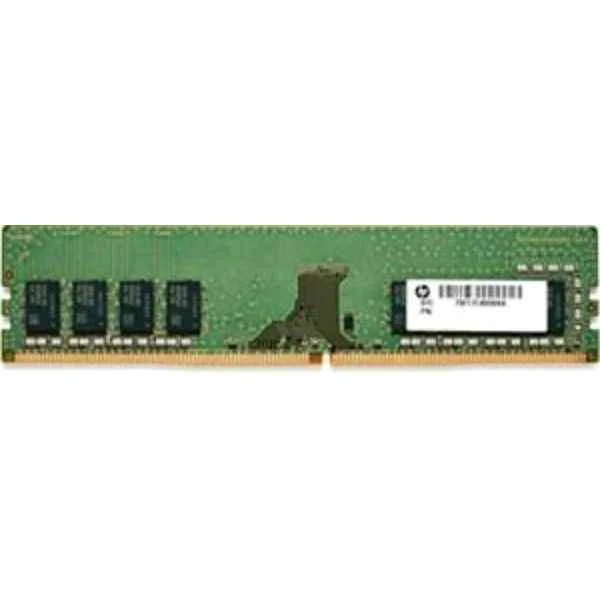
7ZZ64AA (7ZZ64AA - 8 GB - 1 x 8 GB - DDR4 - 2933 MHz - 288-pin DIMM)
4.6 (5)- Computer Memory
- Hp
- DDR4
- 16 GB
- Desktop / Laptop / Server
- Workstation
- UDIMM
Est Value $428.52$365.81
14.6% offIn stockRefurbishedFirst-Time Buyer Discount – Get up to 2% additional off on your first order
ORM Rewards Earn $50 in Rewards + Free Expedited Delivery – Join Now!
Use eCoupon ORMSAVE10
eCoupon limited to 5 units
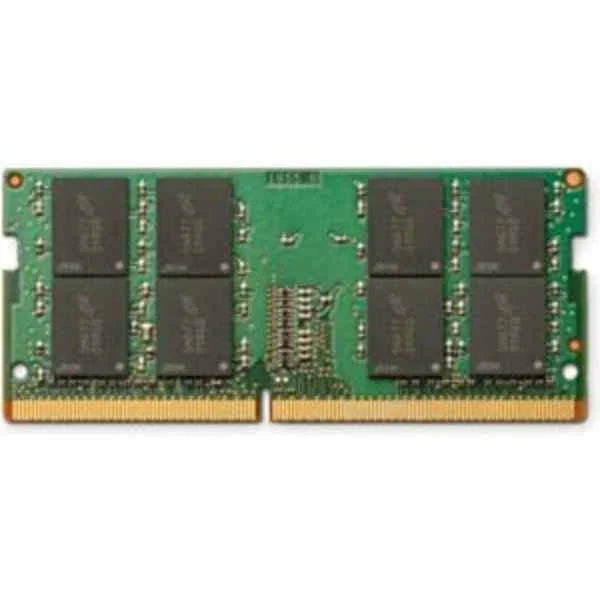
1CA76AA (16GB DDR4-2400 non-ECC RAM - 16 GB - 1 x 16 GB - DDR4 - 2400 MHz - Black - Green)
4.6 (5)- Computer Memory
- Hp
- DDR4
- 16 GB
- Desktop / Server
- Workstation
- UDIMM
Est Value $433.05$369.67
14.6% offIn stockRefurbishedFirst-Time Buyer Discount – Get up to 2% additional off on your first order
ORM Rewards Earn $50 in Rewards + Free Expedited Delivery – Join Now!
Use eCoupon ORMSAVE10
eCoupon limited to 5 units

ORM Sales Advisors
Buying for your business? Get a personalised quote in under 2 hours. Talk to an expert
LEARNFilters (43) 
Questions & Answers
What types of RAM modules does HP support?
HP supports DDR4 and DDR5 SODIMM for laptops and UDIMM for desktops. Supported speeds and capacities vary by model—refer to your HP service manual for exact specifications.
How can I check if my HP laptop supports a RAM upgrade?
Visit HP’s official support site, enter your serial number, and review the ‘Memory’ section under specifications. The site lists maximum capacity, module type, and slot availability.
Can I install third-party RAM in my HP computer?
Yes. HP systems accept industry-standard DDR4 or DDR5 modules. To ensure reliability, choose reputable brands that match HP’s specified speed, voltage, and capacity requirements.
How much RAM does my HP desktop need for optimal performance?
For general office use, 8 GB is recommended; for gaming or content creation, 16 GB–32 GB; for heavy virtualization or CAD, 64 GB or more. Match capacity to your workload.
What is the difference between DDR4 and DDR5 memory in HP PCs?
DDR5 offers higher clock speeds (4 800 MT/s+), improved power efficiency, and larger capacities per module compared to DDR4 (up to 3 200 MT/s). Compatibility depends on your motherboard chipset.
How do I install memory modules in my HP laptop?
Power off and unplug the laptop, remove the back panel, locate the SODIMM slots, insert modules at a 30° angle until they click, replace the panel, and power on.
Can I mix RAM modules of different sizes on an HP system?
Yes, HP supports asymmetric configurations, but matched size, speed, and voltage deliver optimal dual-channel performance. Consult your service manual for slot population guidelines.
How do I test my HP RAM for defects?
Use Windows Memory Diagnostic or HP PC Hardware Diagnostics UEFI. Boot into the tool, run a comprehensive memory test, and review error reports to identify failing modules.
What warranties cover HP memory upgrades?
HP memory modules carry a one-year limited warranty when purchased as HP spare parts. Third-party modules retain the vendor’s original warranty—verify terms before purchase.
Where can I purchase genuine HP RAM modules?
Buy directly from the HP Parts Store, authorized HP resellers, or certified service providers. This ensures compatibility, genuine parts, and warranty protection.
How do I determine the maximum RAM capacity for my HP desktop?
Check your motherboard’s chipset on HP’s support site or documentation. The spec sheet lists maximum total memory, per-slot capacity, and supported module types.
What are the benefits of upgrading RAM on my HP computer?
More RAM improves multitasking, reduces application load times, enhances virtualization, and prevents system slowdowns when handling large files or multiple browser tabs.
How much does a typical HP RAM upgrade cost?
Prices vary by capacity and speed: 8 GB DDR4 modules start around $30–$40; 16 GB modules range $60–$90; high-speed or DDR5 can cost $100+ per module.
How can I optimize RAM performance on my HP system?
Enable dual-channel mode by installing matched modules, update BIOS to the latest version, and adjust memory profiles (XMP/DOCP) in BIOS for rated speeds.
What should I do if my HP computer doesn’t recognize new RAM?
Reseat modules firmly, verify compatibility with your model, update BIOS to the latest revision, and clear CMOS if necessary. Run diagnostics to confirm detection.