 United States
AMD CPUs And Processors Unmatched Performance
Experience unmatched power with AMD CPUs and Processors that deliver exceptional performance, advanced efficiency, and state-of-the-art technology for superior computing solutions and enhanced productivity.
Talk to an expert
98 Matching results
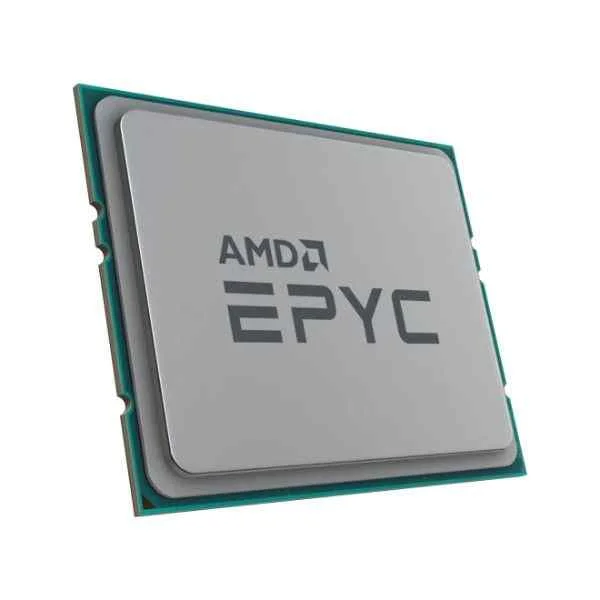
100-000000046 (MD EPYC 24C MODEL 7402 SP3 180W 3350MHZ)
4.8 (6)- 1.0 inches
- 0.5 lbs
- 1.0 inches
- 1.0 inches
- No
- Gaming
- LGA 1700
Est Value $642.94
$103.95
83.8% offIn stockRefurbishedFirst-Time Buyer Discount – Get up to 2% additional off on your first order
ORM Rewards Earn $50 in Rewards + Free Expedited Delivery – Join Now!
Use eCoupon ORMSAVE10
eCoupon limited to 5 units
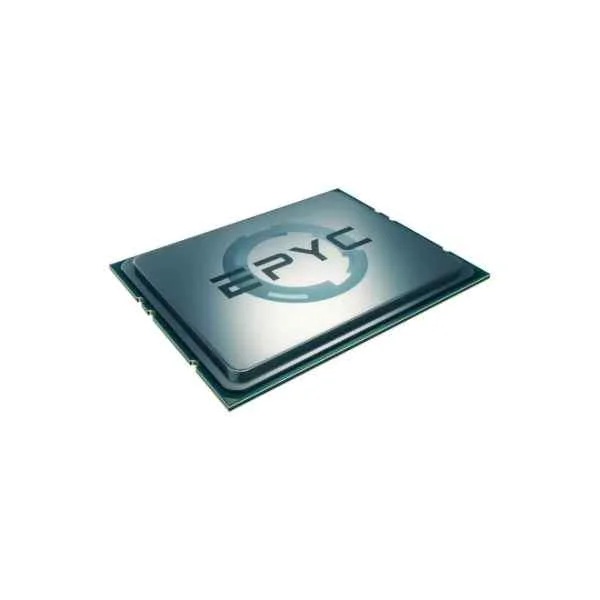
PS7551BDAFWOF (EPYC 7551 AMD EPYC 3 GHz)
4.6 (5)- 1.50 inches
- 1.50 inches
- 0.25 lbs
- 0.20 inches
- No
- Gaming
- LGA 1700
Est Value $930.13$794.01
14.6% offIn stockNewRefurbishedFirst-Time Buyer Discount – Get up to 2% additional off on your first order
ORM Rewards Earn $50 in Rewards + Free Expedited Delivery – Join Now!
Use eCoupon ORMSAVE10
eCoupon limited to 5 units
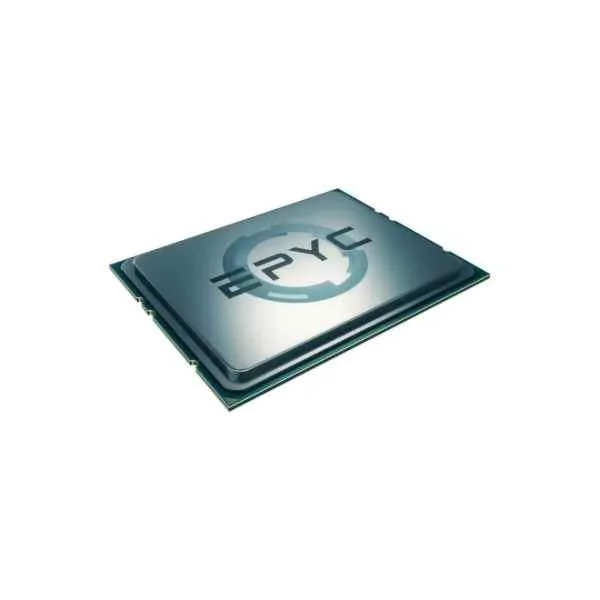
100-100000078WOF (AMD EPYC 16C MODEL 7282 SP3 120W 3200MHZ)
4.6 (7)- 0.31 lbs
- 1.48 inches
- 0.56 inches
- 1.48 inches
- No
- Gaming
- LGA 1700
Est Value $867.03$109.20
87.4% offIn stockRefurbishedFirst-Time Buyer Discount – Get up to 2% additional off on your first order
ORM Rewards Earn $50 in Rewards + Free Expedited Delivery – Join Now!
Use eCoupon ORMSAVE10
eCoupon limited to 5 units
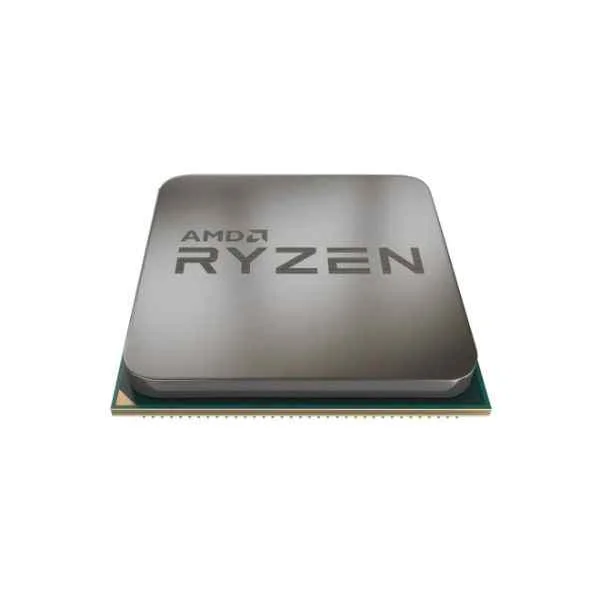
YD260XBCAFBOX (Ryzen 5 2600X AMD R5 3.6 GHz - AM4)
4.6 (5)- No
- Gaming
- Dual
Est Value $136.61$116.62
14.6% offIn stockRefurbishedFirst-Time Buyer Discount – Get up to 2% additional off on your first order
ORM Rewards Earn $50 in Rewards + Free Expedited Delivery – Join Now!
Use eCoupon ORMSAVE10
eCoupon limited to 5 units
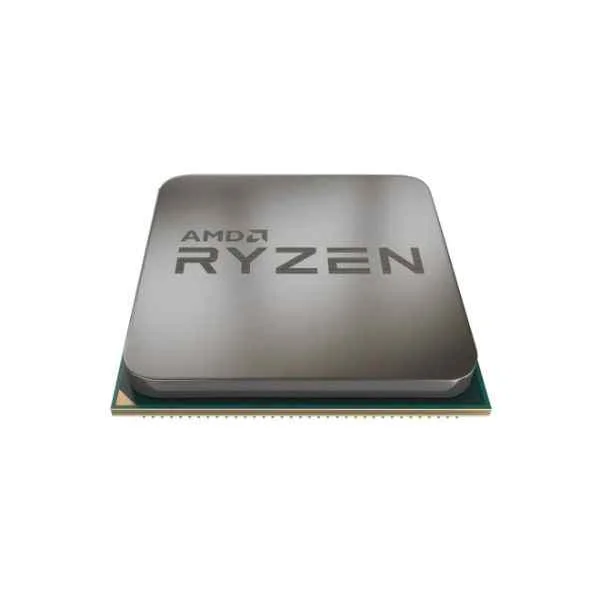
100-000000031 (RYZEN5 3600 TRAY CPU AM4 36MB 4200MHZ)
4.6 (5)- 1.48 inches
- 1.48 inches
- No
- Gaming / Workstation
- LGA 1700
Est Value $141.57$120.86
14.6% offIn stockRefurbishedFirst-Time Buyer Discount – Get up to 2% additional off on your first order
ORM Rewards Earn $50 in Rewards + Free Expedited Delivery – Join Now!
Use eCoupon ORMSAVE10
eCoupon limited to 5 units
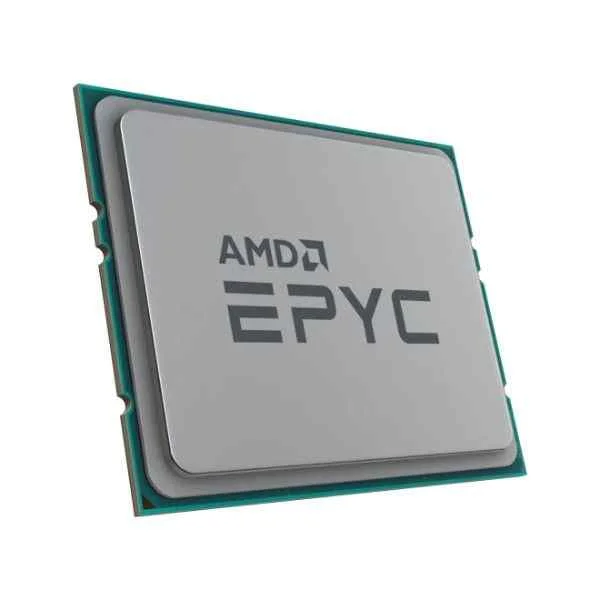
100-000000057 (MD EPYC 32C MODEL 7452 SP3 155W 3350MHZ)
4.6 (5)- No
- Gaming
- LGA 1700
Est Value $861.54$126.00
85.4% offIn stockRefurbishedFirst-Time Buyer Discount – Get up to 2% additional off on your first order
ORM Rewards Earn $50 in Rewards + Free Expedited Delivery – Join Now!
Use eCoupon ORMSAVE10
eCoupon limited to 5 units
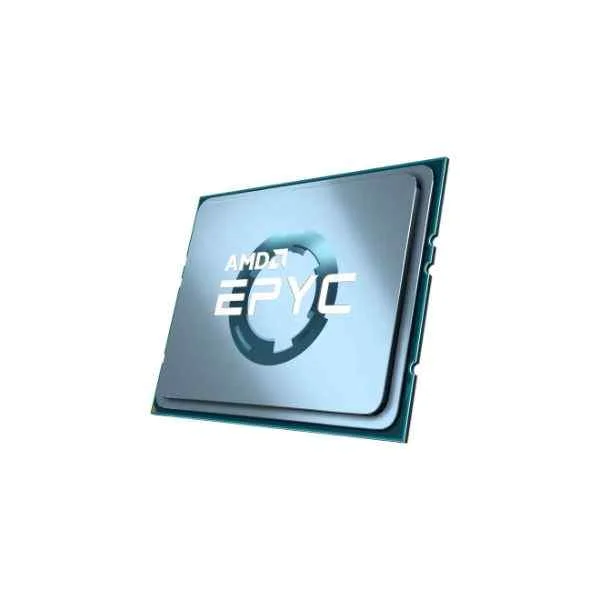
100-100000057WOF (AMD EPYC 32C MODEL 7452 SP3 155W 3350MHZ NO STOCK THROUGH 2021)
4.6 (5)- No
- Gaming
- Dual
Est Value $3,345.97$126.00
96.2% offIn stockRefurbishedFirst-Time Buyer Discount – Get up to 2% additional off on your first order
ORM Rewards Earn $50 in Rewards + Free Expedited Delivery – Join Now!
Use eCoupon ORMSAVE10
eCoupon limited to 5 units
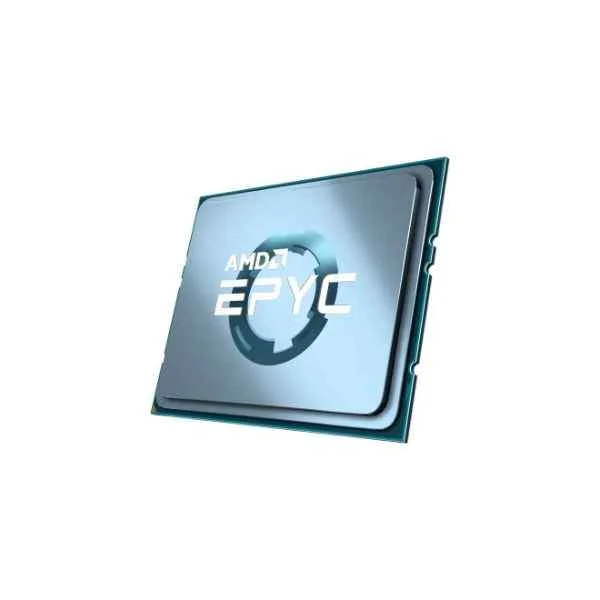
100-100000080WOF (AMD EPYC 8C MODEL 7252 SP3 120W 3200MHZ 64MB)
4.8 (5)- 0.3 lbs
- 0.2 inches
- 1.67 inches
- No
- Gaming
- LGA 1700
- Dual
Est Value $616.48$134.40
78.2% offIn stockRefurbishedFirst-Time Buyer Discount – Get up to 2% additional off on your first order
ORM Rewards Earn $50 in Rewards + Free Expedited Delivery – Join Now!
Use eCoupon ORMSAVE10
eCoupon limited to 5 units
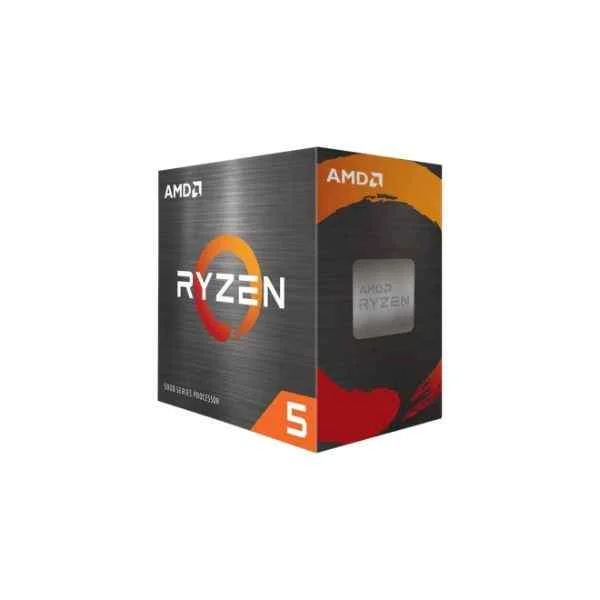
100-100000457BOX (AMD RYZEN 5 5500 WITH WRAITH STEALTH COOLER 6/12 65W AM4)
4.8 (5)- 0.35 lbs
- 0.15 inches
- 1.48 inches
- No
- Gaming
- LGA 1700
- Dual
Est Value $171.21$146.16
14.6% offIn stockNewRefurbishedFirst-Time Buyer Discount – Get up to 2% additional off on your first order
ORM Rewards Earn $50 in Rewards + Free Expedited Delivery – Join Now!
Use eCoupon ORMSAVE10
eCoupon limited to 5 units
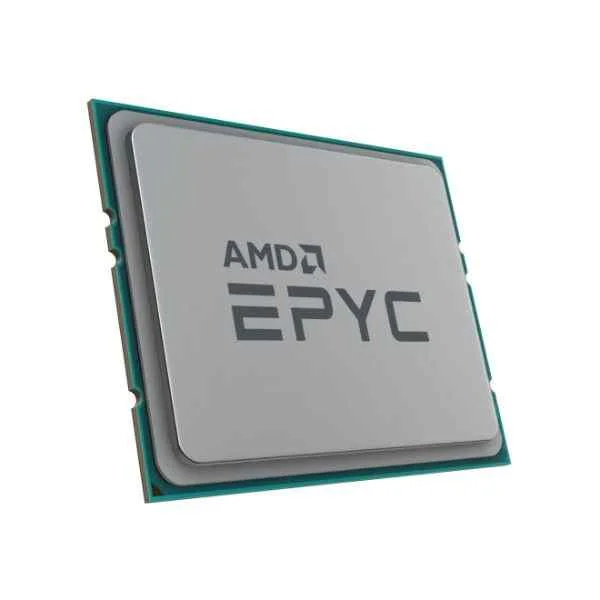
100-000000080 (MD EPYC 8C MODEL 7252 SP3 120W 3200MHZ L3 CACHE 64MB)
4.6 (5)- 0.5 lbs
- 0.5 inches
- No
- Gaming
- LGA 1700
- Dual
- PCIe 5.0
Est Value $218.94$141.12
35.5% offIn stockRefurbishedFirst-Time Buyer Discount – Get up to 2% additional off on your first order
ORM Rewards Earn $50 in Rewards + Free Expedited Delivery – Join Now!
Use eCoupon ORMSAVE10
eCoupon limited to 5 units
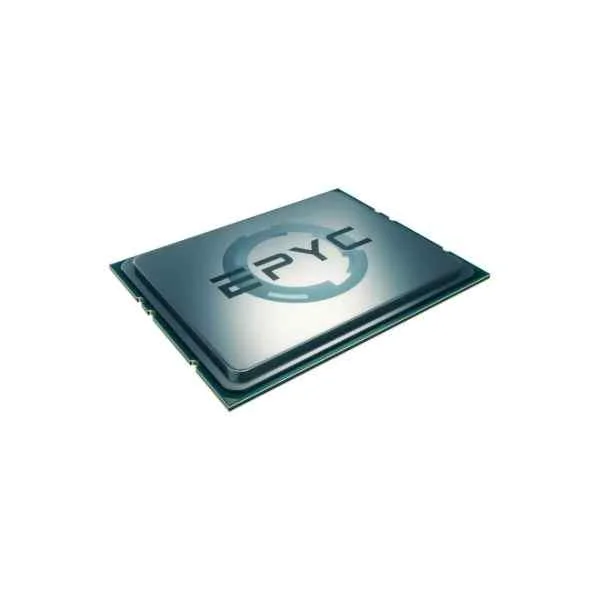
100-100000081WOF (AMD EPYC 8C MODEL 7232P SP3 120W 3200MHZ NO STOCK THROUGH 2021)
4.7 (7)- No
- Gaming
- Dual
Est Value $191.70$149.10
22.2% offIn stockRefurbishedFirst-Time Buyer Discount – Get up to 2% additional off on your first order
ORM Rewards Earn $50 in Rewards + Free Expedited Delivery – Join Now!
Use eCoupon ORMSAVE10
eCoupon limited to 5 units
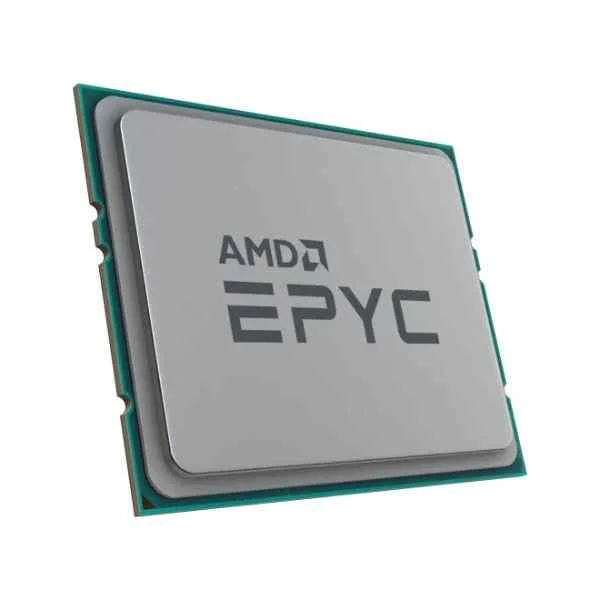
100-000000081 (MD EPYC 8C MODEL 7232P SP3 120W 3200MHZ L3 CACHE 32MB)
4.8 (5)- 0.16 inches
- 0.25 lbs
- 1.47 inches
- No
- Gaming
- LGA 1700
- Dual
Est Value $594.46$157.50
73.5% offIn stockRefurbishedFirst-Time Buyer Discount – Get up to 2% additional off on your first order
ORM Rewards Earn $50 in Rewards + Free Expedited Delivery – Join Now!
Use eCoupon ORMSAVE10
eCoupon limited to 5 units
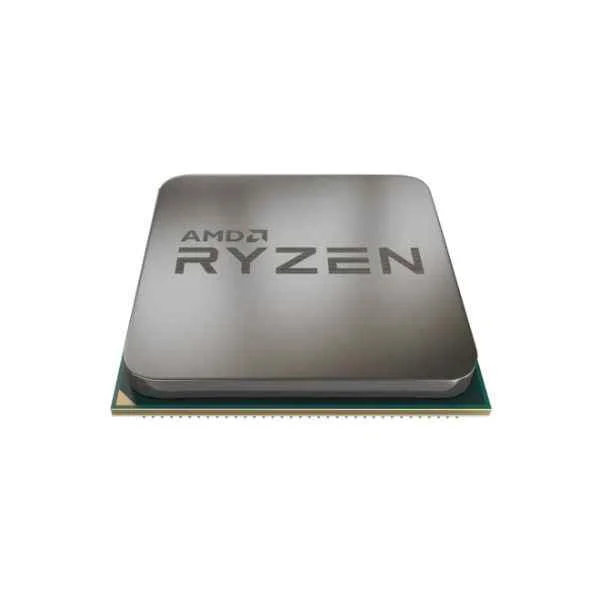
YD3200C5FHBOX (Ryzen 3 3200G AMD R3 3.6 GHz - AM4)
4.8 (6)- 1.5
- 0.5
- No
- Gaming / Workstation
- Dual
- AM4
- PCIe 4.0
Est Value $273.01$233.06
14.6% offIn stockNewRefurbishedFirst-Time Buyer Discount – Get up to 2% additional off on your first order
ORM Rewards Earn $50 in Rewards + Free Expedited Delivery – Join Now!
Use eCoupon ORMSAVE10
eCoupon limited to 5 units
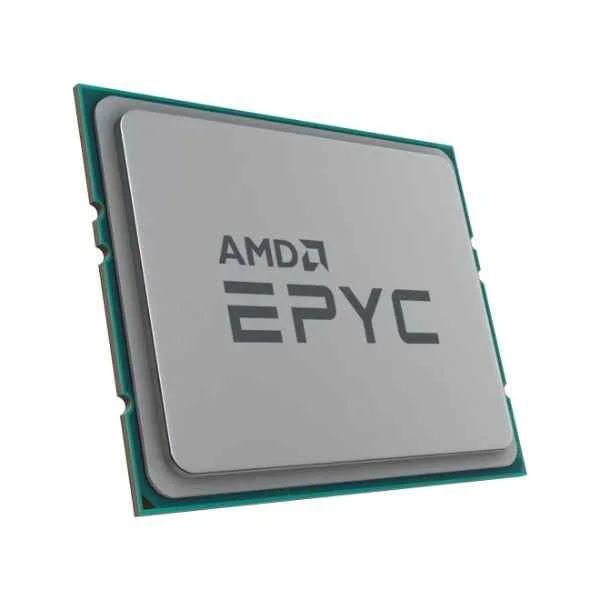
100-000000041 (MD EPYC 8C MODEL 7262 SP3 155W 3400MHZ)
4.6 (5)- 1.5
- 0.8
- 4.0
- 4.0
- No
- Gaming
- LGA 1700
Est Value $1,077.36$203.70
81.1% offIn stockRefurbishedFirst-Time Buyer Discount – Get up to 2% additional off on your first order
ORM Rewards Earn $50 in Rewards + Free Expedited Delivery – Join Now!
Use eCoupon ORMSAVE10
eCoupon limited to 5 units
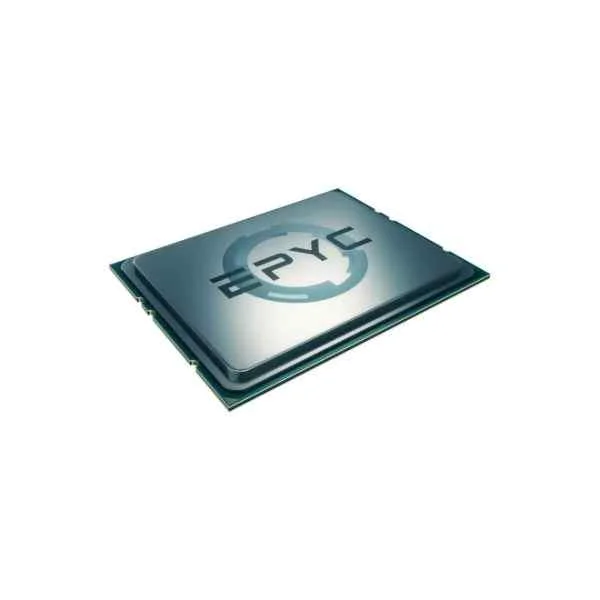
100-100000041WOF (AMD EPYC 8C MODEL 7262 SP3 155W 3400MHZ)
4.7 (7)- 1.5 inches
- 0.2 lbs
- 0.5 inches
- 1.5 inches
- No
- Gaming / Workstation / Server
- LGA 1700
Est Value $692.74$203.70
70.6% offIn stockRefurbishedFirst-Time Buyer Discount – Get up to 2% additional off on your first order
ORM Rewards Earn $50 in Rewards + Free Expedited Delivery – Join Now!
Use eCoupon ORMSAVE10
eCoupon limited to 5 units
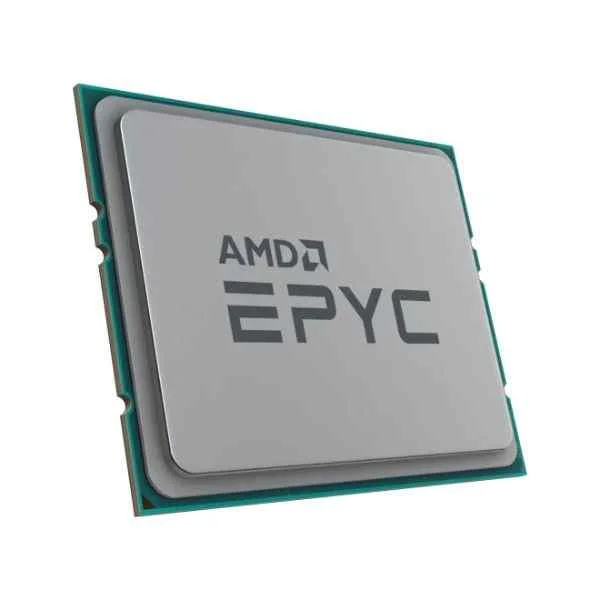
100-000000043 (MD EPYC 16C MODEL 7302 SP3 155W 3300MHZ)
4.5 (6)- No
- Gaming
- LGA 1700
Est Value $405.90$210.00
48.3% offIn stockRefurbishedFirst-Time Buyer Discount – Get up to 2% additional off on your first order
ORM Rewards Earn $50 in Rewards + Free Expedited Delivery – Join Now!
Use eCoupon ORMSAVE10
eCoupon limited to 5 units
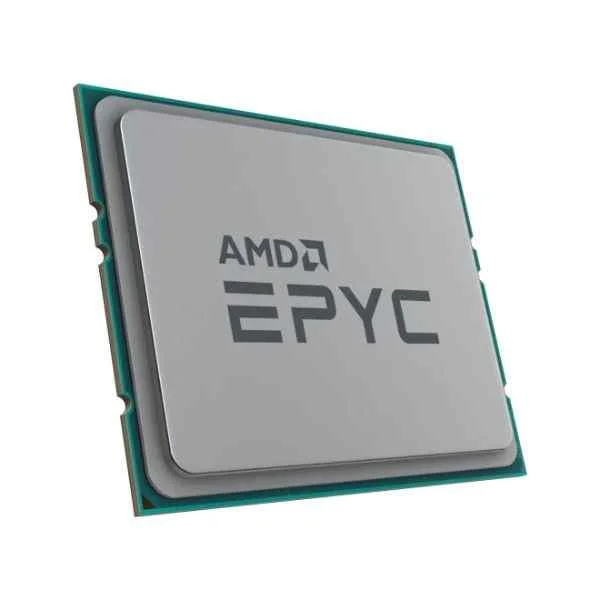
100-000000049 (MD EPYC 16C MODEL 7302P SP3 155W 3300MHZ)
4.7 (6)- No
- Gaming / Workstation
- LGA 1700
Est Value $1,263.15$210.00
83.4% offIn stockRefurbishedFirst-Time Buyer Discount – Get up to 2% additional off on your first order
ORM Rewards Earn $50 in Rewards + Free Expedited Delivery – Join Now!
Use eCoupon ORMSAVE10
eCoupon limited to 5 units
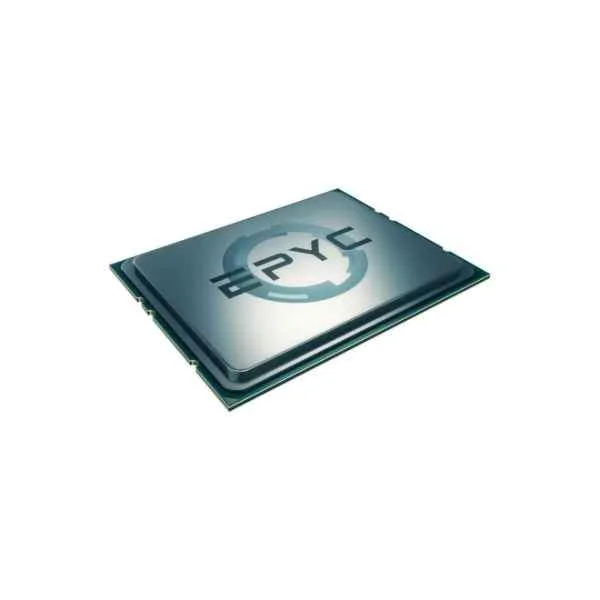
100-100000049WOF (AMD EPYC 16C MODEL 7302P SP3 155W 3300MHZ)
4.7 (7)- 1.5
- No
- Gaming / Workstation
- LGA 1700
- Dual
- PCIe 5.0
- 1.5
Est Value $1,263.15$210.00
83.4% offIn stockRefurbishedFirst-Time Buyer Discount – Get up to 2% additional off on your first order
ORM Rewards Earn $50 in Rewards + Free Expedited Delivery – Join Now!
Use eCoupon ORMSAVE10
eCoupon limited to 5 units
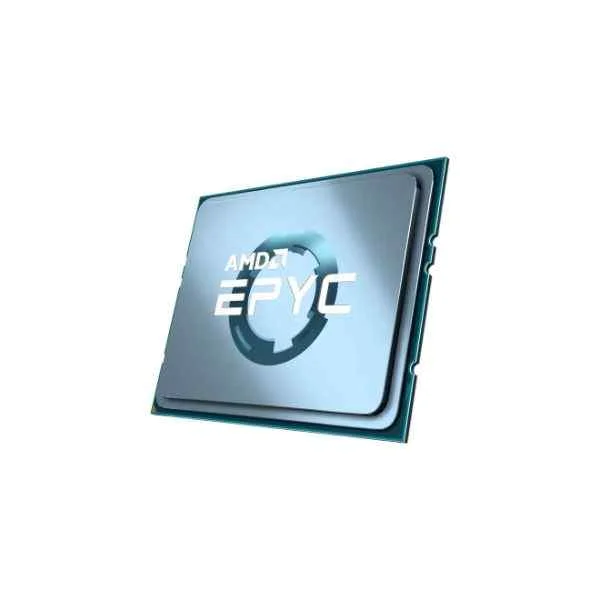
100-100000043WOF (AMD EPYC 16C MODEL 7302 SP3 155W 3300MHZ)
4.6 (5)- No
- Gaming
- Dual
- PCIe 4.0
- Processors
- Intel
- Intel VT-x
Est Value $1,585.72$224.07
85.9% offIn stockRefurbishedFirst-Time Buyer Discount – Get up to 2% additional off on your first order
ORM Rewards Earn $50 in Rewards + Free Expedited Delivery – Join Now!
Use eCoupon ORMSAVE10
eCoupon limited to 5 units
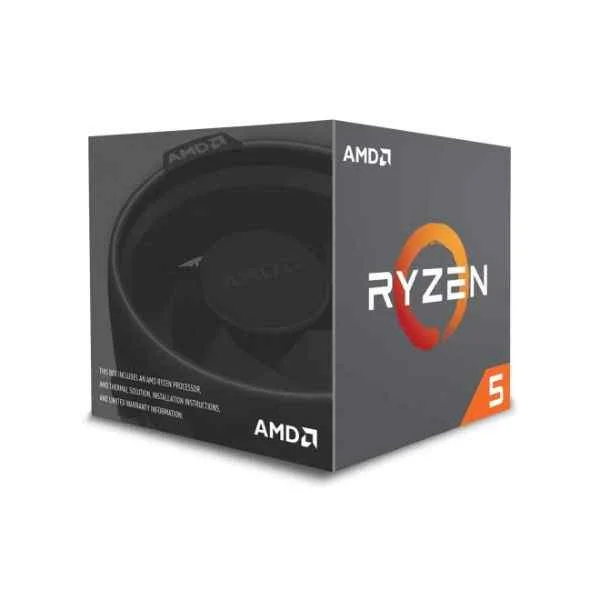
YD2600BBAFBOX (Ryzen 5 2600 AMD R5 3.4 GHz - AM4)
4.2 (5)- 1.5 inches
- 0.75 lbs
- 1.5 inches
- 1.5 inches
- No
- Gaming / Workstation
- Dual
Est Value $453.70$226.85
50% offIn stockRefurbishedFirst-Time Buyer Discount – Get up to 2% additional off on your first order
ORM Rewards Earn $50 in Rewards + Free Expedited Delivery – Join Now!
Use eCoupon ORMSAVE10
eCoupon limited to 5 units

ORM Sales Advisors
Buying for your business? Get a personalised quote in under 2 hours. Talk to an expert
LEARNFilters (98) 
Questions & Answers
What makes AMD Ryzen CPUs different from Intel processors?
AMD Ryzen CPUs leverage the Zen microarchitecture and multi-chip module design to deliver higher core counts, simultaneous multithreading, and competitive single-thread performance at a more aggressive price-to-performance ratio compared to Intel alternatives.
How do AMD CPU cores and threads impact performance?
AMD CPU cores and threads determine parallel processing capacity: more cores and threads enable faster multitasking, improved content creation, and smoother gaming by distributing workloads efficiently across physical and logical units.
What is AMD Precision Boost and how does it work?
AMD Precision Boost dynamically increases clock speeds based on real-time workload and thermal headroom, ensuring the CPU delivers optimal single- and multi-thread performance without manual overclocking.
Which motherboard chipsets are compatible with AMD AM4 and AM5 CPUs?
AM4 CPUs support B350, B450, X370, X470 and X570 chipsets, while AM5 CPUs require B650 or X670 series motherboards—each offering varying PCIe, USB and overclocking features to match your performance needs.
What factors should I consider when choosing an AMD CPU for gaming?
Focus on single-thread boost clocks, core/thread count (6–8 cores for 1080p, 8–12 cores for high-res), cache size, platform upgrade path (AM4 vs. AM5) and memory support to ensure maximum FPS and future-proofing.
How does AMD’s multi-chip module (MCM) architecture improve performance?
MCM design splits the CPU into multiple chiplets connected via high-speed Infinity Fabric, reducing production costs, improving yields and enabling higher core counts without sacrificing latency or bandwidth.
Do AMD CPUs support overclocking, and how do I enable it?
All Ryzen and Threadripper CPUs support multiplier-based overclocking. Enable Precision Boost Overdrive (PBO) in the BIOS/UEFI or manually adjust CPU voltage and frequency to achieve stable, higher clock speeds.
What is the difference between AMD Ryzen and AMD Threadripper?
Ryzen CPUs target mainstream desktops with up to 16 cores, while Threadripper delivers up to 64 cores, higher PCIe lane counts and quad-channel memory support for professional editing, rendering and server workloads.
Can AMD CPUs handle content creation and streaming effectively?
Yes. With up to 16/32 cores on desktop Ryzen and up to 64/128 on Threadripper, AMD processors excel at video editing, 3D rendering and live streaming by parallelizing encoding and export tasks.
What is the TDP rating and why does it matter for AMD processors?
Thermal Design Power (TDP) indicates the heat output under typical load. Matching TDP with adequate cooling ensures stable boost clocks and longevity, so choose coolers rated at or above the CPU’s TDP.
How do I update my BIOS to support a new AMD CPU?
Download the latest BIOS/UEFI from your motherboard manufacturer’s website, copy it to a FAT32-formatted USB drive and use the built-in EZ Flash or BIOS Flashback utility to install the update safely.
What integrated graphics options are available in AMD APUs?
AMD APUs (e.g., Ryzen G-series) feature Vega or RDNA-based Radeon graphics with up to 8 compute units, delivering smooth 1080p gaming and multimedia without a discrete GPU.
How does AMD Ryzen perform in power efficiency compared to Intel?
With advanced 7nm and 5nm processes, Ryzen CPUs generally consume less power at equivalent performance levels, enabling lower operating costs and quieter cooling solutions.
What is AMD Smart Access Memory (SAM) and what are its benefits?
Smart Access Memory allows Ryzen CPUs to access the full GPU frame buffer on compatible Radeon cards, boosting gaming performance by up to 10% through improved data transfer efficiency.
Are AMD EPYC processors suitable for server and data-center workloads?
Yes. EPYC CPUs offer up to 96 cores, eight memory channels, 128 PCIe lanes and advanced security features, making them ideal for virtualization, database management and high-performance computing.
How do I troubleshoot compatibility issues with AMD CPUs?
Verify motherboard BIOS version, memory QVL listing and power supply requirements. Test with a single memory stick, update drivers and use AMD’s Ryzen Master/diagnostic tools to identify hardware conflicts.
Where can I find warranty and support information for AMD processors?
Visit the official AMD website’s warranty page for coverage details, register your product online and access support articles, driver downloads and community forums for troubleshooting assistance.