 United States
Server Processors HPE DL160
HPE DL160 Server Processors deliver unmatched performance and reliability, engineered for robust scalability and energy efficiency to power critical enterprise applications and streamline mission-critical data center operations.
Talk to an expert
13 Matching results
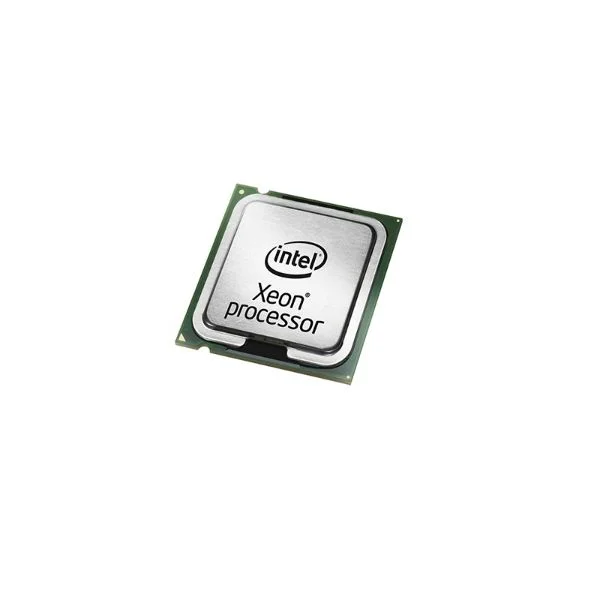
801284-L21 (HPE DL160 Gen9 Intel Xeon E5-2650v4 (2.2 GHz/12-core/30MB/105 W) FIO Processor Kit)
4.6 (5)- 1.5 inches
- 0.75 lbs
- 1.5 inches
- 1.5 inches
- No
- Gaming
- LGA 1700
Est Value $186.65
$159.34
14.6% offIn stockRefurbishedFirst-Time Buyer Discount – Get up to 2% additional off on your first order
ORM Rewards Earn $50 in Rewards + Free Expedited Delivery – Join Now!
Use eCoupon ORMSAVE10
eCoupon limited to 5 units
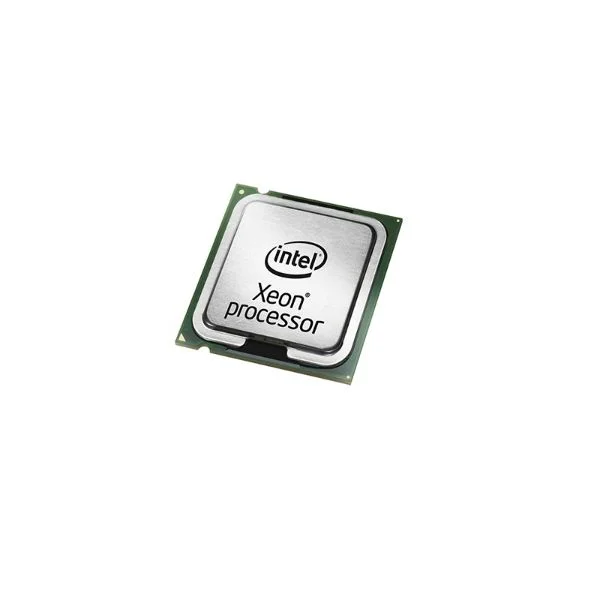
801289-L21 (HPE DL160 Gen9 Intel Xeon E5-2603v4 (1.7 GHz/6-core/15MB/85 W) FIO Processor Kit)
4.6 (5)- 1.5 inches
- 1.5 inches
- 0.3 lbs
- 1.5 inches
- No
- Gaming
- LGA 1700
Est Value $273.95$233.86
14.6% offIn stockRefurbishedFirst-Time Buyer Discount – Get up to 2% additional off on your first order
ORM Rewards Earn $50 in Rewards + Free Expedited Delivery – Join Now!
Use eCoupon ORMSAVE10
eCoupon limited to 5 units
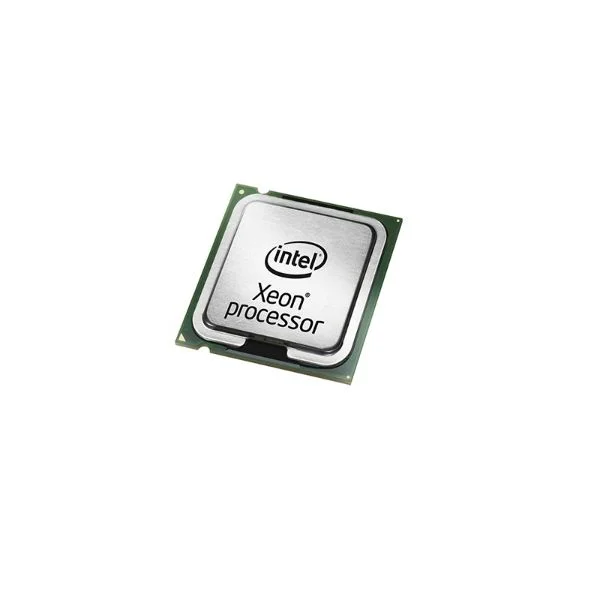
801285-L21 (HPE DL160 Gen9 Intel Xeon E5-2640v4 (2.4 GHz/10-core/25MB/90 W) FIO Processor Kit)
4.6 (5)- No
- Gaming
- LGA 1700
Est Value $278.10$237.41
14.6% offIn stockRefurbishedFirst-Time Buyer Discount – Get up to 2% additional off on your first order
ORM Rewards Earn $50 in Rewards + Free Expedited Delivery – Join Now!
Use eCoupon ORMSAVE10
eCoupon limited to 5 units
801288-L21 (HPE DL160 Gen9 Intel Xeon E5-2609v4 (1.7 GHz/8-core/20MB/85 W) FIO Processor Kit)
5 (5)- 1.5 inches
- 0.3 lbs
- 0.5 inches
- 1.5 inches
- No
- Gaming
- LGA 1700
Est Value $279.83$238.88
14.6% offIn stockRefurbishedFirst-Time Buyer Discount – Get up to 2% additional off on your first order
ORM Rewards Earn $50 in Rewards + Free Expedited Delivery – Join Now!
Use eCoupon ORMSAVE10
eCoupon limited to 5 units
801301-L21 (HPE DL160 Gen9 Intel Xeon E5-2623v4 (2.6 GHz/4-core/10MB/85 W) FIO Processor Kit)
4.4 (5)- 0.3 lbs
- 0.6 inches
- 0.6 inches
- No
- Gaming
- 0.125 inches
- LGA 1700
Est Value $290.48$247.97
14.6% offIn stockRefurbishedFirst-Time Buyer Discount – Get up to 2% additional off on your first order
ORM Rewards Earn $50 in Rewards + Free Expedited Delivery – Join Now!
Use eCoupon ORMSAVE10
eCoupon limited to 5 units
801287-L21 (HPE DL160 Gen9 Intel Xeon E5-2620v4 (2.1 GHz/8-core/20MB/85 W) FIO Processor Kit)
4.6 (5)- No
- Gaming / Workstation
- LGA 1700
Est Value $307.01$262.08
14.6% offIn stockRefurbishedFirst-Time Buyer Discount – Get up to 2% additional off on your first order
ORM Rewards Earn $50 in Rewards + Free Expedited Delivery – Join Now!
Use eCoupon ORMSAVE10
eCoupon limited to 5 units
801290-L21 (HPE DL160 Gen9 Intel Xeon E5-2650Lv4 (1.7 GHz/14-core/35MB/65 W) FIO Processor Kit)
4.4 (5)- 1.5 inches
- 1.5 inches
- 0.26 lbs
- 0.18 inches
- No
- Gaming
- LGA 1700
Est Value $593.78$296.89
50% offIn stockRefurbishedFirst-Time Buyer Discount – Get up to 2% additional off on your first order
ORM Rewards Earn $50 in Rewards + Free Expedited Delivery – Join Now!
Use eCoupon ORMSAVE10
eCoupon limited to 5 units
825494-L21 (HPE DL160 Gen9 Intel Xeon E5-2680v4 (2.4 GHz/14-core/35MB/120 W) FIO Processor Kit)
5 (5)- No
- Gaming
- LGA 1700
Est Value $812.02$406.01
50% offIn stockRefurbishedFirst-Time Buyer Discount – Get up to 2% additional off on your first order
ORM Rewards Earn $50 in Rewards + Free Expedited Delivery – Join Now!
Use eCoupon ORMSAVE10
eCoupon limited to 5 units
801286-L21 (HPE DL160 Gen9 Intel Xeon E5-2630v4 (2.2 GHz/10-core/25MB/85 W) FIO Processor Kit)
4.6 (5)- 0.6 inches
- 1.2 inches
- 0.25 lbs
- 1.2 inches
- No
- Gaming
- LGA 1700
Est Value $525.91$448.95
14.6% offIn stockRefurbishedFirst-Time Buyer Discount – Get up to 2% additional off on your first order
ORM Rewards Earn $50 in Rewards + Free Expedited Delivery – Join Now!
Use eCoupon ORMSAVE10
eCoupon limited to 5 units
801291-L21 (HPE DL160 Gen9 Intel Xeon E5-2630Lv4 (1.8 GHz/10-core/25MB/55 W) FIO Processor Kit)
4.8 (5)- 1.5 inches
- 0.3 lbs
- 0.5 inches
- 1.5 inches
- No
- Gaming
- LGA 1700
Est Value $1,043.97$891.20
14.6% offIn stockRefurbishedFirst-Time Buyer Discount – Get up to 2% additional off on your first order
ORM Rewards Earn $50 in Rewards + Free Expedited Delivery – Join Now!
Use eCoupon ORMSAVE10
eCoupon limited to 5 units
825500-L21 (HPE DL160 Gen9 Intel Xeon E5-2683v4 (2.1 GHz/16-core/40MB/120 W) FIO Processor Kit)
4.6 (5)- No
- Gaming
- LGA 1700
Est Value $2,106.30$1,053.15
50% offIn stockRefurbishedFirst-Time Buyer Discount – Get up to 2% additional off on your first order
ORM Rewards Earn $50 in Rewards + Free Expedited Delivery – Join Now!
Use eCoupon ORMSAVE10
eCoupon limited to 5 units
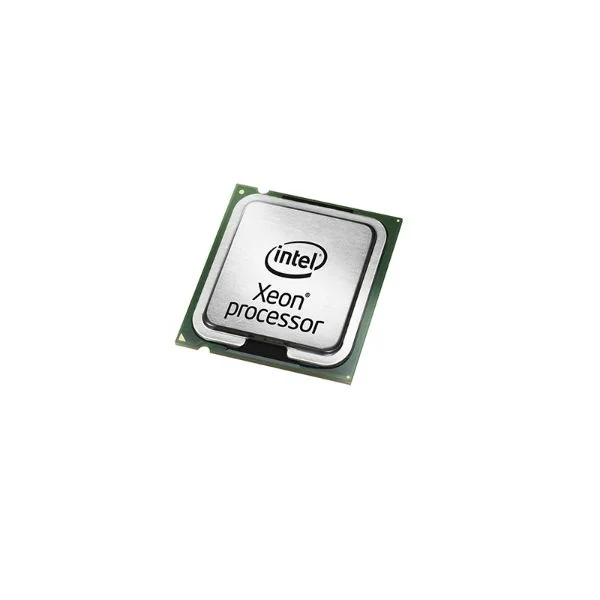
801283-L21 (HPE DL160 Gen9 Intel Xeon E5-2660v4 (2.0 GHz/14-core/35MB/105 W) FIO Processor Kit)
4.6 (5)- 0.5
- 1.5
- No
- Gaming
- LGA 1700
- Dual
- PCIe 5.0
Est Value $2,811.18$2,399.79
14.6% offIn stockRefurbishedFirst-Time Buyer Discount – Get up to 2% additional off on your first order
ORM Rewards Earn $50 in Rewards + Free Expedited Delivery – Join Now!
Use eCoupon ORMSAVE10
eCoupon limited to 5 units
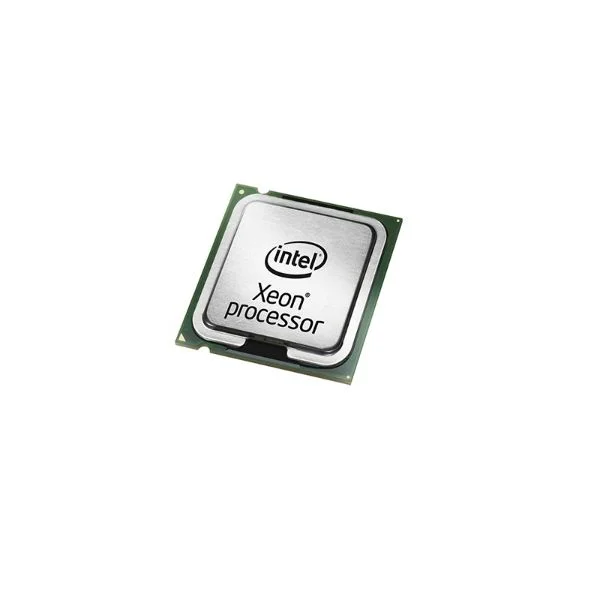
825498-L21 (HPE DL160 Gen9 Intel Xeon E5-2695v4 (2.1 GHz/18-core/45MB/120 W) FIO Processor Kit)
4.6 (5)- 1.5 inches
- 0.5 inches
- 0.25 lbs
- 1.5 inches
- No
- Gaming / Workstation
- LGA 1700
Est Value $3,301.46$2,818.32
14.6% offIn stockRefurbishedFirst-Time Buyer Discount – Get up to 2% additional off on your first order
ORM Rewards Earn $50 in Rewards + Free Expedited Delivery – Join Now!
Use eCoupon ORMSAVE10
eCoupon limited to 5 units

ORM Sales Advisors
Buying for your business? Get a personalised quote in under 2 hours. Talk to an expert
LEARNFilters (13) 
Questions & Answers
What processors are supported by the HPE ProLiant DL160 Gen10 server?
The HPE ProLiant DL160 Gen10 supports Intel Xeon Scalable processors (1st and 2nd Gen) across Bronze, Silver, Gold and Platinum tiers for balanced performance, efficiency and security.
Does the HPE DL160 Gen10 support dual-socket CPU configurations?
No. The HPE ProLiant DL160 Gen10 is a single-socket 1U rack server designed for one Intel Xeon Scalable CPU for cost-effective density and simplified management.
What is the maximum core and thread count available in DL160 Gen10 processors?
The DL160 Gen10 supports Intel Xeon Scalable CPUs up to 28 cores and 56 threads, delivering high parallelism for virtualization, database and HPC workloads.
What is the maximum memory capacity when using supported processors?
With 16 DDR4 RDIMMs (up to 64 GB each), the DL160 Gen10 delivers up to 1 TB of memory, leveraging processor-integrated memory controllers for low latency and high throughput.
Which Intel Xeon Scalable processor families optimize different workloads?
Bronze offers entry-level performance, Silver balances compute and I/O, Gold scales mainstream virtualization and analytics, and Platinum delivers mission-critical reliability and security extensions.
How do I verify CPU compatibility before upgrading my DL160 Gen10 server?
Use the HPE Server QuickSpecs or HPE Support Center. Enter your server model and OS to obtain a validated CPU list and firmware version requirements.
What thermal design power (TDP) range is supported by DL160 Gen10 CPUs?
The DL160 Gen10 supports Intel Xeon Scalable processors with TDP ratings from 85 W to 205 W. Higher-TDP CPUs require adequate chassis cooling and airflow.
How does CPU TDP selection affect server cooling requirements?
Selecting a higher-TDP CPU increases heat output. Ensure the DL160 Gen10 chassis is equipped with the recommended fan kit and ambient temperature guidelines for optimal thermal performance.
What virtualization and acceleration features do the processors provide?
Supported CPUs include Intel VT-x, VT-d, AVX-512, FlexMemory and Intel QAT for enhanced virtualization, workload consolidation, encryption and media processing acceleration.
Are hardware security features like Intel SGX supported on the DL160 Gen10?
Yes. Selected Intel Xeon Scalable Gold and Platinum models on DL160 Gen10 support Intel SGX, TME, CET and AMD SEV-ES for encrypted compute and memory protection.
How does processor selection impact power efficiency in the DL160 Gen10?
Lower-TDP or Silver-tier CPUs reduce power draw, while Gold and Platinum CPUs deliver higher performance per watt. Use HPE Power Advisor to model consumption and costs.
What performance gains can I expect by moving from Silver to Platinum processors?
Upgrading to Platinum increases core counts, higher base clocks and advanced cache, yielding up to 30 % better compute throughput in virtualization and database workloads.
How many PCIe lanes are available through the DL160 Gen10 processor?
Intel Xeon Scalable CPUs on DL160 Gen10 provide up to 48 PCIe 3.0 lanes directly from the processor, supporting high-speed NVMe, GPUs and network adapters.
Does using HPE-qualified processors affect my server warranty?
No. Installing HPE-qualified Intel Xeon Scalable CPUs maintains your HPE warranty and ProLiant support. Non-authorized CPUs may void coverage.
How can I monitor CPU health and performance remotely on the DL160 Gen10?
Use HPE iLO 5 to monitor CPU utilization, temperature, power draw and alerts in real time. iLO integrates with HPE OneView for centralized management.
What is the recommended procedure for installing or replacing the DL160 Gen10 processor?
Power down, remove the server from rack, unlock the heat sink, align and seat the CPU in the socket, apply thermal grease, reattach heat sink and update firmware before reboot.