 United States
Hikvision Value Series Turbo HD Cameras
Experience unparalleled surveillance precision with these advanced Hikvision cameras engineered for optimal clarity, reliable performance, and robust security solutions in diverse environments.
Talk to an expert
69 Matching results
- BEST SELLING
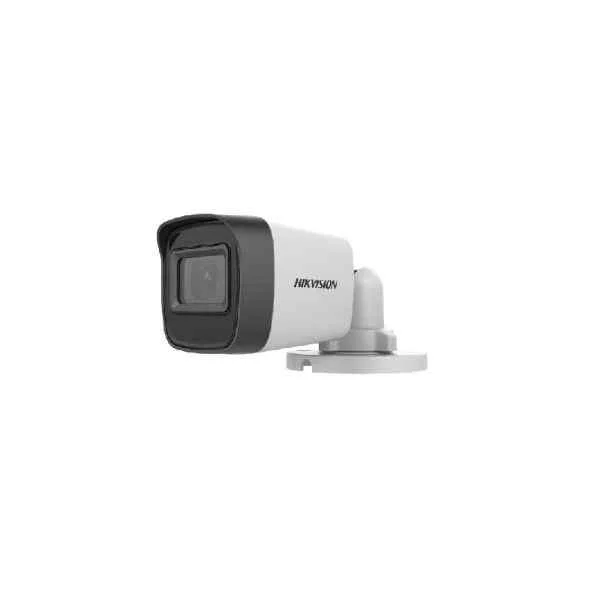
DS-2CE16H0T-ITFS (5 MP Audio Fixed Mini Bullet Camera)
4.6 (5)- Security Camera
- Hikvision
- Bullet
- Analog HD
- 1080p
- Fixed
Est Value In stock
First-Time Buyer Discount – Get up to 2% additional off on your first order
ORM Rewards Earn $50 in Rewards + Free Expedited Delivery – Join Now!
Use eCoupon ORMSAVE10
eCoupon limited to 5 units
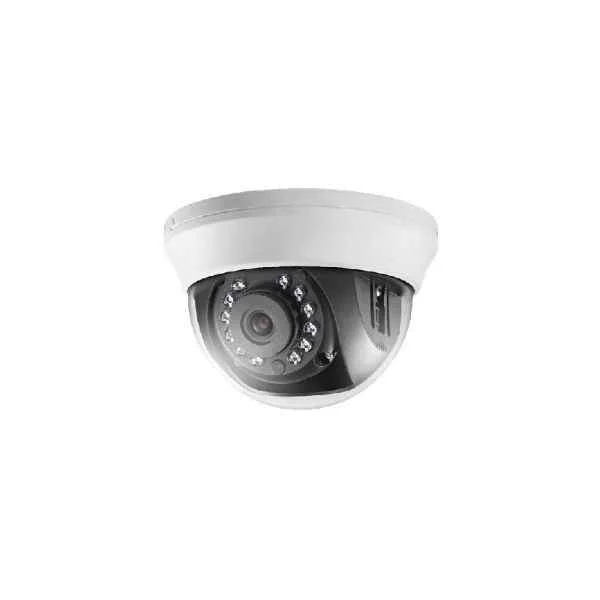
DS-2CE56D0T-IRMM (2 MP Indoor Fixed Dome Camera)
4.6 (5)- Security Camera
- Hikvision
- Bullet
- Analog HD
- 2MP
- Motorized
Est Value In stockFirst-Time Buyer Discount – Get up to 2% additional off on your first order
ORM Rewards Earn $50 in Rewards + Free Expedited Delivery – Join Now!
Use eCoupon ORMSAVE10
eCoupon limited to 5 units
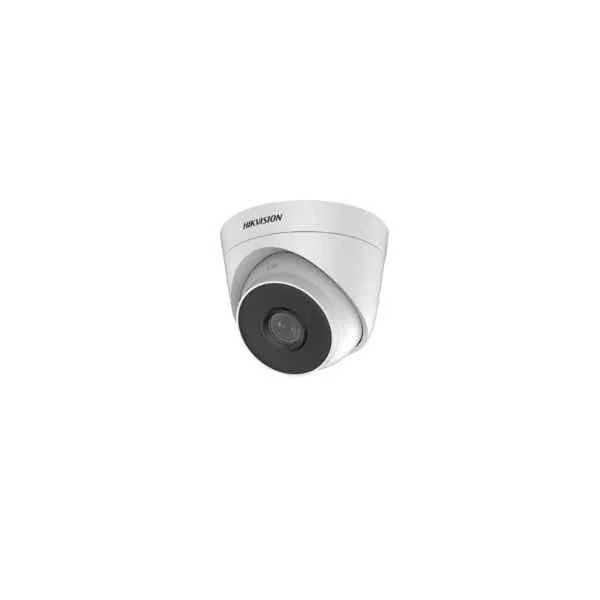
DS-2CE56D0T-IT3F(C) (2 MP Fixed Turret Camera)
4.6 (5)- Security Camera
- Hikvision
- Turret
- Analog HD
- 1080p
- Fixed
Est Value In stockFirst-Time Buyer Discount – Get up to 2% additional off on your first order
ORM Rewards Earn $50 in Rewards + Free Expedited Delivery – Join Now!
Use eCoupon ORMSAVE10
eCoupon limited to 5 units
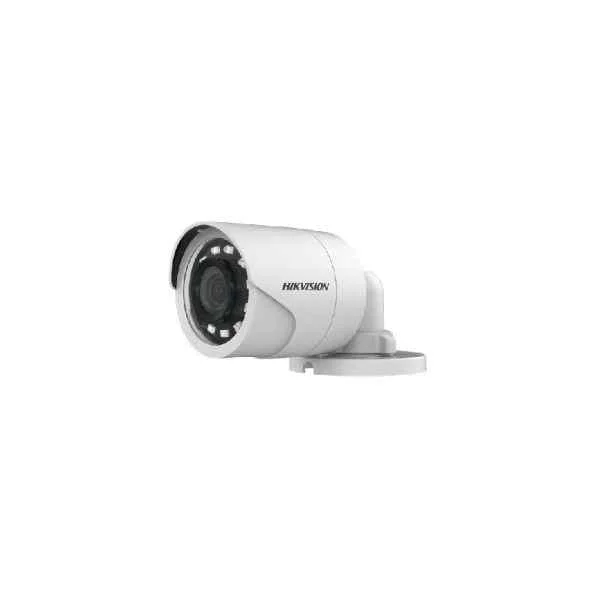
DS-2CE16D0T-IR(C) (2 MP Fixed Mini Bullet Camera)
4.2 (5)- Security Camera
- Hikvision
- Bullet
- Analog HD
- 2MP
- Fixed
Est Value In stockFirst-Time Buyer Discount – Get up to 2% additional off on your first order
ORM Rewards Earn $50 in Rewards + Free Expedited Delivery – Join Now!
Use eCoupon ORMSAVE10
eCoupon limited to 5 units
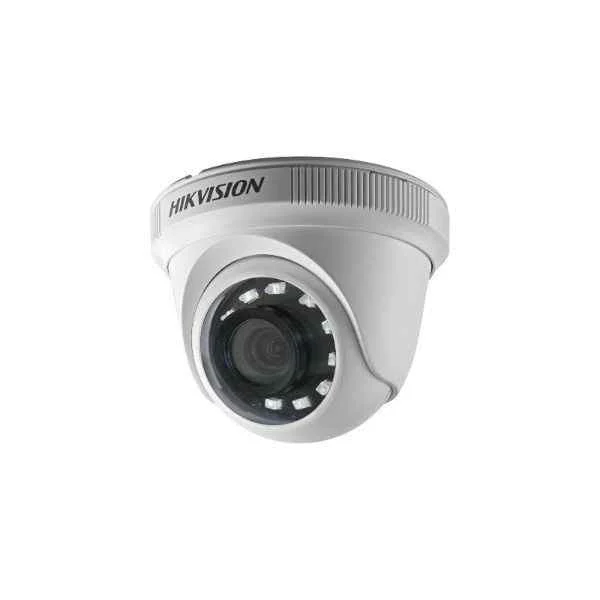
DS-2CE56D0T-IRPF(C) (2MP Indoor Fixed Turret Camera)
4.2 (5)- Security Camera
- Hikvision
- Bullet
- Analog HD
- 2MP
- Fixed
Est Value In stockFirst-Time Buyer Discount – Get up to 2% additional off on your first order
ORM Rewards Earn $50 in Rewards + Free Expedited Delivery – Join Now!
Use eCoupon ORMSAVE10
eCoupon limited to 5 units
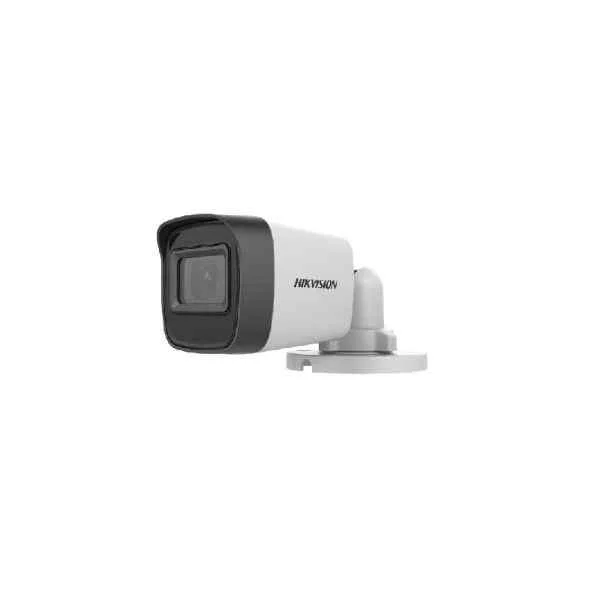
DS-2CE16H0T-ITPF(C) (5 MP Fixed Mini Bullet Camera)
4.4 (5)- Security Camera
- Hikvision
- Bullet
- Analog HD
- 2MP
- Fixed
Est Value In stockFirst-Time Buyer Discount – Get up to 2% additional off on your first order
ORM Rewards Earn $50 in Rewards + Free Expedited Delivery – Join Now!
Use eCoupon ORMSAVE10
eCoupon limited to 5 units
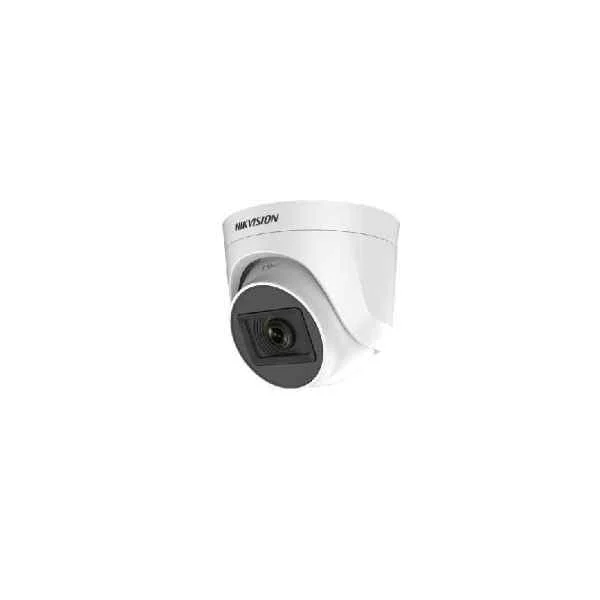
DS-2CE76H0T-ITPF(C) (5 MP Indoor Fixed Turret Camera)
4.4 (5)- Security Camera
- Hikvision
- Bullet
- Analog HD
- 2MP
- Fixed
Est Value In stockFirst-Time Buyer Discount – Get up to 2% additional off on your first order
ORM Rewards Earn $50 in Rewards + Free Expedited Delivery – Join Now!
Use eCoupon ORMSAVE10
eCoupon limited to 5 units
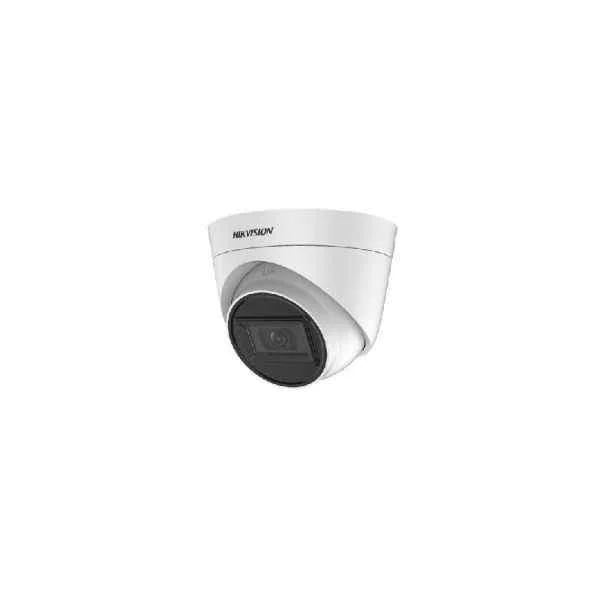
DS-2CE78H0T-IT3F(C) (5 MP Fixed Turret Camera)
4.8 (5)- Security Camera
- Hikvision
- Bullet
- Analog HD
- 2MP
- Fixed
Est Value In stockFirst-Time Buyer Discount – Get up to 2% additional off on your first order
ORM Rewards Earn $50 in Rewards + Free Expedited Delivery – Join Now!
Use eCoupon ORMSAVE10
eCoupon limited to 5 units
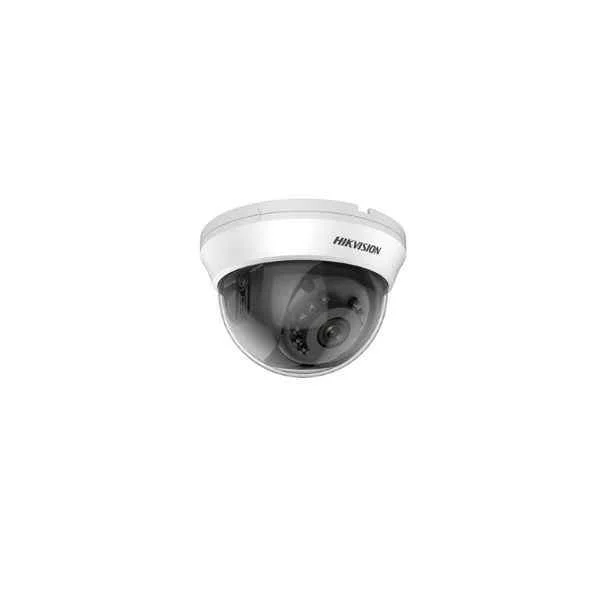
DS-2CE56H0T-IRMMF(C) (5 MP Indoor Fixed Dome Camera)
4.8 (5)- Security Camera
- Hikvision
- Bullet
- Analog HD
- 1080p
- Fixed
Est Value In stockFirst-Time Buyer Discount – Get up to 2% additional off on your first order
ORM Rewards Earn $50 in Rewards + Free Expedited Delivery – Join Now!
Use eCoupon ORMSAVE10
eCoupon limited to 5 units
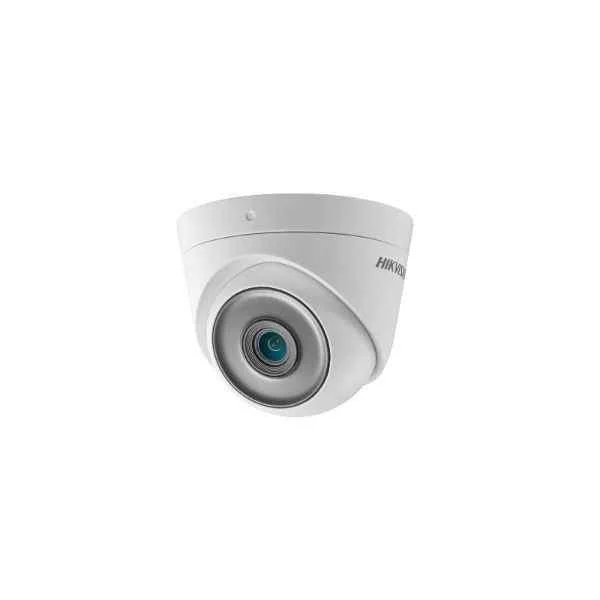
DS-2CE76D3T-ITPF (2 MP Ultra Low Light Indoor Fixed Turret Camera)
4.6 (5)- Security Camera
- Hikvision
- Bullet
- Analog HD
- 1080p
- Fixed
Est Value In stockFirst-Time Buyer Discount – Get up to 2% additional off on your first order
ORM Rewards Earn $50 in Rewards + Free Expedited Delivery – Join Now!
Use eCoupon ORMSAVE10
eCoupon limited to 5 units
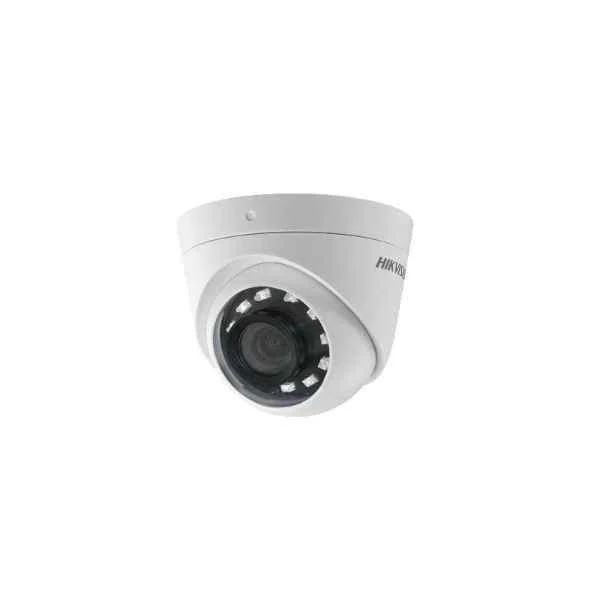
DS-2CE56D0T-I2PFB (2 MP Indoor Fixed Turret Camera)
4.6 (5)- Security Camera
- Hikvision
- Bullet
- Analog HD
- 2MP
- Fixed
- Motion Detection
Est Value In stockFirst-Time Buyer Discount – Get up to 2% additional off on your first order
ORM Rewards Earn $50 in Rewards + Free Expedited Delivery – Join Now!
Use eCoupon ORMSAVE10
eCoupon limited to 5 units
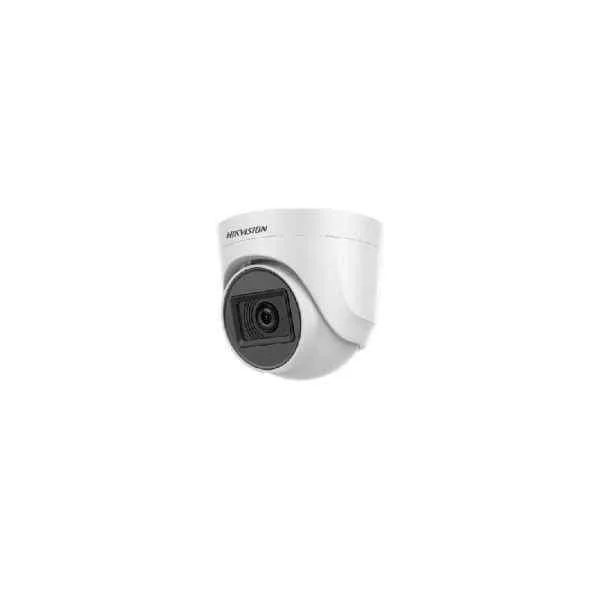
DS-2CE76D0T-ITPF(C) (2 MP Indoor Fixed Turret Camera)
4.6 (5)- Security Camera
- Hikvision
- Bullet
- Analog HD
- 2MP
- Fixed
Est Value In stockFirst-Time Buyer Discount – Get up to 2% additional off on your first order
ORM Rewards Earn $50 in Rewards + Free Expedited Delivery – Join Now!
Use eCoupon ORMSAVE10
eCoupon limited to 5 units
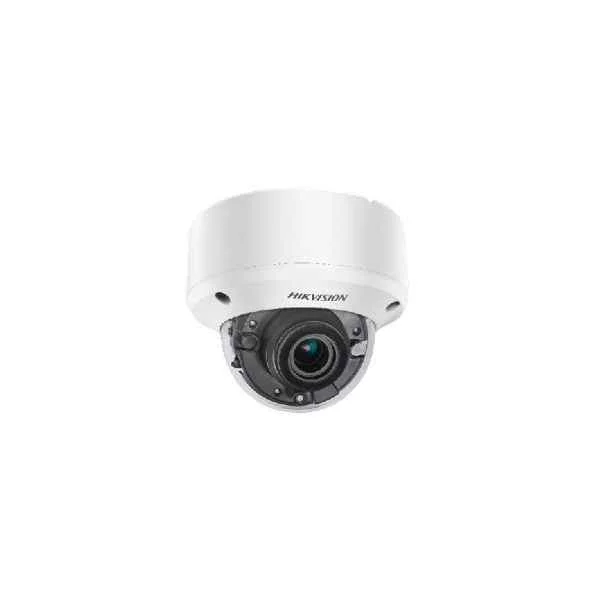
DS-2CE56H0T-VPIT3ZF (5 MP Vandal Motorized Varifocal Dome Camera)
5 (5)- Security Camera
- Hikvision
- Bullet
- Analog HD
- 2MP
- Fixed
- Motion Detection
Est Value In stockFirst-Time Buyer Discount – Get up to 2% additional off on your first order
ORM Rewards Earn $50 in Rewards + Free Expedited Delivery – Join Now!
Use eCoupon ORMSAVE10
eCoupon limited to 5 units
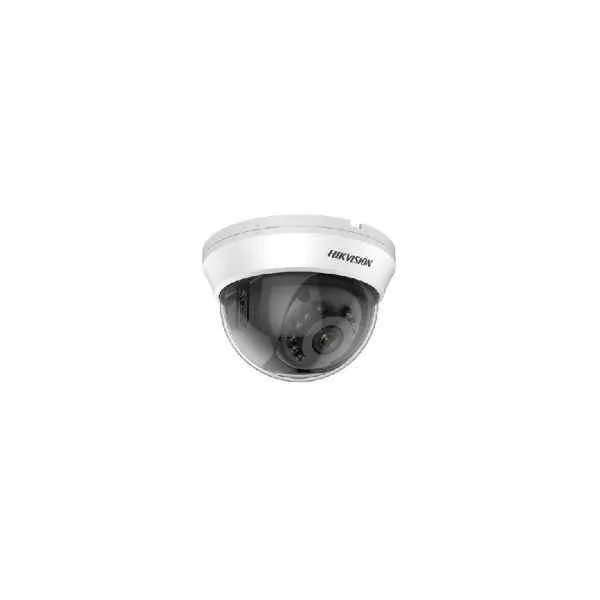
DS-2CE56D0T-IRMM(C) (2 MP Indoor Fixed Dome Camera)
4.8 (5)- Security Camera
- Hikvision
- Bullet
- Analog HD
- 1080p
- Fixed
Est Value In stockFirst-Time Buyer Discount – Get up to 2% additional off on your first order
ORM Rewards Earn $50 in Rewards + Free Expedited Delivery – Join Now!
Use eCoupon ORMSAVE10
eCoupon limited to 5 units
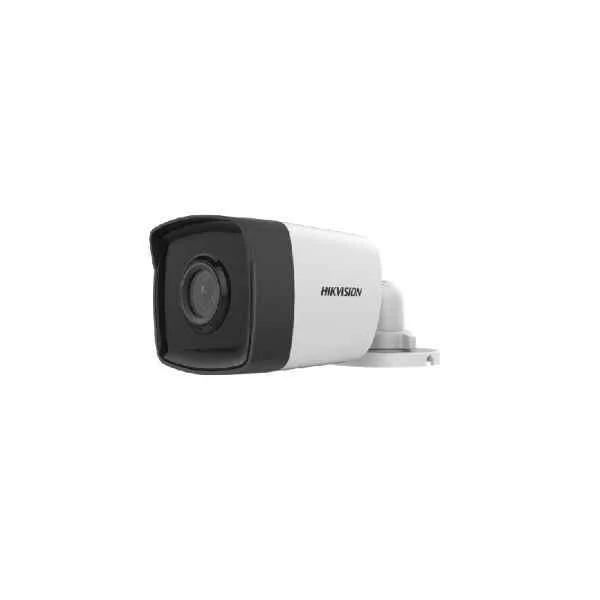
DS-2CE16D0T-IT1(C) (2 MP Fixed Bullet Camera)
4.6 (5)- Security Camera
- Hikvision
- Bullet
- Analog HD
- 2MP
- Fixed
Est Value In stockFirst-Time Buyer Discount – Get up to 2% additional off on your first order
ORM Rewards Earn $50 in Rewards + Free Expedited Delivery – Join Now!
Use eCoupon ORMSAVE10
eCoupon limited to 5 units
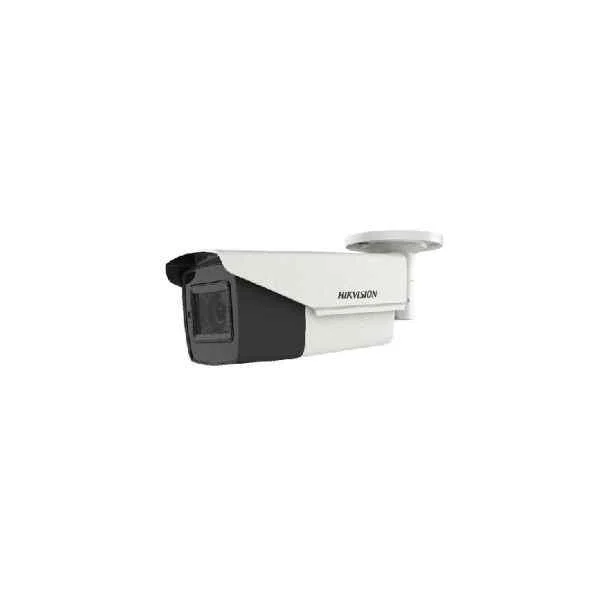
DS-2CE16H0T-IT3ZF (5 MP Motorized Varifocal Bullet Camera)
4.4 (5)- Security Camera
- Hikvision
- Bullet
- Analog HD
- 2MP
- Fixed
Est Value In stockFirst-Time Buyer Discount – Get up to 2% additional off on your first order
ORM Rewards Earn $50 in Rewards + Free Expedited Delivery – Join Now!
Use eCoupon ORMSAVE10
eCoupon limited to 5 units
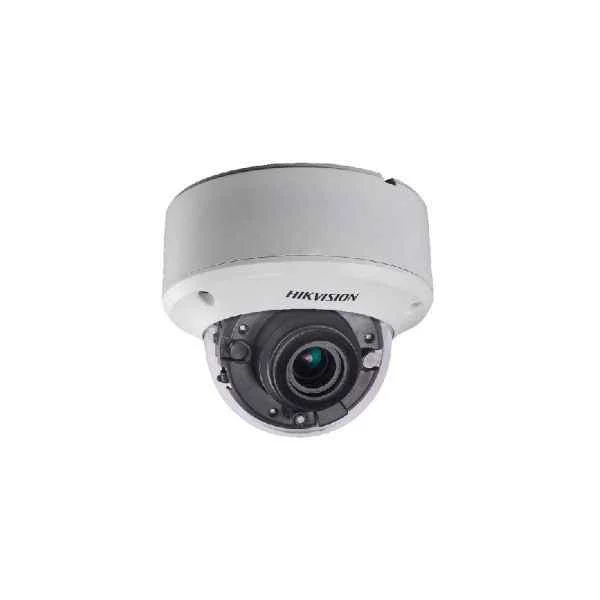
DS-2CE56H0T-VPIT3ZE (5 MP Vandal PoC Motorized Varifocal Dome Camera)
4.6 (5)- Security Camera
- Hikvision
- Bullet
- Analog HD
- 2MP
- Varifocal
- Motion Detection
Est Value In stockFirst-Time Buyer Discount – Get up to 2% additional off on your first order
ORM Rewards Earn $50 in Rewards + Free Expedited Delivery – Join Now!
Use eCoupon ORMSAVE10
eCoupon limited to 5 units
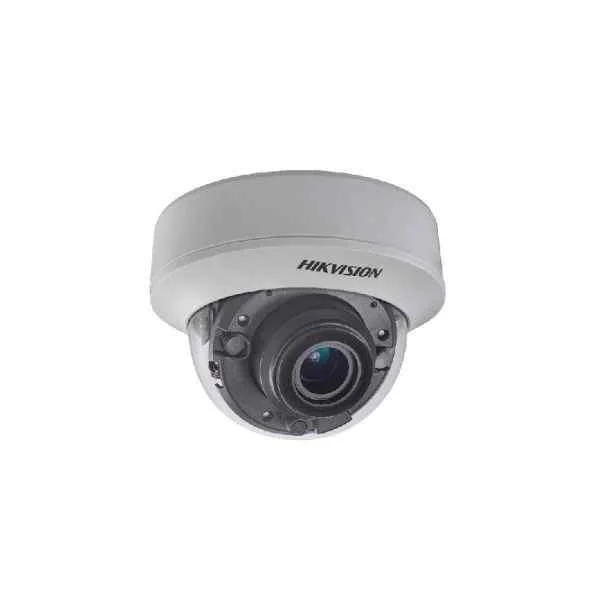
DS-2CE56H0T-ITZE (5 MP Indoor PoC Motorized Varifocal Dome Camera)
4.6 (5)- Security Camera
- Hikvision
- Turret
- Analog HD
- 1080p
- Fixed
Est Value In stockFirst-Time Buyer Discount – Get up to 2% additional off on your first order
ORM Rewards Earn $50 in Rewards + Free Expedited Delivery – Join Now!
Use eCoupon ORMSAVE10
eCoupon limited to 5 units
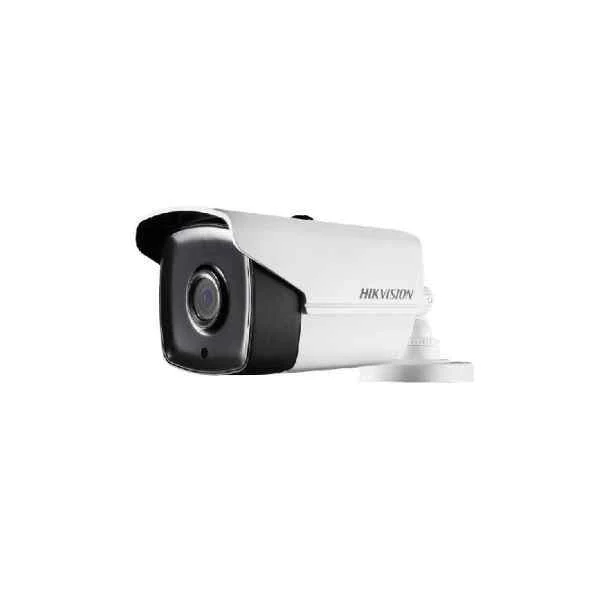
DS-2CE16H0T-IT1E (5 MP PoC Fixed Bullet Camera)
4.4 (5)- Security Camera
- Hikvision
- Bullet
- Analog HD
- 1080p
- Fixed
Est Value In stockFirst-Time Buyer Discount – Get up to 2% additional off on your first order
ORM Rewards Earn $50 in Rewards + Free Expedited Delivery – Join Now!
Use eCoupon ORMSAVE10
eCoupon limited to 5 units
DS-2CE16H0T-ITE (5 MP PoC Mini Bullet Camera)
4.6 (5)- Security Camera
- Hikvision
- Bullet
- Analog HD
- 2MP
- Fixed
Est Value In stockFirst-Time Buyer Discount – Get up to 2% additional off on your first order
ORM Rewards Earn $50 in Rewards + Free Expedited Delivery – Join Now!
Use eCoupon ORMSAVE10
eCoupon limited to 5 units

ORM Sales Advisors
Buying for your business? Get a personalised quote in under 2 hours. Talk to an expert
LEARNFilters (69) 
Questions & Answers
What defines the Hikvision Value Series Turbo HD cameras?
Hikvision Value Series Turbo HD cameras are analog-over-coax CCTV cameras offering up to 1080p resolution, Smart IR illumination, and True WDR for reliable, high-quality surveillance in cost-sensitive installations.
What video resolutions do Hikvision Value Series Turbo HD cameras support?
These cameras support 720p (1 MP) and 1080p (2 MP) Turbo HD video, plus backward compatibility with 960H and D1 modes for legacy DVRs.
How far can I run coaxial cable for Turbo HD signal transmission?
Using standard RG59 cable, Turbo HD signals carry up to 500 m at 720p and 300 m at 1080p without signal boosters.
Do Value Series Turbo HD cameras support Power over Coax (PoC)?
Yes. When paired with a PoC-enabled Turbo HD DVR, these cameras receive both video and power over a single coaxial cable, simplifying installation.
Are the Value Series cameras compatible with Hikvision DVRs?
They integrate seamlessly with Hikvision Turbo HD DVR models such as DS-7200HQHI, DS-7600, and DS-9600 series for full functionality.
What is Smart IR in Hikvision Turbo HD cameras?
Smart IR automatically adjusts infrared illumination intensity to prevent overexposure of close objects, ensuring even night-time image brightness.
Do these cameras offer True WDR or Digital WDR?
Value Series cameras feature True WDR (120 dB) for balanced exposure in high-contrast scenes by combining multiple exposures in hardware.
How do I install a Hikvision Value Series Turbo HD camera?
Mount the camera, run coax and power (or use PoC), connect to a compatible DVR, then configure video settings via the DVR’s GUI or web interface.
Can I configure motion detection and alerts on Turbo HD cameras?
Yes. Enable motion detection zones, sensitivity levels, and schedule settings in the DVR’s menu; DVR will trigger recording and alerts upon motion.
What operating environments do Hikvision Value Series cameras support?
They operate from –30 °C to 60 °C (–22 °F to 140 °F) with IP66-rated weather and dust protection, making them suitable for indoor and outdoor use.
Is audio supported on Value Series Turbo HD cameras?
Built-in microphones are not included; however, select models offer an audio input port for a compatible microphone connection to the DVR.
How do I update the firmware on a Turbo HD camera?
Download the latest firmware from Hikvision’s support portal, upload it via the DVR’s firmware upgrade function in Maintenance > Firmware.
What storage options are available with Hikvision Turbo HD systems?
You can install up to two SATA HDDs in compatible DVRs, supporting capacities up to 10 TB each for long-term video retention.
What mobile apps support live view and playback for Turbo HD cameras?
Hik-Connect and iVMS-4500 apps allow real-time viewing, PTZ control, playback, and push notifications on iOS and Android devices.
What warranty covers Hikvision Value Series Turbo HD cameras?
Hikvision offers a two-year limited warranty covering manufacturing defects and hardware failures under normal operating conditions.
How do Value Series Turbo HD cameras differ from Hikvision IP cameras?
Value Series Turbo HD cameras use analog coax transmission for easier upgrades of legacy systems, whereas IP cameras use network cabling and offer higher resolutions and advanced analytics.