 United States
Hikvision Turbo HD Cameras
Elevate surveillance with Hikvision Turbo HD Cameras that deliver exceptional clarity, advanced analytics, and seamless integration. Achieve reliable security and optimized performance for your business environment.
Talk to an expert
Hikvision Ultra Series Turbo Hd Cameras
(16)Hikvision Ultra Series Turbo HD cameras suit high-detail loading dock vehicle bays, offering 4K HDTVI output and 120 dB WDR
Hikvision Pro Series Turbo Hd Cameras
(42)Hikvision Pro Series Turbo HD cameras target multi-floor commercial retrofits with 5 MP TVI streams, infrared illumination, and coaxial cabling
Hikvision Iot Series Turbo Hd Cameras
(15)Hikvision IoT Series Turbo HD cameras serve perimeter intrusion points with passive infrared detection, HDTVI video, and local siren deterrence
Hikvision Value Series Turbo Hd Cameras
(69)Hikvision Value Series Turbo HD cameras fit budget-conscious apartment corridor coverage with 2 MP to 5 MP HDTVI over existing coax
Hikvision Colorvu Series Turbo Hd Cameras
(9)Hikvision ColorVu Series Turbo HD cameras cover low-light storefront entrances with 24/7 full-color imaging and 5 MP HD-over-coax transmission
152 Matching results
- BEST SELLING
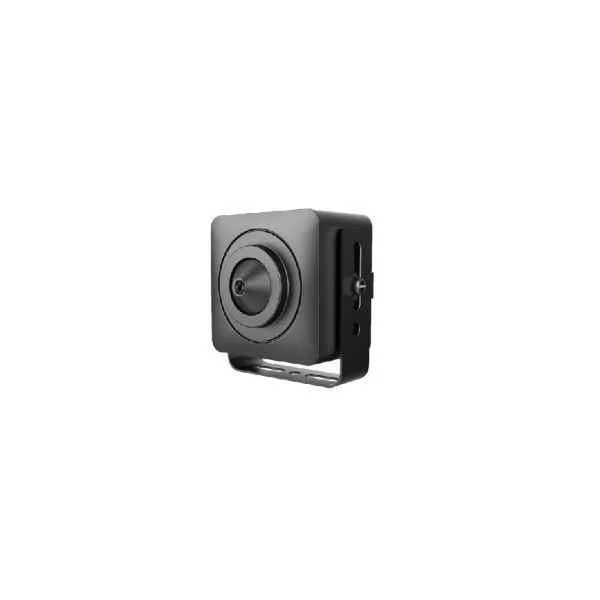
DS-2CS54D8T-PH (2 MP Ultra Low Light Indoor Fixed Covert Camera)
4.2 (5)- Security Camera
- Hikvision
- Bullet
- IP Camera
- 8MP
- Fixed
- Motion Detection
Est Value In stock
First-Time Buyer Discount – Get up to 2% additional off on your first order
ORM Rewards Earn $50 in Rewards + Free Expedited Delivery – Join Now!
Use eCoupon ORMSAVE10
eCoupon limited to 5 units
- BEST SELLING
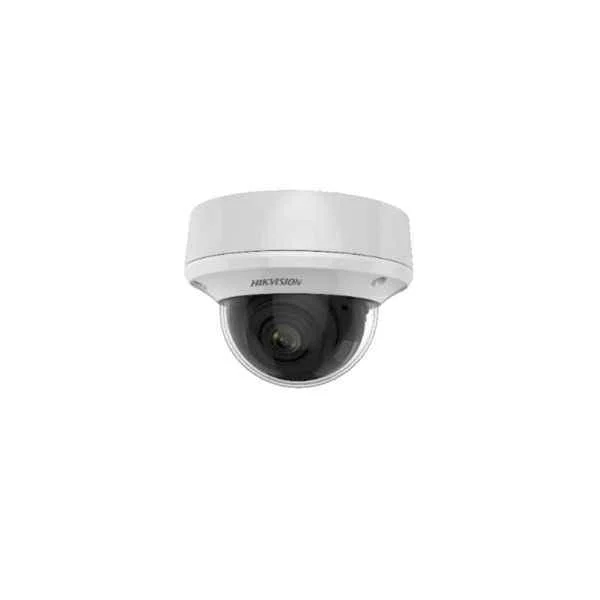
DS-2CE5AD8T-VPIT3ZF (2 MP Ultra Low Light Vandal Motorized Varifocal Dome Camera)
5 (5)- Security Camera
- Hikvision
- Turret
- Analog HD
- 1080p
- Varifocal
Est Value In stockFirst-Time Buyer Discount – Get up to 2% additional off on your first order
ORM Rewards Earn $50 in Rewards + Free Expedited Delivery – Join Now!
Use eCoupon ORMSAVE10
eCoupon limited to 5 units
- BEST SELLING
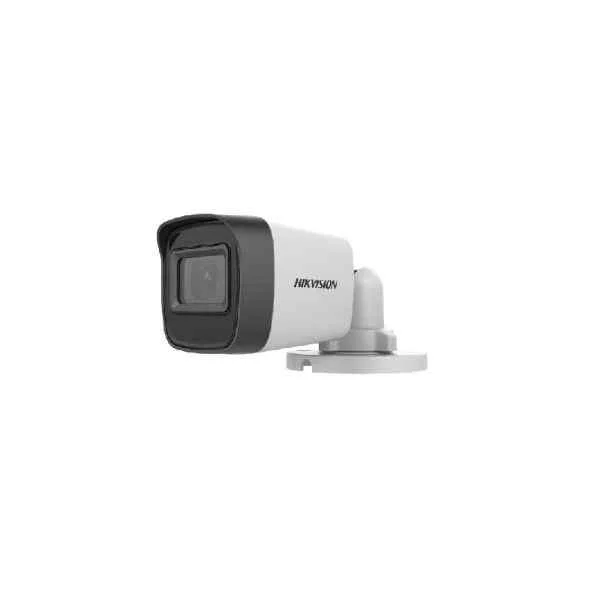
DS-2CE16H0T-ITFS (5 MP Audio Fixed Mini Bullet Camera)
4.6 (5)- Security Camera
- Hikvision
- Bullet
- Analog HD
- 1080p
- Fixed
Est Value In stockFirst-Time Buyer Discount – Get up to 2% additional off on your first order
ORM Rewards Earn $50 in Rewards + Free Expedited Delivery – Join Now!
Use eCoupon ORMSAVE10
eCoupon limited to 5 units
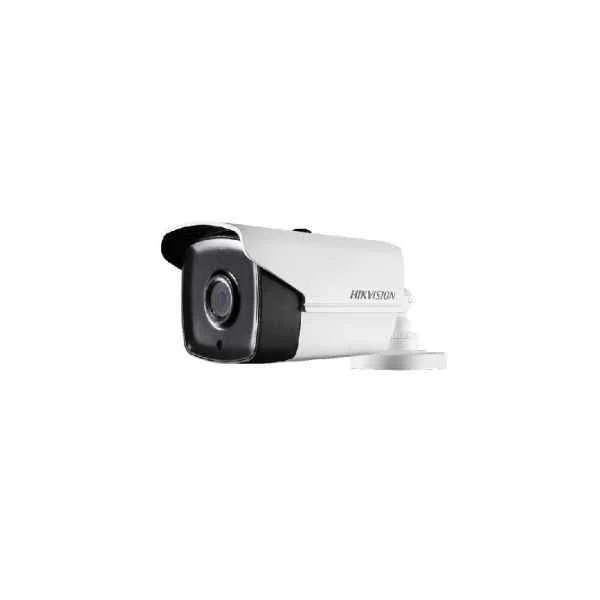
DS-2CC12D9T-IT5E (2 MP PoC Fixed Bullet Camera)
4.6 (5)- Security Camera
- Hikvision
- Bullet
- IP Camera
- 2MP
- Varifocal
- Motion Detection
Est Value In stockFirst-Time Buyer Discount – Get up to 2% additional off on your first order
ORM Rewards Earn $50 in Rewards + Free Expedited Delivery – Join Now!
Use eCoupon ORMSAVE10
eCoupon limited to 5 units
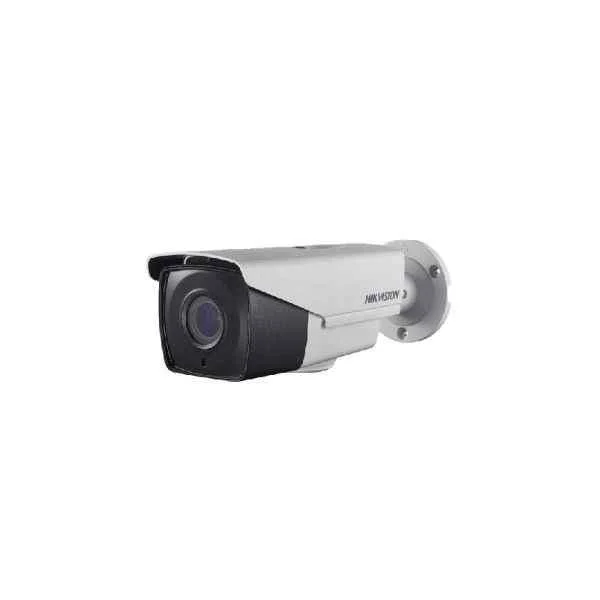
DS-2CC12D9T-AIT3ZE (2 MP PoC Motorized Varifocal Bullet Camera)
4.4 (5)- Security Camera
- Hikvision
- Turret
- IP Camera
- 2MP
- Fixed
- Motion Detection
Est Value In stockFirst-Time Buyer Discount – Get up to 2% additional off on your first order
ORM Rewards Earn $50 in Rewards + Free Expedited Delivery – Join Now!
Use eCoupon ORMSAVE10
eCoupon limited to 5 units
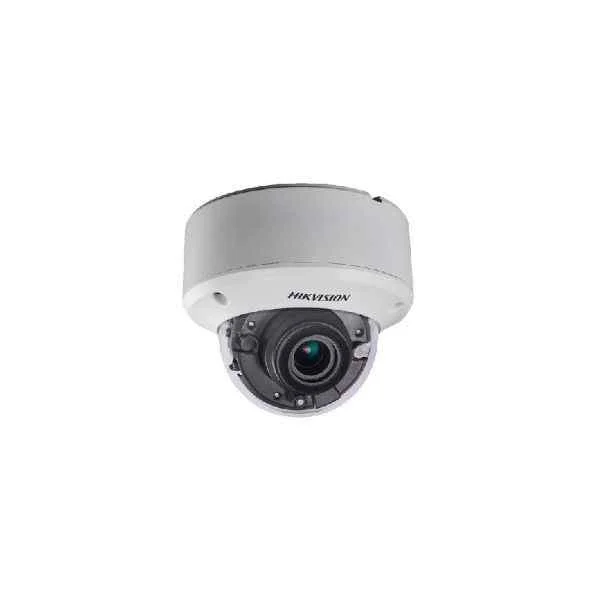
DS-2CC52D9T-AVPIT3ZE (2 MP PoC Vandal Motorized Varifocal Dome Camera)
4.6 (5)- Security Camera
- Hikvision
- Bullet
- IP Camera
- 1080p
- Fixed
- Motion Detection
Est Value In stockFirst-Time Buyer Discount – Get up to 2% additional off on your first order
ORM Rewards Earn $50 in Rewards + Free Expedited Delivery – Join Now!
Use eCoupon ORMSAVE10
eCoupon limited to 5 units
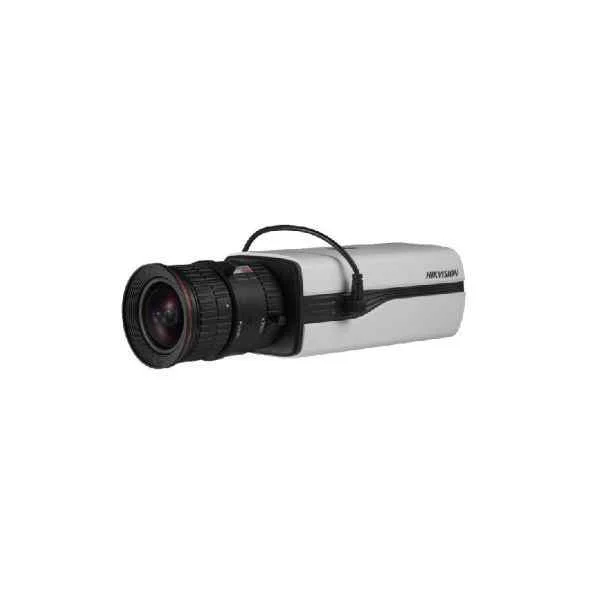
DS-2CC12D9T (2 MP Box Camera)
4.6 (5)- Security Camera
- Hikvision
- Bullet
- IP Camera
- 4MP
- Fixed
- Motion Detection
Est Value In stockFirst-Time Buyer Discount – Get up to 2% additional off on your first order
ORM Rewards Earn $50 in Rewards + Free Expedited Delivery – Join Now!
Use eCoupon ORMSAVE10
eCoupon limited to 5 units
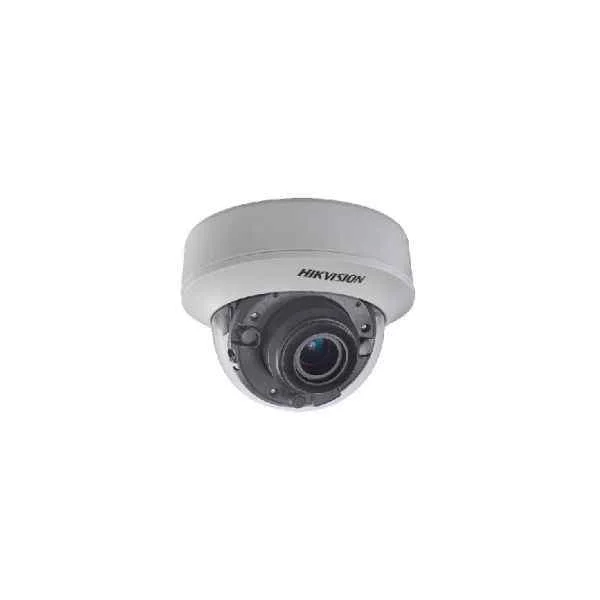
DS-2CC52D9T-AITZE (2 MP PoC Indoor Motorized Varifocal Dome Camera)
4.4 (5)- Security Camera
- Hikvision
- Dome
- IP Camera
- 2MP
- Fixed
- Motion Detection
Est Value In stockFirst-Time Buyer Discount – Get up to 2% additional off on your first order
ORM Rewards Earn $50 in Rewards + Free Expedited Delivery – Join Now!
Use eCoupon ORMSAVE10
eCoupon limited to 5 units
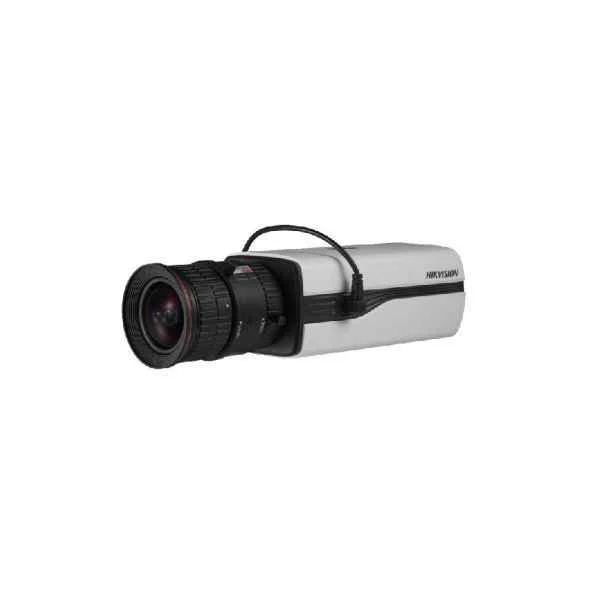
DS-2CC12D9T-E (2 MP PoC Box Camera)
5 (5)- Security Camera
- Hikvision
- Bullet
- IP Camera
- 2MP
- Fixed
- Motion Detection
Est Value In stockFirst-Time Buyer Discount – Get up to 2% additional off on your first order
ORM Rewards Earn $50 in Rewards + Free Expedited Delivery – Join Now!
Use eCoupon ORMSAVE10
eCoupon limited to 5 units
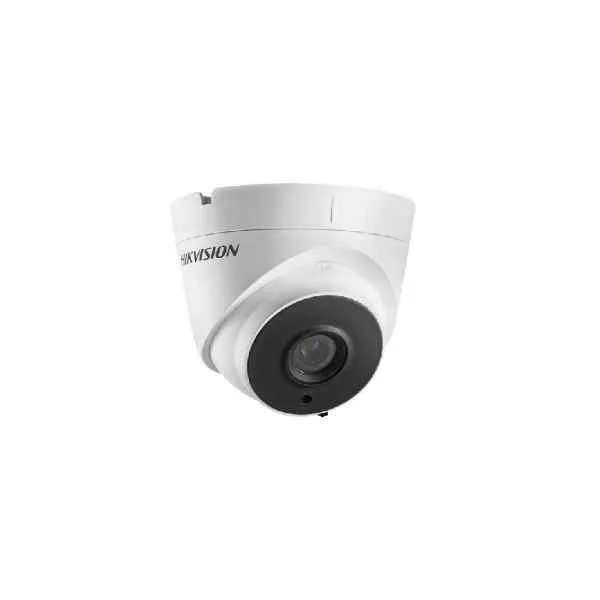
DS-2CC52D9T-IT3E (2 MP PoC Fixed Turret Camera)
4.6 (5)- Security Camera
- Hikvision
- Bullet / Dome / Turret / PTZ / Box / Fisheye / Thermal / Cube / Pinhole / Multi-Sensor
- IP Camera / Analog HD / Analog CVBS / Wireless / Hybrid
- 1080p
- Fixed
- Motion Detection
Est Value In stockFirst-Time Buyer Discount – Get up to 2% additional off on your first order
ORM Rewards Earn $50 in Rewards + Free Expedited Delivery – Join Now!
Use eCoupon ORMSAVE10
eCoupon limited to 5 units
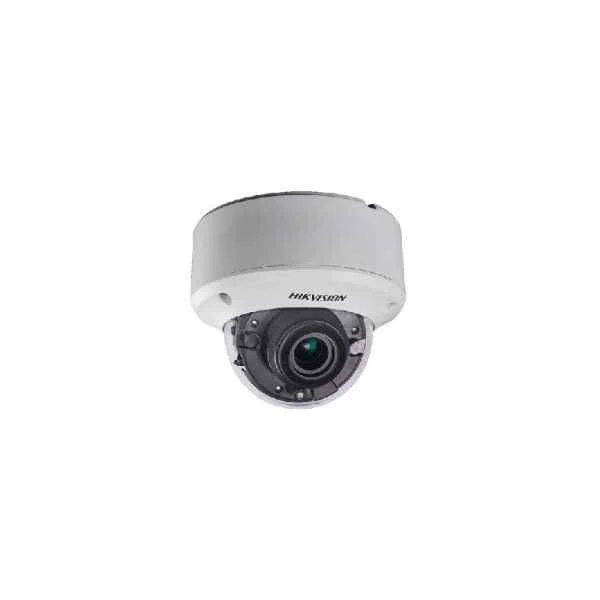
DS-2CE59U8T-AVPIT3Z (4K Vandal Motorized Varifocal Dome Camera)
4.6 (5)- Security Camera
- Hikvision
- Bullet
- Analog HD
- 8MP
- Fixed
Est Value In stockFirst-Time Buyer Discount – Get up to 2% additional off on your first order
ORM Rewards Earn $50 in Rewards + Free Expedited Delivery – Join Now!
Use eCoupon ORMSAVE10
eCoupon limited to 5 units
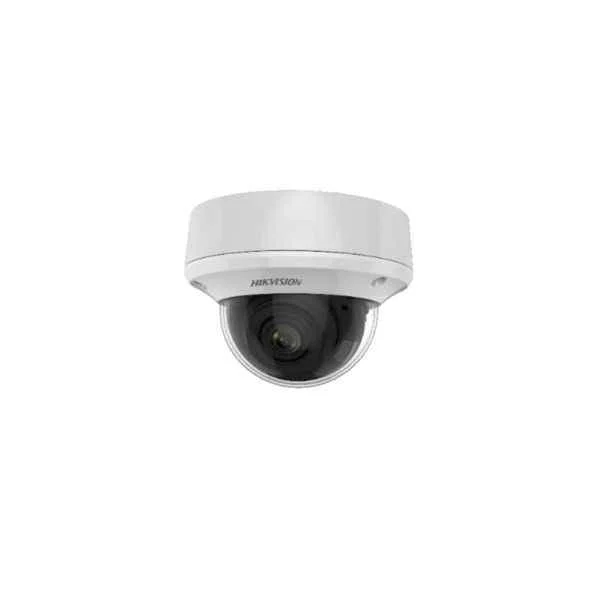
DS-2CE5AD8T-VPIT3ZE (2 MP Ultra Low Light Vandal PoC Motorized Varifocal Dome Camera)
4.6 (5)- Security Camera
- Hikvision
- Bullet
- Analog HD
- 2MP
- Varifocal
Est Value In stockFirst-Time Buyer Discount – Get up to 2% additional off on your first order
ORM Rewards Earn $50 in Rewards + Free Expedited Delivery – Join Now!
Use eCoupon ORMSAVE10
eCoupon limited to 5 units
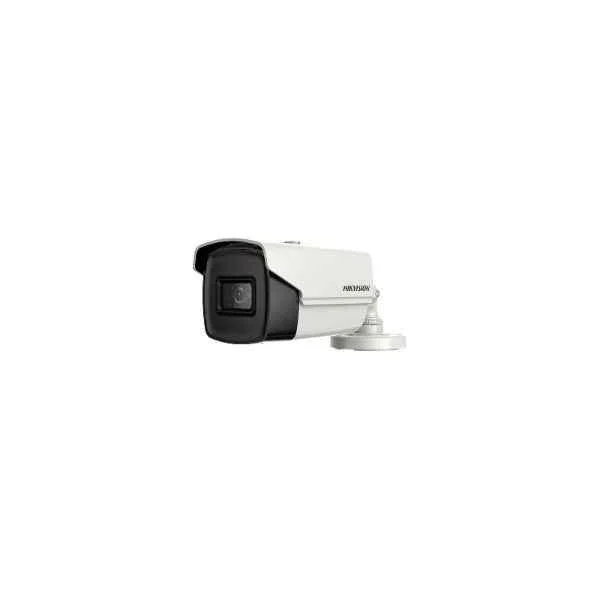
DS-2CE16U7T-IT3F (4K Ultra Low Light Fixed Bullet Camera)
4.6 (5)- Security Camera
- Hikvision
- Turret
- Analog HD
- 2MP
- Fixed
Est Value In stockFirst-Time Buyer Discount – Get up to 2% additional off on your first order
ORM Rewards Earn $50 in Rewards + Free Expedited Delivery – Join Now!
Use eCoupon ORMSAVE10
eCoupon limited to 5 units
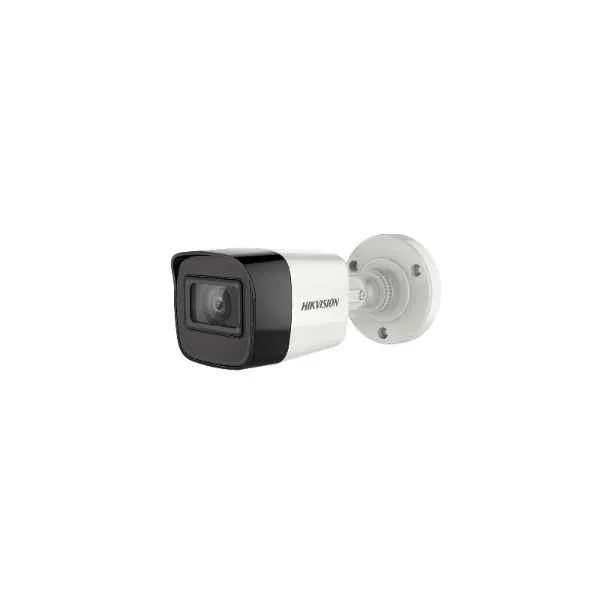
DS-2CE16U7T-ITF (4K Ultra Low Light Fixed Mini Bullet Camera)
4.8 (5)- Security Camera
- Hikvision
- Bullet
- Analog HD
- 2MP
- Fixed
Est Value In stockFirst-Time Buyer Discount – Get up to 2% additional off on your first order
ORM Rewards Earn $50 in Rewards + Free Expedited Delivery – Join Now!
Use eCoupon ORMSAVE10
eCoupon limited to 5 units
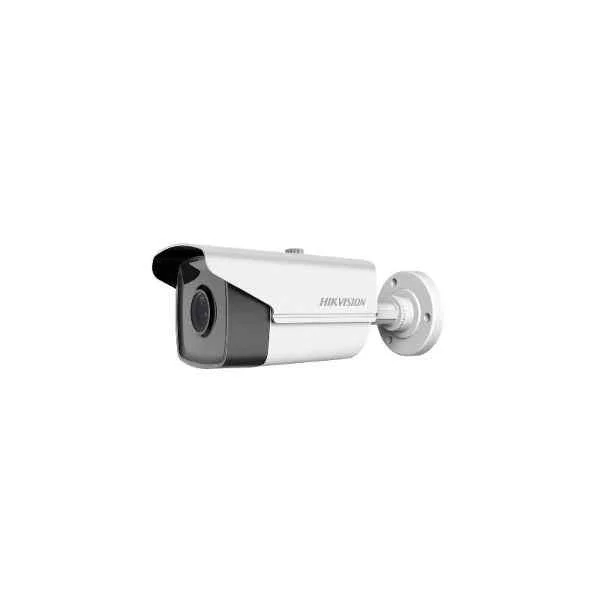
DS-2CE16D8T-IT1F (2MP Ultra Low Light Fixed Bullet Camera)
4.4 (5)- Security Camera
- Hikvision
- Turret
- Analog HD
- 8MP
- Fixed
Est Value In stockFirst-Time Buyer Discount – Get up to 2% additional off on your first order
ORM Rewards Earn $50 in Rewards + Free Expedited Delivery – Join Now!
Use eCoupon ORMSAVE10
eCoupon limited to 5 units
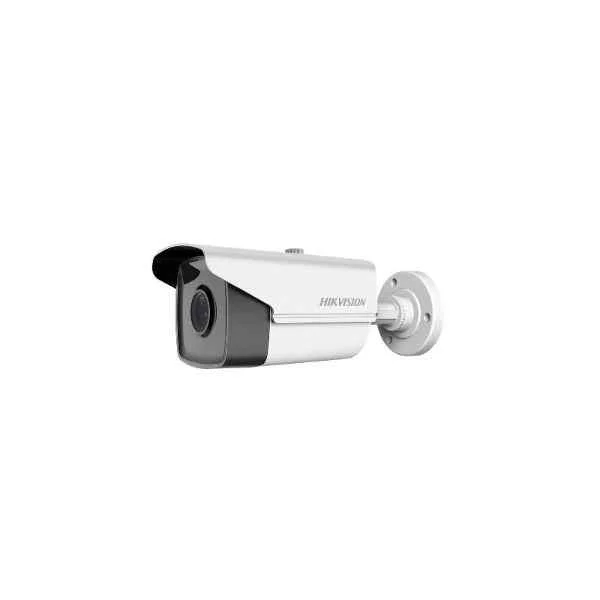
DS-2CE16D8T-IT3F (2 MP Ultra Low Light Fixed Bullet Camera)
4.4 (5)- Security Camera
- Hikvision
- Turret
- Analog HD
- 1080p
- Fixed
Est Value In stockFirst-Time Buyer Discount – Get up to 2% additional off on your first order
ORM Rewards Earn $50 in Rewards + Free Expedited Delivery – Join Now!
Use eCoupon ORMSAVE10
eCoupon limited to 5 units
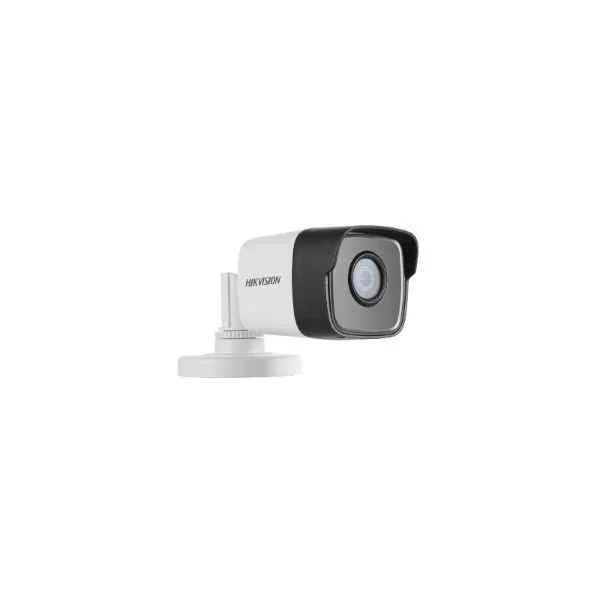
DS-2CE16D8T-ITF (2MP Ultra Low Light Fixed Mini Bullet Camera)
4.6 (5)- Security Camera
- Hikvision
- Bullet
- Analog HD
- 2MP
- Fixed
Est Value In stockFirst-Time Buyer Discount – Get up to 2% additional off on your first order
ORM Rewards Earn $50 in Rewards + Free Expedited Delivery – Join Now!
Use eCoupon ORMSAVE10
eCoupon limited to 5 units
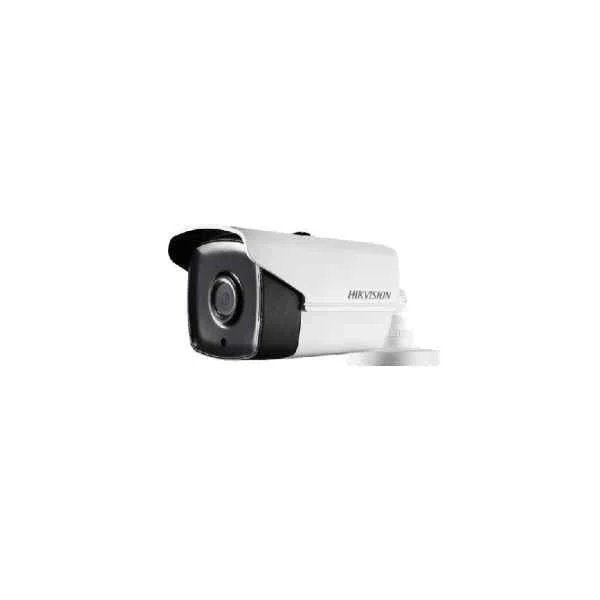
DS-2CE16D8T-IT5E (2 MP Ultra Low Light PoC Fixed Bullet Camera)
4.2 (5)- Security Camera
- Hikvision
- Bullet
- Analog HD
- 8MP
- Fixed
Est Value In stockFirst-Time Buyer Discount – Get up to 2% additional off on your first order
ORM Rewards Earn $50 in Rewards + Free Expedited Delivery – Join Now!
Use eCoupon ORMSAVE10
eCoupon limited to 5 units
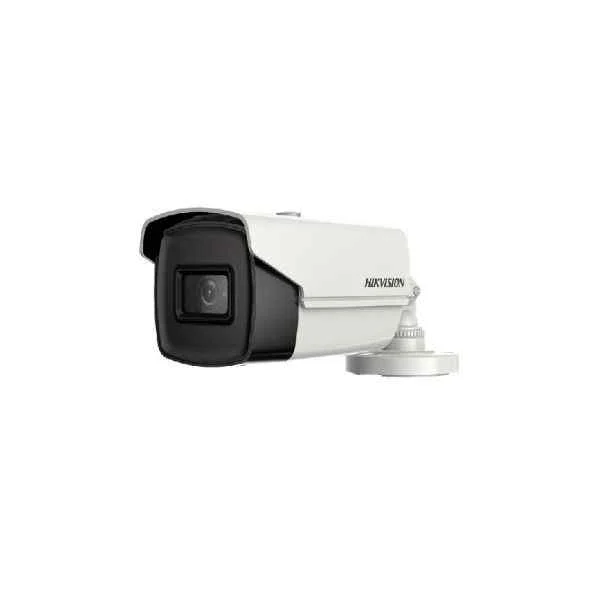
DS-2CE16H8T-IT1F (5 MP Ultra Low Light Fixed Bullet Camera)
4.6 (5)- Security Camera
- Hikvision
- Bullet
- Analog HD
- 1080p
- Fixed
- Motion Detection
Est Value In stockFirst-Time Buyer Discount – Get up to 2% additional off on your first order
ORM Rewards Earn $50 in Rewards + Free Expedited Delivery – Join Now!
Use eCoupon ORMSAVE10
eCoupon limited to 5 units
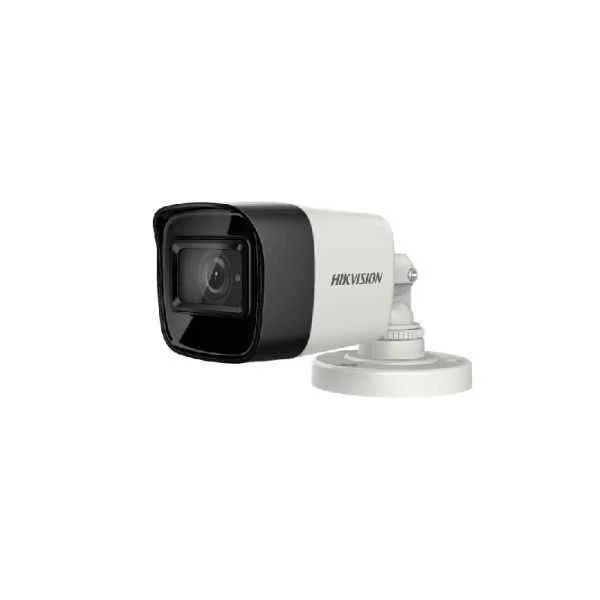
DS-2CE16H8T-ITF (5 MP Ultra Low Light Fixed Mini Bullet Camera)
4.8 (5)- Security Camera
- Hikvision
- Bullet
- Analog HD
- 1080p
- Fixed
Est Value In stockFirst-Time Buyer Discount – Get up to 2% additional off on your first order
ORM Rewards Earn $50 in Rewards + Free Expedited Delivery – Join Now!
Use eCoupon ORMSAVE10
eCoupon limited to 5 units

ORM Sales Advisors
Buying for your business? Get a personalised quote in under 2 hours. Talk to an expert
LEARNFilters (152) 
Questions & Answers
What are Hikvision Turbo HD cameras?
Hikvision Turbo HD cameras are high-definition analog surveillance cameras that use HDTVI technology to deliver up to 1080p–4MP video over coaxial cable, combining legacy infrastructure with modern image quality.
What maximum resolution do Hikvision Turbo HD cameras support?
Depending on the model, Hikvision Turbo HD cameras support resolutions from 2MP (1080p) up to 4MP (1440p) and even 5MP (3K), ensuring crisp, detailed footage.
Are Hikvision Turbo HD cameras compatible with HDTVI signals?
Yes. Hikvision Turbo HD cameras natively transmit HDTVI signals over coaxial cable, offering seamless integration with HDTVI DVRs for real-time high-definition video.
What is the maximum transmission distance over coaxial cable?
Using RG59 coaxial cable, Turbo HD cameras can transmit 1080p video up to 500 meters; for 4 MP models, expect reliable transmission up to 300 meters.
How do I install a Hikvision Turbo HD camera?
Mount the camera, connect its video output to an HDTVI DVR via coaxial cable, supply 12 VDC (or PoC if supported), configure DVR channels, then adjust focus and position.
Can I power Hikvision Turbo HD cameras over coaxial cable (PoC)?
Yes. Select Turbo HD models support PoC technology, enabling both video and 12 VDC power delivery over a single coaxial cable to simplify installation.
How do I set up remote viewing for Hikvision Turbo HD cameras?
Install Hik-Connect or iVMS-4200 software, register your device’s serial number or scan its QR code, enable peer-to-peer access on the DVR, then log in to view live or recorded video.
What night vision range do Hikvision Turbo HD cameras offer?
Turbo HD cameras feature infrared LEDs delivering black-and-white visibility up to 30–50 meters in complete darkness, depending on lens and model specifications.
Are Hikvision Turbo HD cameras weatherproof?
Most Turbo HD models carry an IP66/67 rating, ensuring resistance to dust and heavy rain, making them suitable for indoor and outdoor surveillance applications.
Do Hikvision Turbo HD cameras support motion detection?
Yes. Built-in motion detection algorithms can trigger recording, notifications, and alarms when activity is detected within configurable zones and sensitivity levels.
How do I configure recording and storage on Hikvision Turbo HD systems?
Within the DVR’s menu, set recording modes (continuous, scheduled, or motion-triggered), allocate HDD space, and manage overwrite options to optimize storage usage.
Which DVRs are compatible with Hikvision Turbo HD cameras?
Hikvision Turbo HD cameras are compatible with all Hikvision Turbo HD DVR series (DS-7AxxHUHI-I, DS-77xxHGH-H, DS-8AxxHFH-I), as well as hybrid DVRs that support HDTVI input.
What power supply do Hikvision Turbo HD cameras require?
Standard Turbo HD cameras require a 12 VDC/300 mA–1 A power supply. PoC-enabled models receive power through the same coaxial cable as video, eliminating separate power runs.
How can I clean and maintain my Hikvision Turbo HD camera?
Power down the camera, use a soft, lint-free cloth with mild detergent to clean the housing and lens, avoid high-pressure wash, then verify seals and cable integrity.
What warranty and support options are available for Hikvision Turbo HD cameras?
Hikvision offers a standard two-year limited warranty on Turbo HD cameras, plus global technical support and firmware updates available through authorized distributors.