 United States
IP Cameras Hikvision Excellence
Discover cutting-edge Hikvision IP cameras engineered for optimal surveillance, offering superior image clarity, advanced analytics, and reliable performance for comprehensive security in diverse environments.
Talk to an expert
Hikvision Hilook Ip Products
(25)Hikvision HiLook IP products serve budget-conscious branch offices with PoE cameras, NVR recording, and ONVIF device discovery across local networks
25 Matching results
- BEST SELLING
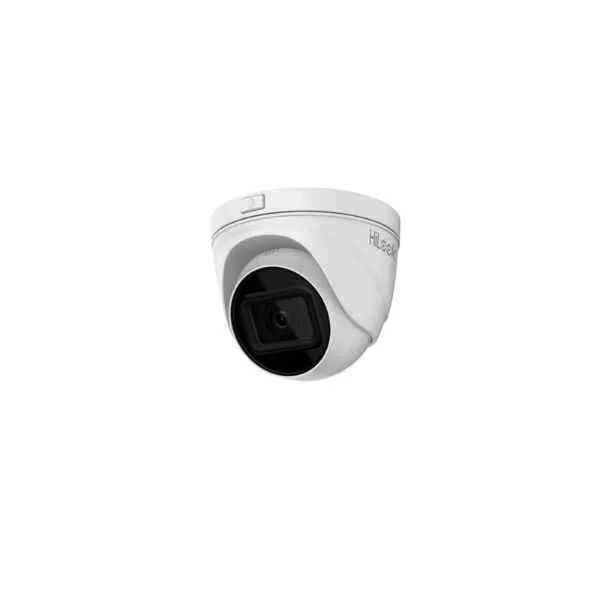
IPC-T651H-Z (5 MP Motorized Varifocal Turret Network Camera)
4.4 (5)- IP Camera
- Hikvision
- Dome
- Ceiling
- Black
- Office / Retail
- 4K
Est Value In stock
First-Time Buyer Discount – Get up to 2% additional off on your first order
ORM Rewards Earn $50 in Rewards + Free Expedited Delivery – Join Now!
Use eCoupon ORMSAVE10
eCoupon limited to 5 units
- BEST SELLING
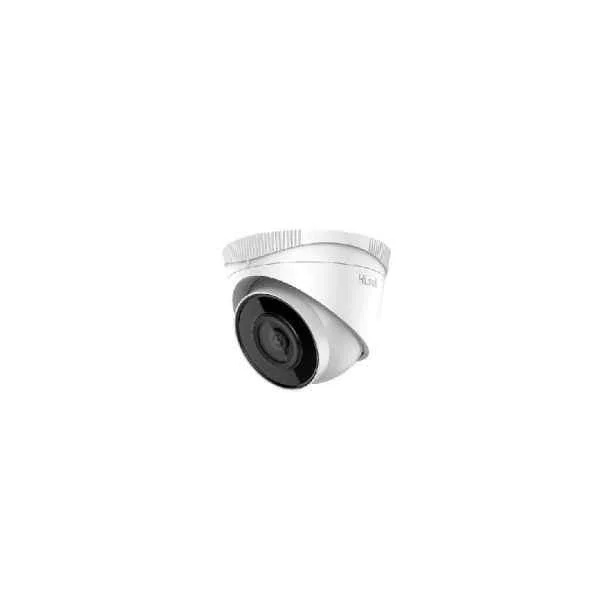
IPC-T250H (5 MP Fixed Turret Network Camera)
4.8 (5)- IP Camera
- Hikvision
- Turret
- Wall
- Black
- Indoor Surveillance / Outdoor Monitoring / Office / Retail
- 4K
Est Value In stockFirst-Time Buyer Discount – Get up to 2% additional off on your first order
ORM Rewards Earn $50 in Rewards + Free Expedited Delivery – Join Now!
Use eCoupon ORMSAVE10
eCoupon limited to 5 units
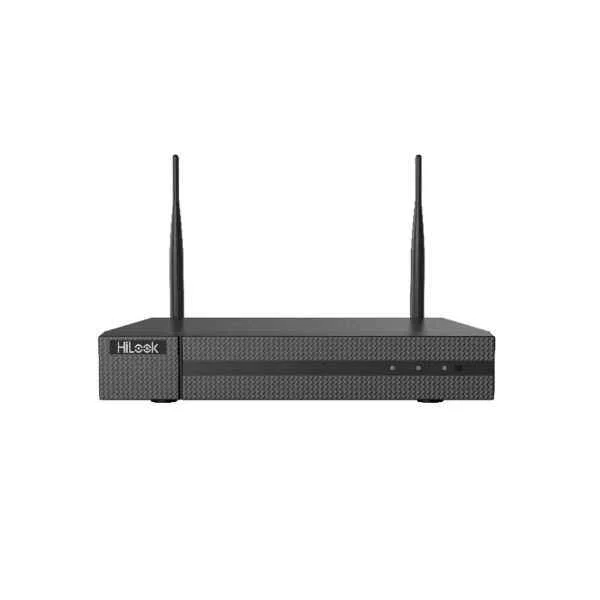
NVR-108MH-D/W (HiLook H.265 WiFi NVR)
4.8 (5)- IP Camera
- Hikvision
- Dome
- Ceiling
- Black
- Office / Retail / Perimeter Security
- 2MP
Est Value In stockFirst-Time Buyer Discount – Get up to 2% additional off on your first order
ORM Rewards Earn $50 in Rewards + Free Expedited Delivery – Join Now!
Use eCoupon ORMSAVE10
eCoupon limited to 5 units
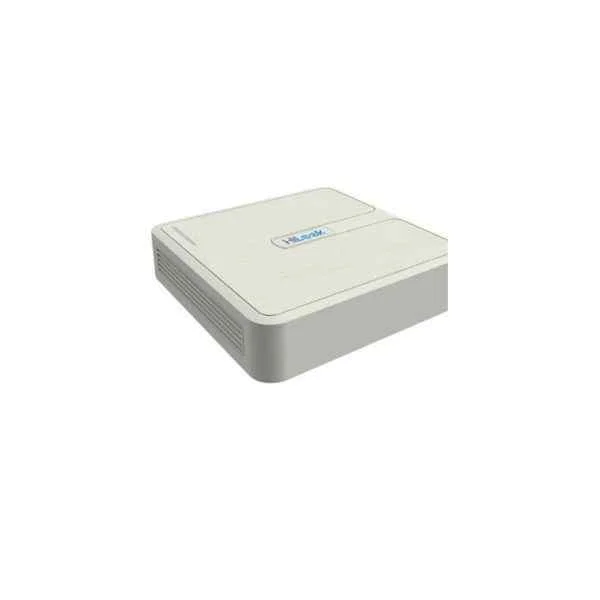
NVR-104H-D (4-ch Mini 1U 4 NVR)
5 (5)- IP Camera
- Hikvision
- Dome
- Ceiling
- Black
- Indoor Surveillance / Office / Retail / Government
- 4MP
Est Value In stockFirst-Time Buyer Discount – Get up to 2% additional off on your first order
ORM Rewards Earn $50 in Rewards + Free Expedited Delivery – Join Now!
Use eCoupon ORMSAVE10
eCoupon limited to 5 units
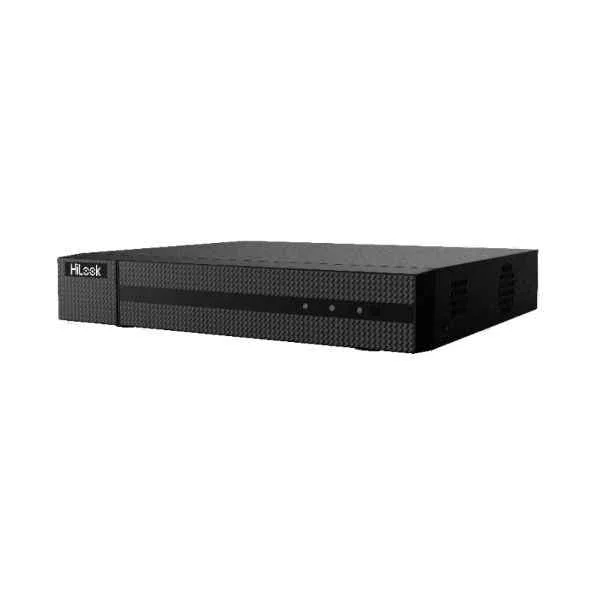
NVR-104MH-C(B) (4-ch Mini 1U 4K NVR)
4.2 (5)- IP Camera
- Hikvision
- Bullet
- Wall
- Black
- Office / Retail / Perimeter Security
- 4K
Est Value In stockFirst-Time Buyer Discount – Get up to 2% additional off on your first order
ORM Rewards Earn $50 in Rewards + Free Expedited Delivery – Join Now!
Use eCoupon ORMSAVE10
eCoupon limited to 5 units
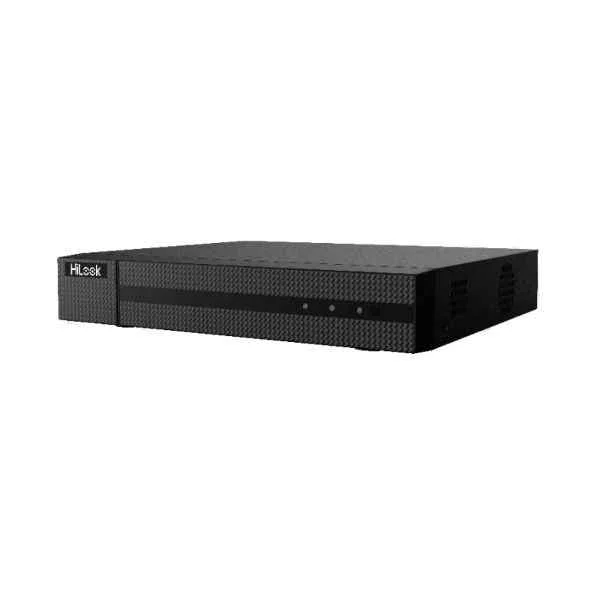
NVR-108MH-C(B) (8-ch Mini 1U 4K NVR)
4.6 (5)- IP Camera
- Hikvision
- Dome
- Ceiling
- Black
- Indoor Surveillance / Office / Retail / Perimeter Security
- 4MP
Est Value In stockFirst-Time Buyer Discount – Get up to 2% additional off on your first order
ORM Rewards Earn $50 in Rewards + Free Expedited Delivery – Join Now!
Use eCoupon ORMSAVE10
eCoupon limited to 5 units
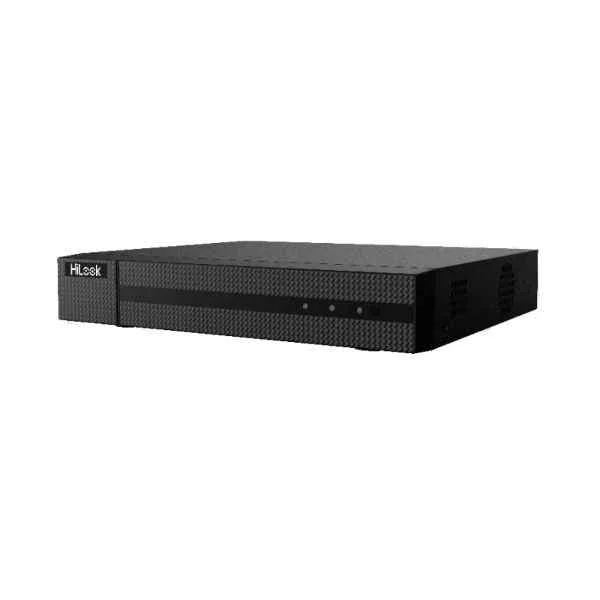
NVR-108MH-C/8P(B) (8-ch Mini 1U 8 PoE 4K NVR)
5 (5)- IP Camera
- Hikvision
- Dome
- Ceiling / Wall
- Black
- Indoor Surveillance / Outdoor Monitoring / Office / Retail / Government / Critical Infrastructure
- 2MP
Est Value In stockFirst-Time Buyer Discount – Get up to 2% additional off on your first order
ORM Rewards Earn $50 in Rewards + Free Expedited Delivery – Join Now!
Use eCoupon ORMSAVE10
eCoupon limited to 5 units
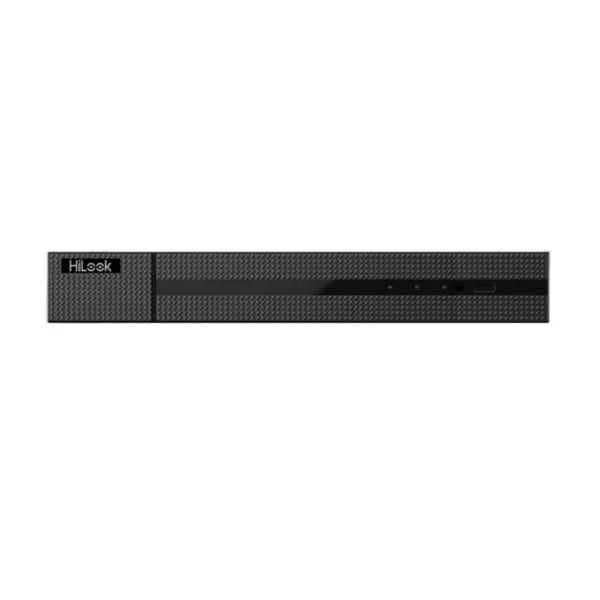
NVR-104MH-C/4P (4-ch Mini 1U 4 PoE 4K NVR)
4.6 (5)- IP Camera
- Hikvision
- Dome
- Ceiling
- Black
- Office Surveillance / Retail / Parking / Government / Critical Infrastructure
- 4K
Est Value In stockFirst-Time Buyer Discount – Get up to 2% additional off on your first order
ORM Rewards Earn $50 in Rewards + Free Expedited Delivery – Join Now!
Use eCoupon ORMSAVE10
eCoupon limited to 5 units
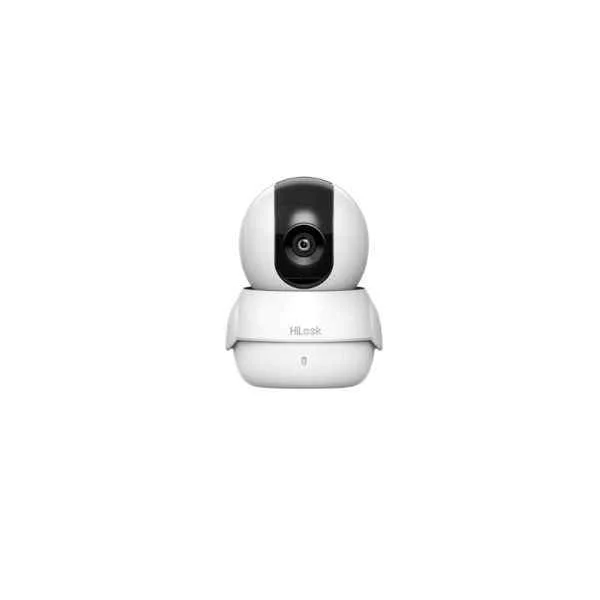
IPC-C120-D/W (2 MP Indoor Audio Fixed Cube Netwok Camera)
4.4 (5)- IP Camera
- Hikvision
- Dome
- Ceiling
- White
- Indoor Surveillance / Outdoor Monitoring / Office / Retail
- 4MP
Est Value In stockFirst-Time Buyer Discount – Get up to 2% additional off on your first order
ORM Rewards Earn $50 in Rewards + Free Expedited Delivery – Join Now!
Use eCoupon ORMSAVE10
eCoupon limited to 5 units
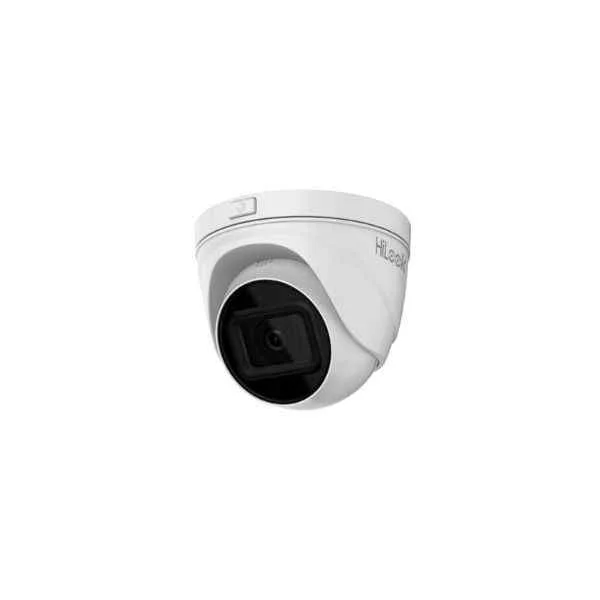
IPC-T621H-Z (2 MP Motorized Varifocal Turret Network Camera)
5 (5)- IP Camera
- Hikvision
- Dome
- Ceiling
- Black
- Indoor Surveillance / Outdoor Monitoring
- 4K
Est Value In stockFirst-Time Buyer Discount – Get up to 2% additional off on your first order
ORM Rewards Earn $50 in Rewards + Free Expedited Delivery – Join Now!
Use eCoupon ORMSAVE10
eCoupon limited to 5 units
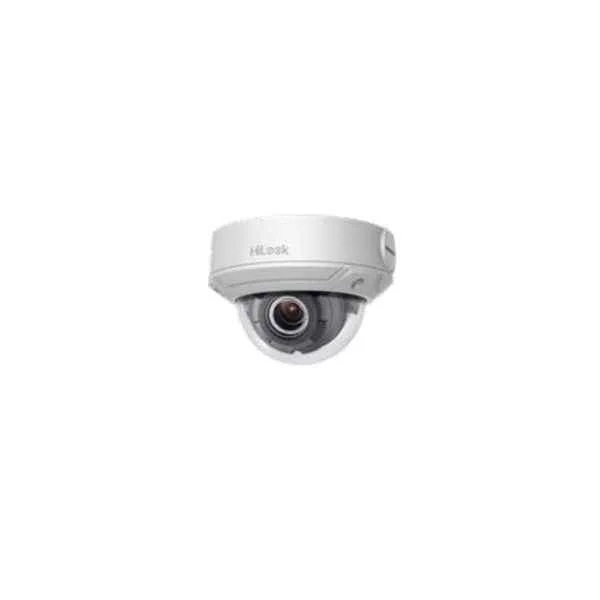
IPC-D640H-Z/-V (4 MP Varifocal Dome Network Camera)
4.2 (5)- IP Camera
- Hikvision
- Bullet
- Wall
- Black
- Indoor Surveillance / Outdoor Monitoring
- 4MP
Est Value In stockFirst-Time Buyer Discount – Get up to 2% additional off on your first order
ORM Rewards Earn $50 in Rewards + Free Expedited Delivery – Join Now!
Use eCoupon ORMSAVE10
eCoupon limited to 5 units
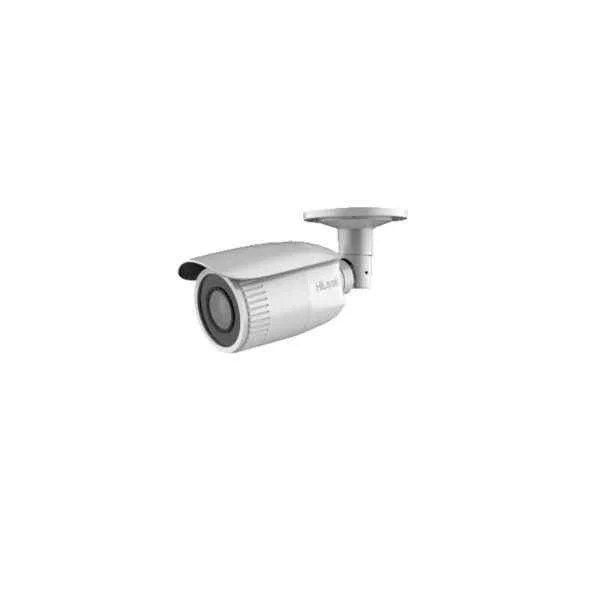
IPC-B621H-Z/-V (2 MP Varifocal Bullet Network Camera)
4.6 (5)- IP Camera
- Hikvision
- Bullet
- Wall
- Black
- Outdoor Monitoring
- 4K
Est Value In stockFirst-Time Buyer Discount – Get up to 2% additional off on your first order
ORM Rewards Earn $50 in Rewards + Free Expedited Delivery – Join Now!
Use eCoupon ORMSAVE10
eCoupon limited to 5 units
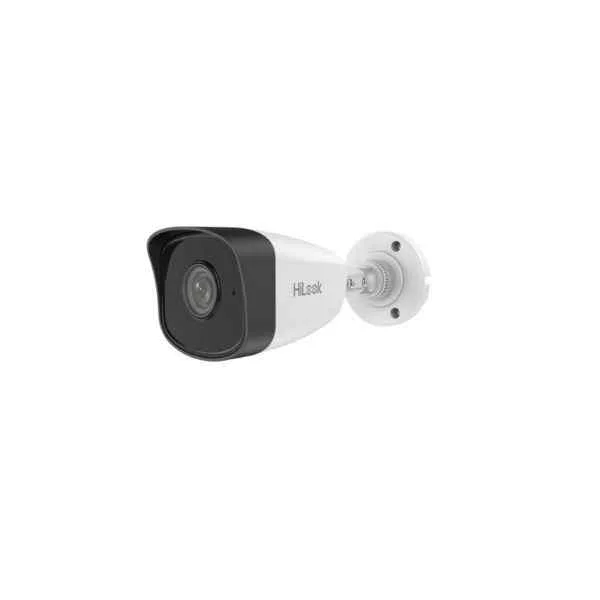
IPC-B120H-U (2 MP Build-in Mic Fixed Bullet Network Camera)
4.6 (5)- IP Camera
- Hikvision
- Bullet
- Wall / Ceiling
- Black
- Indoor Surveillance / Outdoor Monitoring / Office / Retail / Perimeter Security
- 4MP
Est Value In stockFirst-Time Buyer Discount – Get up to 2% additional off on your first order
ORM Rewards Earn $50 in Rewards + Free Expedited Delivery – Join Now!
Use eCoupon ORMSAVE10
eCoupon limited to 5 units
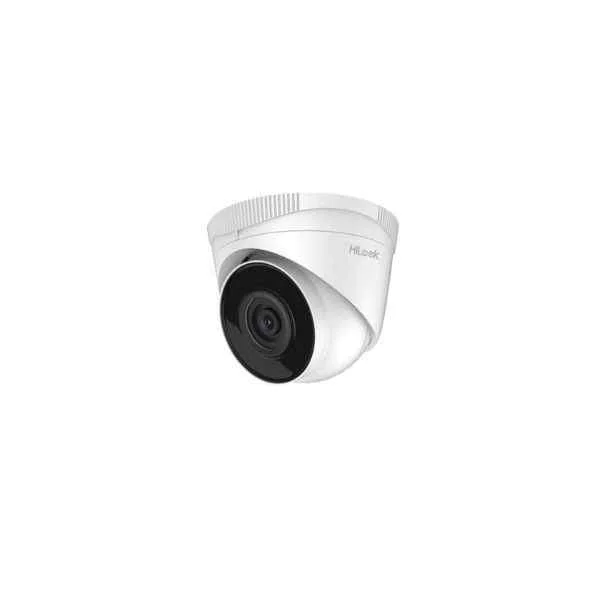
IPC-T220H-U (2 MP Build-in Mic Fixed Turret Network Camera)
4.2 (5)- IP Camera
- Hikvision
- Dome
- Ceiling
- Black
- Indoor Surveillance / Outdoor Monitoring
- 4MP
Est Value In stockFirst-Time Buyer Discount – Get up to 2% additional off on your first order
ORM Rewards Earn $50 in Rewards + Free Expedited Delivery – Join Now!
Use eCoupon ORMSAVE10
eCoupon limited to 5 units
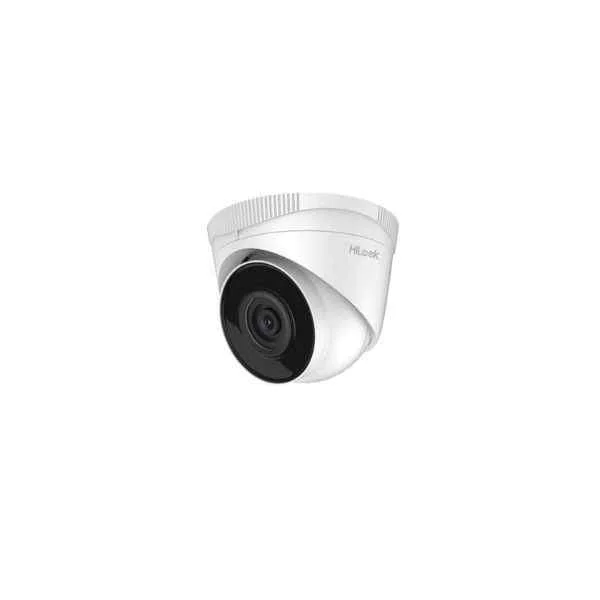
IPC-T241H (4 MP Fixed Turret Network Camera)
4.4 (5)- IP Camera
- Hikvision
- Turret
- Ceiling
- Black
- Office
- 4MP
Est Value In stockFirst-Time Buyer Discount – Get up to 2% additional off on your first order
ORM Rewards Earn $50 in Rewards + Free Expedited Delivery – Join Now!
Use eCoupon ORMSAVE10
eCoupon limited to 5 units
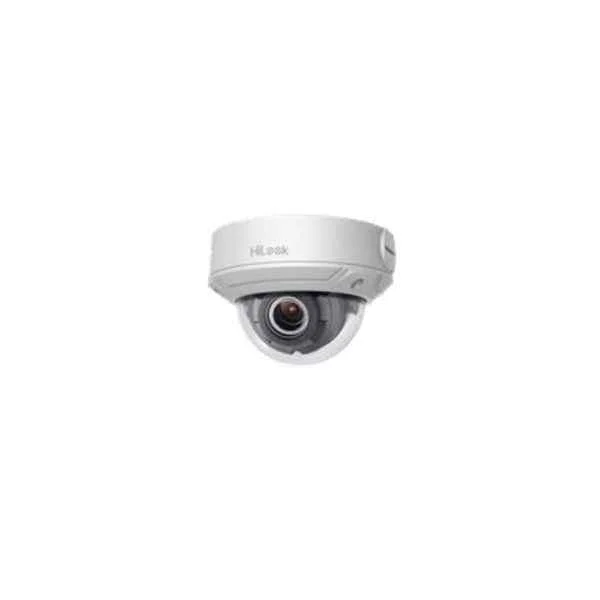
IPC-D620H-Z/-V (2 MP Varifocal Dome Network Camera)
4.6 (5)- IP Camera
- Hikvision
- Dome
- Ceiling
- Black
- Indoor Surveillance / Office / Retail / Critical Infrastructure
- 4MP
Est Value In stockFirst-Time Buyer Discount – Get up to 2% additional off on your first order
ORM Rewards Earn $50 in Rewards + Free Expedited Delivery – Join Now!
Use eCoupon ORMSAVE10
eCoupon limited to 5 units
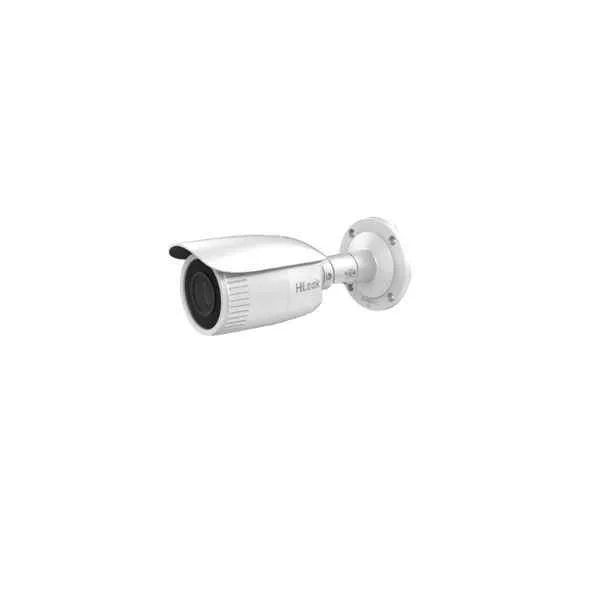
IPC-B640H-Z/-V (4 MP Varifocal Bullet Network Camera)
4.4 (5)- IP Camera
- Hikvision
- Dome
- Ceiling
- Black
- Office / Retail / Critical Infrastructure / Parking
- 4MP
Est Value In stockFirst-Time Buyer Discount – Get up to 2% additional off on your first order
ORM Rewards Earn $50 in Rewards + Free Expedited Delivery – Join Now!
Use eCoupon ORMSAVE10
eCoupon limited to 5 units
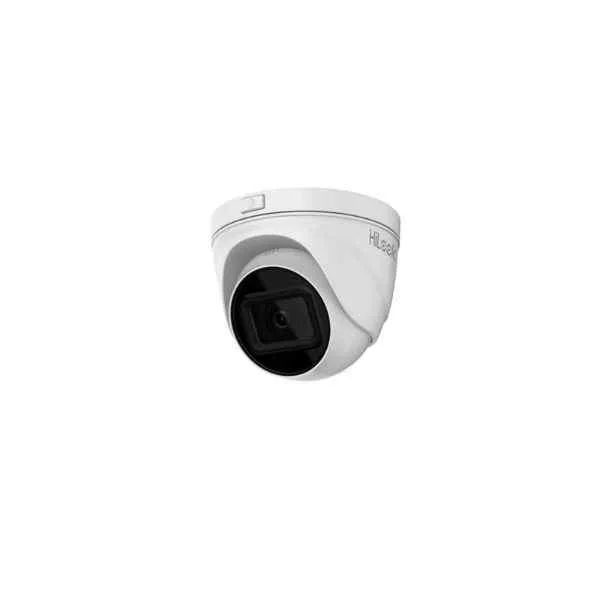
IPC-T641H-Z (4 MP Motorized Varifocal Turret Network Camera)
4.6 (5)- IP Camera
- Hikvision
- Bullet
- Wall
- Black
- Outdoor Monitoring
- 4MP
Est Value In stockFirst-Time Buyer Discount – Get up to 2% additional off on your first order
ORM Rewards Earn $50 in Rewards + Free Expedited Delivery – Join Now!
Use eCoupon ORMSAVE10
eCoupon limited to 5 units
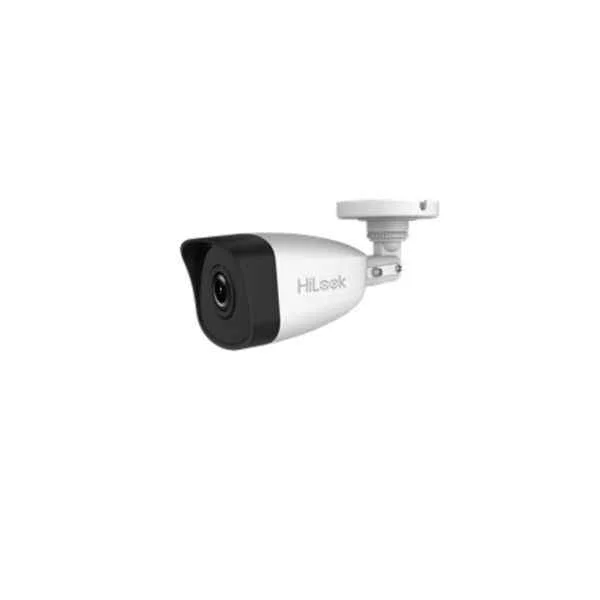
IPC-B150H(-M) (5 MP Fixed Bullet Network Camera)
4.6 (5)- IP Camera
- Hikvision
- Bullet
- Wall / Ceiling / Pole / Pendant / Corner / Flush / N/A
- Indoor Surveillance / Outdoor Monitoring / Office / Retail / Industrial / Traffic / Perimeter Security
- 4MP
Est Value In stockFirst-Time Buyer Discount – Get up to 2% additional off on your first order
ORM Rewards Earn $50 in Rewards + Free Expedited Delivery – Join Now!
Use eCoupon ORMSAVE10
eCoupon limited to 5 units
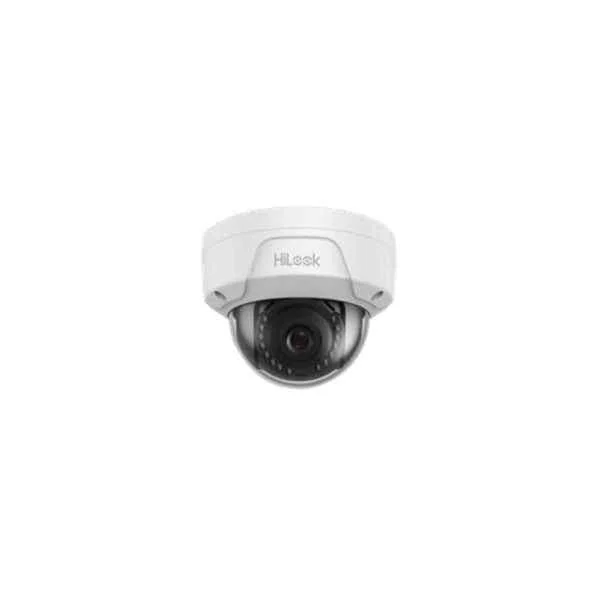
IPC-D150H(-M) (5 MP Fixed Dome Network Camera)
4.8 (5)- IP Camera
- Hikvision
- Dome
- Ceiling
- Black
- Office / Retail / Perimeter Security
- 5MP
Est Value In stockFirst-Time Buyer Discount – Get up to 2% additional off on your first order
ORM Rewards Earn $50 in Rewards + Free Expedited Delivery – Join Now!
Use eCoupon ORMSAVE10
eCoupon limited to 5 units

ORM Sales Advisors
Buying for your business? Get a personalised quote in under 2 hours. Talk to an expert
LEARNFilters (25) 
Questions & Answers
What is a Hikvision IP camera?
A Hikvision IP camera is a network-connected video device that captures high-resolution footage, transmits data over Ethernet or Wi-Fi, and integrates with NVR systems for remote monitoring.
How does a Hikvision IP camera differ from an analog CCTV camera?
Unlike analog CCTV, Hikvision IP cameras deliver digital video over networks, offer higher resolution, scalable installation, PoE power, advanced analytics, and secure encryption.
How do I install a Hikvision IP camera?
Mount the camera, connect it via Ethernet (or Wi-Fi), assign an IP address with SADP or the web interface, then add it to your NVR or VMS using its credentials and ONVIF protocol.
Can I power Hikvision IP cameras over Ethernet?
Yes. Most Hikvision IP cameras support PoE (Power over Ethernet) via IEEE 802.3af/at switches or injectors, simplifying installation by combining power and data on one cable.
How do I configure remote viewing for a Hikvision IP camera?
Enable Hik-Connect or DDNS in the camera’s web interface, register a Hik-Connect account, scan the QR code, and use the mobile app or web portal for secure remote access.
Are Hikvision IP cameras compatible with third-party NVRs?
Yes. Hikvision IP cameras support ONVIF and standard RTSP streams, ensuring interoperability with most third-party NVRs and VMS platforms.
What image resolutions do Hikvision IP cameras support?
Hikvision IP cameras offer resolutions from 2MP (1080p) up to 12MP (4K+), including variable frame rates and H.265+/H.264+ compression for bandwidth efficiency.
How secure are Hikvision IP cameras against unauthorized access?
Hikvision IP cameras feature HTTPS/TLS encryption, secure boot, password strength enforcement, firmware integrity checks, and lockout policies to prevent hacking.
What storage options are available for Hikvision IP cameras?
You can record locally on microSD cards (up to 256 GB), to a networked DVR/NVR, to NAS via CIFS/FTP, or to cloud storage services supported by Hik-Connect.
Do Hikvision IP cameras support video analytics?
Yes. Many models include built-in analytics such as motion detection, line crossing, intrusion detection, face recognition, and people counting, configurable in the web UI.
Can I integrate Hikvision IP cameras with home automation systems?
Hikvision IP cameras support ONVIF, RTSP, and third-party integrations via APIs, enabling control within major smart home platforms like Home Assistant and Blue Iris.
How do I upgrade the firmware on my Hikvision IP camera?
Download the latest firmware from the Hikvision Support Portal, log into the camera’s web interface, navigate to Maintenance → Upgrade, upload the file, and reboot.
Are Hikvision IP cameras suitable for outdoor installations?
Many Hikvision IP cameras carry IP66/IP67 weatherproof ratings and IK10 vandal resistance, ensuring reliable performance in rain, dust, and extreme temperatures.
What warranty and technical support does Hikvision offer?
Hikvision provides a standard two-year warranty on IP cameras, plus global technical support through certified partners, online resources, and firmware updates.
How do I optimize network bandwidth for Hikvision IP cameras?
Use H.265+ compression, adjust frame rates and bitrates in the web interface, enable smart codec features, and segment video streams by resolution for efficient bandwidth use.
What factors influence the cost of a Hikvision IP camera?
Price depends on resolution, lens type (fixed vs. varifocal), analytics capabilities, weather/vandal rating, PoE support, and onboard storage options.
How long can a Hikvision IP camera operate continuously?
With proper power and mounting, Hikvision IP cameras can run 24/7 for over five years; longevity depends on environmental conditions, firmware updates, and maintenance.