 United States
Security Cameras Uniview Fixed Dome
Enhance your surveillance infrastructure with our high-performance Uniview 2/4Mp Fixed Dome, engineered for reliable, crisp imaging and robust security in demanding commercial environments worldwide.
Talk to an expert
3 Matching results
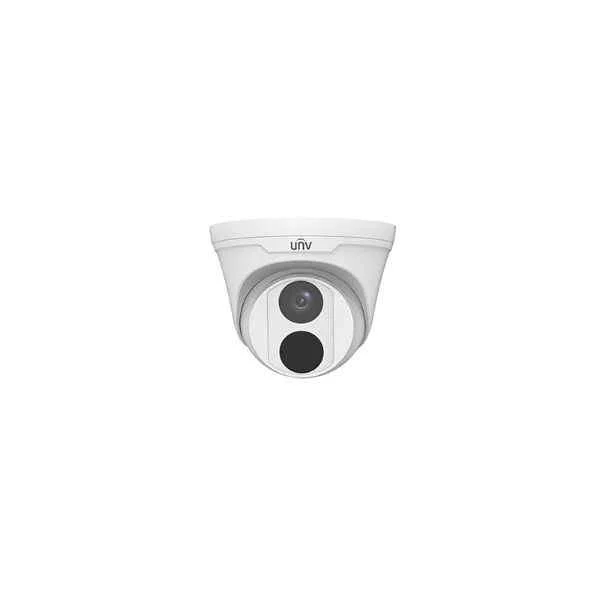
IPC3614LR3-PF40-D (4MP Fixed Dome Network Camera)
5 (5)- IP Camera
- Uniview
- Bullet
- Wall / Ceiling
- Black
- Indoor Surveillance / Outdoor Monitoring / Office / Retail / Government / Critical Infrastructure
- 4MP
Est Value In stock
First-Time Buyer Discount – Get up to 2% additional off on your first order
ORM Rewards Earn $50 in Rewards + Free Expedited Delivery – Join Now!
Use eCoupon ORMSAVE10
eCoupon limited to 5 units
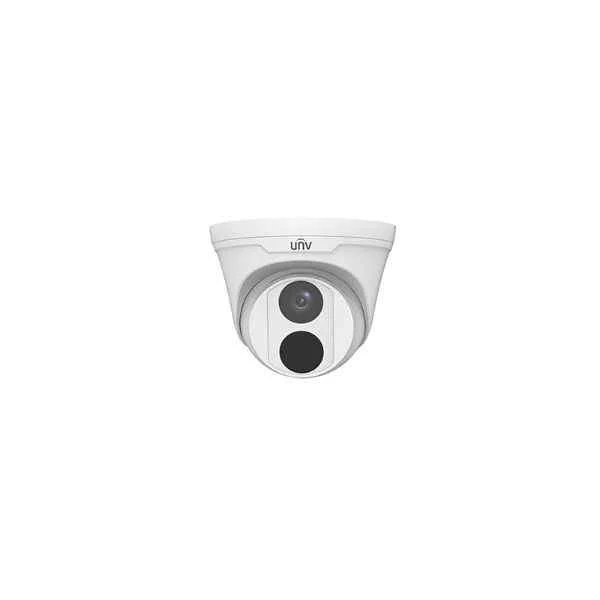
IPC3612LR3-PF40-D (2MP Fixed Dome Network Camera)
5 (5)- IP Camera
- Uniview
- Dome
- Ceiling
- White
- Indoor Surveillance / Outdoor Monitoring
- 12MP
Est Value In stockFirst-Time Buyer Discount – Get up to 2% additional off on your first order
ORM Rewards Earn $50 in Rewards + Free Expedited Delivery – Join Now!
Use eCoupon ORMSAVE10
eCoupon limited to 5 units
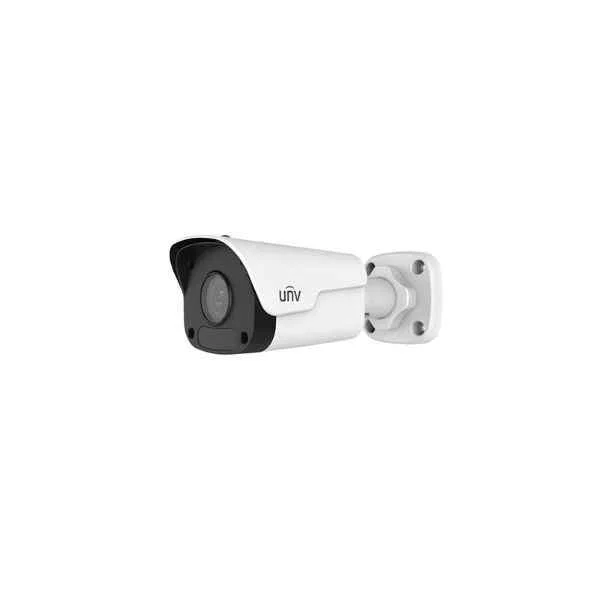
IPC2124LR3-PF60M-D (4MP Mini Fixed Bullet Network Camera)
4.4 (5)- IP Camera
- Uniview
- Dome
- Ceiling / Wall
- Black
- Indoor Surveillance / Office / Retail
- 4MP
Est Value In stockFirst-Time Buyer Discount – Get up to 2% additional off on your first order
ORM Rewards Earn $50 in Rewards + Free Expedited Delivery – Join Now!
Use eCoupon ORMSAVE10
eCoupon limited to 5 units

ORM Sales Advisors
Buying for your business? Get a personalised quote in under 2 hours. Talk to an expert
LEARNFilters (3) 
Questions & Answers
What image resolutions do Uniview 2MP and 4MP Fixed Dome cameras support?
The Uniview 2MP model delivers 1920 x 1080 pixels, while the 4MP model delivers 2560 x 1440 pixels, ensuring crisp, detailed video for surveillance.
Does the Uniview Fixed Dome camera support Power over Ethernet (PoE)?
Yes, it supports IEEE 802.3af PoE, enabling data and power transmission over a single Ethernet cable for simplified installation.
What weatherproof and vandal-resistant ratings does the Uniview Fixed Dome have?
It features an IP67-rated waterproof housing and IK10-rated vandal resistance, delivering reliable performance in harsh outdoor conditions.
Does the Uniview 2/4MP Fixed Dome offer infrared night vision?
Yes, it includes built-in IR LEDs with up to 30 meters of night vision range, providing clear monochromatic images in total darkness.
What lens and field-of-view options are available?
Available lens options include 2.8 mm, 3.6 mm, and 6 mm fixed focal lengths, offering horizontal FOVs from 52° to 106° to suit various scenes.
Does the Uniview Fixed Dome support Wide Dynamic Range (WDR)?
Yes, it features 120 dB True WDR, balancing exposure in scenes with strong backlight to ensure clear details in both bright and dark areas.
Which video compression formats are supported?
It supports H.265, H.264, and MJPEG codecs, optimizing video quality and storage efficiency while minimizing network bandwidth usage.
Can I configure motion detection and smart analytics on this camera?
Yes, it offers configurable motion detection, intrusion detection, line crossing, and region entry/exit analytics for event-driven recording.
What is the operating temperature range?
The camera operates reliably from –30 °C to 60 °C (–22 °F to 140 °F), ensuring stable performance in extreme temperature conditions.
How can I view live video remotely?
Access live and recorded video via the Uniview EZView mobile app or EZStation client on iOS, Android, Windows, and Mac platforms.
Which network protocols does the camera support?
It supports TCP/IP, HTTP, RTSP, ONVIF Profile S, DHCP, DNS, NTP, and SMTP, ensuring broad compatibility with NVRs and VMS systems.
What is the power consumption of the Uniview Fixed Dome camera?
Typical power consumption is 5.5 W and up to 7 W when IR LEDs are active; PoE simplifies power delivery without additional adapters.
Is the Uniview Fixed Dome compatible with third-party NVRs?
Yes, it is ONVIF Profile S compliant and interoperable with most third-party NVRs and video management software supporting standard IP cameras.
How do I mount the Uniview 2/4MP Fixed Dome camera?
It supports ceiling, wall, and junction box mounting with included hardware and optional accessories for both indoor and outdoor installations.
What is the warranty period for Uniview Fixed Dome cameras?
Uniview offers a standard three-year limited warranty covering manufacturing defects to ensure dependable long-term operation.
How do I update the firmware on the Uniview Fixed Dome camera?
Download the latest firmware from Uniview’s official website, log in to the camera’s web interface under Maintenance > Upgrade, and upload the firmware file.