 United States
IP Cameras Uniview Excellence
Enhance your surveillance infrastructure with Uniview IP Cameras, engineered for maximum clarity, comprehensive coverage, and superior performance. Achieve heightened security through innovative, seamless integration.
Talk to an expert
Uniview 2/4Mp Fixed Bullet
(1)Uniview 2MP and 4MP fixed bullet cameras cover warehouse doors with IP67 housings, PoE Ethernet, and fixed outdoor sightlines
Uniview 2/4Mp Fixed Dome
(3)Uniview 2MP and 4MP fixed dome cameras suit corridor ceilings with IK10 vandal resistance, H.265 compression, and PoE installation
Uniview 5Mp Network Camera
(5)Uniview 5MP network cameras capture stockroom aisles with 5-megapixel detail, ONVIF compatibility, and RJ45 Ethernet connectivity for PoE NVRs
Uniview 2/4Mp Ir Bullet
(9)Uniview 2MP and 4MP infrared bullet cameras monitor perimeter gates with IR night vision, IP67 sealing, and PoE links
Uniview 2/4Mp Ir Dome
(20)Uniview 2MP and 4MP infrared dome cameras protect reception ceilings with IR LEDs, H.265 streams, and PoE network drops
Uniview 4K Ptz Dome
(3)Uniview 4K PTZ dome cameras oversee parking lots with 8MP resolution, optical zoom, and ONVIF-controlled pan-tilt-zoom operation from guard desks
Uniview Starlight Ptz Dome
(11)Uniview Starlight PTZ dome cameras watch city intersections with low-light sensors, 25fps streams, and ONVIF pan-tilt-zoom control for traffic centers
Uniview 4K Series (Bullet & Dome)
(4)Uniview 4K bullet and dome cameras serve distribution centers with 8MP imaging, H.265 compression, and PoE Ethernet runs
Uniview Easy L Series
(6)Uniview Easy L series cameras fit sub-50 user remote sites with PoE setup, H.265 recording, and ONVIF interoperability
Uniview 2Mp Ptz Dome
(3)Uniview 2MP PTZ dome cameras cover school courtyards with 1080p video, optical zoom, and Ethernet-based pan-tilt-zoom control for security teams
Uniview Starview Series
(15)Uniview StarView series cameras handle dim loading docks with starlight imaging, H.265 encoding, and ONVIF NVR integration over PoE
Uniview 4K Series
(4)Uniview 4K series cameras secure casino floors with 8MP detail, H.265 streams, and PoE network connectivity to surveillance rooms
Uniview 4K Box Camera
(1)Uniview 4K box cameras support licensed plate lanes with C/CS lens mounts, 8MP capture, and RJ45 Ethernet output
Uniview Starlight Series (Bullet & Dome)
(6)Uniview Starlight bullet and dome cameras watch hospital entrances with low-light sensors, H.265 video, and PoE cabling for NVR capture
Uniview Starlight Box Camera
(1)Uniview Starlight box cameras cover toll booths with interchangeable lenses, low-light imaging, and ONVIF-compatible IP video streams over Ethernet
Uniview 2Mp Box Camera
(1)Uniview 2MP box cameras fit ATM vestibules with 1080p sensors, C/CS lens support, and wired Ethernet video to recorders
93 Matching results
- BEST SELLING
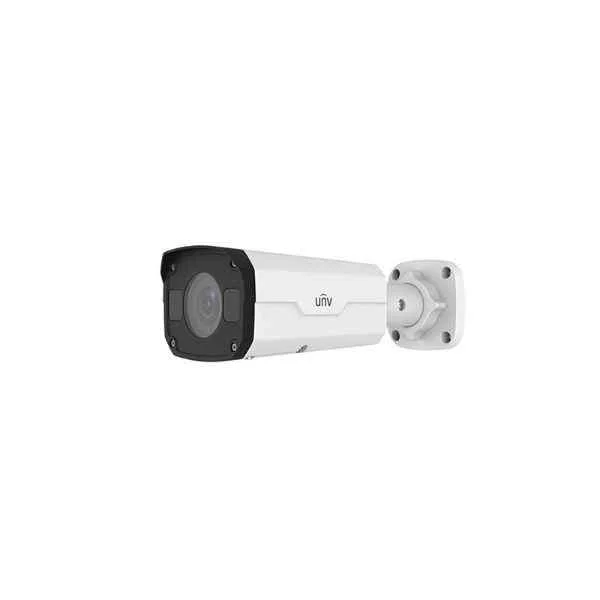
IPC2322LBR3-SPZ28-D (2MP VF Network IR Bullet Camera)
5 (5)- IP Camera
- Uniview
- Bullet
- Wall / Ceiling
- Black
- Indoor Surveillance / Outdoor Monitoring / Office / Retail / Industrial / Traffic / Perimeter Security
- 2MP
Est Value In stock
First-Time Buyer Discount – Get up to 2% additional off on your first order
ORM Rewards Earn $50 in Rewards + Free Expedited Delivery – Join Now!
Use eCoupon ORMSAVE10
eCoupon limited to 5 units
- BEST SELLING
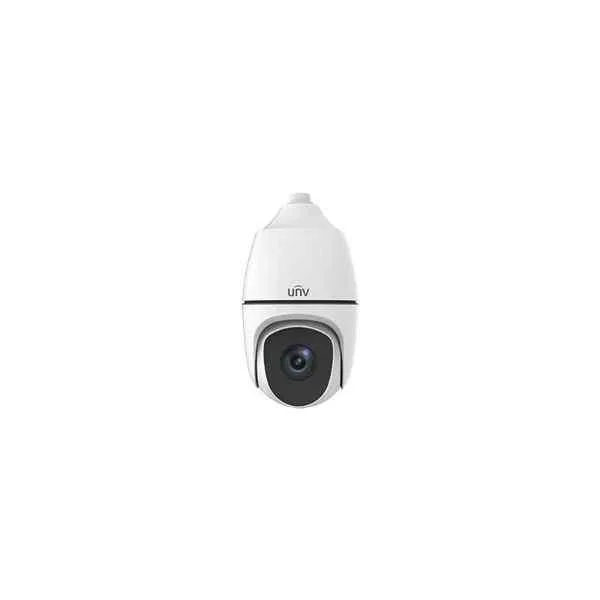
IPC6858SR-X38UP-VC (4K Ultra-HD Network IR PTZ Dome Camera)
4.8 (5)- IP Camera
- Uniview
- Bullet
- Wall
- Black
- Office / Retail
- 4K
Est Value In stockFirst-Time Buyer Discount – Get up to 2% additional off on your first order
ORM Rewards Earn $50 in Rewards + Free Expedited Delivery – Join Now!
Use eCoupon ORMSAVE10
eCoupon limited to 5 units
- BEST SELLING
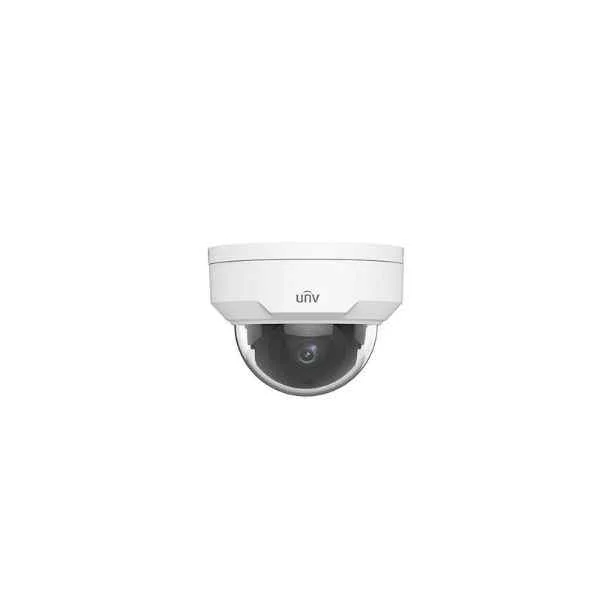
IPC324LR3-VSPF28-D (1/3" CMOS, ICR, 2592x1520:20fps, Ultra 265/H.264/MJPEG, Triple stream, DC12V & PoE,Fixed lens (2.8mm,4mm), IR range: up to 30m, 2-Axis)
4.8 (5)- IP Camera
- Uniview
- Dome
- Ceiling
- Black
- Office
- 4MP
Est Value In stockFirst-Time Buyer Discount – Get up to 2% additional off on your first order
ORM Rewards Earn $50 in Rewards + Free Expedited Delivery – Join Now!
Use eCoupon ORMSAVE10
eCoupon limited to 5 units
- BEST SELLING
IPC6252SR-X33U (Starlight, 120dBWDR, HLC IP66, 33X optical zoom, Smart functions , EIS)
5 (5)- IP Camera
- Uniview
- Dome
- Ceiling
- Black
- Indoor Surveillance / Outdoor Monitoring / Office / Retail / Industrial / Traffic / Perimeter Security
- 6MP
Est Value In stockFirst-Time Buyer Discount – Get up to 2% additional off on your first order
ORM Rewards Earn $50 in Rewards + Free Expedited Delivery – Join Now!
Use eCoupon ORMSAVE10
eCoupon limited to 5 units
- BEST SELLING
IPC2122LR3-PF40M-D (1/2.7" CMOS, ICR, 1920x1080:30fps, Ultra 265/H.264/MJPEG, Triple stream, DC12V & PoE, Fixed lens (4mm,6mm), IR range: up to 30m)
4.6 (5)- IP Camera
- Uniview
- Dome
- Ceiling
- Black
- Office / Retail / Critical Infrastructure
- 4MP
Est Value In stockFirst-Time Buyer Discount – Get up to 2% additional off on your first order
ORM Rewards Earn $50 in Rewards + Free Expedited Delivery – Join Now!
Use eCoupon ORMSAVE10
eCoupon limited to 5 units
- BEST SELLING
IPC2125SR3-ADUPF40 (120dB WDR, IP67, Mic, Starlight, HLC, Smart functions)
4.4 (5)- IP Camera
- Uniview
- Bullet
- Wall
- Black
- Indoor Surveillance
- 4K
Est Value In stockFirst-Time Buyer Discount – Get up to 2% additional off on your first order
ORM Rewards Earn $50 in Rewards + Free Expedited Delivery – Join Now!
Use eCoupon ORMSAVE10
eCoupon limited to 5 units
- BEST SELLING
IPC2324EBR-DPZ28 (120dB WDR, IP67, HLC Smart functions)
4.6 (5)- IP Camera
- Uniview
- Dome
- Ceiling
- Black
- Office / Retail / Perimeter Security
- 2MP
Est Value In stockFirst-Time Buyer Discount – Get up to 2% additional off on your first order
ORM Rewards Earn $50 in Rewards + Free Expedited Delivery – Join Now!
Use eCoupon ORMSAVE10
eCoupon limited to 5 units
- BEST SELLING
IPC6258SR-X22P (12MP, IP66, HLC, 22X optical zoom, -40-70??, 200m IR,Smart functions , EIS)
4.6 (5)- IP Camera
- Uniview
- Dome
- Ceiling
- Black
- Indoor Surveillance
- 12MP
Est Value In stockFirst-Time Buyer Discount – Get up to 2% additional off on your first order
ORM Rewards Earn $50 in Rewards + Free Expedited Delivery – Join Now!
Use eCoupon ORMSAVE10
eCoupon limited to 5 units
- BEST SELLING
IPC6252SL-X33UP (Starlight, Laser, HLC, 120dBWDR, IP66, 33X optical zoom, Smart functions, EIS)
4.4 (5)- IP Camera
- Uniview
- Dome
- Ceiling
- Black
- Indoor Surveillance / Office
- 4K
Est Value In stockFirst-Time Buyer Discount – Get up to 2% additional off on your first order
ORM Rewards Earn $50 in Rewards + Free Expedited Delivery – Join Now!
Use eCoupon ORMSAVE10
eCoupon limited to 5 units
- BEST SELLING
IPC6252SFW-X22U (White&IR Light, Starlight, 120dBWDR, HLC, IP66, 22X optical zoom, Smart functions, EIS)
4.4 (5)- IP Camera
- Uniview
- Turret
- Ceiling
- Black
- Indoor Surveillance / Outdoor Monitoring / Office / Retail
- 12MP
Est Value In stockFirst-Time Buyer Discount – Get up to 2% additional off on your first order
ORM Rewards Earn $50 in Rewards + Free Expedited Delivery – Join Now!
Use eCoupon ORMSAVE10
eCoupon limited to 5 units
- BEST SELLING
IPC6852SR-X44U (Starlight, 120dBWDR, HLC, IP66, 44X optical zoom, Smart functions , EIS)
4.6 (5)- IP Camera
- Uniview
- Dome
- Ceiling
- Black
- Indoor Surveillance / Outdoor Monitoring / Office / Retail / Industrial / Traffic / Perimeter Security
- 4K
Est Value In stockFirst-Time Buyer Discount – Get up to 2% additional off on your first order
ORM Rewards Earn $50 in Rewards + Free Expedited Delivery – Join Now!
Use eCoupon ORMSAVE10
eCoupon limited to 5 units
- BEST SELLING
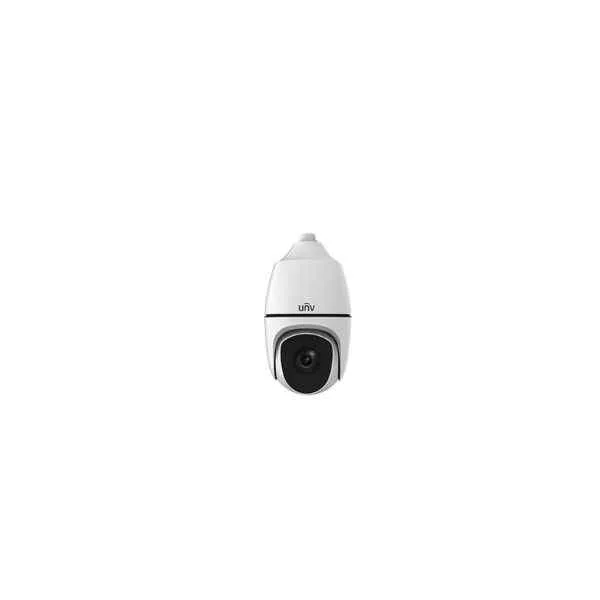
IPC6852SR-X38UG (Starlight, 120dBWDR, HLC, IP66, 38X optical zoom, Smart functions , EIS)
4.2 (5)- IP Camera
- Uniview
- Dome
- Ceiling
- Black
- Indoor Surveillance / Outdoor Monitoring / Office / Retail / Industrial / Traffic / Perimeter Security
- 12MP
Est Value In stockFirst-Time Buyer Discount – Get up to 2% additional off on your first order
ORM Rewards Earn $50 in Rewards + Free Expedited Delivery – Join Now!
Use eCoupon ORMSAVE10
eCoupon limited to 5 units
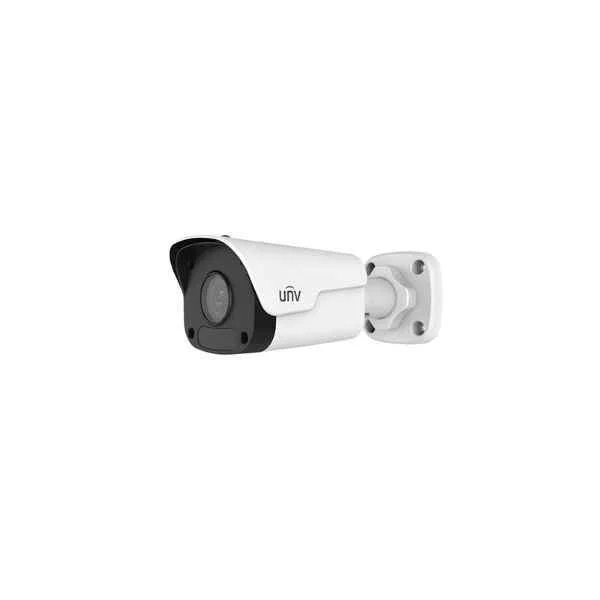
IPC2122LR3-PF60M-D (2MP Mini Fixed Bullet Network Camera)
4.6 (5)- IP Camera
- Uniview
- Dome
- Ceiling
- White
- Indoor Surveillance / Office / Retail / Critical Infrastructure
- 2MP
Est Value In stockFirst-Time Buyer Discount – Get up to 2% additional off on your first order
ORM Rewards Earn $50 in Rewards + Free Expedited Delivery – Join Now!
Use eCoupon ORMSAVE10
eCoupon limited to 5 units
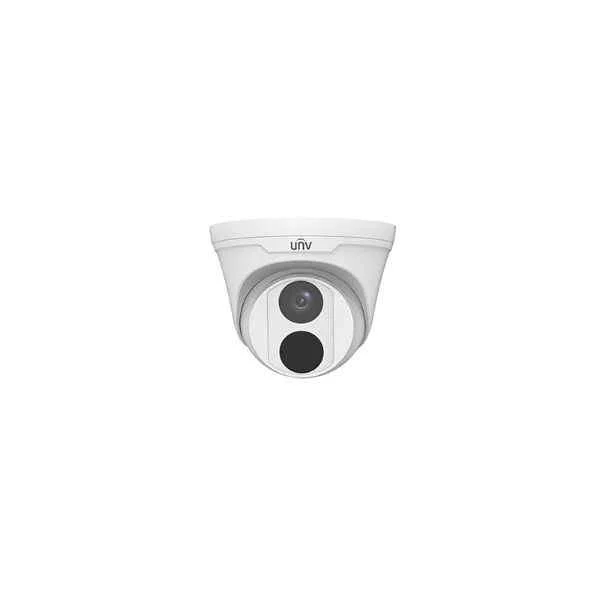
IPC3614LR3-PF40-D (4MP Fixed Dome Network Camera)
5 (5)- IP Camera
- Uniview
- Bullet
- Wall / Ceiling
- Black
- Indoor Surveillance / Outdoor Monitoring / Office / Retail / Government / Critical Infrastructure
- 4MP
Est Value In stockFirst-Time Buyer Discount – Get up to 2% additional off on your first order
ORM Rewards Earn $50 in Rewards + Free Expedited Delivery – Join Now!
Use eCoupon ORMSAVE10
eCoupon limited to 5 units
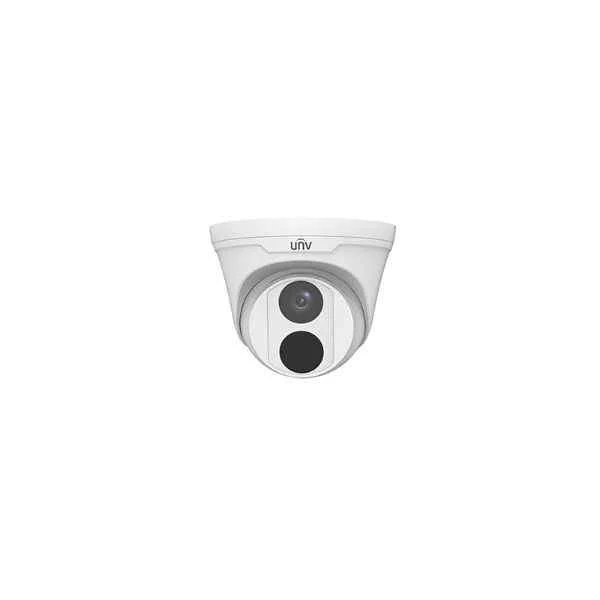
IPC3612LR3-PF40-D (2MP Fixed Dome Network Camera)
5 (5)- IP Camera
- Uniview
- Dome
- Ceiling
- White
- Indoor Surveillance / Outdoor Monitoring
- 12MP
Est Value In stockFirst-Time Buyer Discount – Get up to 2% additional off on your first order
ORM Rewards Earn $50 in Rewards + Free Expedited Delivery – Join Now!
Use eCoupon ORMSAVE10
eCoupon limited to 5 units
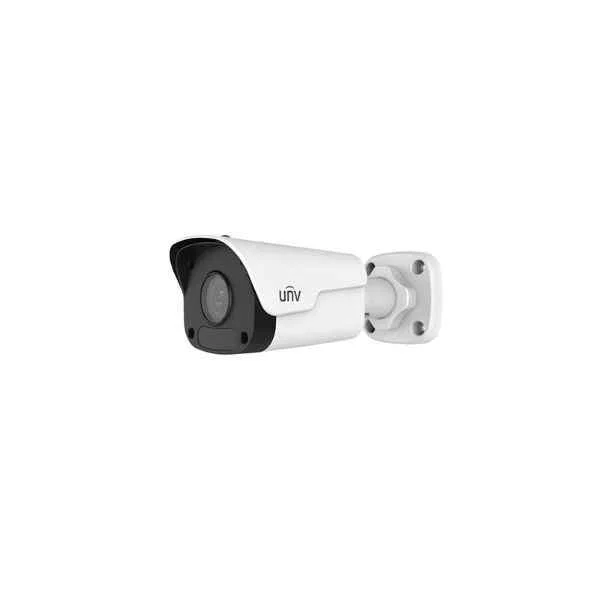
IPC2124LR3-PF60M-D (4MP Mini Fixed Bullet Network Camera)
4.4 (5)- IP Camera
- Uniview
- Dome
- Ceiling / Wall
- Black
- Indoor Surveillance / Office / Retail
- 4MP
Est Value In stockFirst-Time Buyer Discount – Get up to 2% additional off on your first order
ORM Rewards Earn $50 in Rewards + Free Expedited Delivery – Join Now!
Use eCoupon ORMSAVE10
eCoupon limited to 5 units
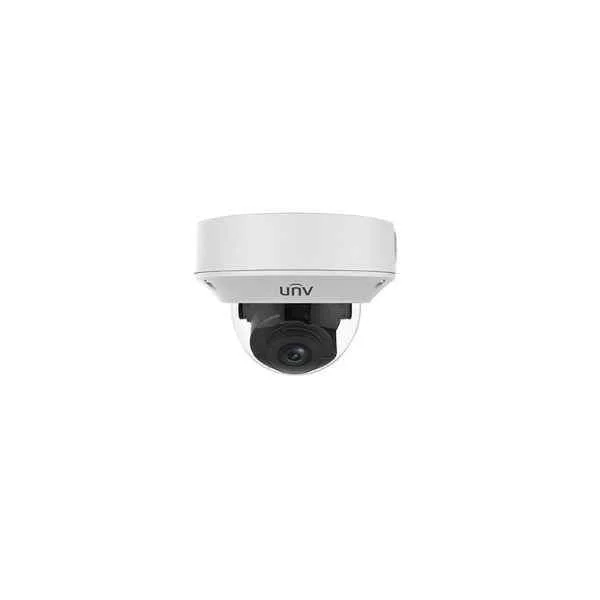
IPC3235LR3-VSP-D (5MP VF Vandal-resistant IR Dome Network Camera)
5 (5)- IP Camera
- Uniview
- Dome
- Ceiling
- Black
- Indoor Surveillance / Outdoor Monitoring / Office / Retail / Government
- 4K
Est Value In stockFirst-Time Buyer Discount – Get up to 2% additional off on your first order
ORM Rewards Earn $50 in Rewards + Free Expedited Delivery – Join Now!
Use eCoupon ORMSAVE10
eCoupon limited to 5 units
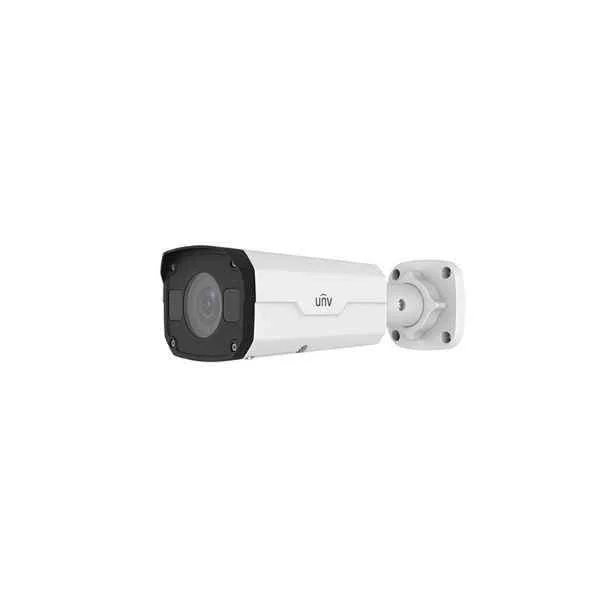
IPC2125LR3-PF60M-D (5MP Mini Fixed Bullet Network Camera)
4.8 (5)- IP Camera
- Uniview
- Dome
- Ceiling
- Black
- Indoor Surveillance / Outdoor Monitoring / Office / Retail / Industrial / Traffic / Perimeter Security
- 4MP
Est Value In stockFirst-Time Buyer Discount – Get up to 2% additional off on your first order
ORM Rewards Earn $50 in Rewards + Free Expedited Delivery – Join Now!
Use eCoupon ORMSAVE10
eCoupon limited to 5 units
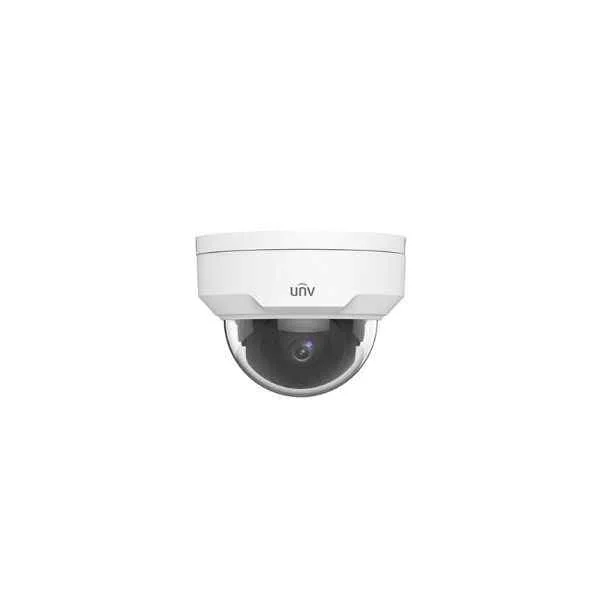
IPC325LR3-VSPF28-D (5MP Vandal-resistant Network IR Fixed Dome Camera)
4.6 (5)- IP Camera
- Uniview
- Dome
- Ceiling
- Black
- Indoor Surveillance / Office / Retail
- 3MP
Est Value In stockFirst-Time Buyer Discount – Get up to 2% additional off on your first order
ORM Rewards Earn $50 in Rewards + Free Expedited Delivery – Join Now!
Use eCoupon ORMSAVE10
eCoupon limited to 5 units
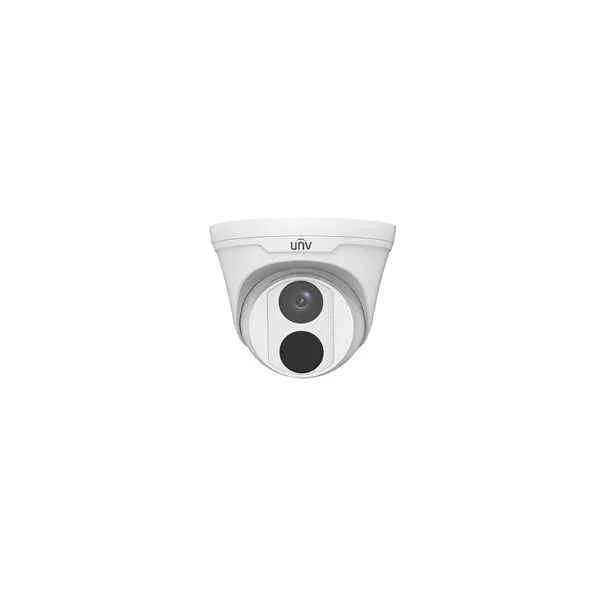
IPC3615LR3-PF28-D (5MP Fixed Dome Network Camera)
4.8 (5)- IP Camera
- Uniview
- Dome
- Ceiling
- Black
- Indoor Surveillance / Office / Retail
- 4MP
Est Value In stockFirst-Time Buyer Discount – Get up to 2% additional off on your first order
ORM Rewards Earn $50 in Rewards + Free Expedited Delivery – Join Now!
Use eCoupon ORMSAVE10
eCoupon limited to 5 units

ORM Sales Advisors
Buying for your business? Get a personalised quote in under 2 hours. Talk to an expert
LEARNFilters (93) 
Questions & Answers
What is a Uniview IP camera?
A Uniview IP camera is a network-connected surveillance device that captures and transmits high-definition video over Ethernet or Wi-Fi for remote monitoring and recording.
How do I perform the initial setup of a Uniview IP camera?
To perform initial setup, power the camera via PoE or 12V DC, assign an IP address using the EasyIP tool or DHCP, and log in to the web interface to configure credentials, video settings, and network parameters.
What video resolutions and frame rates do Uniview IP cameras support?
Uniview IP cameras support resolutions from VGA (640×480) up to 4K UHD (3840×2160) at frame rates up to 30 fps, depending on model and encoding settings.
How do I connect a Uniview IP camera to my network?
Use an RJ-45 Ethernet cable to connect the camera to a PoE switch or injector; if you prefer wireless, configure the onboard Wi-Fi via the web interface or EZView app.
Can I integrate Uniview IP cameras with third-party NVRs?
Yes, Uniview IP cameras are ONVIF Profile S compliant, enabling seamless integration with most third-party NVRs that support ONVIF.
Do Uniview IP cameras support ONVIF standards?
Yes, Uniview IP cameras support ONVIF Profile S for video streaming and Profile G for advanced storage and retrieval functions.
How do I access Uniview IP cameras remotely?
Install the EZView or UNV Mobile app, scan the camera’s UID QR code, and log in with your credentials to view live and recorded footage remotely.
What storage options are available for Uniview IP cameras?
Uniview IP cameras support onboard microSD cards up to 256 GB and network storage via NVR, NAS (NFS/SMB), or FTP servers.
Do Uniview IP cameras feature motion detection?
Yes, Uniview IP cameras include built-in motion detection with customizable regions and sensitivity levels to trigger alerts and recordings.
Are Uniview IP cameras PoE compatible?
Yes, Uniview IP cameras support IEEE 802.3af/at PoE, eliminating the need for separate power cables when connected to a PoE switch or injector.
How can I update the firmware on my Uniview IP camera?
Download the latest firmware from the Uniview support site, then upload it through the camera’s web interface under System > Maintenance > Upgrade.
What should I do if my Uniview IP camera goes offline?
Check power and network connections, verify IP conflicts, reboot the camera, and ensure firmware is up to date; use the EasyIP tool for troubleshooting network issues.
What security features are included in Uniview IP cameras?
Uniview IP cameras offer H.265+ video encryption, HTTPS/SSL secure streaming, user authentication, IP address filtering, and secure boot to protect data and access.
Are Uniview IP cameras suitable for outdoor use?
Many Uniview models feature IP66 or IP67 weatherproof ratings and IK10 vandal resistance, making them ideal for harsh outdoor environments.
What lens types are available for Uniview IP cameras?
Uniview IP cameras are offered with fixed, varifocal, motorized varifocal, and PTZ lenses to accommodate various coverage and zoom requirements.
What advanced imaging features do Uniview IP cameras offer?
Uniview IP cameras include Starlight low-light technology, Smart IR, 120 dB WDR, 3D DNR, face detection, and people counting analytics for enhanced image quality and intelligence.