 United States
Network Cameras Uniview 5Mp
Engineered for unmatched clarity, performance, and secure monitoring, Uniview’s 5Mp Network Camera integrates seamlessly with modern surveillance infrastructure for enhanced security and reliable video capture across diverse environments.
Talk to an expert
5 Matching results
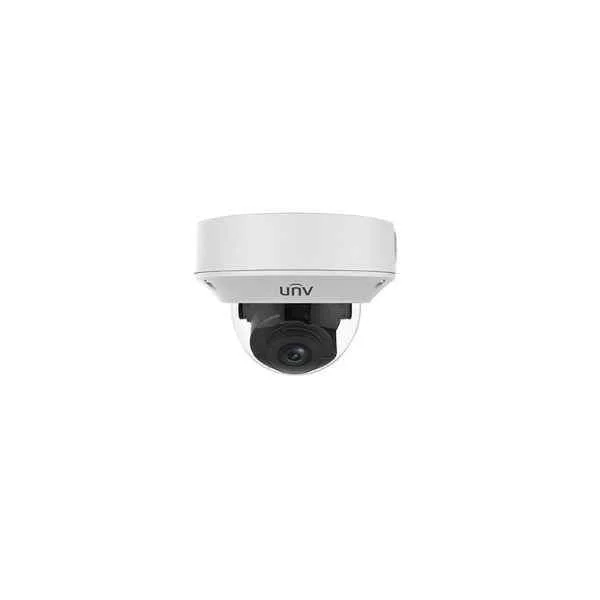
IPC3235LR3-VSP-D (5MP VF Vandal-resistant IR Dome Network Camera)
5 (5)- IP Camera
- Uniview
- Dome
- Ceiling
- Black
- Indoor Surveillance / Outdoor Monitoring / Office / Retail / Government
- 4K
Est Value In stock
First-Time Buyer Discount – Get up to 2% additional off on your first order
ORM Rewards Earn $50 in Rewards + Free Expedited Delivery – Join Now!
Use eCoupon ORMSAVE10
eCoupon limited to 5 units
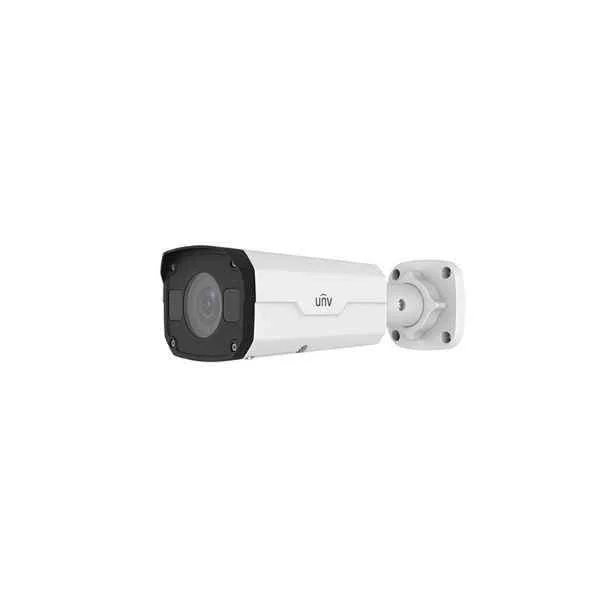
IPC2125LR3-PF60M-D (5MP Mini Fixed Bullet Network Camera)
4.8 (5)- IP Camera
- Uniview
- Dome
- Ceiling
- Black
- Indoor Surveillance / Outdoor Monitoring / Office / Retail / Industrial / Traffic / Perimeter Security
- 4MP
Est Value In stockFirst-Time Buyer Discount – Get up to 2% additional off on your first order
ORM Rewards Earn $50 in Rewards + Free Expedited Delivery – Join Now!
Use eCoupon ORMSAVE10
eCoupon limited to 5 units
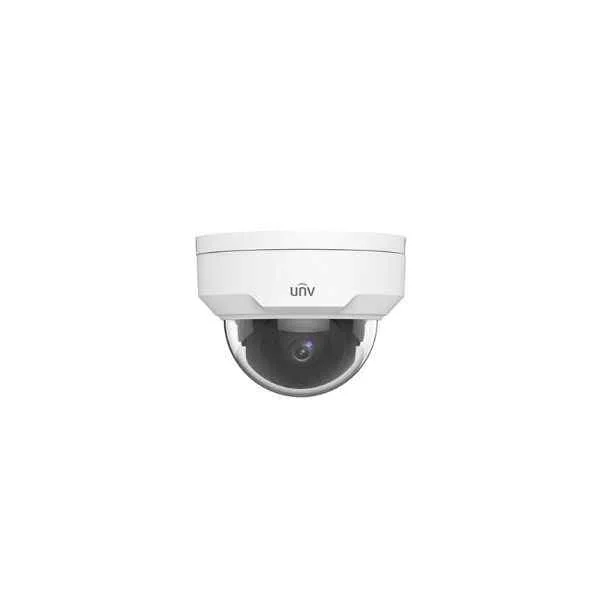
IPC325LR3-VSPF28-D (5MP Vandal-resistant Network IR Fixed Dome Camera)
4.6 (5)- IP Camera
- Uniview
- Dome
- Ceiling
- Black
- Indoor Surveillance / Office / Retail
- 3MP
Est Value In stockFirst-Time Buyer Discount – Get up to 2% additional off on your first order
ORM Rewards Earn $50 in Rewards + Free Expedited Delivery – Join Now!
Use eCoupon ORMSAVE10
eCoupon limited to 5 units
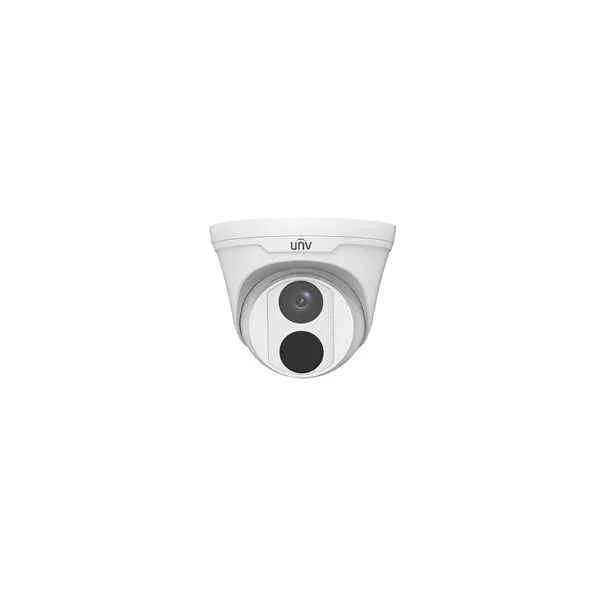
IPC3615LR3-PF28-D (5MP Fixed Dome Network Camera)
4.8 (5)- IP Camera
- Uniview
- Dome
- Ceiling
- Black
- Indoor Surveillance / Office / Retail
- 4MP
Est Value In stockFirst-Time Buyer Discount – Get up to 2% additional off on your first order
ORM Rewards Earn $50 in Rewards + Free Expedited Delivery – Join Now!
Use eCoupon ORMSAVE10
eCoupon limited to 5 units
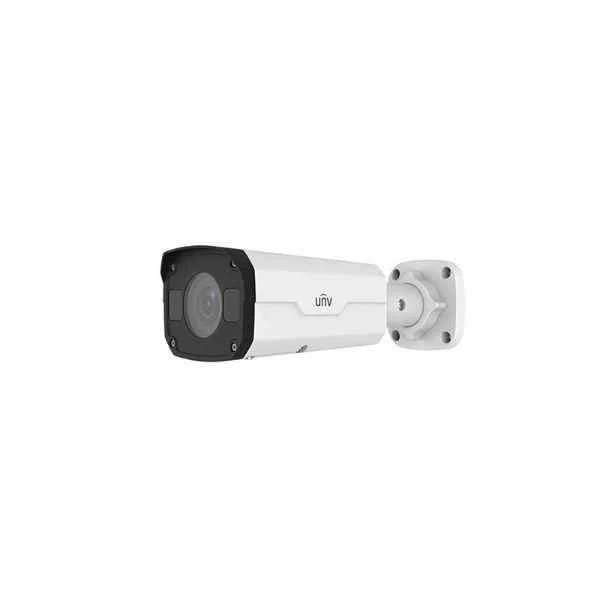
IPC2325LBR3-SP-D (5MP VF Network IR Bullet Camera)
4.8 (5)- IP Camera
- Uniview
- Bullet
- Wall
- Black
- Office / Retail / Perimeter Security
- 2MP
Est Value In stockFirst-Time Buyer Discount – Get up to 2% additional off on your first order
ORM Rewards Earn $50 in Rewards + Free Expedited Delivery – Join Now!
Use eCoupon ORMSAVE10
eCoupon limited to 5 units

ORM Sales Advisors
Buying for your business? Get a personalised quote in under 2 hours. Talk to an expert
LEARNFilters (5) 
Questions & Answers
What is the maximum resolution of the Uniview 5Mp Network Camera?
The Uniview 5Mp Network Camera delivers a 2560 × 1944 resolution at 20 fps, providing ultra-clear detail for critical surveillance applications.
Does the Uniview 5Mp Network Camera support Power over Ethernet (PoE)?
Yes, the camera supports IEEE 802.3af PoE, enabling data and power delivery over a single Ethernet cable for simplified installation.
What is the effective IR illumination range of the Uniview 5Mp Network Camera?
Equipped with built-in IR LEDs, the camera offers up to 30 meters of night-vision coverage, ensuring clear images in total darkness.
Which video compression codecs does the Uniview 5Mp Network Camera use?
The camera supports H.265, H.264, and MJPEG, optimizing bandwidth and storage by up to 50% without compromising image quality.
What is the ingress protection rating for outdoor use?
The Uniview 5Mp Network Camera is rated IP67, providing dust-tight sealing and protection against water immersion up to 1 meter.
How can I configure remote viewing on the Uniview 5Mp Network Camera?
Use Uniview’s EZView app or web client to scan the camera’s QR code, complete P2P setup, and access live or recorded video securely from any device.
What storage options are available for the Uniview 5Mp Network Camera?
It supports up to a 256 GB microSD card, NAS, and Uniview NVRs, offering flexible local or network-based recording.
Does the Uniview 5Mp Network Camera feature motion detection?
Yes, it provides intelligent motion detection with customizable zones and sensitivity settings to reduce false alarms and trigger alerts.
Is the Uniview 5Mp Network Camera compatible with ONVIF?
The camera is ONVIF Profile S compliant, ensuring seamless integration with third-party NVRs and VMS platforms.
What is the horizontal field of view of the Uniview 5Mp Network Camera?
With its fixed 2.8 mm lens, the camera offers a 103° horizontal field of view, ideal for wide-area coverage.
How do I install the Uniview 5Mp Network Camera?
Mount the camera on a stable surface, connect an Ethernet cable for PoE, adjust the angle, and configure via the web client or EZStation software.
Can the Uniview 5Mp Network Camera operate in extreme temperatures?
Yes, it operates reliably from –30 °C to 60 °C, making it suitable for harsh outdoor environments.
Does the Uniview 5Mp Network Camera support two-way audio?
This model includes a built-in microphone but does not support audio output; for two-way audio, select the optional audio-enabled variant.
How does the Uniview 5Mp Network Camera handle low-light conditions?
Featuring a 1/2.7″ CMOS sensor and Smart IR technology, the camera delivers clear, low-noise images in minimal light down to 0.01 lux.
What network protocols are supported by the Uniview 5Mp Network Camera?
It supports TCP/IP, HTTP, RTSP, RTP, UDP, DHCP, NTP, DNS, and HTTPS, ensuring secure and flexible network integration.
What warranty and support options are available for the Uniview 5Mp Network Camera?
Uniview provides a two-year warranty, access to firmware upgrades, and 24/7 technical support for registered users.