 United States
Router Memory & Flash Components
Optimize high-performance 3900 router operations using premium memory and flash components engineered to ensure optimal stability, rapid data processing, and efficient network performance standards.
Talk to an expert
5 Matching results
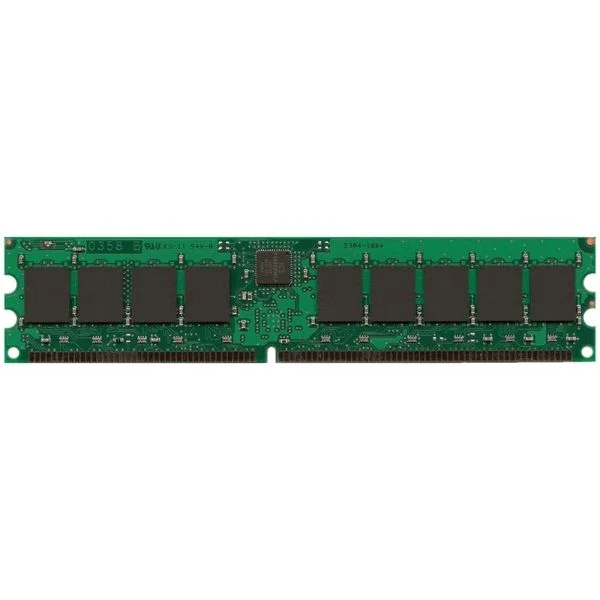
MEM-3900-2GB (2GB DRAM (1 DIMM) for Cisco 3925/3945 ISR, Spare)
4.6 (5)- Computer Memory
- Cisco
- DDR4
- 2 GB
- Desktop / Laptop / Server
- UDIMM
Est Value $805.00
$198.00
75.4% offIn stockNewFirst-Time Buyer Discount – Get up to 2% additional off on your first order
ORM Rewards Earn $50 in Rewards + Free Expedited Delivery – Join Now!
Use eCoupon ORMSAVE10
eCoupon limited to 5 units
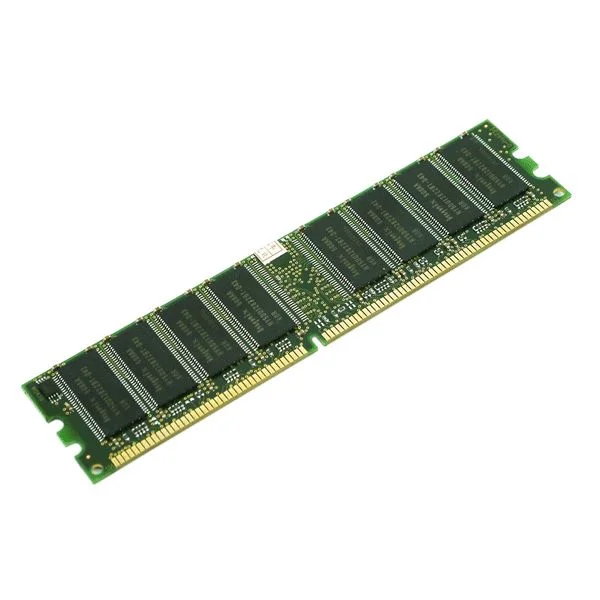
MEM-3900-512MB (512MB DRAM 1 DIMM FOR CISCO 3925/3945 ISR SPARE)
4.6 (5)- Computer Memory
- Cisco
- DDR4
- 512 GB
- Desktop / Laptop / Server
- Workstation
- UDIMM
Est Value $575.00$220.50
61.7% offIn stockNewFirst-Time Buyer Discount – Get up to 2% additional off on your first order
ORM Rewards Earn $50 in Rewards + Free Expedited Delivery – Join Now!
Use eCoupon ORMSAVE10
eCoupon limited to 5 units
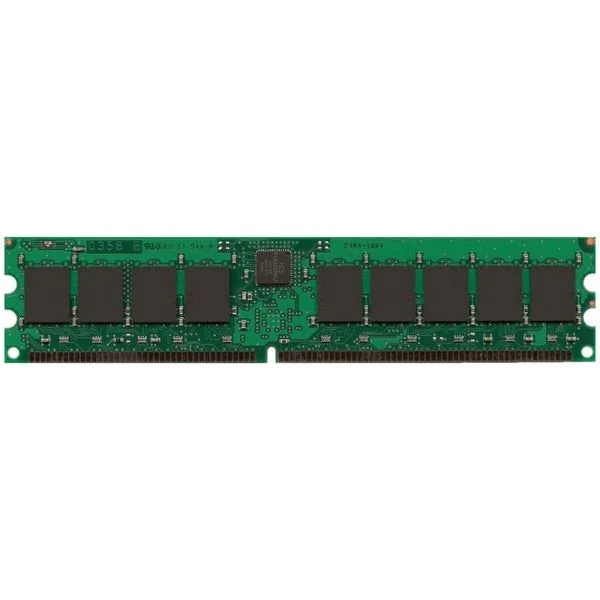
MEM-3900-1GB (1GB DRAM (1 DIMM) for Cisco 3925/3945 ISR, Spare)
4.2 (5)- Computer Memory
- Cisco
- DDR4
- 1 GB
- Desktop
- UDIMM
Est Value $690.00$345.62
49.9% offIn stockNewRefurbishedFirst-Time Buyer Discount – Get up to 2% additional off on your first order
ORM Rewards Earn $50 in Rewards + Free Expedited Delivery – Join Now!
Use eCoupon ORMSAVE10
eCoupon limited to 5 units
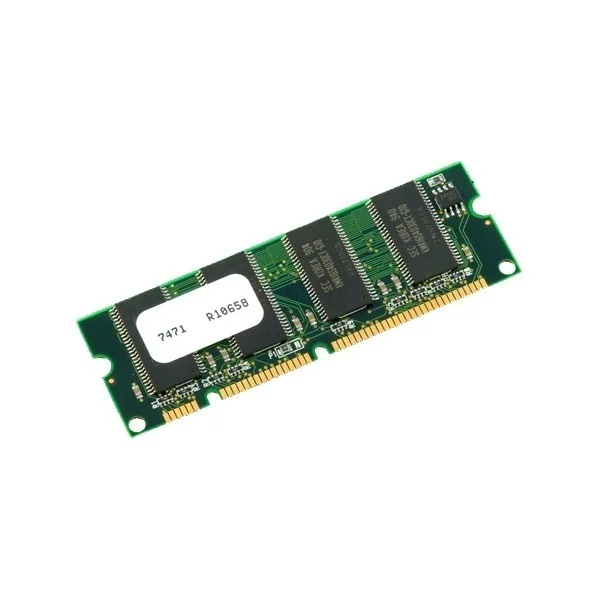
MEM-3900-1GU4GB (UPG 4GB FROM 1GB DRAM 2GB+2GB FOR 3925/3945 ISR)
4.6 (5)- Computer Memory
- Cisco
- DDR4
- 4 GB
- Desktop
- UDIMM
Est Value $1,204.00$520.53
56.8% offIn stockNewRefurbishedFirst-Time Buyer Discount – Get up to 2% additional off on your first order
ORM Rewards Earn $50 in Rewards + Free Expedited Delivery – Join Now!
Use eCoupon ORMSAVE10
eCoupon limited to 5 units
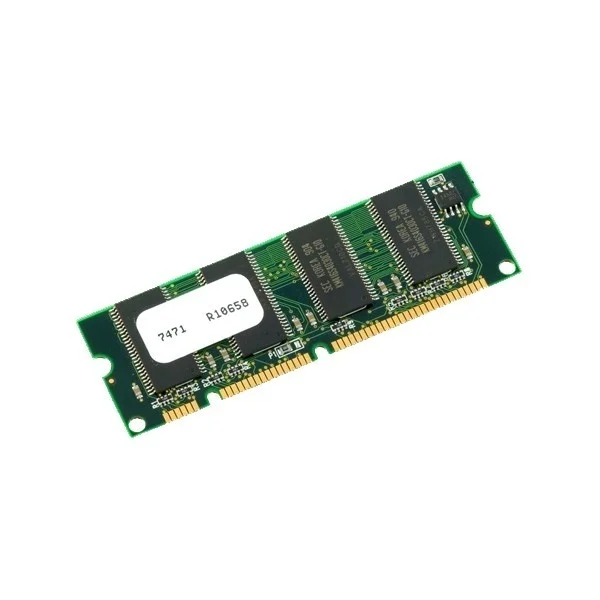
MEM-3900-1GU2GB (1GB to 2GB DRAM Upgrade (1GB+1GB) for Cisco 3925/3945 ISR)
4.6 (5)- Computer Memory
- Cisco
- DDR4
- 4 GB
- Desktop / Laptop / Server
- UDIMM
Est Value $1,062.00$421.18
60.3% offIn stockNewRefurbishedFirst-Time Buyer Discount – Get up to 2% additional off on your first order
ORM Rewards Earn $50 in Rewards + Free Expedited Delivery – Join Now!
Use eCoupon ORMSAVE10
eCoupon limited to 5 units

ORM Sales Advisors
Buying for your business? Get a personalised quote in under 2 hours. Talk to an expert
LEARNFilters (5) 
Questions & Answers
What is the default DRAM and flash memory configuration on a Cisco 3900 Series router?
Cisco 3900 Series routers ship with 512 MB or 1 GB of DRAM and 128 MB or 256 MB of flash memory, depending on the exact model and IOS feature set.
What is the maximum DRAM supported by the Cisco 3900 Series router?
Cisco 3900 routers support up to 4 GB of DRAM when you install compatible DDR2 SODIMM modules in both memory slots.
How can I verify the DRAM and flash memory on my 3900 router?
Use the EXEC command show version or show platform hardware capacity to display installed DRAM and flash memory on a Cisco 3900 Series router.
How do I upgrade DRAM on a Cisco 3900 Series router?
Power down the router, open the top cover, install matching DDR2 SODIMM modules in both memory slots, then reassemble and power up to activate the new DRAM.
How do I upgrade flash memory on a Cisco 3900 Series router?
Power off the router, insert the supported CompactFlash card into the front slot, power on, and verify with show flash: to confirm the new capacity.
What are the recommended memory modules for Cisco 3900 Series routers?
Use Cisco-approved DDR2 PC2-4200 SODIMMs for DRAM and Cisco-branded 256 MB, 512 MB or 1 GB CompactFlash cards for flash to ensure compatibility and stability.
Why is DRAM important for 3900 router performance?
DRAM handles routing tables, process queues, and feature operations; adequate DRAM prevents slow routing updates and supports advanced IOS features.
Why is flash memory critical for Cisco 3900 routers?
Flash stores the IOS image, configuration files, and logs; sufficient flash capacity ensures room for multiple IOS versions and recovery images.
How does insufficient DRAM affect router performance?
Low DRAM can cause IOS feature failures, routing protocol flaps, and system reloads due to memory exhaustion under heavy traffic or feature loads.
How do I troubleshoot memory-related errors on a 3900 Series router?
Check logs with show logging, monitor memory pools via show platform hardware capacity, and run diagnostic tests using diagnostic start module all.
Can I mix different DRAM module sizes on Cisco 3900 routers?
No, both SODIMM slots must contain matched DDR2 modules of the same capacity and speed for proper operation.
How do I clear or reset flash memory on a 3900 router?
Use the erase flash: command in privileged EXEC mode, then reload the router to remove all files and reset flash to factory state.
What memory configuration is required for Cisco IOS feature sets on a 3900 router?
Advanced security or unified communications feature sets typically require at least 2 GB DRAM and 512 MB flash for optimal performance and future upgrades.
How does flash memory impact firmware upgrades on a 3900 Series router?
Ample flash ensures you can store both the running and new IOS images simultaneously, enabling rollback if the upgrade fails.
What best practices should I follow for managing memory on Cisco 3900 routers?
Regularly monitor memory usage, maintain IOS images and backups in flash, use approved modules, and schedule upgrades before reaching capacity thresholds.
How do I back up and restore flash contents on a Cisco 3900 Series router?
Use the copy flash: tftp: command to back up and copy tftp: flash: to restore, ensuring you specify correct file paths and IP addresses.