 United States
Asus Motherboards Innovative Performance Solutions
Discover Asus Motherboards engineered for robust performance and enhanced reliability. Designed to support high-end gaming, professional computing, and seamless connectivity, these motherboards offer state-of-the-art innovation and scalable features.
Talk to an expert
79 Matching results
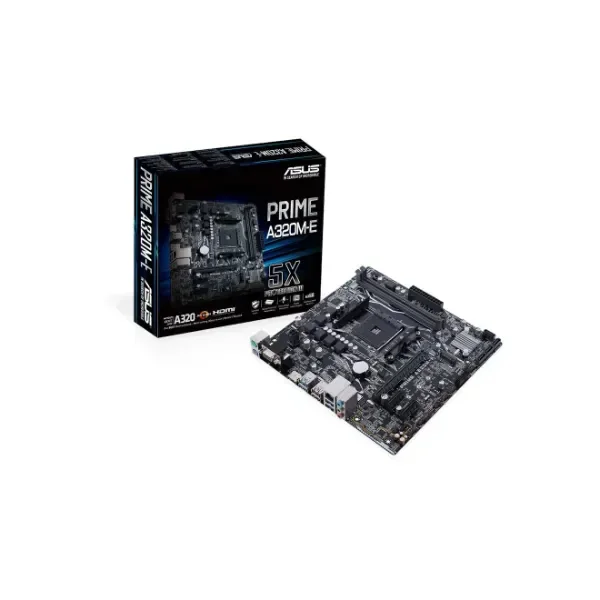
90MB0V10-M0EAY0 (PRIME A320M-E - AMD - Socket AM4 - AMD A - AMD Athlon - AMD Athlon X4 - AMD Ryzen 3 - 2nd Generation AMD Ryzen™ 3 - AMD Ryzen 3 3rd Gen,... - DDR4-SDRAM - DIMM - 2133,2400,2666,2933,3200 MHz)
4.6 (5)- Motherboard
- Asus
- AMD X670
- AM5
- AMD Ryzen 9
- Ryzen 7000 Series
- DDR5
Est Value $203.32
$173.57
14.6% offIn stockRefurbishedFirst-Time Buyer Discount – Get up to 2% additional off on your first order
ORM Rewards Earn $50 in Rewards + Free Expedited Delivery – Join Now!
Use eCoupon ORMSAVE10
eCoupon limited to 5 units
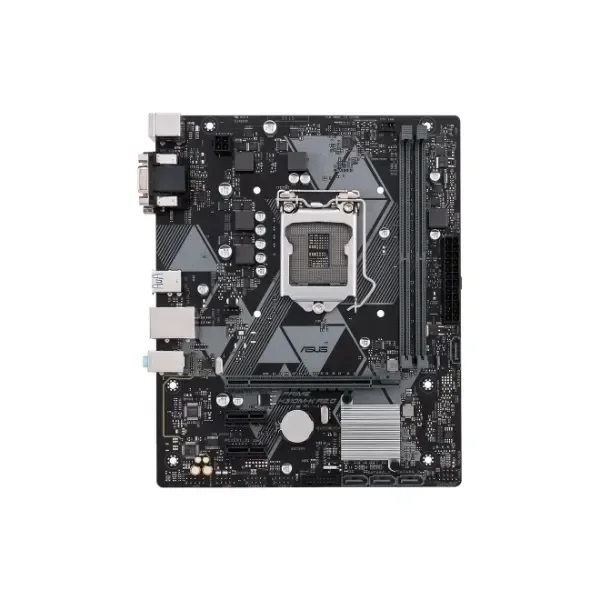
90MB0Z30-M0EAY0 (PRIME H310M-K R2.0 - Intel - LGA 1151 (Socket H4) - Intel® Celeron® - Intel® Core™ i3 - Intel Core i5 - Intel Core i7 - Intel® Pentium® - i3-8xxx,i5-8xxx,i7-8xxx - DDR4-SDRAM - DIMM)
4.6 (5)- Motherboard
- Asus
- AMD B550
- AM4
- AMD Ryzen 9
- Ryzen 5000 Series
- DDR4
Est Value $211.79$180.80
14.6% offIn stockRefurbishedFirst-Time Buyer Discount – Get up to 2% additional off on your first order
ORM Rewards Earn $50 in Rewards + Free Expedited Delivery – Join Now!
Use eCoupon ORMSAVE10
eCoupon limited to 5 units
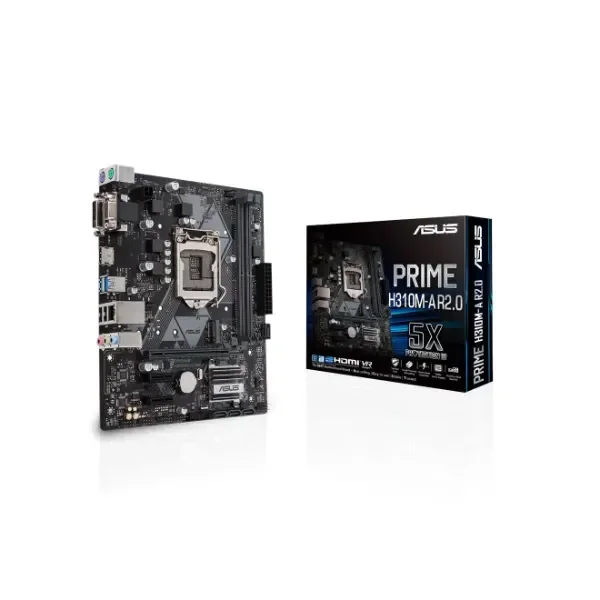
90MB0Z10-M0EAY0 (PRIME H310M-A R2.0 - Intel - LGA 1151 (Socket H4) - Intel® Celeron® - Intel® Core™ i3 - Intel Core i5 - Intel Core i7 - Intel® Pentium® - i3-8xxx,i5-8xxx,i7-8xxx - DDR4-SDRAM - 32 GB)
4.2 (5)- Motherboard
- Asus
- AMD B550
- AM4
- AMD Ryzen 9
- Ryzen 5000 Series
- DDR4
Est Value $241.31$206.00
14.6% offIn stockRefurbishedFirst-Time Buyer Discount – Get up to 2% additional off on your first order
ORM Rewards Earn $50 in Rewards + Free Expedited Delivery – Join Now!
Use eCoupon ORMSAVE10
eCoupon limited to 5 units
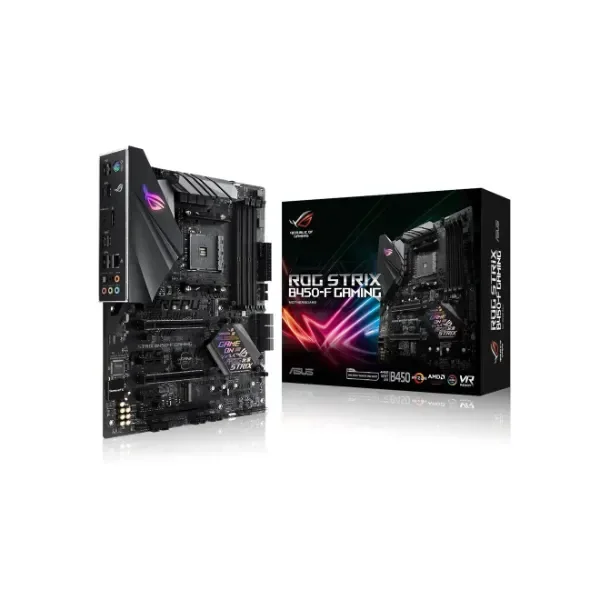
90MB0YS0-M0EAY0 (ROG STRIX B450-F GAMING - AMD - Socket AM4 - AMD Athlon - AMD Ryzen 3 - 2nd Generation AMD Ryzen™ 3 - AMD Ryzen 3 3rd Gen - AMD Ryzen 5 - 2nd... - DDR4-SDRAM - DIMM - 2133,2400,2666,2800,2933,3000,3200 MHz)
4.6 (5)- Motherboard
- Asus
- Intel Z790
- LGA 1700
- Intel Core i7
- 13th Gen Intel
- DDR5
Est Value $284.47$242.84
14.6% offIn stockRefurbishedFirst-Time Buyer Discount – Get up to 2% additional off on your first order
ORM Rewards Earn $50 in Rewards + Free Expedited Delivery – Join Now!
Use eCoupon ORMSAVE10
eCoupon limited to 5 units
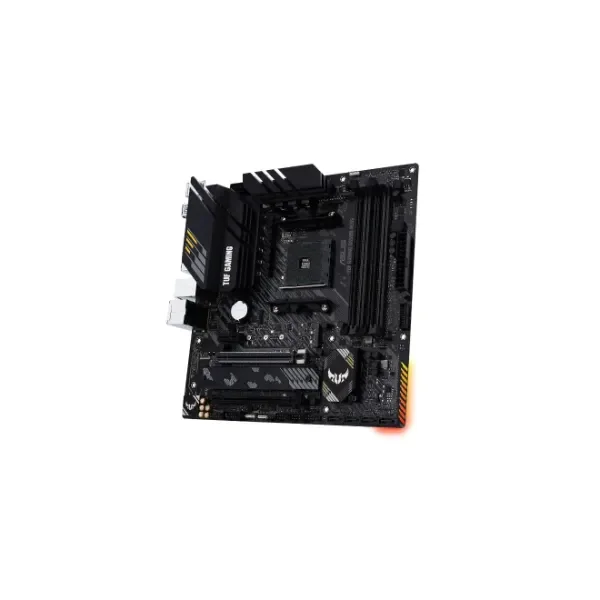
90MB14A0-M0EAY0 (TUF GAMING B550M PLUS - AMD - Socket AM4 - AMD Ryzen 3 3rd Gen - 3rd Generation AMD Ryzen 5 - 3rd Generation AMD Ryzen 7 - 3rd Generation AMD... - DDR4-SDRAM - 128 GB - DIMM)
4.6 (5)- Motherboard
- Asus
- AMD X670
- AM5
- AMD Ryzen 7000 Series
- Ryzen 7000 Series
- DDR5
Est Value $289.09$246.78
14.6% offIn stockRefurbishedFirst-Time Buyer Discount – Get up to 2% additional off on your first order
ORM Rewards Earn $50 in Rewards + Free Expedited Delivery – Join Now!
Use eCoupon ORMSAVE10
eCoupon limited to 5 units
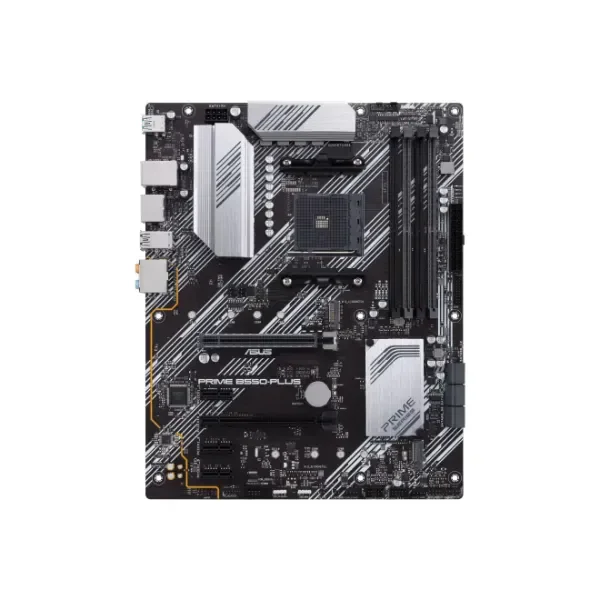
90MB14U0-M0EAY0 (PRIME B550-PLUS - AMD - Socket AM4 - AMD Ryzen 3 3rd Gen - 3rd Generation AMD Ryzen 5 - 3rd Generation AMD Ryzen 7 - 3rd Generation AMD... - DDR4-SDRAM - 128 GB - DIMM)
5 (5)- Motherboard
- Asus
- Intel Z690
- LGA 1700
- Intel Core i9
- 12th Gen Intel
- DDR5
Est Value $302.69$258.39
14.6% offIn stockRefurbishedFirst-Time Buyer Discount – Get up to 2% additional off on your first order
ORM Rewards Earn $50 in Rewards + Free Expedited Delivery – Join Now!
Use eCoupon ORMSAVE10
eCoupon limited to 5 units
90MB14V0-M0EAY0 (PRIME B550M-K - AMD - Socket AM4 - AMD Ryzen 3 3rd Gen - 3rd Generation AMD Ryzen 5 - 3rd Generation AMD Ryzen 7 - 3rd Generation AMD... - DDR4-SDRAM - 128 GB - DIMM)
4.6 (5)- Motherboard
- Asus
- Intel Z790
- LGA 1700
- Intel Core i9
- 12th Gen Intel / 13th Gen Intel / 14th Gen Intel
- DDR5
Est Value $306.10$261.30
14.6% offIn stockRefurbishedFirst-Time Buyer Discount – Get up to 2% additional off on your first order
ORM Rewards Earn $50 in Rewards + Free Expedited Delivery – Join Now!
Use eCoupon ORMSAVE10
eCoupon limited to 5 units
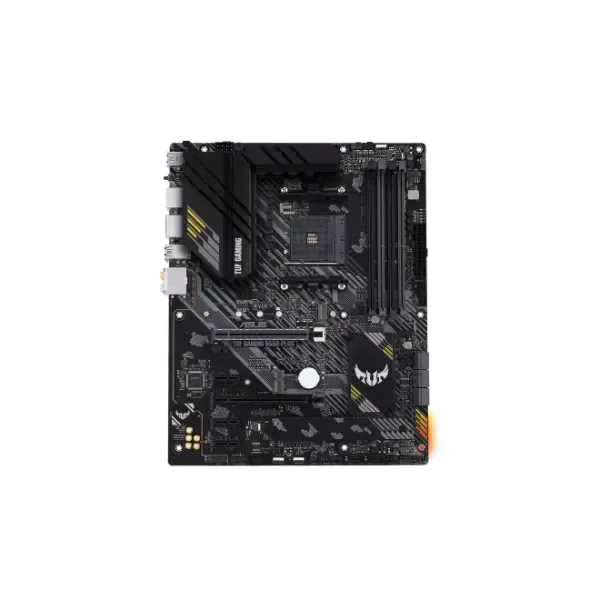
90MB14G0-M0EAY0 (TUF Gaming B550-PLUS - AMD - Socket AM4 - AMD Ryzen 3 3rd Gen - 3rd Generation AMD Ryzen 5 - 3rd Generation AMD Ryzen 7 - 3rd Generation AMD... - Socket AM4 - DDR4-SDRAM - 128 GB)
4.8 (5)- Motherboard
- Asus
- Intel Z790
- LGA 1700
- 14th Gen Intel
- 14th Gen Intel
- DDR5
Est Value $312.65$266.90
14.6% offIn stockRefurbishedFirst-Time Buyer Discount – Get up to 2% additional off on your first order
ORM Rewards Earn $50 in Rewards + Free Expedited Delivery – Join Now!
Use eCoupon ORMSAVE10
eCoupon limited to 5 units
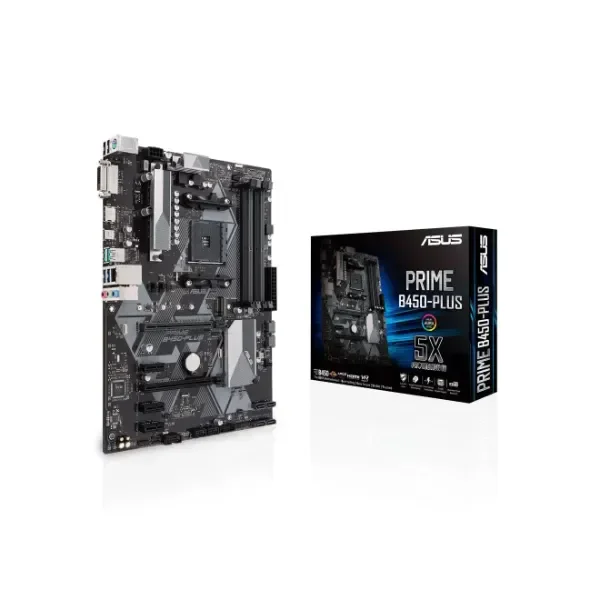
90MB0YN0-M0EAY0 (PRIME B450-PLUS - AMD - Socket AM4 - AMD Athlon - AMD Ryzen 3 - 2nd Generation AMD Ryzen™ 3 - AMD Ryzen 3 3rd Gen - AMD Ryzen 5 - 2nd... - DDR4-SDRAM - DIMM - 2133,2400,2666,2800,3000,3200 MHz)
4.4 (5)- Motherboard
- Asus
- Intel Z790
- LGA 1700
- Intel Core i9
- 13th Gen Intel
- DDR5
Est Value $313.47$267.59
14.6% offIn stockRefurbishedFirst-Time Buyer Discount – Get up to 2% additional off on your first order
ORM Rewards Earn $50 in Rewards + Free Expedited Delivery – Join Now!
Use eCoupon ORMSAVE10
eCoupon limited to 5 units
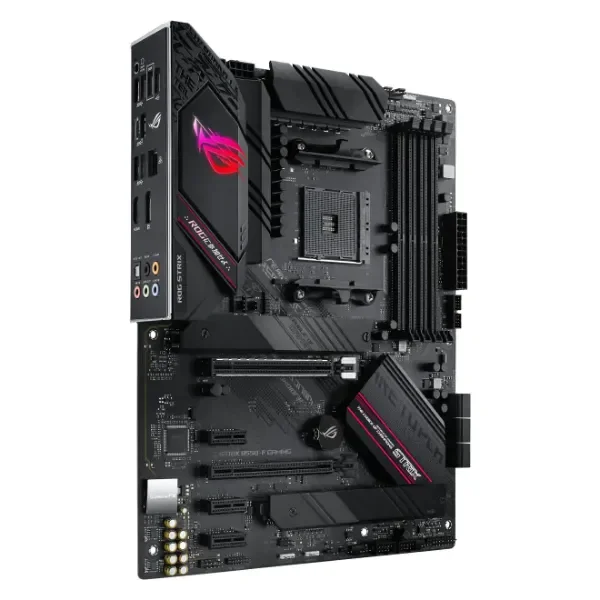
90MB14S0-M0EAY0 (ROG STRIX B550-F GAMING - AMD - Socket AM4 - AMD Ryzen 3 3rd Gen - 3rd Generation AMD Ryzen 5 - 3rd Generation AMD Ryzen 7 - 3rd Generation AMD... - DDR4-SDRAM - 128 GB - DIMM)
4.8 (5)- Motherboard
- Asus
- Intel Z790
- LGA 1700
- Intel Core i9
- 13th Gen Intel
- DDR5
Est Value $357.83$305.47
14.6% offIn stockRefurbishedFirst-Time Buyer Discount – Get up to 2% additional off on your first order
ORM Rewards Earn $50 in Rewards + Free Expedited Delivery – Join Now!
Use eCoupon ORMSAVE10
eCoupon limited to 5 units
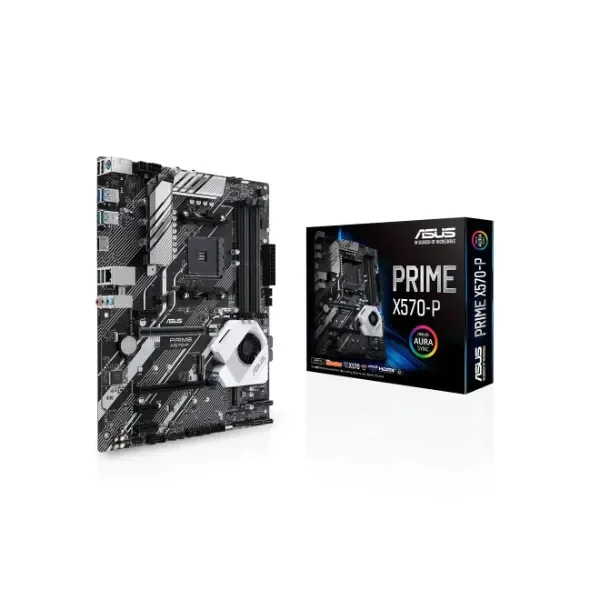
90MB11N0-M0EAY0 (Prime X570-P - AMD - Socket AM4 - 2nd Generation AMD Ryzen™ 3 - AMD Ryzen 3 3rd Gen - 2nd Generation AMD Ryzen™ 5 - 3rd Generation... - DDR4-SDRAM - 128 GB - DIMM)
4.6 (5)- Motherboard
- Asus
- Intel Z790
- LGA 1700
- Intel Core i9
- 13th Gen Intel
- DDR5
Est Value $379.76$324.19
14.6% offIn stockRefurbishedFirst-Time Buyer Discount – Get up to 2% additional off on your first order
ORM Rewards Earn $50 in Rewards + Free Expedited Delivery – Join Now!
Use eCoupon ORMSAVE10
eCoupon limited to 5 units
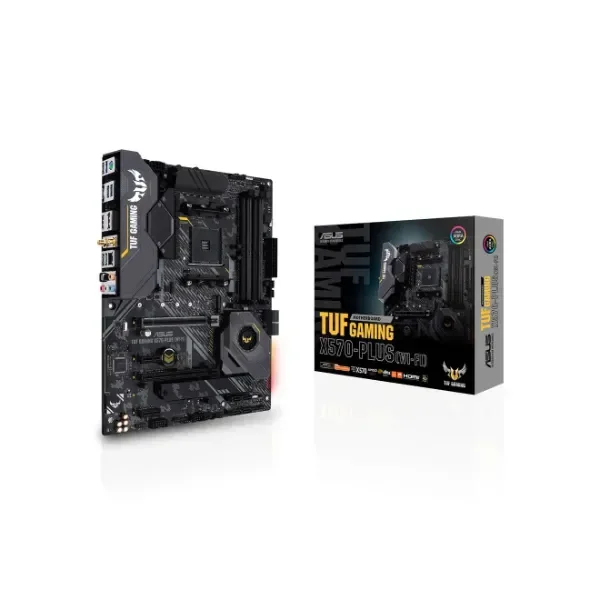
90MB1170-M0EAY0 (TUF Gaming X570-Plus (WI-FI) - AMD - Socket AM4 - 2nd Generation AMD Ryzen™ 3 - AMD Ryzen 3 3rd Gen - 2nd Generation AMD Ryzen™ 5 - 3rd Generation... - DDR4-SDRAM - 128 GB - DIMM)
4.6 (5)- Motherboard
- Asus
- AMD B550
- AM4
- AMD Ryzen 9
- Ryzen 5000 Series
- DDR4
Est Value $394.95$337.16
14.6% offIn stockRefurbishedFirst-Time Buyer Discount – Get up to 2% additional off on your first order
ORM Rewards Earn $50 in Rewards + Free Expedited Delivery – Join Now!
Use eCoupon ORMSAVE10
eCoupon limited to 5 units
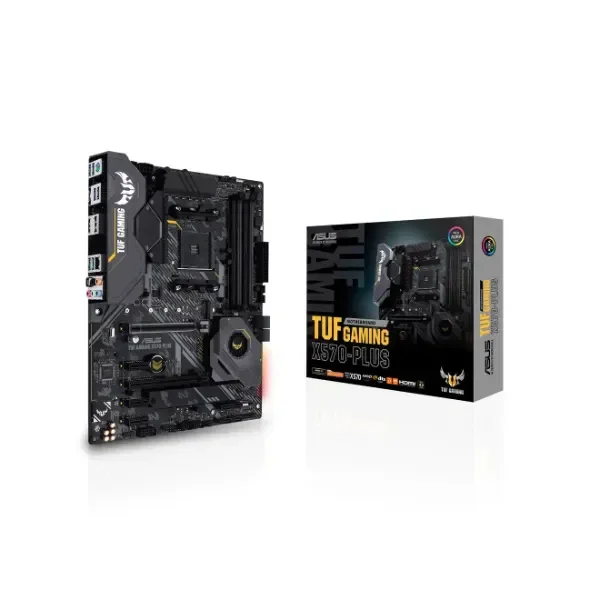
90MB1180-M0EAY0 (TUF Gaming X570-Plus - AMD - Socket AM4 - 2nd Generation AMD Ryzen™ 3 - AMD Ryzen 3 3rd Gen - 2nd Generation AMD Ryzen™ 5 - 3rd Generation... - DDR4-SDRAM - 128 GB - DIMM)
4.4 (5)- Motherboard
- Asus
- AMD B550
- AM4
- AMD Ryzen 9
- Ryzen 5000 Series
- DDR4
Est Value $455.72$389.03
14.6% offIn stockRefurbishedFirst-Time Buyer Discount – Get up to 2% additional off on your first order
ORM Rewards Earn $50 in Rewards + Free Expedited Delivery – Join Now!
Use eCoupon ORMSAVE10
eCoupon limited to 5 units
90MB11B0-M0EAY0 (PRIME X570-PRO - AMD - Socket AM4 - 2nd Generation AMD Ryzen™ 3 - AMD Ryzen 3 3rd Gen - 2nd Generation AMD Ryzen™ 5 - 3rd Generation... - DDR4-SDRAM - 128 GB - DIMM)
4.8 (5)- Motherboard
- Asus
- AMD B550
- AM4
- AMD Ryzen 9
- Ryzen 5000 Series
- DDR4
Est Value $531.67$453.86
14.6% offIn stockRefurbishedFirst-Time Buyer Discount – Get up to 2% additional off on your first order
ORM Rewards Earn $50 in Rewards + Free Expedited Delivery – Join Now!
Use eCoupon ORMSAVE10
eCoupon limited to 5 units

90MB1370-M0EAY0 (ROG MAXIMUS XII FORMULA - Intel - LGA 1200 - Intel® Celeron® - Intel® Pentium® - Intel Pentium G - DDR4-SDRAM - 128 GB - DIMM)
4.4 (5)- Motherboard
- Asus
- Intel C621A
- LGA 3647
- Intel Xeon Scalable
- Intel Xeon Scalable
- DDR4
Est Value $613.46$523.69
14.6% offIn stockRefurbishedFirst-Time Buyer Discount – Get up to 2% additional off on your first order
ORM Rewards Earn $50 in Rewards + Free Expedited Delivery – Join Now!
Use eCoupon ORMSAVE10
eCoupon limited to 5 units
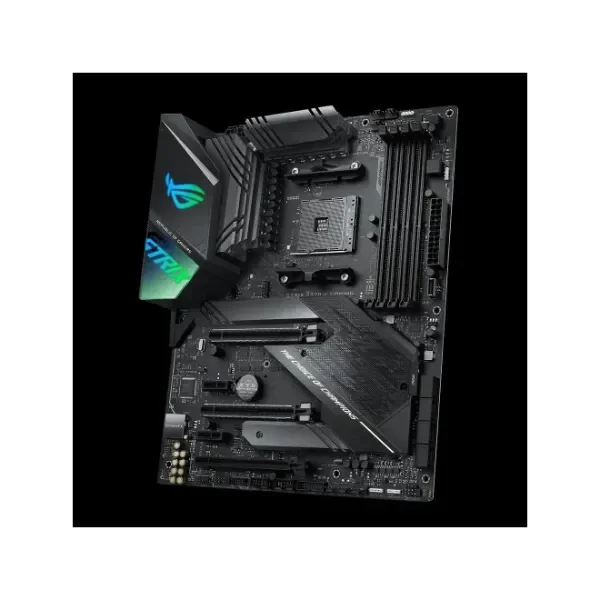
90MB1160-M0EAY0 (ROG Strix X570-F Gaming - AMD - Socket AM4 - 2nd Generation AMD Ryzen™ 3 - AMD Ryzen 3 3rd Gen - 2nd Generation AMD Ryzen™ 5 - 3rd Generation... - DDR4-SDRAM - 128 GB - DIMM)
5 (5)- Motherboard
- Asus
- Intel Z790
- LGA 1700
- Intel Core i7
- 14th Gen Intel
- DDR5
Est Value $673.06$574.56
14.6% offIn stockRefurbishedFirst-Time Buyer Discount – Get up to 2% additional off on your first order
ORM Rewards Earn $50 in Rewards + Free Expedited Delivery – Join Now!
Use eCoupon ORMSAVE10
eCoupon limited to 5 units
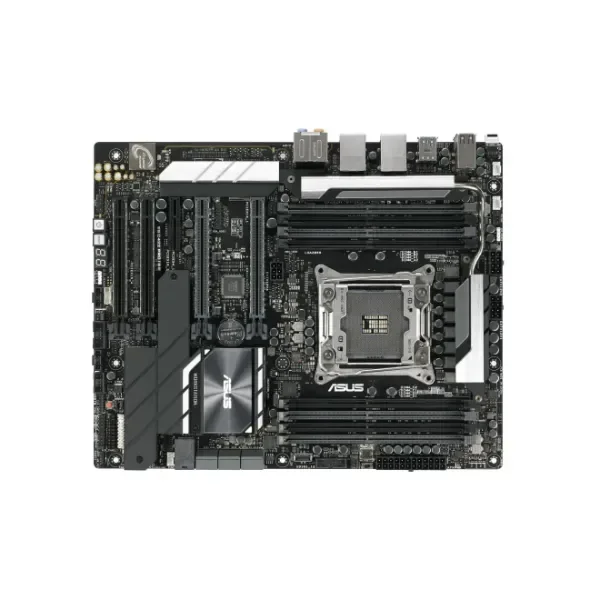
90SW0080-M0EAY0 (WS C422 PRO/SE - Intel - LGA 2066 (Socket R4) - DDR4-SDRAM - 512 GB - DIMM - Quad-channel)
4.4 (5)- Motherboard
- Asus
- Intel Z790
- LGA 1700
- Intel Core i9
- 13th Gen Intel
- DDR5
Est Value $988.46$843.81
14.6% offIn stockRefurbishedFirst-Time Buyer Discount – Get up to 2% additional off on your first order
ORM Rewards Earn $50 in Rewards + Free Expedited Delivery – Join Now!
Use eCoupon ORMSAVE10
eCoupon limited to 5 units
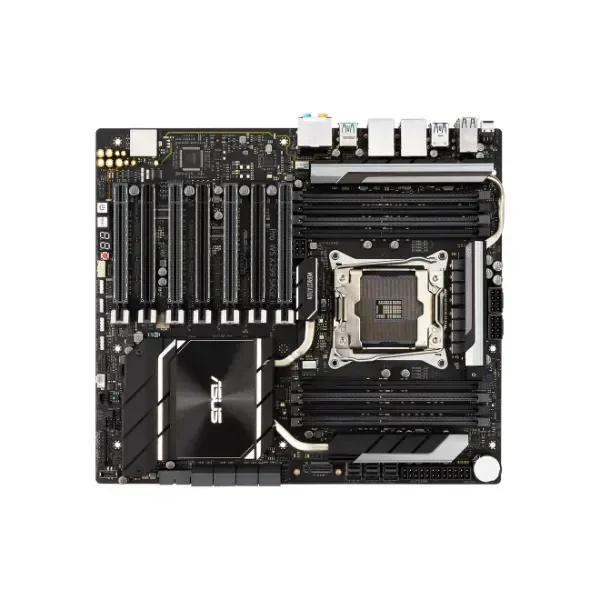
90SW00U0-M0EAY0 (Pro WS X299 SAGE II - Intel - LGA 2066 (Socket R4) - Intel® Core™ X-series - DDR4-SDRAM - 256 GB - 2400,2666,2933,3600,4000,4133,4200,4266 MHz)
5 (5)- Motherboard
- Asus
- Intel Z790
- LGA 1700
- Intel Core i9
- 14th Gen Intel
- DDR5
Est Value $1,740.00$1,522.50
12.5% offIn stockRefurbishedFirst-Time Buyer Discount – Get up to 2% additional off on your first order
ORM Rewards Earn $50 in Rewards + Free Expedited Delivery – Join Now!
Use eCoupon ORMSAVE10
eCoupon limited to 5 units
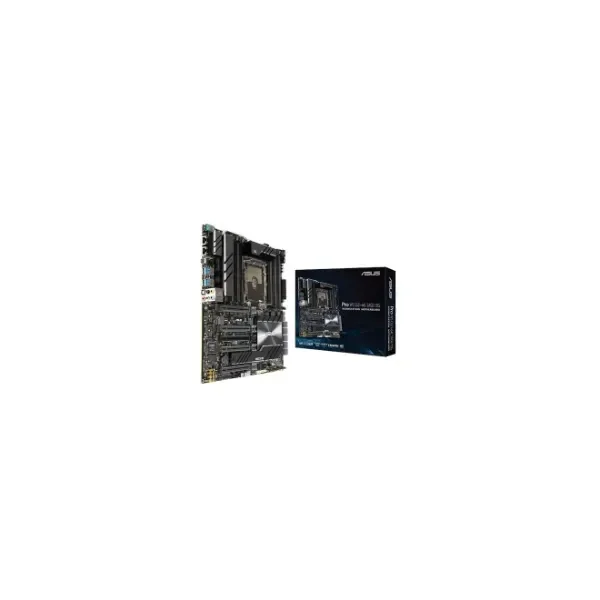
90SW00S0-M0EAY0 (MB Pro WS C621-64L SAGE/10 G - Intel - LGA 3647 (Socket P) - Intel® Xeon® - Intel Xeon W - DDR4-SDRAM - 1536 GB - Hexa-channel)
4.8 (5)- Motherboard
- Asus
- Intel Z790
- LGA 1700
- Intel Core i7
- 13th Gen Intel
- DDR5
Est Value In stockFirst-Time Buyer Discount – Get up to 2% additional off on your first order
ORM Rewards Earn $50 in Rewards + Free Expedited Delivery – Join Now!
Use eCoupon ORMSAVE10
eCoupon limited to 5 units
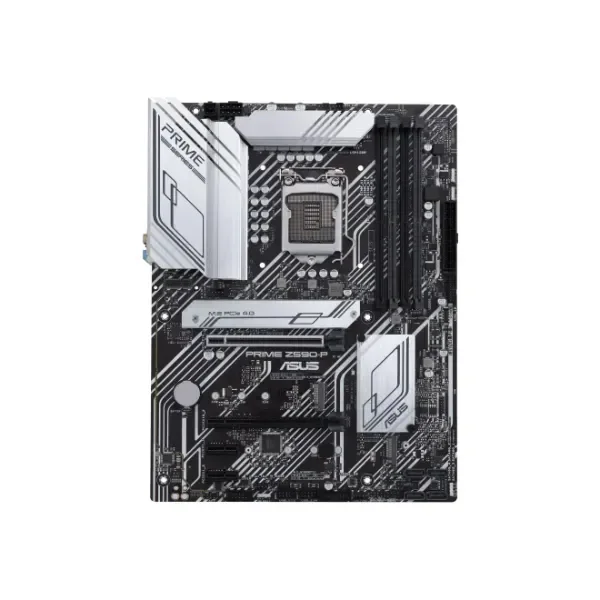
90MB16I0-M0EAY0 (PRIME Z590-P - Intel - LGA 1200 - Intel® Celeron® - Intel® Core™ i3 - Intel Core i5 - Intel Core i7 - Intel Core i9 - Intel Pentium G - LGA 1200 (Socket H5) - DDR4-SDRAM - 128 GB)
4.6 (5)- Motherboard
- Asus
- Intel Z790
- LGA 1700
- Intel Core i9
- 13th Gen Intel
- DDR5
Est Value In stockFirst-Time Buyer Discount – Get up to 2% additional off on your first order
ORM Rewards Earn $50 in Rewards + Free Expedited Delivery – Join Now!
Use eCoupon ORMSAVE10
eCoupon limited to 5 units

ORM Sales Advisors
Buying for your business? Get a personalised quote in under 2 hours. Talk to an expert
LEARNFilters (79) 
Questions & Answers
What chipset does the ASUS ROG Strix X570-E Gaming motherboard use?
The ASUS ROG Strix X570-E Gaming motherboard uses the AMD X570 chipset, delivering PCIe 4.0 support and optimized overclocking for Ryzen processors.
How do I update the BIOS on my ASUS motherboard?
Download the latest BIOS file from the ASUS Support website, place it on a FAT32-formatted USB drive, then use ASUS EZ Flash via the UEFI interface to complete the update.
What are the benefits of ASUS motherboards for gaming?
ASUS gaming motherboards offer enhanced power delivery, advanced cooling, AI overclocking, and multi-zone RGB lighting, ensuring stable performance and immersive visuals.
Does ASUS offer dedicated customer support for motherboards?
Yes. ASUS provides global technical support via live chat, phone, and email, plus an online knowledge base, driver downloads, and RMA services for motherboard customers.
How many M.2 slots do ASUS Z490 motherboards have?
ASUS Z490 motherboards typically feature two to three M.2 slots with heatsinks, supporting both PCIe 3.0 x4 and SATA modes for high-speed NVMe SSDs.
Are ASUS motherboards compatible with AMD Ryzen 5000 series processors?
Yes. Most ASUS AMD 400 and 500 series motherboards support Ryzen 5000 series after a BIOS update, offering full CPU compatibility and PCIe 4.0 connectivity.
What is ASUS OptiMem II technology?
ASUS OptiMem II optimizes trace routing to preserve signal integrity, enabling higher memory frequencies and improved stability under heavy load or overclocking.
Does ASUS Aura Sync support third-party RGB devices?
Yes. ASUS Aura Sync provides open RGB headers and a software SDK to synchronize lighting with compatible third-party devices, motherboards, graphics cards, and peripherals.
How can I enable XMP on my ASUS motherboard?
Enter the UEFI BIOS, navigate to the AI Tweaker or Overclocking tab, select XMP or D.O.C.P. profile, then save and exit to apply higher RAM frequencies automatically.
What form factors are available in ASUS motherboards?
ASUS offers ATX, Micro-ATX, Mini-ITX, EATX, and XL-ATX form factors across its Prime, TUF, ROG Strix, and ProArt series to fit diverse build requirements.
Do ASUS motherboards have onboard Wi-Fi?
Many ASUS motherboards include integrated Wi-Fi 6 or Wi-Fi 6E modules with dual-band antennas, while select models support optional Wi-Fi expansion cards.
How do I troubleshoot CPU fan errors on ASUS motherboards?
Verify the CPU fan header connection, ensure the fan is spinning, check BIOS fan settings, and disable fan speed warnings if using low-RPM or custom cooling solutions.
What warranty does ASUS provide for motherboards?
ASUS offers a 3-year limited warranty on most motherboards, covering manufacturing defects. Warranty periods and terms may vary by region—consult official ASUS support.
Can I overclock with ASUS motherboards?
Yes. ASUS motherboards feature robust VRM designs, AI Overclocking, and comprehensive BIOS controls, allowing safe and stable manual or automatic CPU and memory overclocking.
How many USB ports are available on ASUS TUF series motherboards?
ASUS TUF series motherboards typically offer up to 12 USB ports (including USB 3.2 Gen 2, Gen 1, and USB 2.0) on rear I/O, plus additional internal headers for front-panel connectivity.
Are ASUS motherboards compatible with Thunderbolt 4?
Select ASUS ProArt and ROG Strix models feature Thunderbolt 4 headers or onboard ports, providing up to 40 Gbps transfer speeds, daisy-chaining, and dual 4K display support.
What audio codec do ASUS motherboards typically use?
Most ASUS motherboards employ the Realtek ALC1220 or ALC4080 codec with premium capacitors and shielding for high-definition, low-noise onboard audio performance.