 United States
Network Cameras Hikvision Pro Series
Experience unparalleled security and superior performance with the Hikvision Pro (EasyIP) Series Network Cameras. Engineered for cutting-edge surveillance, these cameras deliver precise image clarity and reliable connectivity for advanced security solutions.
Talk to an expert
77 Matching results
- BEST SELLING
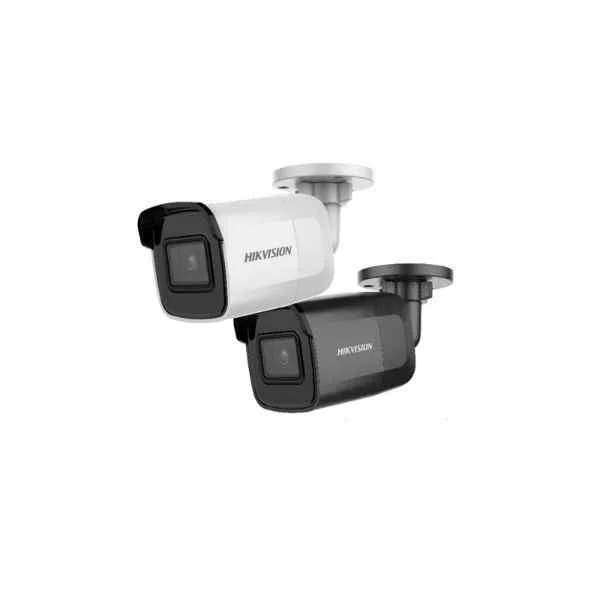
DS-2CD2085G1-I (4K Powered-by-DarkFighter Fixed Mini Bullet Network Camera)
4.4 (5)- Security Camera
- Hikvision
- Dome
- IP Camera
- 8MP
- Fixed
- Motion Detection
Est Value In stock
First-Time Buyer Discount – Get up to 2% additional off on your first order
ORM Rewards Earn $50 in Rewards + Free Expedited Delivery – Join Now!
Use eCoupon ORMSAVE10
eCoupon limited to 5 units
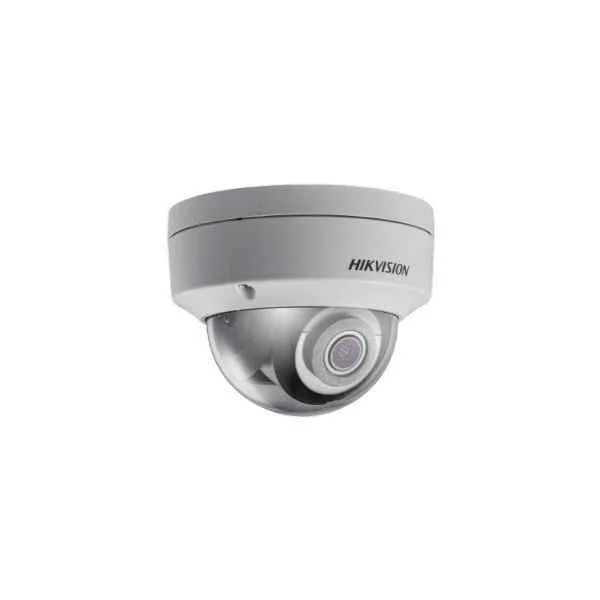
DS-2CD2183G0-I (8 MP Outdoor IR Fixed Dome Camera)
4.8 (5)- Security Camera
- Hikvision
- Dome
- IP Camera
- 8MP
- Fixed
Est Value In stockFirst-Time Buyer Discount – Get up to 2% additional off on your first order
ORM Rewards Earn $50 in Rewards + Free Expedited Delivery – Join Now!
Use eCoupon ORMSAVE10
eCoupon limited to 5 units
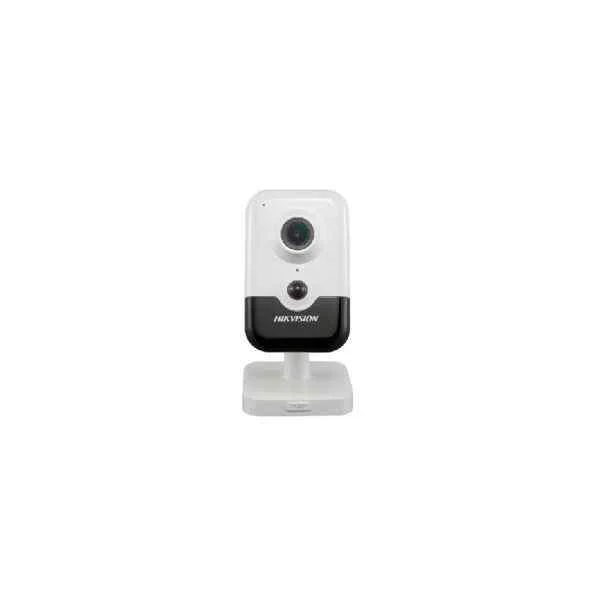
DS-2CD2455FWD-I(W) (5 MP Cube Network Camera)
4.4 (5)- Security Camera
- Hikvision
- Bullet
- IP Camera
- 4MP
- Fixed
- Motion Detection
Est Value In stockFirst-Time Buyer Discount – Get up to 2% additional off on your first order
ORM Rewards Earn $50 in Rewards + Free Expedited Delivery – Join Now!
Use eCoupon ORMSAVE10
eCoupon limited to 5 units
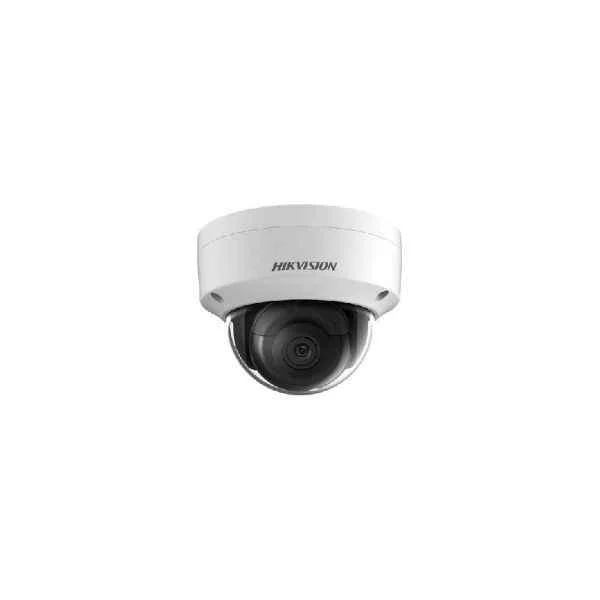
DS-2CD2165G0-I(S) (6 MP Powered-by-DarkFighter Fixed Dome Network Camera)
4.4 (5)- Security Camera
- Hikvision
- Bullet
- IP Camera
- 2MP
- Fixed
- Motion Detection
Est Value In stockFirst-Time Buyer Discount – Get up to 2% additional off on your first order
ORM Rewards Earn $50 in Rewards + Free Expedited Delivery – Join Now!
Use eCoupon ORMSAVE10
eCoupon limited to 5 units
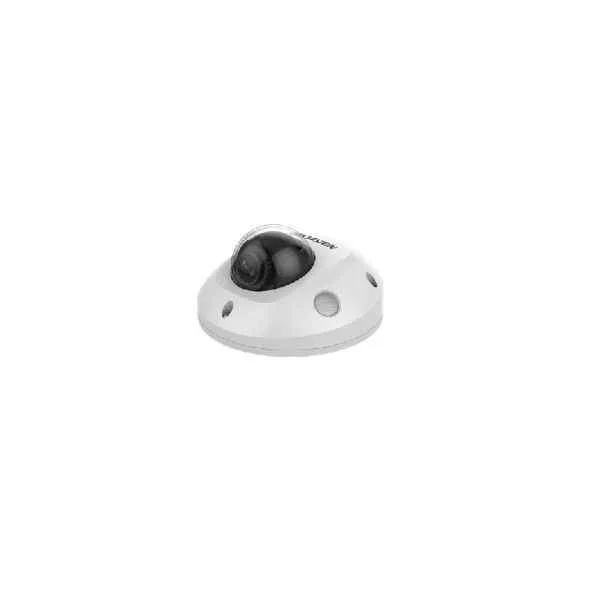
DS-2CD2555FWD-I(W)(S) (5 MP Fixed Mini Dome Network Camera)
4.6 (5)- Security Camera
- Hikvision
- Bullet
- IP Camera
- 5MP
- Fixed
- Motion Detection
Est Value In stockFirst-Time Buyer Discount – Get up to 2% additional off on your first order
ORM Rewards Earn $50 in Rewards + Free Expedited Delivery – Join Now!
Use eCoupon ORMSAVE10
eCoupon limited to 5 units
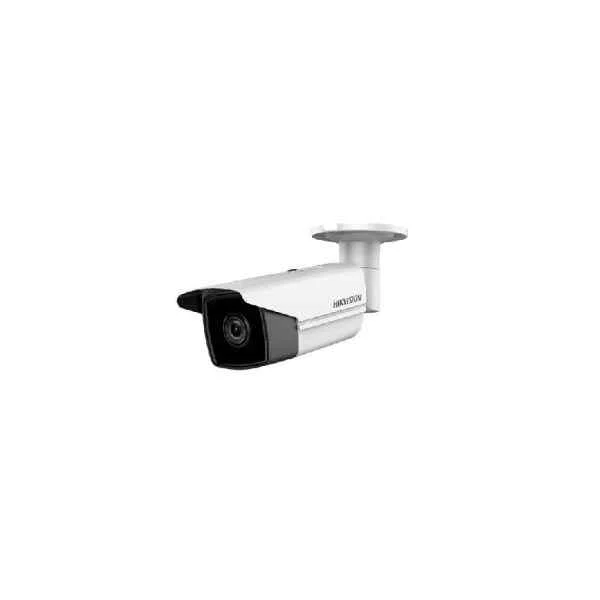
DS-2CD2T25FHWD-I5/I8 (2 MP High Frame Rate Fixed Bullet Network Camera)
4.4 (5)- Security Camera
- Hikvision
- Turret
- IP Camera
- 2MP
- Fixed
- Motion Detection
Est Value In stockFirst-Time Buyer Discount – Get up to 2% additional off on your first order
ORM Rewards Earn $50 in Rewards + Free Expedited Delivery – Join Now!
Use eCoupon ORMSAVE10
eCoupon limited to 5 units
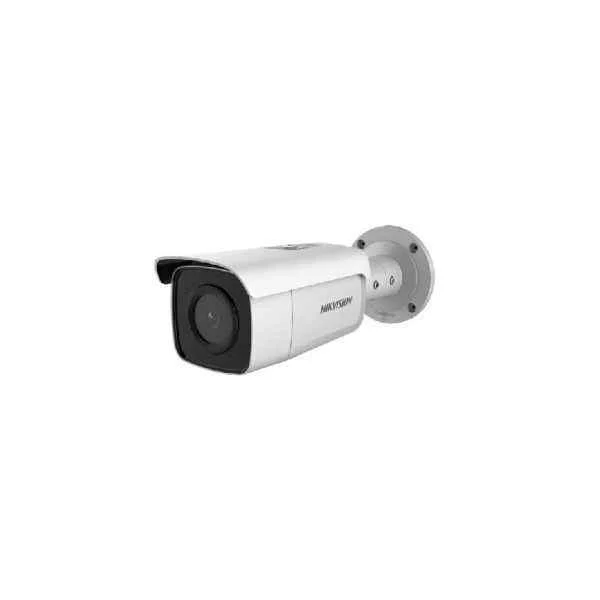
DS-2CD2T85G1-I5/I8 (4K Powered-by-DarkFighter Fixed Bullet Network Camera)
4.4 (5)- Security Camera
- Hikvision
- Bullet
- IP Camera
- 5MP / 8MP
- Fixed
Est Value In stockFirst-Time Buyer Discount – Get up to 2% additional off on your first order
ORM Rewards Earn $50 in Rewards + Free Expedited Delivery – Join Now!
Use eCoupon ORMSAVE10
eCoupon limited to 5 units
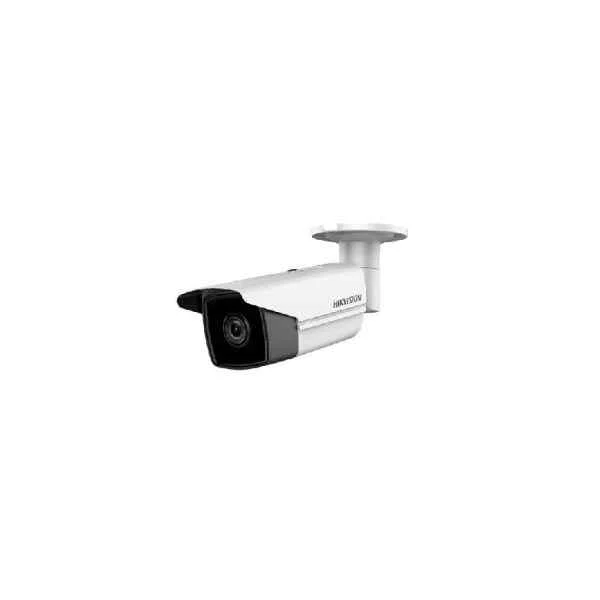
DS-2CD2T25FWD-I5/I8 (2 MP Powered-by-DarkFighter Fixed Bullet Network Camera)
4.6 (5)- Security Camera
- Hikvision
- Turret
- IP Camera
- 2MP
- Fixed
- Motion Detection
Est Value In stockFirst-Time Buyer Discount – Get up to 2% additional off on your first order
ORM Rewards Earn $50 in Rewards + Free Expedited Delivery – Join Now!
Use eCoupon ORMSAVE10
eCoupon limited to 5 units
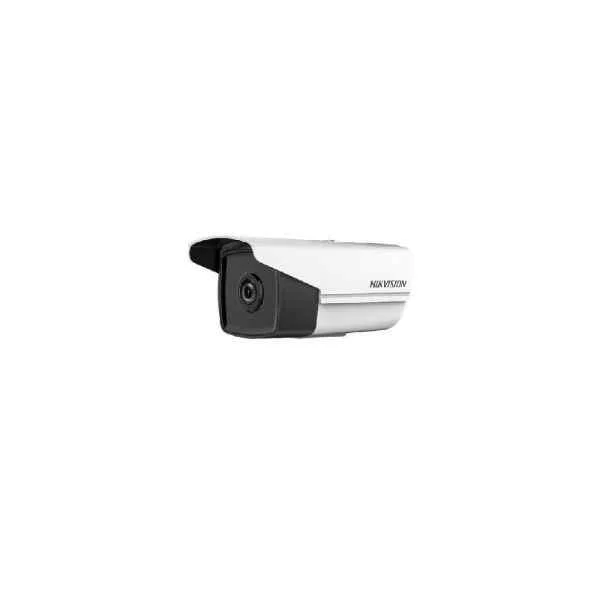
DS-2CD2T21G0-I(S) (2 MP WDR Fixed Bullet Network Camera)
4.4 (5)- Security Camera
- Hikvision
- Turret
- IP Camera
- 2MP
- Fixed
- Motion Detection
Est Value In stockFirst-Time Buyer Discount – Get up to 2% additional off on your first order
ORM Rewards Earn $50 in Rewards + Free Expedited Delivery – Join Now!
Use eCoupon ORMSAVE10
eCoupon limited to 5 units
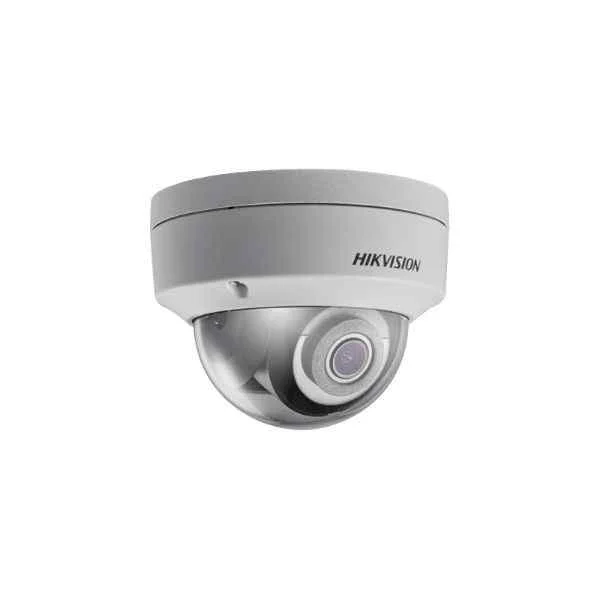
DS-2CD2121G0-I(W)(S) (2 MP WDR Fixed Dome Network Camera)
4.6 (5)- Security Camera
- Hikvision
- Turret
- IP Camera
- 2MP
- Fixed
- Motion Detection / Intrusion Detection
Est Value In stockFirst-Time Buyer Discount – Get up to 2% additional off on your first order
ORM Rewards Earn $50 in Rewards + Free Expedited Delivery – Join Now!
Use eCoupon ORMSAVE10
eCoupon limited to 5 units
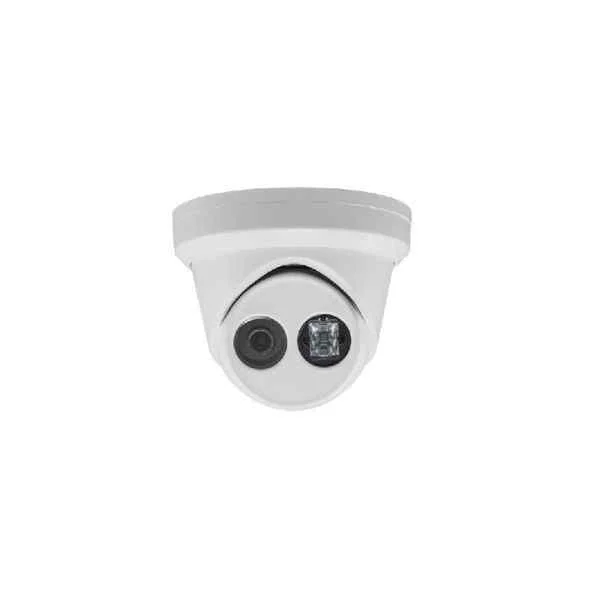
DS-2CD2325FHWD-I (2 MP High Frame Rate Fixed Turret Network Camera)
4.4 (5)- Security Camera
- Hikvision
- Bullet
- IP Camera
- 2MP
- Fixed
- Motion Detection
Est Value In stockFirst-Time Buyer Discount – Get up to 2% additional off on your first order
ORM Rewards Earn $50 in Rewards + Free Expedited Delivery – Join Now!
Use eCoupon ORMSAVE10
eCoupon limited to 5 units
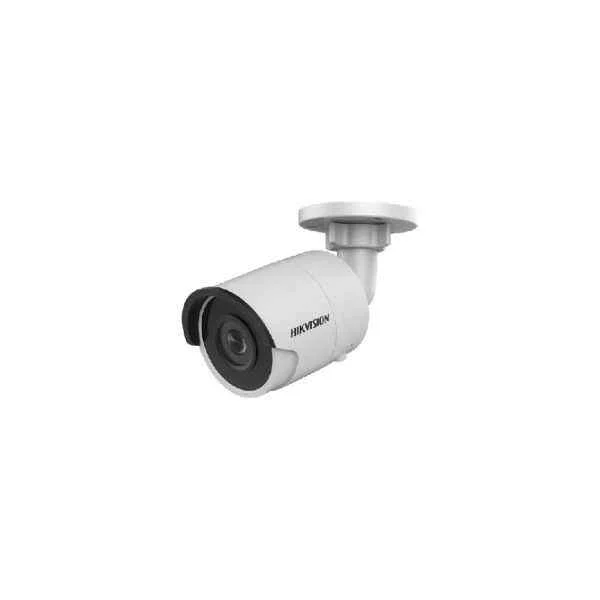
DS-2CD2025FHWD-I (2 MP High Frame Rate Fixed Mini Bullet Network Camera)
4.6 (5)- Security Camera
- Hikvision
- Bullet
- IP Camera
- 2MP
- Fixed
- Motion Detection
Est Value In stockFirst-Time Buyer Discount – Get up to 2% additional off on your first order
ORM Rewards Earn $50 in Rewards + Free Expedited Delivery – Join Now!
Use eCoupon ORMSAVE10
eCoupon limited to 5 units
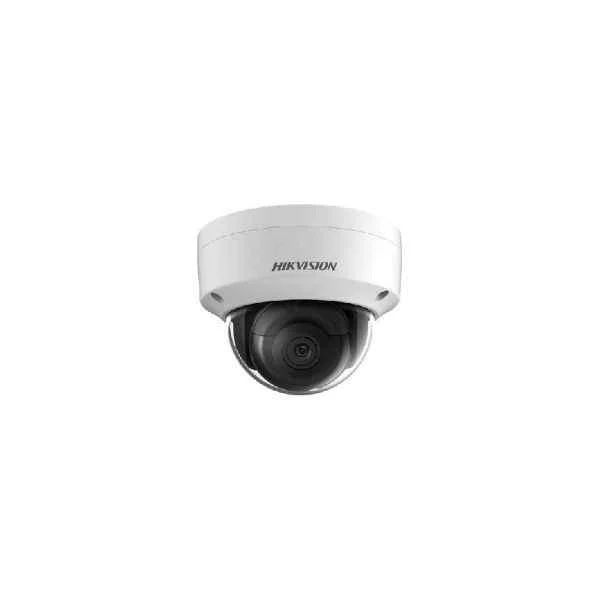
DS-2CD2125FWD-I(S) (2 MP Powered-by-DarkFighter Fixed Dome Network Camera)
4.2 (5)- Security Camera
- Hikvision
- Dome
- IP Camera
- 2MP
- Fixed
- Motion Detection
Est Value In stockFirst-Time Buyer Discount – Get up to 2% additional off on your first order
ORM Rewards Earn $50 in Rewards + Free Expedited Delivery – Join Now!
Use eCoupon ORMSAVE10
eCoupon limited to 5 units
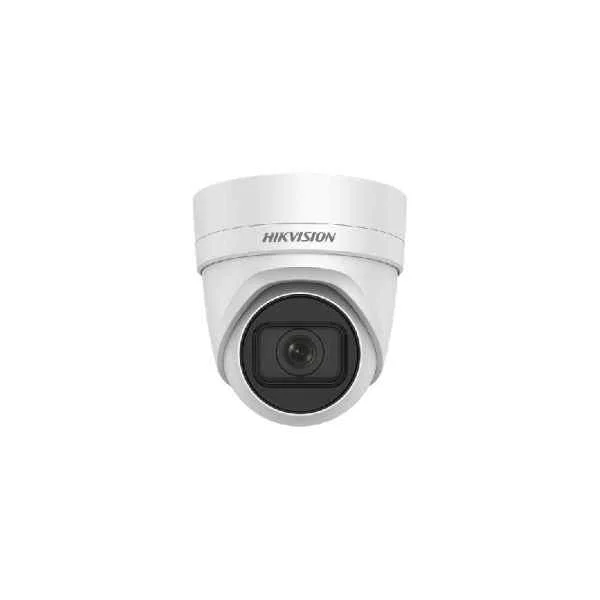
DS-2CD2H55FWD-IZS (5 MP Varifocal Turret Network Camera)
4.4 (5)- Security Camera
- Hikvision
- Turret
- IP Camera
- 5MP
- Fixed
- Motion Detection
Est Value In stockFirst-Time Buyer Discount – Get up to 2% additional off on your first order
ORM Rewards Earn $50 in Rewards + Free Expedited Delivery – Join Now!
Use eCoupon ORMSAVE10
eCoupon limited to 5 units
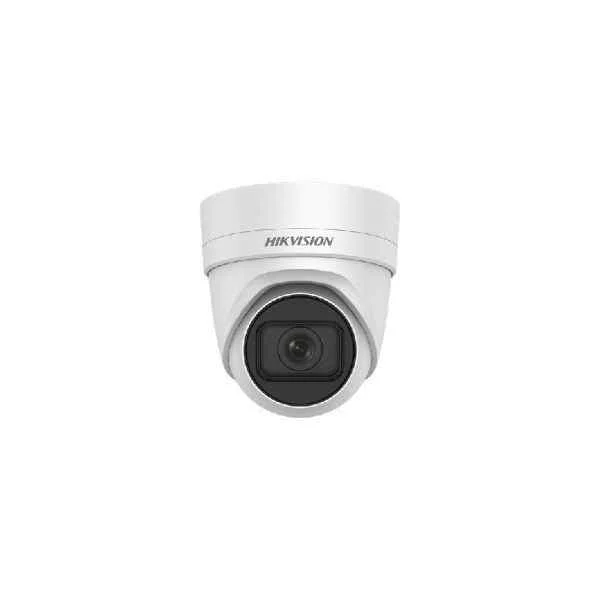
DS-2CD2H25FHWD-IZS (2 MP High Frame Rate Varifocal Turret Network Camera)
4.8 (5)- Security Camera
- Hikvision
- Turret
- IP Camera
- 2MP
- Fixed
- Motion Detection
Est Value In stockFirst-Time Buyer Discount – Get up to 2% additional off on your first order
ORM Rewards Earn $50 in Rewards + Free Expedited Delivery – Join Now!
Use eCoupon ORMSAVE10
eCoupon limited to 5 units
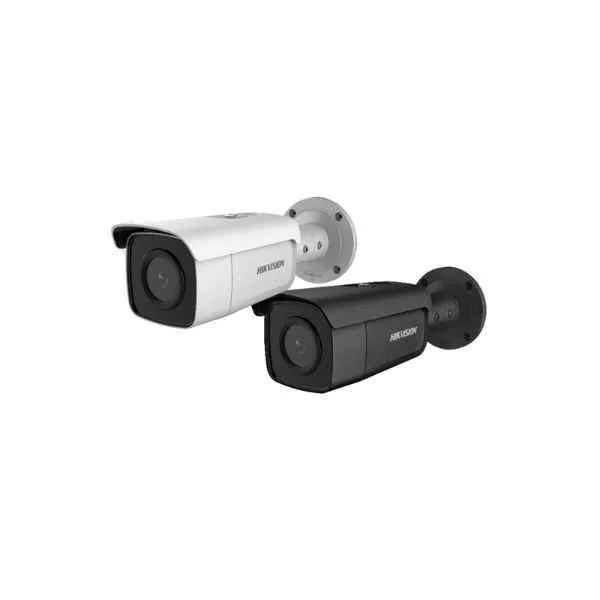
DS-2CD2T65G1-I5/I8 (6 MP Powered-by-DarkFighter Fixed Bullet Network Camera)
4.6 (5)- Security Camera
- Hikvision
- Turret
- IP Camera
- 1080p
- Fixed
- Motion Detection
Est Value In stockFirst-Time Buyer Discount – Get up to 2% additional off on your first order
ORM Rewards Earn $50 in Rewards + Free Expedited Delivery – Join Now!
Use eCoupon ORMSAVE10
eCoupon limited to 5 units
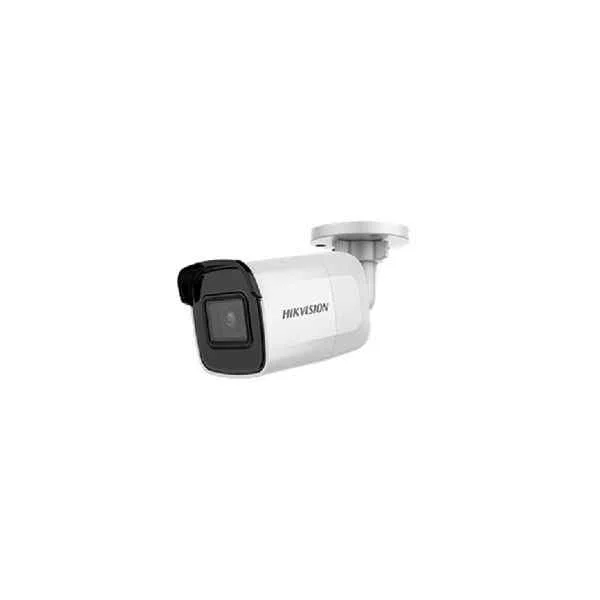
DS-2CD2021G1-I(W) (2 MP WDR Fixed Mini Bullet Network Camera)
4.4 (5)- Security Camera
- Hikvision
- Bullet
- IP Camera
- 2MP
- Fixed
Est Value In stockFirst-Time Buyer Discount – Get up to 2% additional off on your first order
ORM Rewards Earn $50 in Rewards + Free Expedited Delivery – Join Now!
Use eCoupon ORMSAVE10
eCoupon limited to 5 units
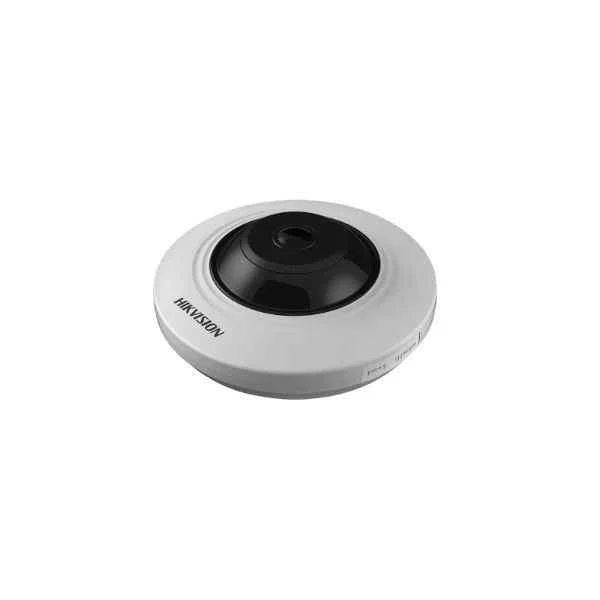
DS-2CD2935FWD-I (3 MP Fisheye Fixed Dome Network Camera)
4.4 (5)- Security Camera
- Hikvision
- Bullet
- IP Camera
- 4MP
- Fixed
Est Value In stockFirst-Time Buyer Discount – Get up to 2% additional off on your first order
ORM Rewards Earn $50 in Rewards + Free Expedited Delivery – Join Now!
Use eCoupon ORMSAVE10
eCoupon limited to 5 units
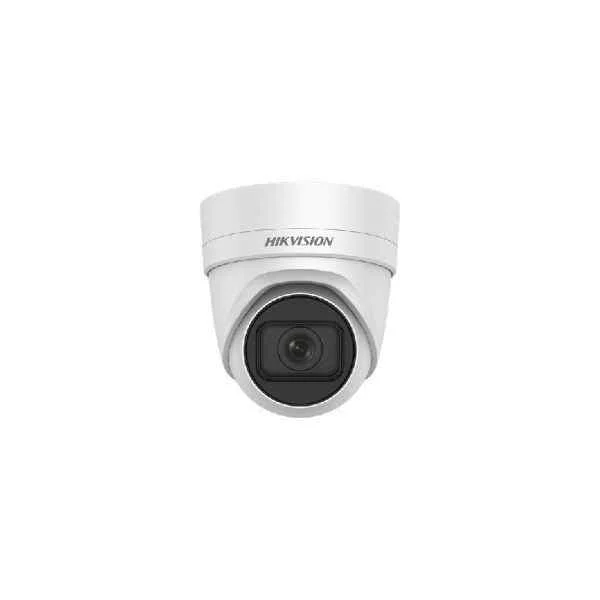
DS-2CD2H45FWD-IZS (4 MP Powered-by-DarkFighter Varifocal Turret Network Camera)
5 (5)- Security Camera
- Hikvision
- Bullet
- IP Camera
- 4MP
- Fixed
- Motion Detection
Est Value In stockFirst-Time Buyer Discount – Get up to 2% additional off on your first order
ORM Rewards Earn $50 in Rewards + Free Expedited Delivery – Join Now!
Use eCoupon ORMSAVE10
eCoupon limited to 5 units
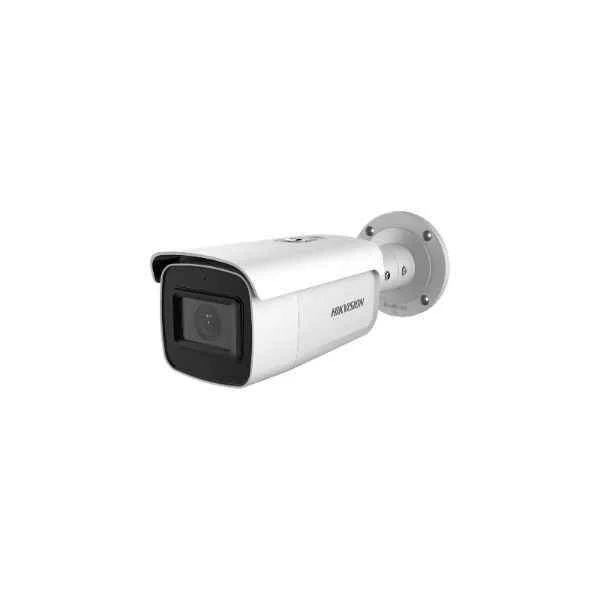
DS-2CD2643G1-IZ(S) (4 MP Outdoor WDR Motorized Varifocal Bullet Network Camera)
4.8 (5)- Security Camera
- Hikvision
- Dome
- IP Camera
- 4MP
- Fixed
- Motion Detection
Est Value In stockFirst-Time Buyer Discount – Get up to 2% additional off on your first order
ORM Rewards Earn $50 in Rewards + Free Expedited Delivery – Join Now!
Use eCoupon ORMSAVE10
eCoupon limited to 5 units

ORM Sales Advisors
Buying for your business? Get a personalised quote in under 2 hours. Talk to an expert
LEARNFilters (77) 
Questions & Answers
What distinguishes the Hikvision Pro EasyIP series from other IP cameras?
Hikvision Pro EasyIP cameras combine high-definition imaging, built-in analytics, PoE support, and plug-and-play installation for professional security with minimal setup complexity.
Which resolutions are available in Hikvision Pro EasyIP network cameras?
The EasyIP series offers resolutions from 2MP (1080p) up to 5MP, ensuring clear, detailed video suitable for indoor and outdoor surveillance applications.
Do Hikvision Pro EasyIP cameras support Power over Ethernet (PoE)?
Yes. All EasyIP models feature IEEE 802.3af/at PoE compatibility, allowing data and power delivery over a single Ethernet cable for simplified installation.
How can I configure remote viewing for my EasyIP camera?
Install the Hik-Connect or iVMS-4500 app, create an account, add the camera via QR code or serial number, and access live view instantly from any location.
Which mobile apps are compatible with Hikvision Pro EasyIP cameras?
Hik-Connect (iOS/Android) and iVMS-4500 provide seamless live view, playback, and notifications, optimized for EasyIP cameras with secure remote access.
What motion detection capabilities do EasyIP cameras offer?
EasyIP cameras support region-of-interest motion detection, customizable sensitivity, and Smart Motion Detection (SMD) for accurate alerts and reduced false alarms.
What local storage options do EasyIP cameras provide?
Most EasyIP models include a microSD card slot supporting up to 256 GB for continuous, event, or scheduled recording without requiring external NVR storage.
How do I update the firmware on my Hikvision EasyIP camera?
Download the latest firmware from the Hikvision Support site, upload via the camera’s web interface under Maintenance > Upgrade, and reboot to apply updates.
Which network protocols are supported by the EasyIP series?
EasyIP cameras support TCP/IP, HTTP(S), FTP, RTSP, ONVIF, DHCP, DNS, NTP, and UPnP, ensuring broad compatibility with network infrastructure and third-party devices.
How can I secure my Hikvision Pro EasyIP cameras against cyber threats?
Enable HTTPS, change default passwords, disable unused services (e.g., Telnet), apply the latest firmware, and configure network-level firewalls and VLAN segmentation.
Are Hikvision EasyIP cameras ONVIF compliant?
Yes. All Hikvision Pro EasyIP models comply with ONVIF Profile S, enabling seamless interoperability with ONVIF-certified NVRs and VMS platforms.
What is the infrared (IR) range of Hikvision EasyIP cameras?
Most EasyIP bullet and dome cameras feature IR illumination up to 30 meters, ensuring clear night-time imaging in complete darkness without external light sources.
Can Hikvision Pro EasyIP cameras be mounted outdoors?
Yes. Outdoor EasyIP models have IP67-rated housings for dust and water resistance, and they operate reliably in temperatures from –30°C to 60°C (–22°F to 140°F).
How do I integrate EasyIP cameras with a Hikvision NVR?
Use Auto-Search in the NVR interface to discover cameras on the network, enter credentials, and add them. Live view and recording begin immediately without manual IP input.
What power consumption should I expect from EasyIP cameras?
Typical EasyIP cameras consume up to 5 W in standard mode and up to 10 W when IR LEDs are fully active, minimizing energy costs for 24/7 operation.
What warranty coverage is provided for Hikvision Pro EasyIP cameras?
Hikvision offers a standard three-year warranty on EasyIP series cameras, covering manufacturing defects and hardware failures with authorized service support.