 United States
Juniper Router Txp Modules & Cards
Optimize the performance and security of your network infrastructure using Juniper Router Txp Modules & Cards, engineered for superior data throughput, reliability, and scalable enterprise-grade connectivity solutions.
Talk to an expert
22 Matching results

SIB-TXP-3D-F2S-S (F2 SIB 3D Standalone Spare. Requires JUNOS 13.1 or higher)
4.8 (5)- Network Card
- Juniper
- Ethernet
- 10Gbps
- SFP+
- TCP/IP
- PCIe
Est Value $3,100.00
$1,256.72
59.5% offIn stockRefurbishedFirst-Time Buyer Discount – Get up to 2% additional off on your first order
ORM Rewards Earn $50 in Rewards + Free Expedited Delivery – Join Now!
Use eCoupon ORMSAVE10
eCoupon limited to 5 units

SIB-TXP-3D-F2S (F2 SIB 3D Standalone. Requires JUNOS 13.1 or higher)
4.6 (5)- Network Module / Network Card
- Juniper
- Ethernet
- 10Gbps
- SFP+
- TCP/IP
- PCIe
Est Value $6,505.80$1,886.98
71% offIn stockRefurbishedFirst-Time Buyer Discount – Get up to 2% additional off on your first order
ORM Rewards Earn $50 in Rewards + Free Expedited Delivery – Join Now!
Use eCoupon ORMSAVE10
eCoupon limited to 5 units
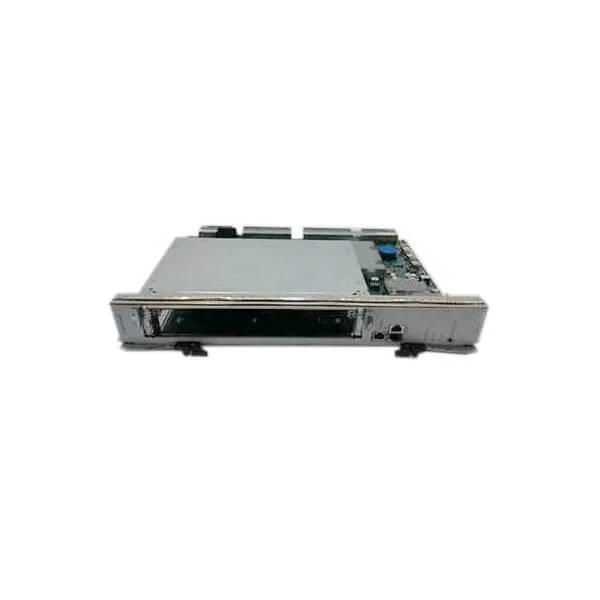
CIP-TXP-S (CIP, SPARE)
4.6 (5)- Network Card
- Juniper
- Ethernet
- 10Gbps
- SFP28
- TCP/IP, iSCSI
- PCIe
Est Value $4,215.26$2,107.63
50% offIn stockRefurbishedFirst-Time Buyer Discount – Get up to 2% additional off on your first order
ORM Rewards Earn $50 in Rewards + Free Expedited Delivery – Join Now!
Use eCoupon ORMSAVE10
eCoupon limited to 5 units

SIB-TXP-3D-F13-S (F13 SIB 3D Spare. F13 SIB 3D Spare.)
4.8 (5)- Network Card
- Juniper
- Ethernet
- 10G
- SFP+
- TCP/IP, iSCSI
- PCIe
Est Value $7,676.00$2,673.22
65.2% offIn stockRefurbishedFirst-Time Buyer Discount – Get up to 2% additional off on your first order
ORM Rewards Earn $50 in Rewards + Free Expedited Delivery – Join Now!
Use eCoupon ORMSAVE10
eCoupon limited to 5 units

CB-TXP-S (CB FOR SFC, SPARE)
4.6 (5)- Network Card
- Juniper
- Ethernet
- 10Gbps
- SFP+
- TCP/IP, iSCSI
- PCIe
Est Value $10,124.00$4,781.70
52.8% offIn stockRefurbishedFirst-Time Buyer Discount – Get up to 2% additional off on your first order
ORM Rewards Earn $50 in Rewards + Free Expedited Delivery – Join Now!
Use eCoupon ORMSAVE10
eCoupon limited to 5 units
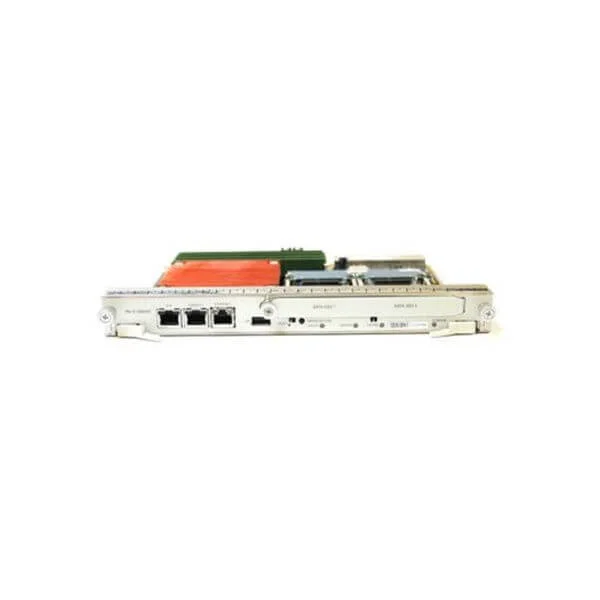
CB-LCC-S (Control Board, LCC for TXP, Spare)
4.8 (5)- Network Card
- Juniper
- Ethernet
- 10G
- SFP+
- TCP/IP, iSCSI
- PCIe
Est Value $10,498.90$5,249.45
50% offIn stockRefurbishedFirst-Time Buyer Discount – Get up to 2% additional off on your first order
ORM Rewards Earn $50 in Rewards + Free Expedited Delivery – Join Now!
Use eCoupon ORMSAVE10
eCoupon limited to 5 units
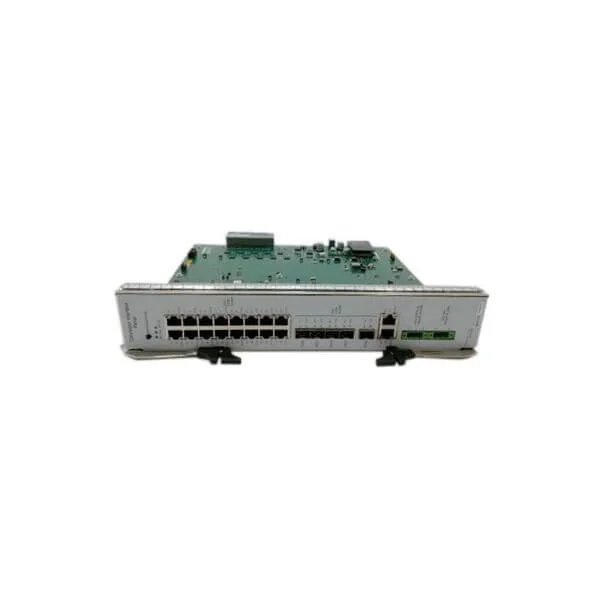
CRAFT-TXP-S (TXP Craft Panel, Spare)
4.4 (5)- Network Module
- Juniper
- Ethernet
- 10G
- RJ-45
- TCP/IP, iSCSI
- PCIe
Est Value $22,047.90$11,023.95
50% offIn stockRefurbishedFirst-Time Buyer Discount – Get up to 2% additional off on your first order
ORM Rewards Earn $50 in Rewards + Free Expedited Delivery – Join Now!
Use eCoupon ORMSAVE10
eCoupon limited to 5 units
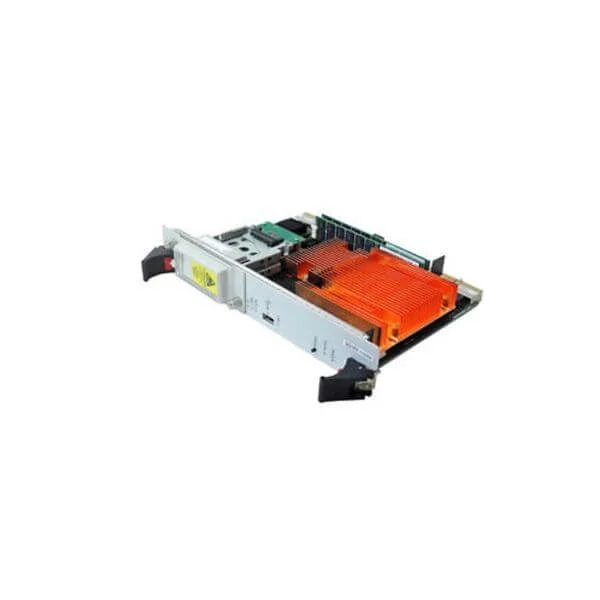
RE-DUO-C2600-16G-R (Redundant TXP SFC Routing Engine with Dual Core 2.6Ghz Processor and 16G on Board Memory)
4.8 (5)- Network Module / Network Card
- Juniper
- Ethernet
- 10Gbps
- RJ-45
- TCP/IP, iSCSI
- PCIe
Est Value $27,547.00$20,247.15
26.5% offIn stockNewFirst-Time Buyer Discount – Get up to 2% additional off on your first order
ORM Rewards Earn $50 in Rewards + Free Expedited Delivery – Join Now!
Use eCoupon ORMSAVE10
eCoupon limited to 5 units
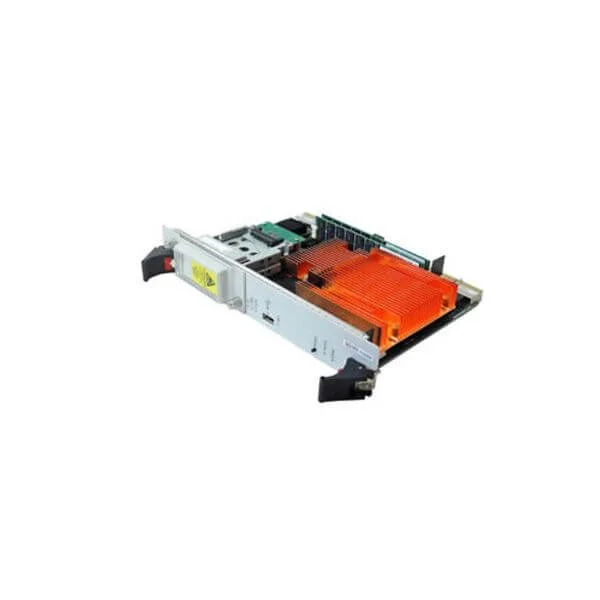
RE-DUO-C2600-16G-S (Spare TXP SFC RE with Dual Core 2.6Ghz Processor and 16G on Board Memory, T series)
5 (5)- Network Card
- Juniper
- Ethernet
- 10Gbps
- SFP+
- TCP/IP, iSCSI
- PCIe
Est Value $59,352.30$29,676.15
50% offIn stockRefurbishedFirst-Time Buyer Discount – Get up to 2% additional off on your first order
ORM Rewards Earn $50 in Rewards + Free Expedited Delivery – Join Now!
Use eCoupon ORMSAVE10
eCoupon limited to 5 units

CB-TXP-BB (CB FOR SFC, BASE BUNDLE)
4.4 (5)- Network Module
- Juniper
- Ethernet
- 10Gbps
- SFP+
- TCP/IP / iSCSI / Fibre Channel
- PCIe
Est Value In stockFirst-Time Buyer Discount – Get up to 2% additional off on your first order
ORM Rewards Earn $50 in Rewards + Free Expedited Delivery – Join Now!
Use eCoupon ORMSAVE10
eCoupon limited to 5 units

CHAS-BP-TXP-S (SFC CHASSIS W/MIDPLANE, SPARE)
4.6 (5)- Network Card
- Juniper
- Ethernet
- 10G
- SFP+
- TCP/IP / UDP
- PCIe
Est Value In stockFirst-Time Buyer Discount – Get up to 2% additional off on your first order
ORM Rewards Earn $50 in Rewards + Free Expedited Delivery – Join Now!
Use eCoupon ORMSAVE10
eCoupon limited to 5 units

SIB-TXP-3D-F13 (F13 SIB 3D. Requires JUNOS 13.1 or higher)
4.6 (5)- Network Card
- Juniper
- SFP+
- 10Gbps
- SFP+
- TCP/IP, Fibre Channel
- PCIe
Est Value In stockFirst-Time Buyer Discount – Get up to 2% additional off on your first order
ORM Rewards Earn $50 in Rewards + Free Expedited Delivery – Join Now!
Use eCoupon ORMSAVE10
eCoupon limited to 5 units

SIB-TXP-3D-LCC (LCC SIB 3D. Requires JUNOS 13.1 or higher)
4.2 (5)- Network Module / Network Card
- Juniper
- Ethernet Module
- 10Gbps
- SFP+
- TCP/IP
- PCIe
Est Value In stockFirst-Time Buyer Discount – Get up to 2% additional off on your first order
ORM Rewards Earn $50 in Rewards + Free Expedited Delivery – Join Now!
Use eCoupon ORMSAVE10
eCoupon limited to 5 units

SIB-TXP-3D-LCC-S (LCC SIB 3D Spare. Requires JUNOS 13.1 or higher)
5 (5)- Network Card
- Juniper
- SFP+
- 10Gbps
- SFP+
- TCP/IP
- PCIe
Est Value In stockFirst-Time Buyer Discount – Get up to 2% additional off on your first order
ORM Rewards Earn $50 in Rewards + Free Expedited Delivery – Join Now!
Use eCoupon ORMSAVE10
eCoupon limited to 5 units

T1600-TXP3DLCC-UPG (BNDL, Contains (5) SIB-TXP-3D-LCC, (2) PWR-T-6-60-DC, (2) FANTRAY-T4000, (1) FAN-R-TXP-3D-LCC, for upgrading T1600/T1600-LCC to TXP-3D LCC. Number of cables determines T1600-LCC vs T4000-LCC. (May need RE-DUO-C1800-8G, CB-LCC separately))
5 (5)- Network Card
- Juniper
- Ethernet
- 10Gbps
- SFP+
- TCP/IP, iSCSI, Fibre Channel
- PCIe
Est Value In stockFirst-Time Buyer Discount – Get up to 2% additional off on your first order
ORM Rewards Earn $50 in Rewards + Free Expedited Delivery – Join Now!
Use eCoupon ORMSAVE10
eCoupon limited to 5 units

T4000-TXP3DLCC-UPG (BNDL, Contains (5) SIB-TXP-3D-LCC, (1) FAN-R-TXP-3D-LCC, for upgrading stand-alone T4000 to TXP-3D LCC. Number of cables to connect determine T1600-LCC vs T4000-LCC model)
4.8 (5)- Network Module / Network Card
- Juniper
- Ethernet
- 10Gbps
- SFP+
- TCP/IP, iSCSI
- PCIe
Est Value In stockFirst-Time Buyer Discount – Get up to 2% additional off on your first order
ORM Rewards Earn $50 in Rewards + Free Expedited Delivery – Join Now!
Use eCoupon ORMSAVE10
eCoupon limited to 5 units

RE-DUO-C2600-16G-WW-S (Routing Engine, World Wide Version TXP SFC Routing Engine with Dual Core 2.6Ghz Processor and 16G on Board Memory, T series)
4.6 (5)- Network Module / Network Card
- Juniper
- Ethernet Module
- 16Gbps
- SFP+
- TCP/IP, iSCSI
- PCIe
Est Value In stockFirst-Time Buyer Discount – Get up to 2% additional off on your first order
ORM Rewards Earn $50 in Rewards + Free Expedited Delivery – Join Now!
Use eCoupon ORMSAVE10
eCoupon limited to 5 units
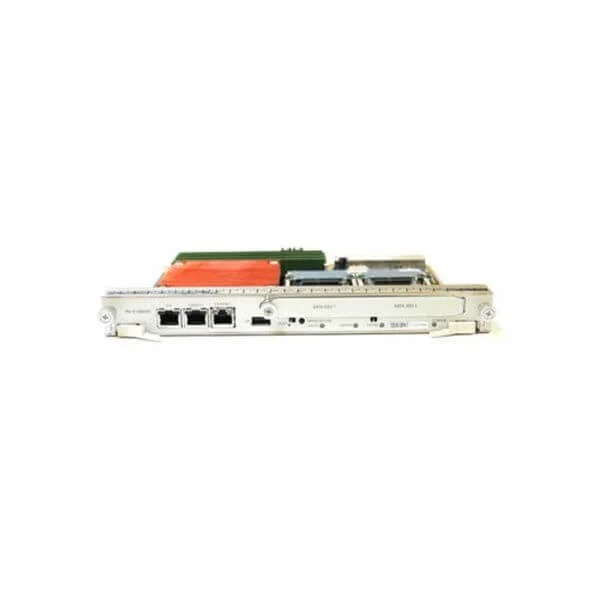
CB-LCC-BB (Control Board for LCC in TXP configuration. Base Bundle)
4.6 (5)- Network Card
- Juniper
- Ethernet
- 10Gbps
- SFP+
- TCP/IP, iSCSI
- PCIe
Est Value In stockFirst-Time Buyer Discount – Get up to 2% additional off on your first order
ORM Rewards Earn $50 in Rewards + Free Expedited Delivery – Join Now!
Use eCoupon ORMSAVE10
eCoupon limited to 5 units
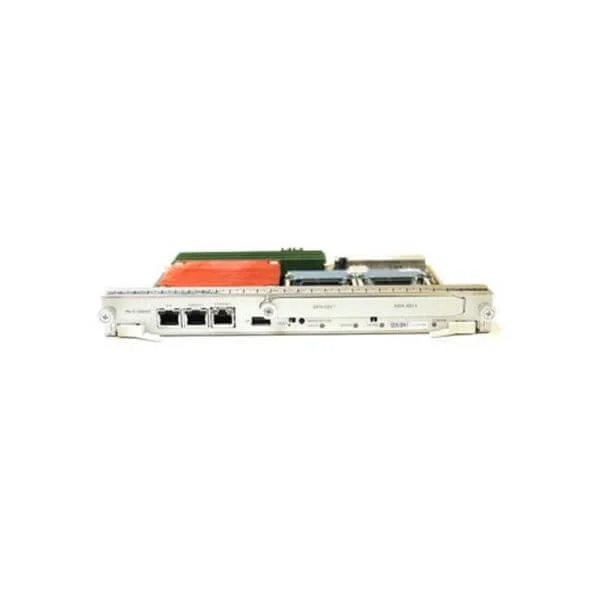
CB-LCC-R (Control Board, LCC for TXP redundant)
4.6 (5)- Network Module / Network Card
- Juniper
- Ethernet
- 10Gbps
- SFP+
- TCP/IP, iSCSI
- PCIe
Est Value In stockFirst-Time Buyer Discount – Get up to 2% additional off on your first order
ORM Rewards Earn $50 in Rewards + Free Expedited Delivery – Join Now!
Use eCoupon ORMSAVE10
eCoupon limited to 5 units
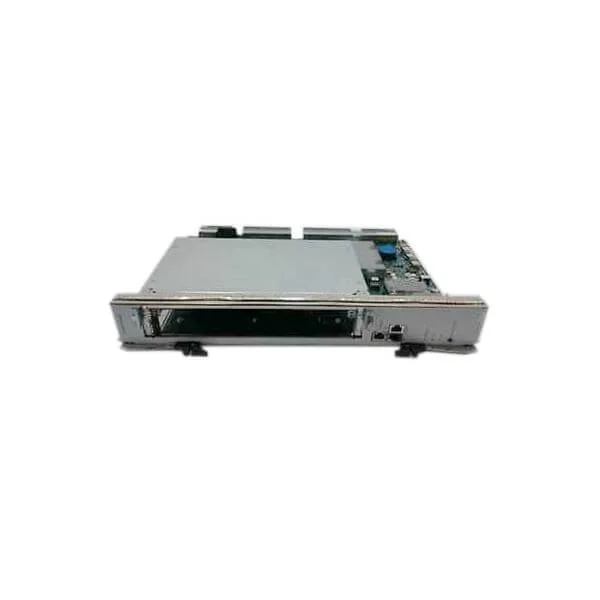
CIP-TXP-BB (TXP Connector Interface Panel, Base Bundle)
4.8 (5)- Network Module / Network Card
- Juniper
- Ethernet
- 10Gbps
- SFP+
- TCP/IP
- PCIe
Est Value In stockFirst-Time Buyer Discount – Get up to 2% additional off on your first order
ORM Rewards Earn $50 in Rewards + Free Expedited Delivery – Join Now!
Use eCoupon ORMSAVE10
eCoupon limited to 5 units

ORM Sales Advisors
Buying for your business? Get a personalised quote in under 2 hours. Talk to an expert
LEARNFilters (22) 
Questions & Answers
What is a Juniper Router TXP Module?
A Juniper Router TXP Module is a traffic management card for MX Series routers that delivers line-rate packet forwarding, traffic policing, shaping, and advanced queuing for high-performance WAN and data center networks.
What are the key features of Juniper Router TXP Modules & Cards?
Juniper TXP Modules offer line-rate packet processing, flexible port configurations, integrated quality of service (QoS), advanced traffic management, and hot-swap capability to maximize uptime and scalability.
Which Juniper routers and hardware platforms support TXP modules?
TXP Modules are supported on Juniper MX Series routers—including MX5, MX10, MX40, MX80, MX104, MX240, MX480, and MX960—running compatible JUNOS releases.
How do I install a TXP module in my Juniper router?
Power off the router, align the TXP module with the designated slot, slide it in until it clicks, secure the module latch, power on the router, and verify installation with the \
How do I perform a live TXP module replacement without downtime?
Juniper TXP Modules are hot-swappable; initiate the replacement by issuing \
How do I verify the operational status of a TXP module?
Use the Junos CLI command \
Can I mix different TXP module types in the same Juniper router?
You may combine TXP Modules of the same generation and class in an MX Series chassis, but mixing across incompatible classes or generations is not supported.
How do I upgrade firmware on a Juniper TXP module?
Upload the new JUNOS firmware to the routing engine, then execute \
What is the performance impact of upgrading to a higher-capacity TXP module?
Upgrading to a higher-capacity TXP Module increases port density and throughput line rates while requiring proportional power, cooling, and JUNOS licensing considerations.
What are the power consumption and thermal requirements of TXP modules?
TXP Modules typically consume between 70 W and 160 W per card and require an ambient operating range of 0 °C to 40 °C with relative humidity of 5 %–90 % non-condensing; refer to the product datasheet for exact specifications.
Which JUNOS software versions support TXP modules on Juniper routers?
Juniper TXP Modules are supported starting with JUNOS Release 15.1X49 and later; always verify feature compatibility in the MX Series Release Notes.
What warranty and support options are available for Juniper TXP modules?
Juniper TXP Modules include a standard one-year hardware warranty, with optional Juniper Care contracts for extended coverage, 24×7 support, and advanced replacement services.
How do I troubleshoot a TXP module failure or error state?
Check system alarms with \
What environmental specifications apply to Juniper TXP modules & cards?
Juniper TXP Modules support operating altitudes up to 3,048 m (10,000 ft), ambient temperatures of 0 °C–40 °C, and shock/vibration tolerances defined in the MX Series Environmental Specifications.
How do I order the correct model number for a Juniper TXP module?
Select the appropriate part number (for example, MPC3-TXP-40G) based on required throughput and port density, and confirm compatibility with your MX chassis in the Juniper Product Catalog.