 United States
Security Cameras Hikvision Turbo Hd Ptz
Engineered for high-resolution surveillance, the Hikvision Turbo HD PTZ delivers unparalleled video clarity, robust performance, and advanced zoom capabilities for critical security applications and seamless monitoring.
Talk to an expert
12 Matching results
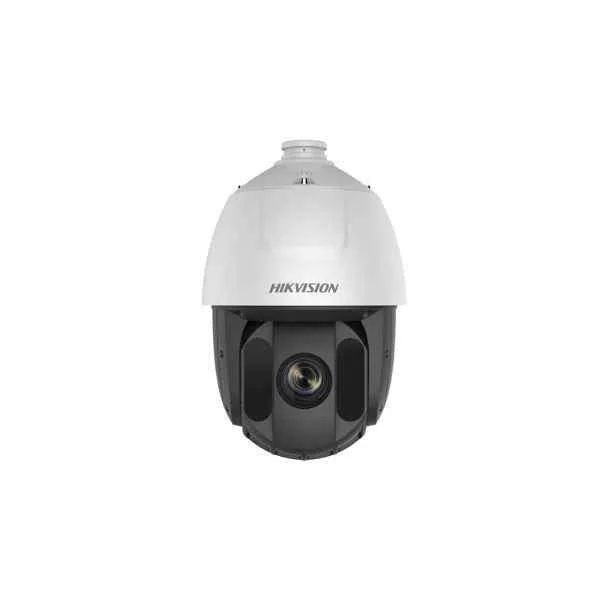
DS-2AE5232TI-A (5" IR PTZ, IP66 protection, 32x Optical, 16x Digital + 120dB WDR + 150m IR + 4-in-1 output, 24 VAC power supply)
4.4 (5)- Security Camera
- Hikvision
- Turret
- IP Camera
- 2MP
- Motorized
- Motion Detection
Est Value In stock
First-Time Buyer Discount – Get up to 2% additional off on your first order
ORM Rewards Earn $50 in Rewards + Free Expedited Delivery – Join Now!
Use eCoupon ORMSAVE10
eCoupon limited to 5 units
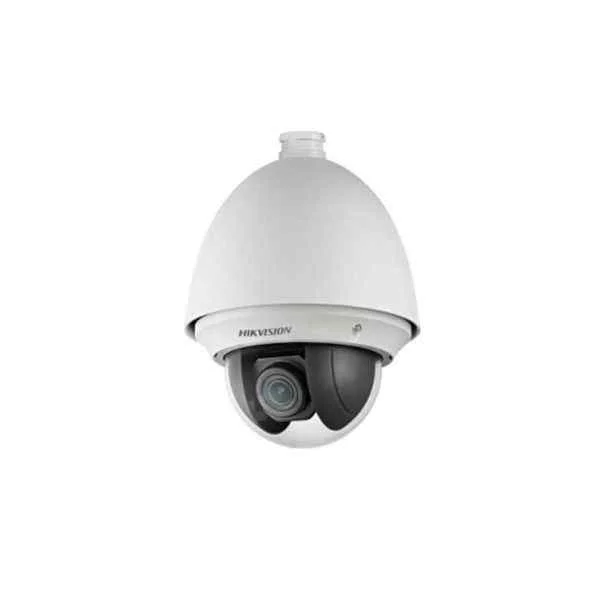
DS-2AE4225T-A (4" PTZ, IP66 protection, 25x Optical, 16x Digital + 120dB WDR + 4-in-1 output, 24 VAC power supply)
4.8 (5)- Security Camera
- Hikvision
- Bullet
- IP Camera
- 4MP
- Fixed
- Motion Detection
Est Value In stockFirst-Time Buyer Discount – Get up to 2% additional off on your first order
ORM Rewards Earn $50 in Rewards + Free Expedited Delivery – Join Now!
Use eCoupon ORMSAVE10
eCoupon limited to 5 units
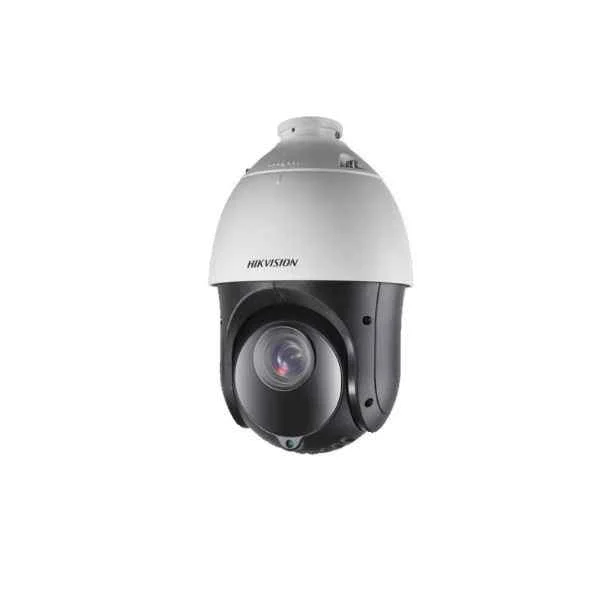
DS-2AE4225TI-D(D) (4" IR PTZ (Plastic Housing), IP66 protection, 25x Optical, 16x Digital + 120dB WDR + 100m IR + 4-in-1 output w/ DS-1602ZJ Wall mount bracket, 12 VDC power supply)
5 (5)- Security Camera
- Hikvision
- Dome
- IP Camera
- 2MP
- Fixed
- Motion Detection
Est Value In stockFirst-Time Buyer Discount – Get up to 2% additional off on your first order
ORM Rewards Earn $50 in Rewards + Free Expedited Delivery – Join Now!
Use eCoupon ORMSAVE10
eCoupon limited to 5 units
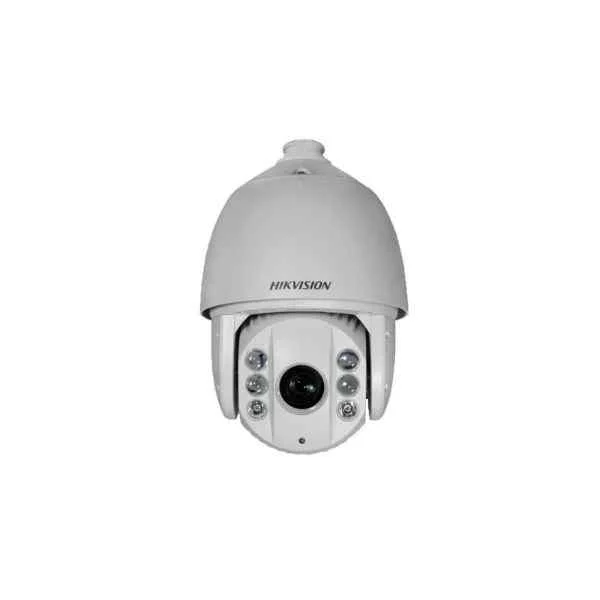
DS-2AE7225TI-A (7" IR PTZ, IP66 protection, 25x Optical, 16x Digital + 120dB WDR + 150m IR + 4-in-1 output, 24 VAC power supply)
4.6 (5)- Security Camera
- Hikvision
- Bullet
- IP Camera
- 2MP
- Fixed
- Motion Detection
Est Value In stockFirst-Time Buyer Discount – Get up to 2% additional off on your first order
ORM Rewards Earn $50 in Rewards + Free Expedited Delivery – Join Now!
Use eCoupon ORMSAVE10
eCoupon limited to 5 units
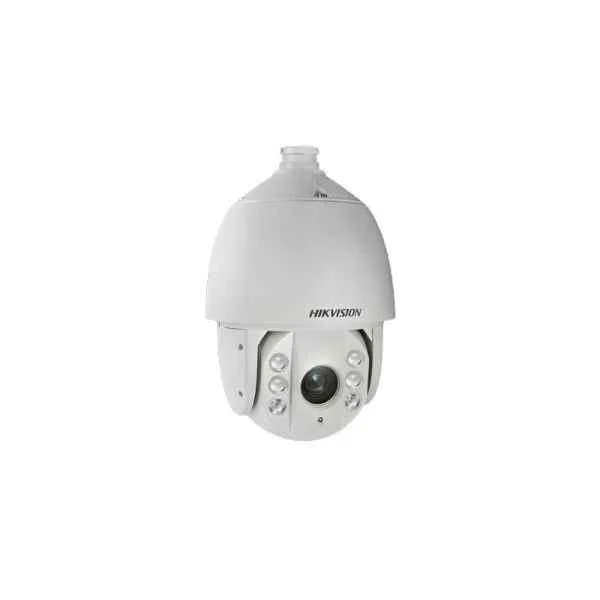
DS-2AE7232TI-A (7" IR PTZ, IP66 protection, 32x Optical, 16x Digital + 120dB WDR + 150m IR + 4-in-1 output, 24 VAC power supply)
4.4 (5)- Security Camera
- Hikvision
- Turret
- IP Camera
- 2MP
- Fixed
- Motion Detection
Est Value In stockFirst-Time Buyer Discount – Get up to 2% additional off on your first order
ORM Rewards Earn $50 in Rewards + Free Expedited Delivery – Join Now!
Use eCoupon ORMSAVE10
eCoupon limited to 5 units
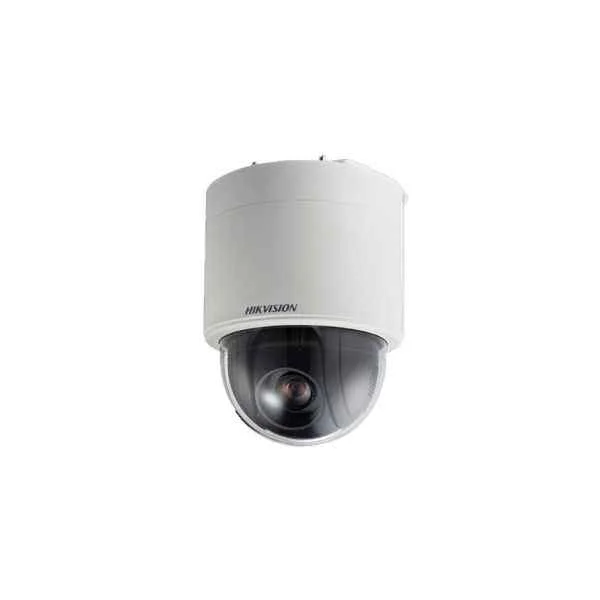
DS-2AE5232T-A3 (5" PTZ, - protection, 32x Optical, 16x Digital + 120dB WDR + 4-in-1 output, Inceiling availiable, 24 VAC power supply)
4.6 (5)- Security Camera
- Hikvision
- Turret
- IP Camera
- 5MP
- Fixed
- Motion Detection
Est Value In stockFirst-Time Buyer Discount – Get up to 2% additional off on your first order
ORM Rewards Earn $50 in Rewards + Free Expedited Delivery – Join Now!
Use eCoupon ORMSAVE10
eCoupon limited to 5 units
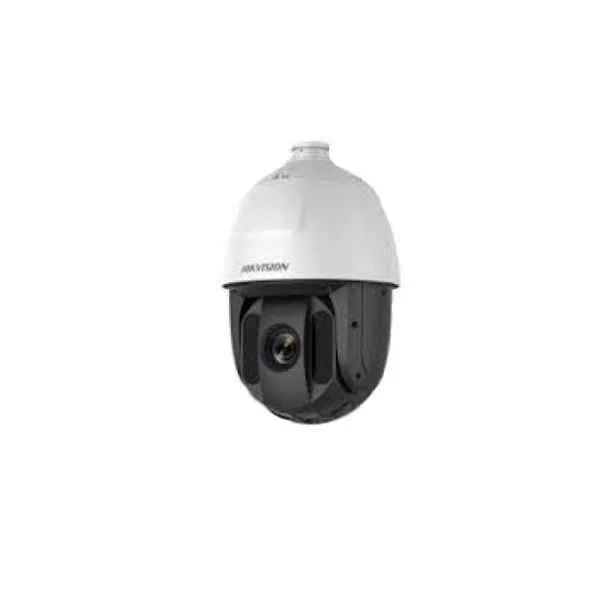
DS-2AE5225TI-A (5" IR PTZ, IP66 protection, 25x Optical, 16x Digital + 120dB WDR + 150m IR + 4-in-1 output, 24 VAC power supply)
4.6 (5)- Security Camera
- Hikvision
- Bullet
- IP Camera
- 2MP
- Fixed
- ANPR
Est Value In stockFirst-Time Buyer Discount – Get up to 2% additional off on your first order
ORM Rewards Earn $50 in Rewards + Free Expedited Delivery – Join Now!
Use eCoupon ORMSAVE10
eCoupon limited to 5 units
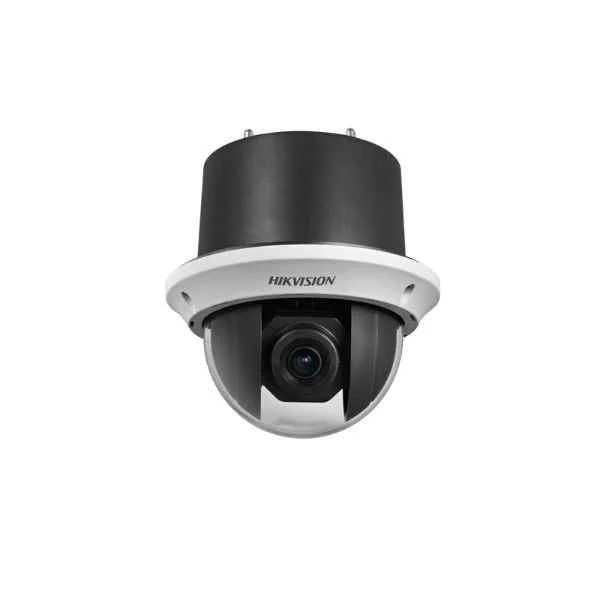
DS-2AE4225T-D3 (4" PTZ, - protection, 25x Optical, 16x Digital + 120dB WDR + 4-in-1 output, Inceiling availiable, 12 VDC power supply)
4.6 (5)- Security Camera
- Hikvision
- Bullet
- IP Camera
- 2MP
- Fixed
Est Value In stockFirst-Time Buyer Discount – Get up to 2% additional off on your first order
ORM Rewards Earn $50 in Rewards + Free Expedited Delivery – Join Now!
Use eCoupon ORMSAVE10
eCoupon limited to 5 units
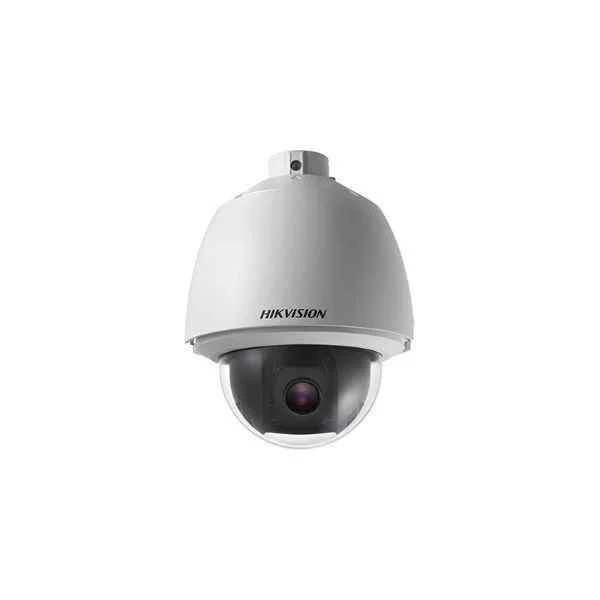
DS-2AE5225T-A (5" PTZ, IP66 protection, 25x Optical, 16x Digital + 120dB WDR + 4-in-1 output, 24 VAC power supply)
4.6 (5)- Security Camera
- Hikvision
- Turret
- IP Camera
- 2MP
- Fixed
- Motion Detection
Est Value In stockFirst-Time Buyer Discount – Get up to 2% additional off on your first order
ORM Rewards Earn $50 in Rewards + Free Expedited Delivery – Join Now!
Use eCoupon ORMSAVE10
eCoupon limited to 5 units
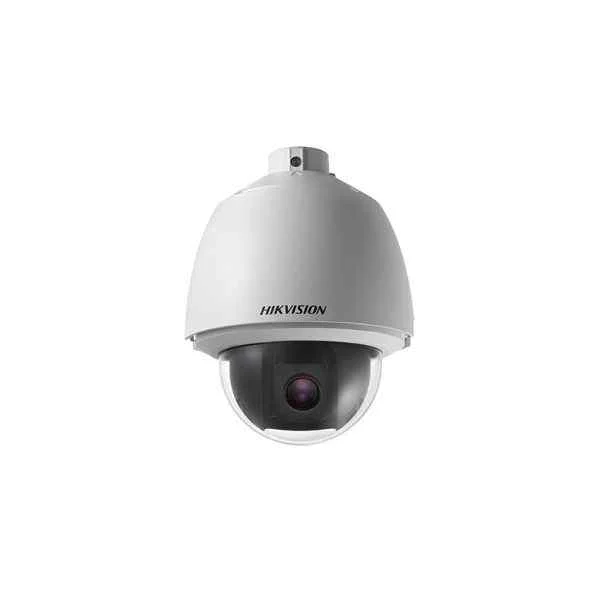
DS-2AE5232T-A (5" PTZ, IP66 protection, 32x Optical, 16x Digital + 120dB WDR + 4-in-1 output, 24 VAC power supply)
4.6 (5)- Security Camera
- Hikvision
- Bullet
- IP Camera
- 1080p
- Fixed
Est Value In stockFirst-Time Buyer Discount – Get up to 2% additional off on your first order
ORM Rewards Earn $50 in Rewards + Free Expedited Delivery – Join Now!
Use eCoupon ORMSAVE10
eCoupon limited to 5 units
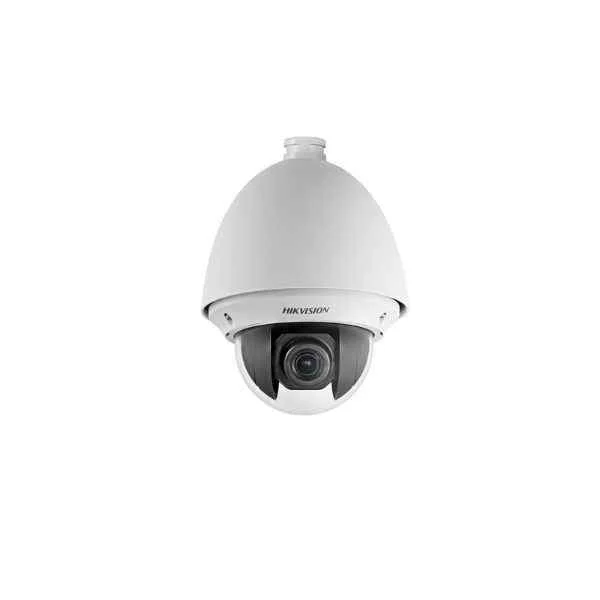
DS-2AE4225T-D (4" PTZ, IP66 protection, 25x Optical, 16x Digital + 120dB WDR + 4-in-1 output, 12 VDC power supply)
4.8 (5)- Security Camera
- Hikvision
- Turret
- IP Camera
- 1080p
- Fixed
- Motion Detection
Est Value In stockFirst-Time Buyer Discount – Get up to 2% additional off on your first order
ORM Rewards Earn $50 in Rewards + Free Expedited Delivery – Join Now!
Use eCoupon ORMSAVE10
eCoupon limited to 5 units
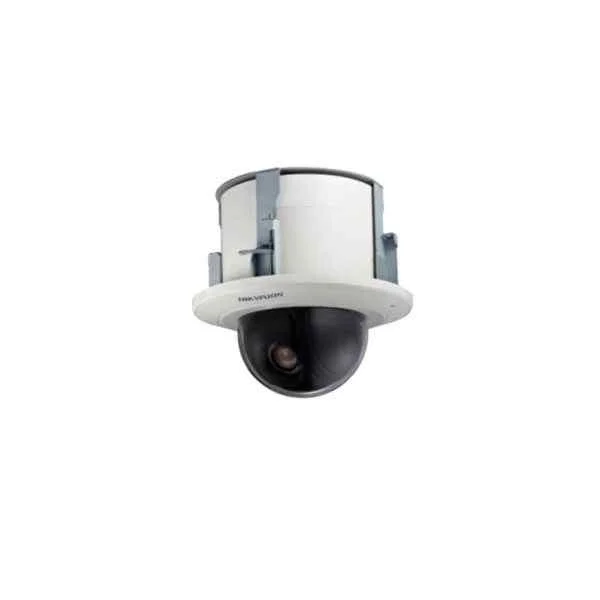
DS-2AE5225T-A3 (5" PTZ, - protection, 25x Optical, 16x Digital + 120dB WDR + 4-in-1 output, Inceiling availiable, 24 VAC power supply)
4.2 (5)- Security Camera
- Hikvision
- Bullet
- IP Camera
- 2MP
- Fixed
- Motion Detection
Est Value In stockFirst-Time Buyer Discount – Get up to 2% additional off on your first order
ORM Rewards Earn $50 in Rewards + Free Expedited Delivery – Join Now!
Use eCoupon ORMSAVE10
eCoupon limited to 5 units

ORM Sales Advisors
Buying for your business? Get a personalised quote in under 2 hours. Talk to an expert
LEARNFilters (12) 
Questions & Answers
What is Hikvision Turbo HD PTZ?
Hikvision Turbo HD PTZ is an analog high-definition dome camera featuring pan, tilt and zoom control over coaxial cable, delivering up to 4MP resolution with real-time video and advanced surveillance functions.
How does Turbo HD PTZ differ from IP PTZ cameras?
Turbo HD PTZ transmits HD video over coaxial cable via HD-TVI technology, reducing bandwidth and latency, while IP PTZ delivers video over Ethernet with higher flexibility but greater network load.
What resolutions and zoom ranges are available?
Hikvision Turbo HD PTZ models support up to 4MP (2560×1440) resolution and offer 20× to 36× motorized optical zoom, ensuring detailed image capture and smooth zoom transitions.
How far does the built-in IR reach?
Most Turbo HD PTZ cameras provide infrared illumination up to 100 meters, enabling clear night-time monitoring in complete darkness without external lighting.
Can I control PTZ functions remotely?
Yes. You can steer, zoom and adjust presets remotely via Hikvision DVRs, NVRs, iVMS-4200 software or the Hik-Connect mobile app for real-time control and monitoring.
What power options are supported?
Turbo HD PTZ cameras support 12 VDC, 24 VAC or optional PoC (Power over Coax) to simplify installations by delivering power and video over a single cable.
Is the camera suitable for outdoor use?
Yes. With an IP66-rated housing and IK10 vandal resistance, Turbo HD PTZ cameras operate reliably in harsh weather and resist impact.
How do I install a Turbo HD PTZ over coax?
Connect the camera’s BNC video output to an HD-TVI DVR input, supply power via 12 VDC/24 VAC or PoC, then configure PTZ protocol settings on the DVR menu for seamless control.
Does Turbo HD PTZ support presets and patrols?
Yes. It supports up to 300 presets, 8 cruises (patrols) and 4 patterns, enabling automated tours for comprehensive area coverage.
Can I integrate it with third-party systems?
Hikvision Turbo HD PTZ supports ONVIF Profile S and CGI commands, allowing integration with compatible VMS, access control and building management systems.
What is the video latency over HD-TVI?
Turbo HD PTZ delivers real-time video with under 200 ms latency, ensuring minimal delay for live monitoring and responsive PTZ control.
How do I update firmware on Turbo HD PTZ?
Download the latest firmware from the Hikvision website, upload it via the DVR/NVR web interface or SADP tool, and follow on-screen prompts to complete the update.
What maintenance is required for the dome?
Clean the dome cover quarterly with a soft, lint-free cloth and mild detergent, check for debris on the lens, and verify dome heaters and wipers function properly.
Does the camera offer smart tracking features?
Select models include Smart Tracking, which automatically follows moving targets within the configured surveillance area based on motion detection analytics.
How can I reduce signal interference on long cable runs?
Use high-quality RG59 coaxial cables, apply surge protectors at both ends, and limit cable length to under 500 meters for optimal HD-TVI performance.
Where can I purchase genuine Hikvision Turbo HD PTZ cameras?
Buy from authorized Hikvision distributors, certified dealers or the official Hikvision website to ensure authentic products with valid warranties and support.