 United States
Hikvision PTZ Camera Solutions
Experience superior performance and reliability with Hikvision PTZ Camera Solutions designed for professional security applications. Our technologically advanced cameras deliver unmatched precision, advanced tracking, and robust integration for optimal surveillance.
Talk to an expert
Hikvision Special Series Ptz
(12)Hikvision Special Series PTZ cameras bring thermal or low-light targeting with H.265 streams for utility yards and industrial fence lines
Hikvision Ultra Series Ptz
(30)Hikvision Ultra Series PTZ cameras deliver 4K video, deep zoom, and H.265 compression for city intersections and transport hubs
Hikvision Value Series Ptz
(3)Hikvision Value Series PTZ cameras cover remote sites with fewer than 50 users using PoE uplinks and H.265 recording
Hikvision Pro Series Ptz
(24)Hikvision Pro Series PTZ cameras combine AcuSense analytics, H.265 video, and 1 Gigabit Ethernet for school campuses and logistics yards
Hikvision 8Mp/4Mp/2Mp Ptz
(16)Hikvision 8MP, 4MP, and 2MP PTZ cameras match resolution tiers to H.265 storage budgets for warehouses and retail parking lots
Hikvision De-Line Network Ptz
(16)Hikvision DE Series network PTZ cameras use IP streaming and H.265 compression for building perimeters and controlled gate lanes
Hikvision Turbo Hd Ptz
(12)Hikvision Turbo HD PTZ cameras send HD-TVI video over coax for retrofit CCTV risers and multi-floor building corridors
113 Matching results
- BEST SELLING
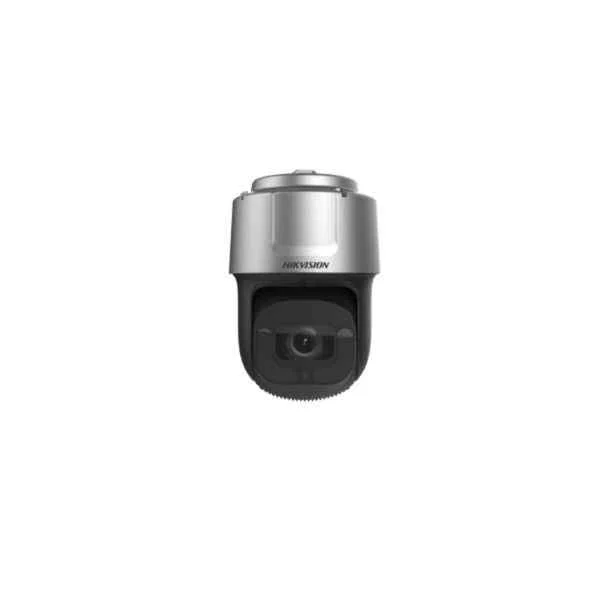
DS-2DF8C442IXS-AEL(T2) (8-inch 4 MP 42X DarkFighter IR Network Speed Dome)
4.8 (5)- Security Camera
- Hikvision
- Turret
- IP Camera
- 4MP
- Motorized
- Motion Detection / ANPR
Est Value In stock
First-Time Buyer Discount – Get up to 2% additional off on your first order
ORM Rewards Earn $50 in Rewards + Free Expedited Delivery – Join Now!
Use eCoupon ORMSAVE10
eCoupon limited to 5 units
- BEST SELLING
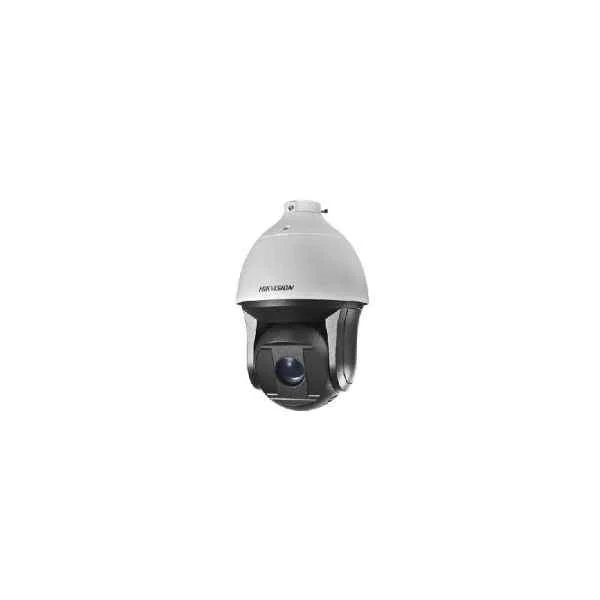
DS-2DF8242IX-AEL(W) (8-inch 2MP 42X DarkFighter IR Network Speed Dome)
4.8 (5)- Security Camera
- Hikvision
- Turret
- IP Camera
- 4MP
- Motorized
- Motion Detection
Est Value In stockFirst-Time Buyer Discount – Get up to 2% additional off on your first order
ORM Rewards Earn $50 in Rewards + Free Expedited Delivery – Join Now!
Use eCoupon ORMSAVE10
eCoupon limited to 5 units
- BEST SELLING
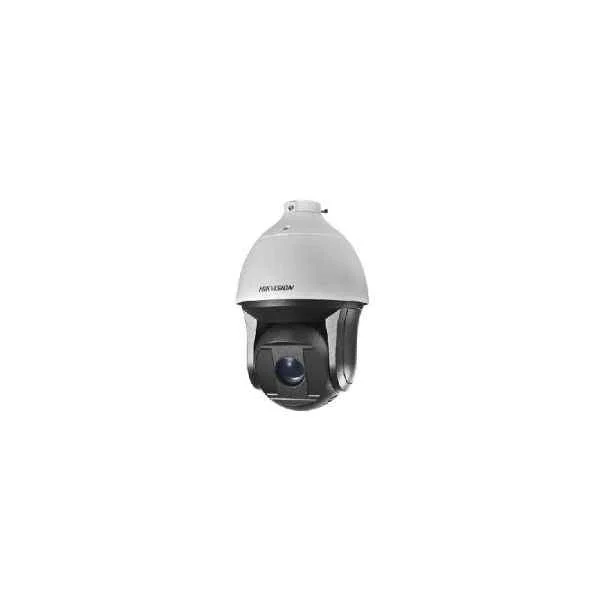
DS-2DF8425IX-AEL(W) (8-inch 4MP 25X DarkFighter IR Network Speed Dome)
4.6 (5)- Security Camera
- Hikvision
- Bullet
- IP Camera
- 4MP
- Motorized
- ANPR
Est Value In stockFirst-Time Buyer Discount – Get up to 2% additional off on your first order
ORM Rewards Earn $50 in Rewards + Free Expedited Delivery – Join Now!
Use eCoupon ORMSAVE10
eCoupon limited to 5 units
- BEST SELLING
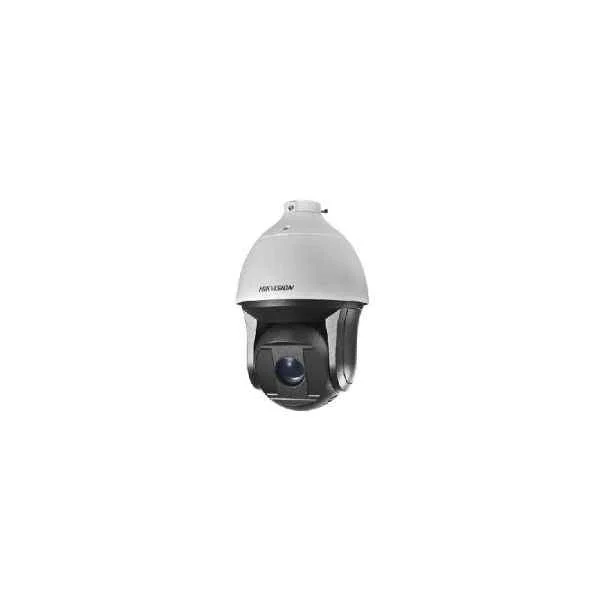
DS-2DF8825IX-AEL(W) (8-inch 4K 25X Powered by DarkFighter IR Network Speed Dome)
4.2 (5)- Security Camera
- Hikvision
- Turret
- IP Camera
- 4MP
- Motorized
- Motion Detection
Est Value In stockFirst-Time Buyer Discount – Get up to 2% additional off on your first order
ORM Rewards Earn $50 in Rewards + Free Expedited Delivery – Join Now!
Use eCoupon ORMSAVE10
eCoupon limited to 5 units
- BEST SELLING
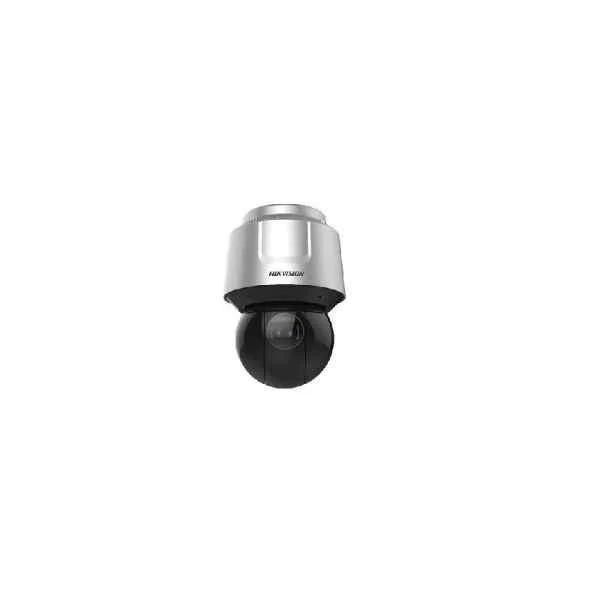
DS-2DF8A436IX-AEL (8-inch 4MP 36X DarkFighter IR Network Speed Dome)
4.2 (5)- Security Camera
- Hikvision
- PTZ
- IP Camera
- 1080p
- Motorized
- ANPR
Est Value In stockFirst-Time Buyer Discount – Get up to 2% additional off on your first order
ORM Rewards Earn $50 in Rewards + Free Expedited Delivery – Join Now!
Use eCoupon ORMSAVE10
eCoupon limited to 5 units
- BEST SELLING
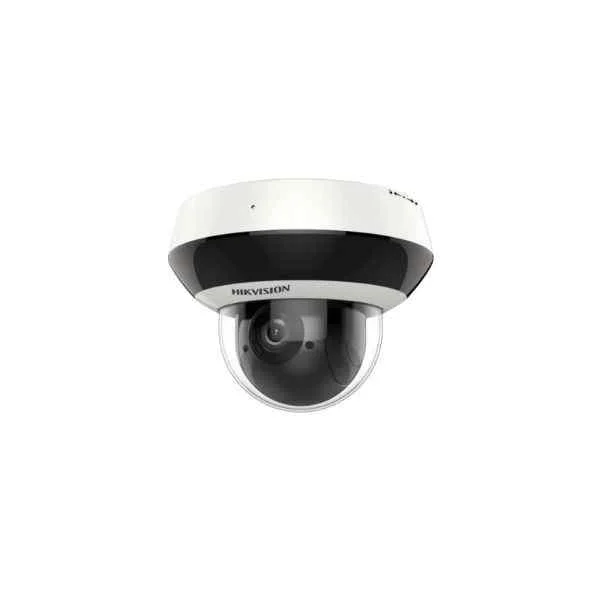
DS-2DE2A404IW-DE3 (2-inch 4MP 4X Powered by DarkFighter IR Network Speed Dome)
4.6 (5)- Security Camera
- Hikvision
- Bullet
- IP Camera
- 4MP
- Varifocal
- Motion Detection
Est Value In stockFirst-Time Buyer Discount – Get up to 2% additional off on your first order
ORM Rewards Earn $50 in Rewards + Free Expedited Delivery – Join Now!
Use eCoupon ORMSAVE10
eCoupon limited to 5 units
- BEST SELLING
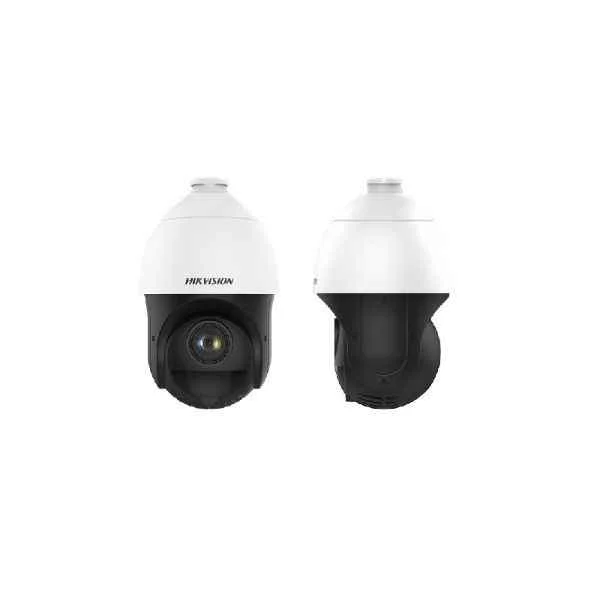
DS-2DE4225IW-DE(S5) (4-inch 2 MP 25X Powered by DarkFighter IR Network Speed Dome)
4.6 (5)- Security Camera
- Hikvision
- PTZ
- IP Camera
- 2MP
- Motorized
Est Value In stockFirst-Time Buyer Discount – Get up to 2% additional off on your first order
ORM Rewards Earn $50 in Rewards + Free Expedited Delivery – Join Now!
Use eCoupon ORMSAVE10
eCoupon limited to 5 units
- BEST SELLING
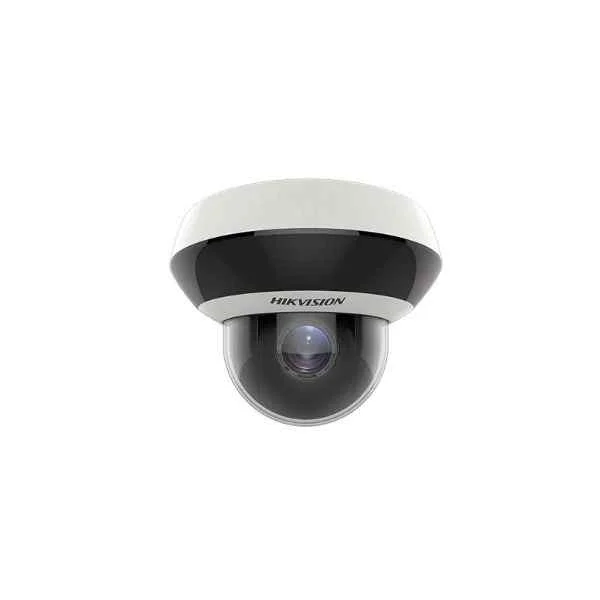
DS-2DE2A204IW-DE3 (2MP Max Resolution, Optical: 4X + Digital: 16X zoom, Pan: 0°-330° + Tilt: 0°-90°, IP66, IK10 Protection, 2.8-12mm lens + F1.6, 120dB WDR, 20m, IR, DC12V & PoE power)
4.6 (5)- Security Camera
- Hikvision
- PTZ
- IP Camera
- 2MP
- Motorized
- Motion Detection
Est Value In stockFirst-Time Buyer Discount – Get up to 2% additional off on your first order
ORM Rewards Earn $50 in Rewards + Free Expedited Delivery – Join Now!
Use eCoupon ORMSAVE10
eCoupon limited to 5 units
- BEST SELLING
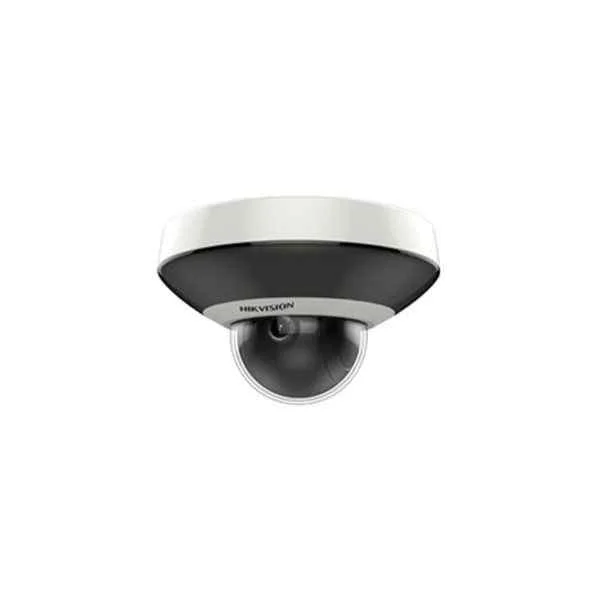
DS-2DE1A200IW-DE3 (2MP Max Resolution, Optical: - + Digital: 16X zoom, Pan: 0°-330° + Tilt: 0°-90°, IP66, IK08 Protection, 2.8/4mm Fixed lens + F1.6, 120dB WDR, 15m, IR, DC12V & PoE power)
5 (5)- Security Camera
- Hikvision
- Turret
- IP Camera
- 2MP
- Fixed
Est Value In stockFirst-Time Buyer Discount – Get up to 2% additional off on your first order
ORM Rewards Earn $50 in Rewards + Free Expedited Delivery – Join Now!
Use eCoupon ORMSAVE10
eCoupon limited to 5 units
- FEARURED
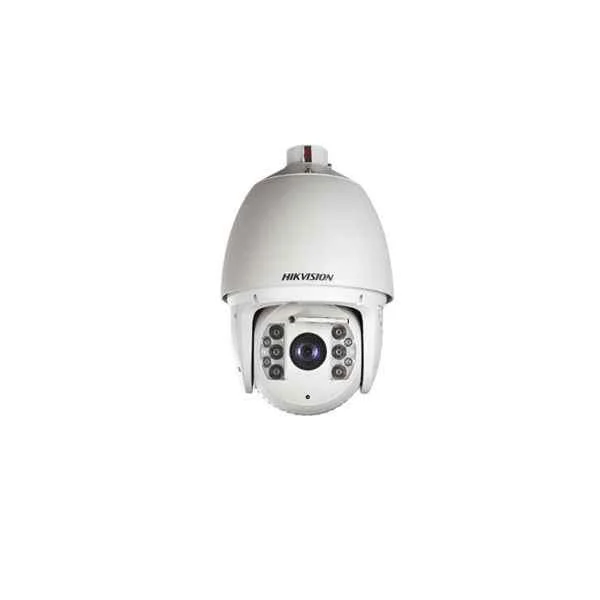
DS-2DF7232IX-AEL (7-inch 2 MP 32X DarkFighter IR Network Speed Dome)
4.2 (5)- Security Camera
- Hikvision
- Turret
- IP Camera
- 4MP
- Motorized
Est Value In stockFirst-Time Buyer Discount – Get up to 2% additional off on your first order
ORM Rewards Earn $50 in Rewards + Free Expedited Delivery – Join Now!
Use eCoupon ORMSAVE10
eCoupon limited to 5 units
- FEARURED
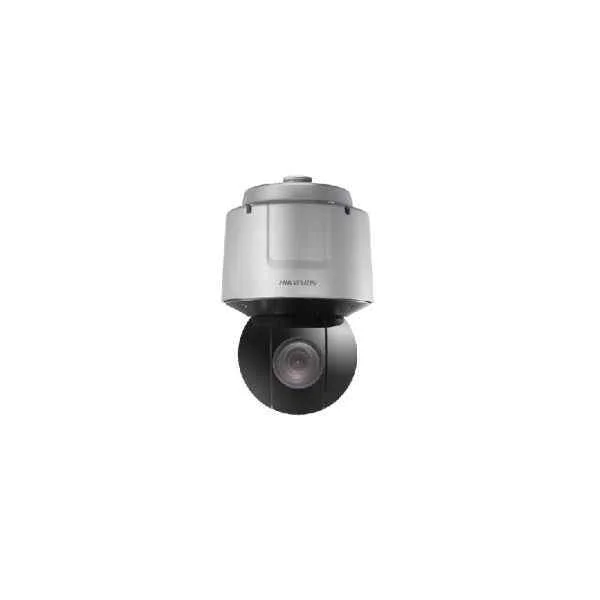
DS-2DF6A236X-AEL (6-inch 2 MP 36X DarkFighter Network Speed Dome)
5 (5)- Security Camera
- Hikvision
- Bullet
- IP Camera
- 2MP
- Motorized
- ANPR
Est Value In stockFirst-Time Buyer Discount – Get up to 2% additional off on your first order
ORM Rewards Earn $50 in Rewards + Free Expedited Delivery – Join Now!
Use eCoupon ORMSAVE10
eCoupon limited to 5 units
- FEARURED
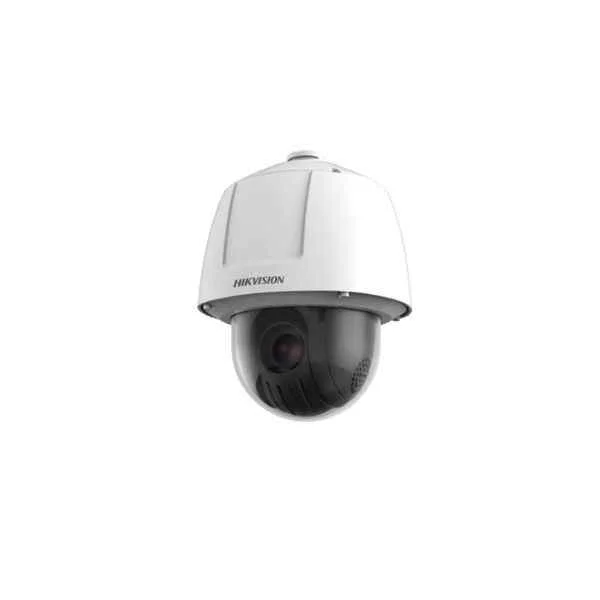
DS-2DF6225X-AELY (6-inch 2 MP 25X DarkFighter Network Speed Dome)
4.4 (5)- Security Camera
- Hikvision
- Bullet
- IP Camera
- 4MP
- Varifocal
- Motion Detection
Est Value In stockFirst-Time Buyer Discount – Get up to 2% additional off on your first order
ORM Rewards Earn $50 in Rewards + Free Expedited Delivery – Join Now!
Use eCoupon ORMSAVE10
eCoupon limited to 5 units
- FEARURED
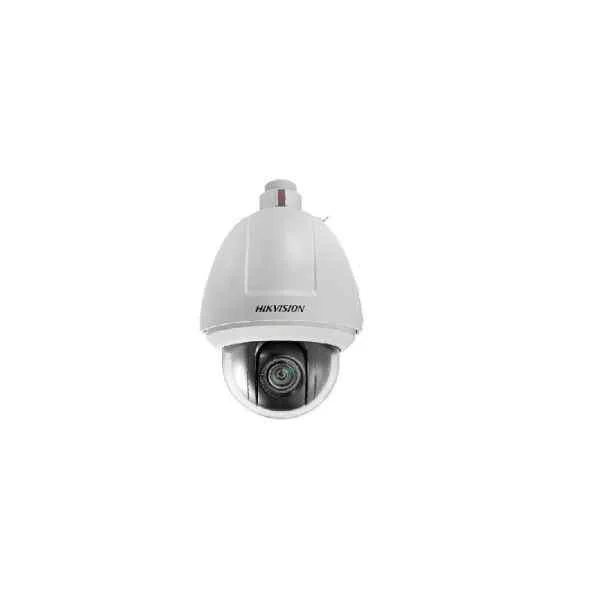
DS-2DF5232X-AEL (5-inch 2 MP 32X DarkFighter Network Speed Dome)
4.6 (5)- Security Camera
- Hikvision
- Bullet
- IP Camera
- 4MP
- Motorized
Est Value In stockFirst-Time Buyer Discount – Get up to 2% additional off on your first order
ORM Rewards Earn $50 in Rewards + Free Expedited Delivery – Join Now!
Use eCoupon ORMSAVE10
eCoupon limited to 5 units
- FEARURED
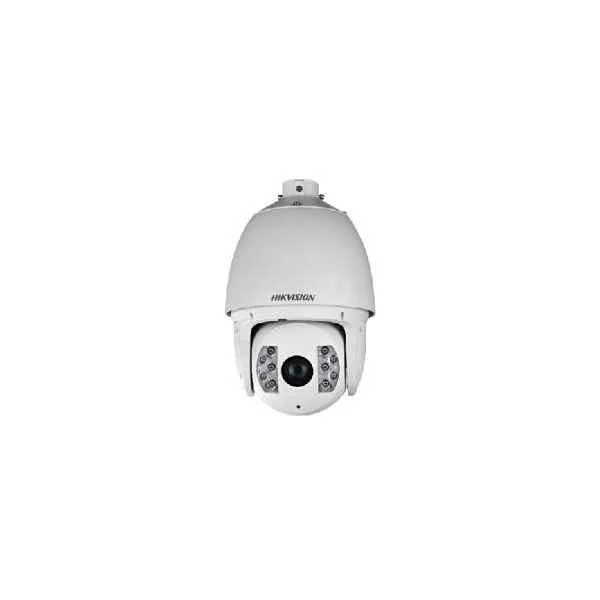
DS-2DF7225IX-AEL (7-inch 2 MP 25X DarkFighter IR Network Speed Dome)
5 (5)- Security Camera
- Hikvision
- Turret
- IP Camera
- 1080p
- Varifocal
- Motion Detection
Est Value In stockFirst-Time Buyer Discount – Get up to 2% additional off on your first order
ORM Rewards Earn $50 in Rewards + Free Expedited Delivery – Join Now!
Use eCoupon ORMSAVE10
eCoupon limited to 5 units
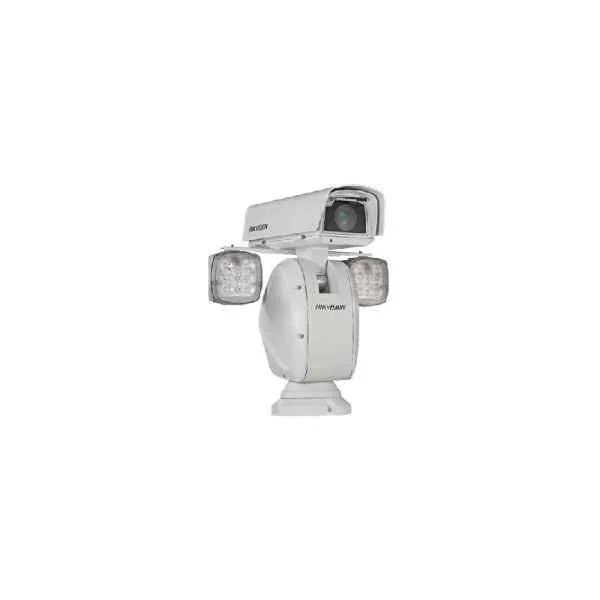
DS-2DY9236IX-A (9-inch 2 MP 36X DarkFighter IR Network Positioning System)
4.2 (5)- Security Camera
- Hikvision
- Bullet
- IP Camera
- 4MP
- Fixed
- Motion Detection
Est Value In stockFirst-Time Buyer Discount – Get up to 2% additional off on your first order
ORM Rewards Earn $50 in Rewards + Free Expedited Delivery – Join Now!
Use eCoupon ORMSAVE10
eCoupon limited to 5 units
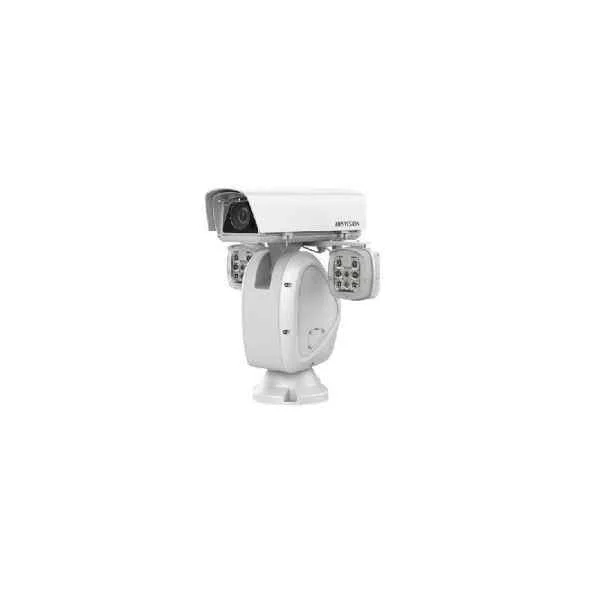
DS-2DY9225IH-A (9-inch 2 MP 25X DarkFighterX IR Network Positioning System)
4.6 (5)- Security Camera
- Hikvision
- Turret
- IP Camera
- 4MP
- Varifocal
- Motion Detection
Est Value In stockFirst-Time Buyer Discount – Get up to 2% additional off on your first order
ORM Rewards Earn $50 in Rewards + Free Expedited Delivery – Join Now!
Use eCoupon ORMSAVE10
eCoupon limited to 5 units
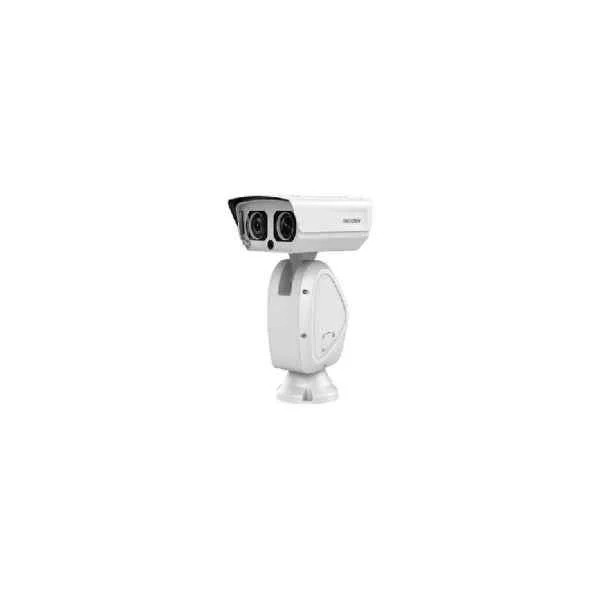
DS-2DY9236I8X-A (9-inch 2 MP 36X DarkFighter Laser Network Positioning System)
4.2 (5)- Security Camera
- Hikvision
- Bullet
- IP Camera
- 4MP
- Varifocal
- Motion Detection / ANPR
Est Value In stockFirst-Time Buyer Discount – Get up to 2% additional off on your first order
ORM Rewards Earn $50 in Rewards + Free Expedited Delivery – Join Now!
Use eCoupon ORMSAVE10
eCoupon limited to 5 units
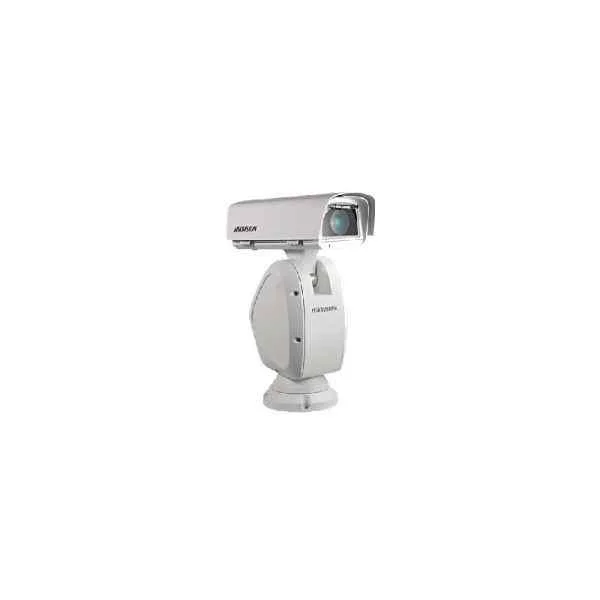
DS-2DY9236X-A (9-inch 2 MP 36X DarkFighter Network Positioning System)
4.8 (5)- Security Camera
- Hikvision
- Bullet
- IP Camera
- 1080p
- Motorized
- ANPR
Est Value In stockFirst-Time Buyer Discount – Get up to 2% additional off on your first order
ORM Rewards Earn $50 in Rewards + Free Expedited Delivery – Join Now!
Use eCoupon ORMSAVE10
eCoupon limited to 5 units
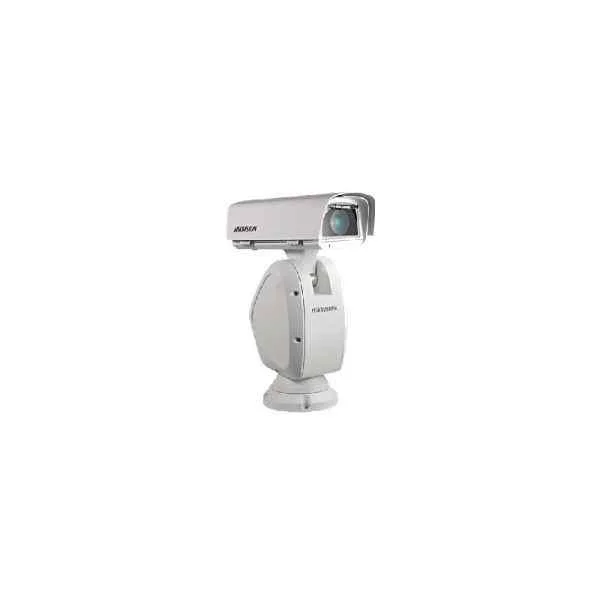
DS-2DY9250X-A (9-inch 2 MP 50X Powered by DarkFighter Network Positioning System)
4.6 (5)- Security Camera
- Hikvision
- Turret
- IP Camera
- 1080p
- Varifocal
Est Value In stockFirst-Time Buyer Discount – Get up to 2% additional off on your first order
ORM Rewards Earn $50 in Rewards + Free Expedited Delivery – Join Now!
Use eCoupon ORMSAVE10
eCoupon limited to 5 units
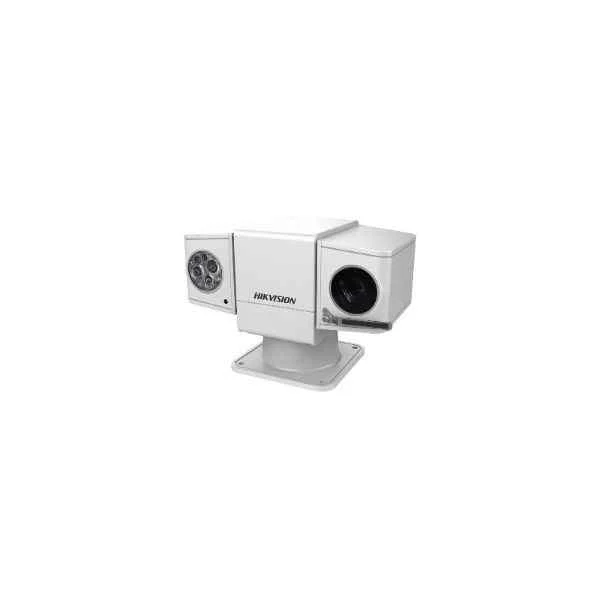
DS-2DY5223IW-AE (5-inch 2 MP 23X DarkFighter IR Network Positioning System)
4.8 (5)- Security Camera
- Hikvision
- Bullet
- IP Camera
- 1080p
- Varifocal
- Motion Detection
Est Value In stockFirst-Time Buyer Discount – Get up to 2% additional off on your first order
ORM Rewards Earn $50 in Rewards + Free Expedited Delivery – Join Now!
Use eCoupon ORMSAVE10
eCoupon limited to 5 units

ORM Sales Advisors
Buying for your business? Get a personalised quote in under 2 hours. Talk to an expert
LEARNFilters (113) 
Questions & Answers
What is a Hikvision PTZ camera and how does it work?
A Hikvision PTZ camera is a network surveillance device featuring pan (0–360°), tilt (–5° to 90°) and optical zoom capabilities, enabling remote real-time monitoring and automated tracking over LAN or the Internet.
What resolution options are available on Hikvision PTZ cameras?
Hikvision PTZ cameras support up to 4K UHD (8 MP) resolution, with additional model-dependent options of 2 MP, 4 MP and 6 MP for high-definition video quality.
How do I install and mount a Hikvision PTZ camera?
Mount the camera on a stable surface or pole using the supplied bracket, secure all connections, then configure network settings via SADP or the web interface for immediate operation.
Does Hikvision PTZ support Power over Ethernet (PoE)?
Yes, most Hikvision PTZ models support IEEE 802.3af/at PoE for both power and data transmission over a single Ethernet cable, simplifying installation.
How can I access live video from my Hikvision PTZ camera remotely?
Use the Hik-Connect mobile app or the iVMS-4200 client on PC; log in with your device’s serial number or QR code and configure port forwarding or P2P for secure remote viewing.
Which protocols and third-party platforms are compatible with Hikvision PTZ?
Hikvision PTZ cameras support ONVIF Profile S/G/T, RTSP, and CGI, ensuring interoperability with major NVRs and VMS solutions from leading manufacturers.
How do I update firmware on a Hikvision PTZ camera?
Download the latest firmware from the Hikvision official website, upload it via the camera’s web interface under System > Maintenance, then reboot to apply changes.
Can I set up privacy masks and motion detection on a Hikvision PTZ?
Yes, configure up to 8 privacy mask areas and define custom motion detection zones via the camera’s web GUI or iVMS-4200 to avoid false alarms and protect sensitive locations.
What are the maximum pan, tilt and zoom specifications?
Typical Hikvision PTZ cameras offer 0–360° continuous pan, –5° to 90° tilt, and up to 30× optical zoom, delivering wide-area coverage with detailed zoom-in capabilities.
How do I configure presets and patrols on a Hikvision PTZ camera?
In the web interface, navigate to PTZ control, add preset positions with defined pan/tilt/zoom values, then create patrol sequences by scheduling presets in a desired order.
What is the night vision range of Hikvision PTZ cameras?
Hikvision PTZ cameras feature built-in IR illuminators with effective night vision up to 150 meters, depending on the model and environmental conditions.
How do I troubleshoot connectivity issues with my Hikvision PTZ camera?
Check network cables and PoE power, verify IP and gateway settings in SADP, ensure firmware is up to date, and confirm no firewall or ISP restrictions block camera ports.
Are Hikvision PTZ cameras suitable for outdoor use?
Most Hikvision PTZ models are rated IP66 or IP67 for dust and water resistance and operate in temperatures from –40 °C to 65 °C, making them ideal for harsh outdoor environments.
How do I integrate my Hikvision PTZ camera with an NVR or VMS?
Add the PTZ camera to your NVR or VMS using its IP address, ONVIF credentials or RTSP stream URL, then configure camera control parameters within the recorder for full PTZ functionality.
What warranty and technical support does Hikvision offer?
Hikvision provides a standard two-year warranty, optional extended coverage, and 24/7 technical support via phone, email and the global partner network for product assistance.
How can I secure my Hikvision PTZ camera against unauthorized access?
Enable strong passwords, disable unused services, apply the latest firmware, activate HTTPS/SSL encryption and segment the camera on a secured VLAN or VPN to prevent hacking.