 United States
Router Series HP Msr3000
Experience reliable connectivity and enhanced performance with the HP Msr3000 Router Series. Engineered for secure, scalable deployments in modern business environments, ensuring optimal network performance and efficiency.
Talk to an expert
8 Matching results
- BEST SELLING
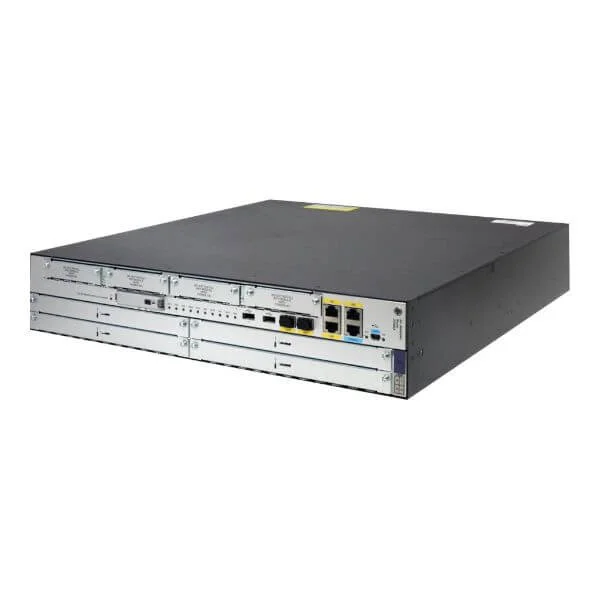
JG405A (HP MSR3044 Router)
4.6 (5)- Enterprise Router
- Hpe
- IPSec / SSL VPN
- AC Power Supply with Redundant Option
- OSPF / BGP / Static Routing
- Fiber Optic / DSL
- Modular
Est Value $1,065.67
$909.72
14.6% offIn stockNewRefurbishedFirst-Time Buyer Discount – Get up to 2% additional off on your first order
ORM Rewards Earn $50 in Rewards + Free Expedited Delivery – Join Now!
Use eCoupon ORMSAVE10
eCoupon limited to 5 units
- BEST SELLING
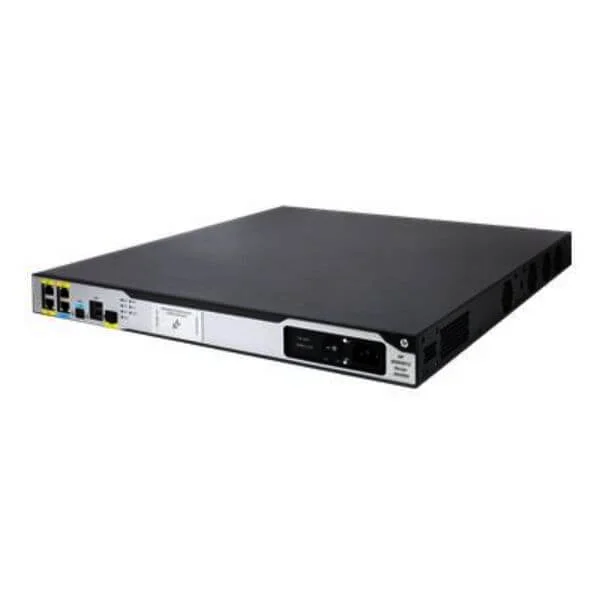
JG409A (HP MSR3012 AC Router)
5 (5)- Enterprise Router
- Hpe
- IPSec / SSL VPN / GRE / DMVPN / FlexVPN
- AC Power Supply / Redundant
- OSPF / BGP / EIGRP / MPLS / RIP / Static Routing
- Fiber Optic
- Modular
Est Value $1,067.07$910.92
14.6% offIn stockRefurbishedFirst-Time Buyer Discount – Get up to 2% additional off on your first order
ORM Rewards Earn $50 in Rewards + Free Expedited Delivery – Join Now!
Use eCoupon ORMSAVE10
eCoupon limited to 5 units
- BEST SELLING
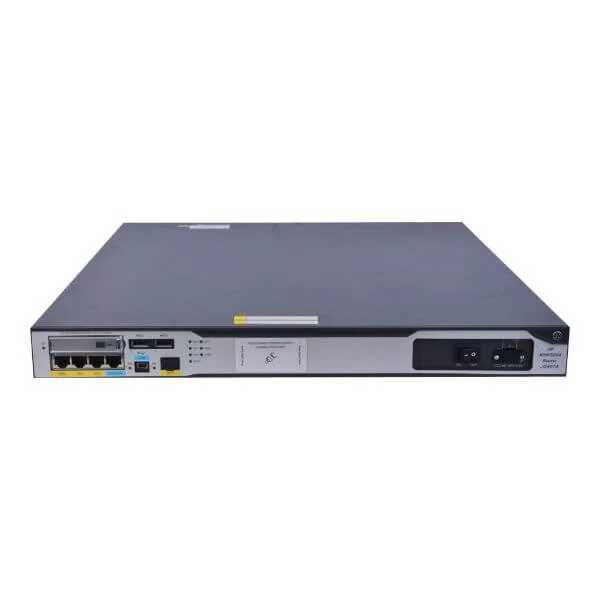
JG407A (HP MSR3024 DC Router)
4.6 (5)- Enterprise Router
- Hpe
- IPSec / SSL VPN
- Redundant
- OSPF / BGP / Static Routing
- Fiber Optic
- Modular
Est Value $1,814.00$1,798.67
0.8% offIn stockRefurbishedFirst-Time Buyer Discount – Get up to 2% additional off on your first order
ORM Rewards Earn $50 in Rewards + Free Expedited Delivery – Join Now!
Use eCoupon ORMSAVE10
eCoupon limited to 5 units
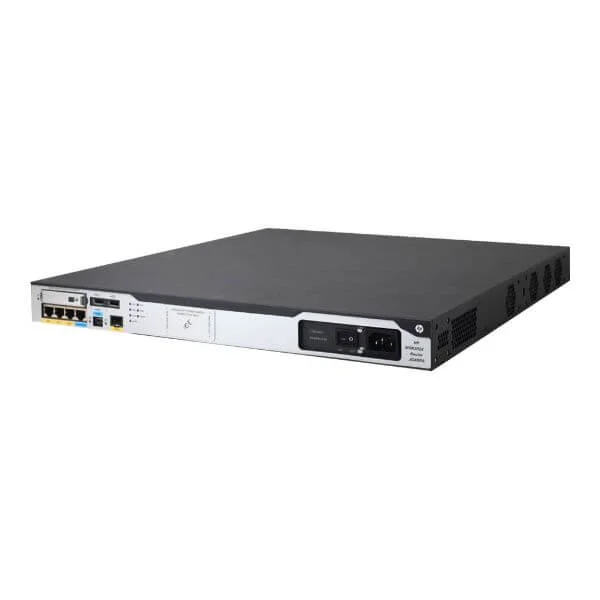
JG406A (HP MSR3024 AC Router)
4.4 (5)- Enterprise Router
- Hpe
- IPSec / SSL VPN / DMVPN
- AC Power Supply / Redundant
- OSPF / BGP / EIGRP / Static Routing
- Fiber Optic / DSL
- Modular
Est Value $2,128.00$780.57
63.3% offIn stockRefurbishedFirst-Time Buyer Discount – Get up to 2% additional off on your first order
ORM Rewards Earn $50 in Rewards + Free Expedited Delivery – Join Now!
Use eCoupon ORMSAVE10
eCoupon limited to 5 units
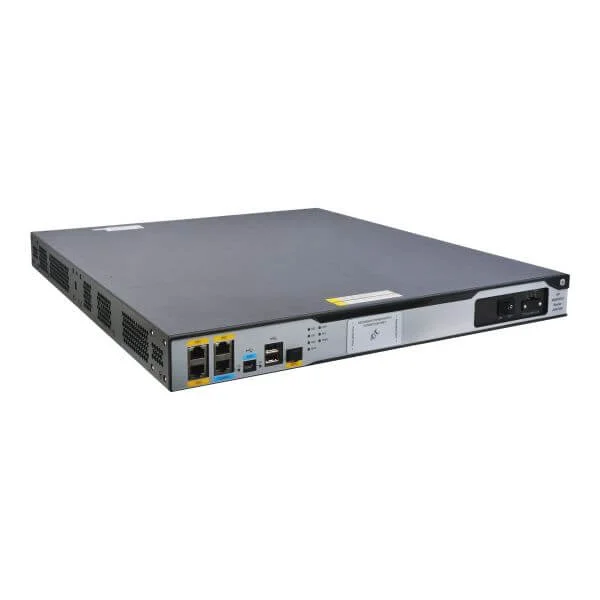
JG409B (HPE MSR3012 AC Router)
4.6 (5)- Enterprise Router
- Hpe
- IPSec / SSL VPN
- AC Power Supply / DC Power Supply / Redundant
- OSPF / BGP / EIGRP / Static Routing
- Fiber Optic / DSL
- Modular
Est Value $1,925.00$925.34
51.9% offIn stockRefurbishedFirst-Time Buyer Discount – Get up to 2% additional off on your first order
ORM Rewards Earn $50 in Rewards + Free Expedited Delivery – Join Now!
Use eCoupon ORMSAVE10
eCoupon limited to 5 units
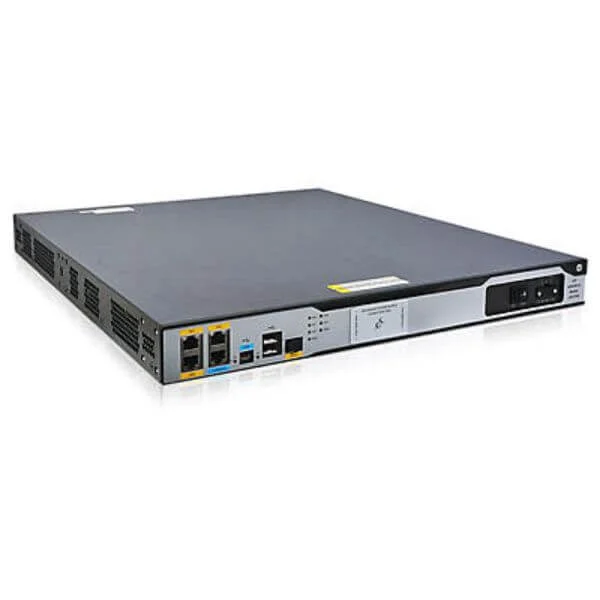
JG410A (HP MSR3012 DC Router)
4.6 (5)- Enterprise Router
- Hpe
- IPSec / SSL VPN
- AC Power Supply / Redundant
- OSPF / BGP / Static Routing
- Fiber Optic
- Modular
Est Value $2,047.00$1,753.92
14.3% offIn stockRefurbishedFirst-Time Buyer Discount – Get up to 2% additional off on your first order
ORM Rewards Earn $50 in Rewards + Free Expedited Delivery – Join Now!
Use eCoupon ORMSAVE10
eCoupon limited to 5 units
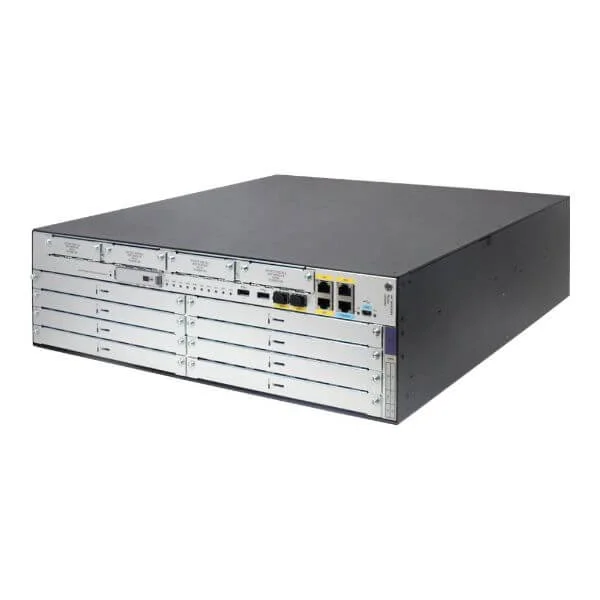
JG404A (HP MSR3064 Router)
4.6 (5)- Enterprise Router
- Hpe
- IPSec / SSL VPN
- Redundant AC Power Supply
- OSPF / BGP / EIGRP / MPLS / Static Routing
- Fiber Optic
- Modular
Est Value $3,049.00$2,907.38
4.6% offIn stockRefurbishedFirst-Time Buyer Discount – Get up to 2% additional off on your first order
ORM Rewards Earn $50 in Rewards + Free Expedited Delivery – Join Now!
Use eCoupon ORMSAVE10
eCoupon limited to 5 units
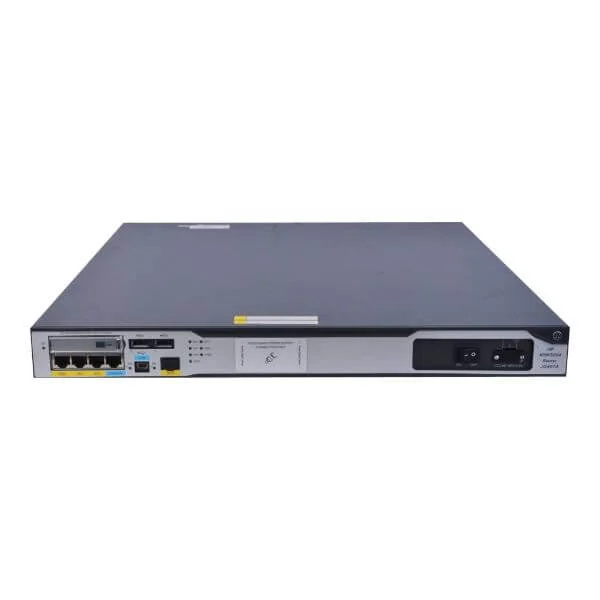
JG408A (HP MSR3024 PoE Router)
4.2 (5)- Enterprise Router
- Hpe
- IPSec / SSL VPN / DMVPN
- AC Power Supply / DC Power Supply / Redundant
- OSPF / BGP / EIGRP / Static Routing
- Fiber Optic / DSL
- Modular
Est Value $4,950.00$3,066.98
38% offIn stockRefurbishedFirst-Time Buyer Discount – Get up to 2% additional off on your first order
ORM Rewards Earn $50 in Rewards + Free Expedited Delivery – Join Now!
Use eCoupon ORMSAVE10
eCoupon limited to 5 units

ORM Sales Advisors
Buying for your business? Get a personalised quote in under 2 hours. Talk to an expert
LEARNFilters (8) 
Questions & Answers
What is the HP MSR3000 Router Series?
The HP MSR3000 Router Series is an enterprise-grade multi-service routing platform that delivers high performance, modular WAN interfaces, carrier-class reliability, and advanced security for branch, campus, and service-provider networks.
What are the key features of HP MSR3000 routers?
HP MSR3000 routers feature hardware-based forwarding, redundant power, hot-swappable modules, integrated MPLS/VPN, advanced QoS, and comprehensive security services including IPSec, firewall, and intrusion prevention.
How does the MSR3000 Series ensure high performance and reliability?
By combining a multi-core forwarding engine, redundant AC/DC power supplies, hot-swappable interface modules, and hierarchical QoS, the MSR3000 delivers low latency, high throughput, and 99.999% uptime.
Which security protocols are supported by HP MSR3000 routers?
HP MSR3000 routers support IPSec VPN, SSL VPN, MACsec, stateful firewall, intrusion prevention (IDS/IPS), DoS protection, and application-aware threat management to secure WAN and remote access.
How scalable is the HP MSR3000 Series for growing networks?
The MSR3000 scales from small branches to large enterprises with up to eight modular WAN slots, 2–40 Gbps switching capacity, and support for 10 GbE, ensuring seamless growth and service expansion.
Which WAN interfaces are available on HP MSR3000 routers?
HP MSR3000 offers a choice of Gigabit Ethernet, 10 GbE SFP+, xDSL, T1/E1, fiber-optic, and serial WAN modules for flexible connectivity in diverse network environments.
How do I configure VPN on an HP MSR3000 router?
Use the web UI or CLI to define IPSec or SSL VPN tunnels, configure encryption algorithms, set authentication methods, and apply access policies before enabling the tunnel for secure site-to-site or remote access.
What are the power consumption and efficiency specs of the MSR3000?
Depending on module count, the MSR3000 consumes 60–250 W. It supports AC/DC redundant power, variable fan speeds, and energy-efficient Ethernet to minimize power usage under low loads.
How do I upgrade firmware on an HP MSR3000 router?
Download the latest firmware image from the HP support portal, transfer it to the router via TFTP/FTP/HTTP, then execute the “upgrade” command in the CLI and reboot to apply the update.
What management tools work with HP MSR3000?
HP MSR3000 integrates with HP Intelligent Management Center (IMC), SNMP-based network management systems, and offers a built-in web interface and CLI for centralized configuration, monitoring, and automation.
How can I troubleshoot common issues on the MSR3000 Series?
Use real-time logs, debug and show commands in the CLI, perform module self-tests, review system alarms, and consult HP’s online knowledge base for error-code resolutions and best practices.
What deployment scenarios suit the HP MSR3000 routers?
Ideal for branch office aggregation, data-center interconnect, enterprise WAN, and service-provider edge, the MSR3000 supports multi-protocol transport, high availability, and QoS-driven SLAs.
How does HP MSR3000 deliver Quality of Service (QoS)?
MSR3000 implements hierarchical QoS with traffic classification, policing, shaping, and priority queues in hardware to guarantee performance for latency-sensitive applications like VoIP and video.
Can the HP MSR3000 integrate with cloud services?
Yes, the MSR3000 supports dynamic IPsec VPN, SD-WAN overlays, and cloud-connect gateway functions to secure and optimize connectivity to AWS, Microsoft Azure, and private-cloud environments.
What warranty and support options are available for HP MSR3000?
HP offers a limited lifetime warranty with next-business-day hardware replacement, plus optional Care Pack services for 24×7 support, onsite response, and advanced hardware-replacement coverage.