 United States
Routers Software Ne05E/08E Series
Experience robust connectivity and secure management with Ne05E/08E Series Routers Software providing advanced features, seamless integration, and optimized network performance for sophisticated enterprise environments.
Talk to an expert
13 Matching results
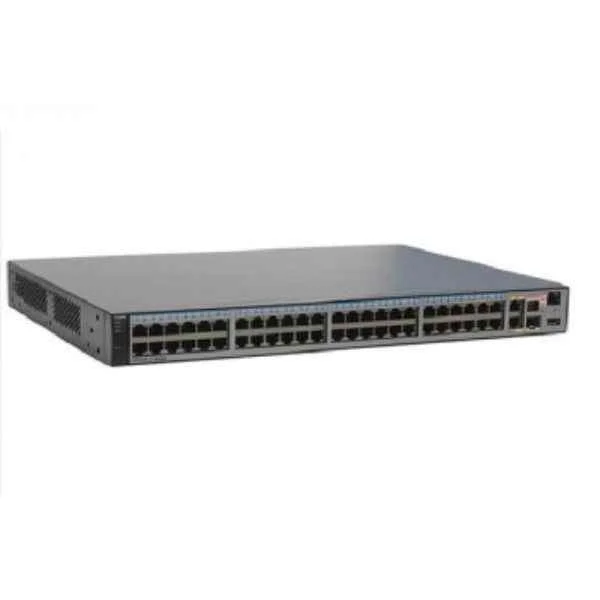
NECI311DOC00 (NE05E&NE08E Mid-End Router Product Documentation)
4.7 (6)- Enterprise Router
- Huawei
- IPSec / SSL VPN
- AC Power Supply / Redundant
- OSPF / BGP / EIGRP / Static Routing
- Fiber Optic / DSL / LTE
- Modular
Est Value $206.00
$128.10
37.8% offIn stockNewFirst-Time Buyer Discount – Get up to 2% additional off on your first order
ORM Rewards Earn $50 in Rewards + Free Expedited Delivery – Join Now!
Use eCoupon ORMSAVE10
eCoupon limited to 5 units
NECS0UPVER00 (NE05E-SJ/SK/SM/SL Rn to R(n+1) Software Enhanced Fee)
4.7 (6)- Enterprise Router
- Huawei
- IPSec / SSL VPN / GRE / DMVPN / FlexVPN
- AC Power Supply / DC Power Supply / Redundant
- OSPF / BGP / EIGRP / MPLS / IS-IS / RIP / Static Routing
- Modular
Est Value $286.00$201.60
29.5% offIn stockNewFirst-Time Buyer Discount – Get up to 2% additional off on your first order
ORM Rewards Earn $50 in Rewards + Free Expedited Delivery – Join Now!
Use eCoupon ORMSAVE10
eCoupon limited to 5 units
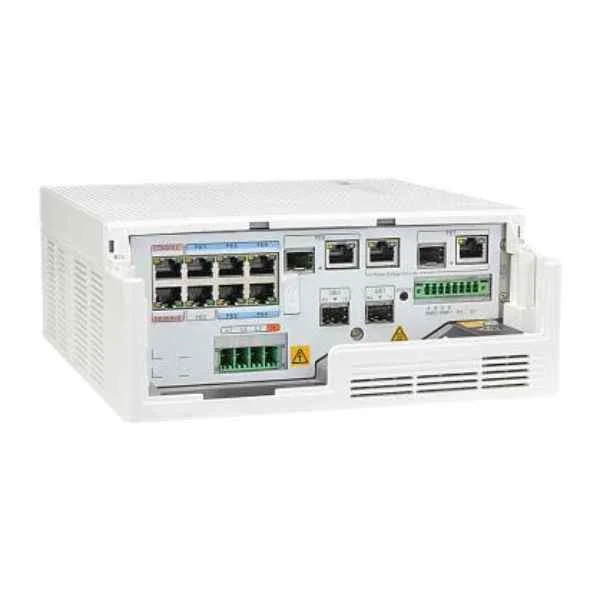
NECS00V2R602 (NE05E-SG/H/I/N V200R006 Enterprise Software Package)
4.5 (6)- Enterprise Router
- Huawei
- IPSec / SSL VPN / DMVPN
- AC Power Supply / DC Power Supply / Redundant
- OSPF / BGP / Static Routing
- Fiber Optic
- Modular
Est Value $286.00$253.05
11.5% offIn stockNewFirst-Time Buyer Discount – Get up to 2% additional off on your first order
ORM Rewards Earn $50 in Rewards + Free Expedited Delivery – Join Now!
Use eCoupon ORMSAVE10
eCoupon limited to 5 units
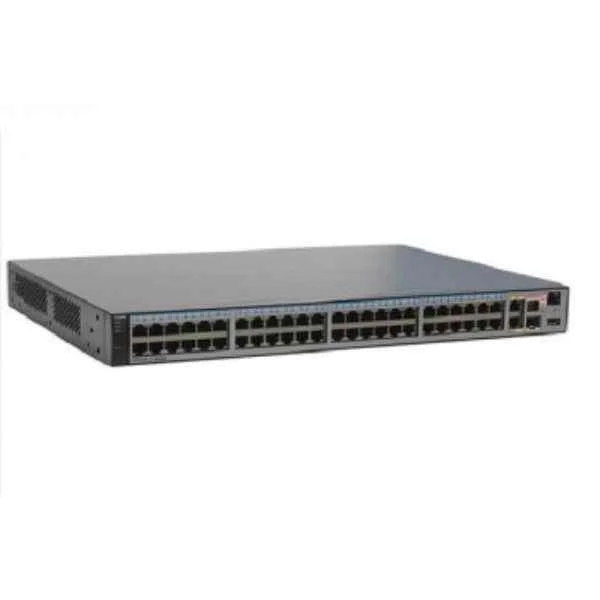
NECS00V3R100 (NE05E-SQ V300R001 Enterprise Software package)
4.8 (6)- Enterprise Router
- Huawei
- IPSec / SSL VPN / GRE / DMVPN / FlexVPN
- AC Power Supply / Redundant
- OSPF / BGP / EIGRP / MPLS / Static Routing
- Fiber Optic / DSL / 4G / 5G / LTE
- Modular
Est Value $567.00$354.90
37.4% offIn stockNewFirst-Time Buyer Discount – Get up to 2% additional off on your first order
ORM Rewards Earn $50 in Rewards + Free Expedited Delivery – Join Now!
Use eCoupon ORMSAVE10
eCoupon limited to 5 units
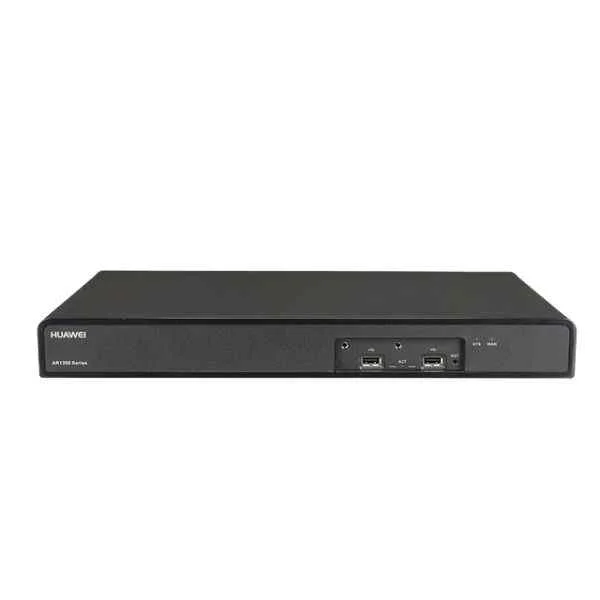
NECS0UPVER04 (NE05E-SQ Rn to R(n+1) Software Enhanced Fee)
4.8 (6)- Enterprise Router
- Huawei
- IPSec / SSL VPN
- AC Power Supply / Redundant
- OSPF / BGP / EIGRP / Static Routing
- Fiber Optic / DSL / LTE
- Modular
Est Value $709.80$354.90
50% offIn stockNewFirst-Time Buyer Discount – Get up to 2% additional off on your first order
ORM Rewards Earn $50 in Rewards + Free Expedited Delivery – Join Now!
Use eCoupon ORMSAVE10
eCoupon limited to 5 units
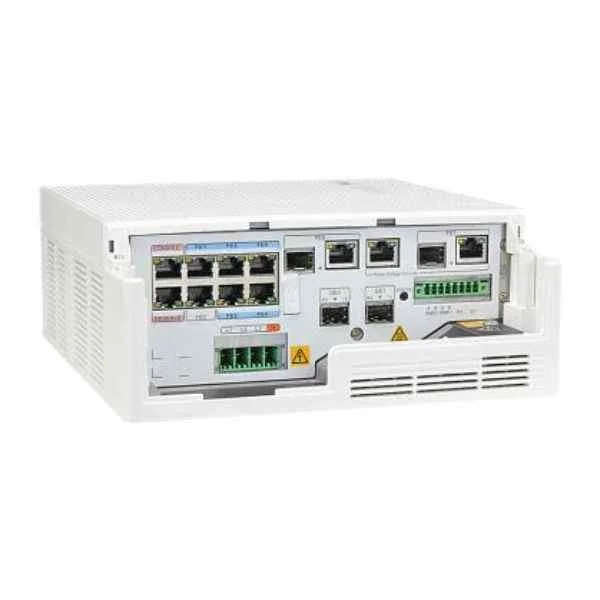
NECS00V2R601 (NE05E-S2 V200R006 Enterprise Software Package)
4.7 (6)- Enterprise Router
- Huawei
- IPSec VPN / SSL VPN
- AC Power Supply with Redundant DC Option
- OSPF / BGP / EIGRP / RIP / Static Routing
- Fiber Optic / DSL
- Modular
Est Value $709.80$354.90
50% offIn stockNewFirst-Time Buyer Discount – Get up to 2% additional off on your first order
ORM Rewards Earn $50 in Rewards + Free Expedited Delivery – Join Now!
Use eCoupon ORMSAVE10
eCoupon limited to 5 units
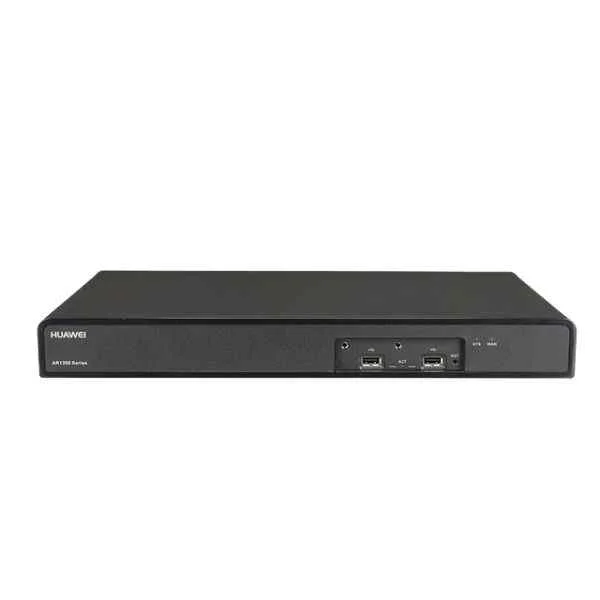
NEDS0UPVER01 (NE08E-S6E Rn to R(n+1) Software Enhanced Fee)
4.8 (6)- Enterprise Router
- Huawei
- IPSec / SSL VPN / GRE / DMVPN / FlexVPN / N/A
- AC Power Supply / Redundant
- OSPF / BGP / RIP / Static Routing
- Modular
Est Value $2,039.10$1,019.55
50% offIn stockNewFirst-Time Buyer Discount – Get up to 2% additional off on your first order
ORM Rewards Earn $50 in Rewards + Free Expedited Delivery – Join Now!
Use eCoupon ORMSAVE10
eCoupon limited to 5 units
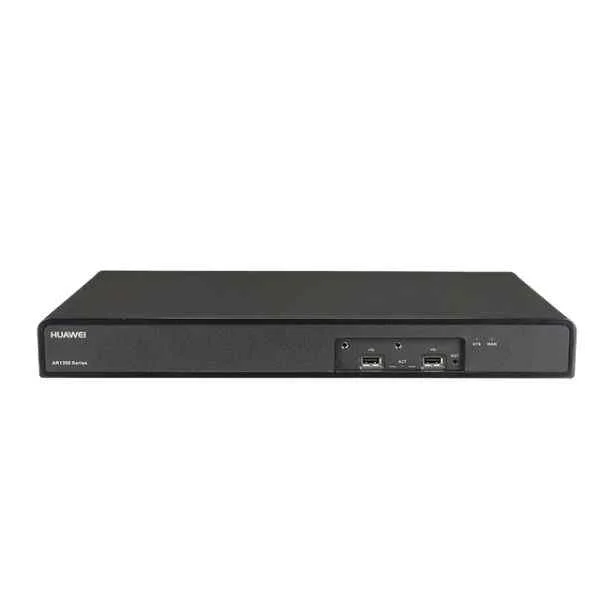
NEDSUPYEAR01 (NE08E-S6E Software Upgrade Fee(Per Year))
4.8 (6)- Enterprise Router
- Huawei
- IPSec / SSL VPN
- AC Power Supply / Redundant
- OSPF / BGP / Static Routing
- Fiber Optic / LTE
- Modular
Est Value $2,039.10$1,019.55
50% offIn stockNewFirst-Time Buyer Discount – Get up to 2% additional off on your first order
ORM Rewards Earn $50 in Rewards + Free Expedited Delivery – Join Now!
Use eCoupon ORMSAVE10
eCoupon limited to 5 units
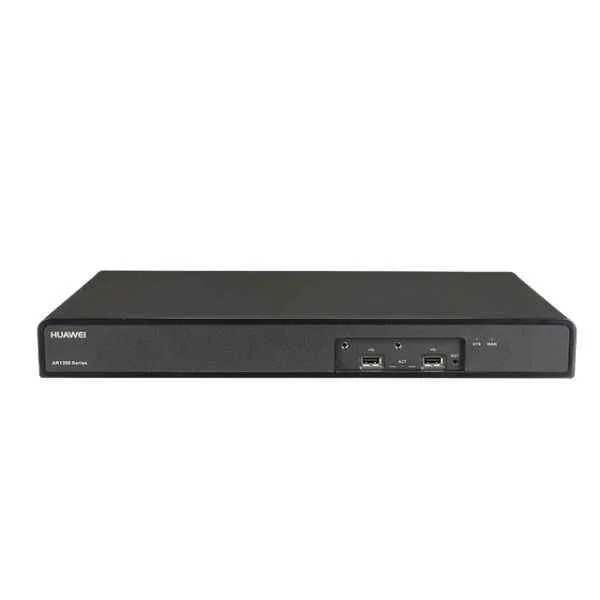
NECSUPYEAR04 (NE05E-SQ Software Upgrade Fee(Per Year))
4.8 (6)- Enterprise Router
- Huawei
- IPSec / SSL VPN
- AC Power Supply / Redundant
- OSPF / BGP / EIGRP / Static Routing
- Fiber Optic
- Modular
Est Value $2,652.30$1,326.15
50% offIn stockNewFirst-Time Buyer Discount – Get up to 2% additional off on your first order
ORM Rewards Earn $50 in Rewards + Free Expedited Delivery – Join Now!
Use eCoupon ORMSAVE10
eCoupon limited to 5 units
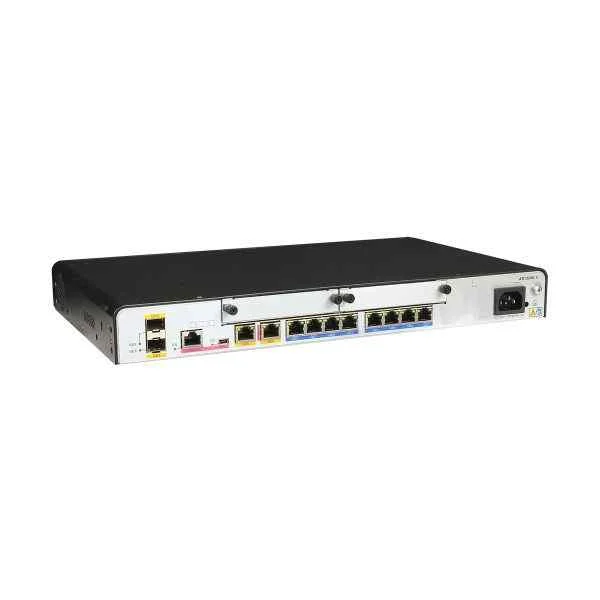
NECS00V2R603 (NE05E-SE/F V200R006 Enterprise Software Package)
4.5 (6)- Enterprise Router
- Huawei
- IPSec / SSL VPN
- AC Power Supply / DC Power Supply / Redundant
- OSPF / BGP / EIGRP / MPLS / IS-IS / RIP / Static Routing
- Fiber Optic
- Modular
Est Value $2,652.30$1,326.15
50% offIn stockNewFirst-Time Buyer Discount – Get up to 2% additional off on your first order
ORM Rewards Earn $50 in Rewards + Free Expedited Delivery – Join Now!
Use eCoupon ORMSAVE10
eCoupon limited to 5 units
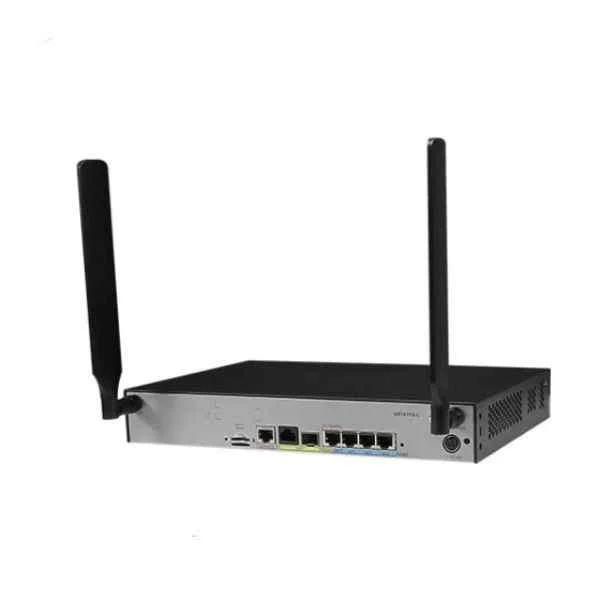
NEDS00V3R100 (NE08E-S6E V300R001 Enterprise Software package)
4.8 (6)- Enterprise Router
- Huawei
- IPSec / SSL VPN / GRE
- AC Power Supply with Redundant Option
- OSPF / BGP / Static Routing
- Fiber Optic / DSL
- Modular
Est Value $4,856.00$3,062.85
36.9% offIn stockNewFirst-Time Buyer Discount – Get up to 2% additional off on your first order
ORM Rewards Earn $50 in Rewards + Free Expedited Delivery – Join Now!
Use eCoupon ORMSAVE10
eCoupon limited to 5 units
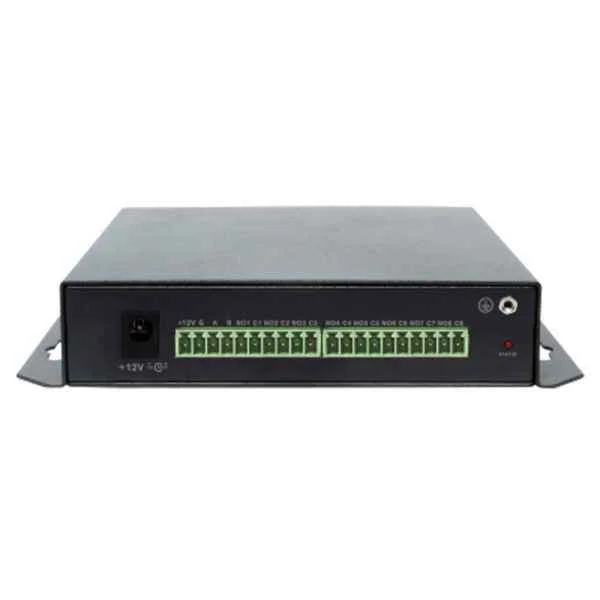
NEDS00V2R600 (NE08E-S6 V200R006 Enterprise Software Package)
4.7 (6)- Enterprise Router
- Huawei
- IPSec / SSL VPN / DMVPN
- AC Power Supply / Redundant
- OSPF / BGP / RIP / Static Routing
- Fiber Optic
- Modular
Est Value $6,125.70$3,062.85
50% offIn stockNewFirst-Time Buyer Discount – Get up to 2% additional off on your first order
ORM Rewards Earn $50 in Rewards + Free Expedited Delivery – Join Now!
Use eCoupon ORMSAVE10
eCoupon limited to 5 units
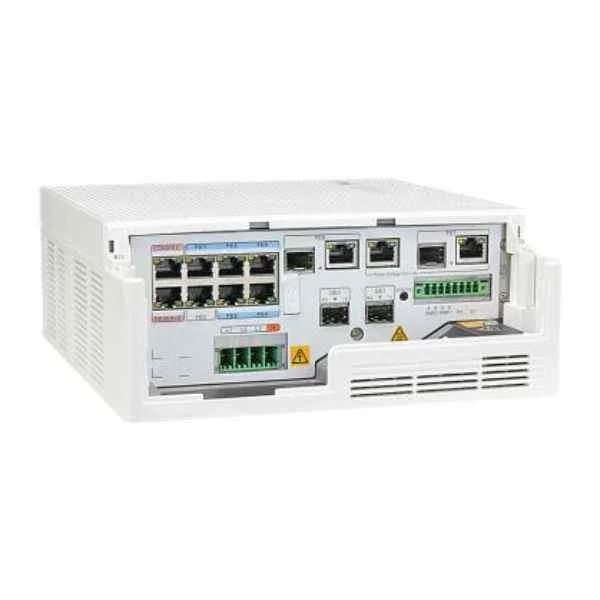
NECS00V2R600 (NE05E-SJ/SK/SM/SL V200R006 Enterprise Software Package)
4.3 (6)- Enterprise Router
- Huawei
- IPSec / SSL VPN / GRE / DMVPN / FlexVPN / N/A
- AC Power Supply / Redundant
- OSPF / BGP / EIGRP / MPLS / Static Routing
- Fiber Optic
- Modular
Est Value $199.50$99.75
50% offIn stockNewFirst-Time Buyer Discount – Get up to 2% additional off on your first order
ORM Rewards Earn $50 in Rewards + Free Expedited Delivery – Join Now!
Use eCoupon ORMSAVE10
eCoupon limited to 5 units

ORM Sales Advisors
Buying for your business? Get a personalised quote in under 2 hours. Talk to an expert
LEARNFilters (13) 
Questions & Answers
What are the key features of Ne05E/08E Series Routers Software?
Ne05E/08E Series Routers Software delivers advanced routing protocols (OSPF, BGP), integrated security (stateful firewall, IPS/IDS), site-to-site and remote-access VPN, QoS traffic management, high-availability clustering, and centralized management through a unified GUI.
Which hardware and operating systems are compatible with Ne05E/08E Series Routers Software?
Ne05E/08E software is certified for deployment on Ne05E/08E appliance models running the proprietary RealStream OS, and supports x86-based virtual platforms such as VMware ESXi and KVM for VNF integrations.
What are the minimum system requirements to run Ne05E/08E Series Routers Software?
Minimum requirements include a dual-core 2.0 GHz CPU, 4 GB RAM, 16 GB SSD, two Gigabit Ethernet ports, and RealStream OS version 3.2 or later.
How do I install or upgrade Ne05E/08E Series Routers Software?
Use the built-in Software Management utility: upload the .img package via the web GUI or CLI, verify the checksum, then execute the ‘install package’ command and reboot to activate.
How can I configure basic WAN and LAN interfaces?
In the GUI’s Network → Interfaces section, assign IP addresses and masks to WAN/LAN ports, select DHCP or static mode for WAN, and apply changes; CLI users can use ‘interface eth0 ip address’ commands.
How do I set up a site-to-site VPN on Ne05E/08E Routers?
Navigate to VPN → IPsec, create a new tunnel specifying peer IP, pre-shared key, encryption (AES-256) and authentication (SHA-256), then bind the tunnel to the desired interface and apply.
What security features are included in Ne05E/08E Series Routers Software?
Security features include stateful packet inspection firewall, intrusion prevention system, anti-malware scanning, secure boot, role-based access control, and real-time threat intelligence updates.
How do I back up and restore the router configuration?
In the GUI, go to System → Configuration Management, click ‘Export’ to download a .cfg file, and use ‘Import’ or the CLI ‘config import’ command to restore settings.
How can I update firmware on Ne05E/08E Series Routers?
Go to System → Firmware Upgrade, upload the signed firmware .bin file, verify its integrity, then click ‘Upgrade’; the router will reboot automatically and preserve configurations.
What monitoring and logging capabilities are available?
Ne05E/08E provides real-time traffic dashboards, syslog export, SNMP v2/v3 support, NetFlow reporting, and customizable alerts for CPU, memory, and interface thresholds.
How do I configure Quality of Service (QoS) on Ne05E/08E Routers?
Under Traffic Management → QoS, define traffic classes with policy rules based on IP, port, or DSCP values, set priority or bandwidth limits, and apply them to interfaces or VLANs.
How can I troubleshoot connectivity issues with Ne05E/08E software?
Use built-in diagnostics—ping, traceroute, and interface counters—in CLI or GUI; review log messages under System → Logs and enable debug modes for routing or VPN modules as needed.
How do I configure high availability (HA) on Ne05E/08E Series Routers?
In System → High Availability, designate primary and secondary units, configure heartbeat interfaces, synchronize settings, and enable stateful failover for dynamic session replication.
How are licenses and subscriptions managed on Ne05E/08E Routers?
Navigate to System → Licensing, enter your serial number or authorization code, activate features (VPN, IPS, advanced routing), and view subscription expiry dates in the dashboard.
Does Ne05E/08E Series Routers Software support cloud integration?
Yes, it integrates with AWS, Azure, and GCP via virtual appliance images, offers API-based orchestration, and supports dynamic tunnel deployment to cloud WAN services.
Where can I find technical support and product documentation?
Access the online resource center at support.ne05e08e.com for user guides, release notes, knowledge base articles, and 24/7 ticketed support with optional phone escalation.