 United States
Trusted by the Highest-Stakes Buyers
Federal agencies and Fortune 500 operations source through ORM Systems.
US Government & Defense
Enterprise Clients

Featured Deal
Hand-picked by our procurement team for standout value. This unit is offered at our sharpest price on current stock, verified against live market rates.
Name:

Added to cart 28 times recently
Ready to Ship
Certified Refurbished
Professionally inspected, bench-tested, and firmware-verified, with configurations wiped. Restored to full working order and backed by our warranty.


3 Year Extended Warranty


Same-day Shipping

30-Day Money Back Guarantee
Shipping:
Payment:
3 Year Extended Warranty
Same-day Shipping
30-Day Money Back Guarantee
Need Additional Discount on Product?
Request a quote below - Get Exclusive Pricing and Support.
Shipping:
Payment:
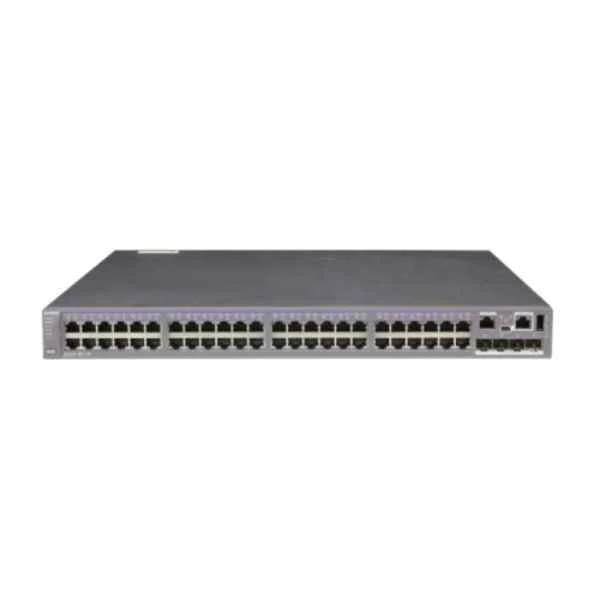
S5320-56PC-EI-DC
S5320-56PC-EI-DC(48 Ethernet 10/100/1000 ports,4 Gig SFP,wit...
Trusted by the Highest-Stakes Buyers
Federal agencies and Fortune 500 operations source through ORM Systems.
US Government & Defense




Enterprise Clients



Built Global. Stocked Local.
Regional teams and 25+ distribution partners keep stock near you and accountability in your time zone.
Buyer Protection on Every Order
Pay by PayPal or Revolut with full chargeback rights. Order on PO terms, Net-30 for government.
Verified By Federal Bodies
Every registration we claim is public record — check our federal contractor status yourself before you spend a dollar.



Since 2016, Enterprise-Trusted
Ten years serving buyers who audit their vendors. From federal agencies to 20,000+ enterprise clients worldwide.
S5320-56PC-EI-DC is built on a robust architecture that supports both Layer 2 and Layer 3 operations, offering flexible DC power supply options and a comprehensive 10/100/1000 interface for reliable connectivity. Designed as a managed rack-mount switch, it features stacking capabilities that enable easy scalability while delivering high-performance throughput for demanding enterprise environments.
Leveraging efficient hardware design and advanced PoE+ support, the S5320-56PC-EI-DC is ideal for modern campus networks and data centers. Its versatile port configuration and seamless stacking functionality make it a perfect choice for applications ranging from VoIP and video surveillance to IoT deployments, ensuring optimal network performance and reliability.
S5320-56PC-EI-DC price is is available on request. Get immediate quote.
Request bulk order quote for S5320-56PC-EI-DC for additional pricing. Browse the full Huawei S5300 Series Switches series or explore all Huawei products.
Mon–Fri: [09:00-16:00]
Avg. response under 30 mins

| S5320-56PC-EI-DC | 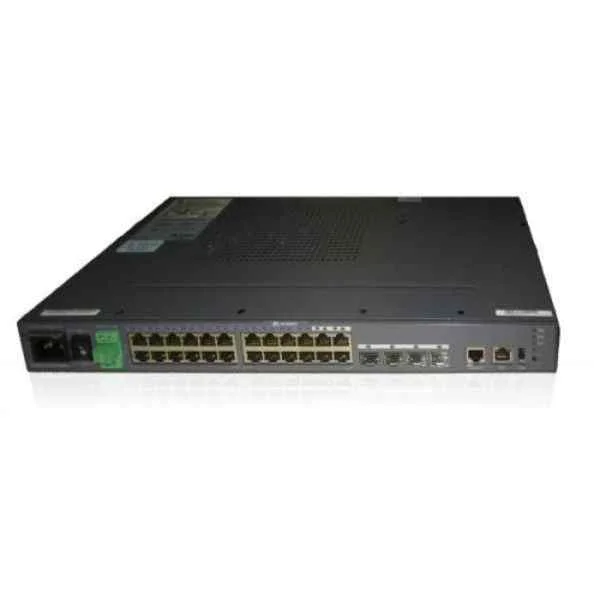 LS-S5324TP-SI-AC LS-S5324TP-SI-AC | 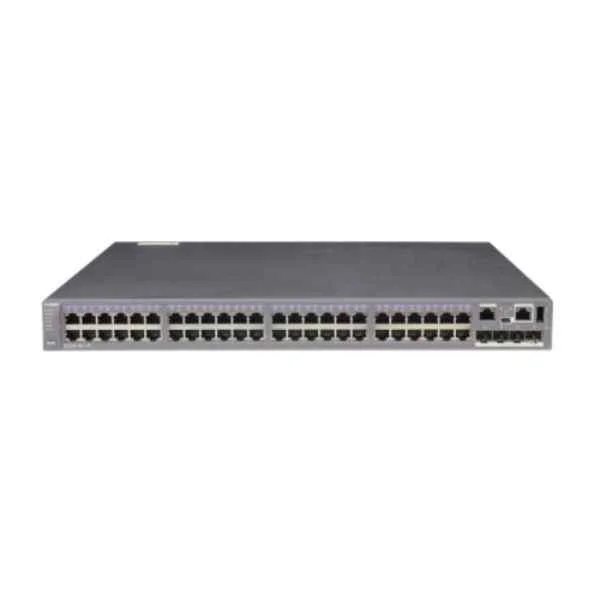 S5320-56C-EI-AC S5320-56C-EI-AC | 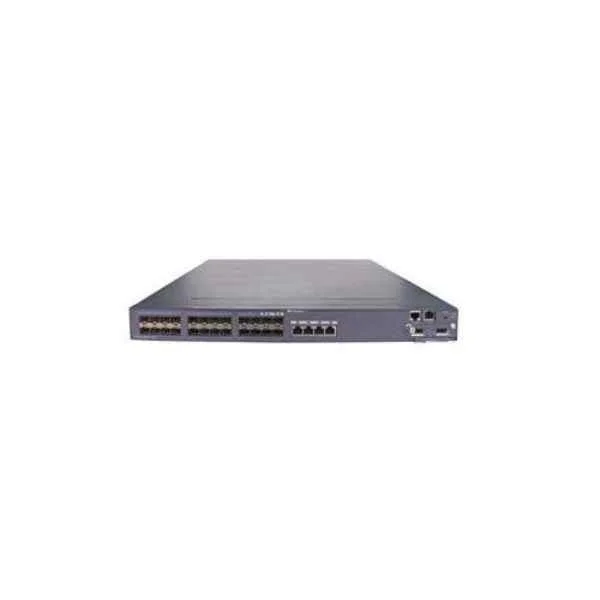 LS-S5328C-HI-24S LS-S5328C-HI-24S | 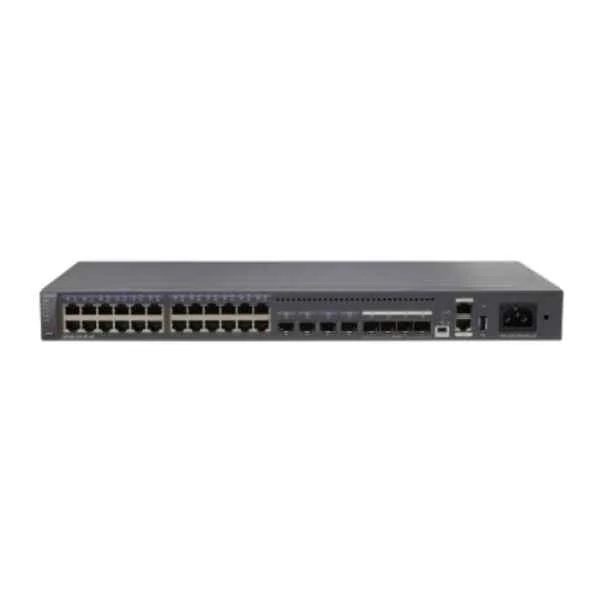 S5320-32X-EI-AC S5320-32X-EI-AC | |
|---|---|---|---|---|---|
| Ethernet Technology | 10/100/1000 | 10/100/1000 | 10/100/1000 | 10/100/1000 | 10/100/1000 |
| Flash Memory | 64 MB | 64 MB | 64 MB | 64 MB | 256 MB |
| Form Factor | Rack-mount | Rack-mount | Rack-mount | Rack-mount | Rack-mount |
| Height | 1.75 inches | 1.73 inches | 1.75 inches | 1.75 inches | 1.75 inches |
| IOS | IP Services | LAN Base | IP Services | IP Services | IP Services |
| Interface Ports | 10/100/1000 | 10/100/1000 | 10/100/1000 | 10/100/1000 | 10/100/1000 |
| Layer Supported | Layer 2 / Layer 3 | Layer 2 | Layer 3 | Layer 2 / Layer 3 | Layer 3 |
| Manageable | Managed | Managed | Managed | Managed | Managed |
| Manufacturer Part Number | S5320-56PC-EI-DC | LS-S5324TP-SI-AC | S5320-56C-EI-AC | LS-S5328C-HI-24S | S5320-32X-EI-AC |
| Media Type Supported | Combo | Combo | Twisted Pair / Fiber / Combo | Combo | Fiber |
| Memory | 256 MB | 256 MB | 256 MB | 256 MB | 512 MB |
| Number of Ethernet Ports | Over 48 Ports | 24–48 Ports | Over 48 Ports | 12–24 Ports | 24–48 Ports |
| POE Support | POE+ | POE+ | Non POE | Non POE | Non POE |
| Power Source | DC Power Supply | AC Power Supply | AC Power Supply | AC Power Supply | AC Power Supply |
| Product Name | HPE S5320-56PC-EI-DC Managed PoE+ Switch | LS Series 5324TP PoE+ Managed Gigabit Switch (LS-S5324TP-SI-AC) | S5320-56C-EI-AC High-Performance Rack Switch | LS-S5328C-HI-24S High-Performance Managed Switch | S5320-32X-EI-AC 32-Port 10G Ethernet Intelligent Switch |
| Product Type | Switch | Switch | Switch | Switch | Switch |
| Rack Units | 1 RU | 1 RU | 1 RU | 1 RU | 1 RU |
| Redundant Power Supply Supported | No | No | No | Yes | No |
| SFP Ports | 4 SFP Ports | 4 SFP Ports | 4 SFP Ports | 24 SFP Ports | 4 SFP Ports |
| Switching Capacity | 128 Gbps | 56 Gbps | 176 Gbps | 128 Gbps | 640 Gbps |
| Uplink Configuration | 10G | 1G | 10G | 10G | 10G |
| Weight | 25 lbs | 18 lbs | 15 lbs | 15 lbs | 15 lbs |
| Width | 17.5 inches | 17.5 inches | 17.5 inches | 17 inches | 17.5 inches |


Every unit is authentic, sourced through trusted and authorised channels, and serial-verified on request. Genuine networking and IT hardware, guaranteed, or your money back.

New products are backed by up to 3 years of extended warranty, and certified refurbished units by up to 3 months, for dependable protection on every order. Coverage is clear, honoured in full, and confirmed on each product page.

If a unit ever falls short, our streamlined RMA process gets a replacement to you fast, with advance replacement available to keep your network running. No jargon, no runaround.

Every device is inspected, bench-tested, and firmware-verified, with configurations wiped before dispatch. Additional testing can be arranged to confirm full working condition on request.

Our specialists assist with compatibility, configuration, licensing, and installation, before and after you buy. Real hardware expertise, whenever you need it.

dispatched quickly and shipped worldwide from regional hubs, fully tracked and insured.
Reviewed on the 2 January 2024

DC powered access switch ran reliably in our telecom environment.
Reviewed on the 11 September 2023
Stable port performance with consistent uplink behavior.
Reviewed on the 16 July 2025
Professional option where -48V is required.
Reviewed on the 5 February 2021
Predictable switching performance under load.
Reviewed on the 24 October 2024
Smooth installation and reliable daily operations.
Reviewed on the 3 June 2021
Good choice for industrial or carrier style deployments.
The S5320-56PC-EI-DC is a Layer 3 managed switch featuring 48 10/100/1000BASE-T ports, 4 Gigabit SFP slots, one interface expansion slot and a 150 W DC power supply, with 176 Gbit/s switching capacity and PoE+ support.
Yes, it supports IEEE 802.3af/at PoE+ delivering up to 30 W per port with a total power budget of 150 W, ideal for access points, IP phones and cameras.
Connect the 150 W DC module to a –48 V DC source via the terminal block, then enable DC power in the device’s system view using the command line or web UI to activate redundancy and power feeding.
The switch delivers 176 Gbit/s switching capacity and up to 131.1 Mpps forwarding rate, ensuring low-latency packet processing for enterprise networks.
The S5320-56PC-EI-DC does not support physical stacking, but it offers VRRP, ECMP and Smart Link for resilient multi-switch link aggregation and high availability.
Management options include a console port, RJ45 out-of-band management port, web GUI, SNMP v1/v2c/v3, CLI and NETCONF for automated configurations and monitoring.
Yes, it supports 4 K VLANs, QinQ, 802.1p priority, DiffServ and eight priority queues per port for granular traffic classification and quality of service.
Compatible modules include 1000BASE-SX/LX/BX SFPs and 10 km/20 km DWDM SFPs certified by the vendor – ensure firmware matches module type for optimal performance.
The switch measures 440 × 355 × 43.6 mm (W×D×H), weighs approximately 4.5 kg, and fits in a 1-RU rack with standard mounting kits.
It employs intelligent power management, fan speed control and low-power silicon design to reduce consumption by up to 30% compared to previous-generation switches.
It is CE, FCC, RoHS and UL certified, complies with IEEE safety standards and meets environmental requirements such as WEEE and REACH.
The switch comes with a standard 3-year hardware warranty covering parts and repair, with optional extensions and on-site services available.
Ideal for enterprise access, SMB core, IP telephony and wireless backhaul, it delivers secure, high-performance connectivity in campus and branch networks.
It supports ACLs, port security, DHCP snooping, IP source guard, 802.1X authentication and Control Plane Protection (CoPP) to guard against attacks.
The switch is available through authorized distributors and resellers. Visit the vendor’s website for a list of certified partners and pricing details.
The S5320-56PC-EI-DC has an MTBF exceeding 300,000 hours under standard operating conditions to ensure reliable continuous service.
Download the latest firmware package from the vendor portal, transfer it via TFTP/SFTP to the switch and use the "upgrade" command in the CLI or web UI to apply it.







