 United States
Server Expansion Cards by ASUS
Optimize your enterprise with genuine ASUS server expansion cards. Engineered for unmatched performance, reliability, and scalability, these components empower secure data processing and enhanced virtualization for mission-critical operations.
Talk to an expert
9 Matching results
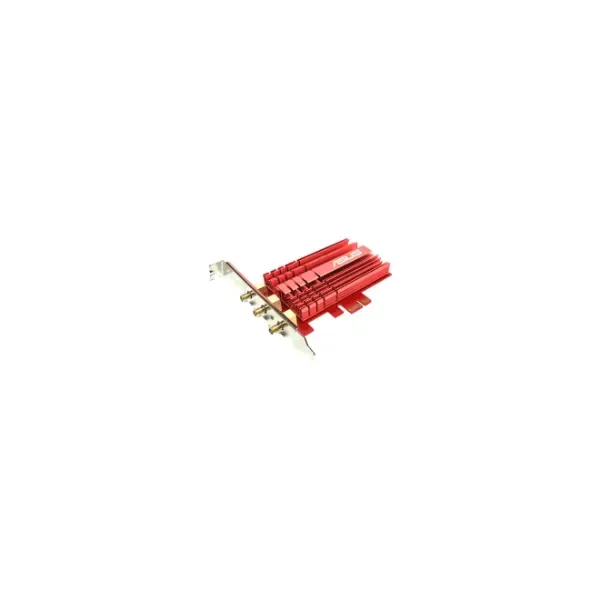
90IG00R0-BM0G00 (ASUS PCE-AC68 - Internal - Wireless - PCI Express - WLAN - 1300 Mbit/s (90IG00R0-BM0G00))
4.6 (5)- Expansion Card
- Asus
- Network Interface Card
- PCIe x1
- PCIe 3.0
Est Value $117.57
$104.62
11% offIn stockRefurbishedFirst-Time Buyer Discount – Get up to 2% additional off on your first order
ORM Rewards Earn $50 in Rewards + Free Expedited Delivery – Join Now!
Use eCoupon ORMSAVE10
eCoupon limited to 5 units
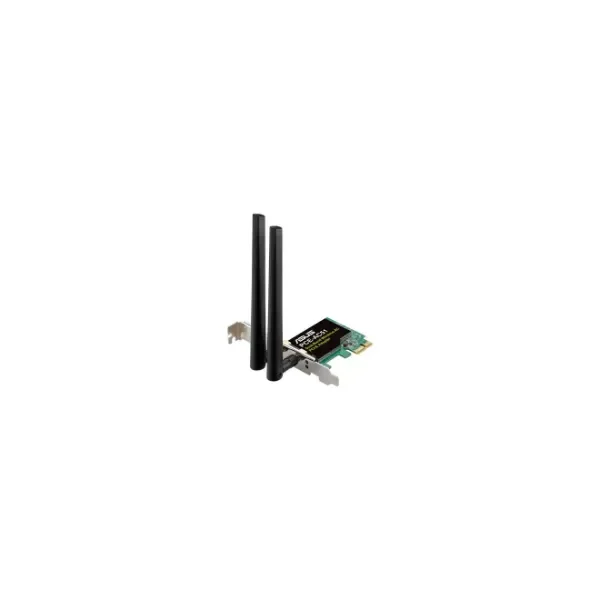
90IG02S0-BO0010 (PCE-AC51 - Wireless - PCI Express - WLAN - Wi-Fi 5 (802.11ac) - 433 Mbit/s - Multicolour)
4.8 (5)- Expansion Card
- Asus
- Network Interface Card
- PCIe x1
Est Value $246.68$123.34
50% offIn stockRefurbishedFirst-Time Buyer Discount – Get up to 2% additional off on your first order
ORM Rewards Earn $50 in Rewards + Free Expedited Delivery – Join Now!
Use eCoupon ORMSAVE10
eCoupon limited to 5 units
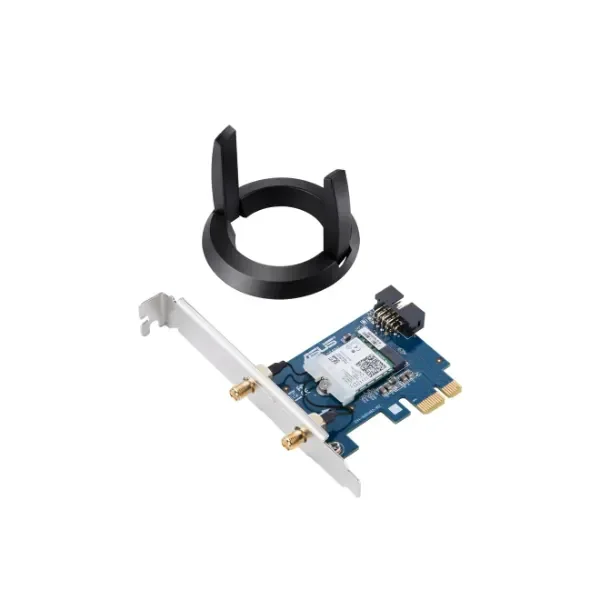
90IG04S0-MM0R10 (PCE-AC58BT - Internal - Wireless - PCI Express - WLAN / Bluetooth - Wi-Fi 5 (802.11ac) - 1733 Mbit/s)
4.6 (5)- Expansion Card
- Asus
- Network Interface Card
- PCIe x1
- PCIe 3.0
Est Value $298.66$149.33
50% offIn stockRefurbishedFirst-Time Buyer Discount – Get up to 2% additional off on your first order
ORM Rewards Earn $50 in Rewards + Free Expedited Delivery – Join Now!
Use eCoupon ORMSAVE10
eCoupon limited to 5 units
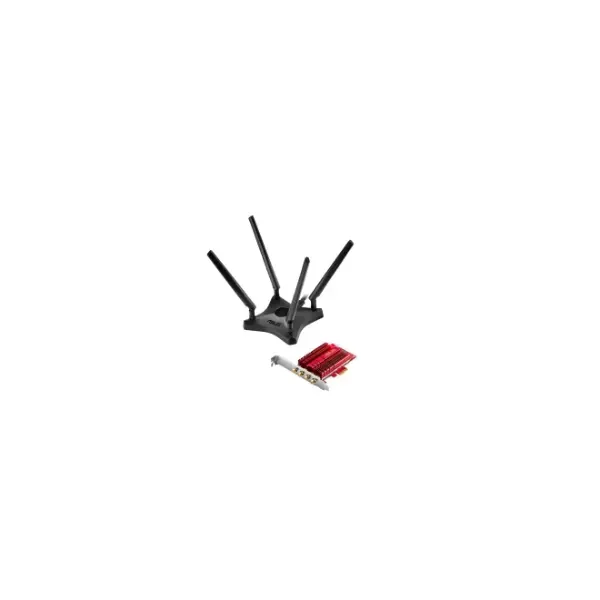
90IG02H0-BM0000 (PCE-AC88 - Internal - Wired - PCI Express - WLAN - Wi-Fi 5 (802.11ac))
4.4 (5)- Expansion Card
- Asus
- Network Interface Card
- PCIe x1
- PCIe 3.0
Est Value $282.16$219.05
22.4% offIn stockRefurbishedFirst-Time Buyer Discount – Get up to 2% additional off on your first order
ORM Rewards Earn $50 in Rewards + Free Expedited Delivery – Join Now!
Use eCoupon ORMSAVE10
eCoupon limited to 5 units
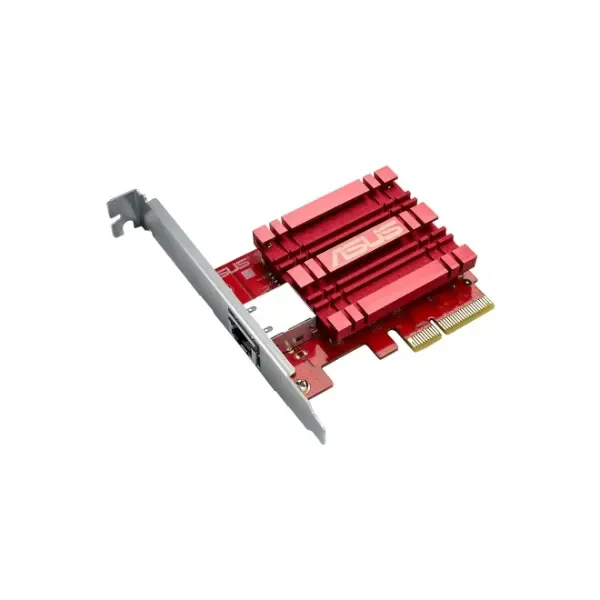
90IG0440-MO0R00 (XG-C100C - Internal - Wired - PCI Express - Ethernet - 10000 Mbit/s)
4.8 (5)- Expansion Card
- Asus
- Network Interface Card
- PCIe x4
- PCIe 3.0
- Intel 82599
- RJ-45
Est Value $633.62$316.81
50% offIn stockRefurbishedFirst-Time Buyer Discount – Get up to 2% additional off on your first order
ORM Rewards Earn $50 in Rewards + Free Expedited Delivery – Join Now!
Use eCoupon ORMSAVE10
eCoupon limited to 5 units
90IG0490-MO0R00 (XG-C100F - Internal - Wired - PCI Express - Fiber - 10000 Mbit/s - Red)
4.6 (5)- Expansion Card
- Asus
- Network Interface Card
- PCIe x4
- PCIe 3.0
- SFP+
Est Value In stockFirst-Time Buyer Discount – Get up to 2% additional off on your first order
ORM Rewards Earn $50 in Rewards + Free Expedited Delivery – Join Now!
Use eCoupon ORMSAVE10
eCoupon limited to 5 units
90IG0610-MO0R10 (PCE-AX3000 - Internal - Wireless - PCI Express - WLAN / Bluetooth - Wi-Fi 6 (802.11ax) - 3000 Mbit/s)
4.4 (5)- Expansion Card
- Asus
- Network Interface Card
- PCIe x1
- PCIe 3.0
Est Value In stockFirst-Time Buyer Discount – Get up to 2% additional off on your first order
ORM Rewards Earn $50 in Rewards + Free Expedited Delivery – Join Now!
Use eCoupon ORMSAVE10
eCoupon limited to 5 units
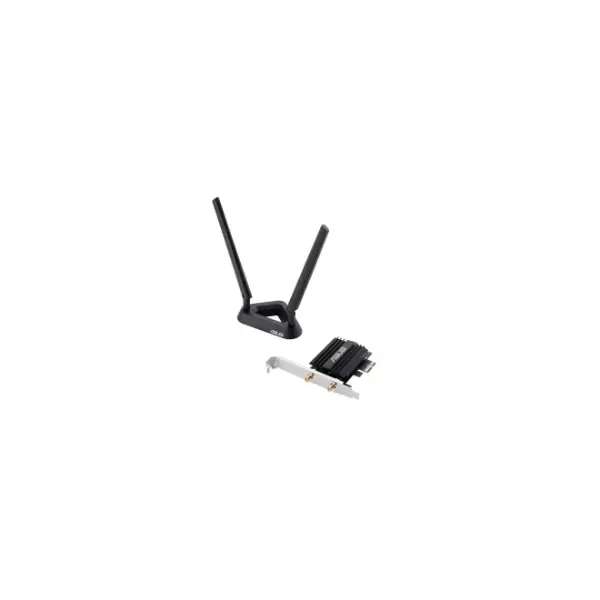
90IG0610-MO0R00 (PCE-AX58BT - Internal - Wireless - PCI Express - WLAN / Bluetooth - 2402 Mbit/s - Black)
4.8 (5)- Expansion Card
- Asus
- Network Interface Card
- PCIe x1
- PCIe 3.0
Est Value In stockFirst-Time Buyer Discount – Get up to 2% additional off on your first order
ORM Rewards Earn $50 in Rewards + Free Expedited Delivery – Join Now!
Use eCoupon ORMSAVE10
eCoupon limited to 5 units
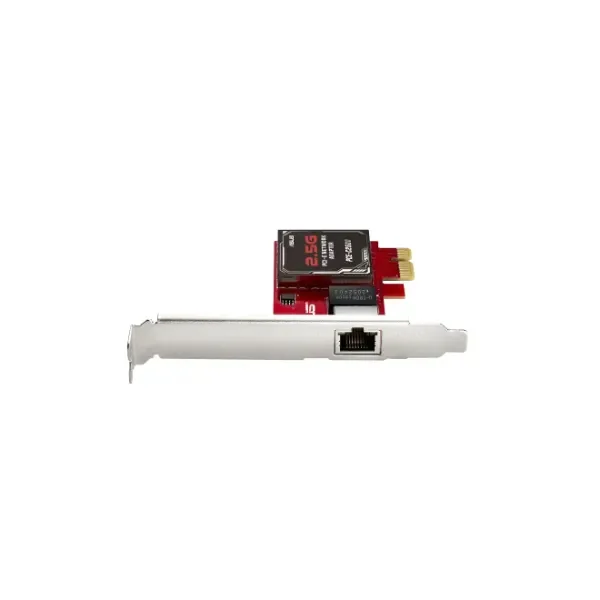
90IG0660-MO0R00 (PCE-C2500 - Internal - Wired - Ethernet / WLAN - 2500 Mbit/s - Silver)
4.2 (5)- Expansion Card
- Asus
- Network Interface Card
- PCIe x1
- PCIe 3.0
- C2500
- RJ-45
Est Value In stockFirst-Time Buyer Discount – Get up to 2% additional off on your first order
ORM Rewards Earn $50 in Rewards + Free Expedited Delivery – Join Now!
Use eCoupon ORMSAVE10
eCoupon limited to 5 units

ORM Sales Advisors
Buying for your business? Get a personalised quote in under 2 hours. Talk to an expert
LEARNFilters (9) 
Questions & Answers
What are Asus Server Expansion Cards and what benefits do they provide?
Asus Server Expansion Cards are PCIe-based modules that extend server capabilities by adding high-speed storage ports, network interfaces, RAID controllers, or compute accelerators, improving I/O bandwidth, scalability, and overall system performance.
Which types of Asus Server Expansion Cards are available?
Asus offers a comprehensive lineup of server expansion cards including SAS/SATA controllers (PIKE series), NVMe adapters, 10/25/40/100Gb Ethernet NICs, hardware RAID controllers, and GPU/FPGA accelerator cards for diverse enterprise workloads.
How do I choose the right Asus Server Expansion Card for my setup?
Select a card based on required interface (e.g., SAS, NVMe, Ethernet), PCIe generation compatibility, available motherboard slots, workload demands, and budget to ensure optimal performance and future scalability.
Are Asus Server Expansion Cards compatible with all Asus server motherboards?
Most Asus expansion cards are compatible with server motherboards that support the matching PCIe slot version (Gen3/Gen4) and form factor—always verify compatibility in the motherboard’s QVL before purchase.
Can I use Asus Server Expansion Cards in non-Asus motherboards?
While Asus cards adhere to PCIe standards, compatibility and driver support may vary on third-party motherboards—review the card’s datasheet and chipset requirements to confirm proper operation.
How do I install an Asus Server Expansion Card correctly?
Power down the server, unplug all cables, insert the expansion card firmly into an available PCIe slot, secure it with the retention bracket, reconnect cables, power on, then install the latest drivers.
Do Asus Server Expansion Cards support hot-swapping?
Hot-swapping support depends on card type and chassis: SAS/SATA controllers typically support hot-plug drives with compatible backplanes, whereas PCIe cards usually require a shutdown for safe installation.
What performance gains can I expect from Asus expansion cards?
Expect significant I/O throughput improvements—up to 75% faster storage access with NVMe adapters, multi-gigabit networking, and offloaded processing for RAID and GPU tasks—depending on the model and configuration.
How do I update drivers and firmware for Asus expansion cards?
Download the latest drivers and firmware from Asus’s official support site, use the provided update utility to flash the card, and follow on-screen instructions to ensure secure, optimal operation.
What warranty and support options are available for Asus expansion cards?
Asus expansion cards include a three-year limited warranty, 24/7 global technical support, RMA services, and online resources such as manuals, FAQs, and software downloads for comprehensive product assistance.
How do Asus expansion cards enhance server storage connectivity?
By adding high-bandwidth SAS/SATA ports or NVMe channels, Asus expansion cards enable connection of additional drives, boosting storage capacity, accelerating data access, and improving redundancy in enterprise environments.
Which interface standards do Asus Server Expansion Cards support?
Asus server expansion cards support PCIe Gen3/Gen4, SAS-12Gb/s, SATA-6Gb/s, NVMe over PCIe, and networking standards up to 100GbE, ensuring broad compatibility with modern server architectures.
Can Asus expansion cards be used for hardware RAID configurations?
Yes, Asus offers dedicated RAID controller cards with onboard processors and cache modules that support RAID levels 0/1/5/10/50/60, ensuring data integrity and accelerated I/O performance.
How do I troubleshoot common Asus expansion card installation issues?
Verify proper seating in the PCIe slot, update the motherboard BIOS, install the latest drivers, confirm power connections, and review system logs for error codes; contact Asus support if problems persist.
What are the power requirements for Asus Server Expansion Cards?
Power consumption varies by model—most PCIe cards draw 25–75W, while high-end RAID controllers and accelerator cards may require up to 150W—consult the card’s specifications to size your PSU accordingly.
Where can I purchase genuine Asus Server Expansion Cards?
Purchase authentic Asus server expansion cards through authorized Asus distributors, resellers, or the official Asus online store to ensure product authenticity, warranty coverage, and reliable customer support.