 United States
Trusted by the Highest-Stakes Buyers
Federal agencies and Fortune 500 operations source through ORM Systems.
US Government & Defense
Enterprise Clients

Featured Deal
Hand-picked by our procurement team for standout value. This unit is offered at our sharpest price on current stock, verified against live market rates.
Name:

Added to cart 28 times recently
Ready to Ship
Certified Refurbished
Professionally inspected, bench-tested, and firmware-verified, with configurations wiped. Restored to full working order and backed by our warranty.

$246.68
$123.3450% off
Quantity:


3 Year Extended Warranty


Same-day Shipping

30-Day Money Back Guarantee
Shipping:
Payment:
3 Year Extended Warranty
Same-day Shipping
30-Day Money Back Guarantee
Need Additional Discount on Product?
Request a quote below - Get Exclusive Pricing and Support.
Shipping:
Payment:
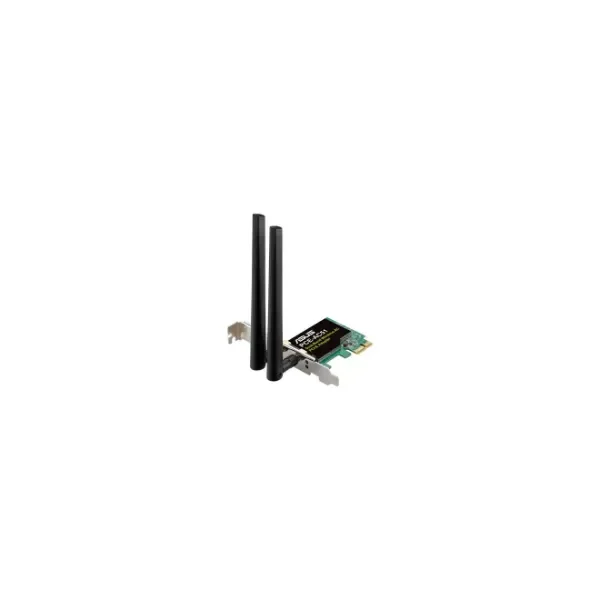
90IG02S0-BO0010
PCE-AC51 - Wireless - PCI Express - WLAN - Wi-Fi 5 (802.11ac...
Trusted by the Highest-Stakes Buyers
Federal agencies and Fortune 500 operations source through ORM Systems.
US Government & Defense




Enterprise Clients



Built Global. Stocked Local.
Regional teams and 25+ distribution partners keep stock near you and accountability in your time zone.
Buyer Protection on Every Order
Pay by PayPal or Revolut with full chargeback rights. Order on PO terms, Net-30 for government.
Verified By Federal Bodies
Every registration we claim is public record — check our federal contractor status yourself before you spend a dollar.



Since 2016, Enterprise-Trusted
Ten years serving buyers who audit their vendors. From federal agencies to 20,000+ enterprise clients worldwide.
90IG02S0-BO0010-PCE-AC51 - Wireless - PCI Express - WLAN - Wi-Fi 5 (802.11ac) - 433 Mbit/s - Multicolour is a high-performance wireless network interface card designed for PCI Express systems. Engineered to deliver reliable Wi-Fi 5 connectivity, this card provides a robust 433 Mbit/s data rate while leveraging the PCI Express interface to integrate seamlessly into modern computing environments.
Built for network upgrades and server enhancements, this expansion card is ideal for applications requiring efficient, stable wireless links in home, office, or data center settings. Its multicolour design and plug-and-play functionality ensure broad OS compatibility and reliable performance for a wide range of WLAN deployments.
90IG02S0-BO0010 price for new stock is is available on request. Get immediate quote. 90IG02S0-BO0010 refurb price is $123.34.
Request bulk order quote for 90IG02S0-BO0010 for additional pricing. Browse the full Asus Server Expansion Cards series or explore all Asus products.
Mon–Fri: [09:00-16:00]
Avg. response under 30 mins

| 90IG02S0-BO0010 | 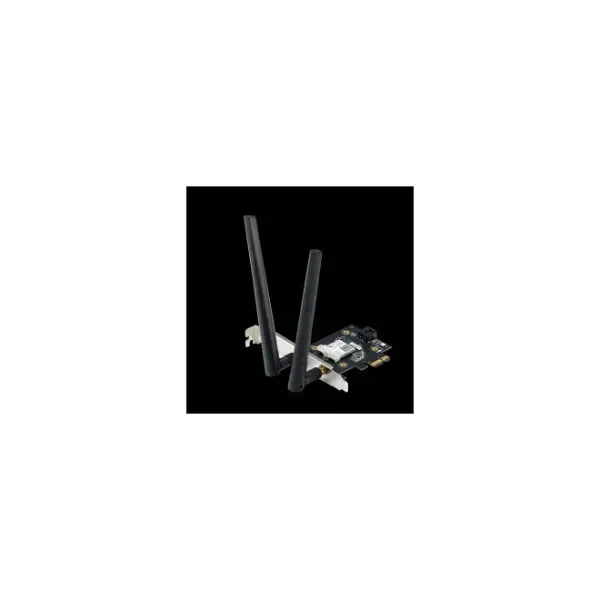 90IG0610-MO0R10 90IG0610-MO0R10 | 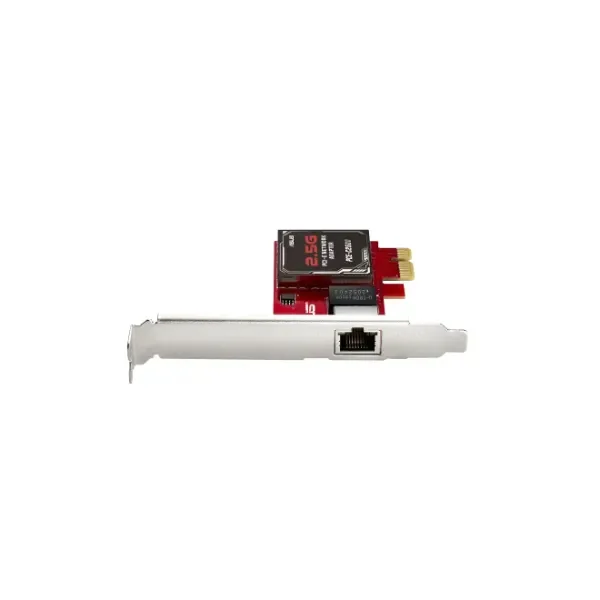 90IG0660-MO0R00 90IG0660-MO0R00 | 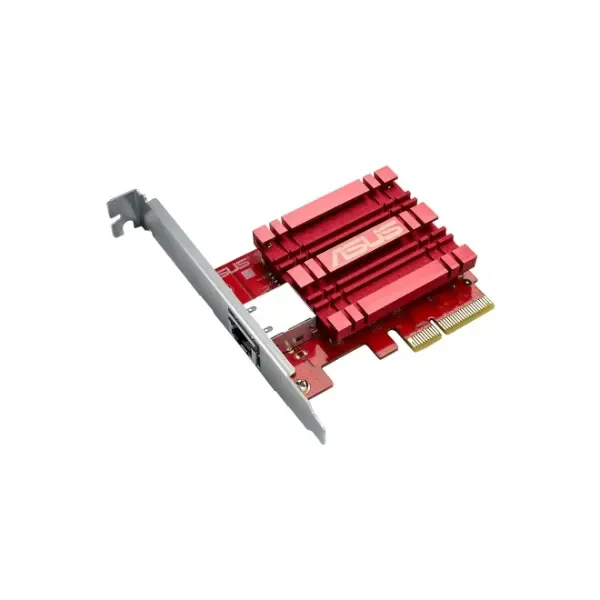 90IG0440-MO0R00 90IG0440-MO0R00 | 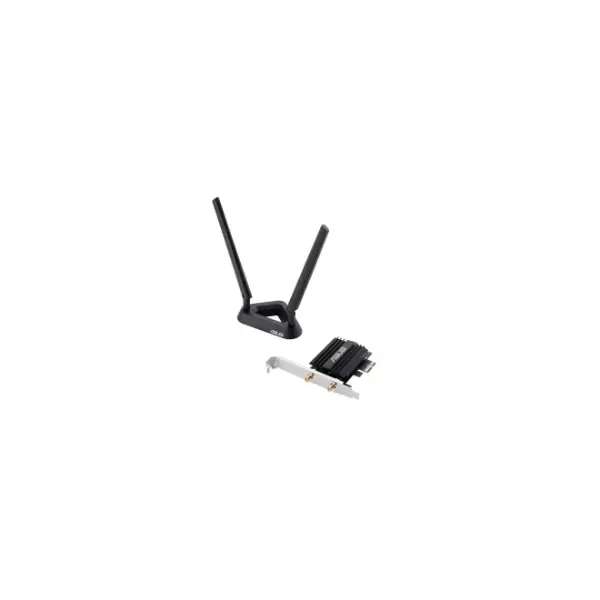 90IG0610-MO0R00 90IG0610-MO0R00 | |
|---|---|---|---|---|---|
| Product Type | Expansion Card | Expansion Card | Expansion Card | Expansion Card | Expansion Card |
| Card Type | Network Interface Card | Network Interface Card | Network Interface Card | Network Interface Card | Network Interface Card |
| Interface | PCIe x1 | PCIe x1 | PCIe x1 | PCIe x4 | PCIe x1 |
| Cooling | Passive | Passive | Passive | Passive | Passive |
| Operating System Compatibility | Windows / Linux | Windows / Linux | Windows / Linux / macOS / VMware ESXi / FreeBSD | Windows / Linux / VMware ESXi / FreeBSD | Windows |
| Power Requirements | 3.3V | 3.3V | 3.3V | 3.3V | 3.3V |
| Use Case | Network Upgrade | Network Upgrade | Network Upgrade | Server Expansion / Network Upgrade | Network Upgrade |
| Product Name | 90IG02S0-BO0010-PCE-AC51 - Wireless - PCI Express - WLAN - Wi-Fi 5 (802.11ac) - 433 Mbit/s - Multicolour | 90IG0610-MO0R10-PCE-AX3000 - Internal - Wireless - PCI Express - WLAN / Bluetooth - Wi-Fi 6 (802.11ax) - 3000 Mbit/s | 90IG0660-MO0R00-PCE-C2500 - Internal - Wired - Ethernet / WLAN - 2500 Mbit/s - Silver | 90IG0440-MO0R00-XG-C100C - Internal - Wired - PCI Express - Ethernet - 10000 Mbit/s | 90IG0610-MO0R00-PCE-AX58BT - Internal - Wireless - PCI Express - WLAN / Bluetooth - 2402 Mbit/s - Black |


Every unit is authentic, sourced through trusted and authorised channels, and serial-verified on request. Genuine networking and IT hardware, guaranteed, or your money back.

New products are backed by up to 3 years of extended warranty, and certified refurbished units by up to 3 months, for dependable protection on every order. Coverage is clear, honoured in full, and confirmed on each product page.

If a unit ever falls short, our streamlined RMA process gets a replacement to you fast, with advance replacement available to keep your network running. No jargon, no runaround.

Every device is inspected, bench-tested, and firmware-verified, with configurations wiped before dispatch. Additional testing can be arranged to confirm full working condition on request.

Our specialists assist with compatibility, configuration, licensing, and installation, before and after you buy. Real hardware expertise, whenever you need it.

dispatched quickly and shipped worldwide from regional hubs, fully tracked and insured.
Reviewed on the 9 January 2017

PCE-AC51 provides stable 433 Mbit connectivity. Ideal for light office use.
Reviewed on the 22 August 2023
Quick installation and reliable Wi-Fi 5 speeds.
Reviewed on the 27 August 2019
Cost-effective upgrade for dependable desktop connectivity.
Reviewed on the 10 January 2024
Signal strength improved without complex configuration.
Reviewed on the 19 January 2021
Solid wireless performance for everyday professional tasks.
The PCE-AC51 is a PCIe network adapter that delivers Wi-Fi 5 (802.11ac) connectivity at up to 433 Mbit/s with multicolour LED accents.
The PCE-AC51 supports IEEE 802.11ac (Wi-Fi 5) and is backward compatible with IEEE 802.11a/b/g/n networks.
Under optimal conditions, the PCE-AC51 delivers a maximum real-world throughput of 433 Mbit/s on the 5 GHz band.
The PCE-AC51 requires an available PCI Express x1, x4, x8, or x16 slot on any standard ATX, Micro-ATX, or Mini-ITX motherboard.
To install, power down your PC, insert the PCE-AC51 into an available PCIe slot, secure it with a screw, attach the antennas, then install the driver software.
The PCE-AC51 is supported on Windows 11, Windows 10, Windows 8.1, and most Linux distributions with kernel 3.10 or newer.
Yes, the PCE-AC51 provides dual-band operation at 2.4 GHz (up to 150 Mbit/s) and 5 GHz (up to 433 Mbit/s).
Equipped with two high-gain external antennas, the PCE-AC51 uses beamforming to focus signals and extend reliable coverage.
The PCE-AC51 supports WPA3, WPA2-PSK, WPA-PSK, and 64/128-bit WEP encryption for secure network access.
Yes, with low-latency Wi-Fi 5 performance and QoS prioritization, the PCE-AC51 is ideal for online gaming and HD video streaming.
The PCE-AC51 supports single-user MIMO with beamforming; MU-MIMO requires a compatible router and is partially supported.
A driver CD is included; you can also download the latest drivers from the manufacturer’s website for optimal performance.
Visit the manufacturer’s support site, download the latest firmware package, and follow the included instructions for a safe update.
The PCE-AC51 features customizable multicolour LED effects controllable via the driver utility for aesthetic and status indication.
First, verify antenna connections, update drivers, check router settings, and ensure no physical interference or channel conflict.







