 United States
Networking Switches S4100-On
Elevate enterprise connectivity with Dell Networking S4100-On Switches. Delivering robust performance, scalable integration, and energy efficiency, these switches ensure secure, low-latency communication across modern digital infrastructures.
Talk to an expert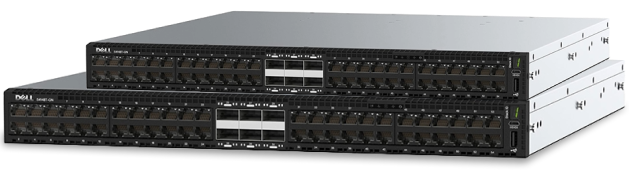
6 Matching results
- BEST SELLING
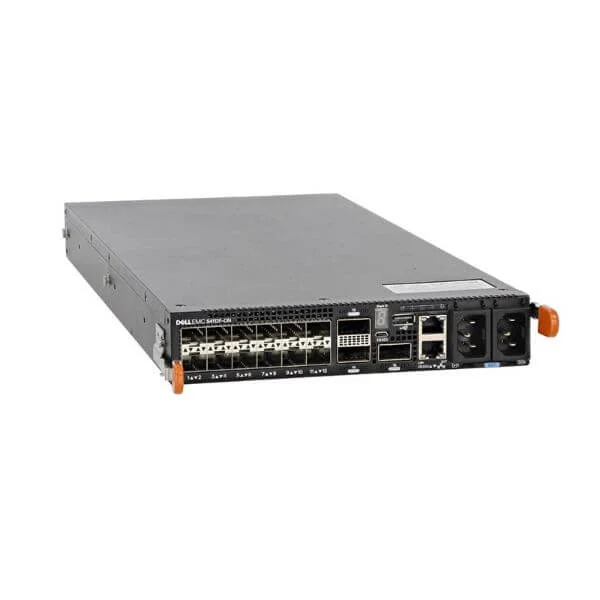
S4112T-ON (Dell Networking S4112T, 12 x 10GBaseT, 3 x 100GbE QSFP28, IO to fan, 2 x AC PSU, OS10)
4.2 (5)- Switch
- Dell
- AC Power Supply
- Layer 2 / Layer 3
- Rack-mount
- 12–24 Ports
Est Value $5,789.14
$1,181.25
79.6% offIn stockRefurbishedFirst-Time Buyer Discount – Get up to 2% additional off on your first order
ORM Rewards Earn $50 in Rewards + Free Expedited Delivery – Join Now!
Use eCoupon ORMSAVE10
eCoupon limited to 5 units
- BEST SELLING
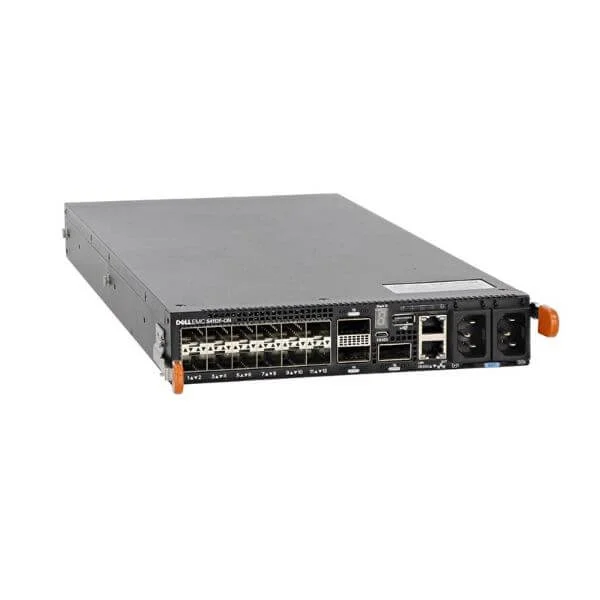
S4112F-ON (Dell Networking S4112F, 12 x 10GbE SFP +, 3 x 100GbE QSFP28, IO to fan, 2 x AC PSU, OS10)
4.6 (5)- Switch
- Dell
- Redundant Power Supply / AC Power Supply
- Layer 2 / Layer 3
- Rack-mount
- 12–24 Ports
Est Value $1,923.75$1,496.25
22.2% offIn stockNewRefurbishedFirst-Time Buyer Discount – Get up to 2% additional off on your first order
ORM Rewards Earn $50 in Rewards + Free Expedited Delivery – Join Now!
Use eCoupon ORMSAVE10
eCoupon limited to 5 units
- BEST SELLING
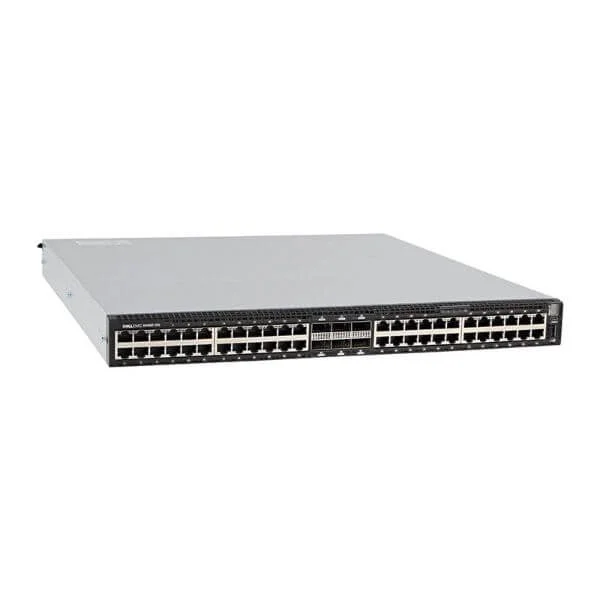
S4148T-ON (Dell Networking S4148T-ON, 1U, 48x10Gbase-T, 4xQ28, 2xQSFP +, PSU to IO, 2 PSU, OS10)
4.6 (5)- Switch
- Dell
- Redundant Power Supply / AC Power Supply
- Layer 2
- Rack-mount
- 150 W
- 24–48 Ports
Est Value $9,205.44$1,663.20
81.9% offIn stockNewRefurbishedFirst-Time Buyer Discount – Get up to 2% additional off on your first order
ORM Rewards Earn $50 in Rewards + Free Expedited Delivery – Join Now!
Use eCoupon ORMSAVE10
eCoupon limited to 5 units
- BEST SELLING
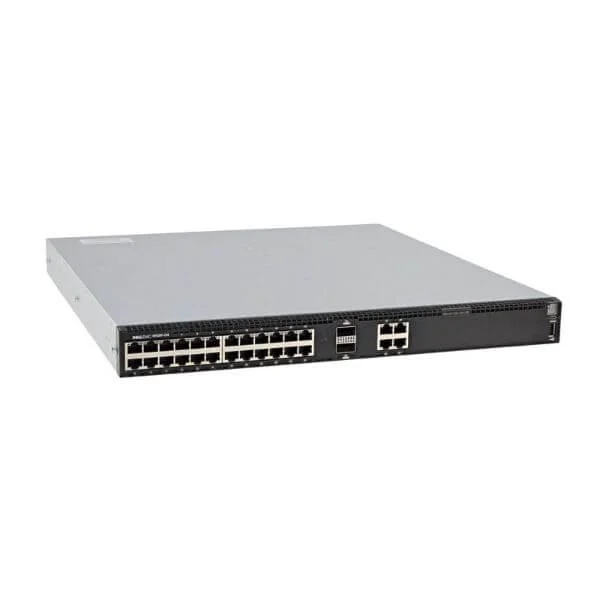
S4128T-ON (Dell Networking S4128T-ON, 1U, 28 x 10Gbase-T, 2 x QSFP28, PSU to IO, 2 PSU, OS10)
4.6 (5)- Switch
- Dell
- AC Power Supply
- Layer 2 / Layer 3
- Rack-mount
- 24–48 Ports
Est Value $5,065.20$1,942.49
61.7% offIn stockNewRefurbishedFirst-Time Buyer Discount – Get up to 2% additional off on your first order
ORM Rewards Earn $50 in Rewards + Free Expedited Delivery – Join Now!
Use eCoupon ORMSAVE10
eCoupon limited to 5 units
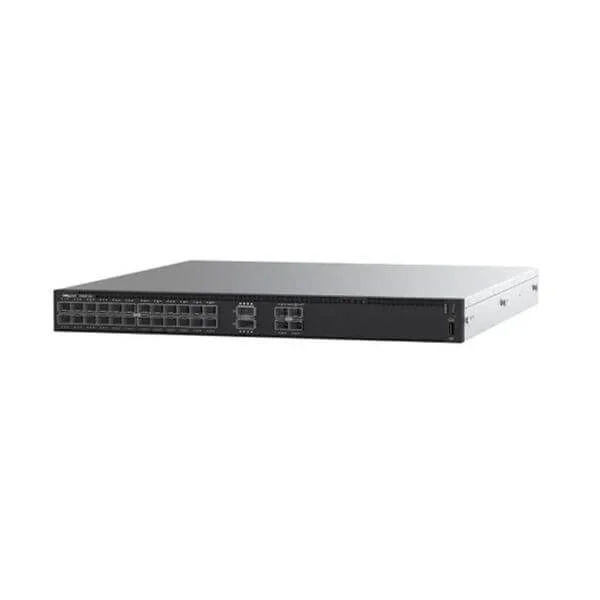
S4128F (Dell Networking S4128F-ON, 1U, PHY-less, 28 x 10GbE SFP+, 2 xQSFP28, IO to PSU, 2 PSU, OS10, 3 years* 4h service)
5 (5)- Switch
- Dell
- Redundant Power Supply
- Layer 2
- Rack-mount
- 150 W
- 24–48 Ports
Est Value $2,968.65$2,308.95
22.2% offIn stockRefurbishedFirst-Time Buyer Discount – Get up to 2% additional off on your first order
ORM Rewards Earn $50 in Rewards + Free Expedited Delivery – Join Now!
Use eCoupon ORMSAVE10
eCoupon limited to 5 units
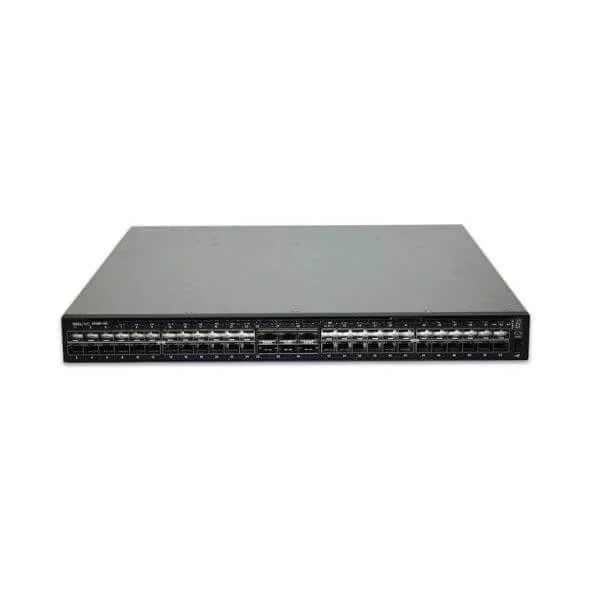
S4148F (Dell Networking S4148F-ON, 1U, PHY-less, 48 x 10GbE SFP+, 4xQSFP28 2xQSFP+, PSU to IO, 2 PSU, OS10, 3 years* 4h service)
5 (5)- Switch
- Dell
- Redundant Power Supply / AC Power Supply
- Layer 2
- Rack-mount
- 200 W
- 24–48 Ports
Est Value $3,778.65$1,976.73
47.7% offIn stockNewRefurbishedFirst-Time Buyer Discount – Get up to 2% additional off on your first order
ORM Rewards Earn $50 in Rewards + Free Expedited Delivery – Join Now!
Use eCoupon ORMSAVE10
eCoupon limited to 5 units

ORM Sales Advisors
Buying for your business? Get a personalised quote in under 2 hours. Talk to an expert
LEARNFilters (6) 
Questions & Answers
What is the Dell Networking S4100-ON switch series?
The Dell Networking S4100-ON series is a family of fixed-configuration, open-networking data center switches offering 10/25/40/100 GbE connectivity with OS10 ON and OS9 support.
Which operating systems are supported on the S4100-ON switches?
Dell S4100-ON switches run Dell OS10 Enterprise Edition or OS9, providing full feature sets for layer 2/3, automation, and open networking integration.
What port configurations and speeds are available?
The S4100-ON lineup offers models with 12, 24 or 48 fixed ports supporting 10 GbE and uplinks configurable for 25, 40 or 100 GbE.
What are the switching capacity and forwarding rate?
S4100-ON switches deliver up to 12.8 Tbps of switching capacity and 9.5 billion packets per second (bpps) forwarding performance.
Can multiple S4100-ON switches be stacked?
Yes. S4100-ON supports Virtual Link Trunking (VLT) for active-active multi-chassis link aggregation across two switches and MLAG for scale-out topologies.
What data center use cases are ideal for S4100-ON?
The S4100-ON series excels as leaf or spine switches in campus cores, data center fabrics, high-performance computing clusters, and virtualization environments.
How do I manage and monitor S4100-ON switches?
Manage via CLI, Dell OpenManage Network Manager, SNMP, sFlow, REST APIs and integrated web GUI for configuration, monitoring and telemetry.
Does the S4100-ON series support automation frameworks?
Yes. It integrates with Ansible, Puppet, Chef, Python scripts and RESTful APIs under OS10 for zero-touch provisioning and automated workflows.
Which virtualization and tunneling protocols are supported?
S4100-ON supports VXLAN EVPN, MPLS, NVGRE, VLAN, OSPF, BGP, and PIM for scalable multi-tenant and overlay networking.
What security features are built into the S4100-ON?
It offers ACLs, 802.1X, RADIUS/TACACS+ authentication, DHCP snooping, IP source guard, and Secure Boot for end-to-end network protection.
How energy efficient are S4100-ON switches?
They use variable-speed fans, efficient power supplies and energy-aware OS features to minimize consumption and reduce data center cooling costs.
Are software licenses required for advanced features?
Dell OS10 Enterprise licenses unlock advanced routing, automation, and telemetry capabilities; base functionality is included at no additional cost.
What warranty and support options are available?
All S4100-ON switches include a 1-year hardware warranty with optional Dell ProSupport and ProSupport Plus for 24×7 expert assistance.
Can I migrate existing network configurations to S4100-ON switches?
Yes. Dell provides migration tools and scripts to translate Cisco IOS, Juniper Junos or Arista EOS configurations for seamless deployment.
How do I perform basic setup on a new S4100-ON switch?
Connect via console port, run the initial setup CLI wizard to configure management IP, credentials and switch role, then upload OS10 images as needed.