 United States
Network Switches Huawei S3700 Series
Upgrade your enterprise network with the Huawei S3700 Series. These high-performance switches deliver unparalleled reliability, scalable connectivity, advanced management, and robust security for modern business environments.
Talk to an expert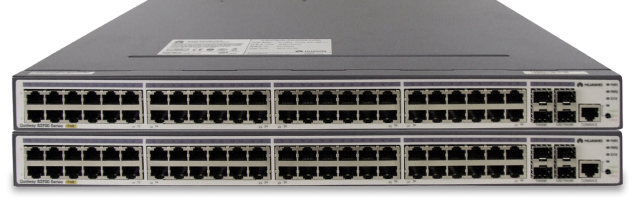
15 Matching results
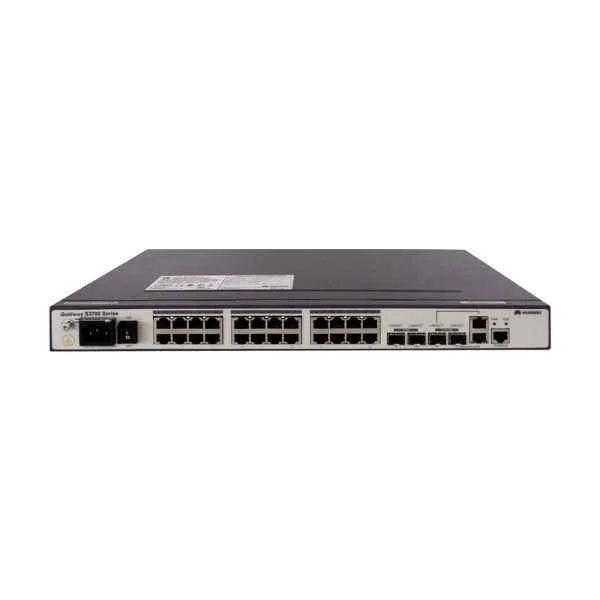
S3700-28TP-SI-AC (S3700-28TP-SI-AC Mainframe(24 Ethernet 10/100 ports, 2 Gig SFP and 2 dual-purpose 10/100/1000 or SFP, AC 110/220V) )
4.7 (6)- Switch
- Huawei
- AC Power Supply
- Layer 2
- Rack-mount
- 55W
- 24–48 Ports
Est Value $1,133.00
$169.98
85% offIn stockNewFirst-Time Buyer Discount – Get up to 2% additional off on your first order
ORM Rewards Earn $50 in Rewards + Free Expedited Delivery – Join Now!
Use eCoupon ORMSAVE10
eCoupon limited to 5 units
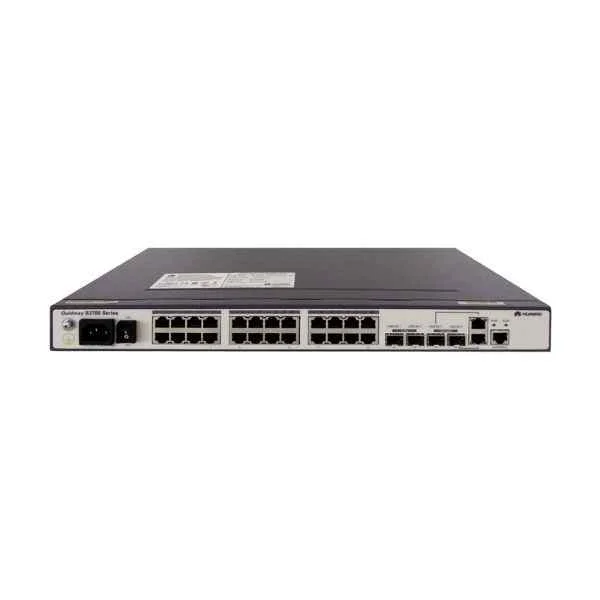
S3700-28TP-EI-AC (S3700-28TP-EI-AC Mainframe(24 Ethernet 10/100 ports, 2 Gig SFP and 2 dual-purpose 10/100/1000 or SFP, AC 110/220V))
4.3 (6)- Switch
- Huawei
- AC Power Supply
- Layer 2
- Rack-mount
- 60 W
- 24–48 Ports
Est Value $1,887.00$283.19
85% offIn stockNewFirst-Time Buyer Discount – Get up to 2% additional off on your first order
ORM Rewards Earn $50 in Rewards + Free Expedited Delivery – Join Now!
Use eCoupon ORMSAVE10
eCoupon limited to 5 units
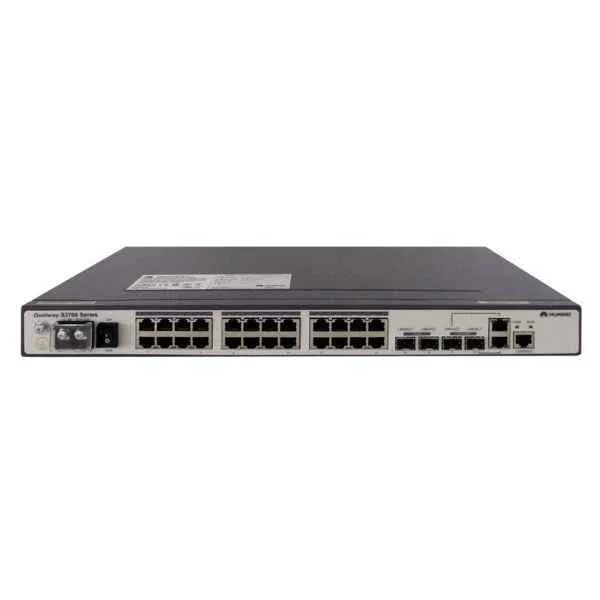
S3700-28TP-EI-DC (S3700-28TP-EI-DC(24 Ethernet 10/100 ports,2 Gig SFP and 2 dual-purpose 10/100/1000 or SFP,DC -48V))
4.8 (6)- Switch
- Huawei
- Layer 2
- Rack-mount
- 24–48 Ports
Est Value $3,505.00$525.89
85% offIn stockNewFirst-Time Buyer Discount – Get up to 2% additional off on your first order
ORM Rewards Earn $50 in Rewards + Free Expedited Delivery – Join Now!
Use eCoupon ORMSAVE10
eCoupon limited to 5 units
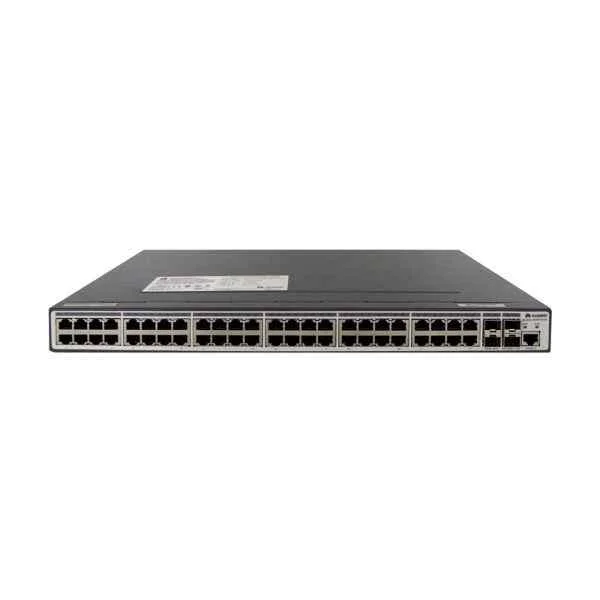
S3700-52P-SI-AC (S3700-52P-SI-AC Mainframe(48 Ethernet 10/100 ports, 4 Gig SFP, AC 110/220V) )
4.7 (6)- Switch
- Huawei
- AC Power Supply
- Layer 2
- Rack-mount
- 195 W
- Over 48 Ports
Est Value $3,779.00$566.98
85% offIn stockNewFirst-Time Buyer Discount – Get up to 2% additional off on your first order
ORM Rewards Earn $50 in Rewards + Free Expedited Delivery – Join Now!
Use eCoupon ORMSAVE10
eCoupon limited to 5 units
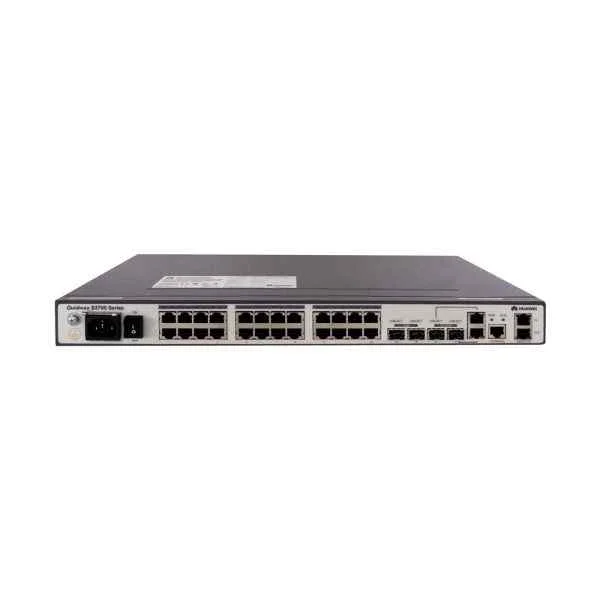
S3700-28TP-EI-MC-AC (S3700-28TP-EI-MC-AC(24 Ethernet 10/100 ports,2 Gig SFP and 2 dual-purpose 10/100/1000 or SFP,2 MC ports,AC 110/220V))
4.5 (6)- Switch
- Huawei
- AC Power Supply
- Layer 2
- Rack-mount
- 24–48 Ports
Est Value $4,208.00$631.29
85% offIn stockNewFirst-Time Buyer Discount – Get up to 2% additional off on your first order
ORM Rewards Earn $50 in Rewards + Free Expedited Delivery – Join Now!
Use eCoupon ORMSAVE10
eCoupon limited to 5 units
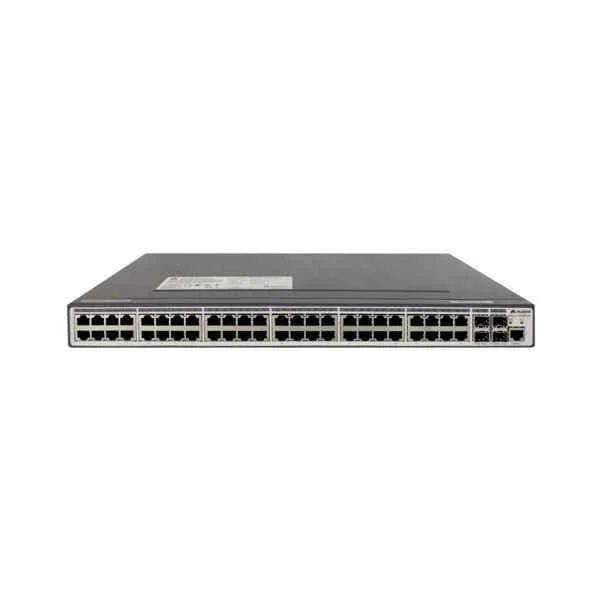
S3700-52P-EI-AC (S3700-52P-EI-AC Mainframe(48 Ethernet 10/100 ports, 4 Gig SFP, AC 110/220V) )
4.7 (6)- Switch
- Huawei
- AC Power Supply
- Layer 2
- Rack-mount
- 200 W
- 24–48 Ports
Est Value $4,533.00$680.01
85% offIn stockNewFirst-Time Buyer Discount – Get up to 2% additional off on your first order
ORM Rewards Earn $50 in Rewards + Free Expedited Delivery – Join Now!
Use eCoupon ORMSAVE10
eCoupon limited to 5 units
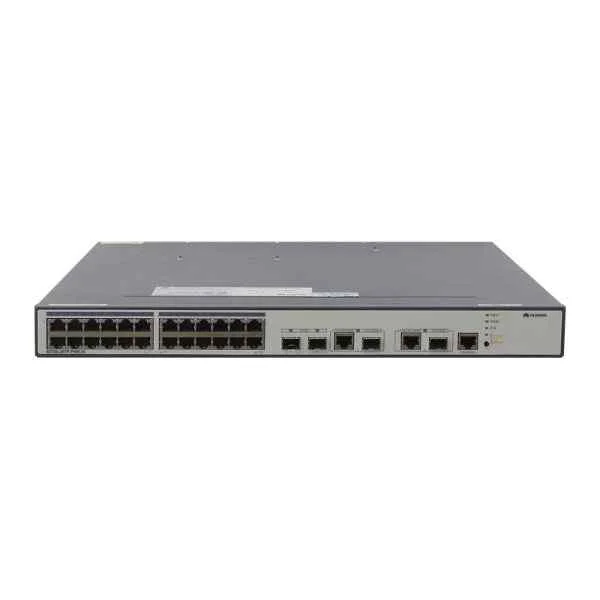
S3700-28TP-PWR-EI (S3700-28TP-PWR-EI Mainframe(24 Ethernet 10/100 ports, 2 Gig SFP and 2 dual-purpose 10/100/1000 or SFP, PoE+,Dual Slots of power, Without Power Module) )
4.8 (6)- Switch
- Huawei
- AC Power Supply
- Layer 2
- Rack-mount
- 24–48 Ports
Est Value $4,358.89$778.05
82.2% offIn stockNewFirst-Time Buyer Discount – Get up to 2% additional off on your first order
ORM Rewards Earn $50 in Rewards + Free Expedited Delivery – Join Now!
Use eCoupon ORMSAVE10
eCoupon limited to 5 units
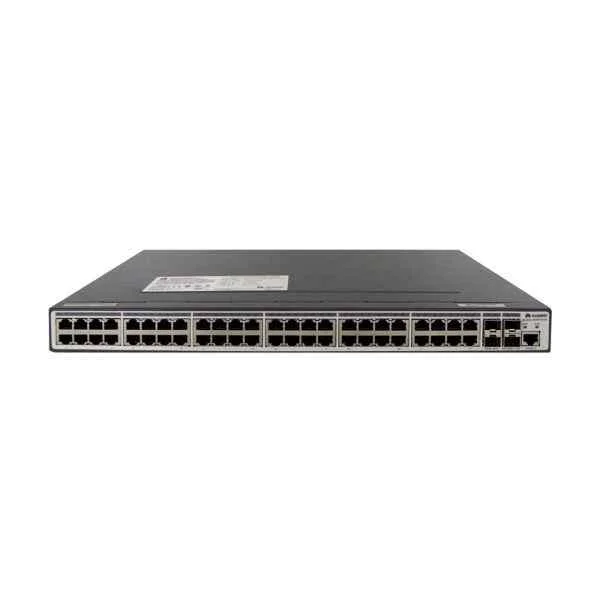
S3700-52P-PWR-SI (S3700-52P-PWR-SI(48 Ethernet 10/100 PoE+ ports,4 Gig SFP,with 500W AC power supply))
4.7 (6)- Switch
- Huawei
- AC Power Supply
- Layer 2
- Rack-mount
- 175 W
- Over 48 Ports
Est Value $5,015.16$842.54
83.2% offIn stockNewFirst-Time Buyer Discount – Get up to 2% additional off on your first order
ORM Rewards Earn $50 in Rewards + Free Expedited Delivery – Join Now!
Use eCoupon ORMSAVE10
eCoupon limited to 5 units
S3700-52P-PWR-EI (S3700-52P-PWR-EI Mainframe(48 Ethernet 10/100 ports, 4 Gig SFP, PoE+, Dual Slots of power, Without Power Module))
4.8 (6)- Switch
- Huawei
- AC Power Supply with Redundant Power Supply support
- Layer 2
- Rack-mount
- Over 48 Ports
Est Value $5,863.00$879.54
85% offIn stockNewFirst-Time Buyer Discount – Get up to 2% additional off on your first order
ORM Rewards Earn $50 in Rewards + Free Expedited Delivery – Join Now!
Use eCoupon ORMSAVE10
eCoupon limited to 5 units
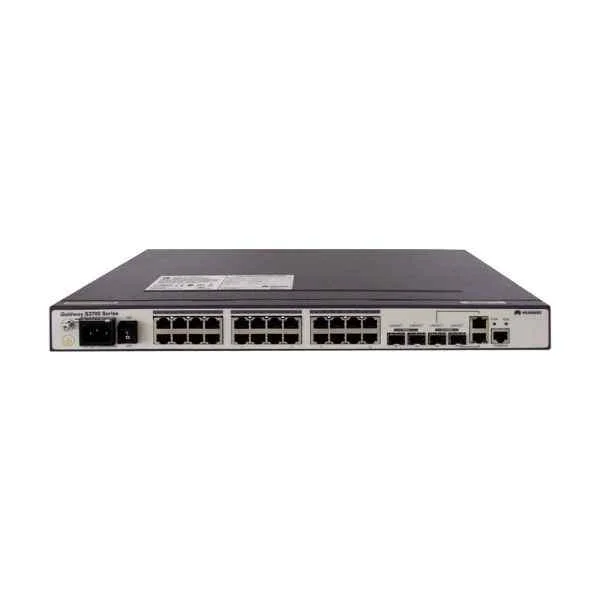
S3700-28TP-SI-DC (S3700-28TP-SI-DC Mainframe(24 Ethernet 10/100 ports, 2 Gig SFP and 2 dual-purpose 10/100/1000 or SFP, DC ))
4.8 (6)- Switch
- Huawei
- DC Power Supply
- Layer 2
- Rack-mount
- 12–24 Ports
Est Value In stockFirst-Time Buyer Discount – Get up to 2% additional off on your first order
ORM Rewards Earn $50 in Rewards + Free Expedited Delivery – Join Now!
Use eCoupon ORMSAVE10
eCoupon limited to 5 units
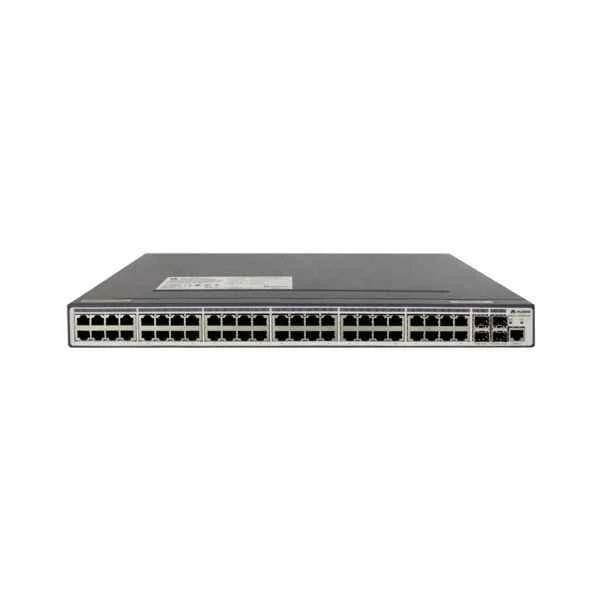
S3700-52P-EI-DC (S3700-52P-EI-DC Mainframe(48 Ethernet 10/100 ports, 4 Gig SFP, DC))
4.7 (6)- Switch
- Huawei
- AC Power Supply
- Layer 2 / Layer 3
- Rack-mount
- Over 48 Ports
Est Value In stockFirst-Time Buyer Discount – Get up to 2% additional off on your first order
ORM Rewards Earn $50 in Rewards + Free Expedited Delivery – Join Now!
Use eCoupon ORMSAVE10
eCoupon limited to 5 units
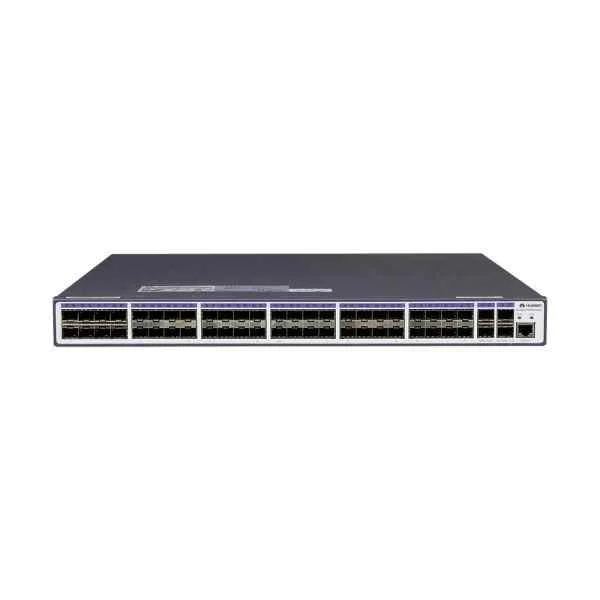
S3700-52P-EI-48S-AC (S3700-52P-EI-48S-AC(48 FE SFP,4 Gig SFP,AC 110/220V))
4.5 (6)- Switch
- Huawei
- AC Power Supply
- Layer 2 / Layer 3
- Rack-mount
- 65W
- Over 48 Ports
Est Value In stockFirst-Time Buyer Discount – Get up to 2% additional off on your first order
ORM Rewards Earn $50 in Rewards + Free Expedited Delivery – Join Now!
Use eCoupon ORMSAVE10
eCoupon limited to 5 units
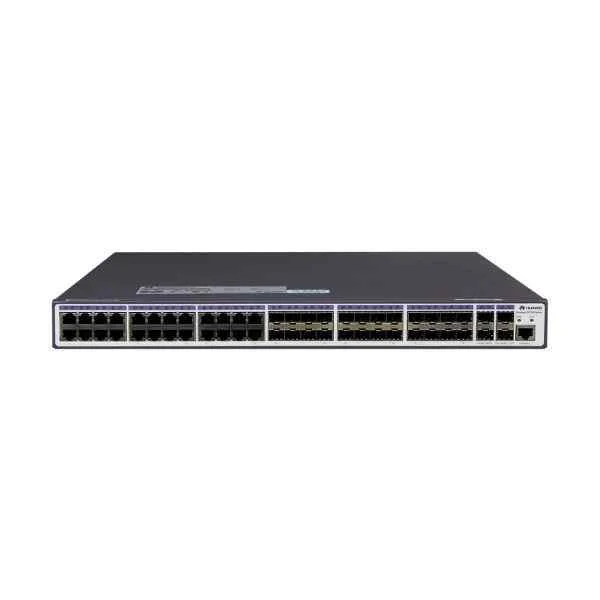
S3700-52P-EI-24S-AC (S3700-52P-EI-24S-AC(24 Ethernet 10/100 ports,24 FE SFP,4 Gig SFP,AC 110/220V))
4.2 (6)- Switch
- Huawei
- AC Power Supply
- Layer 3
- Rack-mount
- Over 48 Ports
Est Value In stockFirst-Time Buyer Discount – Get up to 2% additional off on your first order
ORM Rewards Earn $50 in Rewards + Free Expedited Delivery – Join Now!
Use eCoupon ORMSAVE10
eCoupon limited to 5 units
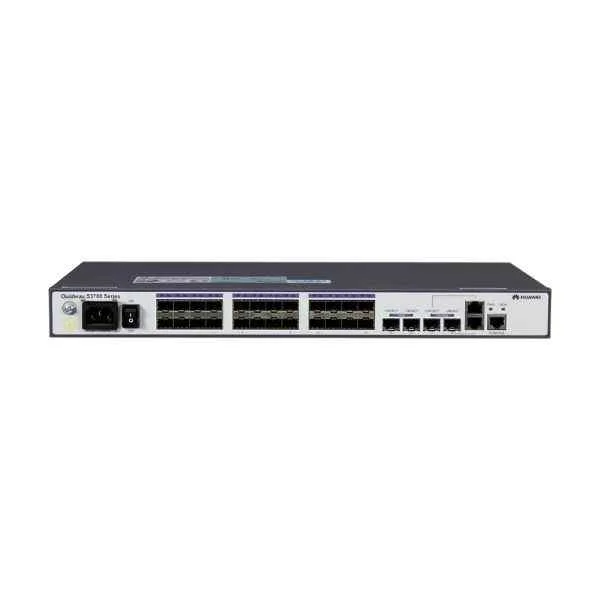
S3700-28TP-EI-24S-AC (S3700-28TP-EI-24S-AC(24 FE SFP,2 Gig SFP and 2 dual-purpose 10/100/1000 or SFP,AC 110/220V))
4.7 (6)- Switch
- Huawei
- AC Power Supply
- Layer 2
- Rack-mount
- 24–48 Ports
Est Value In stockFirst-Time Buyer Discount – Get up to 2% additional off on your first order
ORM Rewards Earn $50 in Rewards + Free Expedited Delivery – Join Now!
Use eCoupon ORMSAVE10
eCoupon limited to 5 units
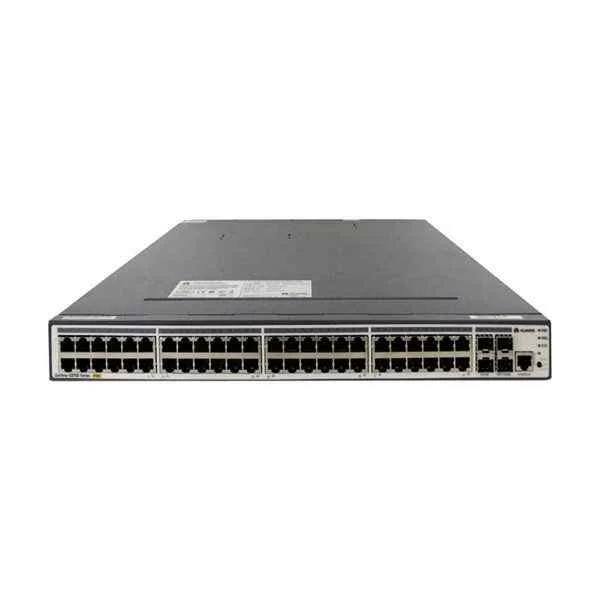
S3700-28TP-PWR-SI (S3700-28TP-PWR-SI(24 Ethernet 10/100 PoE+ ports,2 Gig SFP and 2 dual-purpose 10/100/1000 or SFP,with 500W AC power supply))
4.5 (6)- Switch
- Huawei
- AC Power Supply
- Layer 2
- Rack-mount
- 48W
- 24–48 Ports
Est Value In stockFirst-Time Buyer Discount – Get up to 2% additional off on your first order
ORM Rewards Earn $50 in Rewards + Free Expedited Delivery – Join Now!
Use eCoupon ORMSAVE10
eCoupon limited to 5 units

ORM Sales Advisors
Buying for your business? Get a personalised quote in under 2 hours. Talk to an expert
LEARNFilters (15) 
Questions & Answers
What are the key features of Huawei S3700 Series switches?
The Huawei S3700 Series delivers high-performance L2/L3 switching, IEEE 802.3at PoE+, IPv4/IPv6 routing, advanced QoS, ACL-based security, and up to 4-unit stacking for resilient SMB and campus edge networks.
What port densities and models are available in the S3700 Series?
The S3700 Series includes 16-, 24-, and 48-port Gigabit Ethernet models with optional PoE/PoE+ on all copper ports and 4×10GE SFP+ uplinks to flexibly match access and aggregation requirements.
Does the Huawei S3700 Series support Power over Ethernet (PoE)?
Yes. Select S3700 models provide full IEEE 802.3at PoE+ on all copper ports with up to 370 W total PoE budget, ideal for IP phones, wireless APs, and surveillance cameras.
What uplink options are available on Huawei S3700 switches?
Huawei S3700 switches offer four fixed SFP+ or combo 10-Gigabit uplinks and support dual-rate 1G/10G SFP+ modules for flexible, high-speed aggregation to distribution or core layers.
What switching capacity and forwarding performance does the S3700 Series deliver?
Depending on the model, the series provides up to 184 Gbps switching capacity and 137 Mpps forwarding performance, ensuring low-latency packet handling for converged networks.
Which Layer 3 features are supported by the Huawei S3700 Series?
The S3700 Series supports static routing, RIP v1/v2, OSPF, VRRP, and DHCP relay to enable basic Layer 3 routing in SMB and branch office deployments.
How can I manage and configure Huawei S3700 switches?
You can manage S3700 switches via the web-based Huawei eSight GUI, command-line interface (CLI) over SSH/Telnet, or SNMP v1/v2/v3 for seamless integration with network management platforms.
Can Huawei S3700 switches be stacked, and what is the stacking bandwidth?
Yes. Up to four S3700 switches can form a stack over dedicated stacking ports, delivering up to 80 Gbps of stacking bandwidth and a single-control-plane architecture.
How does the S3700 Series ensure network security?
The S3700 Series offers ACL filtering, 802.1X port authentication, DHCP snooping, IP Source Guard, and ARP inspection to prevent unauthorized access and common attacks.
What Quality of Service (QoS) features does the Huawei S3700 support?
Huawei S3700 switches provide 802.1p/DSCP mapping, priority queueing, traffic shaping, policing, and ACL-based rate limiting to guarantee service levels for voice, video, and data.
What is the power consumption and energy efficiency of the S3700 Series?
With energy-efficient switching ASICs and per-port power control, S3700 switches consume as little as 15 W (non-PoE) and meet RoHS and WEEE standards to minimize operational costs.
Which firmware versions and software features are available for S3700 switches?
Huawei releases periodic firmware updates for S3700 that include new security patches, feature enhancements (IPv6, advanced QoS), and stability improvements, available from Huawei’s support portal.
How do I perform a firmware upgrade on the Huawei S3700 Series?
You can upgrade S3700 firmware via the web GUI, CLI TFTP/FTP server, or eSight NMS; the process supports dual-image rollback to ensure non-disruptive maintenance.
What warranty and support options are offered for Huawei S3700 switches?
Huawei provides a one-year limited hardware warranty with next-business-day onsite replacement and optional software support agreements for 24×7 technical assistance and software updates.
How can I troubleshoot common issues on Huawei S3700 switches?
Use built-in diagnostic tools such as diagnostic LEDs, loopback tests, port mirroring, and the 'display diagnostic-information' CLI command, or refer to Huawei’s troubleshooting guides for step-by-step procedures.
How does the Huawei S3700 Series compare to the S5700 Series?
Compared to the S5700, the S3700 offers simpler L3 features, lower throughput and stacking bandwidth, and a more compact design, making it ideal for smaller SMB or branch environments.