 United States
Access Points Cisco 1040
Experience industry-leading wireless performance and advanced security with Cisco 1040 Access Point, engineered for robust connectivity, seamless integration, and superior network management efficiency under demanding conditions.
Talk to an expert
46 Matching results
- BEST SELLING
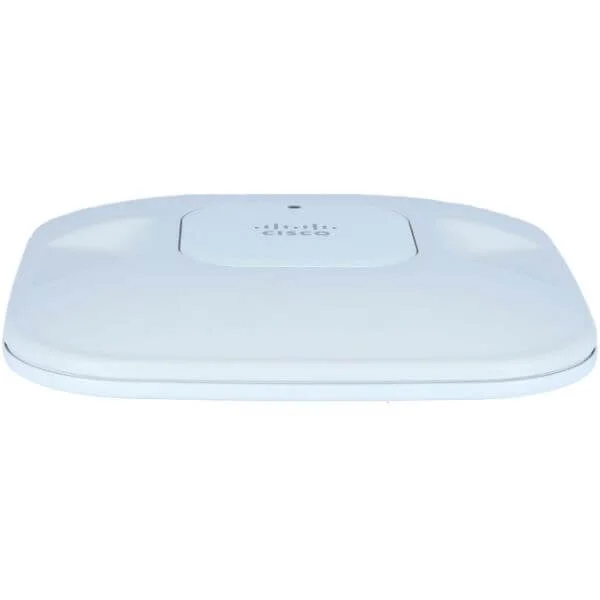
AIR-AP1042N-S-K9 (802.11a/g/n Fixed Auto AP; Int Ant; S Reg Domain)
4.7 (7)- Wireless Product
- Cisco
- Access Point
- 802.11n
- 2.4GHz / 5GHz
- 300Mbps
Est Value $795.00
$435.91
45.2% offIn stockNewRefurbishedFirst-Time Buyer Discount – Get up to 2% additional off on your first order
ORM Rewards Earn $50 in Rewards + Free Expedited Delivery – Join Now!
Use eCoupon ORMSAVE10
eCoupon limited to 5 units
- BEST SELLING
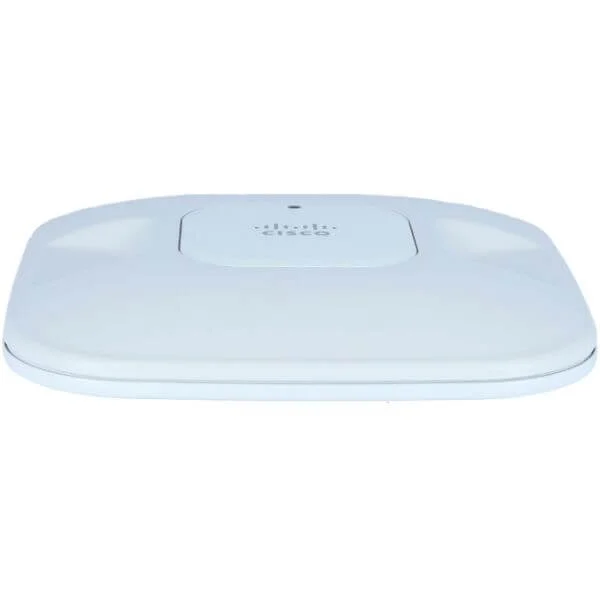
AIR-AP1042N-R-K9 (802.11a/g/n Fixed Auto AP; Int Ant; R Reg Domain)
4.7 (7)- Wireless Access Point
- Cisco
- Access Point
- 802.11n
- 2.4GHz/5GHz
- 300 Mbps
Est Value $795.00$435.91
45.2% offIn stockNewRefurbishedFirst-Time Buyer Discount – Get up to 2% additional off on your first order
ORM Rewards Earn $50 in Rewards + Free Expedited Delivery – Join Now!
Use eCoupon ORMSAVE10
eCoupon limited to 5 units
- BEST SELLING
AIR-AP1042N-A-K9 (802.11a/g/n Fixed Auto AP; Int Ant; A Reg Domain)
4.5 (6)- Wireless Product
- Cisco
- Access Point
- 802.11n
- 2.4GHz / 5GHz
- 300Mbps per radio
Est Value $795.00$63.00
92.1% offIn stockNewRefurbishedFirst-Time Buyer Discount – Get up to 2% additional off on your first order
ORM Rewards Earn $50 in Rewards + Free Expedited Delivery – Join Now!
Use eCoupon ORMSAVE10
eCoupon limited to 5 units
- BEST SELLING
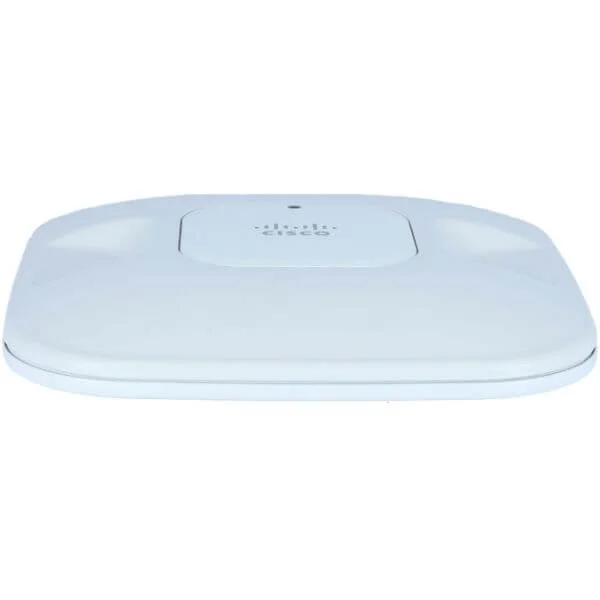
AIR-AP1042N-K-K9 (802.11a/g/n Fixed Auto AP; Int Ant; K Reg Domain)
4.6 (7)- Wireless Product
- Cisco
- Access Point
- 802.11n
- 2.4GHz
- 300 Mbps
- 100m
Est Value $795.00$435.91
45.2% offIn stockNewRefurbishedFirst-Time Buyer Discount – Get up to 2% additional off on your first order
ORM Rewards Earn $50 in Rewards + Free Expedited Delivery – Join Now!
Use eCoupon ORMSAVE10
eCoupon limited to 5 units
- BEST SELLING
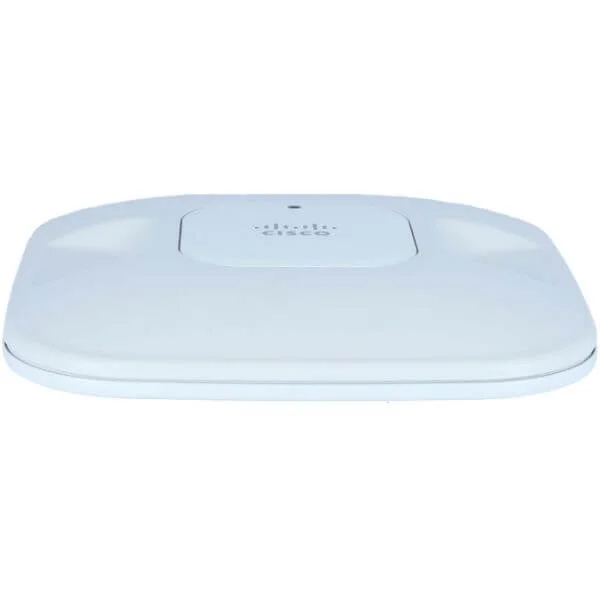
AIR-AP1042N-N-K9 (802.11a/g/n Fixed Auto AP; Int Ant; N Reg Domain)
4.9 (7)- Wireless Access Point
- Cisco
- Access Point
- 802.11n
- 2.4GHz, 5GHz
- 300 Mbps
- 100 meters
Est Value $795.00$435.91
45.2% offIn stockNewRefurbishedFirst-Time Buyer Discount – Get up to 2% additional off on your first order
ORM Rewards Earn $50 in Rewards + Free Expedited Delivery – Join Now!
Use eCoupon ORMSAVE10
eCoupon limited to 5 units
- FEARURED
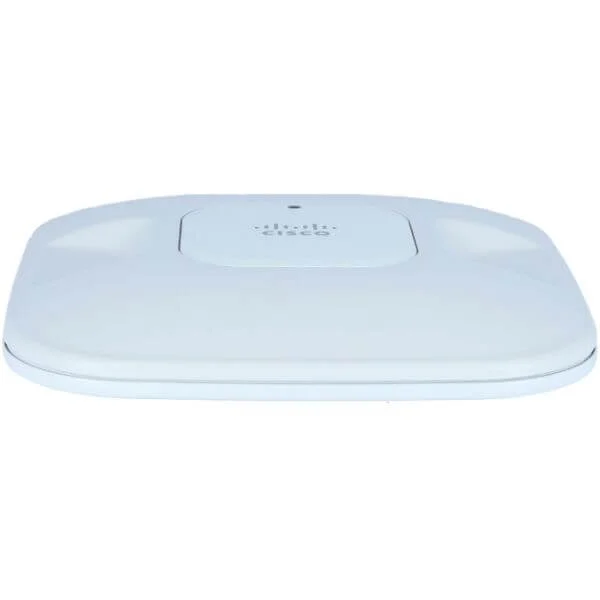
AIR-AP1042N-T-K9 (802.11a/g/n Fixed Auto AP; Int Ant; T Reg Domain)
4.7 (7)- Wireless Product
- Cisco
- Access Point
- 802.11n
- 2.4GHz
- 300Mbps
Est Value $795.00$435.91
45.2% offIn stockNewRefurbishedFirst-Time Buyer Discount – Get up to 2% additional off on your first order
ORM Rewards Earn $50 in Rewards + Free Expedited Delivery – Join Now!
Use eCoupon ORMSAVE10
eCoupon limited to 5 units
- FEARURED
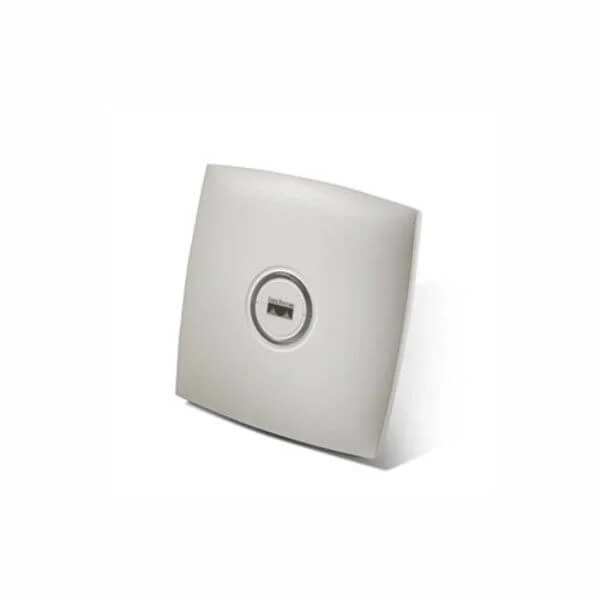
AIR-AP1042N-C-K9 (802.11a/g/n Fixed Auto AP; Int Ant; C Reg Domain)
4.7 (7)- Wireless Access Point
- Cisco
- Access Point
- 802.11n
- 2.4GHz
- 300Mbps
Est Value $795.00$435.91
45.2% offIn stockNewRefurbishedFirst-Time Buyer Discount – Get up to 2% additional off on your first order
ORM Rewards Earn $50 in Rewards + Free Expedited Delivery – Join Now!
Use eCoupon ORMSAVE10
eCoupon limited to 5 units
- FEARURED
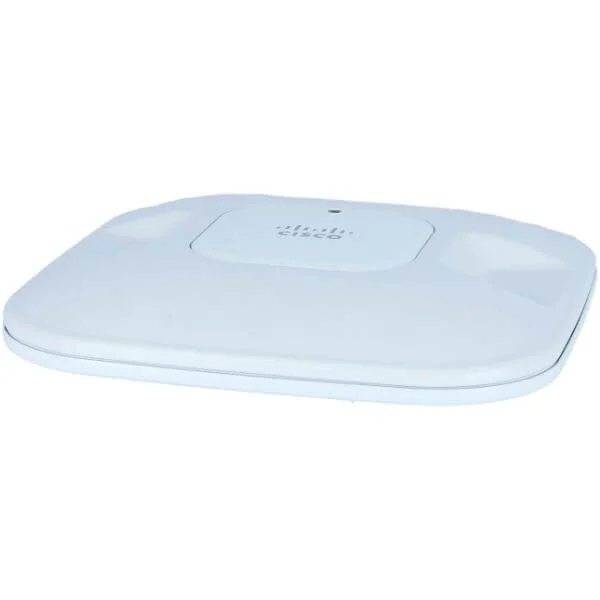
AIR-AP1042N-E-K9 (802.11a/g/n Fixed Auto AP; Int Ant; E Reg Domain)
4.9 (7)- Wireless Access Point
- Cisco
- Access Point
- 802.11n
- 2.4GHz
- 300Mbps
Est Value $795.00$102.00
87.2% offIn stockNewRefurbishedFirst-Time Buyer Discount – Get up to 2% additional off on your first order
ORM Rewards Earn $50 in Rewards + Free Expedited Delivery – Join Now!
Use eCoupon ORMSAVE10
eCoupon limited to 5 units
- FEARURED
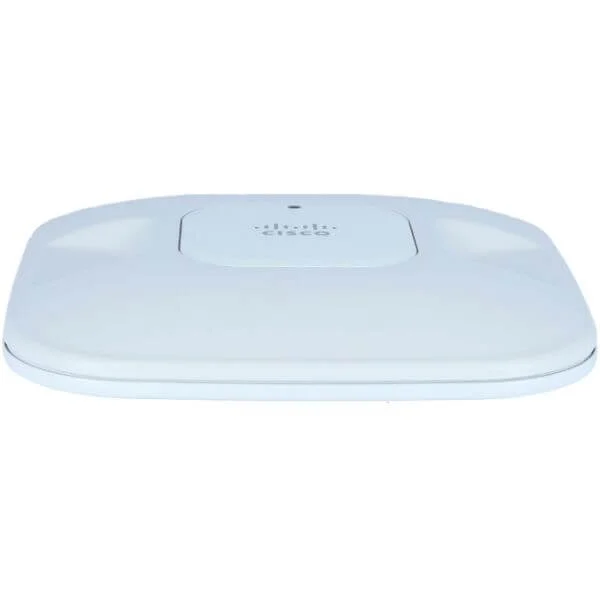
AIR-AP1042N-I-K9 (802.11a/g/n Fixed Auto AP; Int Ant; I Reg Domain)
4.7 (7)- Wireless Access Point
- Cisco
- Access Point
- 802.11a/b/g/n
- 2.4GHz / 5GHz
- 300Mbps
Est Value $795.00$435.91
45.2% offIn stockNewRefurbishedFirst-Time Buyer Discount – Get up to 2% additional off on your first order
ORM Rewards Earn $50 in Rewards + Free Expedited Delivery – Join Now!
Use eCoupon ORMSAVE10
eCoupon limited to 5 units
- FEARURED
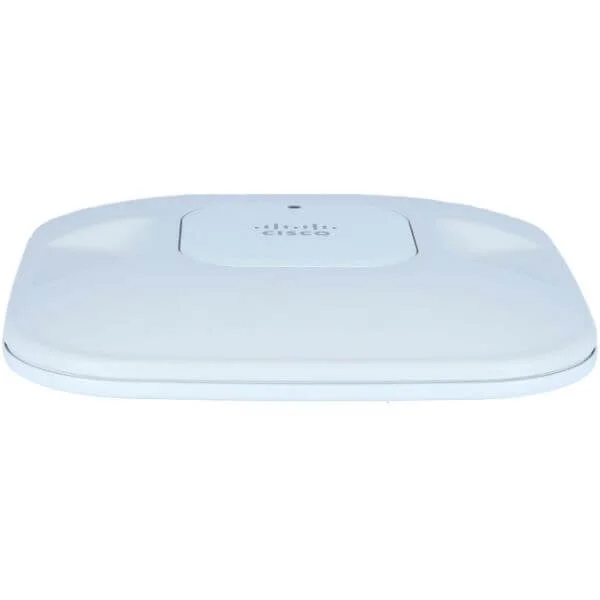
AIR-AP1042N-P-K9 (802.11a/g/n Fixed Auto AP; Int Ant; P Reg Domain)
4.7 (7)- Wireless Product
- Cisco
- Access Point
- 802.11n
- 2.4GHz / 5GHz
- 300Mbps (per radio)
Est Value $795.00$435.91
45.2% offIn stockNewRefurbishedFirst-Time Buyer Discount – Get up to 2% additional off on your first order
ORM Rewards Earn $50 in Rewards + Free Expedited Delivery – Join Now!
Use eCoupon ORMSAVE10
eCoupon limited to 5 units
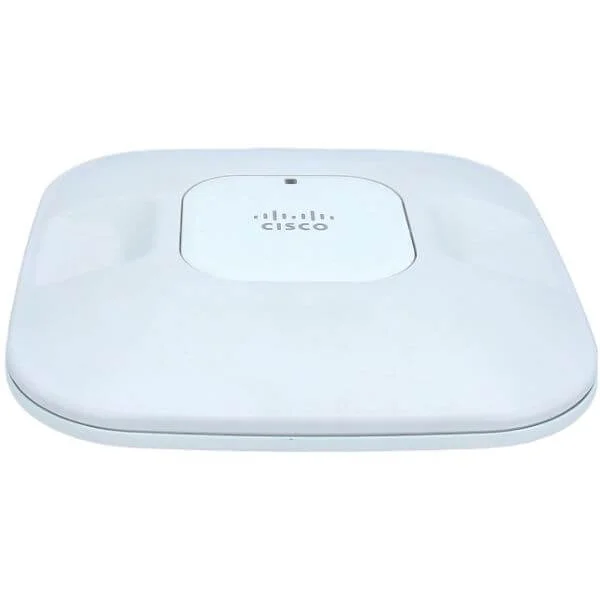
AIR-LAP1041N-E-K9 (802.11g/n Fixed Unified AP; Int Ant; E Reg Domain)
4.8 (6)- Wireless Product
- Cisco
- Access Point
- Wi-Fi N
- 2.4GHz
- 300Mbps
- 100 meters
Est Value $495.00$72.00
85.5% offIn stockNewRefurbishedFirst-Time Buyer Discount – Get up to 2% additional off on your first order
ORM Rewards Earn $50 in Rewards + Free Expedited Delivery – Join Now!
Use eCoupon ORMSAVE10
eCoupon limited to 5 units
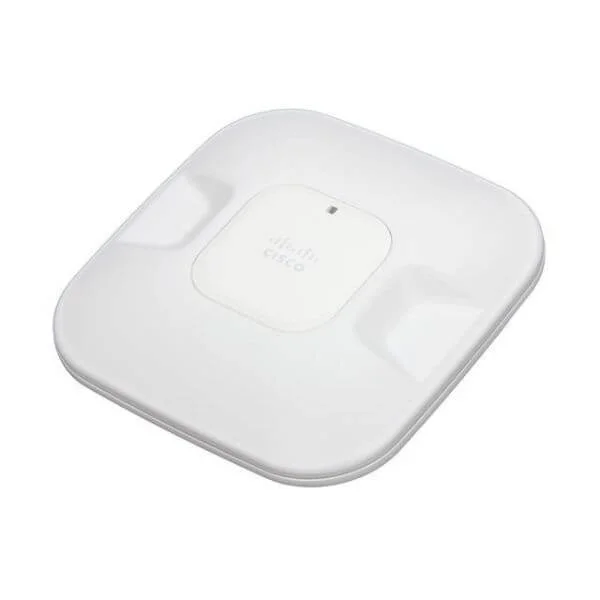
AIR-AP1041N-A-K9 (802.11g/n Fixed Auto AP; Int Ant; A Reg Domain)
4.9 (7)- Wireless Product
- Cisco
- Access Point
- 802.11n
- 2.4GHz
- 300Mbps
Est Value $495.00$121.28
75.5% offIn stockNewRefurbishedFirst-Time Buyer Discount – Get up to 2% additional off on your first order
ORM Rewards Earn $50 in Rewards + Free Expedited Delivery – Join Now!
Use eCoupon ORMSAVE10
eCoupon limited to 5 units
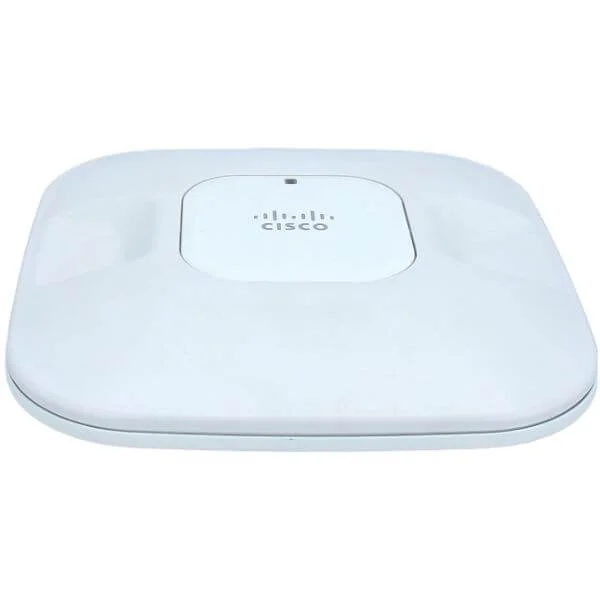
AIR-LAP1041N-P-K9 (802.11g/n Fixed Unified AP; Int Ant; P Reg Domain)
4.7 (7)- Wireless Product
- Cisco
- Access Point
- 802.11b/g/n
- 2.4GHz
- 300Mbps
Est Value $495.00$271.32
45.2% offIn stockNewRefurbishedFirst-Time Buyer Discount – Get up to 2% additional off on your first order
ORM Rewards Earn $50 in Rewards + Free Expedited Delivery – Join Now!
Use eCoupon ORMSAVE10
eCoupon limited to 5 units
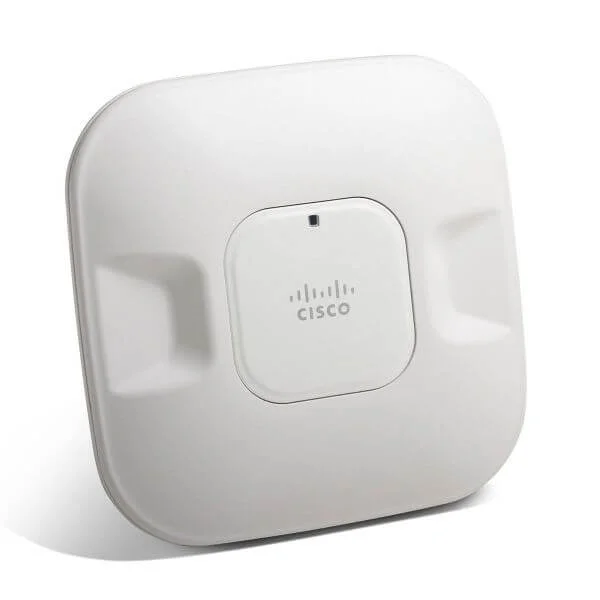
AIR-AP1041N-E-K9 (802.11g/n Fixed Auto AP; Int Ant; E Reg Domain)
4.9 (7)- Wireless Access Point
- Cisco
- Access Point
- 802.11n
- 2.4GHz
- 300Mbps
Est Value $495.00$63.00
87.3% offIn stockNewRefurbishedFirst-Time Buyer Discount – Get up to 2% additional off on your first order
ORM Rewards Earn $50 in Rewards + Free Expedited Delivery – Join Now!
Use eCoupon ORMSAVE10
eCoupon limited to 5 units
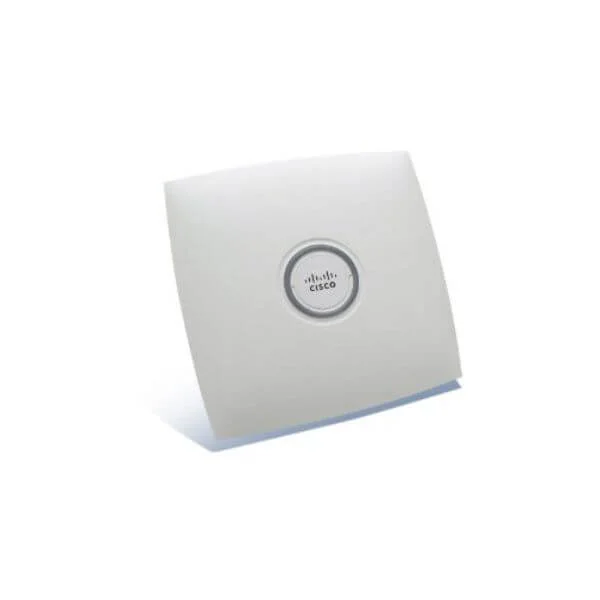
AIR-AP1041N-P-K9 (802.11g/n Fixed Auto AP; Int Ant; P Reg Domain)
4.9 (7)- Wireless Product
- Cisco
- Access Point
- 802.11n
- 2.4GHz
- 150Mbps
- 100 meters
Est Value $495.00$271.32
45.2% offIn stockNewRefurbishedFirst-Time Buyer Discount – Get up to 2% additional off on your first order
ORM Rewards Earn $50 in Rewards + Free Expedited Delivery – Join Now!
Use eCoupon ORMSAVE10
eCoupon limited to 5 units
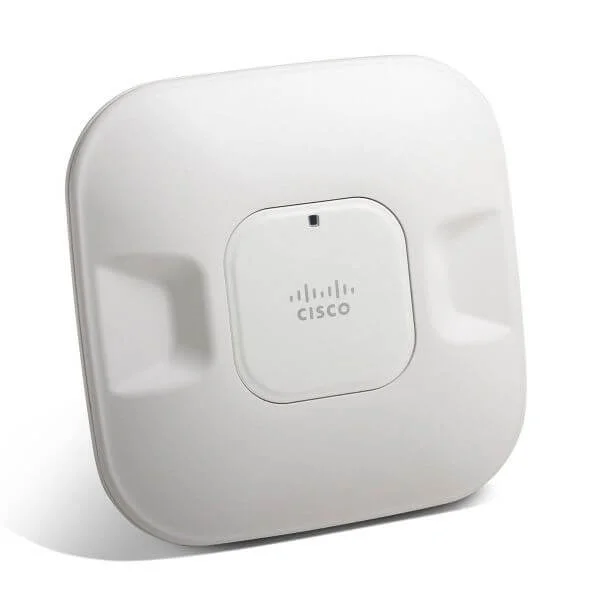
AIR-LAP1041N-A-K9 (802.11g/n Fixed Unified AP; Int Ant; A Reg Domain)
4.6 (7)- Wireless Product
- Cisco
- Access Point
- Wi-Fi 5
- 2.4GHz / 5GHz
- 1Gbps
- 100 meters
Est Value $495.00$84.47
82.9% offIn stockNewRefurbishedFirst-Time Buyer Discount – Get up to 2% additional off on your first order
ORM Rewards Earn $50 in Rewards + Free Expedited Delivery – Join Now!
Use eCoupon ORMSAVE10
eCoupon limited to 5 units
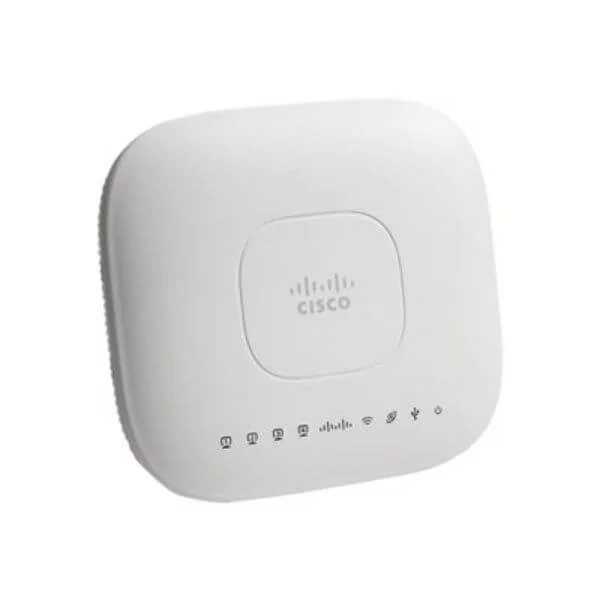
AIR-LAP1042N-A-K9 (802.11a/g/n Fixed Unified AP; Int Ant; A Reg Domain)
4.7 (7)- Wireless Product
- Cisco
- Access Point
- 802.11n
- 2.4GHz
- 300Mbps
- 100 meters
Est Value $795.00$62.35
92.2% offIn stockNewRefurbishedFirst-Time Buyer Discount – Get up to 2% additional off on your first order
ORM Rewards Earn $50 in Rewards + Free Expedited Delivery – Join Now!
Use eCoupon ORMSAVE10
eCoupon limited to 5 units
AIR-LAP1042N-C-K9 (802.11a/g/n Fixed Unified AP; Int Ant; C Reg Domain)
4.6 (7)- Wireless Product
- Cisco
- Access Point
- 802.11n
- 2.4GHz
- 300Mbps
Est Value $795.00$435.91
45.2% offIn stockNewRefurbishedFirst-Time Buyer Discount – Get up to 2% additional off on your first order
ORM Rewards Earn $50 in Rewards + Free Expedited Delivery – Join Now!
Use eCoupon ORMSAVE10
eCoupon limited to 5 units
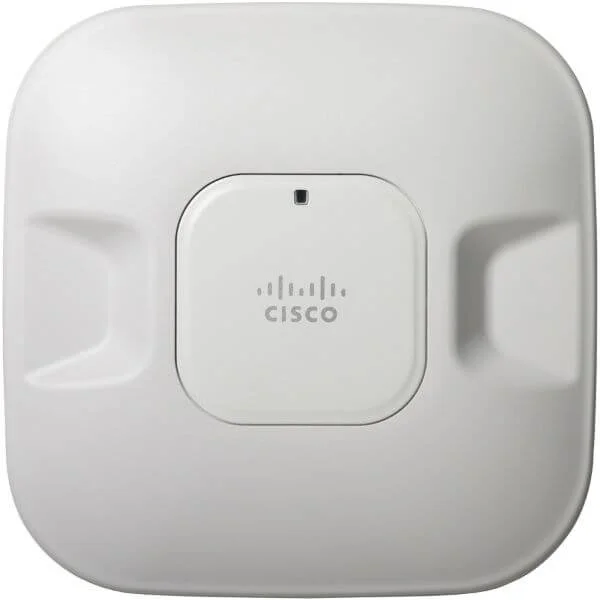
AIR-LAP1042N-E-K9 (802.11a/g/n Fixed Unified AP; Int Ant; E Reg Domain)
4.6 (7)- Wireless Access Point
- Cisco
- Access Point
- 802.11n
- 2.4GHz / 5GHz
- 300Mbps
Est Value $795.00$63.00
92.1% offIn stockNewRefurbishedFirst-Time Buyer Discount – Get up to 2% additional off on your first order
ORM Rewards Earn $50 in Rewards + Free Expedited Delivery – Join Now!
Use eCoupon ORMSAVE10
eCoupon limited to 5 units
AIR-LAP1042N-I-K9 (802.11a/g/n Fixed Unified AP; Int Ant; I Reg Domain)
4.9 (7)- Access Point
- Cisco
- Access Point
- 802.11n
- 2.4GHz & 5GHz
- 300 Mbps per radio
Est Value $795.00$435.91
45.2% offIn stockNewRefurbishedFirst-Time Buyer Discount – Get up to 2% additional off on your first order
ORM Rewards Earn $50 in Rewards + Free Expedited Delivery – Join Now!
Use eCoupon ORMSAVE10
eCoupon limited to 5 units

ORM Sales Advisors
Buying for your business? Get a personalised quote in under 2 hours. Talk to an expert
LEARNFilters (46) 
Questions & Answers
What is the Cisco 1040 Access Point?
The Cisco 1040 Access Point is an enterprise-grade, indoor Wi-Fi 6 (802.11ax) access point delivering high performance, advanced security, and simplified management for small to medium-sized deployments.
Which Wi-Fi standards does the Cisco 1040 Access Point support?
The Cisco 1040 Access Point supports Wi-Fi 6 (802.11ax) and remains backward-compatible with 802.11a/b/g/n/ac clients for broad device interoperability.
What is the maximum wireless throughput of the Cisco 1040 Access Point?
The Cisco 1040 Access Point delivers up to 1.5 Gbps aggregate throughput with dual-radio 4x4 MU-MIMO and OFDMA enhancements for optimized multi-client performance.
How many concurrent clients can the Cisco 1040 Access Point support?
The Cisco 1040 Access Point can handle up to 200 concurrent client sessions, leveraging OFDMA and MU-MIMO to maintain consistent performance under load.
What power options are available for the Cisco 1040 Access Point?
The Cisco 1040 Access Point supports IEEE 802.3at PoE+ or 48 V DC input, eliminating the need for separate power outlets and simplifying installation.
Which mounting options does the Cisco 1040 Access Point offer?
The Cisco 1040 Access Point ships with ceiling tile, drywall, and wall-mount brackets, enabling flexible and secure indoor placement.
Does the Cisco 1040 Access Point include Bluetooth Low Energy?
Yes, the Cisco 1040 Access Point integrates Bluetooth Low Energy (BLE) for location services, asset tracking, and proximity marketing applications.
What security features are built into the Cisco 1040 Access Point?
The Cisco 1040 Access Point delivers WPA3 encryption, Encrypted Traffic Analytics, Rogue AP detection, and integration with Cisco Identity Services Engine (ISE) for robust enterprise security.
How is the Cisco 1040 Access Point managed?
You can manage the Cisco 1040 Access Point via Cisco DNA Center, Cisco Catalyst Cloud, or Cisco Meraki Dashboard for centralized provisioning, monitoring, and analytics.
What software licensing is required for the Cisco 1040 Access Point?
The Cisco 1040 Access Point operates with Cisco DNA Essential or Advantage subscriptions, providing access to automation, analytics, and security features.
How do I update firmware on the Cisco 1040 Access Point?
Firmware updates can be scheduled and deployed centrally through Cisco DNA Center or the Meraki Dashboard, ensuring access points remain current with the latest features and security patches.
What are the physical and environmental specifications of the Cisco 1040 Access Point?
The Cisco 1040 Access Point measures 210 × 210 × 44 mm, weighs 670 g, operates between –5 °C and 40 °C, and meets IP30 ingress protection standards.
What deployment scenarios suit the Cisco 1040 Access Point?
The Cisco 1040 Access Point is ideal for branch offices, retail outlets, classrooms, and hospitality venues requiring robust Wi-Fi 6 performance and enterprise-grade security.
How does the Cisco 1040 Access Point optimize spectrum usage?
Using OFDMA and 4x4 MU-MIMO, the Cisco 1040 Access Point allocates channels dynamically and serves multiple clients simultaneously, maximizing spectral efficiency.
What warranty and support options are available for the Cisco 1040 Access Point?
Cisco provides a limited lifetime hardware warranty and optional Cisco SMARTnet support, offering 24/7 access to software updates, technical assistance, and hardware replacement services.
How do I troubleshoot connectivity issues on the Cisco 1040 Access Point?
Use Cisco DNA Center Assurance or the Meraki Dashboard’s event logs and packet capture tools to identify interference, signal strength anomalies, and client authentication failures.