 United States
Networking Cisco 1130 Access Point
Engineered for robust performance, the Cisco 1130 Access Point delivers seamless connectivity and enterprise-level security, ensuring reliable wireless communications for demanding network environments with optimized management capabilities.
Talk to an expert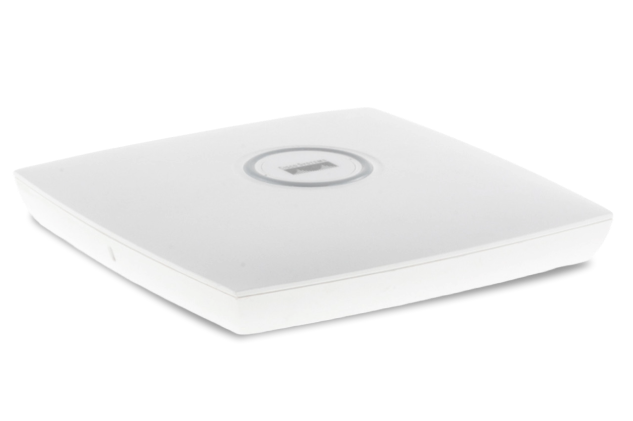
31 Matching results
- BEST SELLING
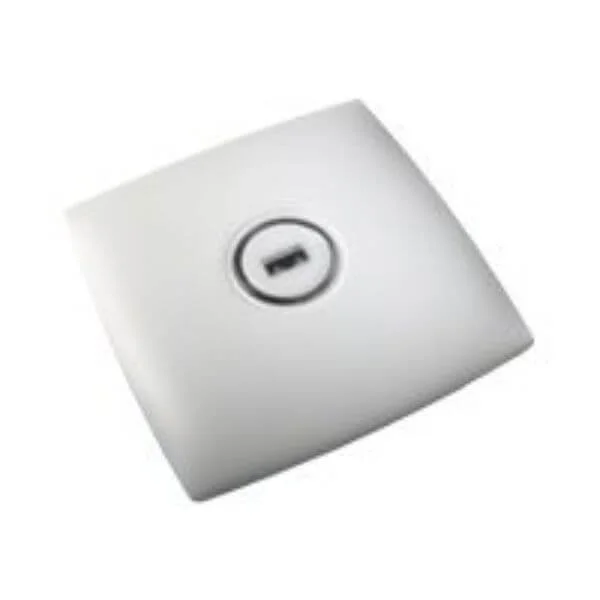
AIR-LAP1131AG-A-K9 (802.11ag LWAPP AP Integrated Antennas FCC Cnfg 1130AG Series Access Points)
4.6 (7)- Wireless Access Point
- Cisco
- Access Point
- Wi-Fi 6
- 2.4GHz / 5GHz
- 1Gbps
- 120 meters
Est Value $699.00
$53.55
92.3% offIn stockNewRefurbishedFirst-Time Buyer Discount – Get up to 2% additional off on your first order
ORM Rewards Earn $50 in Rewards + Free Expedited Delivery – Join Now!
Use eCoupon ORMSAVE10
eCoupon limited to 5 units
- FEARURED
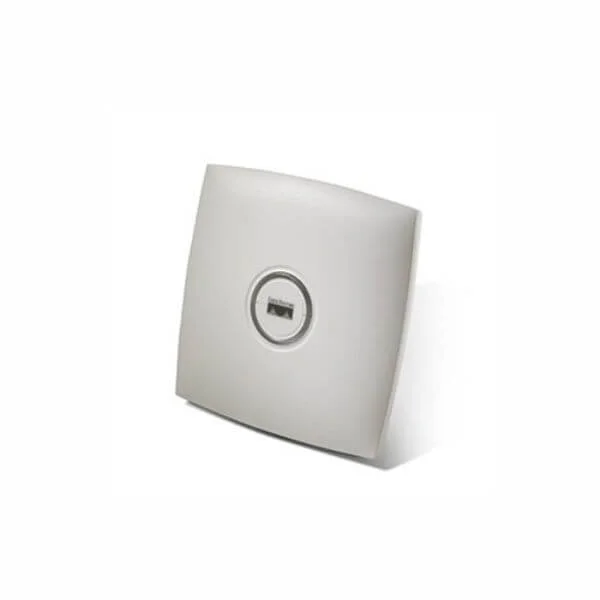
AIR-LAP1131G-A-K9 (802.11g Integrated Unified AP; Int Antennas; FCC Cnfg 1130G Series Access Points)
4.7 (7)- Wireless Access Point
- Cisco
- Access Point
- 802.11g
- 2.4GHz
- 54Mbps
Est Value $549.00$222.84
59.4% offIn stockRefurbishedFirst-Time Buyer Discount – Get up to 2% additional off on your first order
ORM Rewards Earn $50 in Rewards + Free Expedited Delivery – Join Now!
Use eCoupon ORMSAVE10
eCoupon limited to 5 units
- FEARURED
AIR-LAP1131AG-T-K9 (802.11ag LWAPP AP Integrated Antennas Taiwan Cnfg 1130AG Series Access Points)
4.7 (7)- Wireless Product
- Cisco
- Access Point
- 802.11a/g
- 2.4GHz / 5GHz
- 54Mbps
Est Value $881.82$440.91
50% offIn stockRefurbishedFirst-Time Buyer Discount – Get up to 2% additional off on your first order
ORM Rewards Earn $50 in Rewards + Free Expedited Delivery – Join Now!
Use eCoupon ORMSAVE10
eCoupon limited to 5 units
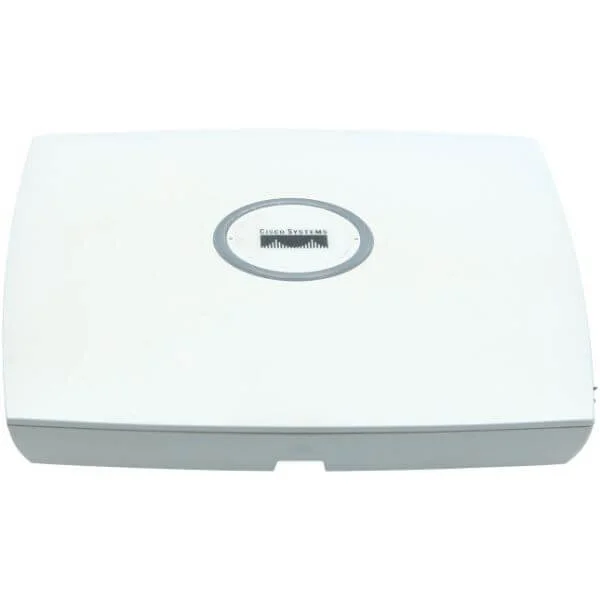
AIR-AP1131AG-S-K9 (802.11ag AP Integrated Antennas S pore Cnfg 1130AG Series Access Points)
4.9 (7)- Wireless LAN Access Point
- Cisco
- Access Point
- 802.11a/g
- 2.4GHz / 5GHz
- 54Mbps
Est Value $699.00$104.14
85.1% offIn stockRefurbishedFirst-Time Buyer Discount – Get up to 2% additional off on your first order
ORM Rewards Earn $50 in Rewards + Free Expedited Delivery – Join Now!
Use eCoupon ORMSAVE10
eCoupon limited to 5 units
AIR-LAP1131AG-K-K9 (802.11ag LWAPP AP Integrated Antennas Korea Cnfg 1130AG Series Access Points)
4.9 (7)- Wireless Access Point
- Cisco
- Access Point
- 802.11a/b/g
- 2.4GHz / 5GHz
- 54Mbps
Est Value $699.00$104.14
85.1% offIn stockRefurbishedFirst-Time Buyer Discount – Get up to 2% additional off on your first order
ORM Rewards Earn $50 in Rewards + Free Expedited Delivery – Join Now!
Use eCoupon ORMSAVE10
eCoupon limited to 5 units
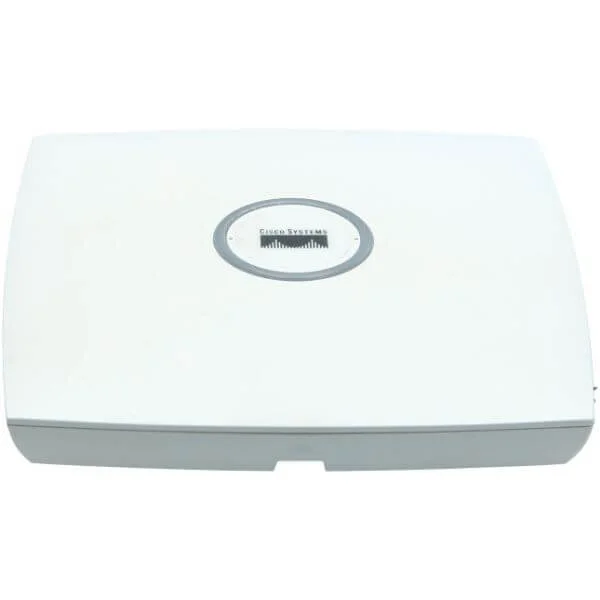
AIR-AP1131AG-Q-K9 (802.11ag AP Integrated Antennas Japan3 Cnfg 1130AG Series Access Points)
4.6 (7)- Wireless Access Point
- Cisco
- Access Point
- 802.11a/b/g
- 2.4GHz / 5GHz
- 54Mbps
Est Value $699.00$128.38
81.6% offIn stockRefurbishedFirst-Time Buyer Discount – Get up to 2% additional off on your first order
ORM Rewards Earn $50 in Rewards + Free Expedited Delivery – Join Now!
Use eCoupon ORMSAVE10
eCoupon limited to 5 units
AIR-AP1131AG-N-K9 (802.11a, .11g AP, Int Radios, Ants, Non-FCC Cnfg 1130AG Series Access Points)
4.6 (7)- Wireless Product
- Cisco
- Access Point
- 802.11a/b/g
- 2.4GHz, 5GHz
- 54Mbps
Est Value $493.50$246.75
50% offIn stockRefurbishedFirst-Time Buyer Discount – Get up to 2% additional off on your first order
ORM Rewards Earn $50 in Rewards + Free Expedited Delivery – Join Now!
Use eCoupon ORMSAVE10
eCoupon limited to 5 units
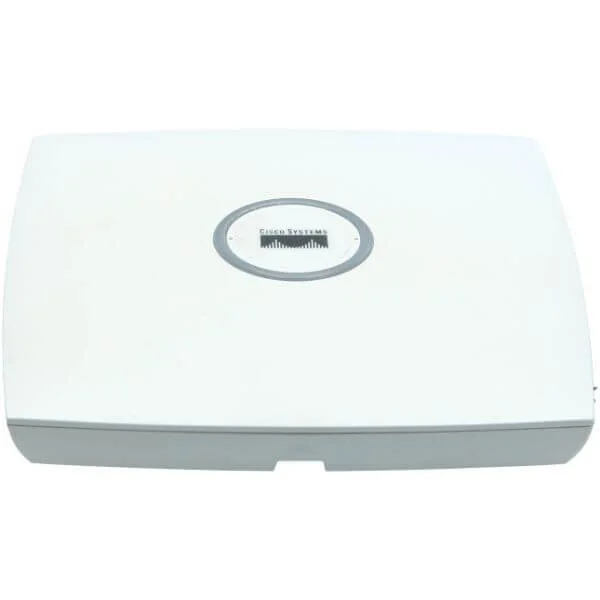
AIR-AP1131AG-J-K9 (802.11a, .11g AP, Int Radios, Ants, Japan Cnfg 1130AG Series Access Points)
4.9 (7)- Wireless Product
- Cisco
- Access Point
- 802.11a/g
- 2.4GHz / 5GHz
- Up to 54Mbps
Est Value $699.00$418.92
40.1% offIn stockRefurbishedFirst-Time Buyer Discount – Get up to 2% additional off on your first order
ORM Rewards Earn $50 in Rewards + Free Expedited Delivery – Join Now!
Use eCoupon ORMSAVE10
eCoupon limited to 5 units
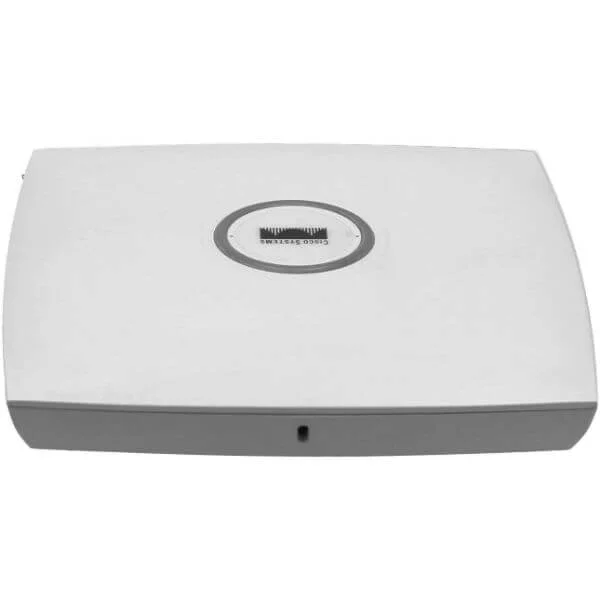
AIR-LAP1131G-P-K9 (802.11g Integrated Unified AP; Int Antennas; Japan2 Cnfg 1130G Series Access Points)
4.9 (7)- Wireless Product
- Cisco
- Access Point
- 802.11g
- 2.4GHz
- 54Mbps
Est Value $895.96$447.98
50% offIn stockRefurbishedFirst-Time Buyer Discount – Get up to 2% additional off on your first order
ORM Rewards Earn $50 in Rewards + Free Expedited Delivery – Join Now!
Use eCoupon ORMSAVE10
eCoupon limited to 5 units
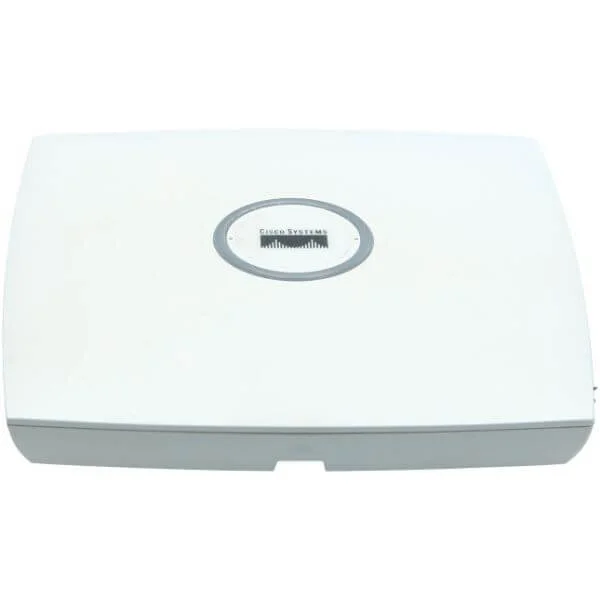
AIR-AP1131AG-T-K9 (802.11ag AP Integrated Antennas Taiwan Cnfg 1130AG Series Access Points)
4.7 (7)- Access Point
- Cisco
- Access Point
- 802.11a/b/g
- 2.4GHz / 5GHz
- 54Mbps
- 100 meters
Est Value $1,255.06$627.53
50% offIn stockRefurbishedFirst-Time Buyer Discount – Get up to 2% additional off on your first order
ORM Rewards Earn $50 in Rewards + Free Expedited Delivery – Join Now!
Use eCoupon ORMSAVE10
eCoupon limited to 5 units
AIR-LAP1131AG-I-K9 (802.11ag LWAPP AP Integrated Antennas Israel Cnfg 1130AG Series Access Points)
4.9 (7)- Wireless Access Point
- Cisco
- Access Point
- 802.11a/g
- 2.4GHz / 5GHz
- 54Mbps
Est Value $1,255.06$627.53
50% offIn stockRefurbishedFirst-Time Buyer Discount – Get up to 2% additional off on your first order
ORM Rewards Earn $50 in Rewards + Free Expedited Delivery – Join Now!
Use eCoupon ORMSAVE10
eCoupon limited to 5 units
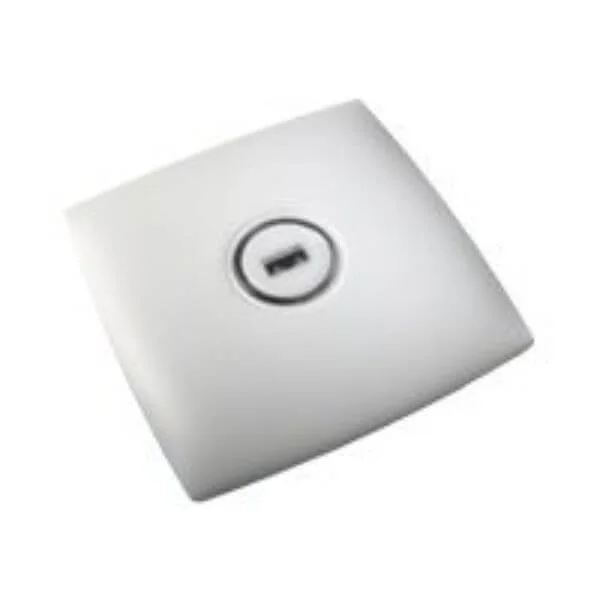
AIR-LAP1131AG-Q-K9 (802.11ag LWAPP AP Integrated Antennas Japan3 Cnfg 1130AG Series Access Points)
4.9 (7)- Wireless Product
- Cisco
- Access Point
- Wi-Fi 5 (802.11ac)
- 2.4GHz / 5GHz
- 1.3Gbps
Est Value $1,255.06$627.53
50% offIn stockRefurbishedFirst-Time Buyer Discount – Get up to 2% additional off on your first order
ORM Rewards Earn $50 in Rewards + Free Expedited Delivery – Join Now!
Use eCoupon ORMSAVE10
eCoupon limited to 5 units
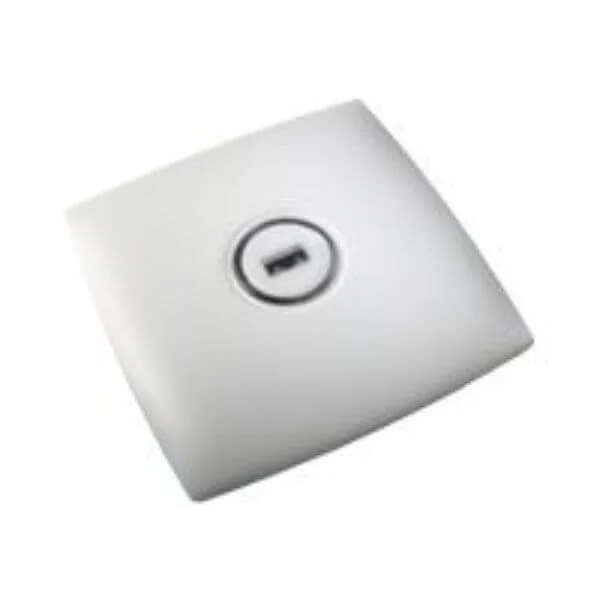
AIR-LAP1131AG-S-K9 (802.11ag LWAPP AP Integrated Antennas S pore Cnfg 1130AG Series Access Points)
4.6 (7)- Wireless Product
- Cisco
- Access Point
- Wi-Fi 5
- 2.4GHz / 5GHz
- 1Gbps
Est Value $1,255.06$627.53
50% offIn stockRefurbishedFirst-Time Buyer Discount – Get up to 2% additional off on your first order
ORM Rewards Earn $50 in Rewards + Free Expedited Delivery – Join Now!
Use eCoupon ORMSAVE10
eCoupon limited to 5 units
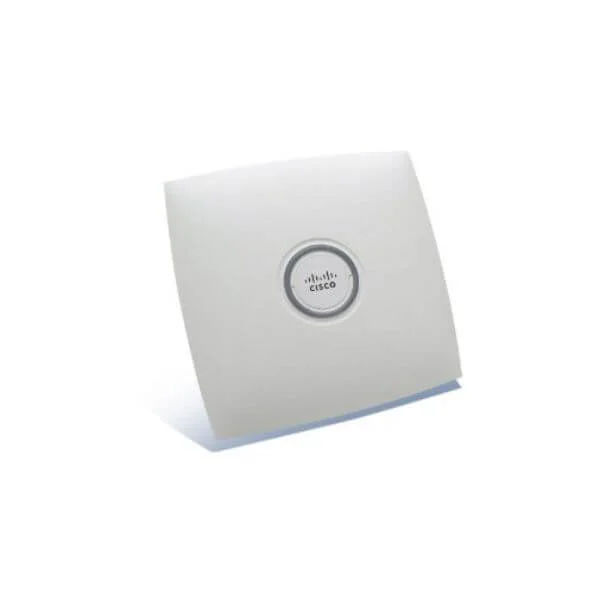
AIR-AP1131AG-I-K9 (802.11ag AP Integrated Antennas Israel Cnfg 1130AG Series Access Points)
4.7 (7)- Wireless Product
- Cisco
- Access Point
- 802.11a/g
- 2.4GHz / 5GHz
- 54Mbps
Est Value $6,990.00$627.53
91% offIn stockRefurbishedFirst-Time Buyer Discount – Get up to 2% additional off on your first order
ORM Rewards Earn $50 in Rewards + Free Expedited Delivery – Join Now!
Use eCoupon ORMSAVE10
eCoupon limited to 5 units
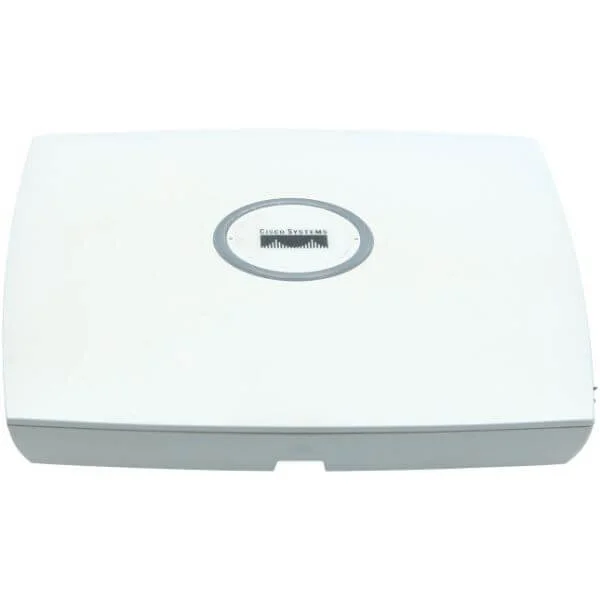
AIR-AP1131AG-K-K9 (802.11ag AP Integrated Antennas Korea Cnfg 1130AG Series Access Points)
4.9 (7)- Wireless Product
- Cisco
- Access Point
- 802.11a/b/g
- 2.4GHz / 5GHz
- Up to 54 Mbps per radio
Est Value $6,990.00$627.53
91% offIn stockRefurbishedFirst-Time Buyer Discount – Get up to 2% additional off on your first order
ORM Rewards Earn $50 in Rewards + Free Expedited Delivery – Join Now!
Use eCoupon ORMSAVE10
eCoupon limited to 5 units
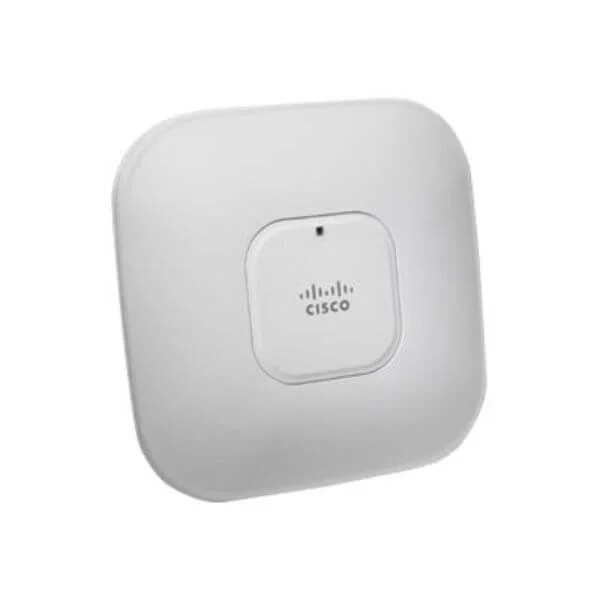
AIR-LAP1131-AK9-10 (802.11a/g LWAPP AP Integrated Antennas FCC Cnfg,10 APs 1131 Access Point Series Bulks Packs)
4.6 (7)- Wireless Product
- Cisco
- Access Point
- Wi-Fi 6
- 2.4GHz / 5GHz
- 2.5Gbps
- 100 meters
Est Value $12,550.54$6,275.27
50% offIn stockRefurbishedFirst-Time Buyer Discount – Get up to 2% additional off on your first order
ORM Rewards Earn $50 in Rewards + Free Expedited Delivery – Join Now!
Use eCoupon ORMSAVE10
eCoupon limited to 5 units
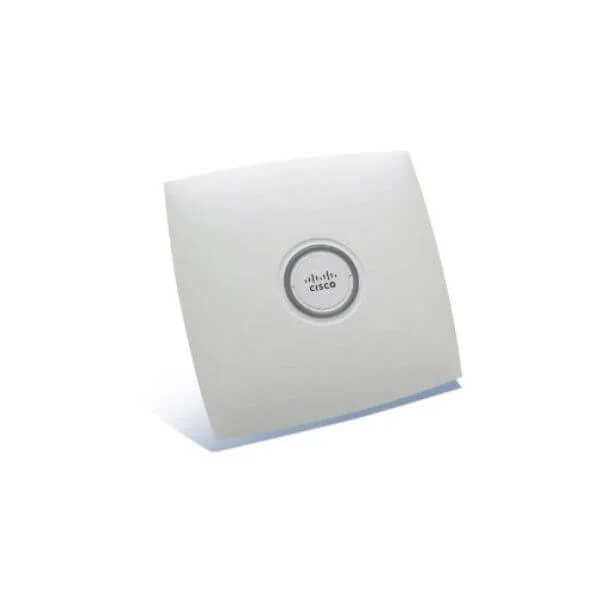
AIR-LAP1131-EK9-10 (802.11a/g LWAPP AP Integrated Antennas ETSI Cnfg,10 APs 1131 Access Point Series Bulks Packs)
4.9 (7)- Wireless Access Point
- Cisco
- Access Point
- Wi-Fi 6
- 2.4GHz / 5GHz
- 2.5Gbps
Est Value $12,550.54$6,275.27
50% offIn stockRefurbishedFirst-Time Buyer Discount – Get up to 2% additional off on your first order
ORM Rewards Earn $50 in Rewards + Free Expedited Delivery – Join Now!
Use eCoupon ORMSAVE10
eCoupon limited to 5 units
- BEST SELLING
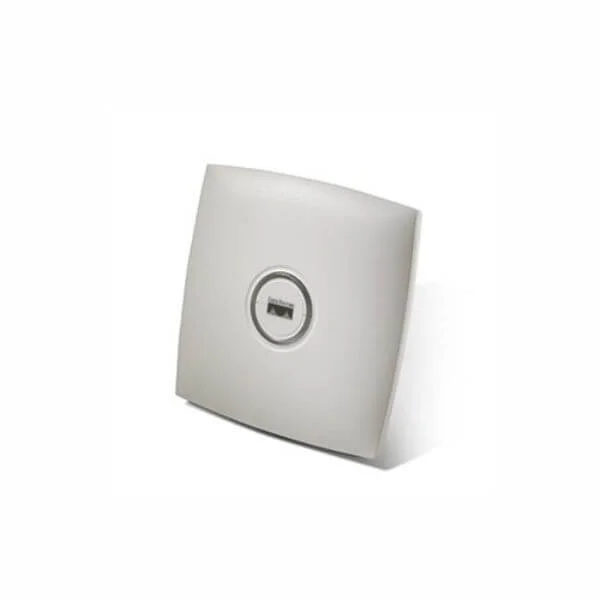
AIR-AP1131AG-A-K9 (802.11a, .11g AP, Int Radios, Ants, FCC Cnfg 1130AG Series Access Points)
4.6 (7)- Wireless Access Point
- Cisco
- Access Point
- 802.11a/g
- 2.4GHz, 5GHz
- Up to 54 Mbps
Est Value $769.00$62.48
91.9% offIn stockRefurbishedFirst-Time Buyer Discount – Get up to 2% additional off on your first order
ORM Rewards Earn $50 in Rewards + Free Expedited Delivery – Join Now!
Use eCoupon ORMSAVE10
eCoupon limited to 5 units
- BEST SELLING
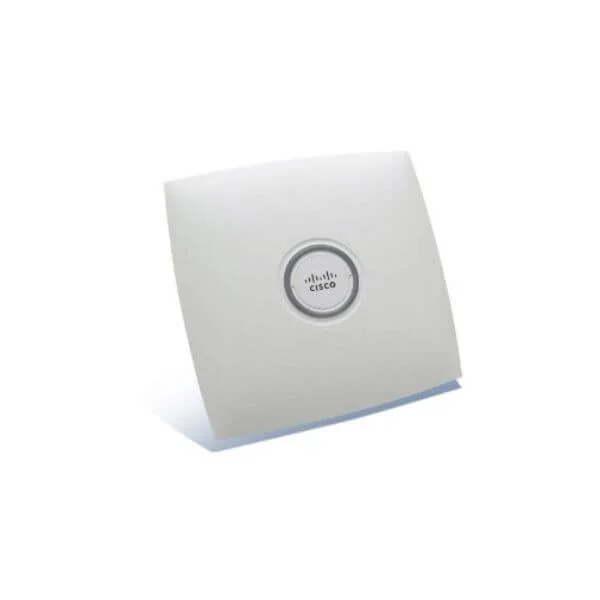
AIR-AP1131AG-E-K9 (802.11a, .11g AP, Int Radios, Ants, ETSI Cnfg 1130AG Series Access Points)
4.6 (7)- Wireless Product
- Cisco
- Access Point
- 2.4GHz / 5GHz
- 54Mbps
- 30 meters
Est Value $126.00$63.00
50% offIn stockRefurbishedFirst-Time Buyer Discount – Get up to 2% additional off on your first order
ORM Rewards Earn $50 in Rewards + Free Expedited Delivery – Join Now!
Use eCoupon ORMSAVE10
eCoupon limited to 5 units
- BEST SELLING
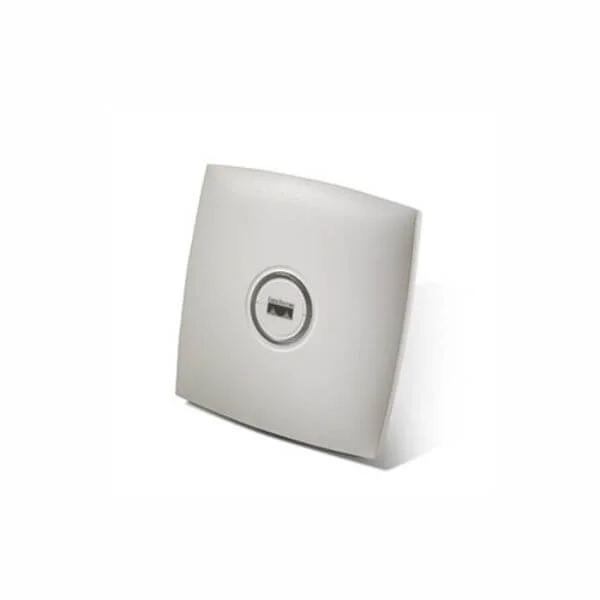
AIR-AP1131G-A-K9 (802.11g Integrated Auto AP; Int Antennas; FCC Cnfg 1130G Series Access Points)
4.9 (7)- Wireless Access Point
- Cisco
- Access Point
- 802.11b/g
- 2.4GHz
- 54Mbps
- 45 meters
Est Value $549.00$77.55
85.9% offIn stockRefurbishedFirst-Time Buyer Discount – Get up to 2% additional off on your first order
ORM Rewards Earn $50 in Rewards + Free Expedited Delivery – Join Now!
Use eCoupon ORMSAVE10
eCoupon limited to 5 units

ORM Sales Advisors
Buying for your business? Get a personalised quote in under 2 hours. Talk to an expert
LEARNFilters (31) 
Questions & Answers
What is the Cisco 1130 Access Point?
The Cisco 1130 Access Point is an indoor Wi-Fi 6 (802.11ax) wireless solution designed for small to medium-sized enterprises, delivering high performance, scalability, and enterprise-grade security.
Which wireless standards does the Cisco 1130 support?
The Cisco 1130 supports Wi-Fi 6 (802.11ax) along with legacy 802.11a/b/g/n/ac, enabling up to 2.4 Gbps aggregate throughput on dual radios across 2.4 GHz and 5 GHz bands.
How many spatial streams and antennas are available?
The Cisco 1130 features 2x2:2 MIMO on both 2.4 GHz and 5 GHz bands, providing two spatial streams per band and internal omnidirectional antennas for broad coverage.
Can the Cisco 1130 be powered over Ethernet?
Yes. The Cisco 1130 supports Cisco Universal PoE (15.4 W) and 802.3at PoE+ (30 W), simplifying installation by eliminating the need for local power outlets.
What is the maximum client capacity per AP?
Each Cisco 1130 Access Point can serve up to 200 client devices simultaneously, optimizing performance with OFDMA and MU-MIMO traffic management.
How is the Cisco 1130 managed?
You can centrally manage the Cisco 1130 via Cisco DNA Center or a compatible Cisco Wireless LAN Controller, enabling automated provisioning, policy enforcement, and real-time analytics.
What security features are included?
The Cisco 1130 integrates WPA3 encryption, Secure Boot, rogue-AP detection, and integrated Cisco CleanAir® technology to protect against interference and cyberthreats.
What deployment modes does the Cisco 1130 support?
The Cisco 1130 supports controller-based, Cisco Instant™ Access Point (Flex+Bridge) mode, and mobility anchor deployment, providing flexibility for centralized or distributed architectures.
What are the physical dimensions and weight?
The Cisco 1130 measures 185 mm × 185 mm × 40 mm (7.3″ × 7.3″ × 1.6″) and weighs 0.6 kg (1.32 lbs), making it unobtrusive for ceiling or wall mounting.
What environment ratings does it have?
The Cisco 1130 is rated for 0°C to 40°C operating temperature and humidity between 10% and 95% non-condensing, suitable for standard indoor enterprise environments.
How do I perform a factory reset?
Press and hold the reset button for 10 seconds until the status LED blinks amber, then release to restore factory defaults and reboot the AP.
Does the Cisco 1130 support guest networking?
Yes. The Cisco 1130 supports flexible guest access with customized splash pages and secure VLAN segmentation through Cisco Identity Services Engine (ISE) integration.
What power consumption should I expect?
Typical power consumption is 10 W under normal load, rising to a maximum of 20 W when operating at full transmit power with PoE+.
Which antennas are supported externally?
Although the Cisco 1130 includes internal antennas, it also offers two RP-SMA connectors for optional external dipole or directional antennas to extend coverage.
Is the Cisco 1130 backward compatible?
Yes. The Cisco 1130 is backward compatible with 802.11a/b/g/n/ac clients, ensuring seamless integration with existing Wi-Fi devices.
What is the ideal use case for the Cisco 1130?
The Cisco 1130 is ideal for offices, retail stores, and classrooms requiring high-density client support, robust security, and simplified management at an entry-level price point.
What warranty and support options are available?
Cisco offers a limited lifetime hardware warranty with 90 days of software updates and 12×5 Cisco TAC support; extended support and service contracts are also available.