 United States
Networking Cisco 3500 Access Point
Engineered for high-performance wireless connectivity, the Cisco 3500 Access Point offers robust security, seamless mobility, and reliable coverage for modern networks, delivering superior speed and enhanced operational efficiency.
Talk to an expert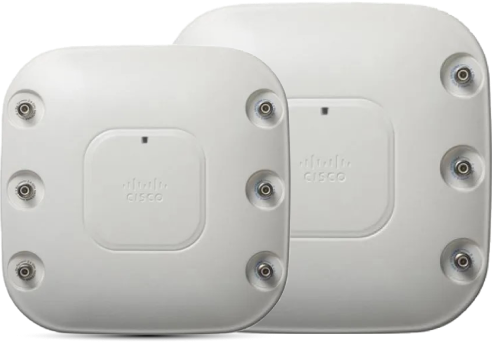
57 Matching results
- BEST SELLING
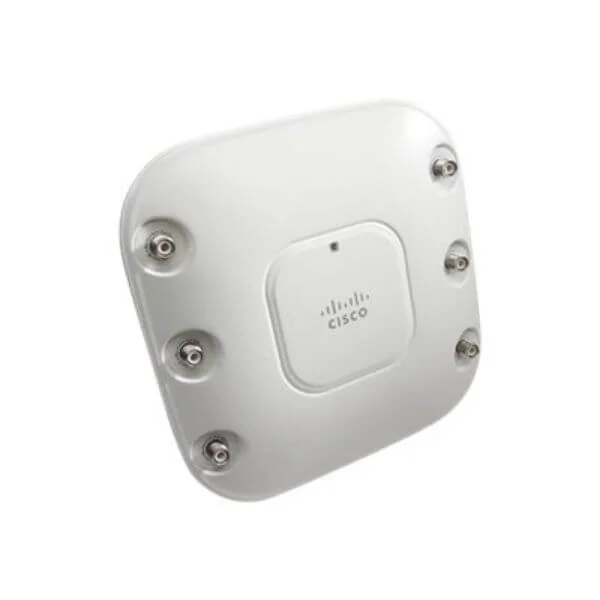
AIR-CAP3502E-A-K9 (TAA AIRONET 3502 11AGN CTLR-BASED AP W/CLEANAIR EXT ANT)
4.6 (7)- Access Point
- Cisco
- Access Point
- Wi-Fi 5 (802.11ac)
- 2.4GHz / 5GHz
- 1.3Gbps
Est Value $252.00
$53.55
78.8% offIn stockNewRefurbishedFirst-Time Buyer Discount – Get up to 2% additional off on your first order
ORM Rewards Earn $50 in Rewards + Free Expedited Delivery – Join Now!
Use eCoupon ORMSAVE10
eCoupon limited to 5 units
- BEST SELLING
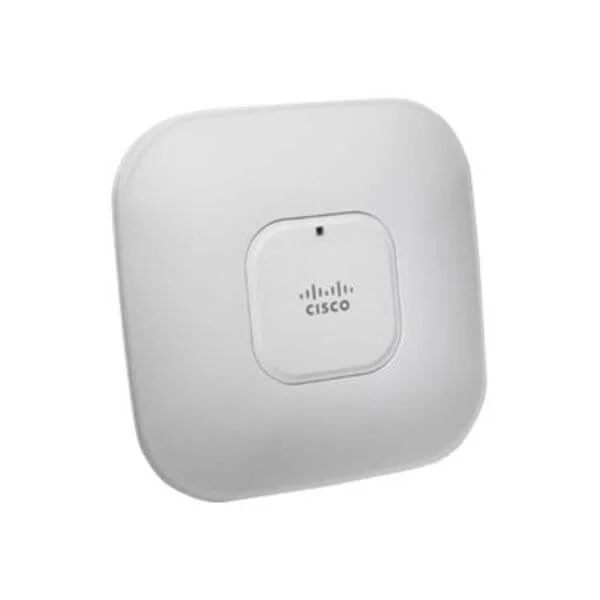
AIR-CAP3502I-A-K9 (TAA AIRONET 3502I 11AGN CTLR-BASED AP W/ CLEANAIR INT ANT A)
4.6 (7)- Wireless Product
- Cisco
- Access Point
- 802.11ac (Wi-Fi 5)
- Dual-Band (2.4GHz and 5GHz)
- Up to 1.3Gbps (5GHz) / 450Mbps (2.4GHz)
Est Value $1,295.00$50.40
96.1% offIn stockNewRefurbishedFirst-Time Buyer Discount – Get up to 2% additional off on your first order
ORM Rewards Earn $50 in Rewards + Free Expedited Delivery – Join Now!
Use eCoupon ORMSAVE10
eCoupon limited to 5 units
- BEST SELLING
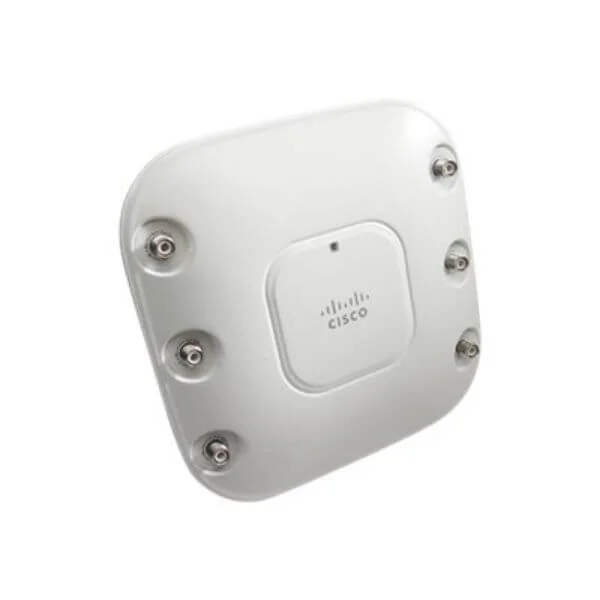
AIR-CAP3502E-T-K9 (802.11a/g/n Ctrlr-based AP w/CleanAir; Ext Ant; T Reg Domain)
4.9 (7)- Wireless Product
- Cisco
- Access Point
- Wi-Fi 5
- 2.4GHz, 5GHz
- 1.3Gbps
Est Value $1,395.00$688.58
50.6% offIn stockNewRefurbishedFirst-Time Buyer Discount – Get up to 2% additional off on your first order
ORM Rewards Earn $50 in Rewards + Free Expedited Delivery – Join Now!
Use eCoupon ORMSAVE10
eCoupon limited to 5 units
- BEST SELLING
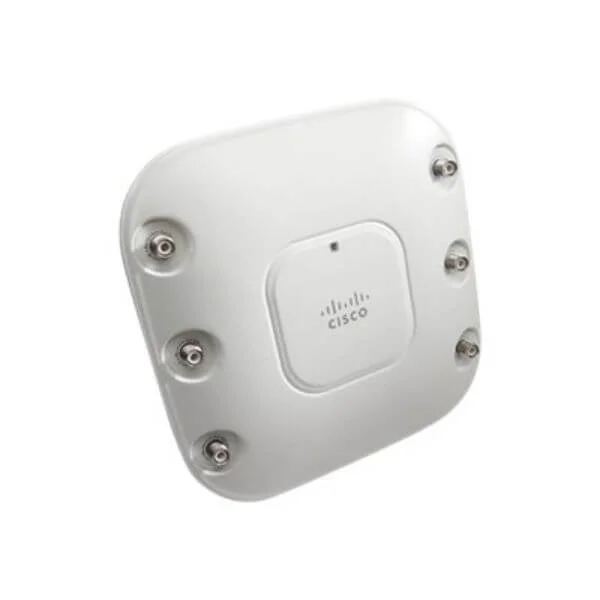
AIR-CAP3502E-R-K9 (802.11a/g/n Ctrlr-based AP w/CleanAir; Ext Ant; R Reg Domain)
4.6 (7)- Wireless Access Point
- Cisco
- Access Point
- Wi-Fi 5 (802.11ac)
- 2.4GHz / 5GHz
- 1.3Gbps
Est Value $1,395.00$688.58
50.6% offIn stockNewRefurbishedFirst-Time Buyer Discount – Get up to 2% additional off on your first order
ORM Rewards Earn $50 in Rewards + Free Expedited Delivery – Join Now!
Use eCoupon ORMSAVE10
eCoupon limited to 5 units
- BEST SELLING
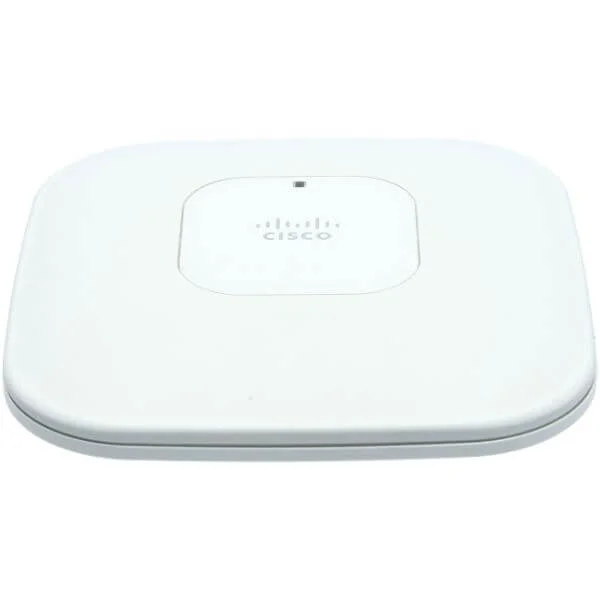
AIR-CAP3502I-E-K9 (802.11a/g/n Ctrlr-based AP w/CleanAir; Int Ant; E Reg Domain)
4.6 (7)- Wireless Product
- Cisco
- Access Point
- 802.11a/b/g/n/ac
- 2.4GHz / 5GHz
- Up to 1.3Gbps
Est Value $1,295.00$63.00
95.1% offIn stockNewRefurbishedFirst-Time Buyer Discount – Get up to 2% additional off on your first order
ORM Rewards Earn $50 in Rewards + Free Expedited Delivery – Join Now!
Use eCoupon ORMSAVE10
eCoupon limited to 5 units
- FEARURED
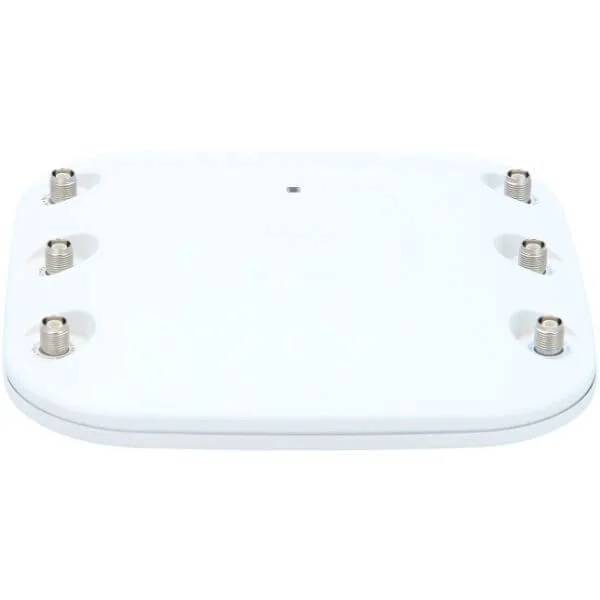
AIR-CAP3502E-I-K9 (802.11a/g/n Ctrlr-based AP w/CleanAir; Ext Ant; I Reg Domain)
4.7 (7)- Wireless Product
- Cisco
- Access Point
- 802.11a/b/g/n/ac
- 2.4GHz / 5GHz
- Up to 1.3Gbps
Est Value $1,395.00$688.58
50.6% offIn stockNewRefurbishedFirst-Time Buyer Discount – Get up to 2% additional off on your first order
ORM Rewards Earn $50 in Rewards + Free Expedited Delivery – Join Now!
Use eCoupon ORMSAVE10
eCoupon limited to 5 units
- FEARURED
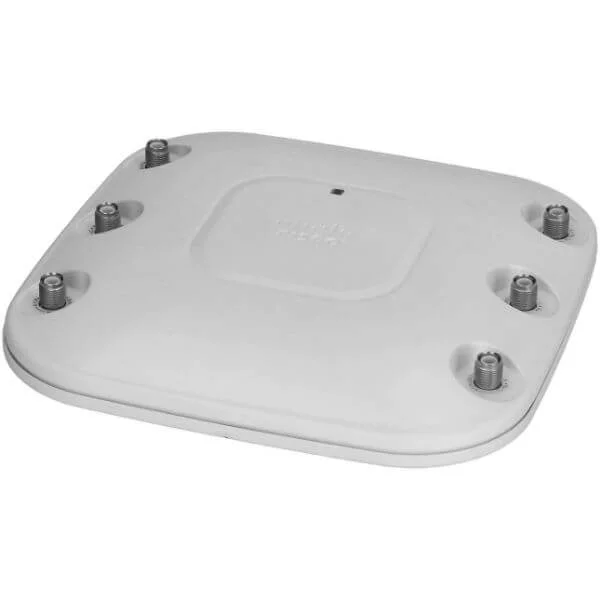
AIR-CAP3502E-K-K9 (802.11a/g/n Ctrlr-based AP w/CleanAir; Ext Ant; K Reg Domain)
4.6 (7)- Wireless Access Point
- Cisco
- Access Point
- Wi-Fi 5
- 2.4GHz / 5GHz
- 1.3Gbps
Est Value $1,395.00$298.15
78.6% offIn stockNewRefurbishedFirst-Time Buyer Discount – Get up to 2% additional off on your first order
ORM Rewards Earn $50 in Rewards + Free Expedited Delivery – Join Now!
Use eCoupon ORMSAVE10
eCoupon limited to 5 units
- FEARURED
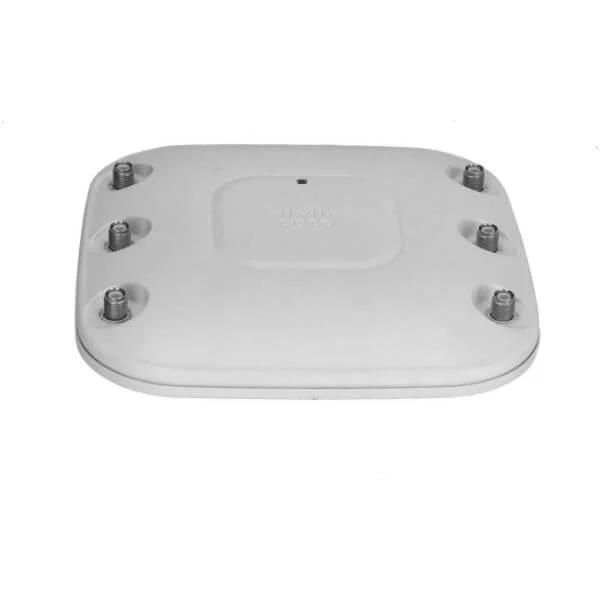
AIR-CAP3502E-N-K9 (802.11a/g/n Ctrlr-based AP w/CleanAir; Ext Ant; N Reg Domain)
4.9 (7)- Wireless Access Point
- Cisco
- Access Point
- Wi-Fi 5
- 2.4GHz / 5GHz
- 1Gbps
Est Value $1,395.00$688.58
50.6% offIn stockNewRefurbishedFirst-Time Buyer Discount – Get up to 2% additional off on your first order
ORM Rewards Earn $50 in Rewards + Free Expedited Delivery – Join Now!
Use eCoupon ORMSAVE10
eCoupon limited to 5 units
- FEARURED
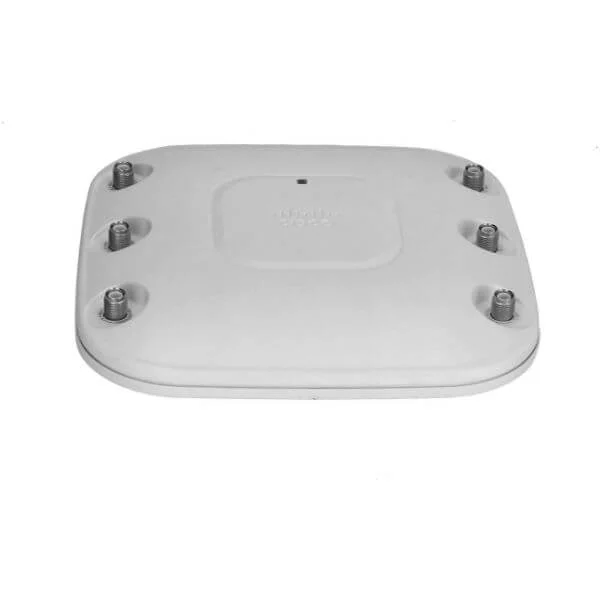
AIR-CAP3502E-Q-K9 (802.11a/g/n Ctrlr-based AP w/CleanAir; Ext Ant; Q Reg Domain)
4.6 (7)- Wireless Product
- Cisco
- Access Point
- 802.11a/b/g/n/ac
- 2.4GHz / 5GHz
- Up to 1.3Gbps (aggregated)
Est Value $1,395.00$688.58
50.6% offIn stockNewRefurbishedFirst-Time Buyer Discount – Get up to 2% additional off on your first order
ORM Rewards Earn $50 in Rewards + Free Expedited Delivery – Join Now!
Use eCoupon ORMSAVE10
eCoupon limited to 5 units
- FEARURED
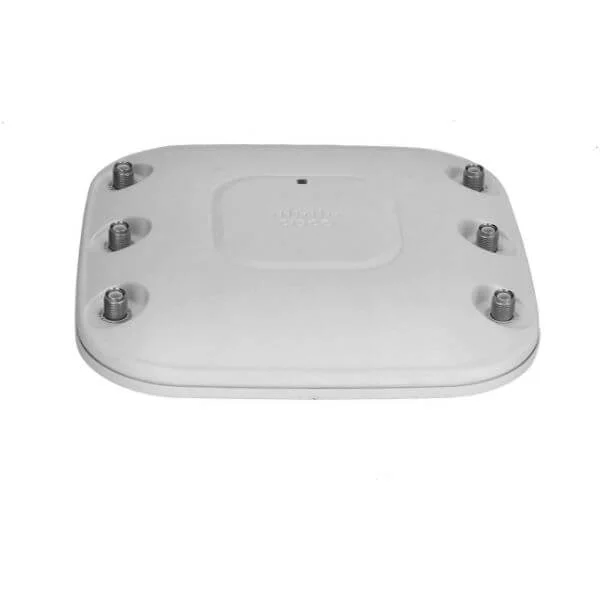
AIR-CAP3502E-S-K9 (802.11a/g/n Ctrlr-based AP w/CleanAir; Ext Ant; S Reg Domain)
4.7 (7)- Wireless Product
- Cisco
- Access Point
- Wi-Fi 5
- 2.4GHz / 5GHz
- Up to 1.3Gbps
Est Value $1,395.00$688.58
50.6% offIn stockNewRefurbishedFirst-Time Buyer Discount – Get up to 2% additional off on your first order
ORM Rewards Earn $50 in Rewards + Free Expedited Delivery – Join Now!
Use eCoupon ORMSAVE10
eCoupon limited to 5 units
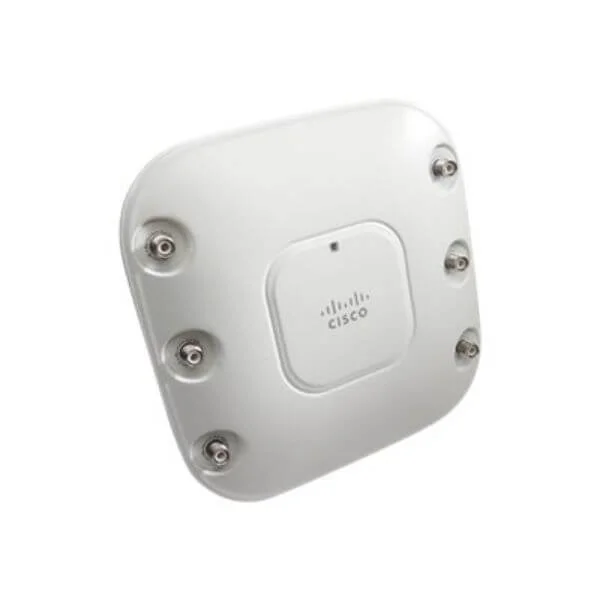
AIR-CAP3502P-A-K9 (802.11a/g/n Cisco 3500 AP w/CleanAir; Pro-install; A Reg Dom.)
4.7 (7)- Wireless Access Point
- Cisco
- Access Point
- Wi-Fi 5
- 2.4GHz / 5GHz
- 1.3Gbps
Est Value $1,395.00$62.35
95.5% offIn stockNewRefurbishedFirst-Time Buyer Discount – Get up to 2% additional off on your first order
ORM Rewards Earn $50 in Rewards + Free Expedited Delivery – Join Now!
Use eCoupon ORMSAVE10
eCoupon limited to 5 units
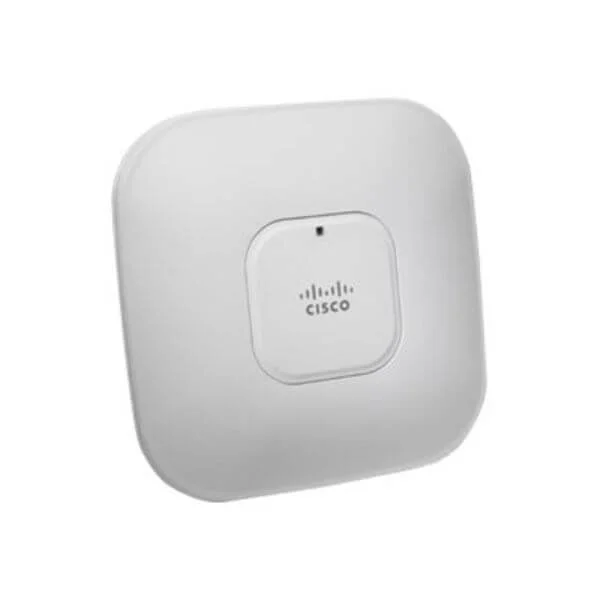
AIR-CAP3502I-N-K9 (802.11a/g/n Ctrlr-based AP w/CleanAir; Int Ant; N Reg Domain)
4.7 (7)- Wireless Access Point
- Cisco
- Access Point
- Wi-Fi 5 (802.11ac Wave 2)
- 2.4GHz, 5GHz
- Up to 1.3Gbps
Est Value $1,295.00$311.62
75.9% offIn stockNewRefurbishedFirst-Time Buyer Discount – Get up to 2% additional off on your first order
ORM Rewards Earn $50 in Rewards + Free Expedited Delivery – Join Now!
Use eCoupon ORMSAVE10
eCoupon limited to 5 units
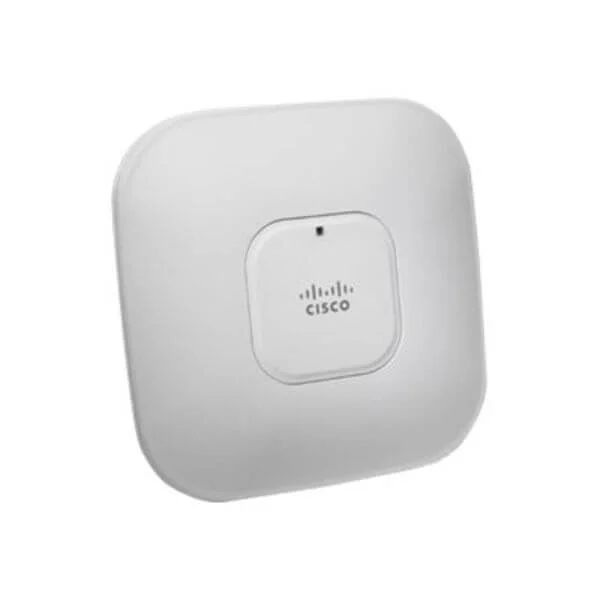
AIR-CAP3501I-A-K9 (802.11g/n Ctrlr-based AP w/CleanAir; Int Ant; A Reg Domain)
4.7 (7)- Wireless Product
- Cisco
- Access Point
- Wi-Fi 5
- 2.4GHz / 5GHz
- 1Gbps
Est Value $1,095.00$321.81
70.6% offIn stockNewRefurbishedFirst-Time Buyer Discount – Get up to 2% additional off on your first order
ORM Rewards Earn $50 in Rewards + Free Expedited Delivery – Join Now!
Use eCoupon ORMSAVE10
eCoupon limited to 5 units
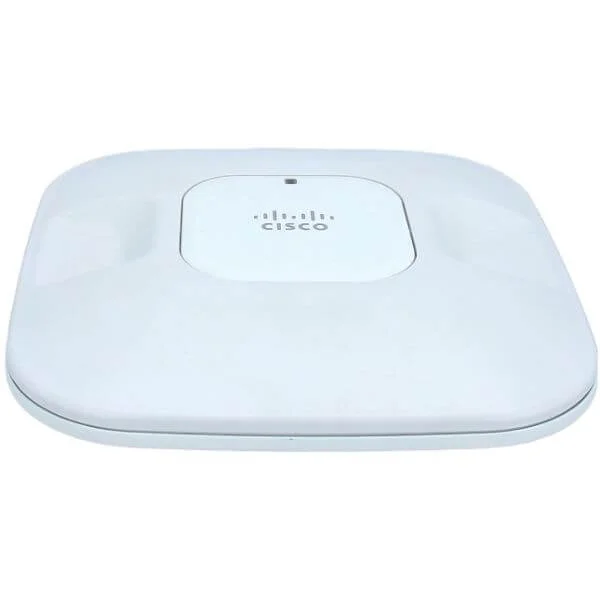
AIR-CAP3501I-E-K9 (802.11g/n Ctrlr-based AP w/CleanAir; Int Ant; E Reg Domain)
4.7 (7)- Wireless Product
- Cisco
- Access Point
- Wi-Fi 5 (802.11ac Wave 2)
- 2.4GHz / 5GHz
- 1.3Gbps
Est Value $1,095.00$81.52
92.6% offIn stockNewRefurbishedFirst-Time Buyer Discount – Get up to 2% additional off on your first order
ORM Rewards Earn $50 in Rewards + Free Expedited Delivery – Join Now!
Use eCoupon ORMSAVE10
eCoupon limited to 5 units
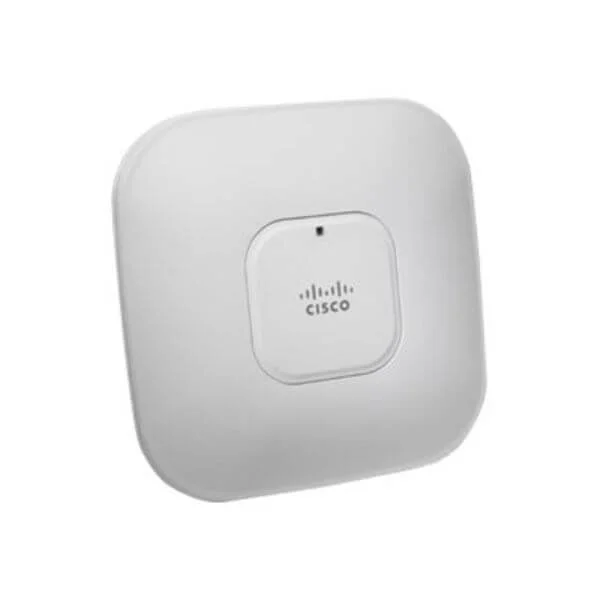
AIR-CAP3501I-Q-K9 (802.11g/n Ctrlr-based AP w/CleanAir; Int Ant; Q Reg Domain)
4.9 (7)- Wireless Access Point
- Cisco
- Access Point
- Wi-Fi 5 (802.11ac Wave 1)
- 2.4GHz / 5GHz
- Up to 1.3Gbps
Est Value $1,095.00$540.45
50.6% offIn stockNewRefurbishedFirst-Time Buyer Discount – Get up to 2% additional off on your first order
ORM Rewards Earn $50 in Rewards + Free Expedited Delivery – Join Now!
Use eCoupon ORMSAVE10
eCoupon limited to 5 units
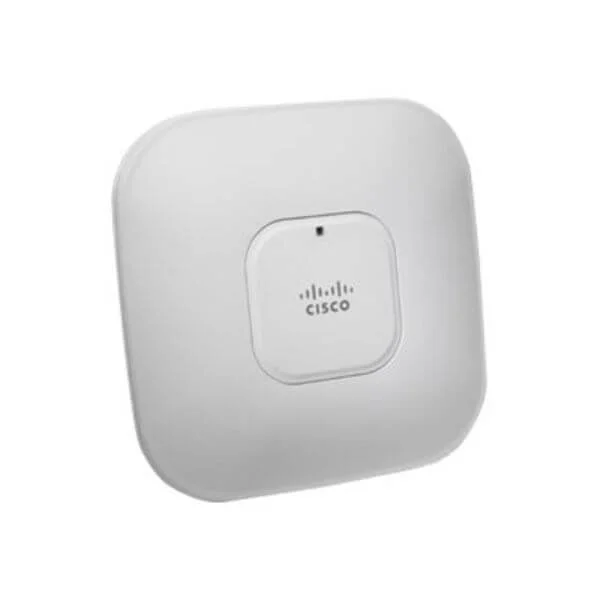
AIR-CAP3502I-C-K9 (802.11a/g/n Ctrlr-based AP w/CleanAir; Int Ant; C Reg Domain)
4.9 (7)- Wireless Product
- Cisco
- Access Point
- Wi-Fi 5
- 2.4GHz / 5GHz
- 1Gbps
- 150 feet
Est Value $1,295.00$139.83
89.2% offIn stockNewRefurbishedFirst-Time Buyer Discount – Get up to 2% additional off on your first order
ORM Rewards Earn $50 in Rewards + Free Expedited Delivery – Join Now!
Use eCoupon ORMSAVE10
eCoupon limited to 5 units
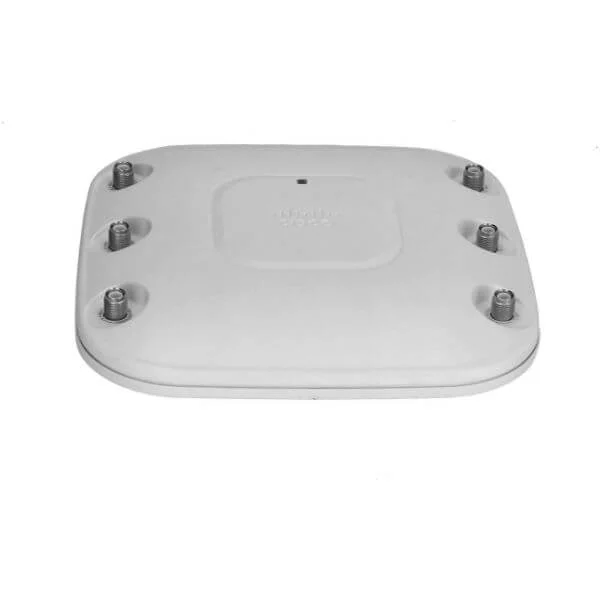
AIR-CAP3501E-A-K9 (802.11g/n Ctrlr-based AP w/CleanAir; Ext Ant; A Reg Domain)
4.9 (7)- Wireless Access Point
- Cisco
- Access Point
- Wi‑Fi 5
- 2.4GHz / 5GHz
- Up to 1.3Gbps
Est Value $1,295.00$204.75
84.2% offIn stockNewRefurbishedFirst-Time Buyer Discount – Get up to 2% additional off on your first order
ORM Rewards Earn $50 in Rewards + Free Expedited Delivery – Join Now!
Use eCoupon ORMSAVE10
eCoupon limited to 5 units
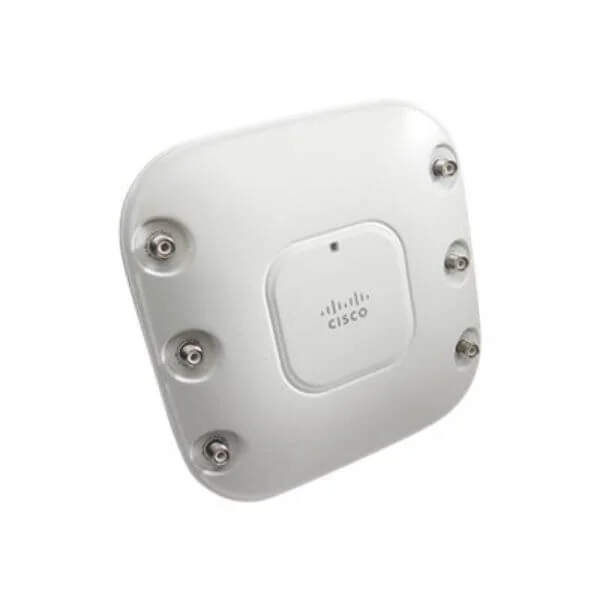
AIR-CAP3502E-C-K9 (802.11a/g/n Ctrlr-based AP w/CleanAir; Ext Ant; C Reg Domain)
4.6 (7)- Wireless Product
- Cisco
- Access Point
- Wi-Fi 5
- 2.4GHz / 5GHz
- 1.3Gbps
Est Value $1,395.00$540.27
61.3% offIn stockNewRefurbishedFirst-Time Buyer Discount – Get up to 2% additional off on your first order
ORM Rewards Earn $50 in Rewards + Free Expedited Delivery – Join Now!
Use eCoupon ORMSAVE10
eCoupon limited to 5 units
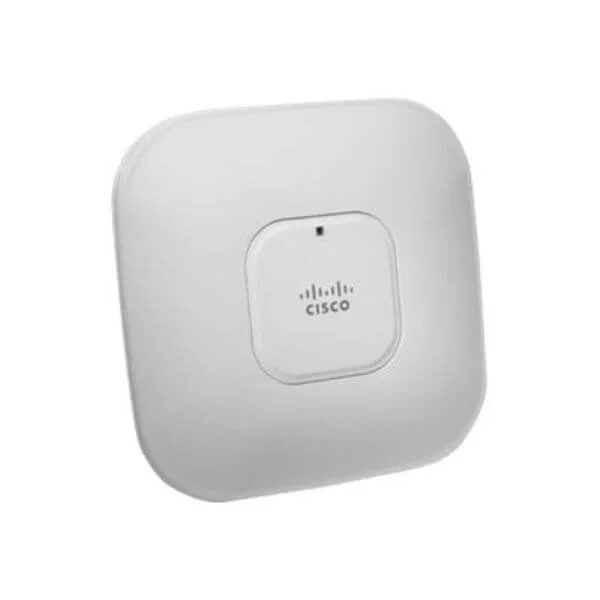
AIR-CAP3502I-Q-K9 (802.11a/g/n Ctrlr-based AP w/CleanAir; Int Ant; Q Reg Domain)
4.6 (7)- Wireless Product
- Cisco
- Access Point
- Wi-Fi 5
- 2.4GHz / 5GHz
- 1Gbps
Est Value $2,710.08$1,355.04
50% offIn stockNewRefurbishedFirst-Time Buyer Discount – Get up to 2% additional off on your first order
ORM Rewards Earn $50 in Rewards + Free Expedited Delivery – Join Now!
Use eCoupon ORMSAVE10
eCoupon limited to 5 units
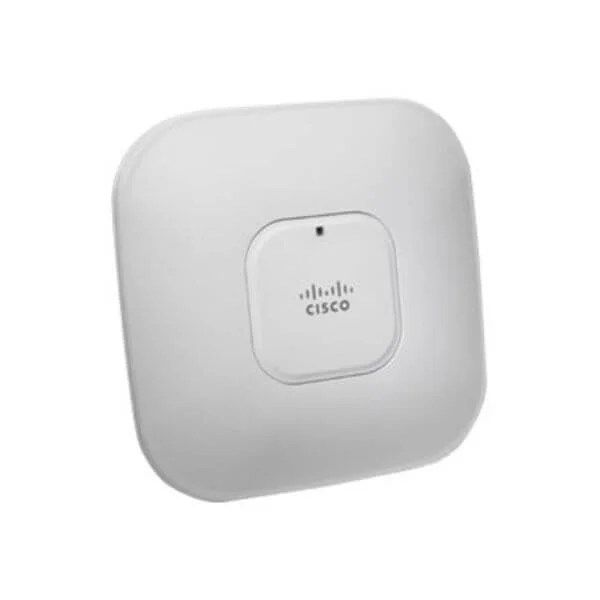
AIR-CAP3502I-S-K9 (802.11a/g/n Ctrlr-based AP w/CleanAir; Int Ant; S Reg Domain)
4.7 (7)- Wireless Product
- Cisco
- Access Point
- Wi-Fi 5
- 2.4GHz / 5GHz
- 1.3Gbps
Est Value $1,295.00$167.97
87% offIn stockNewRefurbishedFirst-Time Buyer Discount – Get up to 2% additional off on your first order
ORM Rewards Earn $50 in Rewards + Free Expedited Delivery – Join Now!
Use eCoupon ORMSAVE10
eCoupon limited to 5 units

ORM Sales Advisors
Buying for your business? Get a personalised quote in under 2 hours. Talk to an expert
LEARNFilters (57) 
Questions & Answers
What is the Cisco 3500 Access Point?
The Cisco 3500 Access Point is a Wi-Fi 6 (802.11ax) enterprise-grade device that delivers high throughput, advanced security, and seamless connectivity for medium to large business environments.
Which wireless standards does the Cisco 3500 Access Point support?
The Cisco 3500 supports IEEE 802.11ax (Wi-Fi 6), 802.11ac Wave 2, 802.11n, 802.11a/b/g, ensuring backward compatibility with legacy clients.
What maximum data rate can the Cisco 3500 Access Point achieve?
The Cisco 3500 delivers up to 5.4 Gbps aggregate throughput (2.4 Gbps on 5 GHz and 600 Mbps on 2.4 GHz channels) under optimal conditions.
How many spatial streams and MIMO capability does the Cisco 3500 offer?
The Cisco 3500 features 4x4:4 MU-MIMO on both 2.4 GHz and 5 GHz bands, enabling simultaneous multi-client data transmission.
What is the typical coverage range of the Cisco 3500 Access Point?
The Cisco 3500 provides up to 100 meters of indoor coverage per Access Point, depending on building materials and RF conditions.
Does the Cisco 3500 Access Point support Power over Ethernet (PoE)?
Yes, the Cisco 3500 supports IEEE 802.3at PoE+ with a maximum power draw of 30 W for simplified deployment.
What mounting options are available for the Cisco 3500 Access Point?
You can deploy the Cisco 3500 on walls, drop ceilings, or T-bar ceilings using the included bracket and optional mounting kits.
How is the Cisco 3500 Access Point managed?
Management options include Cisco DNA Center, Cisco Wireless LAN Controller (WLC), and onboard web UI or CLI for standalone deployments.
What security features are built into the Cisco 3500 Access Point?
The Cisco 3500 offers WPA3 encryption, 802.1X authentication, Rogue AP detection, and integrated Cisco TrustSec for secure access control.
How many clients can the Cisco 3500 Access Point support simultaneously?
The Cisco 3500 is optimized to support up to 200 concurrent clients per radio under typical enterprise usage scenarios.
How do I upgrade the firmware on the Cisco 3500 Access Point?
Firmware updates can be applied via Cisco DNA Center, WLC GUI, or direct TFTP/FTP uploads through the AP’s web interface.
Is the Cisco 3500 Access Point compatible with existing Cisco controllers?
Yes, the Cisco 3500 is compatible with Cisco Catalyst 9800 Series Wireless Controllers and older Catalyst or AireOS controllers running supported releases.
How do I perform a factory reset on the Cisco 3500 Access Point?
Press and hold the reset button for ten seconds while the AP is powered on until the status LED turns amber, then release to restore factory settings.
What is the difference between the Cisco 3500i and 3500e models?
The 3500i features internal antennas for general coverage, while the 3500e offers external antenna connectors for optimized RF tuning and specialized deployments.
What are the environmental operating specifications for the Cisco 3500 Access Point?
Operating temperature ranges from 0°C to 40°C and humidity from 10% to 90% non-condensing; storage temperature spans −40°C to 70°C.
What warranty and support options are available for the Cisco 3500 Access Point?
Cisco provides a limited lifetime hardware warranty with optional SMARTnet service for 24x7 technical support and advanced hardware replacement.