 United States
Trusted by the Highest-Stakes Buyers
Federal agencies and Fortune 500 operations source through ORM Systems.
US Government & Defense
Enterprise Clients

Featured Deal
Hand-picked by our procurement team for standout value. This unit is offered at our sharpest price on current stock, verified against live market rates.
Name:

Added to cart 28 times recently
Ready to Ship
Certified Refurbished
Professionally inspected, bench-tested, and firmware-verified, with configurations wiped. Restored to full working order and backed by our warranty.

$769.00
$87.7888.6% off
Quantity:


3 Year Extended Warranty


Same-day Shipping

30-Day Money Back Guarantee
Shipping:
Payment:
3 Year Extended Warranty
Same-day Shipping
30-Day Money Back Guarantee
Need Additional Discount on Product?
Request a quote below - Get Exclusive Pricing and Support.
Shipping:
Payment:
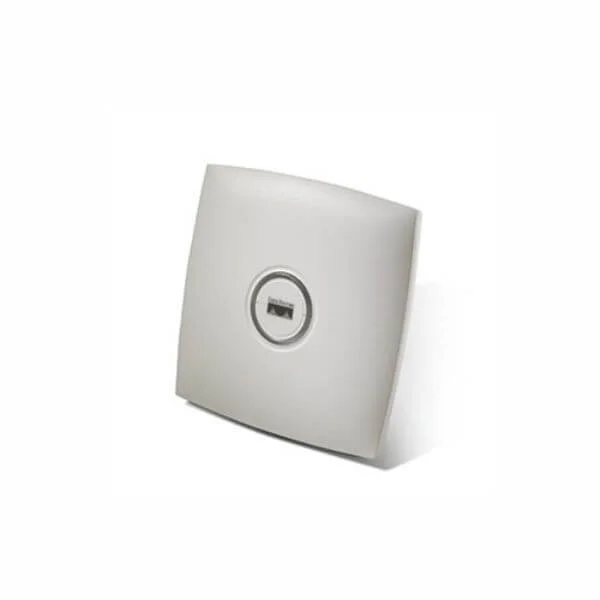
AIR-AP1131AG-C-K9
802.11a, .11g AP, Int Radios, Ants, China Cnfg 1130AG Series...
Trusted by the Highest-Stakes Buyers
Federal agencies and Fortune 500 operations source through ORM Systems.
US Government & Defense




Enterprise Clients



Built Global. Stocked Local.
Regional teams and 25+ distribution partners keep stock near you and accountability in your time zone.
Buyer Protection on Every Order
Pay by PayPal or Revolut with full chargeback rights. Order on PO terms, Net-30 for government.
Verified By Federal Bodies
Every registration we claim is public record — check our federal contractor status yourself before you spend a dollar.



Since 2016, Enterprise-Trusted
Ten years serving buyers who audit their vendors. From federal agencies to 20,000+ enterprise clients worldwide.
AIR-AP1131AG-C-K9 is a wireless access point engineered for reliable indoor connectivity, offering dual-band operation over both 2.4GHz and 5GHz frequencies. Designed to support the 802.11a/g standards, this device delivers data rates up to 54Mbps, making it well suited for office networks, home environments, and other deployments where steady wireless performance is essential.
Featuring integrated omnidirectional antennas and flexible installation options such as ceiling and wall mounting, AIR-AP1131AG-C-K9 facilitates easy deployment in diverse indoor settings. Powered via PoE and managed on-premises, while meeting FCC, CE, and RoHS compliance, it provides a secure and cost-effective solution for legacy wireless networking needs.
AIR-AP1131AG-C-K9 price for new stock is is available on request. Get immediate quote. AIR-AP1131AG-C-K9 refurb price is $87.78.
Request bulk order quote for AIR-AP1131AG-C-K9 for additional pricing. Browse the full Cisco 1130 Access Point series or explore all Cisco products.
Mon–Fri: [09:00-16:00]
Avg. response under 30 mins

| AIR-AP1131AG-C-K9 | 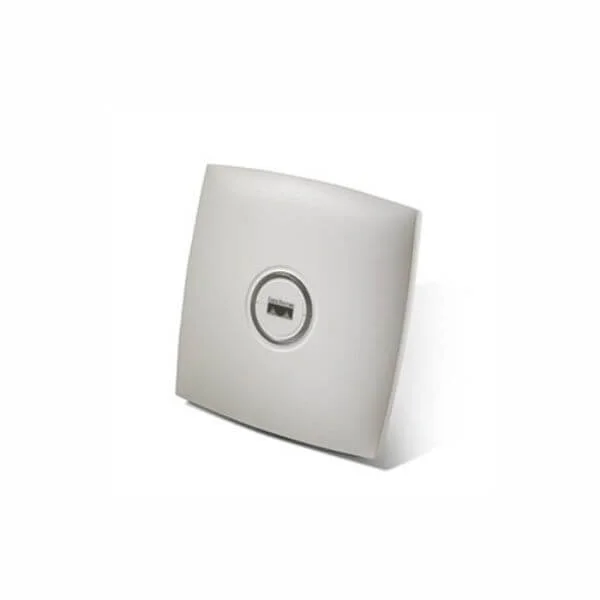 AIR-LAP1131AG-T-K9 AIR-LAP1131AG-T-K9 | 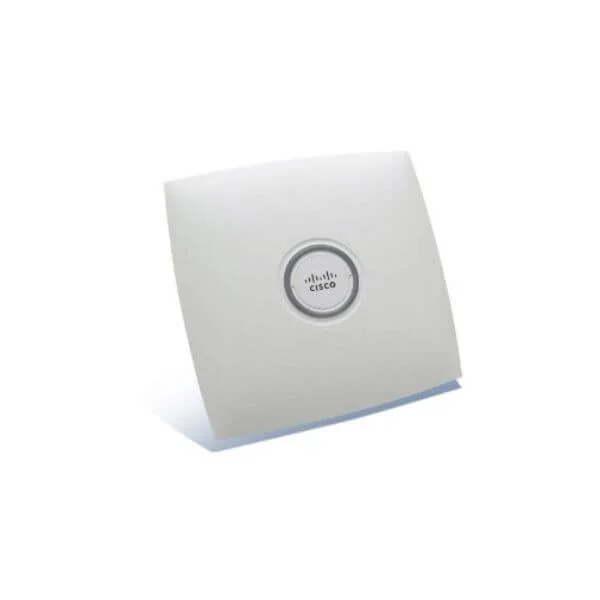 AIR-AP1131AG-E-K9 AIR-AP1131AG-E-K9 | 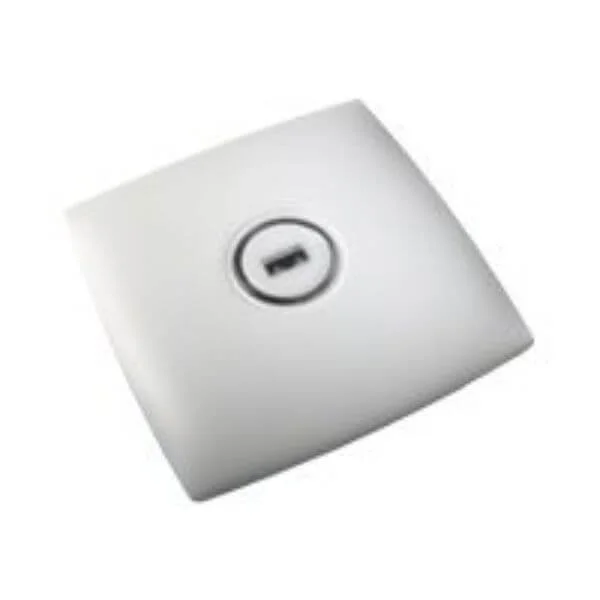 AIR-LAP1131AG-C-K9 AIR-LAP1131AG-C-K9 | 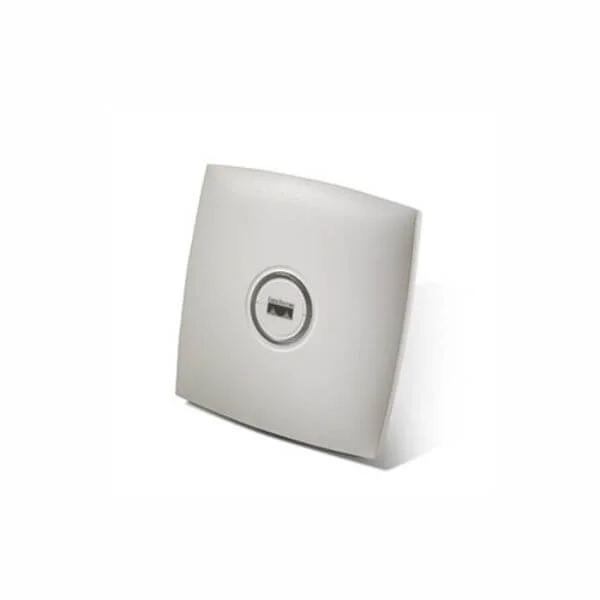 AIR-AP1131G-A-K9 AIR-AP1131G-A-K9 | |
|---|---|---|---|---|---|
| Antenna Type | Omnidirectional | Internal Omni-directional | Omnidirectional | Omnidirectional | Internal Omnidirectional |
| Compliance | FCC, CE, RoHS | FCC / CE / RoHS | FCC / CE / RoHS | FCC/CE/RoHS | FCC / CE / RoHS |
| Connector Type | RJ-45 | RJ-45 | RJ-45 | RJ-45 | RJ-45 |
| Data Rate | 54Mbps | 54Mbps | 54Mbps | 54Mbps | 54Mbps |
| Ethernet Port | 1x 10/100 | 1x 10/100 Ethernet | 1x Gigabit | 1x Gigabit | 1x 10/100 Ethernet |
| Frequency Bands | 2.4GHz, 5GHz | 2.4GHz / 5GHz | 2.4GHz / 5GHz | 2.4GHz/5GHz | 2.4GHz |
| Management Features | On-Premises | On-Premises / SNMP | On-Premises / SNMP | Centralized Management via Wireless LAN Controller | Cisco Controller-Based Management / SNMP |
| Mounting Options | Ceiling Mount, Wall Mount | Ceiling Mount / Wall Mount | Ceiling Mount / Wall Mount | Ceiling Mount | Ceiling Mount / Wall Mount |
| Outdoor Use | No | No | No | No | No |
| Power Supply | PoE | PoE / AC Adapter | PoE | PoE | PoE |
| Product Name | Cisco Aironet 1131AG Access Point | AIR-LAP1131AG-T-K9 Cisco Aironet 1131AG Access Point | AIR-AP1131AG-E-K9 | AIR-LAP1131AG-C-K9 | Cisco Aironet 1131G Access Point |
| Product Type | Wireless Access Point | Wireless Product | Wireless Product | Wireless Product | Wireless Access Point |
| Protocols Supported | 802.11a, 802.11g | 802.11a/g | 802.11a/b/g | 802.11a/b/g | 802.11b/g |
| Security Features | WPA2 | WPA / WPA2 / WEP / 802.1X | WEP, WPA, WPA2, 802.1X | WPA2, WPA3 | WEP, WPA, WPA2, 802.1X |
| Wireless Type | Access Point | Access Point | Access Point | Access Point | Access Point |


Every unit is authentic, sourced through trusted and authorised channels, and serial-verified on request. Genuine networking and IT hardware, guaranteed, or your money back.

New products are backed by up to 3 years of extended warranty, and certified refurbished units by up to 3 months, for dependable protection on every order. Coverage is clear, honoured in full, and confirmed on each product page.

If a unit ever falls short, our streamlined RMA process gets a replacement to you fast, with advance replacement available to keep your network running. No jargon, no runaround.

Every device is inspected, bench-tested, and firmware-verified, with configurations wiped before dispatch. Additional testing can be arranged to confirm full working condition on request.

Our specialists assist with compatibility, configuration, licensing, and installation, before and after you buy. Real hardware expertise, whenever you need it.

dispatched quickly and shipped worldwide from regional hubs, fully tracked and insured.
Reviewed on the 4 July 2019

AIR-AP1131AG-C-K9 provided stable 802.11a/g performance with reliable coverage in our office.
Reviewed on the 29 May 2017
Consistent indoor signal strength and predictable throughput.
Reviewed on the 28 March 2025
Professional Cisco AP delivering dependable daily connectivity.
Reviewed on the 26 January 2026
Reliable autonomous deployment with strong wireless stability.
Reviewed on the 18 September 2017
Solid roaming support and consistent performance.
Reviewed on the 2 April 2026
Business-grade wireless access point meeting enterprise standards.
Reviewed on the 26 January 2017
Dependable coverage and stable network experience.
The Cisco AIR-AP1131AG-C-K9 is a dual-radio 802.11a/g access point with integrated omnidirectional antennas, China regulatory domain certification, PoE support, and enterprise-grade security features.
It supports IEEE 802.11a and 802.11g standards, ensuring backward compatibility and operational flexibility.
Yes, it operates concurrently on both 2.4 GHz (802.11g) and 5 GHz (802.11a) frequency bands.
It uses the 2.4 GHz band for 802.11g and the 5 GHz band for 802.11a communication.
It delivers up to 54 Mbps peak data rate per radio on both the 2.4 GHz and 5 GHz bands.
It integrates two independent radios—one for 802.11g (2.4 GHz) and one for 802.11a (5 GHz).
It features built-in omnidirectional antennas with 2 dBi gain for 2.4 GHz and 3 dBi gain for 5 GHz coverage.
Yes, it is factory-configured for the Chinese regulatory domain (CN), ensuring full compliance with local radio regulations.
It supports IEEE 802.3af Power over Ethernet and Cisco Universal PoE for convenient installation without external power supplies.
It offers WPA2 Enterprise, 802.1X authentication, AES encryption, rogue AP detection, and RF spectrum analysis for comprehensive security.
It supports lightweight mode managed by a Cisco Wireless LAN Controller and autonomous mode via a local web-based interface.
Mount it on walls or drop ceilings using the included bracket kit and follow the Cisco Quick Start Guide for secure installation.
It measures 180 mm x 180 mm x 50 mm and weighs approximately 410 grams.
Optimize performance by configuring RF profiles, channel assignments, transmit power, and QoS settings on the Cisco WLAN Controller.
Yes, it is fully compatible with Cisco Wireless LAN Controllers supporting 1130AG series access points.
It includes a limited lifetime hardware warranty, 90-day software bug-fix support, and optional Cisco SMARTnet service for extended coverage.
Upgrade firmware via the Cisco Wireless LAN Controller’s image upgrade wizard or through the access point’s web GUI using the latest Cisco IOS code.







