 United States
Trusted by the Highest-Stakes Buyers
Federal agencies and Fortune 500 operations source through ORM Systems.
US Government & Defense
Enterprise Clients

Featured Deal
Hand-picked by our procurement team for standout value. This unit is offered at our sharpest price on current stock, verified against live market rates.
Name:

Added to cart 28 times recently
Ready to Ship
Certified Refurbished
Professionally inspected, bench-tested, and firmware-verified, with configurations wiped. Restored to full working order and backed by our warranty.

$419.00
$229.4345.2% off
Quantity:


3 Year Extended Warranty


Same-day Shipping

30-Day Money Back Guarantee
Shipping:
Payment:
3 Year Extended Warranty
Same-day Shipping
30-Day Money Back Guarantee
Need Additional Discount on Product?
Request a quote below - Get Exclusive Pricing and Support.
Shipping:
Payment:
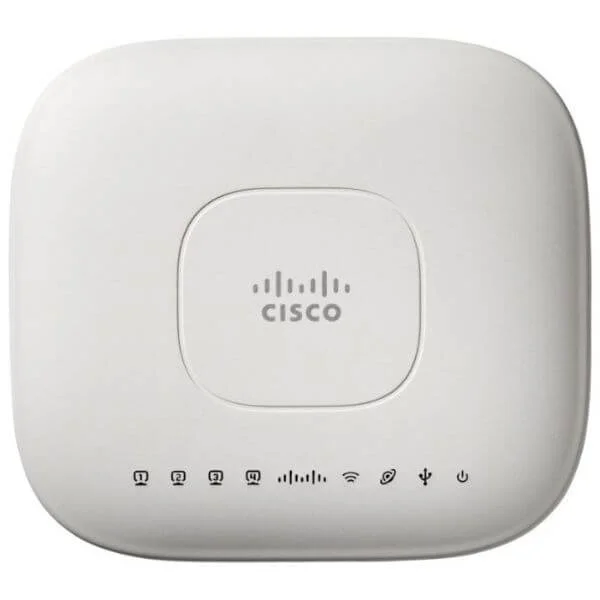
AIR-OEAP602I-C-K9
802.11a/g/n OfficeExtend AP, Int Ant, C Reg Domain
Trusted by the Highest-Stakes Buyers
Federal agencies and Fortune 500 operations source through ORM Systems.
US Government & Defense




Enterprise Clients



Built Global. Stocked Local.
Regional teams and 25+ distribution partners keep stock near you and accountability in your time zone.
Buyer Protection on Every Order
Pay by PayPal or Revolut with full chargeback rights. Order on PO terms, Net-30 for government.
Verified By Federal Bodies
Every registration we claim is public record — check our federal contractor status yourself before you spend a dollar.



Since 2016, Enterprise-Trusted
Ten years serving buyers who audit their vendors. From federal agencies to 20,000+ enterprise clients worldwide.
AIR-OEAP602I-C-K9 is a rugged outdoor wireless access point engineered for reliable 2.4GHz connectivity in challenging environments. Built to support 802.11b/g/n standards, this device delivers data rates up to 150Mbps, making it ideal for outdoor wireless networks such as campus areas, parks, and large public spaces where dependable and streamlined connectivity is essential.
Featuring versatile outdoor mounting options and a PoE power supply, this access point offers simplified installation along with integrated directional antennas that provide a focused coverage area. Its on-premises management and SNMP support ensure secure, scalable network deployment in environments that demand robust outdoor performance.
AIR-OEAP602I-C-K9 price for new stock is $232.05, a 44.6% saving from the Cisco list price of $419.00. AIR-OEAP602I-C-K9 refurb price is $229.43. AIR-OEAP602I-C-K9 is in stock and available for next-day dispatch. (terms applied)
Request bulk order quote for AIR-OEAP602I-C-K9 for additional pricing. Browse the full Cisco 600 Access Point series or explore all Cisco products.
Mon–Fri: [09:00-16:00]
Avg. response under 30 mins

| AIR-OEAP602I-C-K9 | 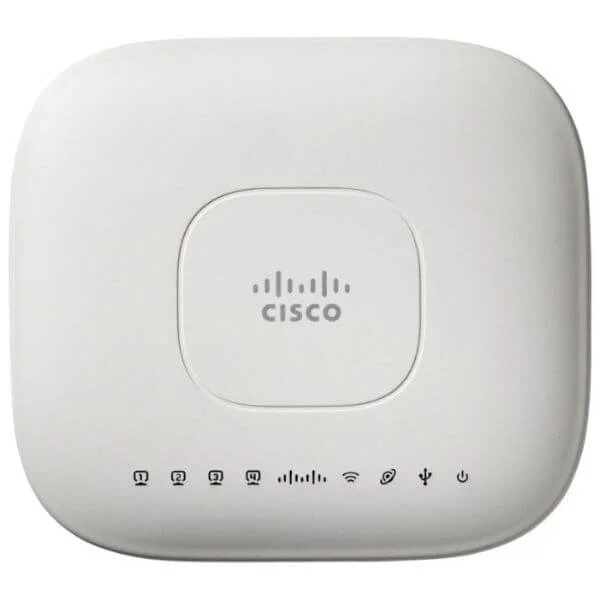 AIR-OEAP602I-SK910 AIR-OEAP602I-SK910 | 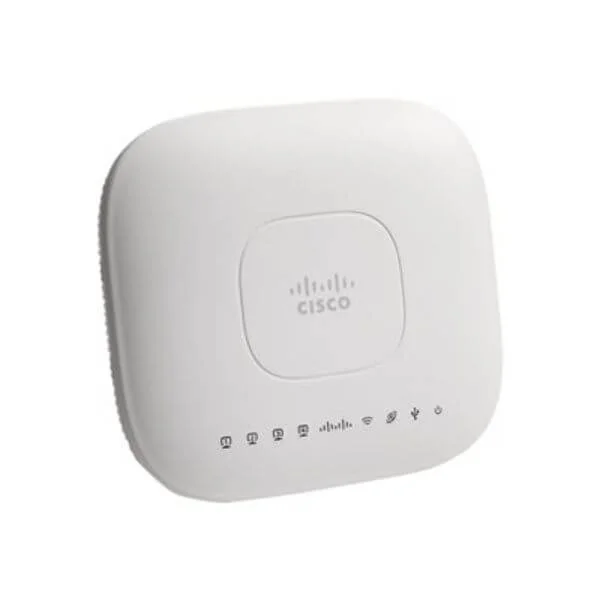 AIR-OEAP602I-I-K9 AIR-OEAP602I-I-K9 | 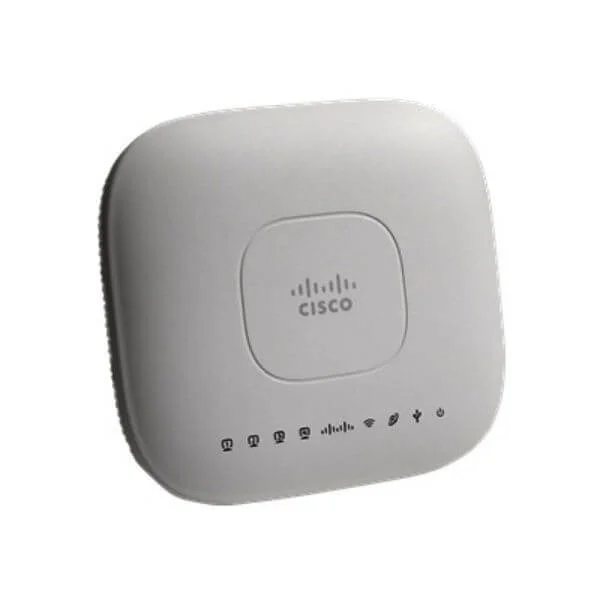 AIR-OEAP602I-S-K9 AIR-OEAP602I-S-K9 | 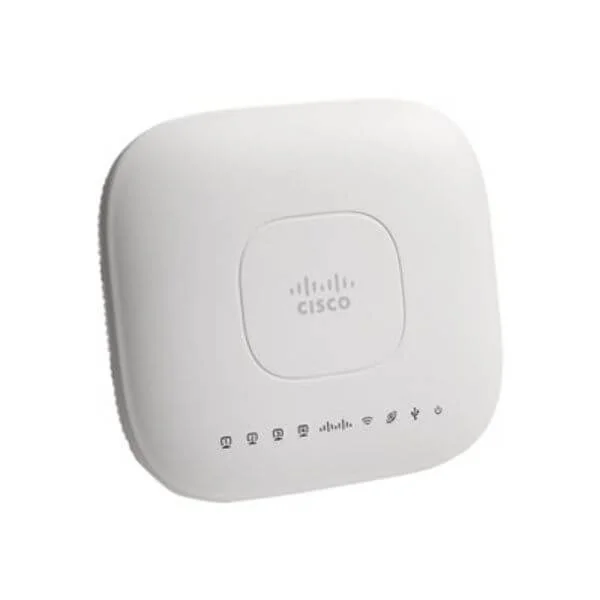 AIR-OEAP602I-A-K9 AIR-OEAP602I-A-K9 | |
|---|---|---|---|---|---|
| Antenna Type | Directional | Omnidirectional | Omnidirectional | Omnidirectional | Omnidirectional |
| Compliance | FCC / CE / RoHS | FCC, CE, RoHS | FCC / CE / RoHS | FCC / CE / RoHS | FCC / CE / RoHS |
| Connector Type | RJ-45 | RJ-45 | RJ-45 | RJ-45 | RJ-45 |
| Data Rate | 150Mbps | 2.5Gbps | 1.3Gbps | 1Gbps | 867 Mbps |
| Ethernet Port | 1x Gigabit | 1x Gigabit | 1x Gigabit | 1x Gigabit | 1x Gigabit |
| Frequency Bands | 2.4GHz | 2.4GHz/5GHz | 2.4GHz / 5GHz | 2.4GHz / 5GHz | 2.4GHz / 5GHz |
| MIMO Technology | SU-MIMO | MU-MIMO | MU-MIMO | MU-MIMO | MU-MIMO |
| Management Features | On-Premises / SNMP | Cloud Management, SNMP | Cloud Management / On-Premises | Cloud Management / SNMP | On-Premises / SNMP |
| Mesh Networking | No | No | No | No | Yes |
| Mounting Options | Outdoor Mount | Outdoor Mount, Pole Mount | Wall Mount / Pole Mount / Outdoor Mount | Wall Mount / Pole Mount | Outdoor Mount / Pole Mount |
| Outdoor Use | Yes | Yes | Yes | Yes | Yes |
| Power Supply | PoE | PoE | PoE | PoE | PoE |
| Product Name | Cisco AIR-OEAP602I-C-K9 Outdoor Access Point | AIR-OEAP602I-SK910 | AIR-OEAP602I-I-K9 Outdoor Access Point | AIR-OEAP602I-S-K9 | AIR-OEAP602I-A-K9 |
| Product Type | Wireless Access Point | Wireless Access Point | Wireless Product | Wireless Access Point | Wireless Product |
| Protocols Supported | 802.11b/g/n / Ethernet | 802.11a/b/g/n/ac/ax | 802.11a/b/g/n/ac | 802.11a/b/g/n/ac/ax | 802.11a/b/g/n/ac |
| Security Features | WPA2 / 802.1X | WPA2, WPA3, 802.1X | WPA2 / WPA3 / 802.1X | WPA2 / WPA3 / 802.1X | WPA2 / WPA3 / 802.1X |
| Wi-Fi Standard | 802.11b/g/n | Wi-Fi 6 | Wi-Fi 5 (802.11ac) | Wi-Fi 6 | Wi-Fi 5 |
| Wireless Type | Access Point | Access Point | Access Point | Access Point | Access Point |


Every unit is authentic, sourced through trusted and authorised channels, and serial-verified on request. Genuine networking and IT hardware, guaranteed, or your money back.

New products are backed by up to 3 years of extended warranty, and certified refurbished units by up to 3 months, for dependable protection on every order. Coverage is clear, honoured in full, and confirmed on each product page.

If a unit ever falls short, our streamlined RMA process gets a replacement to you fast, with advance replacement available to keep your network running. No jargon, no runaround.

Every device is inspected, bench-tested, and firmware-verified, with configurations wiped before dispatch. Additional testing can be arranged to confirm full working condition on request.

Our specialists assist with compatibility, configuration, licensing, and installation, before and after you buy. Real hardware expertise, whenever you need it.

dispatched quickly and shipped worldwide from regional hubs, fully tracked and insured.
Reviewed on the 3 May 2022

AIR-OEAP602I-C-K9 made remote deployments consistent and easy. Stable connectivity and centralized control improved reliability for business users.
Reviewed on the 1 August 2018
AIR-OEAP602I-C-K9 works reliably for OfficeExtend. Setup is straightforward and performance is steady.
Reviewed on the 18 March 2025
We rolled out AIR-OEAP602I-C-K9 to key staff. Reliable uptime and fewer home Wi-Fi complaints.
Reviewed on the 19 October 2024
AIR-OEAP602I-C-K9 is a strong remote access AP. Predictable behavior and easy management.
Reviewed on the 11 August 2026
OfficeExtend experience is consistent with AIR-OEAP602I-C-K9. Good stability for voice and SaaS.
Reviewed on the 1 November 2025
AIR-OEAP602I-C-K9 reduced support workload. Users connected quickly and performance stayed stable.
The Cisco AIR-OEAP602I-C-K9 is a dual-band 802.11a/g/n OfficeExtend access point with internal antennas, optimized for remote-office Wi-Fi connectivity in the Cisco regulatory (C) domain.
The AIR-OEAP602I-C-K9 supports 802.11a, 802.11g, and 802.11n standards, delivering combined data rates up to 300 Mbps.
The AIR-OEAP602I-C-K9 features integrated omnidirectional antennas for streamlined deployment and consistent coverage.
The AIR-OEAP602I-C-K9 is certified for the ‘C’ regulatory domain, ensuring compliance with regional RF requirements.
The OfficeExtend AP establishes an IPsec tunnel back to the central controller and enforces WPA2-Enterprise encryption for secure remote access.
The AIR-OEAP602I-C-K9 delivers up to 300 Mbps aggregate throughput across its dual 2.4 GHz and 5 GHz radios.
Mount the AP on a wall or desk, connect power via PoE or adapter, and configure OfficeExtend settings using the Cisco Wireless LAN Controller GUI.
Yes. The AIR-OEAP602I-C-K9 supports 802.3af Power over Ethernet for flexible, single-cable deployment.
Yes. It is managed by Cisco Wireless LAN Controllers, providing centralized configuration, monitoring, and software updates.
You need an OfficeExtend Access Point license on the Cisco Wireless LAN Controller, which includes IPsec and management features.
Typical indoor coverage ranges up to 300 square feet per AP, depending on building materials and RF conditions.
Yes. It works with Cisco 2500, 5500, 3504, 5520, and 8540 series Wireless LAN Controllers running supported software versions.
It leverages Cisco CleanAir technology for real-time spectrum analysis and automatic channel adjustments to mitigate interference.
Ideal for home offices, remote branches, and small business sites requiring secure, controller-based Wi-Fi extension.
The AIR-OEAP602I-C-K9 comes with a one-year limited hardware warranty; Cisco SMARTnet contracts extend support and software upgrades.
Yes. It supports multiple SSIDs with VLAN tagging for secure guest networks and traffic segmentation.
Perform firmware upgrades via the Cisco Wireless LAN Controller’s GUI or CLI by uploading the new image and rebooting the AP.







