United States




Trusted by the Highest-Stakes Buyers
Federal agencies and Fortune 500 operations source through ORM Systems.
US Government & Defense
Enterprise Clients

Featured Deal
Hand-picked by our procurement team for standout value. This unit is offered at our sharpest price on current stock, verified against live market rates.
Name:

Added to cart times recently
Ready to Ship
Certified Refurbished
Professionally inspected, bench-tested, and firmware-verified, with configurations wiped. Restored to full working order and backed by our warranty.

$550.00
$158.2171.2% off
Quantity:
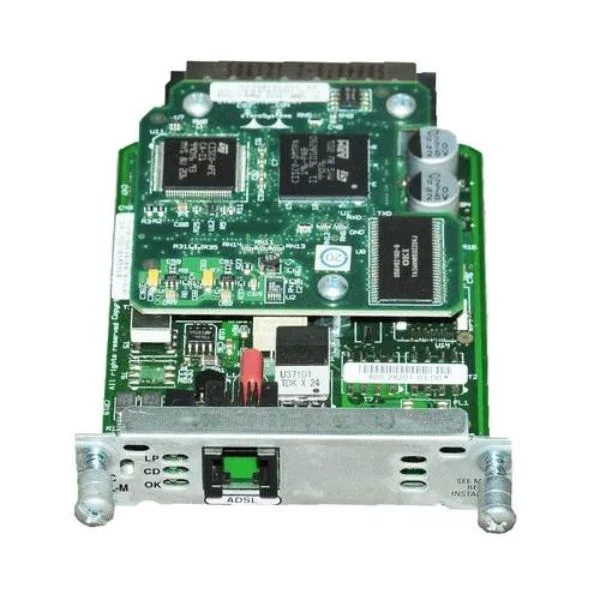
HWIC-CABLE-D-2
1-Port DOCSIS 2.0 Cable Modem HWIC Cisco Router High-Speed W...
Trusted by the Highest-Stakes Buyers
Federal agencies and Fortune 500 operations source through ORM Systems.
US Government & Defense




Enterprise Clients



Built Global. Stocked Local.
Regional teams and 25+ distribution partners keep stock near you and accountability in your time zone.
Buyer Protection on Every Order
Pay by PayPal or Revolut with full chargeback rights. Order on PO terms, Net-30 for government.
Verified By Federal Bodies
Every registration we claim is public record — check our federal contractor status yourself before you spend a dollar.



Since 2016, Enterprise-Trusted
Ten years serving buyers who audit their vendors. From federal agencies to 20,000+ enterprise clients worldwide.
HWIC-CABLE-D-2 is a high-performance WAN module designed to deliver reliable cable-based network connectivity for Cisco routing platforms. Built as a dedicated network module, it features an RJ-45 connector and supports data rates up to 1Gbps, ensuring efficient transmission of TCP/IP traffic in enterprise and data center environments.
This modular card is engineered for seamless installation in compatible Cisco routers, offering advanced features such as auto-negotiation, Wake-on-LAN, jumbo frames, and QoS. Its versatile design enables users to expand data center capacity and upgrade network interfaces, making it an ideal solution for connecting to high-speed networks while maintaining robust overall system performance.
HWIC-CABLE-D-2 price for new stock is $277.20, a 49.6% saving from the Cisco list price of $550.00. HWIC-CABLE-D-2 refurb price is $158.21. HWIC-CABLE-D-2 is in stock and available for free next-day delivery. (terms applied)
Request bulk order quote for HWIC-CABLE-D-2 for additional pricing. Browse the full Router Ehwic Wan Cards series or explore all Cisco products.
Mon–Fri: [09:00-16:00]
Avg. response under 30 mins

| HWIC-CABLE-D-2 | 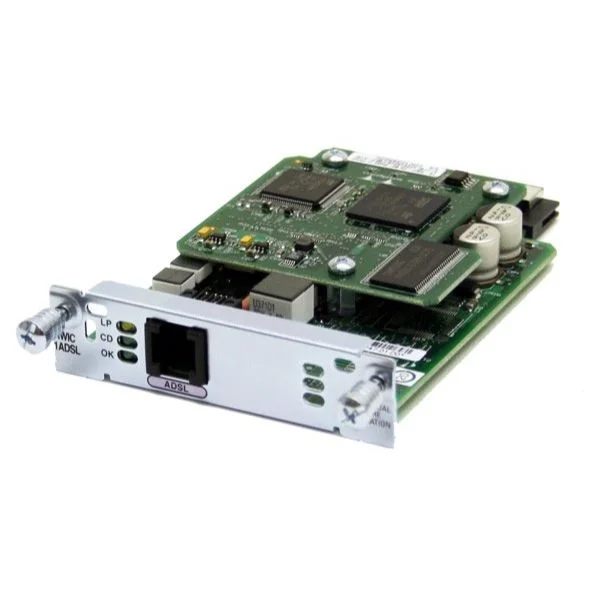 HWIC-ADSLI-B/ST HWIC-ADSLI-B/ST | 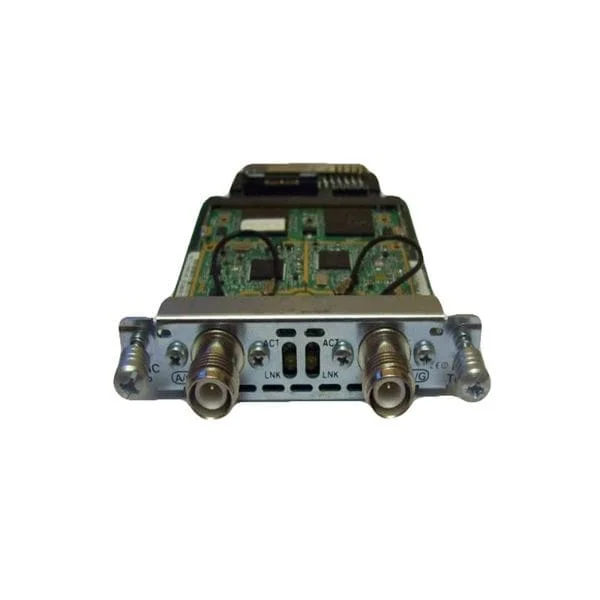 HWIC-AP-AG-P HWIC-AP-AG-P | 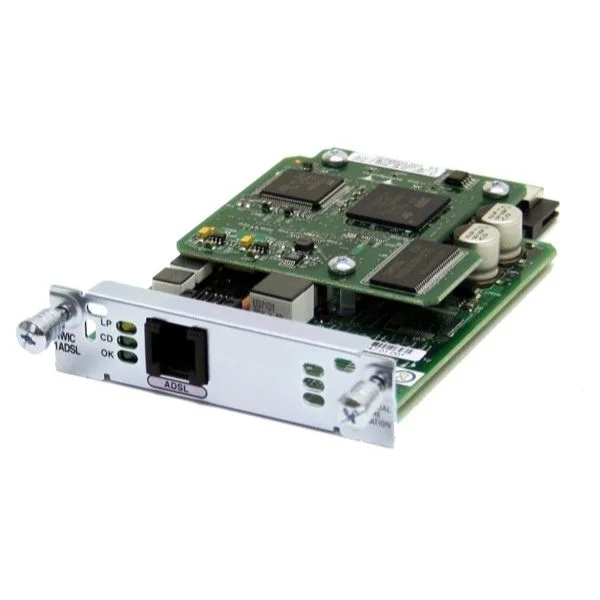 HWIC-1ADSL HWIC-1ADSL | 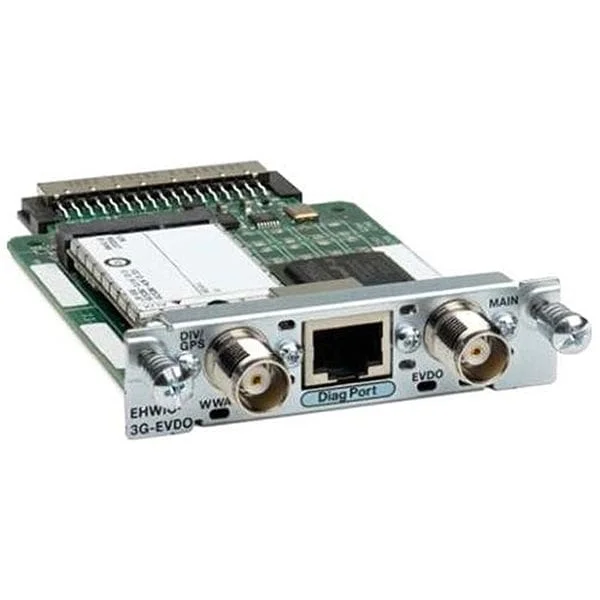 EHWIC-3G-EVDO-B EHWIC-3G-EVDO-B | |
|---|---|---|---|---|---|
| Product Type | Network Module | WAN Module | Network Module | Network Module | Network Module / Network Card |
| Module Type | WAN | WAN | WAN | WAN | EHWIC / WAN |
| Data Rate | 1Gbps | ADSL: Up to 8 Mbps downstream, 1 Mbps upstream | 1Gbps | Up to 8Mbps (ADSL2+) | Up to 3.1Mbps |
| Supported Protocols | TCP/IP | TCP/IP, PPP | TCP/IP / UDP | TCP/IP | TCP/IP |
| Form Factor | Modular | HWIC/EHWIC Modular | HWIC Modular | Modular | EHWIC |
| Operating Temperature | 0 to 70°C | 0 to 70°C | 0 to 70°C | 0 to 70°C | 0 to 70°C |
| Storage Temperature | -40 to 85°C | -40 to 85°C | -40 to 85°C | -40 to 85°C | -40 to 85°C |
| Compatibility | Cisco | Cisco Integrated Services Routers | Cisco | Cisco | Cisco |
| Max Speed | 1Gbps | 8 Mbps downstream, 1 Mbps upstream | 1Gbps | Up to 8Mbps | Up to 3.1Mbps |
| Expansion Slots | EHWIC | HWIC/EHWIC slots | EHWIC | EHWIC | EHWIC |
| Product Name | HWIC-CABLE-D-2 | HWIC-ADSLI-B/ST | HWIC-AP-AG-P Network Module | HWIC-1ADSL | EHWIC-3G-EVDO-B |


Every unit is authentic, sourced through trusted and authorised channels, and serial-verified on request. Genuine networking and IT hardware, guaranteed, or your money back.

New products are backed by up to 3 years of extended warranty, and certified refurbished units by up to 90 days, for dependable protection on every order. The exact term is confirmed on your quote, order confirmation and invoice.

If a unit ever falls short, our streamlined RMA process gets a replacement to you fast, with advance replacement available to keep your network running. No jargon, no runaround.

Every device is inspected, bench-tested, and firmware-verified, with configurations wiped before dispatch. Additional testing can be arranged to confirm full working condition on request.

Our specialists assist with compatibility, configuration, licensing, and installation, before and after you buy. Real hardware expertise, whenever you need it.

Same-day dispatch from regional hubs, free next-day delivery*, fully tracked and insured.
Reviewed on the 17 May 2023

The HWIC-CABLE-D-2 has been an essential addition to our setup. It provides stable connections and is easy to install.
Reviewed on the 25 October 2022
We use the HWIC-CABLE-D-2 to improve connectivity. It's reliable and works perfectly with our network.
Reviewed on the 11 August 2022
The HWIC-CABLE-D-2 is a reliable solution for our network. It integrates easily and delivers solid performance.
Reviewed on the 20 January 2023
The HWIC-CABLE-D-2 cable has performed flawlessly. It's easy to use and has helped optimize our network connectivity.
Reviewed on the 29 November 2017
We rely on the HWIC-CABLE-D-2 for its stability and reliable performance. It's a solid addition to our infrastructure.
The Cisco HWIC-CABLE-D-2 is a 1-port DOCSIS 2.0 cable modem High-Speed WAN Interface Card designed to add broadband cable connectivity to compatible Cisco routers.
The HWIC-CABLE-D-2 is compatible with Cisco 1800, 2800 and 3800 Series Integrated Services Routers that feature an available HWIC slot.
The HWIC-CABLE-D-2 supports DOCSIS 2.0 downstream speeds up to 38 Mbps and upstream speeds up to 27 Mbps, depending on your cable provider.
Power down your compatible Cisco router, insert the HWIC-CABLE-D-2 into an empty HWIC slot, secure the card with screws, then power on and configure the interface in IOS.
After installation, assign an IP address, configure DOCSIS parameters under the cable modem interface, enable DHCP or static addressing, and verify connectivity.
Yes, the HWIC-CABLE-D-2 supports both IPv4 and IPv6 addressing, enabling seamless migration to next-generation network infrastructures.
The module leverages Cisco IOS security, including access control lists (ACLs), firewall services, and VPN tunneling to protect data over the cable link.
You can install multiple HWIC-CABLE-D-2 cards if your router has sufficient HWIC slots, enabling parallel cable WAN links for load balancing or redundancy.
Use 'show interface' and 'show cable modem' commands in Cisco IOS to check signal levels, registration status, and DOCSIS parameter negotiation.
Firmware updates are managed automatically via your cable provider’s CMTS, but you should keep your router’s IOS current for optimal performance.
The HWIC-CABLE-D-2 draws less than 3 watts from the host router and complies with Cisco HWIC power specifications.
Yes, the module supports Cisco priority queuing, traffic shaping, and policy-based QoS to optimize cable WAN performance.
The card operates between 0°C to 40°C (32°F to 104°F) and up to 90% non-condensing humidity, matching standard Cisco router environmental specs.
Cisco publishes the HWIC-CABLE-D-2 Hardware Installation Guide and Data Sheet on Cisco.com under the product support section.
The HWIC-CABLE-D-2 carries Cisco’s limited lifetime warranty, covering manufacturing defects and hardware failures under normal use.
For assistance, contact Cisco TAC via your service contract portal or call the Cisco support hotline for guidance on configuration and troubleshooting.