 United States
Network Adapters by Lenovo
Engineered for enterprise performance, Lenovo network adapters deliver exceptional reliability, unmatched connectivity, and advanced security features. Achieve seamless network management, high-speed data transfer, and optimal system integration for superior business operations.
Talk to an expert
Lenovo Server Network Adapters
(7)Lenovo server network adapters for database host refreshes using dual-port 25GbE PCIe cards between compute nodes and iSCSI storage
7 Matching results
- BEST SELLING
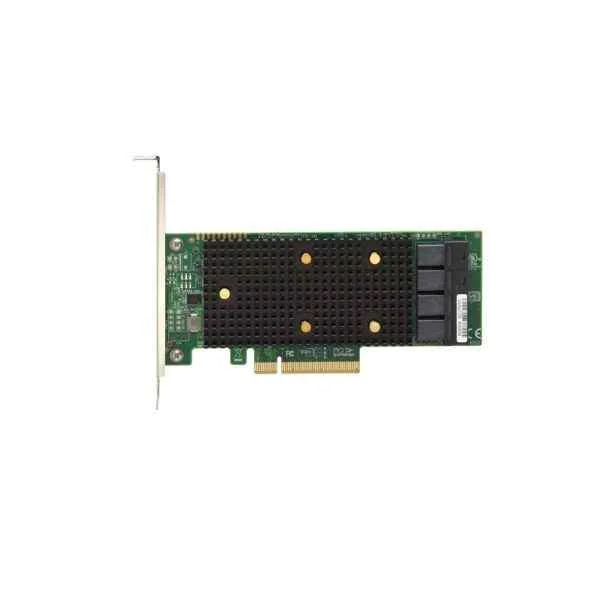
Lenovo 7Y37A01090 RAID 430-8e (Lenovo ThinkSystem 430-8e SAS/SATA 12Gb HBA)
4.6 (5)- RAID Controller
- Lenovo
- RAID
- 6Gbps per port
- PCIe x8
- SATA, SAS
- Internal PCIe Card
Est Value In stock
First-Time Buyer Discount – Get up to 2% additional off on your first order
ORM Rewards Earn $50 in Rewards + Free Expedited Delivery – Join Now!
Use eCoupon ORMSAVE10
eCoupon limited to 5 units
- BEST SELLING
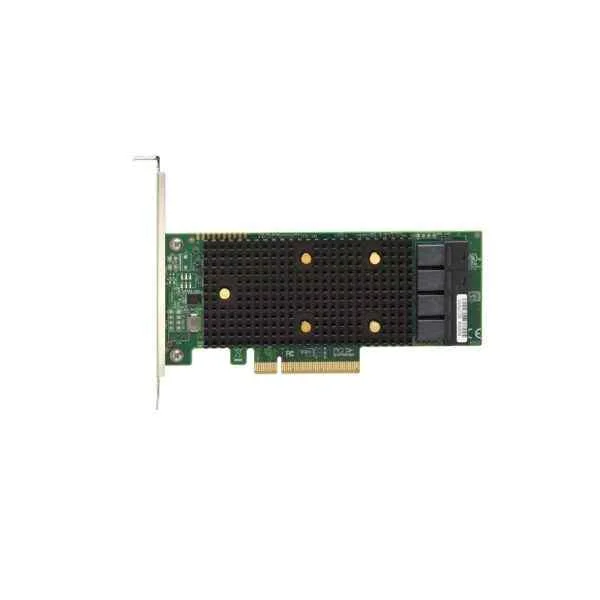
Lenovo 7Y37A01088 RAID 430-8i (Lenovo ThinkSystem 430-8i SAS/SATA HBA)
4.8 (5)- RAID Controller
- Lenovo
- Internal RAID Adapter
- SAS 12Gb/s
- PCIe
- RAID 0 / RAID 1 / RAID 5 / RAID 10
- Internal PCIe Card
Est Value In stockFirst-Time Buyer Discount – Get up to 2% additional off on your first order
ORM Rewards Earn $50 in Rewards + Free Expedited Delivery – Join Now!
Use eCoupon ORMSAVE10
eCoupon limited to 5 units
- BEST SELLING
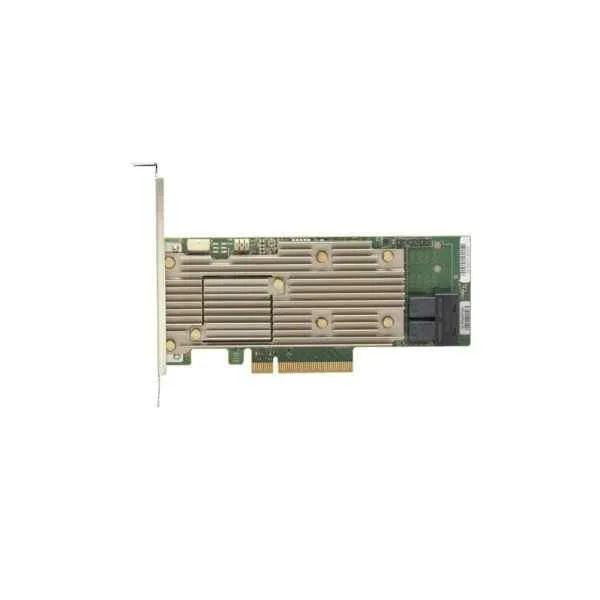
Lenovo 7Y37A01085 RAID 930-16i (Lenovo ThinkSystem RAID 930-16i 4GB Flash PCIe 12Gb Adapter)
4.6 (5)- RAID Controller
- Lenovo
- SAS RAID Controller
- PCIe
- SAS
- Internal PCIe Card
Est Value In stockFirst-Time Buyer Discount – Get up to 2% additional off on your first order
ORM Rewards Earn $50 in Rewards + Free Expedited Delivery – Join Now!
Use eCoupon ORMSAVE10
eCoupon limited to 5 units
- BEST SELLING
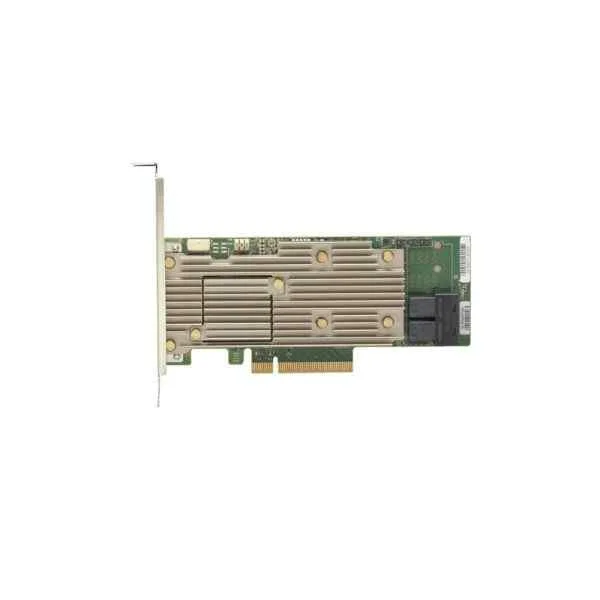
Lenovo 7Y37A01084 RAID 930-8i (Lenovo ThinkSystem RAID 930-8i 2GB Flash PCIe 12Gb Adapter)
4.8 (5)- RAID Controller
- Lenovo
- SAS RAID Controller
- 6Gbps
- PCIe 2.0 x8
- SAS, SATA
- Internal PCIe Card
Est Value In stockFirst-Time Buyer Discount – Get up to 2% additional off on your first order
ORM Rewards Earn $50 in Rewards + Free Expedited Delivery – Join Now!
Use eCoupon ORMSAVE10
eCoupon limited to 5 units
- BEST SELLING
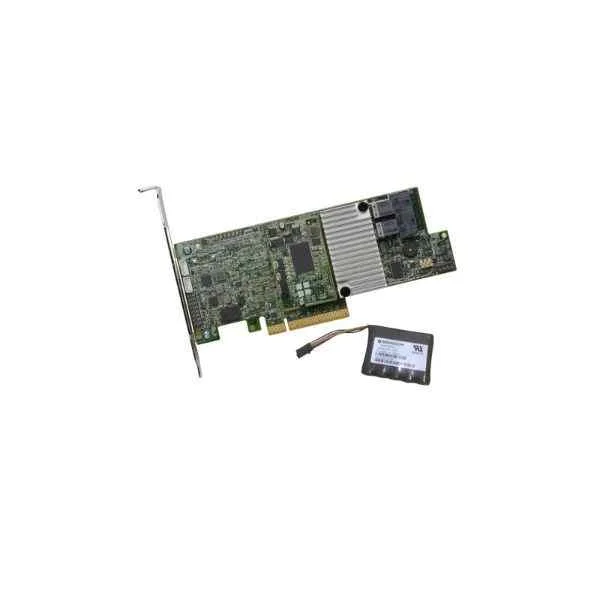
Lenovo 4Y37A09722 RAID 730-8i (Lenovo ThinkSystem RAID 730-8i 2GB Flash PCIe 12Gb Adapter)
4.6 (5)- RAID Controller
- Lenovo
- PCIe
- Internal PCIe Card
Est Value In stockFirst-Time Buyer Discount – Get up to 2% additional off on your first order
ORM Rewards Earn $50 in Rewards + Free Expedited Delivery – Join Now!
Use eCoupon ORMSAVE10
eCoupon limited to 5 units
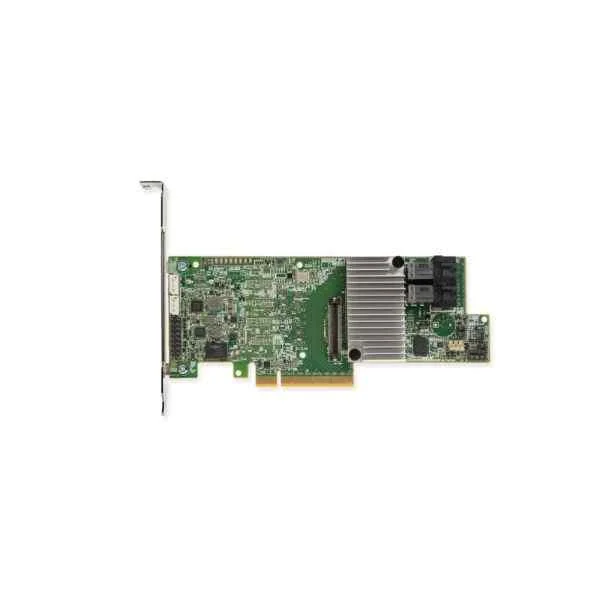
Lenovo 7Y37A01083 RAID 730-8i (Lenovo ThinkSystem RAID 730-8i 1GB Cache PCIe 12Gb Adapter)
5 (5)- RAID Controller
- Lenovo
- RAID Controller
- 6Gbps
- PCIe 2.0 x8
- SATA / SAS
- Internal PCIe Card
Est Value In stockFirst-Time Buyer Discount – Get up to 2% additional off on your first order
ORM Rewards Earn $50 in Rewards + Free Expedited Delivery – Join Now!
Use eCoupon ORMSAVE10
eCoupon limited to 5 units
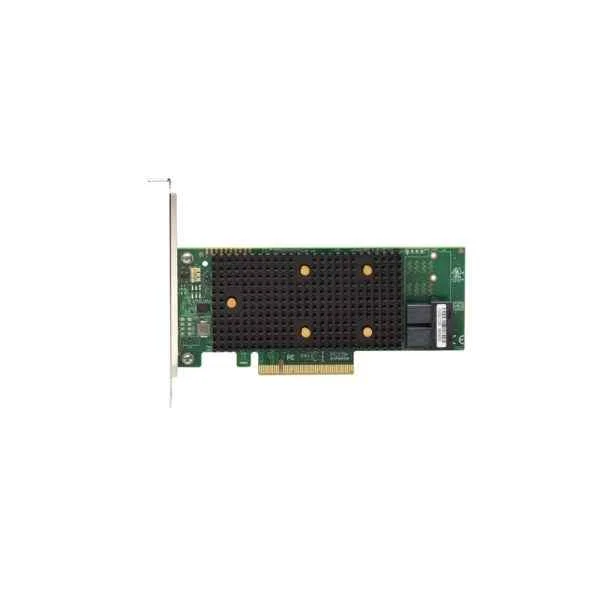
Lenovo 7Y37A01082 RAID 530-8i (Lenovo ThinkSystem RAID 530-8i PCIe 12Gb Adapter for SR530, SR550, SR630, SR650, SR850)
4.6 (5)- RAID Controller
- Lenovo
- RAID
- SAS 6Gb/s
- PCIe
- SATA / SAS
- Internal PCIe Card
Est Value In stockFirst-Time Buyer Discount – Get up to 2% additional off on your first order
ORM Rewards Earn $50 in Rewards + Free Expedited Delivery – Join Now!
Use eCoupon ORMSAVE10
eCoupon limited to 5 units

ORM Sales Advisors
Buying for your business? Get a personalised quote in under 2 hours. Talk to an expert
LEARNFilters (7) 
Questions & Answers
What is a Lenovo Network Adapter?
A Lenovo Network Adapter is a dedicated hardware component that enables high-performance Ethernet, Fibre Channel, or converged network connectivity for Lenovo servers and workstations, enhancing data throughput and reliability.
Which types of Lenovo Network Adapters are available?
Lenovo offers Ethernet adapters (1GbE to 100GbE), Fibre Channel HBAs, converged network adapters (CNAs), and wireless network adapters to meet diverse performance, compatibility, and virtualization requirements.
How do I install a Lenovo Network Adapter?
To install a Lenovo Network Adapter, power down your system, insert the adapter into a compatible PCIe slot, secure it per manufacturer guidelines, reconnect cables, power on the system, and install the appropriate drivers.
How do I update Lenovo Network Adapter drivers?
Download the latest driver package from the Lenovo Support website, run the installation executable, and follow the on-screen prompts or use Lenovo System Update to ensure your network adapter firmware and drivers are current.
Are Lenovo Network Adapters compatible with Windows and Linux?
Yes, Lenovo Network Adapters offer certified drivers and firmware for Windows Server, Red Hat Enterprise Linux, SUSE Linux Enterprise Server, Ubuntu, and other major Linux distributions.
What speeds do Lenovo Network Adapters support?
Depending on the model, Lenovo Network Adapters support speeds from 1 GbE up to 100 GbE, including intermediate rates such as 10 GbE, 25 GbE, 40 GbE, and 50 GbE to match your network infrastructure.
How do I troubleshoot connectivity issues with a Lenovo Network Adapter?
Verify physical connections, check LED status indicators, update drivers and firmware, review system logs for errors, and use diagnostic tools like Lenovo XClarity or iperf to isolate and resolve network issues.
Do Lenovo Network Adapters support virtualization?
Yes, many Lenovo Network Adapters support SR-IOV, VMware NetQueue, Microsoft VMQ, and other virtualization features to optimize network performance in virtualized environments.
What is the difference between onboard and add-in Lenovo Network Adapters?
Onboard adapters are integrated into the motherboard for basic connectivity, while add-in adapters install into PCIe slots to deliver higher throughput, advanced offload capabilities, and greater flexibility.
How do I configure VLANs on a Lenovo Network Adapter?
Use the Lenovo network adapter driver or management utility to define VLAN IDs, assign VLAN membership to adapter ports, and apply the configuration by following the step-by-step wizard or command-line interface.
Can I use a Lenovo Network Adapter in a Lenovo ThinkSystem server?
Yes, Lenovo Network Adapters are fully validated for ThinkSystem servers and integrate seamlessly with Lenovo XClarity Controller for centralized hardware management.
How do I check the firmware version on a Lenovo Network Adapter?
Access the adapter properties in Device Manager (Windows) or use ethtool (Linux) to display firmware details, or leverage Lenovo XClarity Administrator to view versions across multiple servers.
What warranty covers Lenovo Network Adapters?
Lenovo Network Adapters are backed by a one-year limited warranty standard, with optional Lenovo Premier Support for extended coverage, on-site repair, and expedited service.
How do I choose the right Lenovo Network Adapter for my server?
Identify your bandwidth requirements, protocol support, form factor, and virtualization needs, then match them against Lenovo’s adapter specifications to select the optimal model for performance and compatibility.
Do Lenovo Network Adapters support SR-IOV?
Many Lenovo Network Adapters support Single Root I/O Virtualization (SR-IOV) to enable direct device assignment and reduced CPU overhead in virtualized workloads.
What management tools are available for Lenovo Network Adapters?
Lenovo offers XClarity Administrator, XClarity Controller, and Lenovo Network Adapter Driver and Utility packages that provide monitoring, configuration, firmware updates, and performance tuning features.