 United States
Server Network Adapters – Lenovo Solutions
Experience unmatched connectivity and security with Lenovo's advanced server network adapters. Engineered for superior performance, scalability, and reliability in today's demanding data center environments.
Talk to an expert
7 Matching results
- BEST SELLING
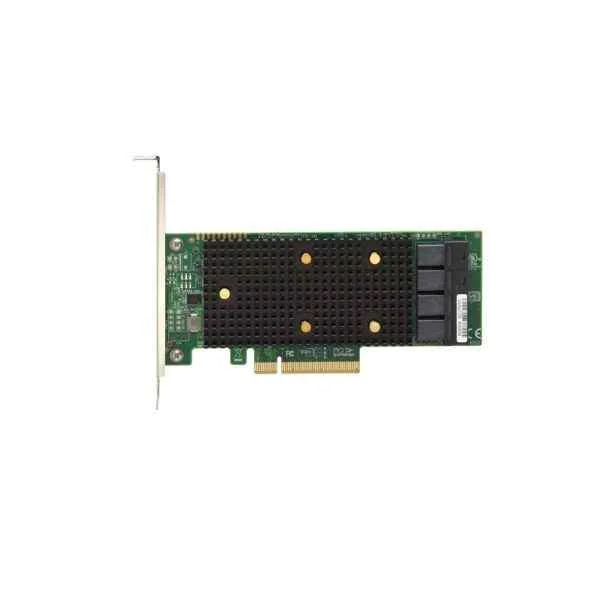
Lenovo 7Y37A01090 RAID 430-8e (Lenovo ThinkSystem 430-8e SAS/SATA 12Gb HBA)
4.6 (5)- RAID Controller
- Lenovo
- RAID
- 6Gbps per port
- PCIe x8
- SATA, SAS
- Internal PCIe Card
Est Value In stock
First-Time Buyer Discount – Get up to 2% additional off on your first order
ORM Rewards Earn $50 in Rewards + Free Expedited Delivery – Join Now!
Use eCoupon ORMSAVE10
eCoupon limited to 5 units
- BEST SELLING
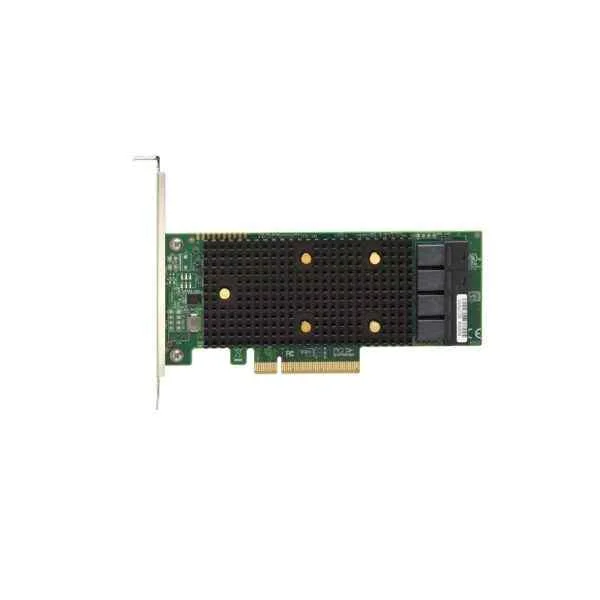
Lenovo 7Y37A01088 RAID 430-8i (Lenovo ThinkSystem 430-8i SAS/SATA HBA)
4.8 (5)- RAID Controller
- Lenovo
- Internal RAID Adapter
- SAS 12Gb/s
- PCIe
- RAID 0 / RAID 1 / RAID 5 / RAID 10
- Internal PCIe Card
Est Value In stockFirst-Time Buyer Discount – Get up to 2% additional off on your first order
ORM Rewards Earn $50 in Rewards + Free Expedited Delivery – Join Now!
Use eCoupon ORMSAVE10
eCoupon limited to 5 units
- BEST SELLING
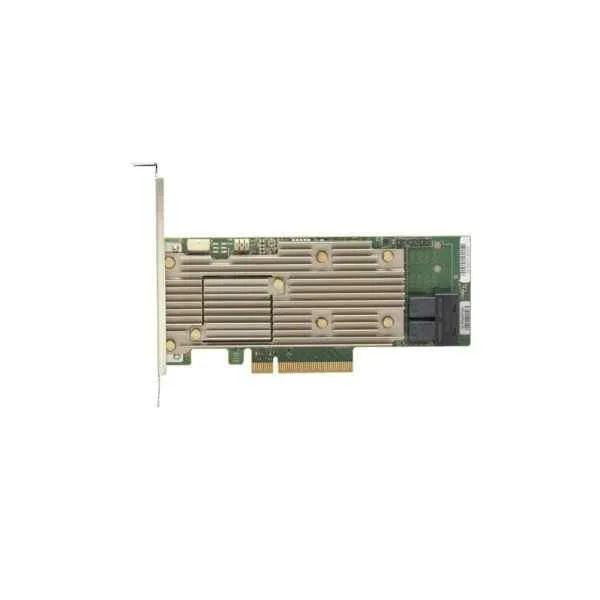
Lenovo 7Y37A01085 RAID 930-16i (Lenovo ThinkSystem RAID 930-16i 4GB Flash PCIe 12Gb Adapter)
4.6 (5)- RAID Controller
- Lenovo
- SAS RAID Controller
- PCIe
- SAS
- Internal PCIe Card
Est Value In stockFirst-Time Buyer Discount – Get up to 2% additional off on your first order
ORM Rewards Earn $50 in Rewards + Free Expedited Delivery – Join Now!
Use eCoupon ORMSAVE10
eCoupon limited to 5 units
- BEST SELLING
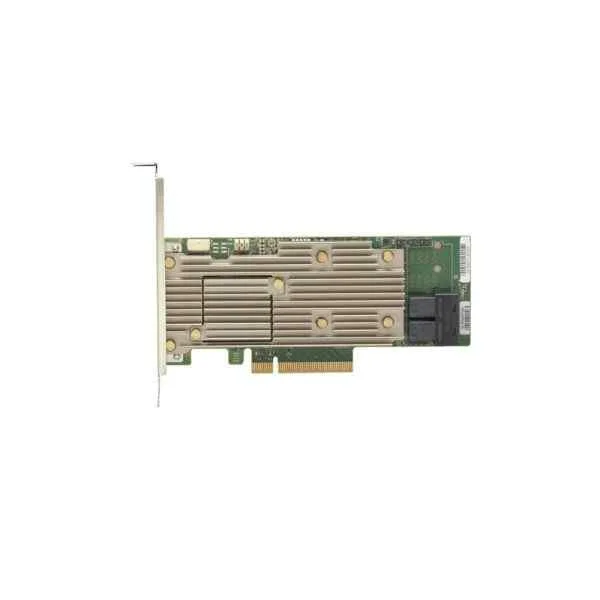
Lenovo 7Y37A01084 RAID 930-8i (Lenovo ThinkSystem RAID 930-8i 2GB Flash PCIe 12Gb Adapter)
4.8 (5)- RAID Controller
- Lenovo
- SAS RAID Controller
- 6Gbps
- PCIe 2.0 x8
- SAS, SATA
- Internal PCIe Card
Est Value In stockFirst-Time Buyer Discount – Get up to 2% additional off on your first order
ORM Rewards Earn $50 in Rewards + Free Expedited Delivery – Join Now!
Use eCoupon ORMSAVE10
eCoupon limited to 5 units
- BEST SELLING
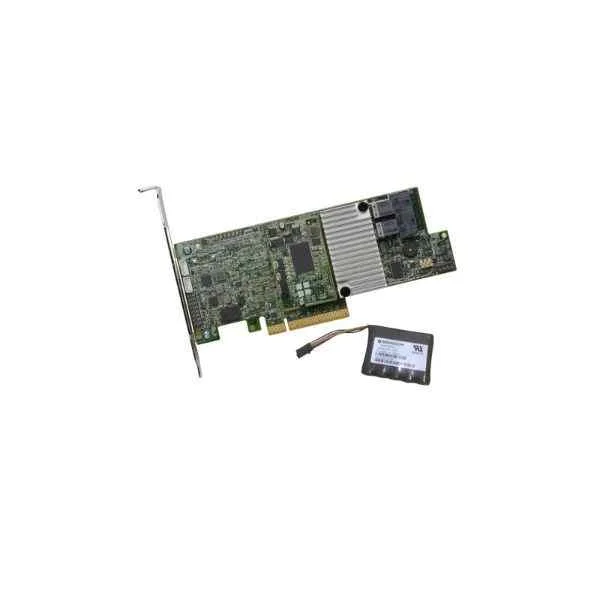
Lenovo 4Y37A09722 RAID 730-8i (Lenovo ThinkSystem RAID 730-8i 2GB Flash PCIe 12Gb Adapter)
4.6 (5)- RAID Controller
- Lenovo
- PCIe
- Internal PCIe Card
Est Value In stockFirst-Time Buyer Discount – Get up to 2% additional off on your first order
ORM Rewards Earn $50 in Rewards + Free Expedited Delivery – Join Now!
Use eCoupon ORMSAVE10
eCoupon limited to 5 units
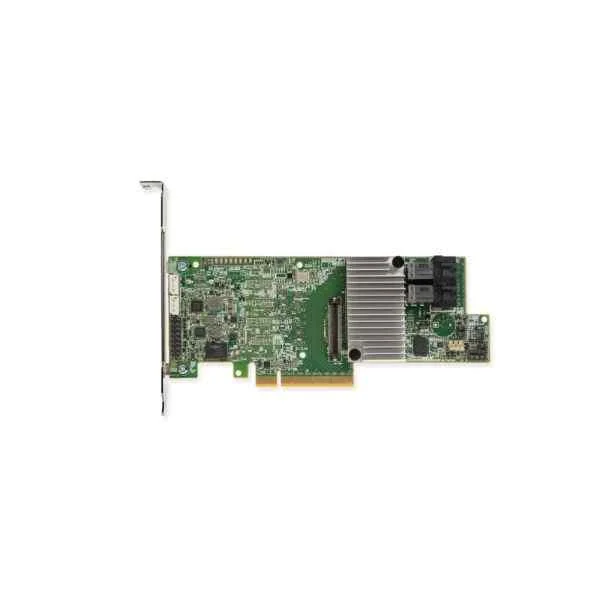
Lenovo 7Y37A01083 RAID 730-8i (Lenovo ThinkSystem RAID 730-8i 1GB Cache PCIe 12Gb Adapter)
5 (5)- RAID Controller
- Lenovo
- RAID Controller
- 6Gbps
- PCIe 2.0 x8
- SATA / SAS
- Internal PCIe Card
Est Value In stockFirst-Time Buyer Discount – Get up to 2% additional off on your first order
ORM Rewards Earn $50 in Rewards + Free Expedited Delivery – Join Now!
Use eCoupon ORMSAVE10
eCoupon limited to 5 units
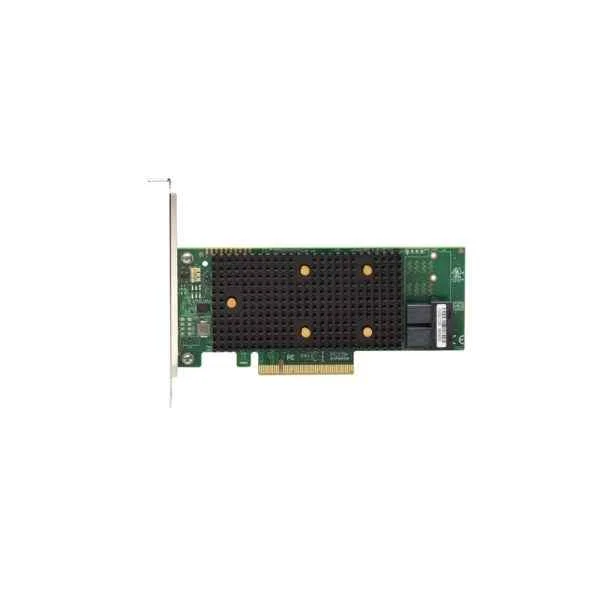
Lenovo 7Y37A01082 RAID 530-8i (Lenovo ThinkSystem RAID 530-8i PCIe 12Gb Adapter for SR530, SR550, SR630, SR650, SR850)
4.6 (5)- RAID Controller
- Lenovo
- RAID
- SAS 6Gb/s
- PCIe
- SATA / SAS
- Internal PCIe Card
Est Value In stockFirst-Time Buyer Discount – Get up to 2% additional off on your first order
ORM Rewards Earn $50 in Rewards + Free Expedited Delivery – Join Now!
Use eCoupon ORMSAVE10
eCoupon limited to 5 units

ORM Sales Advisors
Buying for your business? Get a personalised quote in under 2 hours. Talk to an expert
LEARNFilters (7) 
Questions & Answers
What is a Lenovo Server Network Adapter?
A Lenovo Server Network Adapter is a PCIe expansion card that provides high-performance Ethernet or converged networking for Lenovo ThinkSystem and ThinkAgile servers.
Which Lenovo Server Network Adapter models support 25GbE and 100GbE?
Lenovo offers models such as the ThinkSystem 25GbE SFP28 and 100GbE QSFP28 adapters, delivering scalable performance for demanding data-center workloads.
How do I install a Lenovo Server Network Adapter?
Power down the server, insert the adapter into a compatible PCIe slot, secure it with a retention bracket, reconnect cables, and power on. Install the latest drivers from Lenovo Support.
Is Lenovo Server Network Adapter compatible with VMware ESXi?
Yes. Lenovo Server Network Adapters are VMware-certified and fully supported on ESXi 6.5, 6.7, 7.0, and later versions with Lenovo VMware Vendor Certified drivers.
Can I use Lenovo Server Network Adapter for RDMA workloads?
Absolutely. Many Lenovo adapters support RoCEv2 and iWARP for low-latency RDMA acceleration in high-performance computing and storage environments.
How do I update firmware on a Lenovo Server Network Adapter?
Download the adapter firmware package from Lenovo Support, run the firmware update utility in your OS or UEFI, follow the on-screen prompts, and reboot upon completion.
What throughput performance can I expect from Lenovo Server Network Adapters?
Lenovo adapters deliver line-rate throughput—up to 25GbE, 40GbE, 50GbE, or 100GbE per port—ensuring zero packet drops under full-duplex operation with optimized drivers.
How many PCIe lanes does a Lenovo Server Network Adapter require?
Most adapters use PCIe Gen3 x8 lanes; high-speed models may use Gen4 x16 slots. Always verify the server’s PCIe slot specifications before installation.
Do Lenovo Server Network Adapters support iSCSI offload?
Yes. Select Lenovo Converged Network Adapters (CNAs) support iSCSI offload, reducing CPU load and improving block-storage throughput in SAN deployments.
How do I configure VLAN tagging on a Lenovo Server Network Adapter?
Use Lenovo XClarity Controller or OS utilities to add VLAN IDs on each adapter port. Enable 802.1Q tagging in the adapter’s driver settings for proper VLAN segmentation.
Which operating systems are supported by Lenovo Server Network Adapters?
Lenovo adapters support major OS platforms including Red Hat Enterprise Linux, SUSE Linux Enterprise Server, Microsoft Windows Server, VMware ESXi, and CentOS.
How can I monitor and manage Lenovo Server Network Adapters?
Use Lenovo XClarity Administrator, in-band tools like ethtool, or vendor-specific utilities to monitor link status, throughput, errors, and perform firmware updates.
What warranty covers Lenovo Server Network Adapters?
All Lenovo Server Network Adapters come with a standard three-year limited warranty, upgradeable to five years with Lenovo Premier Support and warranty extension services.
Can Lenovo Server Network Adapters operate in multi-host or switchless topologies?
Yes. High-performance models with SR-IOV and virtual Fabrics support multi-host configurations and direct server-to-server connectivity without external switches.
How do I troubleshoot link failures on Lenovo Server Network Adapters?
Verify cable integrity, check link LEDs, review OS logs for error counters, update firmware and drivers, and use diagnostic tools like Lenovo XClarity Controller to isolate faults.