 United States
Hikvision IP Series Network Cameras
Engineered for exacting security requirements, these advanced IP series network cameras offer superior imaging and intelligent analytics with dependable connectivity, robust performance, and seamless integration for comprehensive surveillance.
Talk to an expert
48 Matching results
- BEST SELLING
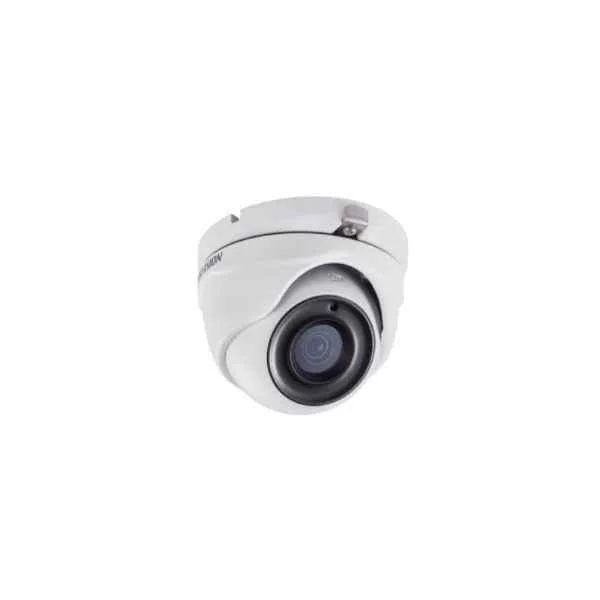
DS-2CE56H0T-ITMF (5 MP Outdoor Turret Camera)
4.2 (5)- Security Camera
- Hikvision
- Bullet
- Analog HD
- 1080p
- Fixed
Est Value In stock
First-Time Buyer Discount – Get up to 2% additional off on your first order
ORM Rewards Earn $50 in Rewards + Free Expedited Delivery – Join Now!
Use eCoupon ORMSAVE10
eCoupon limited to 5 units
- BEST SELLING
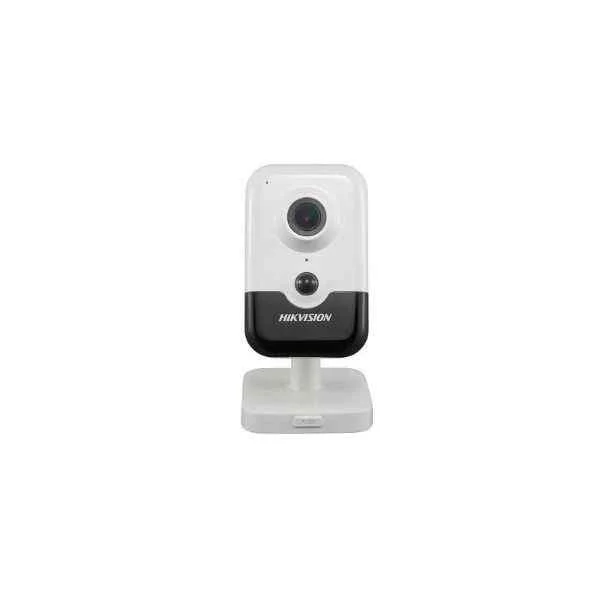
DS-2CD2443G0-IW (4MP Max Resolution, H.265+ Codec, EXIR Cube, Indoor Protection, 2.8/4mm fixed lens, 120dB WDR, Line crossing detection, Intrusion detection + Face detection)
4.6 (5)- Security Camera
- Hikvision
- Turret
- IP Camera
- 4MP
- Fixed
- Motion Detection / Intrusion Detection / Line Crossing
Est Value In stockFirst-Time Buyer Discount – Get up to 2% additional off on your first order
ORM Rewards Earn $50 in Rewards + Free Expedited Delivery – Join Now!
Use eCoupon ORMSAVE10
eCoupon limited to 5 units
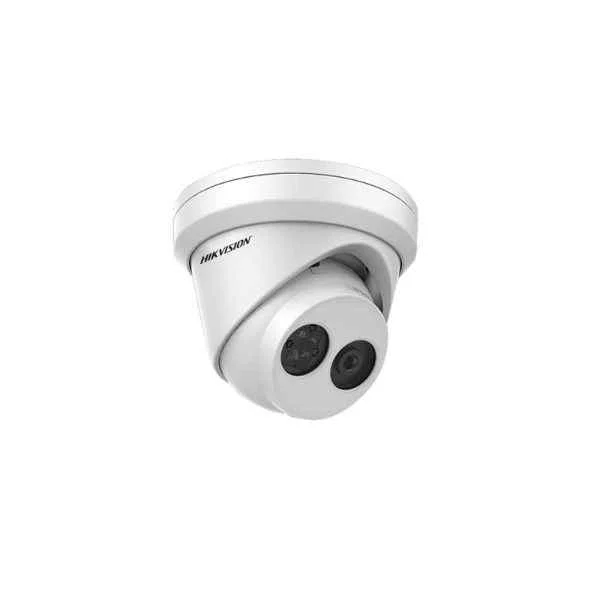
DS-2CD2355FWD-I (5 MP IR Fixed Turret Network Camera)
4.6 (5)- Security Camera
- Hikvision
- Turret
- IP Camera
- 5MP
- Fixed
- Motion Detection
Est Value In stockFirst-Time Buyer Discount – Get up to 2% additional off on your first order
ORM Rewards Earn $50 in Rewards + Free Expedited Delivery – Join Now!
Use eCoupon ORMSAVE10
eCoupon limited to 5 units
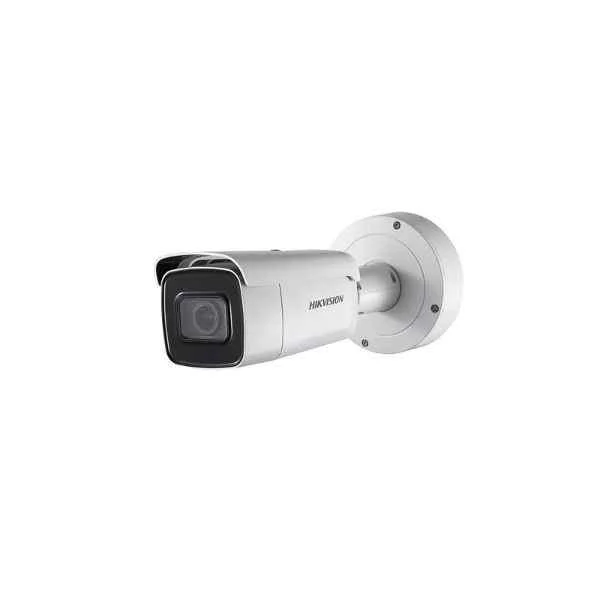
DS-2CD2685G0-IZSHK (Hikvision 4K Powered-by-DarkFighter Varifocal Bullet Network Camera, Hong Kong version)
4.6 (5)- Security Camera
- Hikvision
- Turret
- IP Camera
- 8MP
- Fixed
- Motion Detection
Est Value In stockFirst-Time Buyer Discount – Get up to 2% additional off on your first order
ORM Rewards Earn $50 in Rewards + Free Expedited Delivery – Join Now!
Use eCoupon ORMSAVE10
eCoupon limited to 5 units
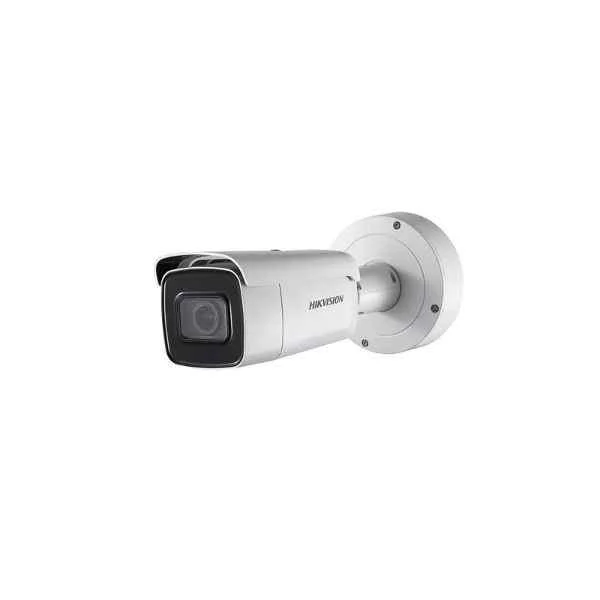
DS-2CD1141-I (Hikvision 4.0 MP CMOS Network Bullet Camera)
4.8 (5)- Security Camera
- Hikvision
- Bullet
- IP Camera
- 4MP
- Fixed
- Motion Detection
Est Value In stockFirst-Time Buyer Discount – Get up to 2% additional off on your first order
ORM Rewards Earn $50 in Rewards + Free Expedited Delivery – Join Now!
Use eCoupon ORMSAVE10
eCoupon limited to 5 units
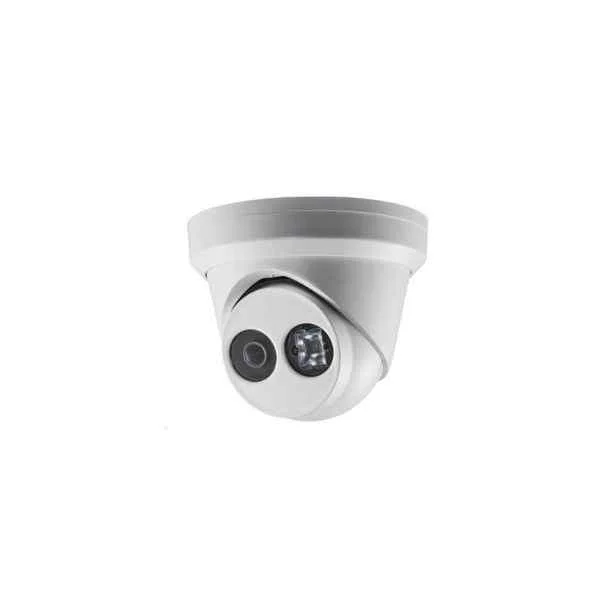
DS-2CD2343G0-IHK (Hikvision 4 MP IR Fixed Turret Network Camera)
4.2 (5)- Security Camera
- Hikvision
- Bullet
- IP Camera
- 4MP
- Fixed
Est Value In stockFirst-Time Buyer Discount – Get up to 2% additional off on your first order
ORM Rewards Earn $50 in Rewards + Free Expedited Delivery – Join Now!
Use eCoupon ORMSAVE10
eCoupon limited to 5 units
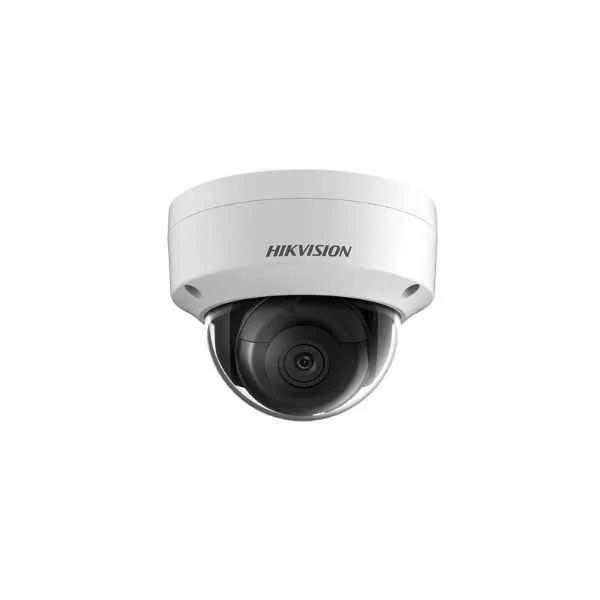
DS-2CD2155FWD-IS (5 MP IR Fixed Dome Network Camera)
4.6 (5)- Security Camera
- Hikvision
- Bullet
- IP Camera
- 5MP
- Fixed
- Motion Detection
Est Value In stockFirst-Time Buyer Discount – Get up to 2% additional off on your first order
ORM Rewards Earn $50 in Rewards + Free Expedited Delivery – Join Now!
Use eCoupon ORMSAVE10
eCoupon limited to 5 units
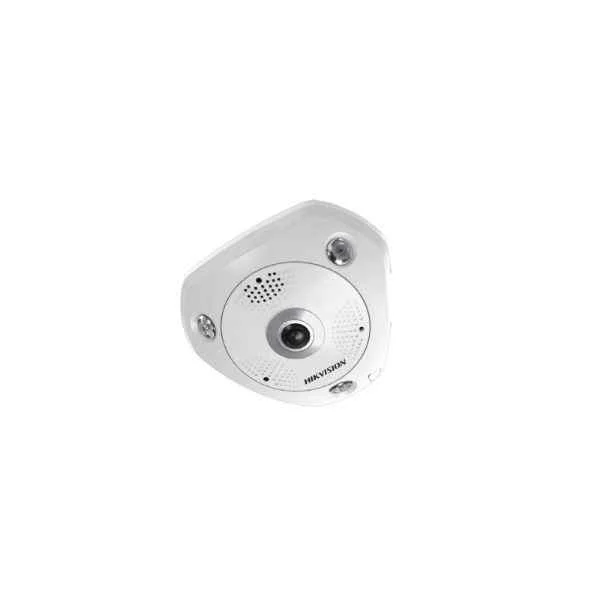
DS-2CD6362F-IS (Hikvision 6MP Fisheye Network Camera)
4.6 (5)- Security Camera
- Hikvision
- Turret
- IP Camera
- 1080p
- Fixed
- Motion Detection
Est Value In stockFirst-Time Buyer Discount – Get up to 2% additional off on your first order
ORM Rewards Earn $50 in Rewards + Free Expedited Delivery – Join Now!
Use eCoupon ORMSAVE10
eCoupon limited to 5 units
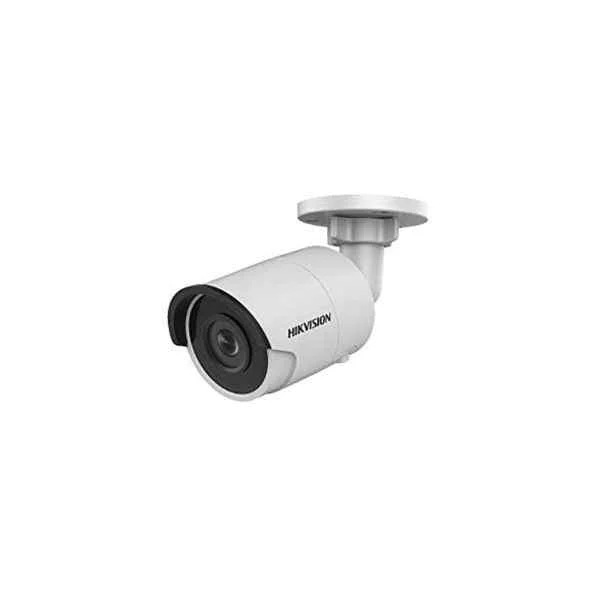
DS-2CD2055FWD-I (5 MP IR Fixed Network Bullet Camera)
4.8 (5)- Security Camera
- Hikvision
- Bullet
- IP Camera
- 5MP
- Fixed
- Motion Detection
Est Value In stockFirst-Time Buyer Discount – Get up to 2% additional off on your first order
ORM Rewards Earn $50 in Rewards + Free Expedited Delivery – Join Now!
Use eCoupon ORMSAVE10
eCoupon limited to 5 units
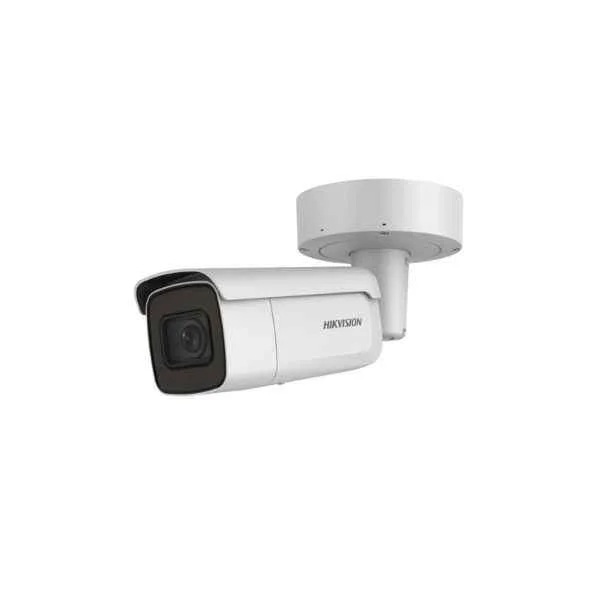
DS-2CD2685FWD-IZS (8 MP IR Vari-focal Bullet Network Camera)
4.6 (5)- Security Camera
- Hikvision
- Bullet
- IP Camera
- 8MP
- Motorized
- Motion Detection
Est Value In stockFirst-Time Buyer Discount – Get up to 2% additional off on your first order
ORM Rewards Earn $50 in Rewards + Free Expedited Delivery – Join Now!
Use eCoupon ORMSAVE10
eCoupon limited to 5 units
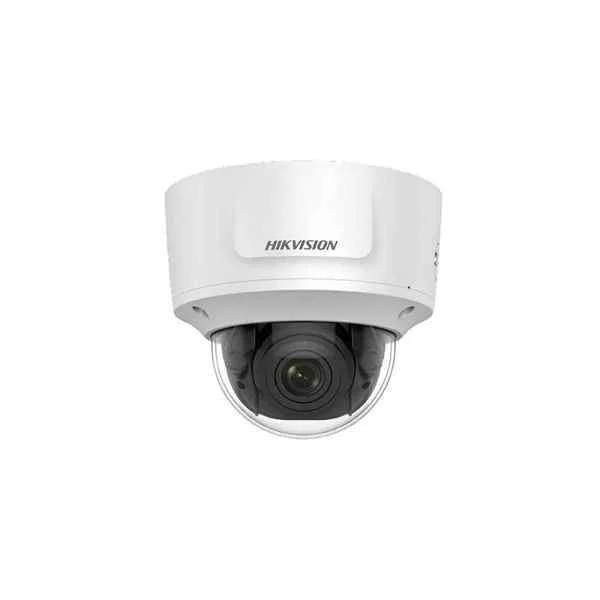
DS-2CD2785FWD-IZS (8 MP IR Vari-focal Dome Network Camera)
4.6 (5)- Security Camera
- Hikvision
- Bullet
- IP Camera
- 8MP
- Fixed
- Motion Detection
Est Value In stockFirst-Time Buyer Discount – Get up to 2% additional off on your first order
ORM Rewards Earn $50 in Rewards + Free Expedited Delivery – Join Now!
Use eCoupon ORMSAVE10
eCoupon limited to 5 units
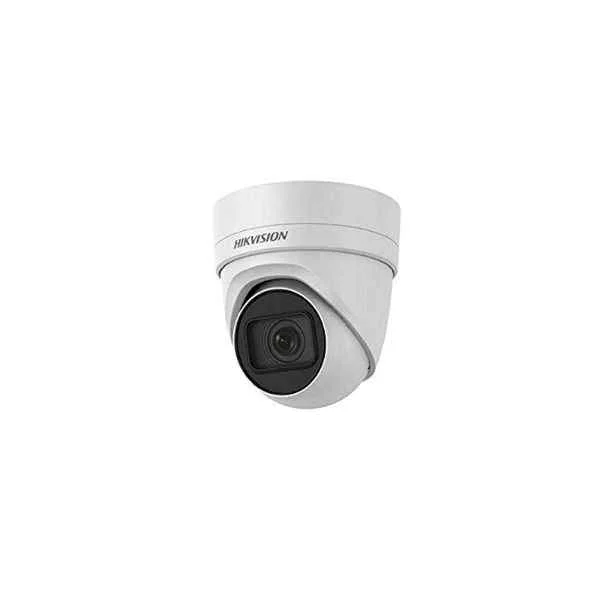
DS-2CD2H85FWD-IZS (8 MP IR Vari-focal Turret Network Camera)
4.8 (5)- Security Camera
- Hikvision
- Bullet
- IP Camera
- 8MP
- Fixed
Est Value In stockFirst-Time Buyer Discount – Get up to 2% additional off on your first order
ORM Rewards Earn $50 in Rewards + Free Expedited Delivery – Join Now!
Use eCoupon ORMSAVE10
eCoupon limited to 5 units
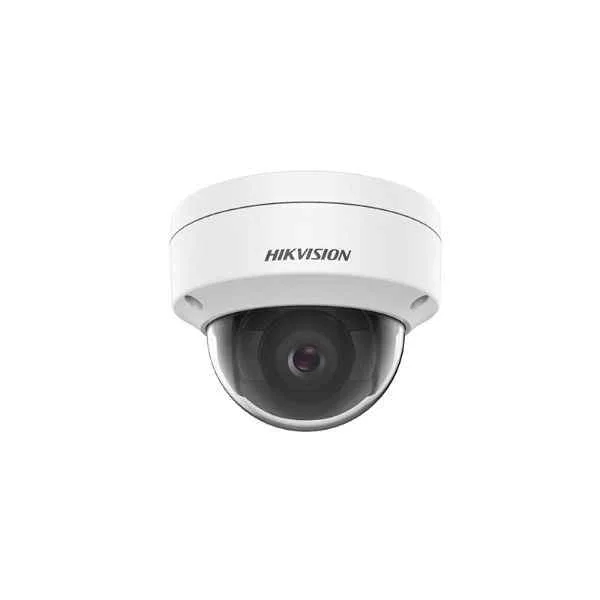
DS-2CD1143G0E-I (4 MP Fixed Dome Network Camera)
4.2 (5)- Security Camera
- Hikvision
- Bullet
- IP Camera
- 4MP
- Fixed
- Motion Detection
Est Value In stockFirst-Time Buyer Discount – Get up to 2% additional off on your first order
ORM Rewards Earn $50 in Rewards + Free Expedited Delivery – Join Now!
Use eCoupon ORMSAVE10
eCoupon limited to 5 units
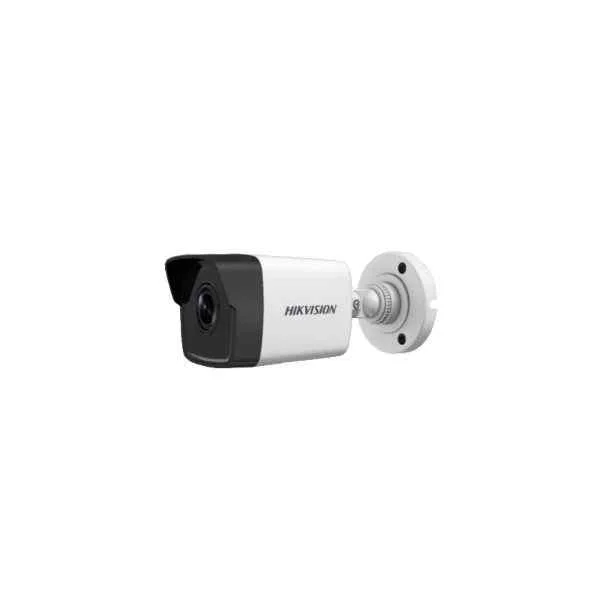
DS-2CD1043G0E-I (4 MP Fixed Bullet Network Camera)
4.4 (5)- Security Camera
- Hikvision
- Bullet
- IP Camera
- 4MP
- Fixed
- Motion Detection
Est Value In stockFirst-Time Buyer Discount – Get up to 2% additional off on your first order
ORM Rewards Earn $50 in Rewards + Free Expedited Delivery – Join Now!
Use eCoupon ORMSAVE10
eCoupon limited to 5 units
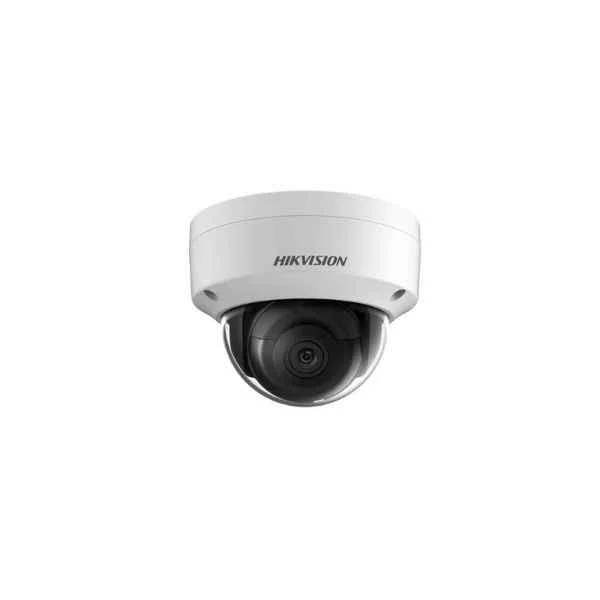
DS-2CD1123G0-I (2.0 MP IR Network Dome Camera)
4.2 (5)- Security Camera
- Hikvision
- Turret
- IP Camera
- 2MP
- Fixed
- Motion Detection
Est Value In stockFirst-Time Buyer Discount – Get up to 2% additional off on your first order
ORM Rewards Earn $50 in Rewards + Free Expedited Delivery – Join Now!
Use eCoupon ORMSAVE10
eCoupon limited to 5 units
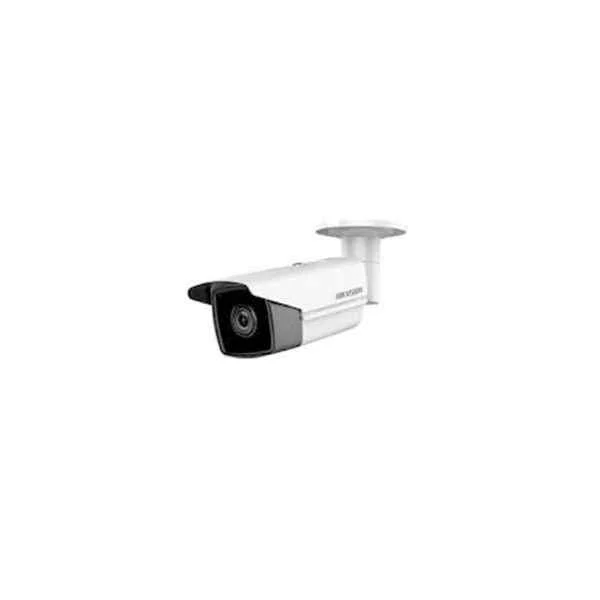
DS-2CD2T85FWD-I5I8 (8 MP IR Fixed Bullet Network Camera)
5 (5)- Security Camera
- Hikvision
- Turret
- IP Camera
- 8MP
- Fixed
- Motion Detection
Est Value In stockFirst-Time Buyer Discount – Get up to 2% additional off on your first order
ORM Rewards Earn $50 in Rewards + Free Expedited Delivery – Join Now!
Use eCoupon ORMSAVE10
eCoupon limited to 5 units
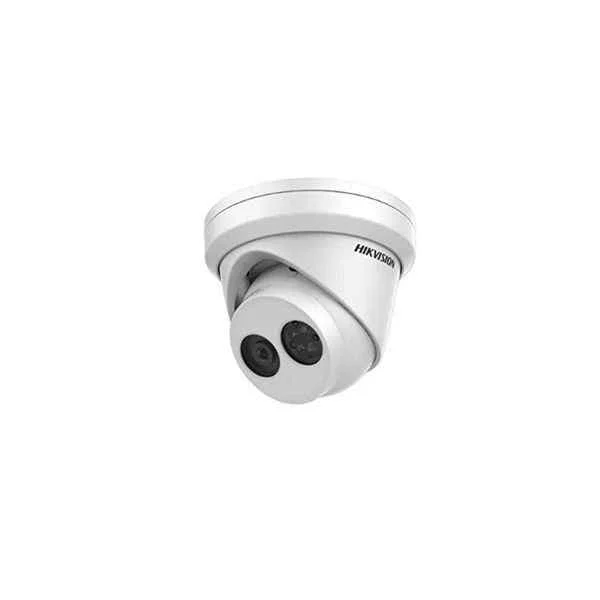
DS-2CD2385FWD-I (8 MP IR Fixed Turret Network Camera)
4.8 (5)- Security Camera
- Hikvision
- Bullet
- IP Camera
- 8MP
- Fixed
- Motion Detection
Est Value In stockFirst-Time Buyer Discount – Get up to 2% additional off on your first order
ORM Rewards Earn $50 in Rewards + Free Expedited Delivery – Join Now!
Use eCoupon ORMSAVE10
eCoupon limited to 5 units
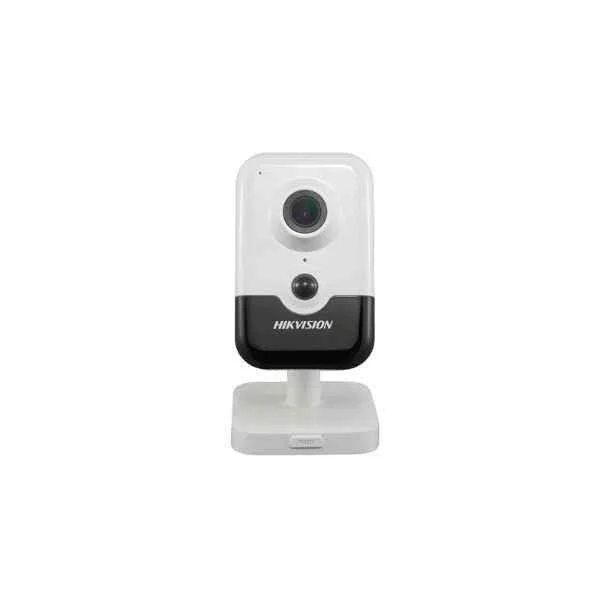
DS-2CD2423G0-I(W) (2 MP Indoor WDR Fixed Cube Network Camera)
4.2 (5)- Security Camera
- Hikvision
- Turret
- IP Camera
- 2MP
- Fixed
- Motion Detection
Est Value In stockFirst-Time Buyer Discount – Get up to 2% additional off on your first order
ORM Rewards Earn $50 in Rewards + Free Expedited Delivery – Join Now!
Use eCoupon ORMSAVE10
eCoupon limited to 5 units
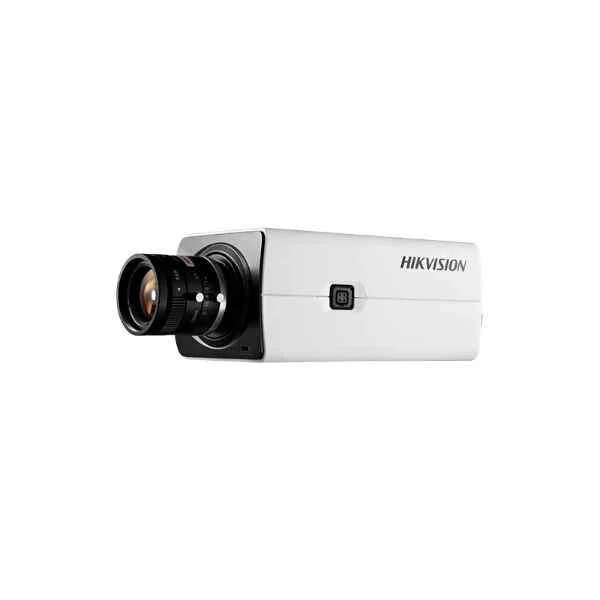
DS-2CD2821G0 (2 MP Powered by DarkFighter Box Network Camera)
4.6 (5)- Security Camera
- Hikvision
- Turret
- IP Camera
- 2MP
- Fixed
Est Value In stockFirst-Time Buyer Discount – Get up to 2% additional off on your first order
ORM Rewards Earn $50 in Rewards + Free Expedited Delivery – Join Now!
Use eCoupon ORMSAVE10
eCoupon limited to 5 units
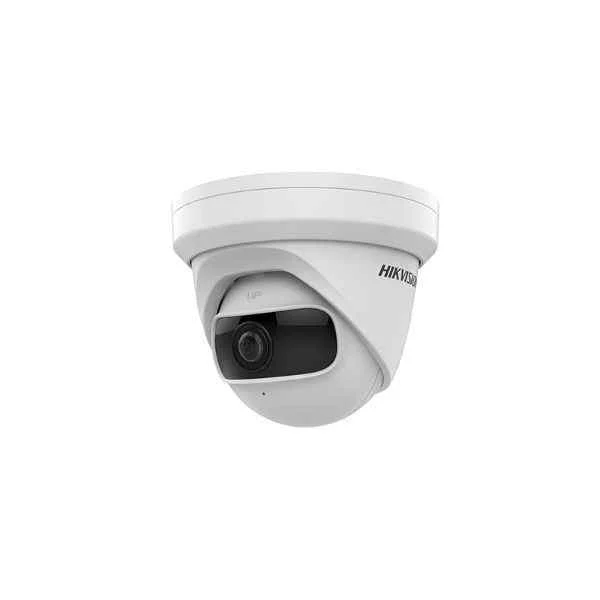
DS-2CD2345G0P-I (4 MP Super Wide Angle Fixed Turret Network Camera)
4.4 (5)- Security Camera
- Hikvision
- Bullet
- IP Camera
- 4MP
- Fixed
- Motion Detection
Est Value In stockFirst-Time Buyer Discount – Get up to 2% additional off on your first order
ORM Rewards Earn $50 in Rewards + Free Expedited Delivery – Join Now!
Use eCoupon ORMSAVE10
eCoupon limited to 5 units

ORM Sales Advisors
Buying for your business? Get a personalised quote in under 2 hours. Talk to an expert
LEARNFilters (48) 
Questions & Answers
What is a Hikvision IP Series Network Camera?
Hikvision IP Series Network Cameras are digital surveillance devices that deliver high-definition video streams over IP networks, featuring H.265+ compression, intelligent analytics, and PoE support.
What are the key features of Hikvision IP Series cameras?
Key features include 4K UHD resolution, H.265+ compression, Smart Motion Detection, Wide Dynamic Range, PoE power, and built-in analytics such as line crossing and intrusion detection.
What resolution do Hikvision IP Series cameras support?
Hikvision IP Series cameras support resolutions from 2 MP up to 8 MP (4K UHD) with configurable frame rates up to 30 fps in full HD.
How do I install a Hikvision IP Series camera?
To install a Hikvision IP Series camera, securely mount the unit, connect the Ethernet cable with PoE or separate power, assign an IP via the SADP tool, and access the web interface to complete setup.
How do I configure network settings on a Hikvision IP Series camera?
Configure network settings via the camera’s web interface under Network → TCP/IP by assigning a static IP or enabling DHCP, then set the gateway, subnet mask, and DNS servers.
How can I view Hikvision IP cameras remotely?
Remote viewing is enabled through the free Hik-Connect mobile app or iVMS-4200 client: register your device, scan its QR code, and log in with your Hik-Connect account for live and playback access.
Do Hikvision IP Series cameras support PoE?
Yes, most Hikvision IP Series Network Cameras support IEEE 802.3af/at Power over Ethernet, allowing video and power delivery over a single cable.
Are Hikvision IP Series cameras ONVIF compatible?
Hikvision IP Series cameras are ONVIF Profile S and Profile G compliant, ensuring interoperability with a wide range of third-party NVRs and VMS platforms.
How do I integrate Hikvision IP cameras with an NVR?
Integrate with an NVR by adding the camera’s IP address, username, and password into the NVR’s camera management interface, ensuring that network settings match on both devices.
What mobile apps are available for Hikvision IP cameras?
Use the Hik-Connect mobile app on iOS and Android for live view, recorded playback, two-way audio, and push notifications from your Hikvision IP Series cameras.
How do I update the firmware on a Hikvision IP Series camera?
Update firmware by downloading the latest version from the Hikvision website, uploading it via the camera’s Maintenance → Upgrade page, and restarting the device to complete the process.
How do I reset a Hikvision IP Series camera to factory default?
Reset a camera by pressing and holding its reset button for 10 seconds or selecting Default → Factory Reset under Maintenance in the web interface.
Are Hikvision IP Series cameras weatherproof for outdoor use?
Outdoor models feature an IP67-rated housing that protects against dust and water ingress, ensuring reliable performance in harsh weather conditions.
Do Hikvision IP Series network cameras support two-way audio?
Yes, select models include built-in microphone and speaker ports for two-way audio communication, configurable under the camera’s Audio/Video settings.
What is the IR range of Hikvision IP Series cameras for night vision?
Night vision IR range varies by model, typically between 30 and 50 meters, with Auto IR and Smart IR technology to prevent overexposure in low-light conditions.
How do I secure my Hikvision IP Series network cameras from hacking?
Enhance security by changing default passwords, enabling HTTPS, updating firmware regularly, disabling unused services, and placing cameras on a segmented, firewall-protected network.