 United States
Trusted by the Highest-Stakes Buyers
Federal agencies and Fortune 500 operations source through ORM Systems.
US Government & Defense
Enterprise Clients

Featured Deal
Hand-picked by our procurement team for standout value. This unit is offered at our sharpest price on current stock, verified against live market rates.
Name:

Added to cart 28 times recently
Ready to Ship
Certified Refurbished
Professionally inspected, bench-tested, and firmware-verified, with configurations wiped. Restored to full working order and backed by our warranty.

$250.31
$213.6814.6% off
Quantity:


3 Year Extended Warranty


Same-day Shipping

30-Day Money Back Guarantee
Shipping:
Payment:
3 Year Extended Warranty
Same-day Shipping
30-Day Money Back Guarantee
Need Additional Discount on Product?
Request a quote below - Get Exclusive Pricing and Support.
Shipping:
Payment:
RE700X
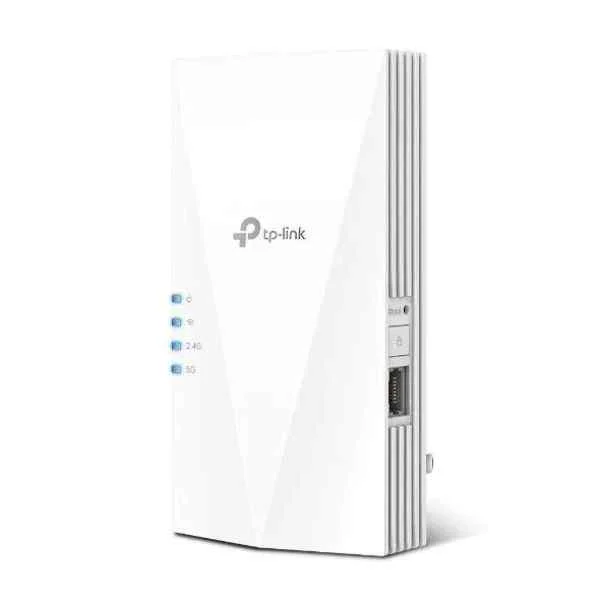
TP-LINK AX3000 WI-FI 6 RANGE EXTENDER (RE700X)
Trusted by the Highest-Stakes Buyers
Federal agencies and Fortune 500 operations source through ORM Systems.
US Government & Defense




Enterprise Clients



Built Global. Stocked Local.
Regional teams and 25+ distribution partners keep stock near you and accountability in your time zone.
Buyer Protection on Every Order
Pay by PayPal or Revolut with full chargeback rights. Order on PO terms, Net-30 for government.
Verified By Federal Bodies
Every registration we claim is public record — check our federal contractor status yourself before you spend a dollar.



Since 2016, Enterprise-Trusted
Ten years serving buyers who audit their vendors. From federal agencies to 20,000+ enterprise clients worldwide.
RE700X is an enterprise-grade Access Point engineered for high-performance wireless connectivity in demanding environments. It operates in dual-band mode using 2.4GHz and 5GHz frequencies, adheres to the Wi‑Fi 6 standard, and delivers data rates up to 2.5Gbps. With integrated MU‑MIMO and beamforming technologies, the RE700X ensures robust, efficient connections that support numerous devices simultaneously, making it ideal for large offices, data centers, and modern home networks.
The device features integrated omnidirectional antennas with a 5dBi gain, providing reliable indoor coverage of up to 2000 square feet. Designed for flexible installation with ceiling and wall mount options and powered via PoE, the RE700X offers simplified deployment in both legacy and modern network architectures. Its advanced security protocols, including WPA2 and WPA3, and cloud management capabilities further enhance its appeal for mission-critical applications.
RE700X price for new stock is is available on request. Get immediate quote. RE700X refurb price is $213.68.
Request bulk order quote for RE700X for additional pricing. Browse the full Tp_Link Range Extender series or explore all Tp-Link products.
Mon–Fri: [09:00-16:00]
Avg. response under 30 mins

| RE700X | 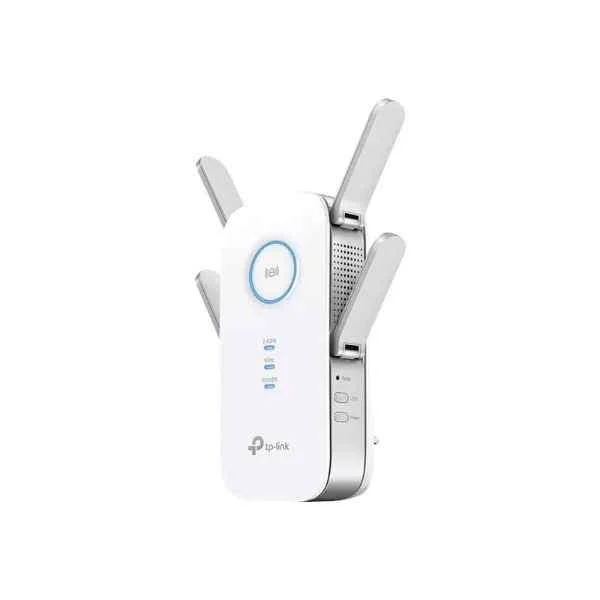 RE650 RE650 | 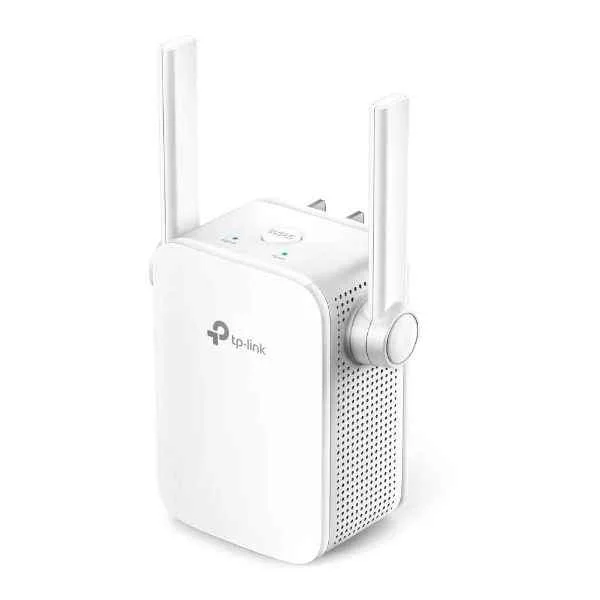 TL-WA855RE TL-WA855RE | 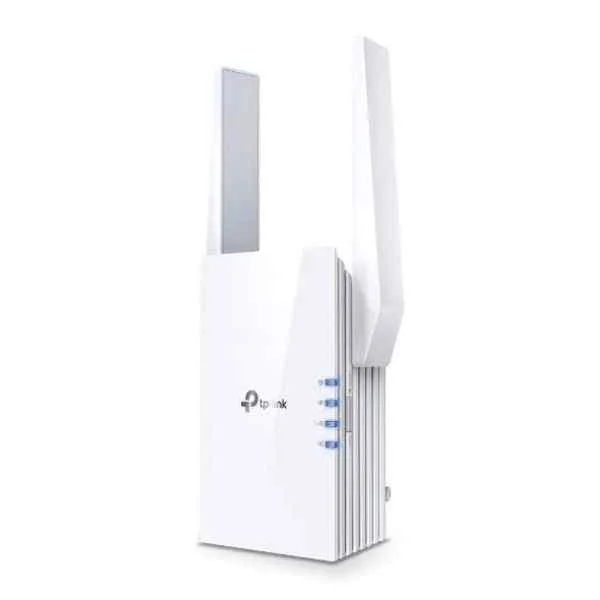 RE705X RE705X | 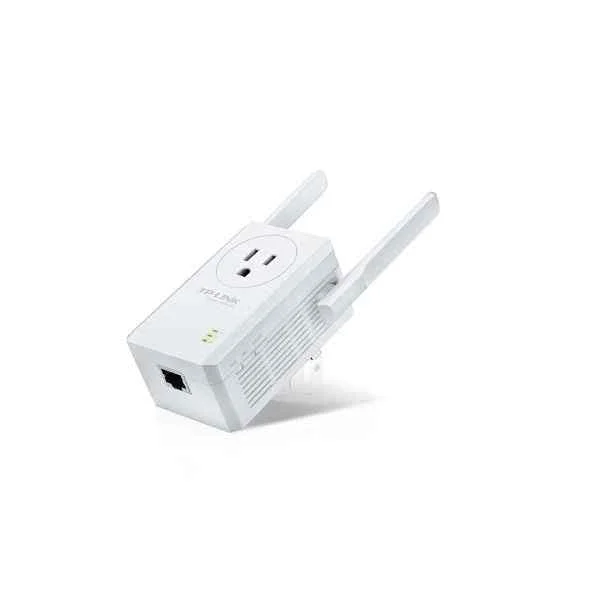 TL-WA860RE TL-WA860RE | |
|---|---|---|---|---|---|
| Product Type | Wireless Product | Wireless Access Point | Wireless Range Extender | Wireless Product | Wireless Repeater |
| Wireless Type | Access Point | Access Point | Range Extender | Access Point | Repeater |
| Wi-Fi Standard | Wi-Fi 6 | Wi-Fi 6 | 802.11b/g/n | Wi-Fi 6 | 802.11n |
| Frequency Bands | 2.4GHz / 5GHz | 2.4GHz / 5GHz | 2.4GHz | 2.4GHz / 5GHz | 2.4GHz |
| Data Rate | 2.5Gbps | 2.5Gbps | 300Mbps | 2.5Gbps | 300Mbps |
| Antenna Type | Omnidirectional | Integrated Omnidirectional | External | Omnidirectional | Omnidirectional |
| Beamforming | Yes | Yes | No | Yes | No |
| Mounting Options | Ceiling Mount / Wall Mount | Ceiling Mount / Wall Mount | Wall Mount, Plug-in | Ceiling Mount / Wall Mount | Wall Mount |
| Power Supply | PoE | PoE | AC Adapter | PoE | AC Adapter |
| Mesh Networking | No | No | No | Yes | No |
| Protocols Supported | 802.11a/b/g/n/ac/ax | 802.11ax / 802.11ac / 802.11n | 802.11b/g/n | 802.11a/b/g/n/ac/ax | 802.11b/g/n |
| Security Features | WPA2, WPA3, 802.1X | WPA2 / WPA3 | WPA, WPA2 | WPA2 / WPA3 | WEP/WPA/WPA2 |
| Compliance | FCC, CE, RoHS | FCC / CE / RoHS | FCC, CE, RoHS | FCC / CE / RoHS | FCC/CE/RoHS |
| Outdoor Use | No | No | No | No | Yes |
| Product Name | RE700X Enterprise Access Point | RE650 Wireless Access Point | TL-WA855RE Wireless Range Extender | RE705X Wi-Fi 6 Access Point | TL-WA860RE Wireless Repeater |


Every unit is authentic, sourced through trusted and authorised channels, and serial-verified on request. Genuine networking and IT hardware, guaranteed, or your money back.

New products are backed by up to 3 years of extended warranty, and certified refurbished units by up to 3 months, for dependable protection on every order. Coverage is clear, honoured in full, and confirmed on each product page.

If a unit ever falls short, our streamlined RMA process gets a replacement to you fast, with advance replacement available to keep your network running. No jargon, no runaround.

Every device is inspected, bench-tested, and firmware-verified, with configurations wiped before dispatch. Additional testing can be arranged to confirm full working condition on request.

Our specialists assist with compatibility, configuration, licensing, and installation, before and after you buy. Real hardware expertise, whenever you need it.

dispatched quickly and shipped worldwide from regional hubs, fully tracked and insured.
Reviewed on the 25 August 2026

Wi-Fi 6 range extender delivering fast AX3000 speeds consistently.
Reviewed on the 14 September 2018
Reliable signal extension across large office spaces.
Reviewed on the 12 August 2021
Easy setup and stable dual-band performance.
Reviewed on the 14 October 2021
Strong coverage improvement with minimal latency.
Reviewed on the 16 October 2025
Professional extender ensuring smooth connectivity.
Reviewed on the 6 September 2026
Consistent performance for high-traffic networks.
The RE700X delivers up to 574 Mbps on 2.4 GHz and 2402 Mbps on 5 GHz, combining for AX3000 performance over Wi-Fi 6.
Plug in the RE700X, press the WPS button on your router, then press WPS on the extender. Use the Tether app or web interface at tplinkrepeater.net for manual setup.
The RE700X extends coverage up to 2,500 sq ft, eliminating dead zones in multi-floor homes and large apartments.
Yes, the RE700X supports 802.11a/b/g/n/ac devices, ensuring seamless connectivity with legacy Wi-Fi equipment.
The RE700X supports up to 128 concurrent devices by leveraging OFDMA and MU-MIMO technologies in Wi-Fi 6.
Yes, the RE700X supports WPA3 encryption for enhanced password protection and improved network security.
Yes, switch to Access Point mode via the web management page to create a new Wi Fi network using a wired connection.
Download the latest firmware from the TP-LINK support site, log into the web interface at tplinkrepeater.net, navigate to System Tools > Firmware Upgrade, and upload the file.
A steady green light indicates optimal signal, amber denotes fair signal, and red signals poor connection; off means no power or no link.
Place the extender halfway between your router and dead zone, avoiding metal surfaces or appliances that cause interference.
Press and hold the Reset button on the bottom panel for 10 seconds until LEDs blink, restoring factory settings.
The RE700X can extend mesh SSIDs in Access Point mode but does not support proprietary mesh protocols like TP-LINK OneMesh.
OFDMA divides channels into smaller resource units, increasing efficiency and reducing latency for multiple connected devices.
Yes, download the TP-LINK Tether app on iOS or Android to view status, configure settings and perform live diagnostics.
Yes, the RE700X features a Gigabit Ethernet port for wired backhaul or to connect wired devices at full Gigabit speed.
Wi-Fi 6 increases throughput, reduces congestion and enhances range with technologies like MU-MIMO, OFDMA and 1024-QAM modulation.







