 United States
Trusted by the Highest-Stakes Buyers
Federal agencies and Fortune 500 operations source through ORM Systems.
US Government & Defense
Enterprise Clients

Featured Deal
Hand-picked by our procurement team for standout value. This unit is offered at our sharpest price on current stock, verified against live market rates.
Name:

Added to cart 28 times recently
Ready to Ship
Certified Refurbished
Professionally inspected, bench-tested, and firmware-verified, with configurations wiped. Restored to full working order and backed by our warranty.


3 Year Extended Warranty


Same-day Shipping

30-Day Money Back Guarantee
Shipping:
Payment:
3 Year Extended Warranty
Same-day Shipping
30-Day Money Back Guarantee
Need Additional Discount on Product?
Request a quote below - Get Exclusive Pricing and Support.
Shipping:
Payment:
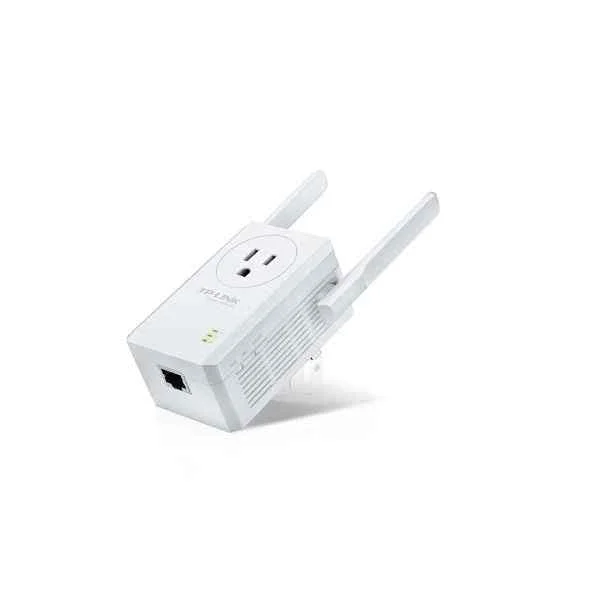
TL-WA860RE
TP-LINK TL-WA860RE - Wi-Fi-Range-Extender (TL-WA860RE)
Trusted by the Highest-Stakes Buyers
Federal agencies and Fortune 500 operations source through ORM Systems.
US Government & Defense




Enterprise Clients



Built Global. Stocked Local.
Regional teams and 25+ distribution partners keep stock near you and accountability in your time zone.
Buyer Protection on Every Order
Pay by PayPal or Revolut with full chargeback rights. Order on PO terms, Net-30 for government.
Verified By Federal Bodies
Every registration we claim is public record — check our federal contractor status yourself before you spend a dollar.



Since 2016, Enterprise-Trusted
Ten years serving buyers who audit their vendors. From federal agencies to 20,000+ enterprise clients worldwide.
TL-WA860RE is a robust wireless repeater engineered to extend network coverage in both outdoor and demanding environments. It operates on the 2.4GHz frequency band using the 802.11n Wi-Fi standard, delivering a maximum data rate of up to 300Mbps to ensure stable connectivity over expanded areas.
TL-WA860RE features integrated omnidirectional antennas and offers flexible connectivity options including an Ethernet port and wall mounting, making it well-suited for outdoor installations, home networks, and small office setups. Its easy installation and design optimized for extended range deliver reliable performance where it’s needed most.
TL-WA860RE price is is available on request. Get immediate quote.
Request bulk order quote for TL-WA860RE for additional pricing. Browse the full Tp_Link Range Extender series or explore all Tp-Link products.
Mon–Fri: [09:00-16:00]
Avg. response under 30 mins

| TL-WA860RE | 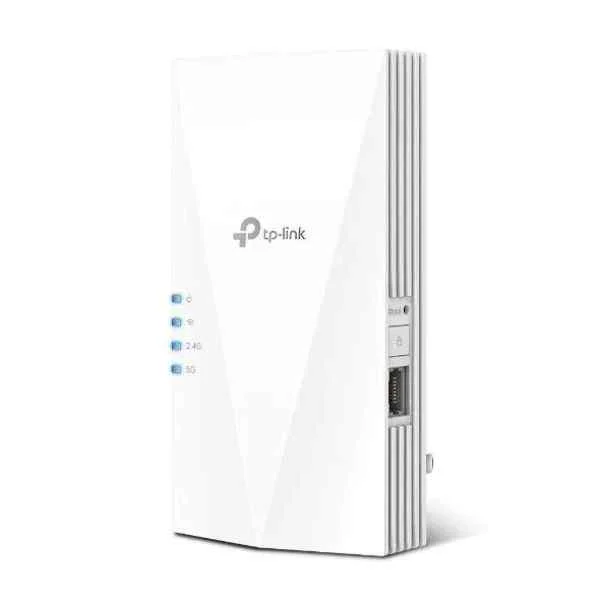 RE700X RE700X | 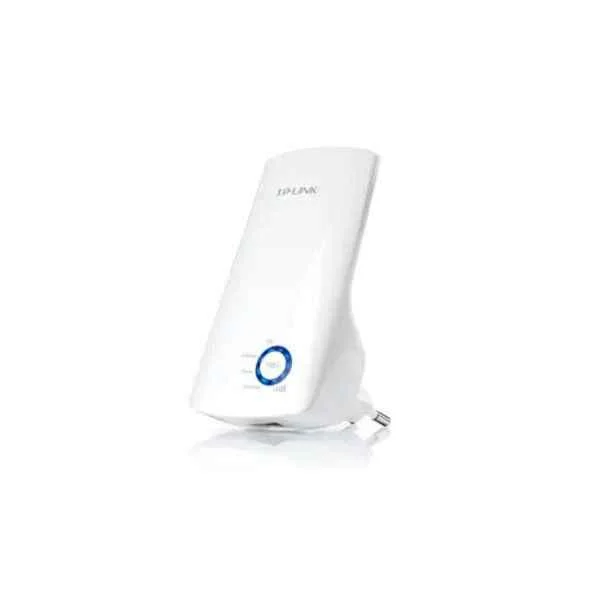 TL-WA850RE TL-WA850RE | 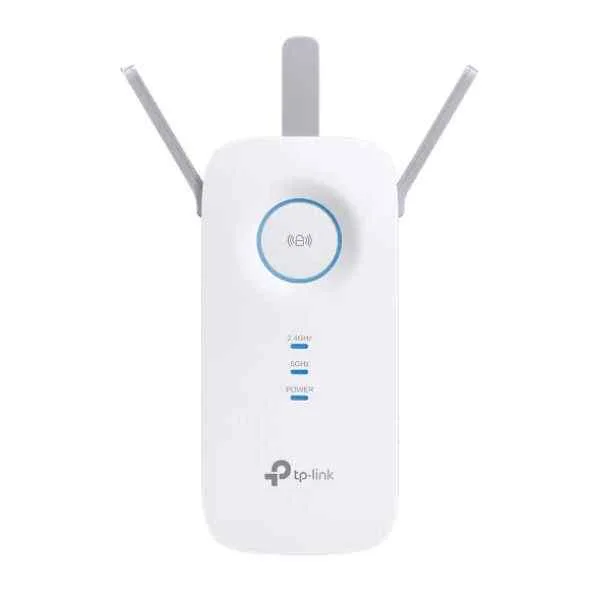 RE550 RE550 |  RE650 RE650 | |
|---|---|---|---|---|---|
| Product Type | Wireless Repeater | Wireless Product | Wireless Range Extender | Wireless Product | Wireless Access Point |
| Wi-Fi Standard | 802.11n | Wi-Fi 6 | 802.11b/g/n | Wi‑Fi 6 | Wi-Fi 6 |
| Frequency Bands | 2.4GHz | 2.4GHz / 5GHz | 2.4GHz | 2.4GHz, 5GHz | 2.4GHz / 5GHz |
| Data Rate | 300Mbps | 2.5Gbps | 300Mbps | 2.5Gbps | 2.5Gbps |
| Connector Type | RJ-45 | RJ-45 | RJ-45 | RJ-45 | RJ-45 |
| Antenna Type | Omnidirectional | Omnidirectional | Omnidirectional | Omnidirectional | Integrated Omnidirectional |
| Beamforming | No | Yes | No | Yes | Yes |
| Mounting Options | Wall Mount | Ceiling Mount / Wall Mount | Wall Mount | Ceiling Mount, Wall Mount | Ceiling Mount / Wall Mount |
| Power Supply | AC Adapter | PoE | AC Adapter | PoE | PoE |
| Mesh Networking | No | No | No | No | No |
| Protocols Supported | 802.11b/g/n | 802.11a/b/g/n/ac/ax | 802.11b/g/n | 802.11a/b/g/n/ac/ax | 802.11ax / 802.11ac / 802.11n |
| Security Features | WEP/WPA/WPA2 | WPA2, WPA3, 802.1X | WPA/WPA2 | WPA2, WPA3 | WPA2 / WPA3 |
| Compliance | FCC/CE/RoHS | FCC, CE, RoHS | FCC / CE / RoHS | FCC, CE, RoHS | FCC / CE / RoHS |
| Outdoor Use | Yes | No | No | No | No |
| Product Name | TL-WA860RE Wireless Repeater | RE700X Enterprise Access Point | TL-WA850RE Wireless Range Extender | RE550 Wireless Access Point | RE650 Wireless Access Point |


Every unit is authentic, sourced through trusted and authorised channels, and serial-verified on request. Genuine networking and IT hardware, guaranteed, or your money back.

New products are backed by up to 3 years of extended warranty, and certified refurbished units by up to 3 months, for dependable protection on every order. Coverage is clear, honoured in full, and confirmed on each product page.

If a unit ever falls short, our streamlined RMA process gets a replacement to you fast, with advance replacement available to keep your network running. No jargon, no runaround.

Every device is inspected, bench-tested, and firmware-verified, with configurations wiped before dispatch. Additional testing can be arranged to confirm full working condition on request.

Our specialists assist with compatibility, configuration, licensing, and installation, before and after you buy. Real hardware expertise, whenever you need it.

dispatched quickly and shipped worldwide from regional hubs, fully tracked and insured.
Reviewed on the 25 April 2020

Stable 300Mbps range extender with passthrough socket.
Reviewed on the 16 November 2019
Improved Wi-Fi coverage in weak areas.
Reviewed on the 17 June 2023
Easy configuration and consistent signal boost.
Reviewed on the 3 June 2018
Reliable performance for everyday browsing.
Reviewed on the 6 September 2020
Compact design with dependable coverage.
Reviewed on the 1 February 2023
Professional solution for small network expansions.
The TP-Link TL-WA860RE is an N300 Wi-Fi Range Extender that amplifies 2.4 GHz wireless signals up to 300 Mbps to eliminate dead zones and enhance coverage.
Plug the TL-WA860RE into a power outlet near your router, press its WPS button within two minutes of pressing WPS on the router, or log in to http://tplinkrepeater.net and follow the Quick Setup wizard to scan, select and extend your network.
Press the WPS button on your router, then press the WPS button on the TL-WA860RE within two minutes; once the signal LED turns solid green, pairing is complete.
Yes. Connect the TL-WA860RE to your router via Ethernet, select Access Point mode in its web interface, and broadcast a new SSID for wired-to-wireless conversion.
The TL-WA860RE supports IEEE 802.11b/g/n on the 2.4 GHz band with data rates up to 300 Mbps.
Press and hold the WPS/Reset button for at least five seconds until all LEDs blink, then release to restore factory defaults.
The TL-WA860RE supports WEP, WPA-PSK, WPA2-PSK and WPA/WPA2 Mixed encryption modes for robust network protection.
The signal LED displays red for poor, amber for fair and green for optimal link quality, guiding you to the best placement.
Position the extender halfway between your router and the Wi-Fi dead zone, ensuring it still receives a stable signal from the router.
Yes. The TL-WA860RE is compatible with any router or access point that supports 802.11b/g/n Wi-Fi standards on the 2.4 GHz band.
Download the latest firmware from the TP-Link support site, log in to http://tplinkrepeater.net, navigate to System Tools → Firmware Upgrade and upload the file.
Yes. You can deploy multiple TL-WA860RE units by assigning unique SSIDs or channels to each and spacing them evenly to avoid overlap.
Connect to the extender’s default SSID, open http://tplinkrepeater.net in a browser, log in with the default credentials (admin/admin) and follow the setup wizard.
The TL-WA860RE extends reliable Wi-Fi coverage across medium to large homes, effectively eliminating dead zones up to hundreds of feet from your router.
No. The TL-WA860RE repeats your existing SSIDs only. To serve guests, create a separate guest network on your router before extending it.
Key features include N300 speeds up to 300 Mbps, two external antennas, WPS setup, signal strength indicator, Access Point mode and energy-saving design.
Log in to http://tplinkrepeater.net, go to Wireless Settings, enter your preferred SSID and password under Extended Network, then save and reboot the extender.







