 United States
Enterprise Routers Ubiquiti Excellence
Experience unparalleled network performance with Ubiquiti Enterprise Routers, ensuring robust security, seamless scalability, and advanced management for modern businesses and critical infrastructure needs worldwide.
Talk to an expert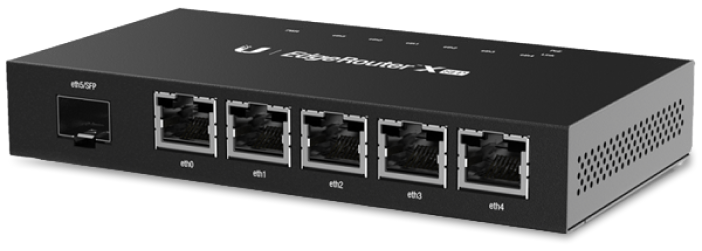
10 Matching results
- BEST SELLING
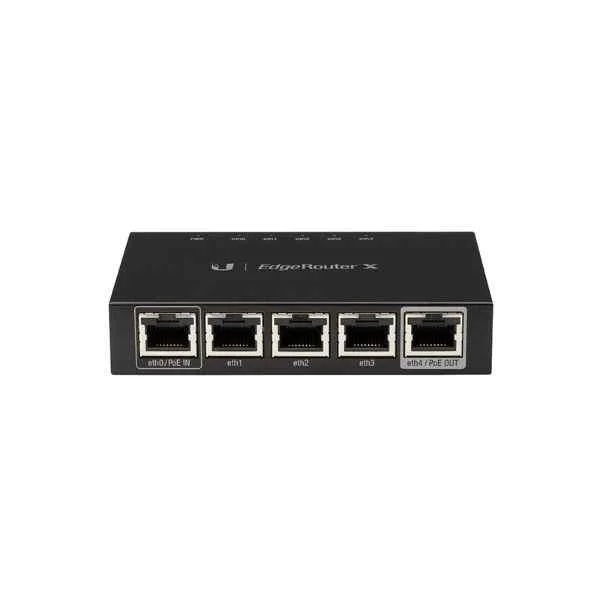
ER-X (UBNT 5-Port Advanced Gigabit Ethernet Router, POE )
4.4 (5)- Enterprise Router
- Ubiquiti
- IPSec / PPTP / OpenVPN / N/A
- Passive PoE / AC Power Supply
- OSPF / BGP / RIP / Static Routing / N/A
- Fixed
Est Value $215.75
$174.04
19.3% offIn stockRefurbishedFirst-Time Buyer Discount – Get up to 2% additional off on your first order
ORM Rewards Earn $50 in Rewards + Free Expedited Delivery – Join Now!
Use eCoupon ORMSAVE10
eCoupon limited to 5 units
- BEST SELLING
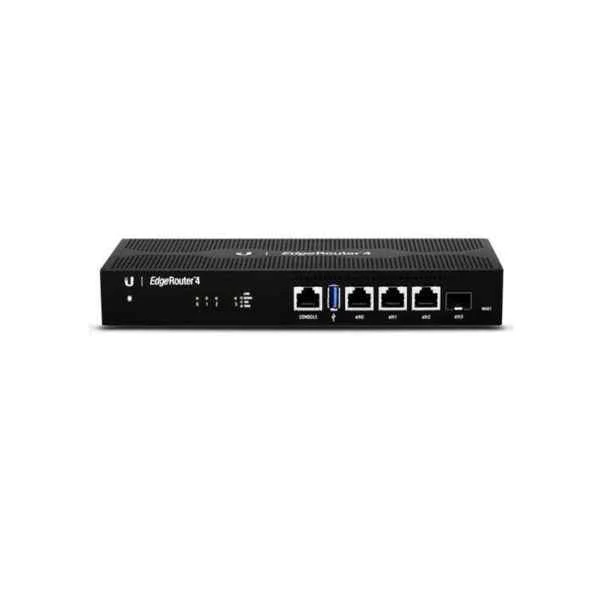
ER-4 (UBNT Gigabit Ethernet Enterprise Router,PoE, Hardware acceleration)
5 (5)- Enterprise Router
- Ubiquiti
- IPSec / SSL VPN / GRE / DMVPN / FlexVPN
- AC Power Supply / Redundant
- OSPF / BGP / EIGRP / MPLS / Static Routing
- Fiber Optic / DSL
- Modular
Est Value $454.80$281.66
38.1% offIn stockRefurbishedFirst-Time Buyer Discount – Get up to 2% additional off on your first order
ORM Rewards Earn $50 in Rewards + Free Expedited Delivery – Join Now!
Use eCoupon ORMSAVE10
eCoupon limited to 5 units
- BEST SELLING
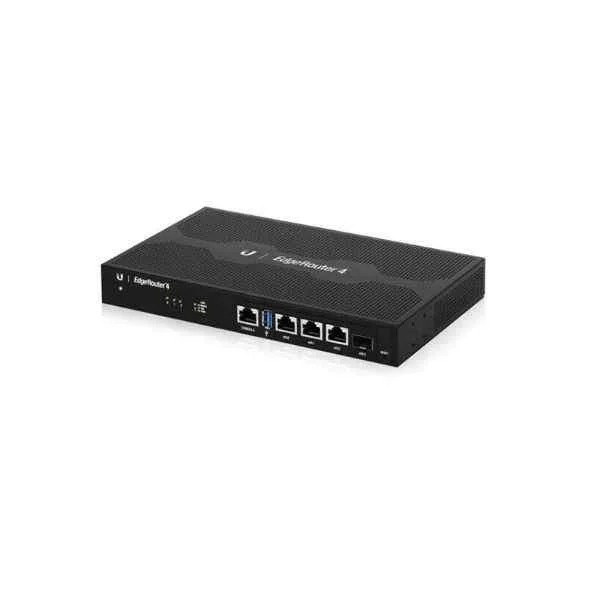
ER-6P (UBNT 6-Port Advanced Gigabit Ethernet Router, POE)
4.6 (5)- Enterprise Router
- Ubiquiti
- IPSec / SSL VPN
- AC Power Supply / Redundant
- OSPF / BGP / EIGRP / Static Routing
- Fiber Optic / DSL / LTE
- Modular
Est Value $676.36$546.00
19.3% offIn stockNewRefurbishedFirst-Time Buyer Discount – Get up to 2% additional off on your first order
ORM Rewards Earn $50 in Rewards + Free Expedited Delivery – Join Now!
Use eCoupon ORMSAVE10
eCoupon limited to 5 units
- BEST SELLING
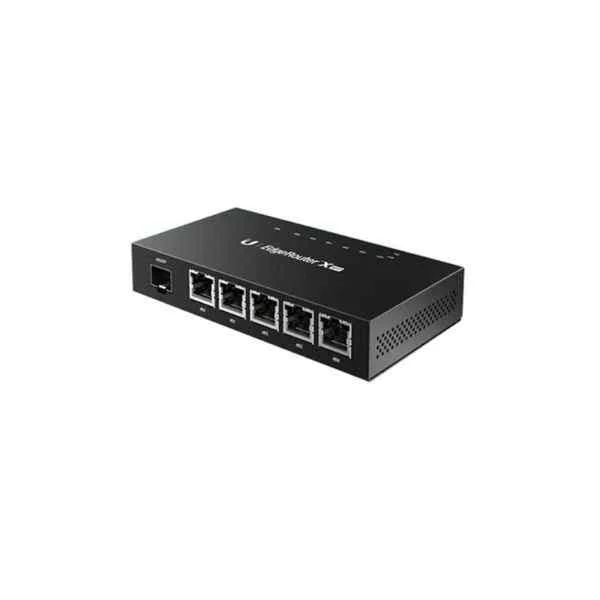
ER-X-SFP (UBNT Gigabit Ethernet Enterprise Router,POE)
5 (5)- Router
- Ubiquiti
- IPSec
- 24V Passive PoE
- OSPF / BGP / Static Routing
- Fiber Optic
- Fixed
Est Value $1,220.26$610.13
50% offIn stockRefurbishedFirst-Time Buyer Discount – Get up to 2% additional off on your first order
ORM Rewards Earn $50 in Rewards + Free Expedited Delivery – Join Now!
Use eCoupon ORMSAVE10
eCoupon limited to 5 units
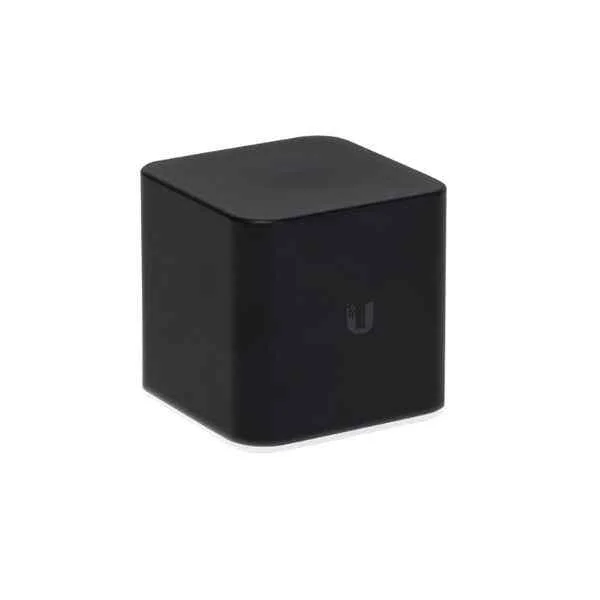
ACB-AC (UBNT Networks airCube ACB-AC Dual-Band Wireless Access Point, 1 Gigabit Ethernet, PoE , UNMS Management )
4.6 (5)- Enterprise Router
- Ubiquiti
- IPSec / SSL VPN / GRE
- AC Power Supply / Redundant
- OSPF / BGP / EIGRP / Static Routing
- Fiber Optic
- Modular
Est Value $174.26$145.23
16.7% offIn stockRefurbishedFirst-Time Buyer Discount – Get up to 2% additional off on your first order
ORM Rewards Earn $50 in Rewards + Free Expedited Delivery – Join Now!
Use eCoupon ORMSAVE10
eCoupon limited to 5 units
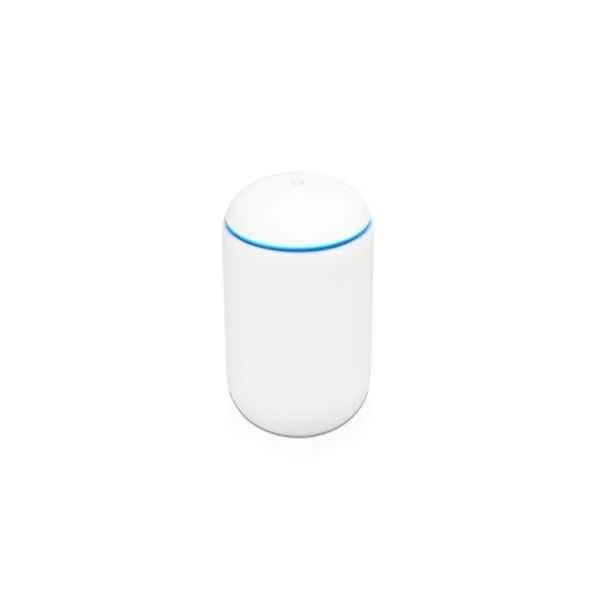
UDM (UBNT UniFi UDM Dual-Band Router, 1 Gigabit Ethernet, Wireless AP,Wave 2 integrated AC controller)
4.8 (5)- Integrated Gateway
- Ubiquiti
- IPSec
- AC Power Supply, Redundant
- OSPF / RIP / Static Routing
- Integrated
Est Value $765.28$627.27
18% offIn stockNewRefurbishedFirst-Time Buyer Discount – Get up to 2% additional off on your first order
ORM Rewards Earn $50 in Rewards + Free Expedited Delivery – Join Now!
Use eCoupon ORMSAVE10
eCoupon limited to 5 units
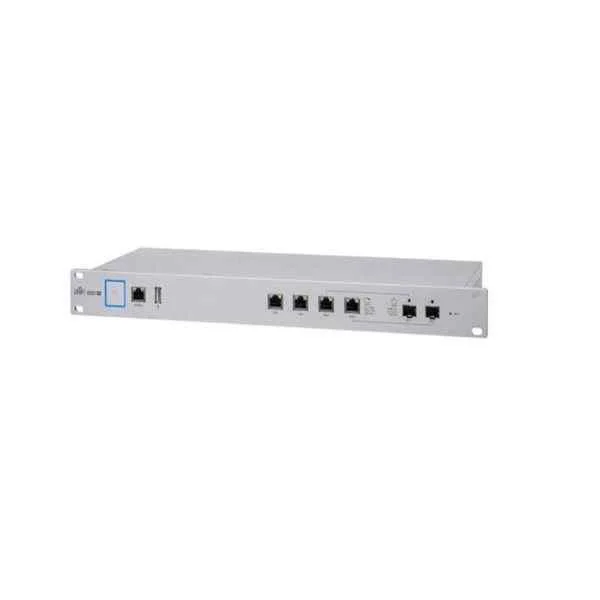
USG-PRO-4 (UBNT UniFi USG-PRO-4 Security Gateway USG Enterprise Wired Router, 1 Gigabit Ethernet, Dual-Core, 1G)
4.4 (5)- Enterprise Router
- Ubiquiti
- IPSec / SSL VPN
- AC Power Supply
- Static Routing / OSPF / BGP
- Fixed
Est Value $515.68$440.21
14.6% offIn stockRefurbishedFirst-Time Buyer Discount – Get up to 2% additional off on your first order
ORM Rewards Earn $50 in Rewards + Free Expedited Delivery – Join Now!
Use eCoupon ORMSAVE10
eCoupon limited to 5 units
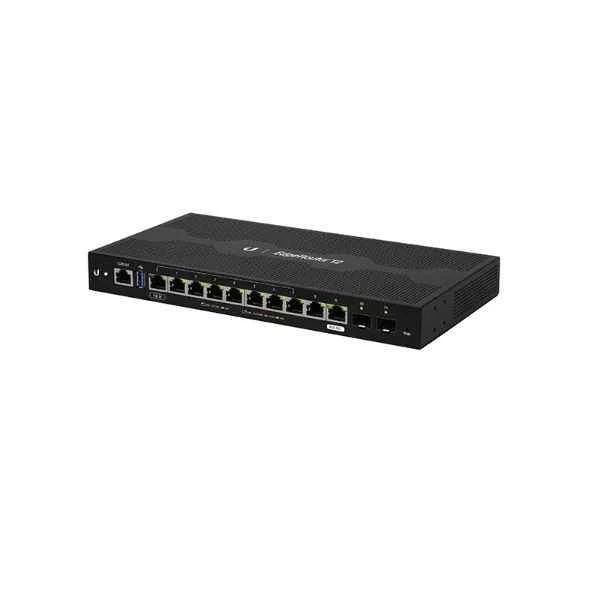
ER-12 (EDGEROUTER 12 (ON ALLOCATION))
4.4 (5)- Enterprise Router
- Ubiquiti
- IPSec / SSL VPN / DMVPN
- AC Power Supply with Redundant Option
- OSPF / BGP / EIGRP / Static Routing
- Fiber Optic / DSL / LTE
- Modular
Est Value $540.00$472.50
12.5% offIn stockRefurbishedFirst-Time Buyer Discount – Get up to 2% additional off on your first order
ORM Rewards Earn $50 in Rewards + Free Expedited Delivery – Join Now!
Use eCoupon ORMSAVE10
eCoupon limited to 5 units
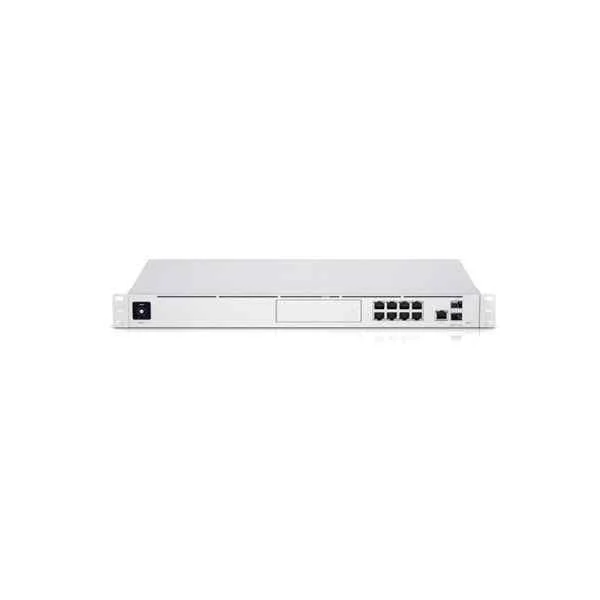
UDM-Pro (UBNT UniFi UDM-Pro Unifi UDM Pro 10 Gigabit Integrated Router, Security gateway)
4.6 (5)- Enterprise Router
- Ubiquiti
- IPSec
- AC Power Supply
- Static Routing
- Fiber Optic
- Chassis
Est Value $960.00$840.00
12.5% offIn stockNewRefurbishedFirst-Time Buyer Discount – Get up to 2% additional off on your first order
ORM Rewards Earn $50 in Rewards + Free Expedited Delivery – Join Now!
Use eCoupon ORMSAVE10
eCoupon limited to 5 units
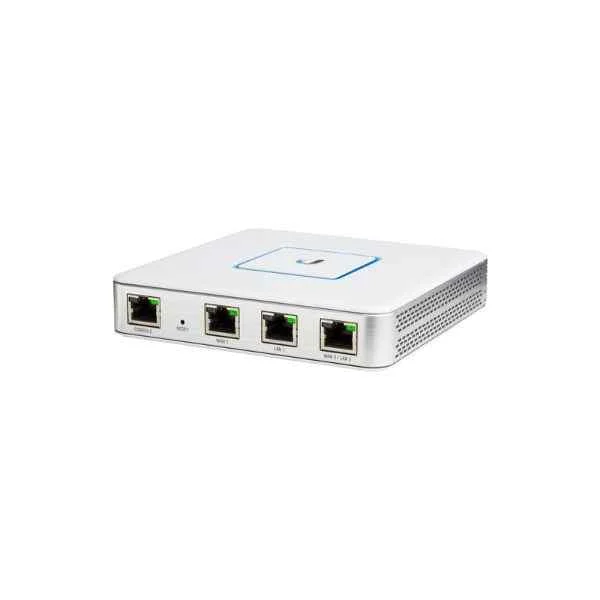
UBNT USG (UBNT UniFi Security Gateway USG Enterprise Wired Router, 1 Gigabit Ethernet)
4.6 (5)- Enterprise Router
- Ubiquiti
- IPSec / L2TP / PPTP
- AC Power Supply
- Static Routing
- Fixed
Est Value In stockFirst-Time Buyer Discount – Get up to 2% additional off on your first order
ORM Rewards Earn $50 in Rewards + Free Expedited Delivery – Join Now!
Use eCoupon ORMSAVE10
eCoupon limited to 5 units

ORM Sales Advisors
Buying for your business? Get a personalised quote in under 2 hours. Talk to an expert
LEARNFilters (10) 
Questions & Answers
What are the main benefits of Ubiquiti Enterprise Routers?
Ubiquiti Enterprise Routers offer high throughput, advanced security, multi-WAN failover, VLAN support, and centralized cloud-based management for reliable, scalable network performance.
Which Ubiquiti routers are best for enterprise environments?
Ubiquiti’s EdgeRouter 4, UniFi Dream Machine Pro, and ER-6P provide enterprise-grade routing with SFP ports, PoE capabilities, and scalable throughput for diverse deployments.
How do I set up my Ubiquiti Enterprise Router?
Configure via the UniFi Network Controller or EdgeOS GUI: connect LAN/WAN, assign IP addresses, enable DHCP, set firewall rules, then adopt the device in the controller for centralized management.
Can I manage Ubiquiti Enterprise Routers via cloud?
Yes, Ubiquiti Enterprise Routers integrate with the UniFi Cloud Controller to enable remote monitoring, configuration backups, automated firmware updates, and multi-site management from any device.
What security features do Ubiquiti Enterprise Routers offer?
They include advanced firewall policies, site-to-site VPN, DPI, IDS/IPS, geo-IP filtering, and automatic threat detection to secure networks against external and internal attacks.
How do Multi-WAN features work on Ubiquiti Enterprise Routers?
Multi-WAN supports load balancing and failover across multiple Internet links using configurable weight, latency, or percentage-based rules to ensure continuous connectivity.
What throughput can I expect from Ubiquiti Enterprise Routers?
Depending on the model, they deliver from 1 Gbps to over 10 Gbps of routing throughput, with hardware acceleration for IPv4/IPv6 and high concurrent-flow counts.
Are Ubiquiti Enterprise Routers compatible with VoIP and video conferencing?
Yes, they support VoIP and video conferencing by prioritizing traffic with QoS, ensuring low latency and jitter for real-time communications.
How do I implement VLANs on Ubiquiti Enterprise Routers?
Define VLAN IDs in EdgeOS or the UniFi Controller, tag the appropriate ports, and map SSIDs or LAN interfaces to separate network segments securely.
What is the difference between EdgeRouter and UniFi Security Gateway?
EdgeRouter devices use the advanced EdgeOS CLI/GUI for granular control, while the UniFi Security Gateway integrates with the UniFi Controller for simplified deployment and unified management.
How often should I update the firmware on Ubiquiti Enterprise Routers?
Update firmware quarterly or upon release of critical security patches via the UniFi Controller or EdgeOS interface to maintain performance, stability, and protection.
How do I troubleshoot connectivity issues on Ubiquiti Enterprise Routers?
Use built-in diagnostics—ping, traceroute, and real-time logging—in EdgeOS or the UniFi Controller to identify and resolve connectivity, DNS, or routing issues quickly.
Can I use PoE on Ubiquiti Enterprise Routers?
Models like the ER-6P and UniFi Dream Machine Pro offer PoE/PoE+ on designated ports to power cameras, access points, and VoIP phones directly from the router.
What warranty and support options are available for Ubiquiti Enterprise Routers?
Ubiquiti provides a one-year limited warranty, community-based support forums, and optional Elite Support subscriptions with advance hardware replacement and dedicated technical assistance.
How does QoS (Quality of Service) work on Ubiquiti Enterprise Routers?
QoS prioritizes critical applications by classifying traffic into queues with configurable bandwidth allocation, ensuring consistent performance for voice, video, and mission-critical data.
How do I monitor network performance on Ubiquiti Enterprise Routers?
Monitor real-time performance via the UniFi Controller dashboard or EdgeOS Web UI, which display throughput graphs, client analytics, system health, and alert notifications.