 United States
Networking Cisco 200 Series Switches
Engineered for optimized performance, Cisco 200 Series Smart Switches deliver unmatched network reliability, robust security, and effortless management to enhance connectivity in modern business environments.
Talk to an expert
17 Matching results
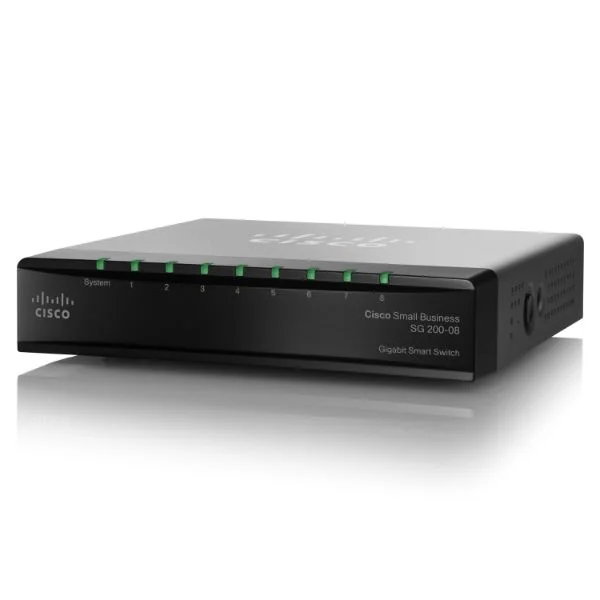
SG200-08P (8 10/100/1000 ports, PoE support on 4 ports with 32W power budget)
4.2 (5)- Switch
- Cisco
- AC Power Supply
- Layer 2
- Desktop
- Under 12 Ports
Est Value $233.34
$116.67
50% offIn stockRefurbishedFirst-Time Buyer Discount – Get up to 2% additional off on your first order
ORM Rewards Earn $50 in Rewards + Free Expedited Delivery – Join Now!
Use eCoupon ORMSAVE10
eCoupon limited to 5 units
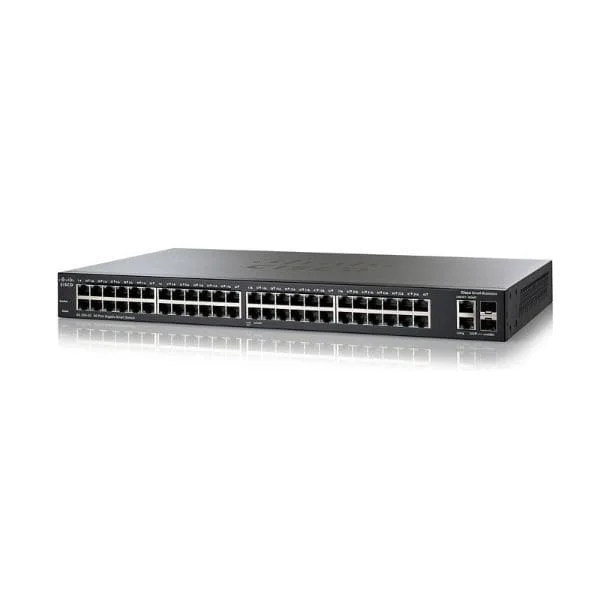
SG200-50 (Cisco SG200-50 Small Business 200 48-Port Gigabit Switch, 2x1G Combo Uplinks)
5 (5)- SG200-50
- Cisco
- Small Business 200
- SMB
- Smart Managed
- Layer 2
Est Value $135.56$121.28
10.5% offIn stockRefurbishedFirst-Time Buyer Discount – Get up to 2% additional off on your first order
ORM Rewards Earn $50 in Rewards + Free Expedited Delivery – Join Now!
Use eCoupon ORMSAVE10
eCoupon limited to 5 units
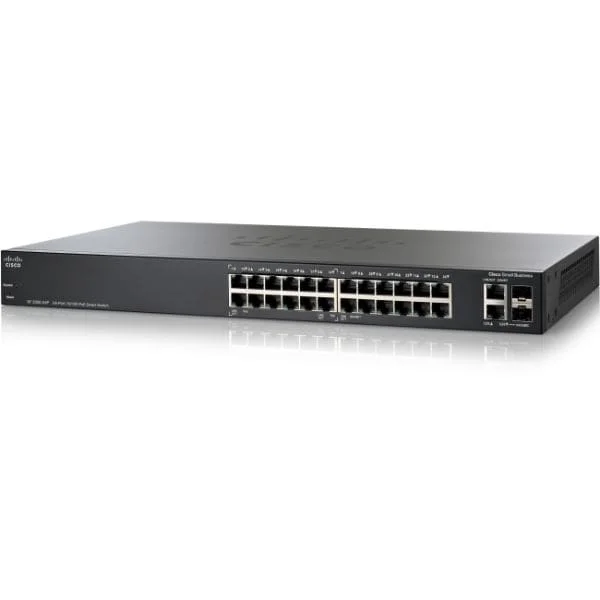
SG200-26P (24 10/100/1000 ports, 2 combo mini-GBIC ports - PoE support on 12 ports with 100W power budget)
4.2 (5)- Switch
- Cisco
- AC Power Supply
- Layer 2
- Rack-mount
- 24–48 Ports
Est Value $260.40$130.20
50% offIn stockRefurbishedFirst-Time Buyer Discount – Get up to 2% additional off on your first order
ORM Rewards Earn $50 in Rewards + Free Expedited Delivery – Join Now!
Use eCoupon ORMSAVE10
eCoupon limited to 5 units
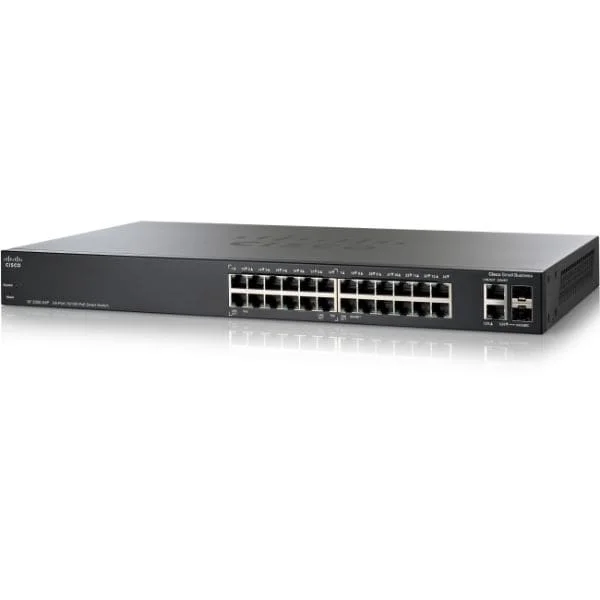
SF200-24P (24 10/100 ports, 2 combo mini-GBIC ports - PoE support on 12 ports with 100W power budget)
4.4 (5)- Switch
- Cisco
- AC Power Supply
- Layer 2
- Desktop / Rack-mount
- 190 W
- 12–24 Ports
Est Value $157.42$134.38
14.6% offIn stockRefurbishedFirst-Time Buyer Discount – Get up to 2% additional off on your first order
ORM Rewards Earn $50 in Rewards + Free Expedited Delivery – Join Now!
Use eCoupon ORMSAVE10
eCoupon limited to 5 units
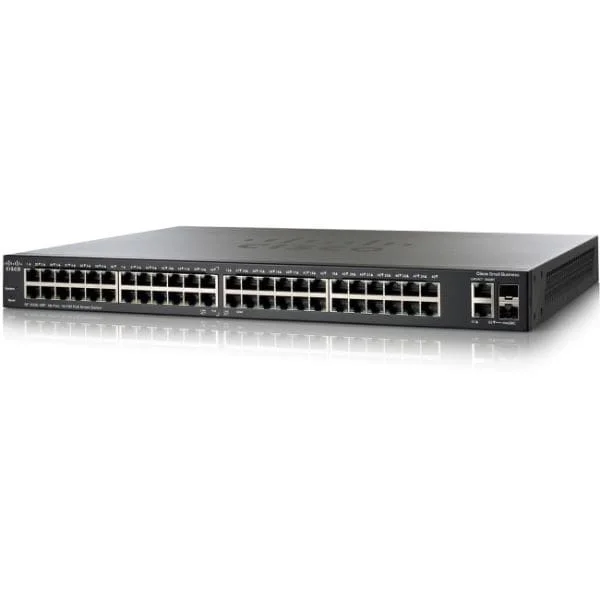
SG200-50P (48 10/100/1000 ports, 2 combo mini-GBIC ports - PoE support on 24 ports with 180W power budget)
5 (5)- Switch
- Cisco
- AC Power Supply
- Layer 2
- Rack-mount
- 65 W
- Over 48 Ports
Est Value $167.28$146.48
12.4% offIn stockRefurbishedFirst-Time Buyer Discount – Get up to 2% additional off on your first order
ORM Rewards Earn $50 in Rewards + Free Expedited Delivery – Join Now!
Use eCoupon ORMSAVE10
eCoupon limited to 5 units
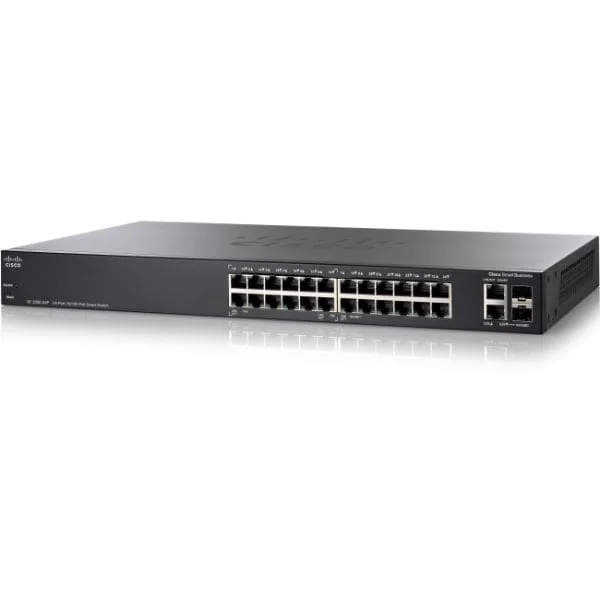
SG200-18 (Cisco SG200-18 Small Business 200 16-Port Gigabit Switch, 2x1G Combo Uplinks)
4.6 (5)- SG200-18
- Cisco
- Small Business 200
- SMB
- Smart Managed
- Layer 2
Est Value $297.44$148.72
50% offIn stockRefurbishedFirst-Time Buyer Discount – Get up to 2% additional off on your first order
ORM Rewards Earn $50 in Rewards + Free Expedited Delivery – Join Now!
Use eCoupon ORMSAVE10
eCoupon limited to 5 units
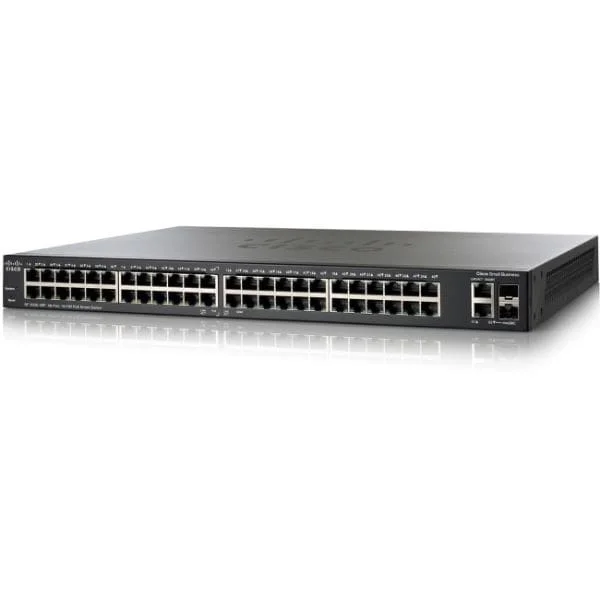
SF200-48 (48 10/100 ports, 2 combo mini-GBIC ports)
4.6 (5)- Switch
- Cisco
- AC Power Supply
- Layer 2
- Rack-mount
- 34 W
- 24–48 Ports
Est Value $347.00$173.50
50% offIn stockRefurbishedFirst-Time Buyer Discount – Get up to 2% additional off on your first order
ORM Rewards Earn $50 in Rewards + Free Expedited Delivery – Join Now!
Use eCoupon ORMSAVE10
eCoupon limited to 5 units
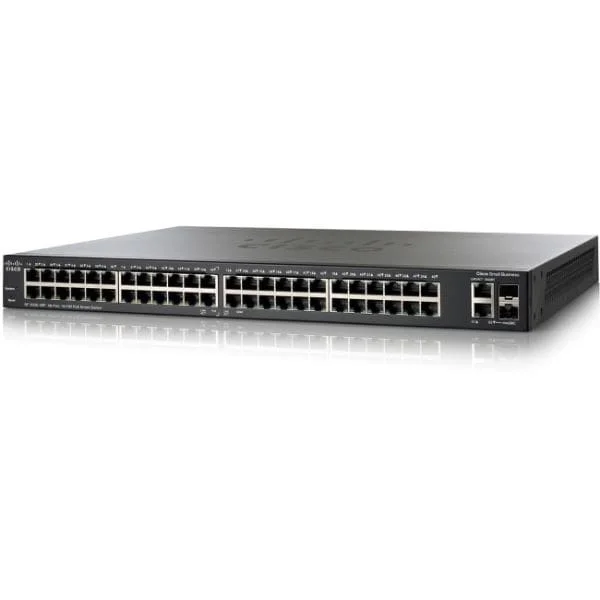
SF200-48P (48 10/100 ports, 2 combo mini-GBIC ports - PoE support on 24 ports with 180W power budget)
4.8 (5)- Switch
- Cisco
- AC Power Supply
- Layer 2
- Rack-mount
- 24–48 Ports
Est Value $605.96$302.98
50% offIn stockRefurbishedFirst-Time Buyer Discount – Get up to 2% additional off on your first order
ORM Rewards Earn $50 in Rewards + Free Expedited Delivery – Join Now!
Use eCoupon ORMSAVE10
eCoupon limited to 5 units
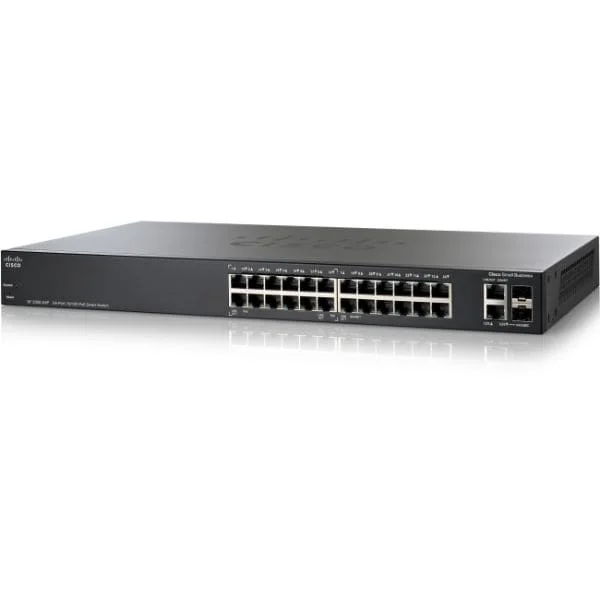
SG200-26FP (24 10/100/1000 ports, 2 combo mini-GBIC ports - PoE support on 24 ports with 180W power budget)
4.6 (5)- Switch
- Cisco
- AC Power Supply
- Layer 2
- Rack-mount
- 195W
- 24–48 Ports
Est Value $662.40$331.20
50% offIn stockRefurbishedFirst-Time Buyer Discount – Get up to 2% additional off on your first order
ORM Rewards Earn $50 in Rewards + Free Expedited Delivery – Join Now!
Use eCoupon ORMSAVE10
eCoupon limited to 5 units
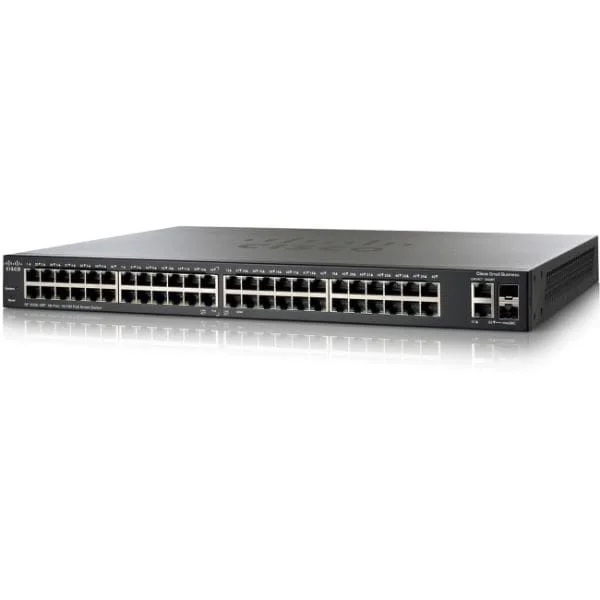
SF200E-48-CN (SF200E-48 48-Port 10/100 Smart Switch)
5 (5)- Switch
- Cisco
- AC Power Supply
- Layer 2
- Rack-mount
- 55W
- 24–48 Ports
Est Value $701.40$350.70
50% offIn stockRefurbishedFirst-Time Buyer Discount – Get up to 2% additional off on your first order
ORM Rewards Earn $50 in Rewards + Free Expedited Delivery – Join Now!
Use eCoupon ORMSAVE10
eCoupon limited to 5 units
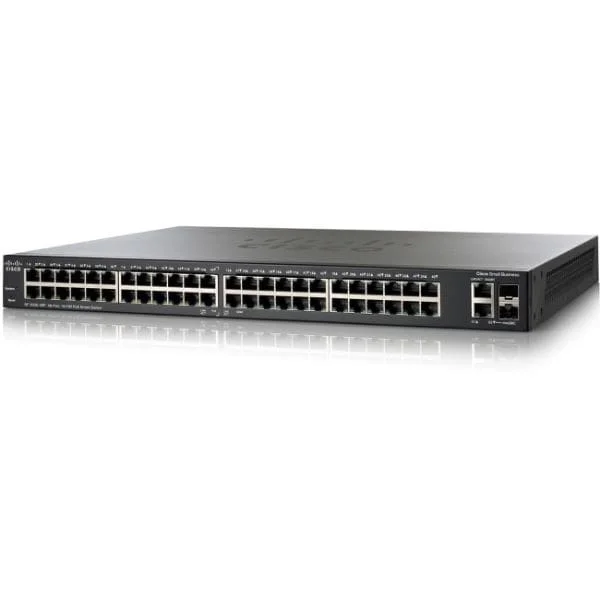
SG200-50FP (Cisco SG200-50FP 200 Series Smart Switches 48-Port Gigabit PoE Switch, 2x1G Combo Uplinks)
4.4 (5)- SG200-50FP
- Cisco
- 200 Series Smart Switches
- SMB
- Smart Managed
- Layer 2
Est Value $1,260.98$369.13
70.7% offIn stockRefurbishedFirst-Time Buyer Discount – Get up to 2% additional off on your first order
ORM Rewards Earn $50 in Rewards + Free Expedited Delivery – Join Now!
Use eCoupon ORMSAVE10
eCoupon limited to 5 units
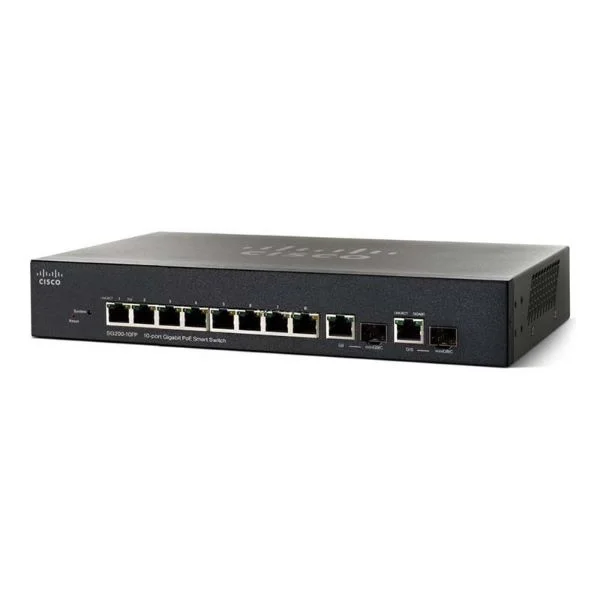
SG200-10FP (10 10/100/1000 ports, 2 combo mini-GBIC ports - PoE support on 8 ports with 62W power budget)
4.8 (5)- Switch
- Cisco
- AC Power Supply
- Layer 2
- Desktop / Rack-mount
- 33.6 W
- Under 12 Ports
Est Value $506.25$241.04
52.4% offIn stockNewRefurbishedFirst-Time Buyer Discount – Get up to 2% additional off on your first order
ORM Rewards Earn $50 in Rewards + Free Expedited Delivery – Join Now!
Use eCoupon ORMSAVE10
eCoupon limited to 5 units
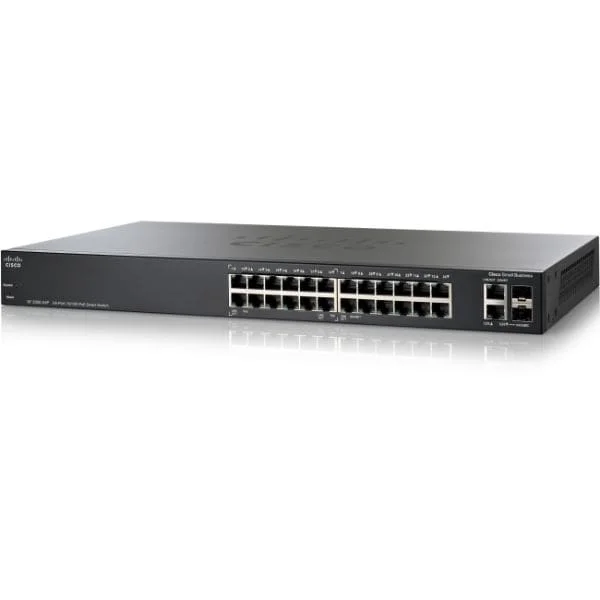
SF200E-24P-CN (SF200E-24P 24-Port 10/100 PoE Smart Switch)
4.8 (5)- Switch
- Cisco
- AC Power Supply
- Layer 2
- Rack-mount
- 12–24 Ports
Est Value $868.02$434.01
50% offIn stockRefurbishedFirst-Time Buyer Discount – Get up to 2% additional off on your first order
ORM Rewards Earn $50 in Rewards + Free Expedited Delivery – Join Now!
Use eCoupon ORMSAVE10
eCoupon limited to 5 units
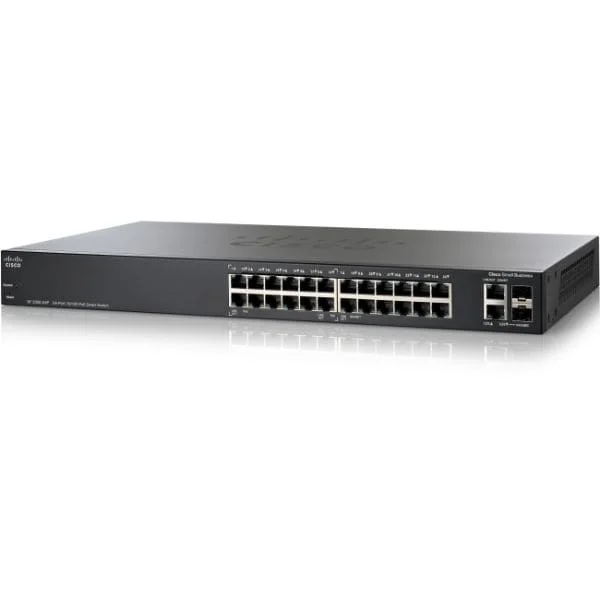
SG200-26 (Cisco SG200-26 Small Business 200 24-Port Gigabit Switch, 2x1G Combo Uplinks)
4.6 (5)- SG200-26
- Cisco
- Small Business 200
- SMB
- Smart Managed
- Layer 2
Est Value $84.85$78.54
7.4% offIn stockRefurbishedFirst-Time Buyer Discount – Get up to 2% additional off on your first order
ORM Rewards Earn $50 in Rewards + Free Expedited Delivery – Join Now!
Use eCoupon ORMSAVE10
eCoupon limited to 5 units
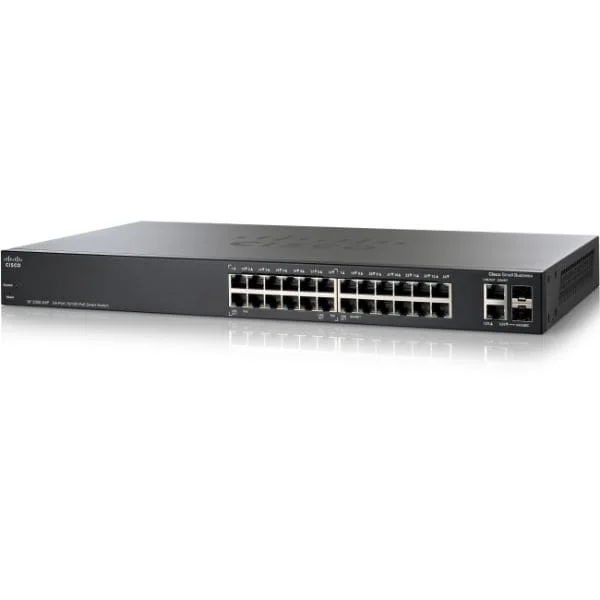
SF200E-24-CN (SF200E-24 24-Port 10/100 Smart Switch)
4.6 (5)- Switch
- Cisco
- AC Power Supply
- Layer 2
- Desktop / Rack-mount
- 11.5W
- 12–24 Ports
Est Value In stockFirst-Time Buyer Discount – Get up to 2% additional off on your first order
ORM Rewards Earn $50 in Rewards + Free Expedited Delivery – Join Now!
Use eCoupon ORMSAVE10
eCoupon limited to 5 units
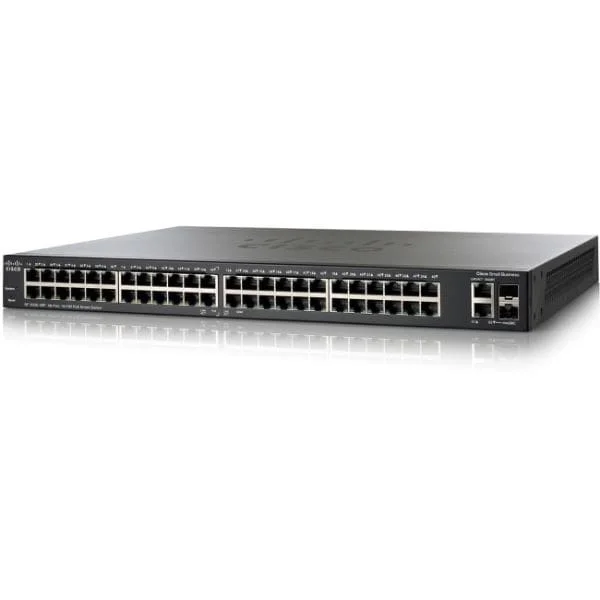
SF200E-48P-CN (SF200E-48P 48-Port 10/100 PoE Smart Switch)
4.6 (5)- Switch
- Cisco
- AC Power Supply
- Layer 2
- Rack-mount
- 24–48 Ports
Est Value In stockFirst-Time Buyer Discount – Get up to 2% additional off on your first order
ORM Rewards Earn $50 in Rewards + Free Expedited Delivery – Join Now!
Use eCoupon ORMSAVE10
eCoupon limited to 5 units
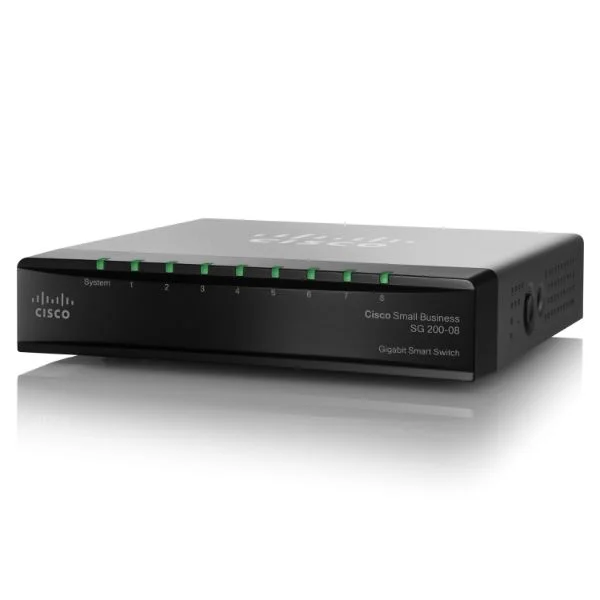
SG200-8 (SG200-08 8-Port 10/100/1000 Smart Switch, SLM2008T-CN)
4.6 (5)- Switch
- Cisco
- AC Power Supply
- Layer 2
- Desktop / Rack-mount
- 15 W
- Under 12 Ports
Est Value In stockFirst-Time Buyer Discount – Get up to 2% additional off on your first order
ORM Rewards Earn $50 in Rewards + Free Expedited Delivery – Join Now!
Use eCoupon ORMSAVE10
eCoupon limited to 5 units

ORM Sales Advisors
Buying for your business? Get a personalised quote in under 2 hours. Talk to an expert
LEARNFilters (17) 
Questions & Answers
What is the Cisco 200 Series Smart Switch?
The Cisco 200 Series Smart Switch is a line of managed Layer 2 switches designed for small to medium businesses, offering advanced security, QoS, VLAN, and PoE features with an intuitive web-based interface.
Which management options does the Cisco 200 Series support?
Cisco 200 Series Smart Switches support web-based GUI, SNMP, RMON, and CLI over SSH/Telnet, enabling flexible and centralized network management.
How do I configure VLANs on a Cisco 200 Series switch?
To configure VLANs, log in to the web interface, navigate to VLAN Management, create or edit VLAN IDs, and assign ports to each VLAN for traffic segmentation.
Does the Cisco 200 Series Smart Switch support PoE?
Yes. Select models offer Power over Ethernet (PoE/PoE+) with per-port power allocation up to 30W, simplifying deployment of IP phones, cameras, and wireless APs.
Can I stack Cisco 200 Series switches?
No. Cisco 200 Series Smart Switches do not support physical stacking; they rely on virtual grouping within the management interface for simplified administration.
What security features are included in the Cisco 200 Series?
Cisco 200 Series Smart Switches include Port Security, DHCP Snooping, Dynamic ARP Inspection, IP Source Guard, and Access Control Lists to protect against network threats.
How do I update the firmware on a Cisco 200 Series Smart Switch?
Download the latest firmware from Cisco’s support site, then use the web GUI’s Software Upgrade page to upload and apply the .tar image file.
What Quality of Service (QoS) capabilities are available?
The Cisco 200 Series offers 8 hardware queues per port, classification by DSCP/CoS, and priority queuing to ensure critical traffic receives guaranteed bandwidth.
What is the switching capacity and throughput?
Depending on the model, switching capacity ranges up to 52 Gbps with forwarding rates up to 77.38 Mpps, supporting wire-speed performance on all ports.
Which SFP modules are compatible with the Cisco 200 Series?
Cisco 200 Series supports both Cisco and third-party 1000BASE-SX/LX SFP modules; for guaranteed performance, Cisco GLC-SX, GLC-LX, and GLC-ZX series are recommended.
How do I reset a Cisco 200 Series Smart Switch to factory defaults?
Press and hold the Mode button for 15 seconds until the System LED blinks amber, then release to restore factory default configurations.
What warranty and support options are available?
Cisco 200 Series Smart Switches include a limited lifetime hardware warranty and 90-day technical support; extended service contracts are available through Cisco SMARTnet.
How do I troubleshoot port connectivity issues?
Use the web GUI’s Port Summary to monitor link status, speed, and duplex settings, and enable Loopback Test or cable diagnostics for detailed analysis.
How much power does the Cisco 200 Series consume?
Power consumption varies by model and PoE load; non-PoE models draw under 8W, while full-PoE+ models can consume up to 370W at maximum load.
What are the main differences between the Cisco 200 and 300 Series?
The 300 Series offers Layer 3 routing, advanced IPv6 features, and higher port densities, whereas the 200 Series focuses on core Layer 2 functionality and simplified management.
Which environments are best suited for Cisco 200 Series Smart Switches?
Cisco 200 Series Smart Switches are ideal for small to medium offices, branch sites, and retail deployments requiring cost-effective VLAN segmentation, PoE support, and basic Layer 2 security.