 United States
Switches Cisco Business 110 Unmanaged Series
Discover advanced connectivity and reliable performance with Cisco Business 110 Series Unmanaged Switches. Engineered for simplicity, these switches enhance network efficiency while delivering robust security and scalable operation.
Talk to an expert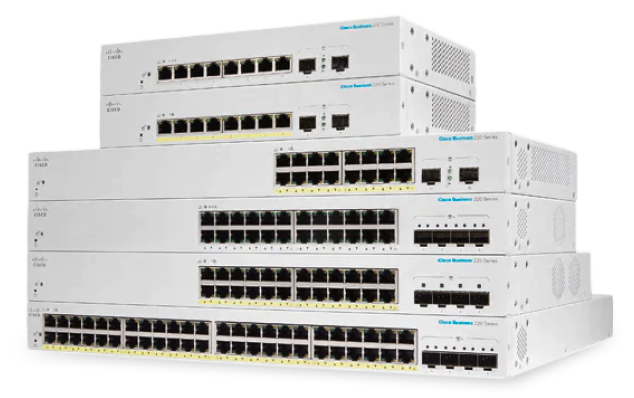
23 Matching results
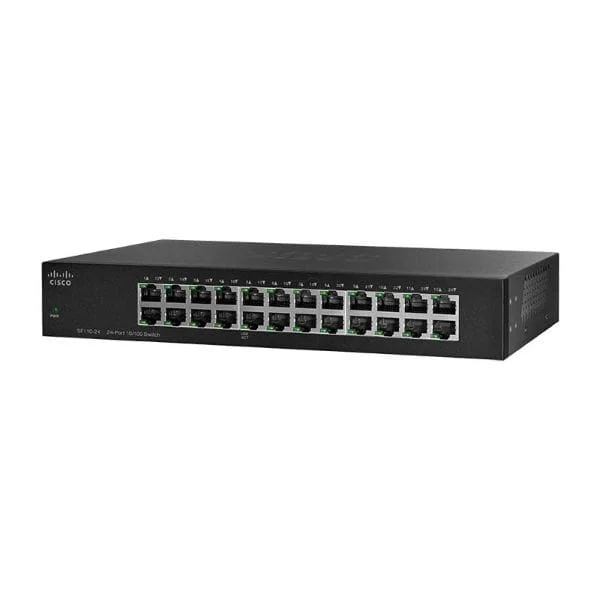
SF110-24 (Cisco SF110-24 24-Port 10/100 Switch)
5 (5)- Switch
- Cisco
- AC Power Supply
- Layer 2
- Desktop
- 19.2W
- 12–24 Ports
Est Value In stock
First-Time Buyer Discount – Get up to 2% additional off on your first order
ORM Rewards Earn $50 in Rewards + Free Expedited Delivery – Join Now!
Use eCoupon ORMSAVE10
eCoupon limited to 5 units
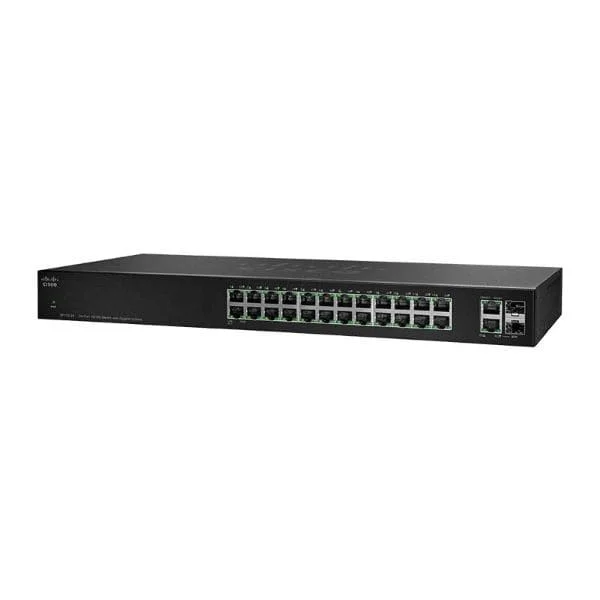
SF112-24 (Cisco SF112-24 24-port 10/100 + 2 Mini-GBIC & 2 GE Uplink)
4.8 (5)- Switch
- Cisco
- AC Power Supply
- Layer 2
- Rack-mount
- 35W
- 12–24 Ports
Est Value In stockFirst-Time Buyer Discount – Get up to 2% additional off on your first order
ORM Rewards Earn $50 in Rewards + Free Expedited Delivery – Join Now!
Use eCoupon ORMSAVE10
eCoupon limited to 5 units
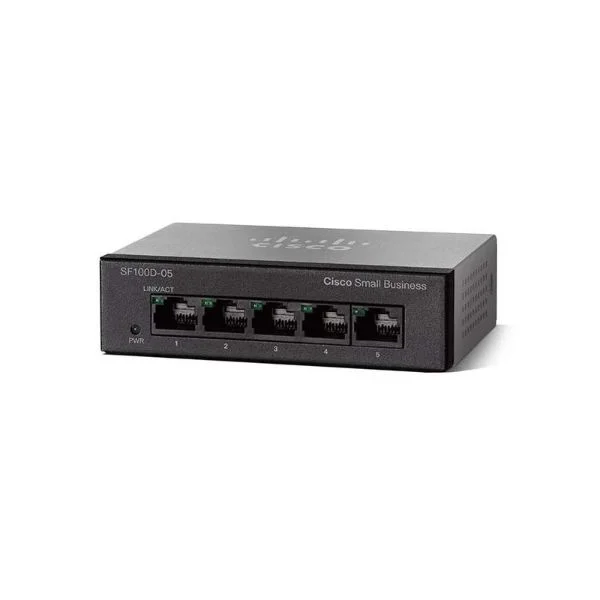
SF110D-05 (Cisco SF110D-05 - 5-Port 10/100 Desktop Switch)
4.4 (5)- Switch
- Cisco
- AC Power Supply / N/A
- Layer 2
- Desktop
- 7.6 W
- Under 12 Ports
Est Value In stockFirst-Time Buyer Discount – Get up to 2% additional off on your first order
ORM Rewards Earn $50 in Rewards + Free Expedited Delivery – Join Now!
Use eCoupon ORMSAVE10
eCoupon limited to 5 units
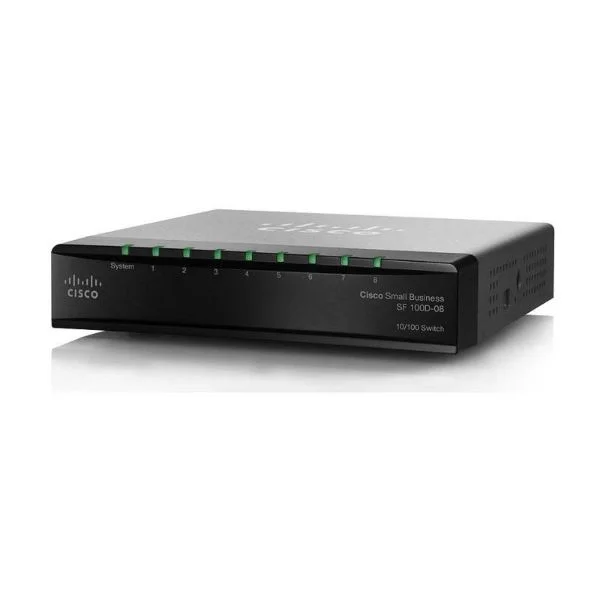
SF110D-08 (Cisco SF110D-08 8-port 10/100 Desktop Switch)
4.6 (5)- Switch
- Cisco
- AC Power Supply
- Layer 2
- Desktop
- Under 12 Ports
Est Value In stockFirst-Time Buyer Discount – Get up to 2% additional off on your first order
ORM Rewards Earn $50 in Rewards + Free Expedited Delivery – Join Now!
Use eCoupon ORMSAVE10
eCoupon limited to 5 units
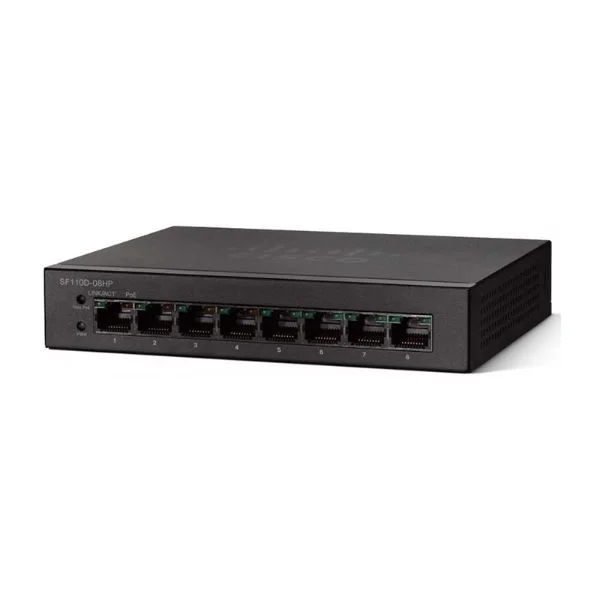
SF110D-08HP (Cisco SF110D-08P 8-port 10/100 PoE Desktop Switch)
4.8 (5)- Switch
- Cisco
- AC Power Supply
- Layer 2
- Desktop
- Under 12 Ports
Est Value In stockFirst-Time Buyer Discount – Get up to 2% additional off on your first order
ORM Rewards Earn $50 in Rewards + Free Expedited Delivery – Join Now!
Use eCoupon ORMSAVE10
eCoupon limited to 5 units
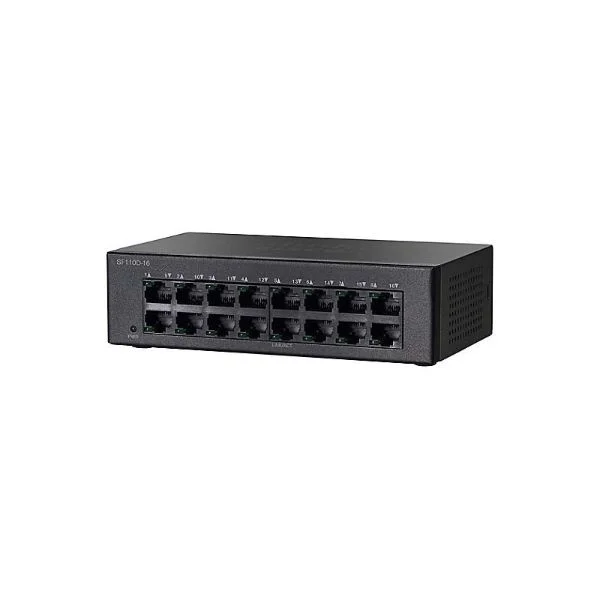
SF110D-16 (Cisco SF110D-16 16-port 10/100 Desktop Switch)
5 (5)- Switch
- Cisco
- AC Power Supply
- Layer 2
- Desktop
- 12–24 Ports
Est Value In stockFirst-Time Buyer Discount – Get up to 2% additional off on your first order
ORM Rewards Earn $50 in Rewards + Free Expedited Delivery – Join Now!
Use eCoupon ORMSAVE10
eCoupon limited to 5 units
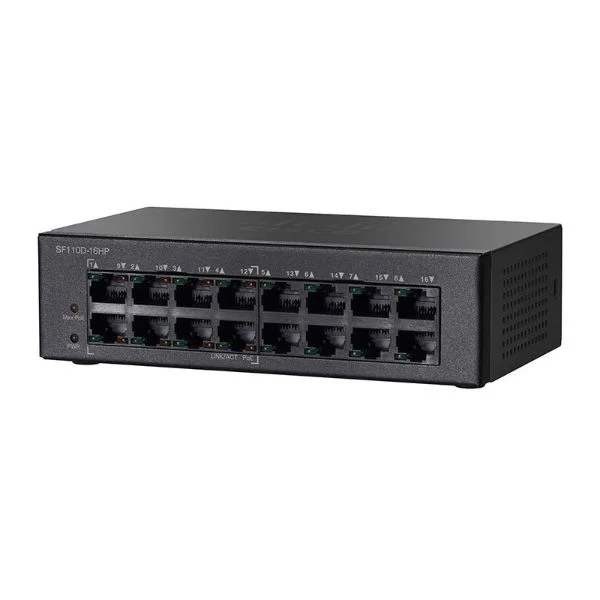
SF110D-16HP (Cisco SF110D-16P 16-port 10/100 PoE Desktop Switch)
4.4 (5)- Switch
- Cisco
- AC Power Supply
- Layer 2
- Rack-mount
- 12–24 Ports
Est Value In stockFirst-Time Buyer Discount – Get up to 2% additional off on your first order
ORM Rewards Earn $50 in Rewards + Free Expedited Delivery – Join Now!
Use eCoupon ORMSAVE10
eCoupon limited to 5 units
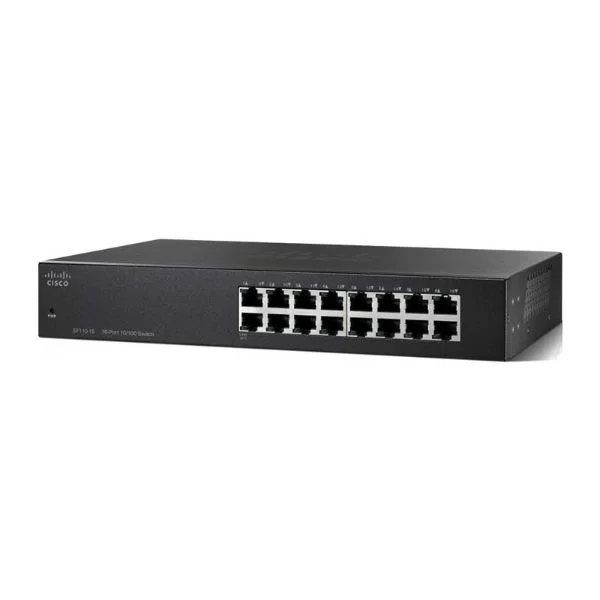
SF110-16 (Cisco SF110-16 16-Port 10/100 Switch)
4.2 (5)- Switch
- Cisco
- AC Power Supply
- Layer 2
- Desktop / Rack-mount
- 6.4 W
- 12–24 Ports
Est Value In stockFirst-Time Buyer Discount – Get up to 2% additional off on your first order
ORM Rewards Earn $50 in Rewards + Free Expedited Delivery – Join Now!
Use eCoupon ORMSAVE10
eCoupon limited to 5 units
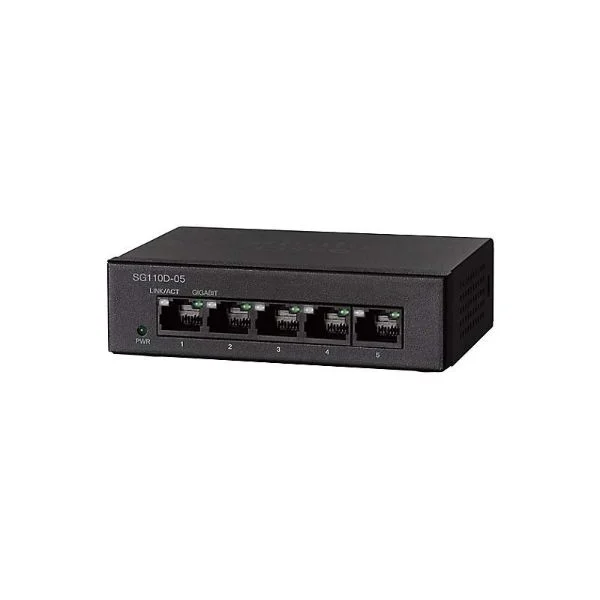
SG110D-05 (Cisco SG110D-05 5-port Gigabit Desktop Switch)
4.8 (5)- Switch
- Cisco
- AC Power Supply
- Layer 2
- Desktop
- 3.44 W
- Under 12 Ports
Est Value In stockFirst-Time Buyer Discount – Get up to 2% additional off on your first order
ORM Rewards Earn $50 in Rewards + Free Expedited Delivery – Join Now!
Use eCoupon ORMSAVE10
eCoupon limited to 5 units
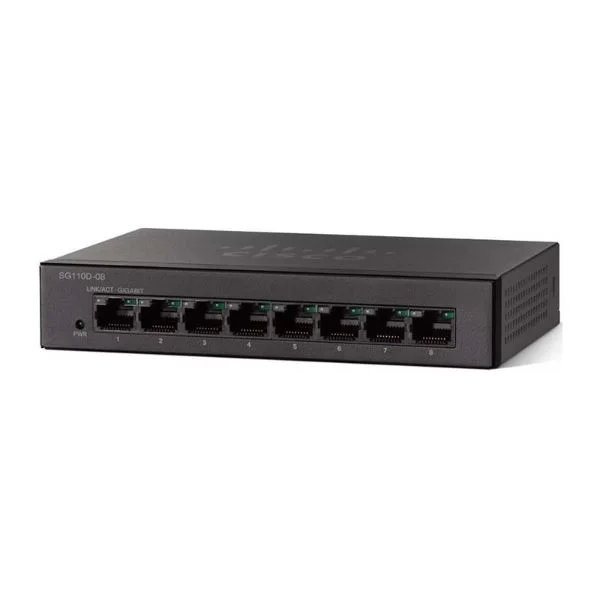
SG110D-08 (Cisco SG110D-08 8-Port Gigabit Switch)
4.6 (5)- Switch
- Cisco
- AC Power Supply
- Layer 2
- Desktop
- 6.3 W
- Under 12 Ports
Est Value In stockFirst-Time Buyer Discount – Get up to 2% additional off on your first order
ORM Rewards Earn $50 in Rewards + Free Expedited Delivery – Join Now!
Use eCoupon ORMSAVE10
eCoupon limited to 5 units
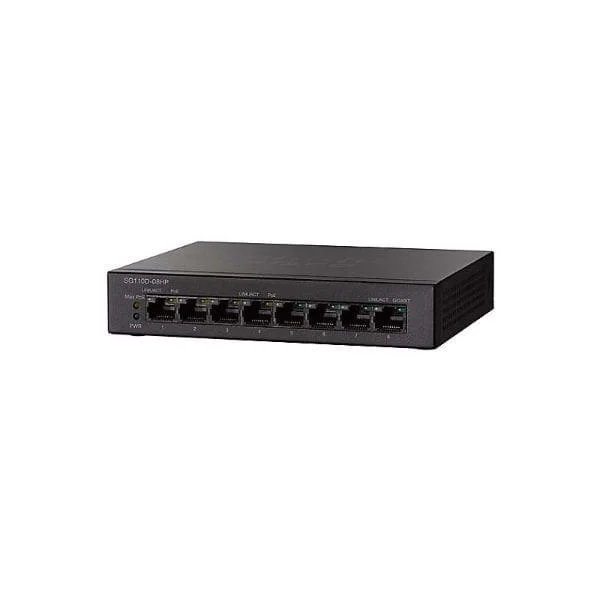
SG110D-08HP (Cisco SG110D-08HP 8-Port Gigabit PoE Switch)
4.6 (5)- Switch
- Cisco
- AC Power Supply
- Layer 2
- Desktop
- 29.2 W
- Under 12 Ports
Est Value In stockFirst-Time Buyer Discount – Get up to 2% additional off on your first order
ORM Rewards Earn $50 in Rewards + Free Expedited Delivery – Join Now!
Use eCoupon ORMSAVE10
eCoupon limited to 5 units
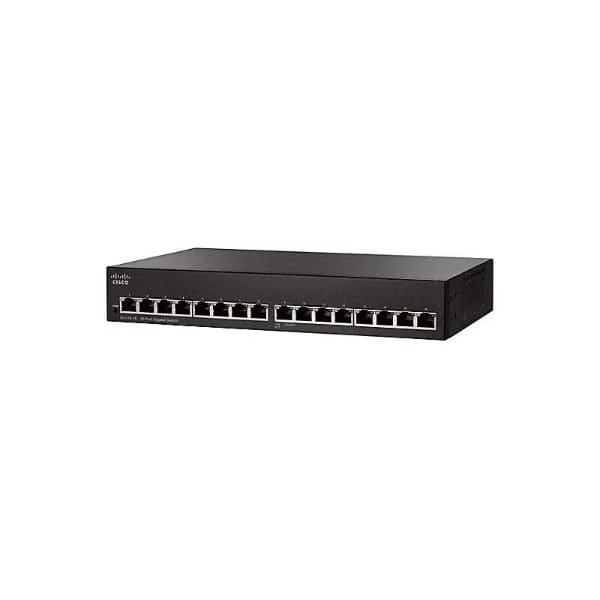
SG110-16 (Cisco SG110-16 16-Port Gigabit Switch)
4.4 (5)- Switch
- Cisco
- AC Power Supply
- Layer 2
- Desktop
- 8.6 W
- 12–24 Ports
Est Value In stockFirst-Time Buyer Discount – Get up to 2% additional off on your first order
ORM Rewards Earn $50 in Rewards + Free Expedited Delivery – Join Now!
Use eCoupon ORMSAVE10
eCoupon limited to 5 units
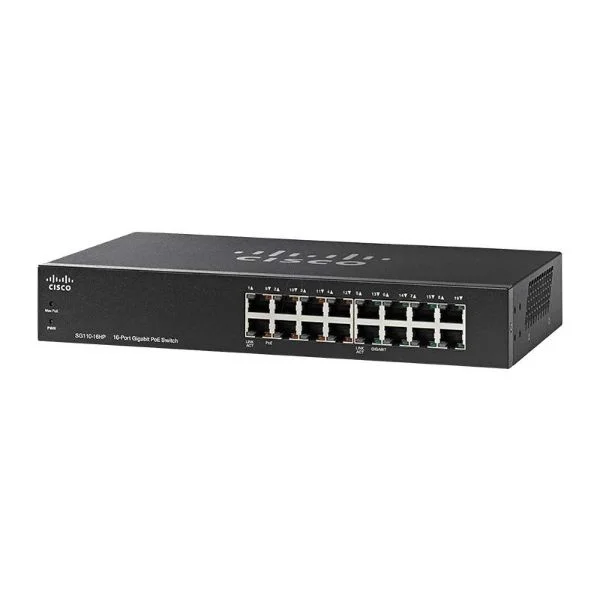
SG110-16HP (Cisco SG110-16HP 16-Port PoE Gigabit Switch)
4.4 (5)- Switch
- Cisco
- AC Power Supply
- Layer 2
- Desktop
- 12–24 Ports
Est Value In stockFirst-Time Buyer Discount – Get up to 2% additional off on your first order
ORM Rewards Earn $50 in Rewards + Free Expedited Delivery – Join Now!
Use eCoupon ORMSAVE10
eCoupon limited to 5 units
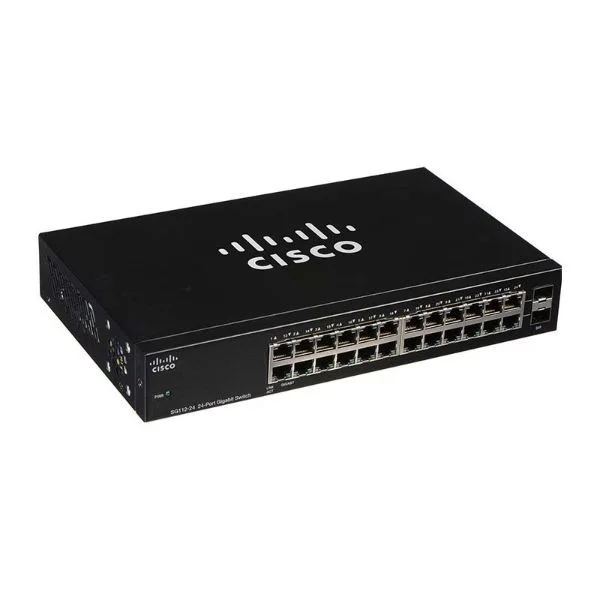
SG112-24 (Cisco SG112-24 COMPACT 24-port Gig Switch-2 Mini-GBIC Ports)
4.4 (5)- Switch
- Cisco
- AC Power Supply
- Layer 2
- Desktop
- 29.7 W
- 12–24 Ports
Est Value In stockFirst-Time Buyer Discount – Get up to 2% additional off on your first order
ORM Rewards Earn $50 in Rewards + Free Expedited Delivery – Join Now!
Use eCoupon ORMSAVE10
eCoupon limited to 5 units
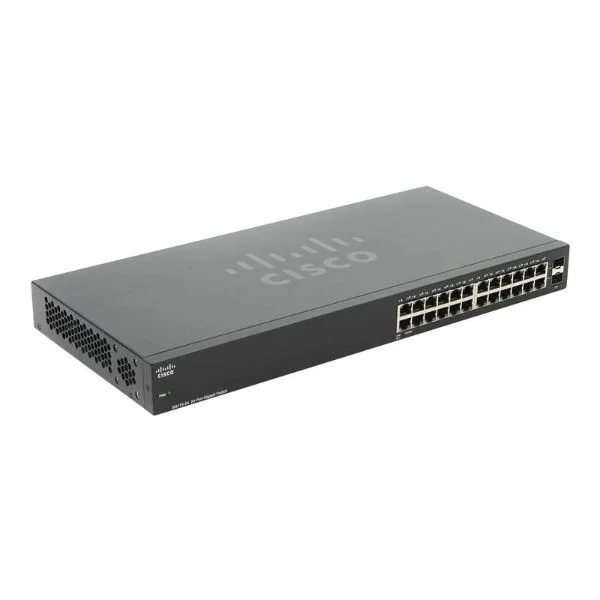
SG110-24 (Cisco SG110-24 24-port Gigabit Switch + 2 Mini GBIC Ports 1U)
4.6 (5)- Switch
- Cisco
- AC Power Supply
- Layer 2
- Desktop / Rack-mount
- 12–24 Ports
Est Value In stockFirst-Time Buyer Discount – Get up to 2% additional off on your first order
ORM Rewards Earn $50 in Rewards + Free Expedited Delivery – Join Now!
Use eCoupon ORMSAVE10
eCoupon limited to 5 units
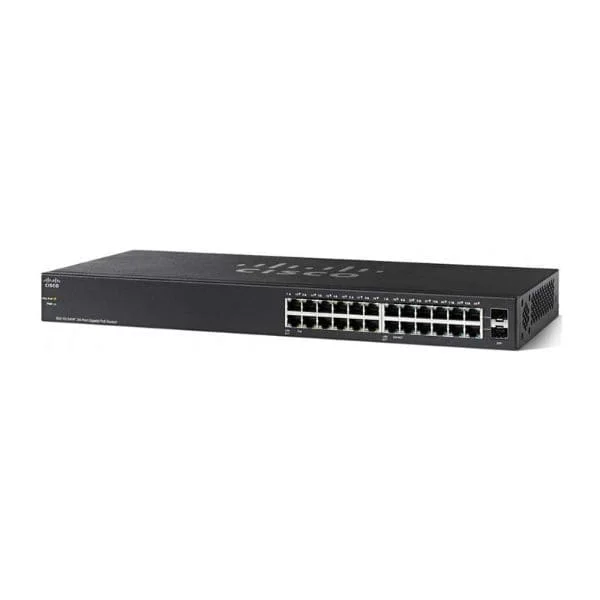
SG110-24HP (Cisco SG110-24HP 24-Port PoE Gigabit Switch)
4.4 (5)- Switch
- Cisco
- AC Power Supply
- Layer 2
- Desktop
- 73W
- 12–24 Ports
Est Value In stockFirst-Time Buyer Discount – Get up to 2% additional off on your first order
ORM Rewards Earn $50 in Rewards + Free Expedited Delivery – Join Now!
Use eCoupon ORMSAVE10
eCoupon limited to 5 units
CBS110-5T-D (Cisco Business 110 Unmanaged Switch, 5 10/100/1000 ports)
4.7 (6)- Switch
- Cisco
- AC Power Supply
- Layer 2
- Desktop
- 6.4 W
- Under 12 Ports
Est Value In stockFirst-Time Buyer Discount – Get up to 2% additional off on your first order
ORM Rewards Earn $50 in Rewards + Free Expedited Delivery – Join Now!
Use eCoupon ORMSAVE10
eCoupon limited to 5 units
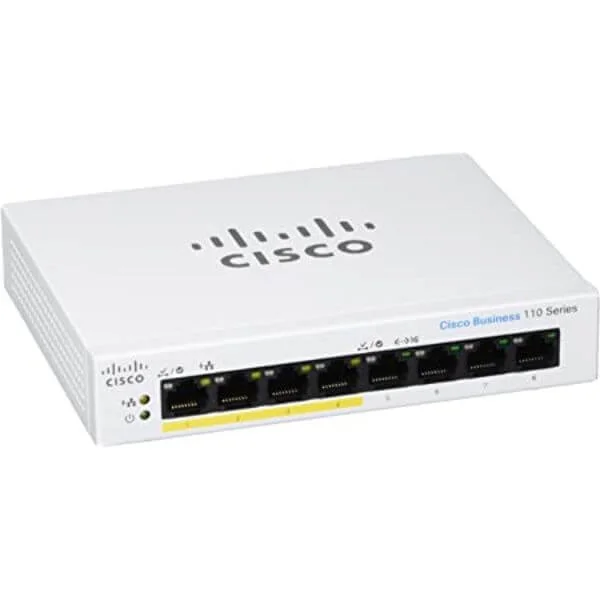
CBS110-8T-D (Cisco Business 110 Unmanaged Switch, 8 10/100/1000 ports)
4.5 (6)- Switch
- Cisco
- AC Power Supply
- Layer 2
- Desktop
- 7.3W
- Under 12 Ports
Est Value In stockFirst-Time Buyer Discount – Get up to 2% additional off on your first order
ORM Rewards Earn $50 in Rewards + Free Expedited Delivery – Join Now!
Use eCoupon ORMSAVE10
eCoupon limited to 5 units
CBS110-8PP-D (Cisco Business 110 Unmanaged Switch, 8 10/100/1000 ports (4 support PoE with 32W power budget))
4.8 (6)- Switch
- Cisco
- AC Power Supply
- Layer 2
- Desktop
- 56W
- Under 12 Ports
Est Value In stockFirst-Time Buyer Discount – Get up to 2% additional off on your first order
ORM Rewards Earn $50 in Rewards + Free Expedited Delivery – Join Now!
Use eCoupon ORMSAVE10
eCoupon limited to 5 units
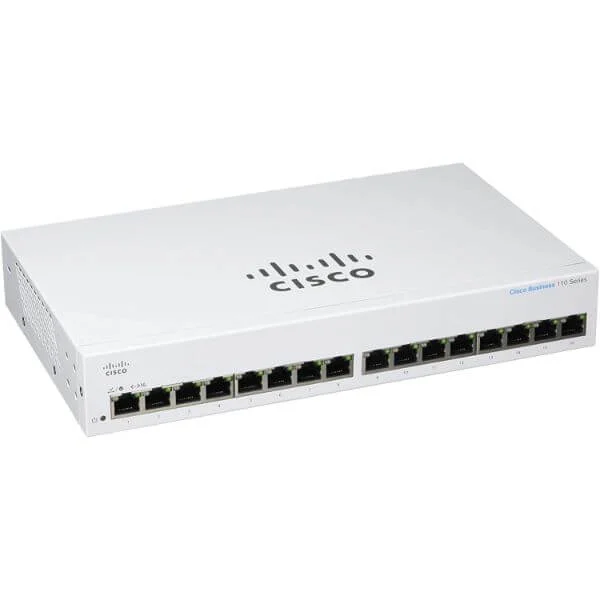
CBS110-16T (Cisco Business 110 Unmanaged Switch, 16 10/100/1000 ports)
4.8 (6)- Switch
- Cisco
- AC Power Supply
- Layer 2
- Desktop
- 14.6 W
- 12–24 Ports
Est Value In stockFirst-Time Buyer Discount – Get up to 2% additional off on your first order
ORM Rewards Earn $50 in Rewards + Free Expedited Delivery – Join Now!
Use eCoupon ORMSAVE10
eCoupon limited to 5 units

ORM Sales Advisors
Buying for your business? Get a personalised quote in under 2 hours. Talk to an expert
LEARNFilters (23) 
Questions & Answers
What is Cisco Business 110 Series Unmanaged Switches?
Cisco Business 110 Series Unmanaged Switches are entry-level Layer 2 devices that provide plug-and-play connectivity for small networks. They offer auto-negotiation, auto-MDIX, and QoS prioritization for basic traffic management.
What port options are available in the Cisco 110 Series?
Cisco 110 Series includes 5-, 8-, 16-, and 24-port models with dual Gigabit uplinks. Specific SKUs are 110-5T-2G, 110-8T-2G, 110-16T-2G, 110-24T-4G and the PoE-capable 110-24P-4G.
Do Cisco 110 Series switches support Power over Ethernet (PoE)?
Only the 110-24P-4G model supports PoE+. It delivers up to 30 W per port with a 190 W total budget. Other models do not provide PoE.
How easy is it to install Cisco 110 Series Unmanaged Switches?
Installation is plug-and-play: unpack the unit, mount or place it on a desk, connect the AC adapter, and attach Ethernet cables. No software configuration is required.
Are Cisco 110 Series switches fanless?
Yes. All Cisco 110 Series models use a fanless design for silent, maintenance-free operation in small offices or home environments.
Can I mount Cisco 110 Series switches in a rack?
The 16- and 24-port models include optional rack-mount kits. The 5- and 8-port switches are designed for desktop or wall-mount use only.
What is the switching capacity of Cisco 110 Series switches?
Switching capacity ranges from 20 Gbps on the 5-port model up to 56 Gbps on the 24-port models, ensuring non-blocking, wire-speed performance.
Do Cisco 110 Series switches support VLANs or advanced configurations?
No. Cisco 110 Series switches are unmanaged and do not support VLANs, SNMP, ACLs or CLI. They only provide basic Layer 2 features like auto-negotiation and QoS.
What security features are built into Cisco 110 Series?
Cisco 110 Series implements broadcast storm control, DHCP MAC-security and loopback detection to safeguard small networks from common Layer 2 threats.
What is the typical use case for Cisco 110 Series Unmanaged Switches?
They are ideal for small offices, retail environments and home offices that need reliable, no-configuration Ethernet connectivity for PCs, printers and IP phones.
Does the Cisco 110 Series support IPv6 traffic?
Yes. The 110 Series transparently forwards both IPv4 and IPv6 packets at wire-speed, as it operates at Layer 2 without inspecting IP headers.
Can I stack multiple Cisco 110 Series switches?
No. The 110 Series does not support stacking. To expand, use the Gigabit uplink ports to daisy-chain additional switches.
What warranty and support are included with Cisco 110 Series?
Cisco 110 Series switches include a limited lifetime hardware warranty and 90 days of technical support. Extended support is available via Cisco SMART Net contracts.
How does an unmanaged switch differ from a managed switch?
An unmanaged switch operates out-of-the-box with no configuration interface, while a managed switch offers VLANs, QoS tuning, SNMP monitoring and CLI or GUI management.
What Quality of Service (QoS) features are available on Cisco 110 Series?
The 110 Series supports 802.1p priority queuing and DSCP-based traffic prioritization to ensure reliable performance for voice and video applications.
How can I extend my network using Cisco 110 Series switches?
Use the dedicated Gigabit uplink ports to connect additional 110 Series switches. You can daisy-chain switches to expand port count without complex setup.