 United States
Dahua Switches Unmatched Network Reliability
Engineered with cutting-edge technology, Dahua Switches deliver robust performance, seamless connectivity, and enhanced security for enterprise-grade network infrastructures. Experience reliability and efficiency with innovative, future-proof solutions.
Talk to an expert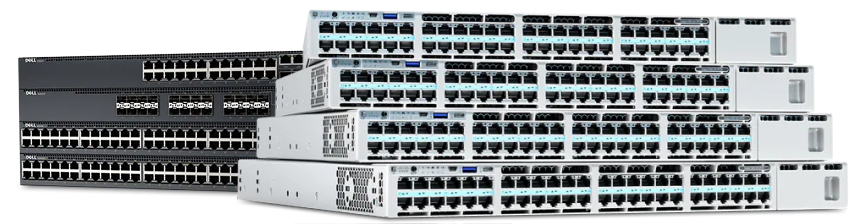
Dahua Core Switches
(1)Dahua core switches for CCTV network aggregation rooms using 10GbE uplinks, Layer 3 routing, and redundant fiber paths
Dahua Aggregation Switches
(1)Dahua aggregation switches for multi-floor surveillance access closets using Gigabit Ethernet camera feeds, SFP uplinks, and VLAN segmentation
Dahua Access Switches
(1)Dahua access switches for camera edge cabinets using PoE, Fast Ethernet or Gigabit Ethernet ports, and long-distance transmission modes
Dahua Poe Switches
(1)Dahua PoE switches for IP camera runs using IEEE 802.3af/at power, Gigabit uplinks, and surveillance VLAN layout designs
4 Matching results
- BEST SELLING
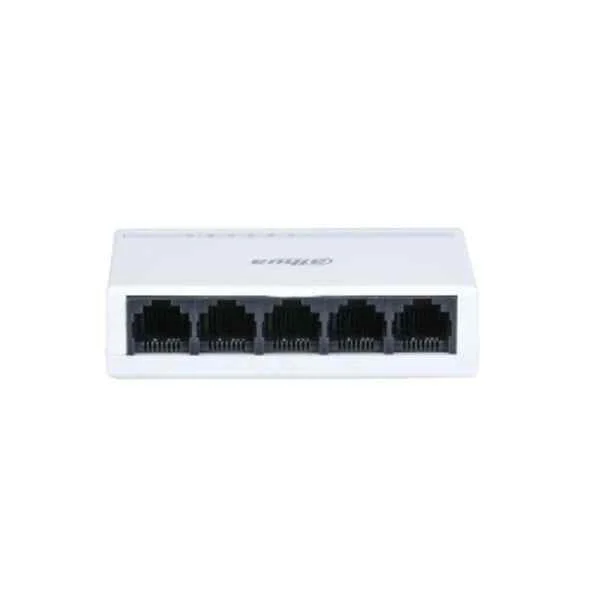
PFS3005-5ET-L (Dahua Access Switches)
4.5 (6)- Switch
- Dahua
- AC Power Supply
- Layer 2
- Rack-mount
- 25 W
- Under 12 Ports
Est Value In stock
First-Time Buyer Discount – Get up to 2% additional off on your first order
ORM Rewards Earn $50 in Rewards + Free Expedited Delivery – Join Now!
Use eCoupon ORMSAVE10
eCoupon limited to 5 units
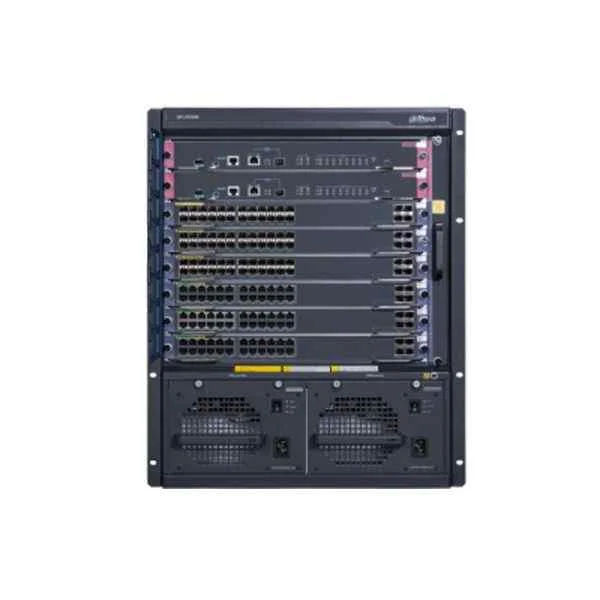
S7606 (Dahua Core Switches)
4.5 (6)- Switch
- Dahua
- Redundant Power Supply
- Layer 2 / Layer 3
- Rack-mount
- 250 W
- 24–48 Ports
Est Value In stockFirst-Time Buyer Discount – Get up to 2% additional off on your first order
ORM Rewards Earn $50 in Rewards + Free Expedited Delivery – Join Now!
Use eCoupon ORMSAVE10
eCoupon limited to 5 units
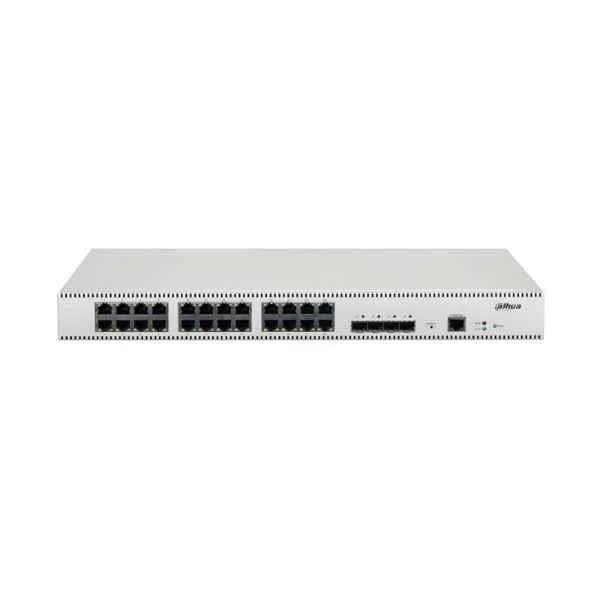
PFS5428-24GT (Dahua Aggregation Switches)
4.8 (6)- Switch
- Dahua
- AC Power Supply
- Layer 2
- Rack-mount
- 60W
- 12–24 Ports
Est Value In stockFirst-Time Buyer Discount – Get up to 2% additional off on your first order
ORM Rewards Earn $50 in Rewards + Free Expedited Delivery – Join Now!
Use eCoupon ORMSAVE10
eCoupon limited to 5 units
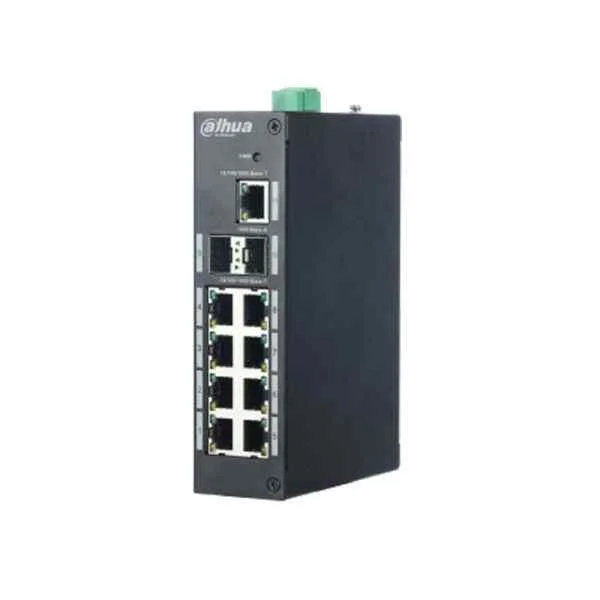
PFS3106-4P-60 (Dahua PoE Switches)
4.7 (6)- Switch
- Dahua
- AC Power Supply
- Layer 2
- Rack-mount
- 60W
- Under 12 Ports
Est Value In stockFirst-Time Buyer Discount – Get up to 2% additional off on your first order
ORM Rewards Earn $50 in Rewards + Free Expedited Delivery – Join Now!
Use eCoupon ORMSAVE10
eCoupon limited to 5 units

ORM Sales Advisors
Buying for your business? Get a personalised quote in under 2 hours. Talk to an expert
LEARNFilters (4) 
Questions & Answers
What is a Dahua switch?
A Dahua switch is a network switch engineered for IP security and surveillance systems, offering Power over Ethernet (PoE) and high-performance data transmission for CCTV cameras and network devices.
What are the key features of Dahua PoE switches?
Dahua PoE switches provide high PoE power budgets, 10/100/1000 Mbps ports, SFP uplink slots, VLAN support, QoS, and intuitive web or CLI management for reliable, plug-and-play surveillance deployments.
How do I select the right Dahua switch for my network size?
Assess your device count, required PoE power budget, uplink speed, VLAN segmentation and future expansion, then match these needs to a Dahua switch model offering the appropriate port count, power budget and management features.
What is the maximum PoE power budget of Dahua switches?
Dahua PoE switches offer power budgets ranging from 120 W to 740 W depending on the model, supporting IEEE 802.3af/at standards to power multiple cameras and access points simultaneously.
How do I configure VLANs on a Dahua managed switch?
Log into the switch’s web GUI or CLI, navigate to the VLAN section, create VLAN IDs, assign ports to each VLAN, and save the configuration to segment network traffic securely.
Can Dahua switches support 10 Gbps uplink connections?
Yes, select Dahua models include 10 Gbps SFP+ or RJ45 uplink ports for high-speed backbone connectivity to NVRs or core switches.
How do I update the firmware on my Dahua switch?
Download the latest firmware from the Dahua support website, access the switch’s web interface, navigate to the firmware upgrade tool, upload the file and reboot to apply updates.
Are Dahua switches compatible with third-party cameras?
Yes, Dahua switches adhere to IEEE PoE and Ethernet standards, ensuring interoperability with third-party ONVIF-compliant IP cameras and network devices.
How do I calculate PoE budget requirements?
Sum the power requirements of all PoE devices, add a 20% safety margin, and ensure your Dahua switch’s total PoE budget meets or exceeds this value for stable operation.
What management interfaces are available on Dahua switches?
Dahua switches offer web-based GUIs, command-line interfaces (CLI) via telnet/SSH, and SNMP support for seamless integration with network management systems.
How do I reset a Dahua switch to factory settings?
Press and hold the reset button for 10 seconds while the switch is powered on; it will reboot and restore all settings to factory defaults.
Do Dahua switches support SFP fiber modules?
Yes, most Dahua switches include SFP or SFP+ slots compatible with standard fiber transceiver modules for long-distance uplinks and network redundancy.
Do Dahua switches support Quality of Service (QoS)?
Yes, Dahua switches implement advanced QoS features to prioritize video, voice and data traffic, ensuring stable performance for mission-critical applications.
How can I troubleshoot network connectivity issues on a Dahua switch?
Verify cable integrity and port status LEDs, check PoE power utilization, review logs via the web GUI or CLI, and update firmware to address known interoperability issues.
What warranty and support options are available for Dahua switches?
Dahua provides a two- to five-year limited warranty depending on the switch model, plus access to firmware updates, technical documentation and global support channels.
How do I monitor network performance with a Dahua switch?
Use the built-in web interface or SNMP to view real-time port statistics, PoE power usage and traffic graphs, enabling proactive network and surveillance performance management.