 United States
Trusted by the Highest-Stakes Buyers
Federal agencies and Fortune 500 operations source through ORM Systems.
US Government & Defense
Enterprise Clients

Featured Deal
Hand-picked by our procurement team for standout value. This unit is offered at our sharpest price on current stock, verified against live market rates.
Name:

Added to cart 28 times recently
Ready to Ship
Certified Refurbished
Professionally inspected, bench-tested, and firmware-verified, with configurations wiped. Restored to full working order and backed by our warranty.


3 Year Extended Warranty


Same-day Shipping

30-Day Money Back Guarantee
Shipping:
Payment:
3 Year Extended Warranty
Same-day Shipping
30-Day Money Back Guarantee
Need Additional Discount on Product?
Request a quote below - Get Exclusive Pricing and Support.
Shipping:
Payment:
TE60-1080P30-W-P-02
Huawei VC8MB2PEN VP9050,Videoconferencing Terminal(1080P,min...
Trusted by the Highest-Stakes Buyers
Federal agencies and Fortune 500 operations source through ORM Systems.
US Government & Defense




Enterprise Clients



Built Global. Stocked Local.
Regional teams and 25+ distribution partners keep stock near you and accountability in your time zone.
Buyer Protection on Every Order
Pay by PayPal or Revolut with full chargeback rights. Order on PO terms, Net-30 for government.
Verified By Federal Bodies
Every registration we claim is public record — check our federal contractor status yourself before you spend a dollar.



Since 2016, Enterprise-Trusted
Ten years serving buyers who audit their vendors. From federal agencies to 20,000+ enterprise clients worldwide.
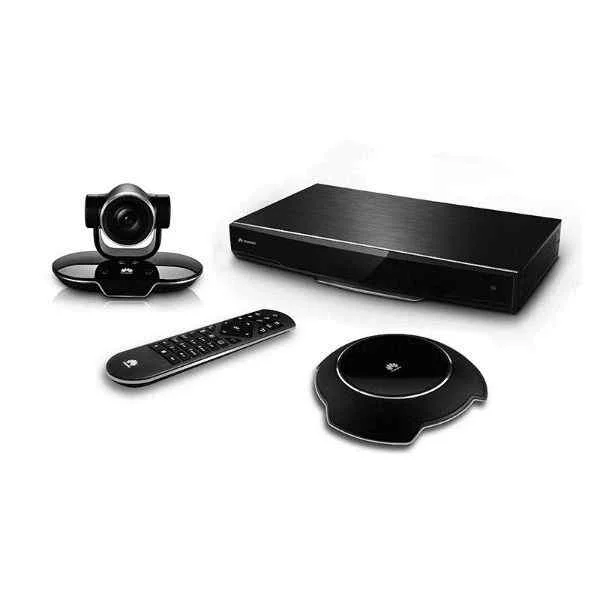
TE60-1080P30-W-P-02-Huawei VC8MB2PEN VP9050,Videoconferencing Terminal(1080P,miniMCU,touch screen,cables-Italy) is a high-definition video conferencing solution engineered for boardrooms and hybrid workspaces. The device features a 1080p camera with a 30 FPS frame rate, integrated miniMCU processing, and an intuitive touch screen control interface. It combines a built-in microphone array with 6+ mics and a built-in speaker to deliver full duplex audio with inherent noise suppression, ensuring crystal-clear communication.
Optimized for use with popular platforms such as Zoom, Microsoft Teams, and Webex, this all-in-one unit provides versatile connectivity through USB-A, HDMI, Ethernet, and PoE ports while emphasizing reliable cable integration designed for the Italian market. Its compact tabletop form factor makes it ideally suited for varied conferencing setups, including huddle rooms, boardrooms, and hybrid workspaces, all powered by a proprietary operating system and PoE power source.
TE60-1080P30-W-P-02 price is is available on request. Get immediate quote.
Request bulk order quote for TE60-1080P30-W-P-02 for additional pricing. Browse the full Hd Video Conferencing Endpoints series or explore all Huawei products.
Mon–Fri: [09:00-16:00]
Avg. response under 30 mins

| TE60-1080P30-W-P-02 | 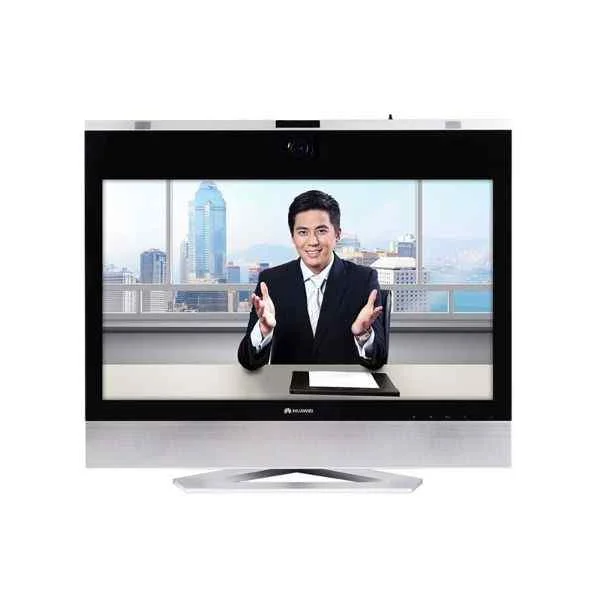 TE30-720P-10A TE30-720P-10A | 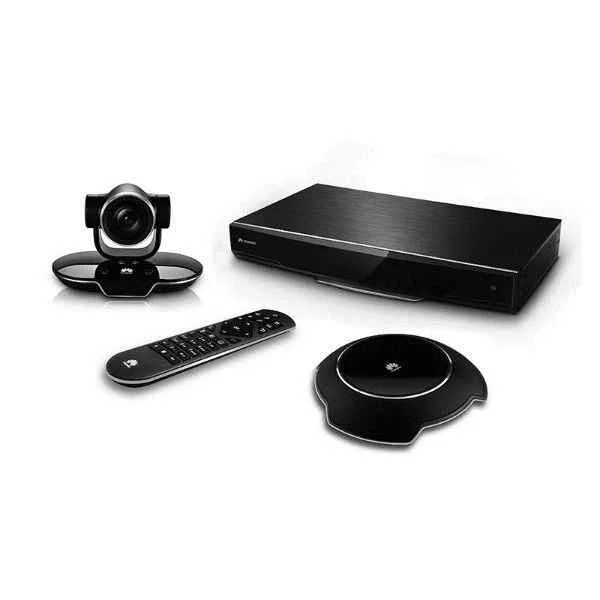 TE30-1080P-00B TE30-1080P-00B | 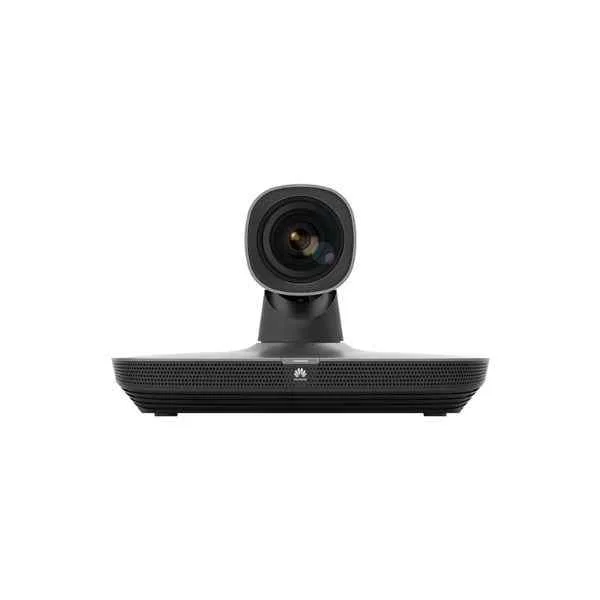 VC8MBVPEN VC8MBVPEN | 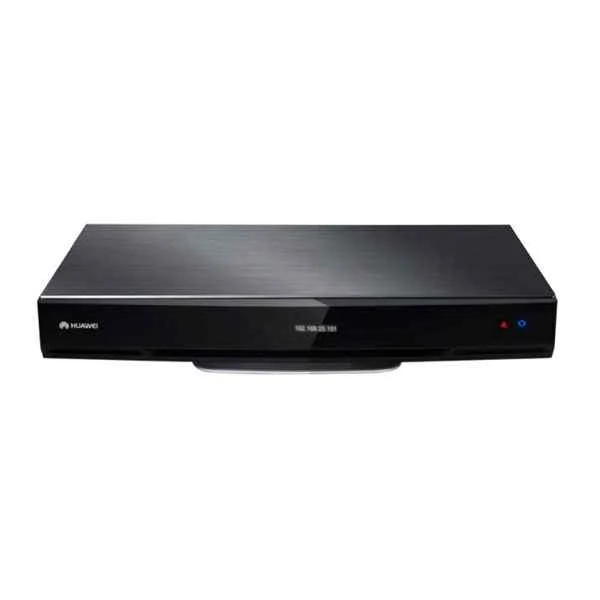 TE40-720P30-W-P-02 TE40-720P30-W-P-02 | |
|---|---|---|---|---|---|
| Product Type | Video Conferencing Solution | Video Conferencing Solution | Video Conferencing Solution | Video Conferencing Solution | Video Conferencing Solution |
| Device Type | All-in-One Video Bar | All-in-One Video Bar | Video Conferencing Endpoints | Video Conferencing Endpoints | Video Bar / Conference Room Kit |
| Use Case | Boardroom / Hybrid Office | Huddle Room / Boardroom / Hybrid Office / Classroom | Boardroom / Hybrid Office / Huddle Room | Huddle Room / Boardroom / Hybrid Office / Classroom | Huddle Room / Boardroom / Hybrid Office / Classroom |
| Camera Resolution | 1080p | 1080p | 1080p | 1080p | 1080p |
| Frame Rate | 30 FPS | 30 FPS | 30 FPS | 30 FPS | 60 FPS |
| Speaker Integration | Built-in Speaker | Built-in Speaker | Built-in Speaker | Built-in Speaker | None |
| Connectivity | USB-A, HDMI, Ethernet, PoE | USB-A / HDMI / Ethernet / PoE | USB-A, HDMI, Ethernet, PoE | USB-A, HDMI, Wi-Fi | USB-A / HDMI / Ethernet / PoE |
| Wireless Support | No | No | No | Wi-Fi | Wi-Fi |
| PoE Support | Yes | Yes | Yes | No | Yes |
| Control Interface | Touchscreen | Remote Control / Touchscreen | Touchscreen | Remote Control | Remote Control |
| Platform Compatibility | Zoom, Microsoft Teams, Webex | Zoom / Microsoft Teams / Webex | Zoom, Microsoft Teams, Webex | Zoom, Microsoft Teams, Webex | Zoom / Microsoft Teams / Webex |
| Mounting Option | Tabletop | Display Mount | Tabletop | Tabletop, Wall Mount | Tabletop |
| Power Source | PoE | PoE | PoE | External Adapter | PoE |
| Product Name | TE60-1080P30-W-P-02-Huawei VC8MB2PEN VP9050,Videoconferencing Terminal(1080P,miniMCU,touch screen,cables-Italy) | TE30-720P-10A-Huawei DP300, conference TV terminal (1080P30, 27-inch touch screen, HD camera, built-in microphone & speakers, remote control, cable assembly) | TE30-1080P-00B-Huawei VC8MA5PEN VP9050, Videoconferencing Terminal (1080P, miniMCU, touch screen, cables-South Africa) | VC8MBVPEN-HUAWEI TE20, Videoconferencing Endpoint-WIFI (All-in-One HD Codec,with HD camera and microphone, including cable assembly, and remote control) | TE40-720P30-W-P-02-Huawei TE60-1080P60-P-02 TE60 HD codec 1080P60, VPC620 HD camera(12x), VPM220 wired microphone array |


Every unit is authentic, sourced through trusted and authorised channels, and serial-verified on request. Genuine networking and IT hardware, guaranteed, or your money back.

New products are backed by up to 3 years of extended warranty, and certified refurbished units by up to 3 months, for dependable protection on every order. Coverage is clear, honoured in full, and confirmed on each product page.

If a unit ever falls short, our streamlined RMA process gets a replacement to you fast, with advance replacement available to keep your network running. No jargon, no runaround.

Every device is inspected, bench-tested, and firmware-verified, with configurations wiped before dispatch. Additional testing can be arranged to confirm full working condition on request.

Our specialists assist with compatibility, configuration, licensing, and installation, before and after you buy. Real hardware expertise, whenever you need it.

dispatched quickly and shipped worldwide from regional hubs, fully tracked and insured.
Reviewed on the 3 August 2023

Stable 1080p performance with wireless flexibility.
Reviewed on the 23 July 2021
Reliable endpoint for business meetings.
Reviewed on the 7 May 2025
Consistent quality and easy operation.
Reviewed on the 6 March 2018
Handles daily conferencing needs well.
Reviewed on the 31 October 2022
Good balance of performance and usability.
Reviewed on the 17 March 2018
Works reliably in enterprise environments.
The Huawei VC8MB2PEN VP9050 delivers full HD 1080p video at 30 frames per second, ensuring crisp, smooth visuals for all your video conferences.
Yes. The VP9050 features an integrated miniMCU that supports up to 9-site multi-party conferences in heterogeneous networks, eliminating the need for external MCU hardware.
The VP9050 includes a built-in 7-inch capacitive touch screen with an intuitive GUI for call setup, layout selection and system settings—no additional controller required.
The system offers full-duplex acoustic echo cancellation, noise suppression, automatic gain control and built-in stereo speakers, delivering clear, natural audio without distortion.
The terminal supports H.265, H.264 High Profile, H.264 BP for video and AAC-LD, G.722.1C, G.711 and OPUS for audio, optimizing bandwidth usage and quality.
Yes. The device is dual-stack IPv4/IPv6–compatible and supports NIC switchover for automatic failover, ensuring uninterrupted connectivity.
Yes. The package includes IEC C13 power cables and an Italian-standard plug to ensure immediate installation in Italy without additional purchases.
The VP9050 offers USB 2.0 and HDMI input ports for connecting HD PTZ cameras or USB cameras, with automatic camera control over VISCA protocol.
Yes. The terminal is SIP and H.323 compliant and interoperates seamlessly with popular platforms such as Microsoft Teams, Zoom, Cisco, Polycom and Lifesize.
The device supports H.235 v3 encryption, SRTP/TLS media security, password protection and ACL-based management to safeguard data and prevent unauthorized access.
For optimal 1080p30 performance, a stable 2 Mbps upstream/downstream connection per site is recommended, with QoS configured for video and voice traffic.
Yes. Use the dedicated 3.5 mm audio input and USB ports to connect up to two external boundary or ceiling microphones for larger meeting rooms.
The terminal measures 260 mm × 180 mm × 35 mm and weighs 1.2 kg, making it compact enough for desktop or credenza placement in any conference room.
You can use Huawei eSpace Manager or SNMP v2/v3 for centralized management, scheduling, firmware updates and real-time status monitoring of all endpoints.
Huawei provides a 12-month limited hardware warranty, with optional extensions and 24/7 technical support via phone, email and online ticketing systems.
Navigate to System > Maintenance > Restore Default on the touch screen interface, confirm the operation, and the terminal will reboot with factory-default configuration.







