 United States
Access Points Cisco 1140
Engineered for robust wireless connectivity and optimized performance, the Cisco 1140 Access Point provides enterprise-grade reliability and secure, scalable network solutions to drive transformative digital environments.
Talk to an expert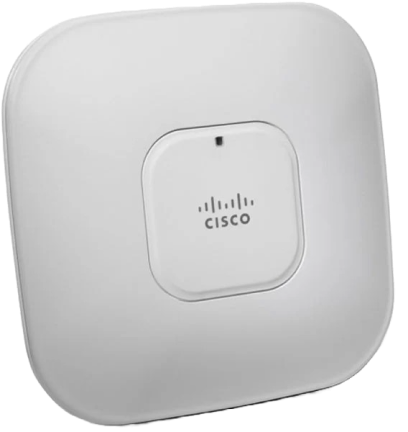
51 Matching results
- BEST SELLING
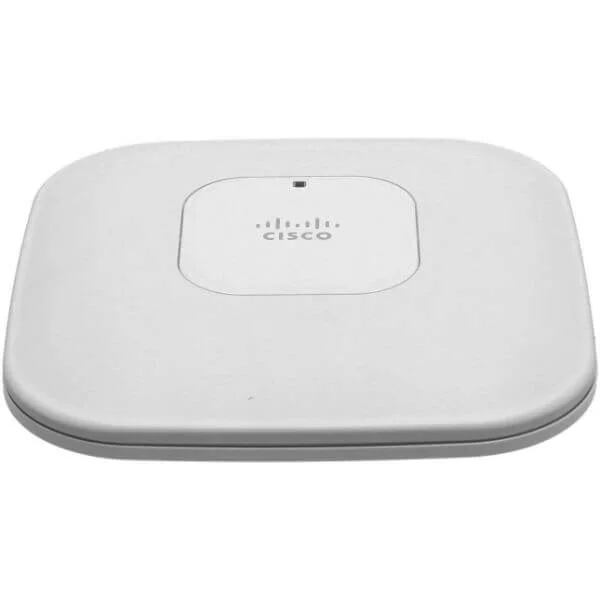
AIR-AP1141N-E-K9 (802.11g/n Fixed Auto AP; Int Ant; E Reg Domain 1140 Series Access Points: Single Band)
4.7 (7)- Wireless Product
- Cisco
- Access Point
- 802.11n
- 2.4GHz
- 300Mbps (per radio)
Est Value $795.00
$115.75
85.4% offIn stockRefurbishedFirst-Time Buyer Discount – Get up to 2% additional off on your first order
ORM Rewards Earn $50 in Rewards + Free Expedited Delivery – Join Now!
Use eCoupon ORMSAVE10
eCoupon limited to 5 units
- BEST SELLING
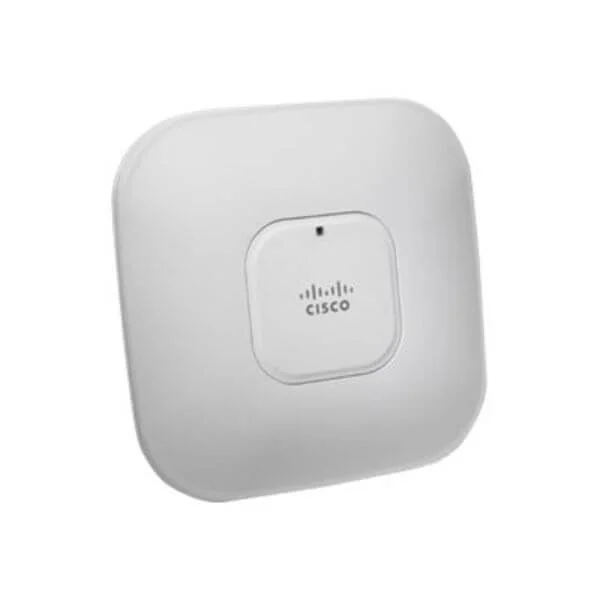
AIR-AP1142-SK9-5PR (AP1142 Standalone S Reg Domain 1140 Series Access Points: Limited Time Promotion: Eco Packs)
4.7 (7)- Wireless Product
- Cisco
- Access Point
- Wi-Fi 6
- 2.4GHz / 5GHz
- Up to 1.7Gbps
- 100 meters
Est Value $9,925.12$4,962.56
50% offIn stockRefurbishedFirst-Time Buyer Discount – Get up to 2% additional off on your first order
ORM Rewards Earn $50 in Rewards + Free Expedited Delivery – Join Now!
Use eCoupon ORMSAVE10
eCoupon limited to 5 units
- FEARURED
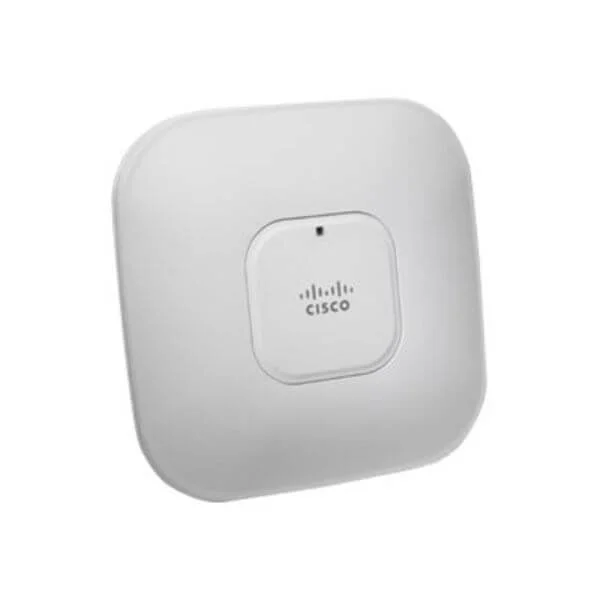
AIR-LAP1142N-C-K9 (802.11a/g/n Fixed Unified AP; Int Ant; C Reg Domain 1140 Series Access Points: Dual Band)
4.9 (7)- Wireless Product
- Cisco
- Access Point
- Wi-Fi N
- 2.4GHz / 5GHz
- 300Mbps
- 122 meters
Est Value $995.00$231.42
76.7% offIn stockRefurbishedFirst-Time Buyer Discount – Get up to 2% additional off on your first order
ORM Rewards Earn $50 in Rewards + Free Expedited Delivery – Join Now!
Use eCoupon ORMSAVE10
eCoupon limited to 5 units
- FEARURED
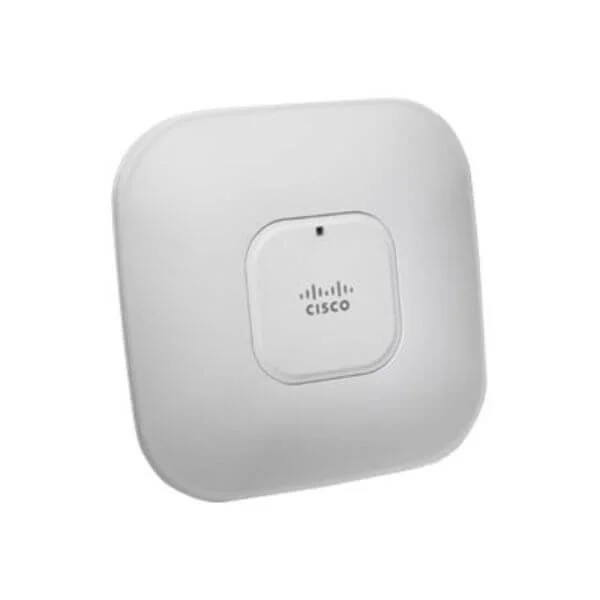
AIR-AP1142-NK9-5PR (AP1142 Standalone N Reg Domain 1140 Series Access Points: Limited Time Promotion: Eco Packs)
4.9 (7)- Wireless Product
- Cisco
- Access Point
- Wi-Fi 6
- 2.4GHz / 5GHz
- 2.5Gbps
Est Value $9,925.12$4,962.56
50% offIn stockRefurbishedFirst-Time Buyer Discount – Get up to 2% additional off on your first order
ORM Rewards Earn $50 in Rewards + Free Expedited Delivery – Join Now!
Use eCoupon ORMSAVE10
eCoupon limited to 5 units
- FEARURED
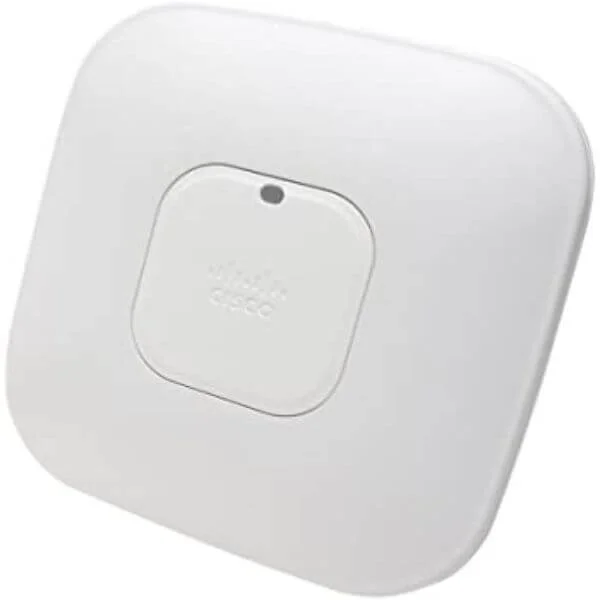
AIR-AP1142-AK9-5PR (AP1142 Standalone A Reg Domain 1140 Series Access Points: Limited Time Promotion: Eco Packs)
4.6 (7)- Access Point
- Cisco
- Access Point
- Wi-Fi 6
- 2.4GHz, 5GHz
- 1Gbps
- 100 meters
Est Value $13,973.96$6,986.98
50% offIn stockRefurbishedFirst-Time Buyer Discount – Get up to 2% additional off on your first order
ORM Rewards Earn $50 in Rewards + Free Expedited Delivery – Join Now!
Use eCoupon ORMSAVE10
eCoupon limited to 5 units
- FEARURED
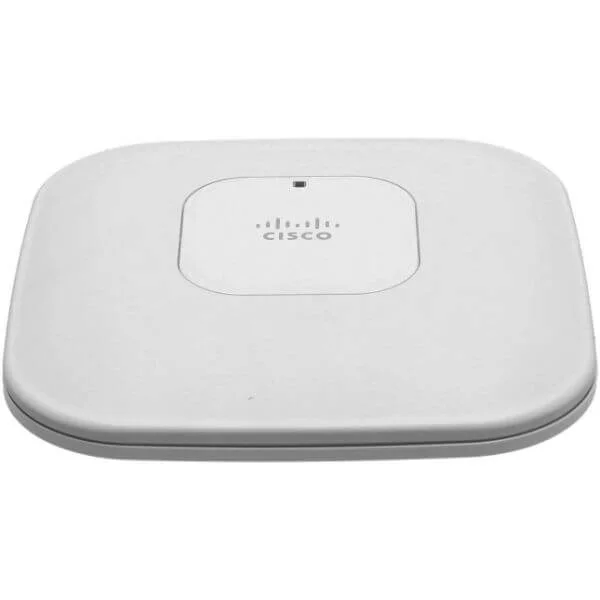
AIR-LAP1142-AK9-10 (802.11a/g/n LWAPP AP Integrated Antennas A Reg Domain,10 APs 1140 Series Bulk Packs)
4.6 (7)- Wireless Access Point
- Cisco
- Access Point
- Wi‑Fi 6
- 2.4GHz / 5GHz
- 1Gbps
- 100 meters
Est Value $21,991.20$10,995.60
50% offIn stockRefurbishedFirst-Time Buyer Discount – Get up to 2% additional off on your first order
ORM Rewards Earn $50 in Rewards + Free Expedited Delivery – Join Now!
Use eCoupon ORMSAVE10
eCoupon limited to 5 units
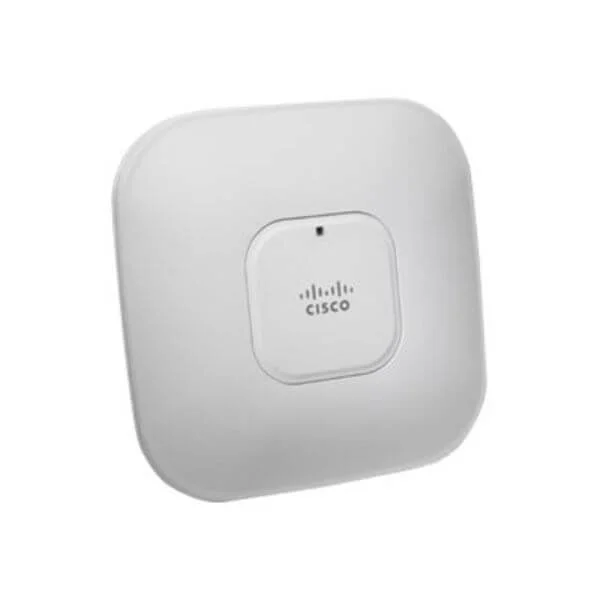
AIR-LAP1141N-A-K9 (802.11g/n Fixed Unified AP; Int Ant; A Reg Domain 1140 Series Access Points: Single Band)
4.9 (7)- Wireless Product
- Cisco
- Access Point
- 802.11n
- 2.4GHz
- 300Mbps
Est Value $795.00$63.00
92.1% offIn stockNewRefurbishedFirst-Time Buyer Discount – Get up to 2% additional off on your first order
ORM Rewards Earn $50 in Rewards + Free Expedited Delivery – Join Now!
Use eCoupon ORMSAVE10
eCoupon limited to 5 units
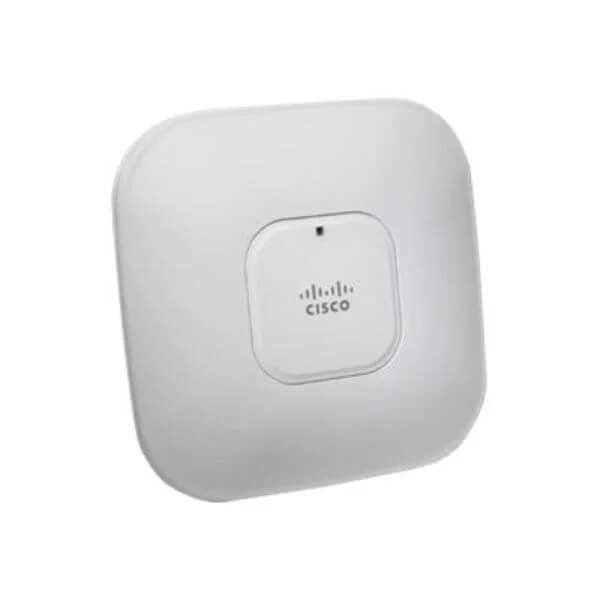
AIR-LAP1142-PK9-10 (802.11a/g/n LWAPP AP Integrated Antennas P Reg Domain,10 APs 1140 Series Bulk Packs)
4.4 (7)- Wireless Access Point
- Cisco
- Access Point
- Wi-Fi 6
- 2.4GHz/5GHz
- 2.5Gbps
- 100 meters
Est Value $9,950.00$104.14
99% offIn stockRefurbishedFirst-Time Buyer Discount – Get up to 2% additional off on your first order
ORM Rewards Earn $50 in Rewards + Free Expedited Delivery – Join Now!
Use eCoupon ORMSAVE10
eCoupon limited to 5 units
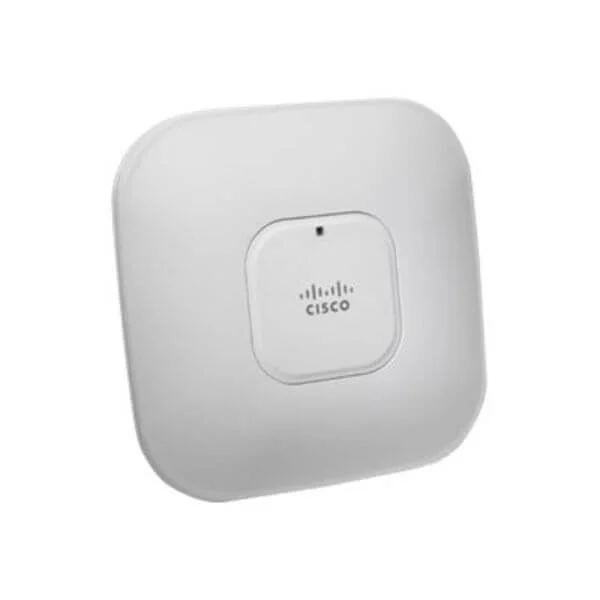
AIR-AP1142N-S-K9 (802.11a/g/n Fixed Auto AP; Int Ant; S Reg Domain 1140 Series Access Points: Dual Band)
4.6 (7)- Wireless Product
- Cisco
- Access Point
- 802.11n
- 2.4GHz / 5GHz
- 300Mbps
Est Value $995.00$115.71
88.4% offIn stockRefurbishedFirst-Time Buyer Discount – Get up to 2% additional off on your first order
ORM Rewards Earn $50 in Rewards + Free Expedited Delivery – Join Now!
Use eCoupon ORMSAVE10
eCoupon limited to 5 units
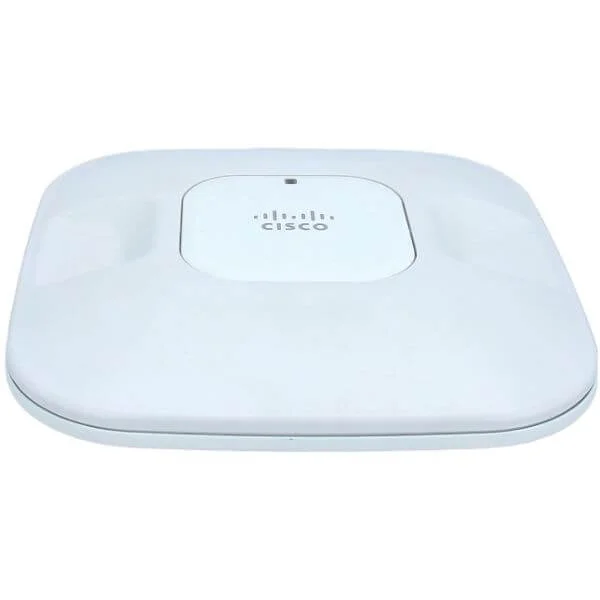
AIR-LAP1141N-P-K9 (802.11g/n Fixed Unified AP; Int Ant; P Reg Domain 1140 Series Access Points: Single Band)
4.6 (7)- Wireless Access Point
- Cisco
- Access Point
- 802.11n
- 2.4GHz
- 300Mbps
- 100 meters
Est Value $795.00$115.71
85.4% offIn stockRefurbishedFirst-Time Buyer Discount – Get up to 2% additional off on your first order
ORM Rewards Earn $50 in Rewards + Free Expedited Delivery – Join Now!
Use eCoupon ORMSAVE10
eCoupon limited to 5 units
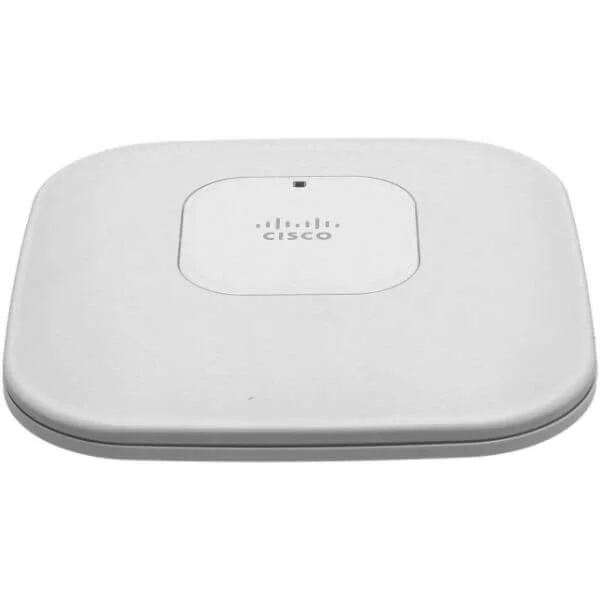
AIR-LAP1142N-S-K9 (802.11a/g/n Fixed Unified AP; Int Ant; S Reg Domain 1140 Series Access Points: Dual Band)
4.6 (7)- Wireless Access Point
- Cisco
- Access Point
- 802.11n
- 2.4GHz, 5GHz
- 300Mbps per radio
Est Value $995.00$115.71
88.4% offIn stockRefurbishedFirst-Time Buyer Discount – Get up to 2% additional off on your first order
ORM Rewards Earn $50 in Rewards + Free Expedited Delivery – Join Now!
Use eCoupon ORMSAVE10
eCoupon limited to 5 units
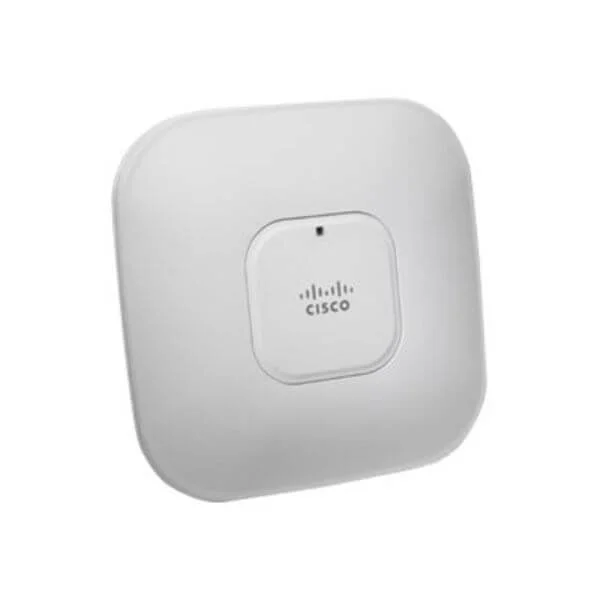
AIR-AP1142N-I-K9 (802.11a/g/n Fixed Auto AP; Int Ant; I Reg Domain 1140 Series Access Points: Dual Band)
4.4 (7)- Wireless Access Point
- Cisco
- Access Point
- 802.11n
- 2.4GHz / 5GHz
- 300Mbps
Est Value $995.00$115.71
88.4% offIn stockRefurbishedFirst-Time Buyer Discount – Get up to 2% additional off on your first order
ORM Rewards Earn $50 in Rewards + Free Expedited Delivery – Join Now!
Use eCoupon ORMSAVE10
eCoupon limited to 5 units
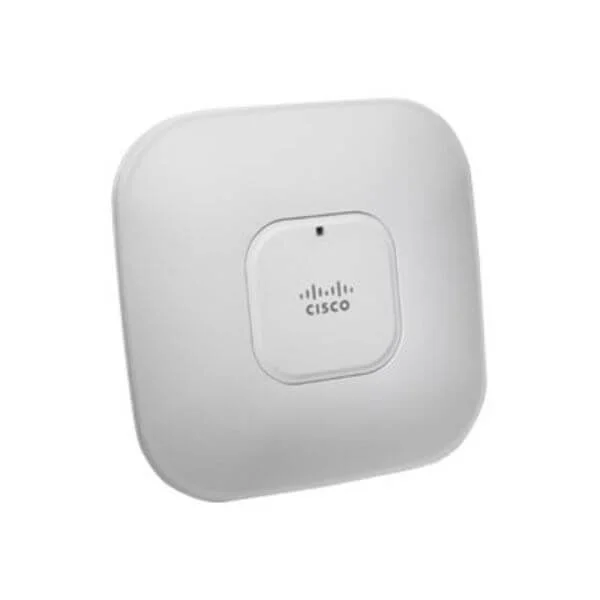
AIR-AP1142N-P-K9 (802.11a/g/n Fixed Auto AP; Int Ant; P Reg Domain 1140 Series Access Points: Dual Band)
4.9 (7)- Wireless Access Point
- Cisco
- Access Point
- 802.11n
- 2.4GHz
- 300Mbps
Est Value $995.00$115.71
88.4% offIn stockRefurbishedFirst-Time Buyer Discount – Get up to 2% additional off on your first order
ORM Rewards Earn $50 in Rewards + Free Expedited Delivery – Join Now!
Use eCoupon ORMSAVE10
eCoupon limited to 5 units
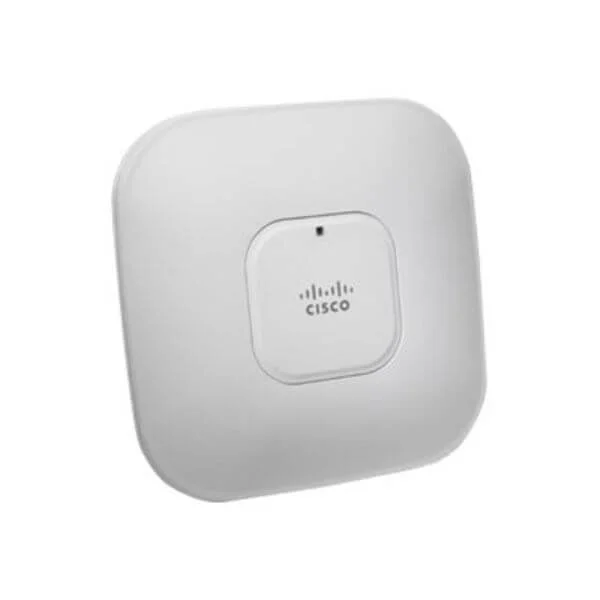
AIR-LAP1142-CK9-10 (802.11a/g/n LWAPP AP Integrated Antennas C Reg Domain,10 APs 1140 Series Bulk Packs)
4.6 (7)- Wireless Access Point
- Cisco
- Access Point
- Wi-Fi 6
- 2.4GHz / 5GHz
- 2.5Gbps
- 150 meters
Est Value $9,950.00$128.38
98.7% offIn stockRefurbishedFirst-Time Buyer Discount – Get up to 2% additional off on your first order
ORM Rewards Earn $50 in Rewards + Free Expedited Delivery – Join Now!
Use eCoupon ORMSAVE10
eCoupon limited to 5 units
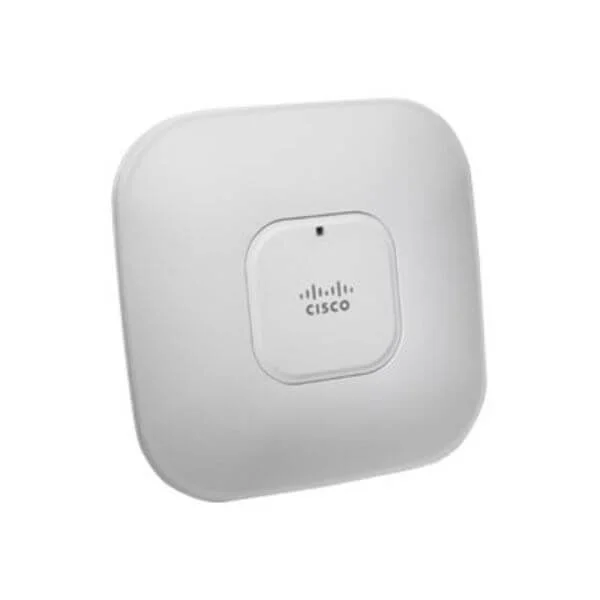
AIR-LAP1142N-A-K9 (802.11a/g/n Fixed Unified AP; Int Ant; A Reg Domain 1140 Series Access Points: Dual Band)
4.7 (7)- Wireless Product
- Cisco
- Access Point
- Wi-Fi 4 (802.11n)
- 2.4GHz
- 300Mbps
- Approximately 100 meters indoors
Est Value $995.00$50.40
94.9% offIn stockNewRefurbishedFirst-Time Buyer Discount – Get up to 2% additional off on your first order
ORM Rewards Earn $50 in Rewards + Free Expedited Delivery – Join Now!
Use eCoupon ORMSAVE10
eCoupon limited to 5 units
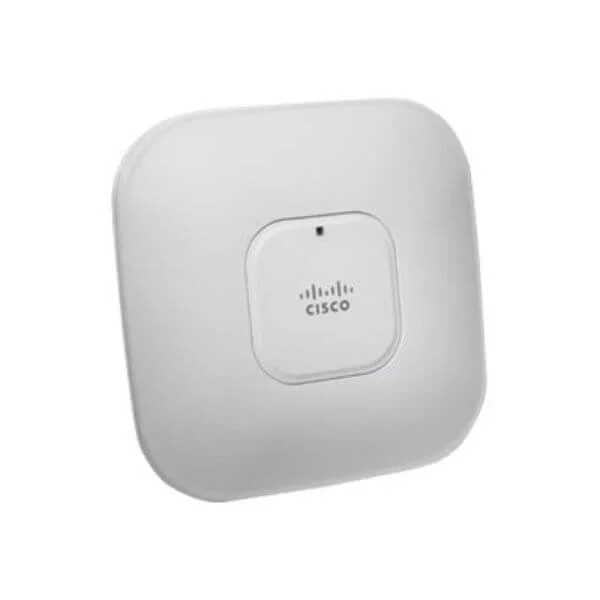
AIR-AP1141N-P-K9 (802.11g/n Fixed Auto AP; Int Ant; P Reg Domain 1140 Series Access Points: Single Band)
4.7 (7)- Wireless Access Point
- Cisco
- Access Point
- 802.11n
- 2.4GHz
- 300Mbps
Est Value $795.00$142.64
82.1% offIn stockRefurbishedFirst-Time Buyer Discount – Get up to 2% additional off on your first order
ORM Rewards Earn $50 in Rewards + Free Expedited Delivery – Join Now!
Use eCoupon ORMSAVE10
eCoupon limited to 5 units
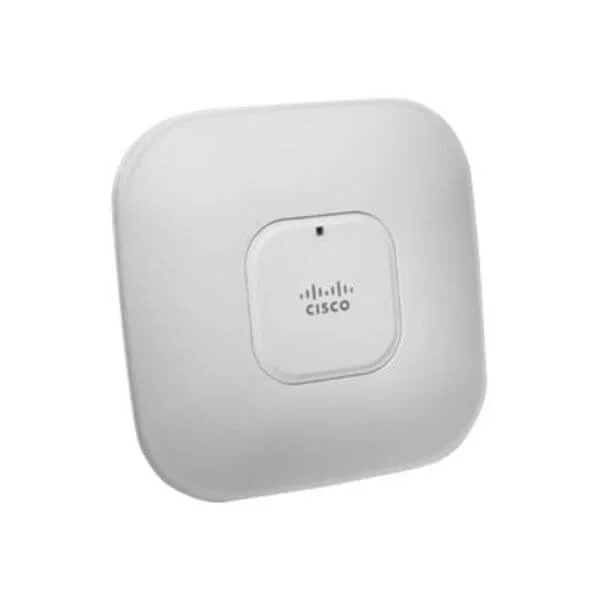
AIR-LAP1142N-N-K9 (802.11a/g/n Fixed Unified AP; Int Ant; N Reg Domain 1140 Series Access Points: Dual Band)
4.9 (7)- Wireless Product
- Cisco
- Access Point
- 802.11n
- 2.4GHz / 5GHz
- 300Mbps
- 50 meters (Indoor)
Est Value $995.00$302.24
69.6% offIn stockRefurbishedFirst-Time Buyer Discount – Get up to 2% additional off on your first order
ORM Rewards Earn $50 in Rewards + Free Expedited Delivery – Join Now!
Use eCoupon ORMSAVE10
eCoupon limited to 5 units
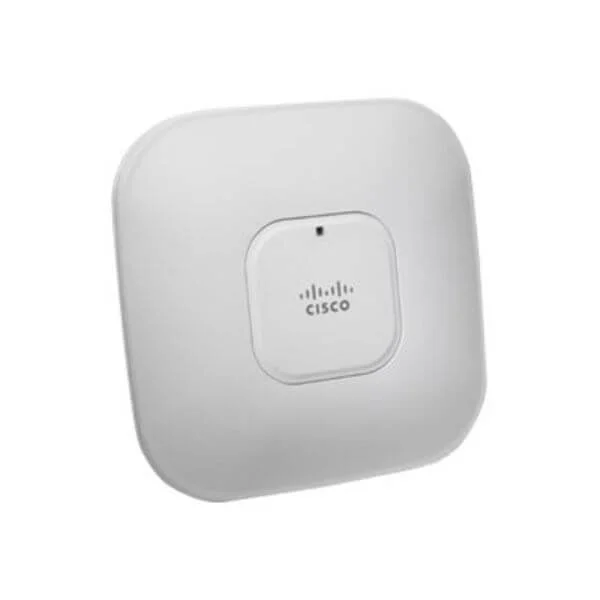
AIR-LAP1142N-I-K9 (802.11a/g/n Fixed Unified AP; Int Ant; I Reg Domain 1140 Series Access Points: Dual Band)
4.7 (7)- Wireless Access Point
- Cisco
- Access Point
- 802.11n
- 2.4GHz, 5GHz
- 300Mbps per radio
Est Value $995.00$303.28
69.5% offIn stockRefurbishedFirst-Time Buyer Discount – Get up to 2% additional off on your first order
ORM Rewards Earn $50 in Rewards + Free Expedited Delivery – Join Now!
Use eCoupon ORMSAVE10
eCoupon limited to 5 units
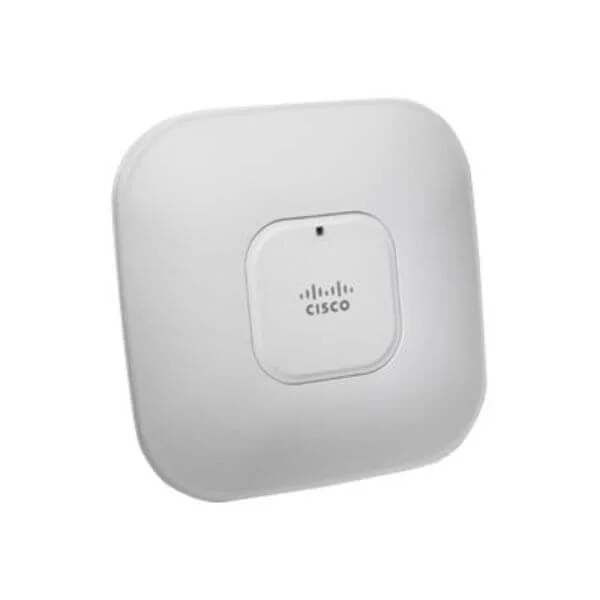
AIR-AP1142N-C-K9 (802.11a/g/n Fixed Auto AP; Int Ant; C Reg Domain 1140 Series Access Points: Dual Band)
4.6 (7)- Wireless Product
- Cisco
- Access Point
- 802.11n
- 2.4GHz
- 300Mbps
Est Value $995.00$362.46
63.6% offIn stockRefurbishedFirst-Time Buyer Discount – Get up to 2% additional off on your first order
ORM Rewards Earn $50 in Rewards + Free Expedited Delivery – Join Now!
Use eCoupon ORMSAVE10
eCoupon limited to 5 units
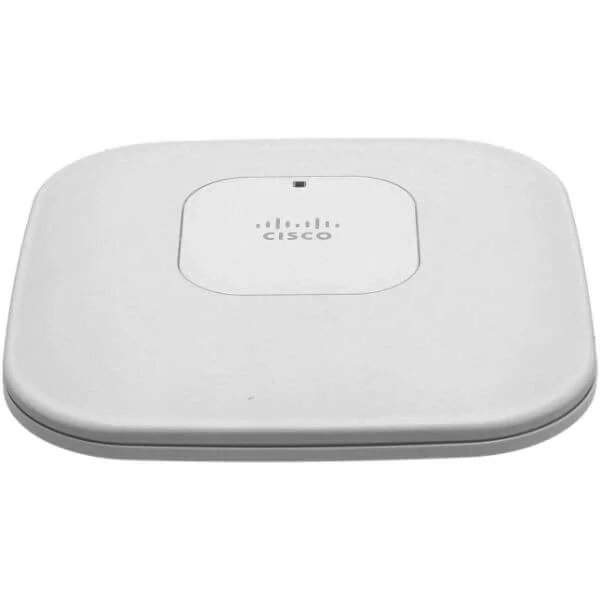
AIR-LAP1142N-P-K9 (802.11a/g/n Fixed Unified AP; Int Ant; P Reg Domain 1140 Series Access Points: Dual Band)
4.9 (7)- Wireless Product
- Cisco
- Access Point
- 802.11n
- 2.4GHz / 5GHz
- 300Mbps
- 100 meters
Est Value $800.98$400.49
50% offIn stockRefurbishedFirst-Time Buyer Discount – Get up to 2% additional off on your first order
ORM Rewards Earn $50 in Rewards + Free Expedited Delivery – Join Now!
Use eCoupon ORMSAVE10
eCoupon limited to 5 units

ORM Sales Advisors
Buying for your business? Get a personalised quote in under 2 hours. Talk to an expert
LEARNFilters (51) 
Questions & Answers
What is the Cisco 1140 Access Point?
The Cisco 1140 Access Point is an enterprise-grade, dual-band 802.11ac Wave 2 wireless access point designed for medium-density indoor environments.
Which Wi-Fi standards does the Cisco 1140 support?
The Cisco 1140 supports 802.11a/b/g/n/ac Wave 2 standards on both 2.4 GHz and 5 GHz bands for backward compatibility and high throughput.
What maximum data rates can the Cisco 1140 deliver?
It delivers up to 867 Mbps on 5 GHz and 300 Mbps on 2.4 GHz, leveraging MU-MIMO for concurrent client performance.
How many clients can a Cisco 1140 handle?
The Cisco 1140 can efficiently serve up to 200 concurrent clients, depending on traffic patterns and radio settings.
What power options are available for the Cisco 1140?
It supports IEEE 802.3at PoE+ and can be powered by a Cisco power injector or switch for flexible deployment.
Which mounting options are available for the Cisco 1140?
You can install it on a ceiling tile, drywall surface, or standard electrical box using the included mounting kit.
How is the Cisco 1140 managed?
Management is available via Cisco Mobility Express, Cisco DNA Center, or a compatible Cisco Wireless LAN Controller using CAPWAP.
What security features are built into the Cisco 1140?
It includes WPA3 encryption, 802.1X authentication, rogue AP detection, and integrated firewall capabilities.
Is the Cisco 1140 compatible with Cisco wireless controllers?
Yes, it is fully compatible with Cisco 3504, 5520, 8540 and Catalyst 9800 Series Wireless Controllers.
Does the Cisco 1140 support 802.11k/r/v roaming?
Yes, it supports 802.11k, 802.11r, and 802.11v features for fast, seamless client roaming and optimized RF management.
What is the coverage area of the Cisco 1140?
Typical indoor coverage ranges from 3,000 to 4,000 square feet, varying with building materials and RF conditions.
How do I upgrade the firmware on the Cisco 1140?
Firmware can be upgraded through the Cisco wireless controller GUI, Cisco DNA Center, or Mobility Express web interface.
What environmental specifications does the Cisco 1140 meet?
It meets IEEE operating temperatures of 0–40 °C, 5–95 % non-condensing humidity, and complies with RoHS and UL certifications.
Does the Cisco 1140 include Bluetooth or IoT capabilities?
Yes, it features an integrated Bluetooth Low Energy radio for location services and IoT device connectivity.
What antennas are supported by the Cisco 1140?
The Cisco 1140 uses internal omni-directional antennas and optionally supports external antennas via RP-SMA connectors.
How do I reset the Cisco 1140 Access Point to factory defaults?
Press and hold the Mode button for 10 seconds while the unit is powered on until the LED turns amber to initiate a factory reset.