 United States
Workstations Asus Elite Performance
Experience superior computing capabilities with Asus Workstations engineered for demanding professionals. Our high-performance systems deliver unmatched speed, reliability, and scalability for efficient workflow optimization and enterprise growth.
Talk to an expert
Barebones
(5)ASUS barebones workstations serve custom build benches with ATX motherboard support, PCIe slots, and modular power supply bays
5 Matching results
90SF00J1-M01160 (Asus E500 G5 SFF (w/DVR/, 1x300W PSU)(without CPU, RAM, HDD/SSD, GPU)(without CPU, RAM, HDD/SSD, GPU))
4.4 (5)- Workstation
- Asus
- Tower
- Intel
- Intel Core
- Intel 13th Gen
- Intel Core i9-13900K
Est Value In stock
First-Time Buyer Discount – Get up to 2% additional off on your first order
ORM Rewards Earn $50 in Rewards + Free Expedited Delivery – Join Now!
Use eCoupon ORMSAVE10
eCoupon limited to 5 units
90SF00L1-M00610 (E900 G4 - Workstation barebone - DDR4-SDRAM - PCI Express - SAS - Serial ATA III - Ethernet LAN - 2000 W)
4.4 (5)- Workstation
- Asus
- Tower
- Intel
- Intel Xeon
- Xeon 3rd Gen
- Intel Xeon W-2295
Est Value In stockFirst-Time Buyer Discount – Get up to 2% additional off on your first order
ORM Rewards Earn $50 in Rewards + Free Expedited Delivery – Join Now!
Use eCoupon ORMSAVE10
eCoupon limited to 5 units
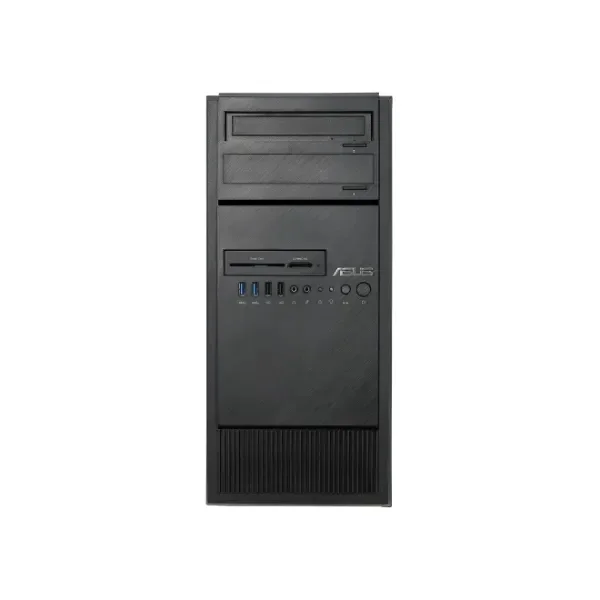
90SF00Q1-M00410 (Asus E500 G5 (w/DVR, 1x500W PSU)(without CPU, RAM, HDD/SSD, GPU)(without CPU, RAM, HDD/SSD, GPU))
4.5 (6)- Workstation
- Asus
- Tower
- Intel
- Intel Xeon
- Xeon 4th Gen
- Intel Xeon W-2295
Est Value In stockFirst-Time Buyer Discount – Get up to 2% additional off on your first order
ORM Rewards Earn $50 in Rewards + Free Expedited Delivery – Join Now!
Use eCoupon ORMSAVE10
eCoupon limited to 5 units
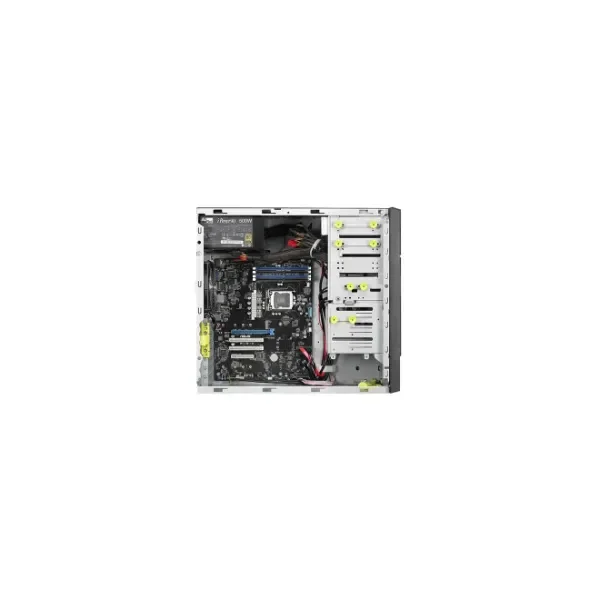
90SF00E1-M00410 (TS100-E10-PI4 - Full-Tower - Workstation barebone - Intel C242 - LGA 1151 (Socket H4) - M.2 - PCI Express - Serial ATA - 500 W)
4.7 (6)- Workstation
- Asus
- Tower
- Intel
- Intel Core
- Intel 13th Gen
- Intel Core i9-13900K
Est Value In stockFirst-Time Buyer Discount – Get up to 2% additional off on your first order
ORM Rewards Earn $50 in Rewards + Free Expedited Delivery – Join Now!
Use eCoupon ORMSAVE10
eCoupon limited to 5 units
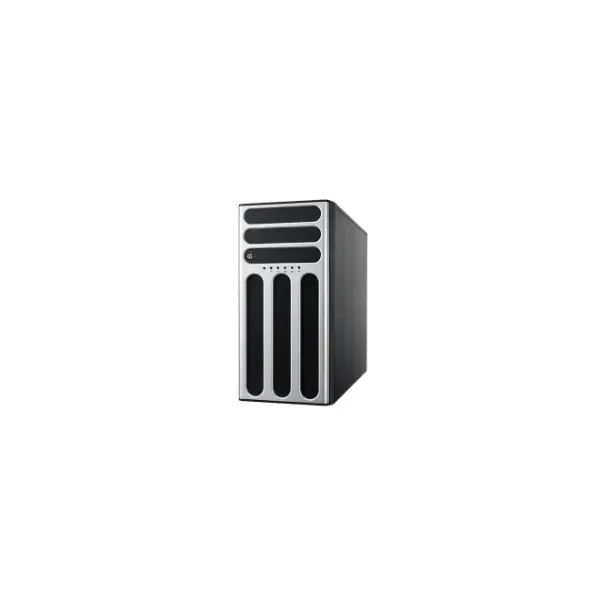
90SF00S1-M00150 (TS300-E10-PS4 - Full-Tower - Workstation barebone - Intel C246 - LGA 1151 (Socket H4) - PCI Express - SAS - Serial ATA - 500 W)
4.8 (6)- Workstation
- Asus
- Tower
- Intel
- Intel Xeon
- Xeon 3rd Gen
- Intel Xeon W-2295
Est Value In stockFirst-Time Buyer Discount – Get up to 2% additional off on your first order
ORM Rewards Earn $50 in Rewards + Free Expedited Delivery – Join Now!
Use eCoupon ORMSAVE10
eCoupon limited to 5 units

ORM Sales Advisors
Buying for your business? Get a personalised quote in under 2 hours. Talk to an expert
LEARNFilters (5) 
Questions & Answers
What is an Asus Workstation?
An Asus Workstation is a high-performance desktop or mobile computer engineered for professional applications such as 3D rendering, scientific computing, CAD design and video editing.
What are the key features of Asus Workstations?
Asus Workstations feature enterprise-grade CPUs, professional GPUs, ECC memory support, advanced cooling solutions and extensive I/O ports to ensure reliable performance under heavy workloads.
Which processors power Asus Workstations?
Asus Workstations are powered by Intel Xeon or Intel Core X-series processors, delivering multi-core performance and advanced reliability for compute-intensive tasks.
What graphics options are available in Asus Workstations?
Asus Workstations offer NVIDIA Quadro or NVIDIA RTX professional GPUs with certified drivers optimized for CAD, 3D modeling, AI development and simulation workloads.
How much memory can I install in an Asus Workstation?
Most Asus Workstations support up to 512 GB of DDR4 ECC memory in quad-channel configurations, delivering error-free operation and high throughput for large data sets.
What storage configurations are supported by Asus Workstations?
Asus Workstations support multiple NVMe M.2 SSDs, SATA SSDs and HDDs, with RAID 0/1/5/10 capability for high speed, redundancy and scalable capacity.
How does Asus ensure optimal cooling in its Workstations?
Asus integrates advanced multi-fan layouts, liquid-cooling readiness, large heatsinks and smart fan control to maintain optimal temperatures during extended high-load operations.
What connectivity options do Asus Workstations offer?
Asus Workstations include USB 3.2 Gen 2, Thunderbolt 4, HDMI, DisplayPort, dual-band Wi-Fi 6, Bluetooth 5.2 and 10 GbE or 2.5 GbE LAN for versatile networking and peripherals.
Are Asus Workstations certified for professional software?
Yes. Asus Workstations are certified by leading ISVs such as Adobe, Autodesk, Dassault Systèmes and SolidWorks to guarantee stability and optimized performance.
What warranty and support services come with Asus Workstations?
Asus Workstations include a standard 3-year limited hardware warranty and 24/7 technical support, with optional on-site repair upgrades and extended coverage plans.
Which industries benefit most from Asus Workstations?
Industries such as architecture, engineering, media production, scientific research, finance and AI development leverage Asus Workstations for accelerated simulations, rendering and data analysis.
How do I choose the right Asus Workstation configuration?
Assess your workload requirements (CPU, GPU, memory, storage), budget constraints and future expansion needs; then compare compatible Asus Workstation SKUs to find the optimal match.
Can I upgrade components in an Asus Workstation?
Yes. Most Asus Workstations feature tool-less chassis designs, modular drive cages and standard PCIe slots, enabling easy upgrades of CPUs, GPUs, memory and storage devices.
How energy-efficient are Asus Workstations?
Asus Workstations utilize high-efficiency power supplies with 80 PLUS Platinum or Titanium certification, advanced power management and smart fan curves to minimize energy consumption.
What maintenance is required for an Asus Workstation?
Regularly clean dust filters and fans, update BIOS and drivers via Asus Live Update, monitor system health with built-in utilities and inspect thermal paste every 2–3 years.
Where can I buy genuine Asus Workstations?
Genuine Asus Workstations are available through Asus authorized resellers, major IT distributors and the official Asus e-store, ensuring warranty coverage and support eligibility.