 United States
Network Security Fortinet Firewalls
Fortinet firewall solutions deliver elite protection, advanced threat intelligence, and high-performance network security. Engineered for enterprise environments, they ensure continuous uptime and comprehensive defense against sophisticated cyberattacks.
Talk to an expert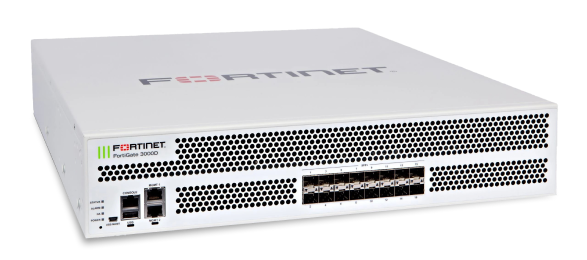
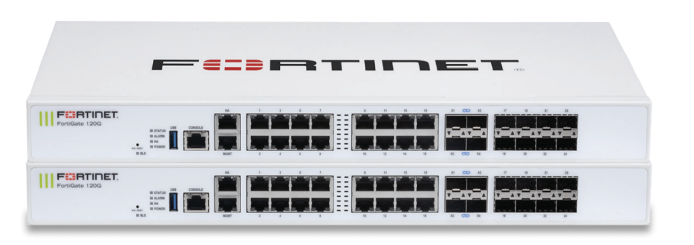
Fortinet Fortigate Ngfw Entry-Level Series
(239)Fortinet FortiGate NGFW entry-level series serves sub-50-user remote sites with SD-WAN, IPsec VPN, and 1 Gigabit Ethernet ports
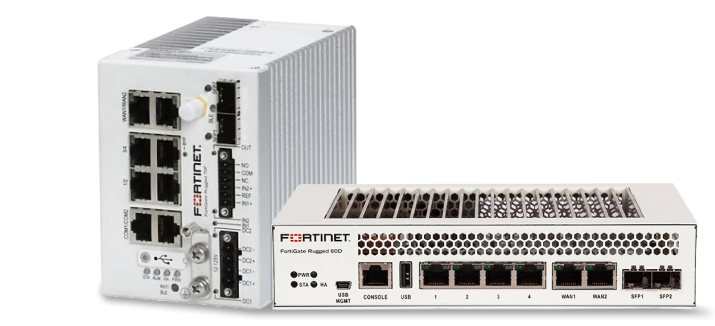
Fortinet Fortigate Rugged Series
(42)Fortinet FortiGate rugged series protects industrial cabinets and outdoor kiosks with hardened temperature ranges, LTE failover, and IPsec VPN
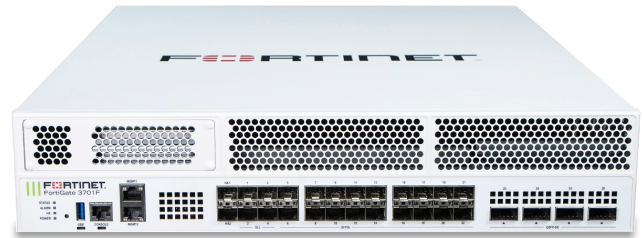
Fortinet Fortigate Ngfw High-End Series
(30)Fortinet FortiGate NGFW high-end series anchors carrier internet edges with 40/100 Gigabit Ethernet, SSL inspection, and high-session firewall throughput
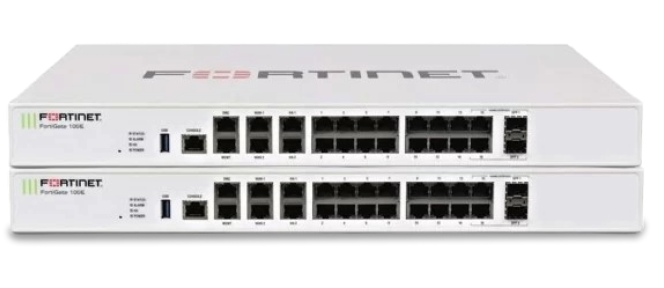
Fortinet Fortigate Ngfw Middle-Range Series
(236)Fortinet FortiGate NGFW middle-range series fits regional campus aggregation points with 10 Gigabit Ethernet, SD-WAN routing, and IPS inspection
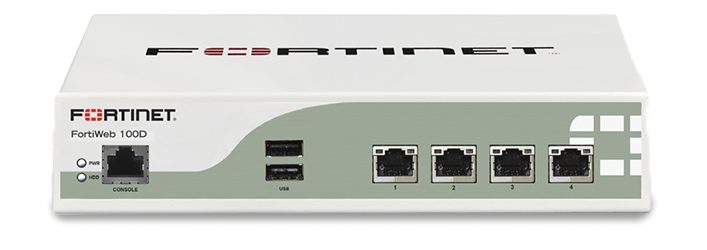
Fortinet Fortiweb Series
(10)Fortinet FortiWeb series protects public web application tiers with HTTP inspection, TLS offload, bot mitigation, and reverse proxy deployment
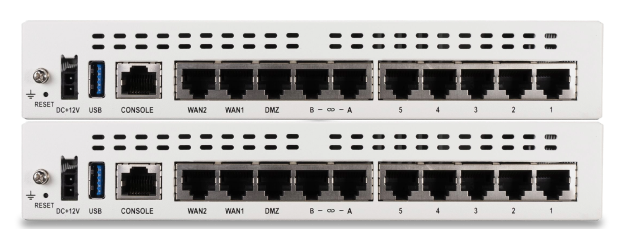
Fortigate 60F
(15)FortiGate 60F appliances support sub-35-user branch internet edges with SD-WAN tunnels, IPsec VPN, and 1 Gigabit Ethernet interfaces
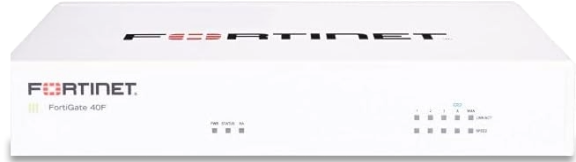
Fortigate 40F
(30)FortiGate 40F appliances fit micro-branch broadband edges with five Gigabit Ethernet ports, IPsec VPN, and SD-WAN path selection
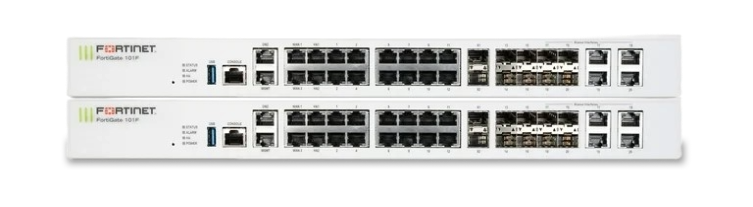
Fortigate 101F
(11)FortiGate 101F appliances serve midsize office internet edges with SSD logging, 10 Gigabit SFP+ uplinks, and TLS inspection
614 Matching results
- BEST SELLING
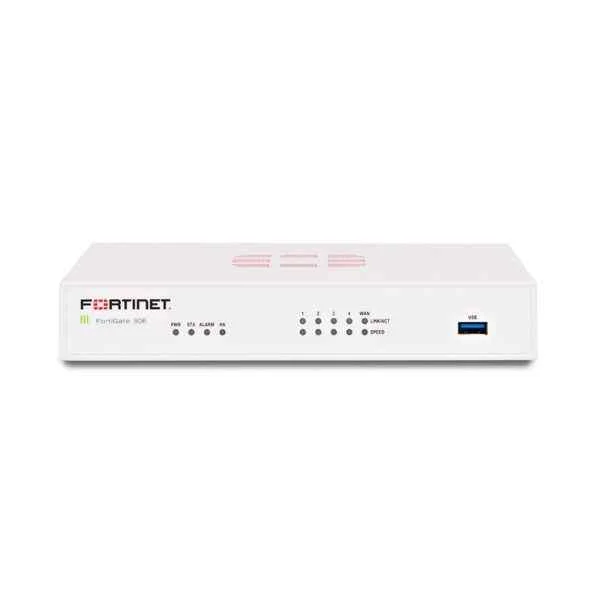
FG-30E (Fortinet FG-30E, 5 x GE RJ45 ports (Including 1 x WAN port, 4 x Switch ports), Max managed FortiAPs (Total / Tunnel) 2 / 2)
4.6 (5)- Firewall Appliance
- Fortinet
- Rack-mount
- SMB / Enterprise / Branch Office / Cloud
- VPN / Secure Access / Segmentation / UTM
- Layer 7
- AC Power Supply
Est Value $353.13
$254.10
28% offIn stockRefurbishedFirst-Time Buyer Discount – Get up to 2% additional off on your first order
ORM Rewards Earn $50 in Rewards + Free Expedited Delivery – Join Now!
Use eCoupon ORMSAVE10
eCoupon limited to 5 units
- BEST SELLING
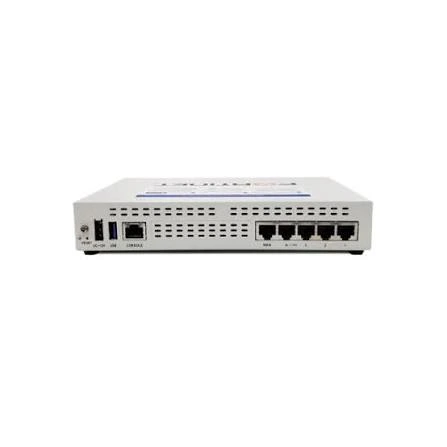
FG-40F (FortiGate 40F FG-40F, 5 x GE RJ45 ports (including 4 x Internal Ports, 1 x WAN Ports))
5 (5)- Firewall Appliance
- Fortinet
- Rack-mount
- Small Business / Enterprise / Branch Office
- VPN / Secure Access / UTM
- Layer 3 / Layer 7
- AC Power Supply
Est Value $802.33$684.92
14.6% offIn stockNewRefurbishedFirst-Time Buyer Discount – Get up to 2% additional off on your first order
ORM Rewards Earn $50 in Rewards + Free Expedited Delivery – Join Now!
Use eCoupon ORMSAVE10
eCoupon limited to 5 units
- BEST SELLING
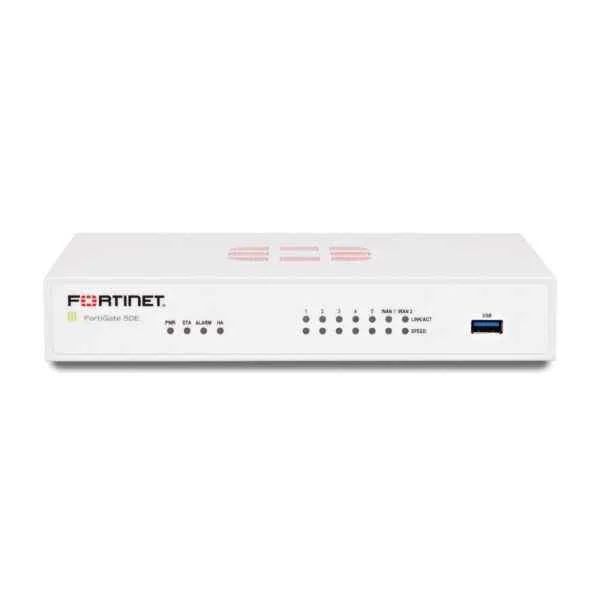
FG-50E (Fortinet FG-50E, 7 x GE RJ45 ports (Including 2 x WAN port, 5 x Switch ports), Max managed FortiAPs (Total / Tunnel) 10 / 5)
4.2 (5)- Firewall Appliance
- Fortinet
- Desktop
- Small Business / Branch Office
- VPN / Secure Access / UTM
- Layer 3 / Layer 4 / Layer 7
- AC Power Supply
Est Value $1,217.70$1,039.50
14.6% offIn stockNewRefurbishedFirst-Time Buyer Discount – Get up to 2% additional off on your first order
ORM Rewards Earn $50 in Rewards + Free Expedited Delivery – Join Now!
Use eCoupon ORMSAVE10
eCoupon limited to 5 units
- BEST SELLING
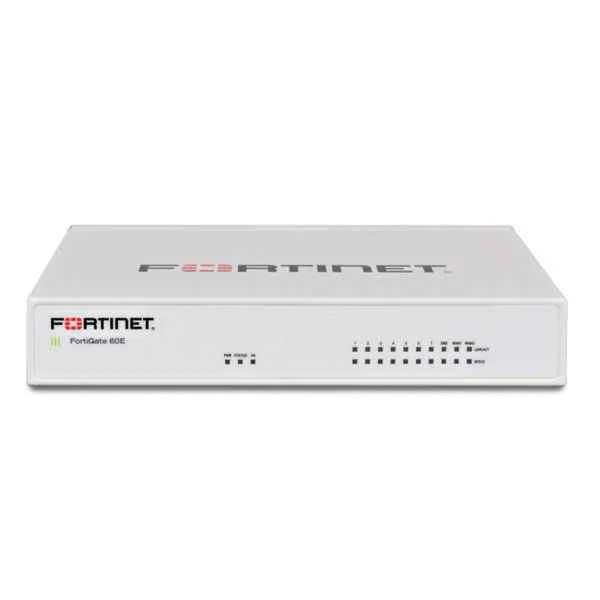
FG-60E (Fortinet FG-60E, 10 x GE RJ45 ports (including 7 x Internal Ports, 2 x WAN Ports, 1 x DMZ Port). Max managed FortiAPs (Total / Tunnel) 30 / 10)
4.4 (5)- Firewall Appliance
- Fortinet
- Desktop
- Small Business / Branch Office
- VPN / UTM
- Layer 7
- AC Power Supply
Est Value $795.66$309.54
61.1% offIn stockNewRefurbishedFirst-Time Buyer Discount – Get up to 2% additional off on your first order
ORM Rewards Earn $50 in Rewards + Free Expedited Delivery – Join Now!
Use eCoupon ORMSAVE10
eCoupon limited to 5 units
- BEST SELLING
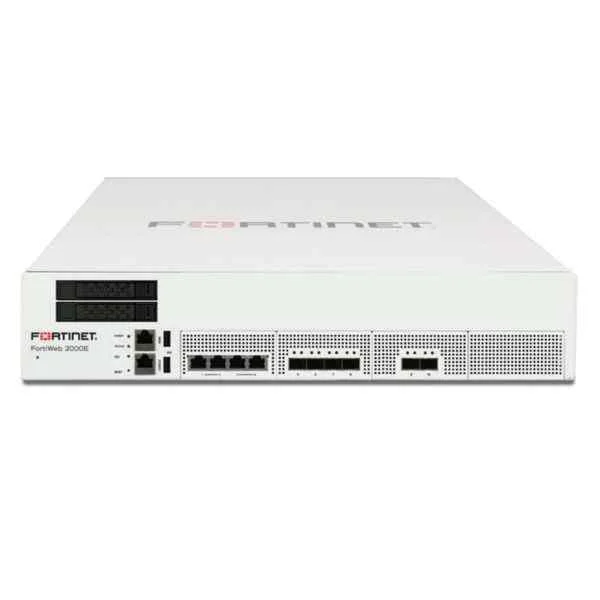
FWB-2000E (Fortinet FWB-2000E Web Application Firewall - 2 x 10GE SFP+ ports, 4 x GE RJ45 bypass ports, 4 x GE SFP ports, dual AC power supplies, 2 TB storage)
4.4 (5)- Firewall Appliance
- Fortinet
- Rack-mount
- Enterprise
- UTM
- Layer 7
- AC Power Supply
Est Value $59,646.82$54,112.07
9.3% offIn stockNewRefurbishedFirst-Time Buyer Discount – Get up to 2% additional off on your first order
ORM Rewards Earn $50 in Rewards + Free Expedited Delivery – Join Now!
Use eCoupon ORMSAVE10
eCoupon limited to 5 units
- BEST SELLING
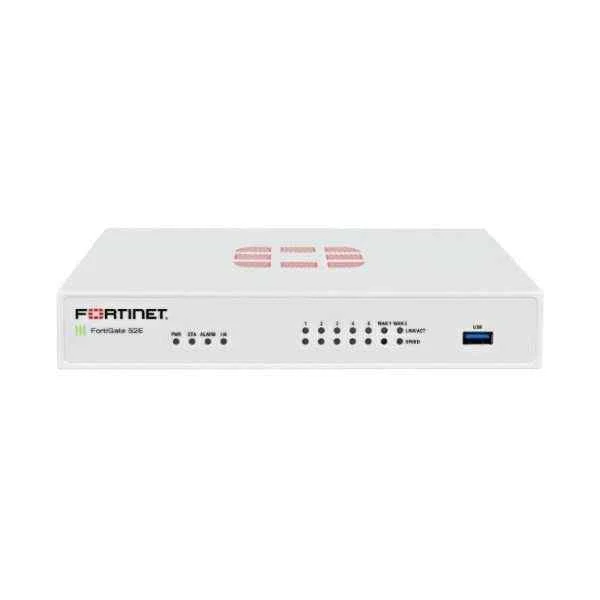
FG-52E (Fortinet FG-52E 7 x GE RJ45 ports (Including 2 x WAN port, 5 x Switch ports) with 2x 32GB SSD onboard storage. Max managed FortiAPs (Total / Tunnel) 10 / 5)
4.6 (5)- Firewall Appliance
- Fortinet
- Rack-mount
- Branch Office
- UTM
- Layer 7
- AC Power Supply
Est Value $1,196.56$884.22
26.1% offIn stockNewRefurbishedFirst-Time Buyer Discount – Get up to 2% additional off on your first order
ORM Rewards Earn $50 in Rewards + Free Expedited Delivery – Join Now!
Use eCoupon ORMSAVE10
eCoupon limited to 5 units
- BEST SELLING
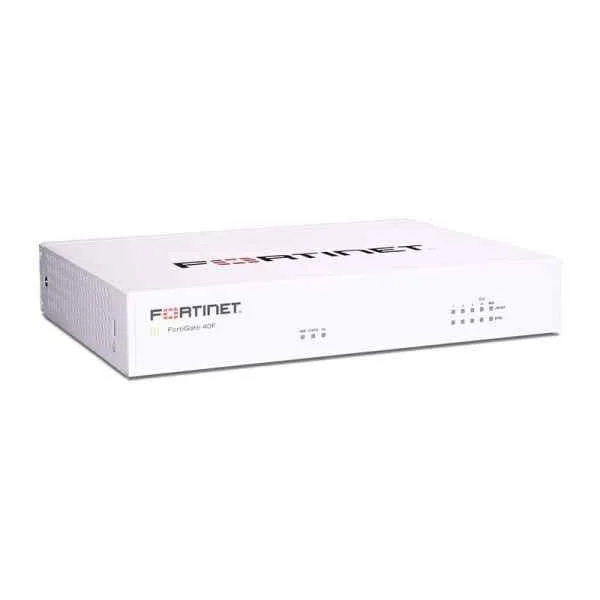
FG-40F-BDL-950-60 (FG-40F Hardware plus 5 Year 24*7 FortiCare and FortiGuard Unified (UTP) Protection)
4.6 (5)- Firewall Appliance
- Fortinet
- Desktop
- Branch Office
- VPN / UTM
- Layer 3 / Layer 4 / Layer 7
- AC Power Supply
Est Value $1,990.40$1,451.10
27.1% offIn stockNewFirst-Time Buyer Discount – Get up to 2% additional off on your first order
ORM Rewards Earn $50 in Rewards + Free Expedited Delivery – Join Now!
Use eCoupon ORMSAVE10
eCoupon limited to 5 units
- BEST SELLING
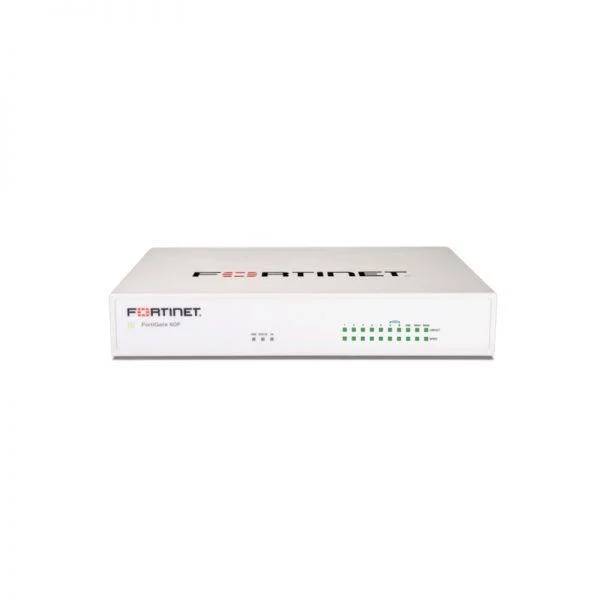
FG-60F-BDL-950-12 (Fortigate 60F FG-60F Hardware plus 1 Year 24*7 FortiCare and FortiGuard Unified (UTP) Protection)
4.6 (5)- Firewall Appliance
- Fortinet
- Desktop
- Branch Office / SMB
- VPN / Secure Access / UTM
- Layer 7
- AC Power Supply
Est Value $2,038.50$1,585.50
22.2% offIn stockNewFirst-Time Buyer Discount – Get up to 2% additional off on your first order
ORM Rewards Earn $50 in Rewards + Free Expedited Delivery – Join Now!
Use eCoupon ORMSAVE10
eCoupon limited to 5 units
- BEST SELLING
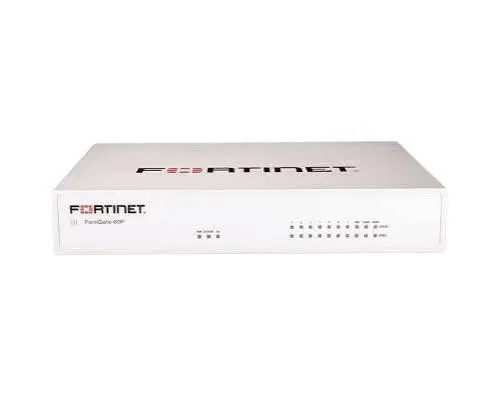
FG-60F-BDL-950-36 (Fortigate 60F FG-60F Hardware plus 3 Year 24*7 FortiCare and FortiGuard Unified (UTP) Protection (FG-60F & FC-10-0060F-950-02-36))
4.6 (5)- Firewall Appliance
- Fortinet
- Hardware Appliance / Rack-mount
- Small Business / Enterprise / Branch Office
- VPN / Secure Access / UTM
- Layer 3 / Layer 4 / Layer 7
- AC Power Supply
Est Value $2,031.36$1,624.09
20% offIn stockNewFirst-Time Buyer Discount – Get up to 2% additional off on your first order
ORM Rewards Earn $50 in Rewards + Free Expedited Delivery – Join Now!
Use eCoupon ORMSAVE10
eCoupon limited to 5 units
- BEST SELLING
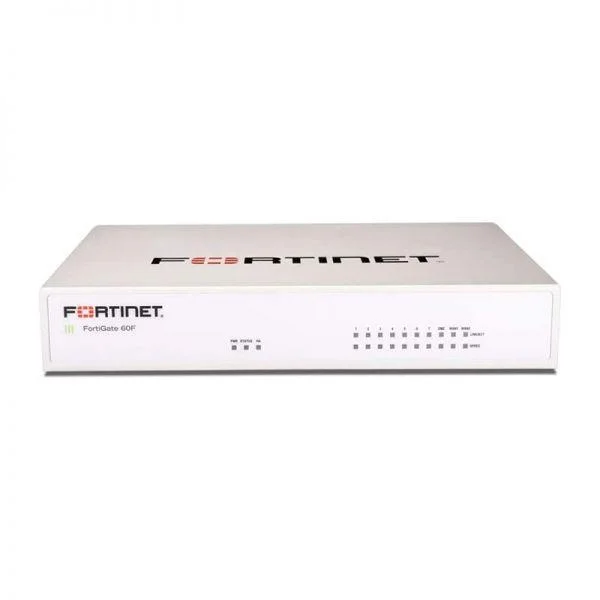
FG-60F-BDL-950-60 (Fortigate 60F FG-60F Hardware plus 5 Year 24*7 FortiCare and FortiGuard Unified (UTP) Protection (FG-60F & FC-10-0060F-950-02-60))
4.2 (5)- Firewall Appliance
- Fortinet
- Hardware Appliance
- Small Business / Enterprise / Branch Office
- VPN / Secure Access / UTM
- Layer 3 / Layer 4 / Layer 7
- AC Power Supply
Est Value $2,794.24$1,843.80
34% offIn stockNewFirst-Time Buyer Discount – Get up to 2% additional off on your first order
ORM Rewards Earn $50 in Rewards + Free Expedited Delivery – Join Now!
Use eCoupon ORMSAVE10
eCoupon limited to 5 units
- BEST SELLING
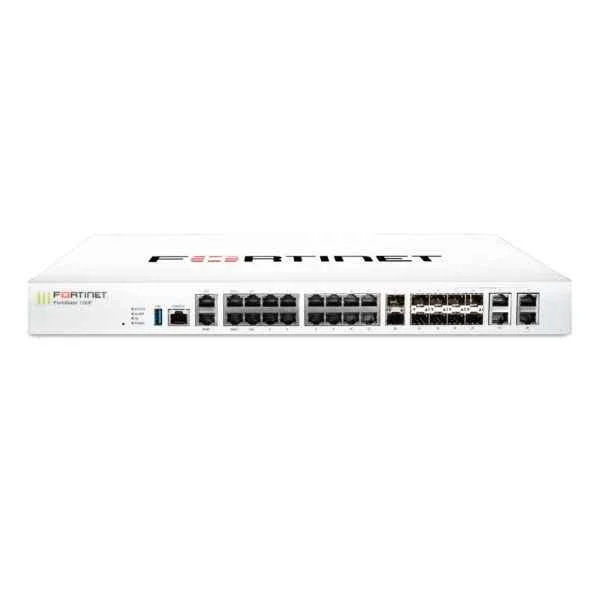
FG-100F (22XGE RJ45 PORTS 4SFP PORTS 2X 10G SFP+ FORTILINKS DUAL PWR SUP)
4.6 (5)- Firewall Appliance
- Fortinet
- Rack-mount
- Enterprise
- VPN / Secure Access / UTM
- Layer 3 / Layer 4 / Layer 7
- AC Power Supply / Redundant
Est Value $3,401.00$510.29
85% offIn stockNewRefurbishedFirst-Time Buyer Discount – Get up to 2% additional off on your first order
ORM Rewards Earn $50 in Rewards + Free Expedited Delivery – Join Now!
Use eCoupon ORMSAVE10
eCoupon limited to 5 units
- BEST SELLING
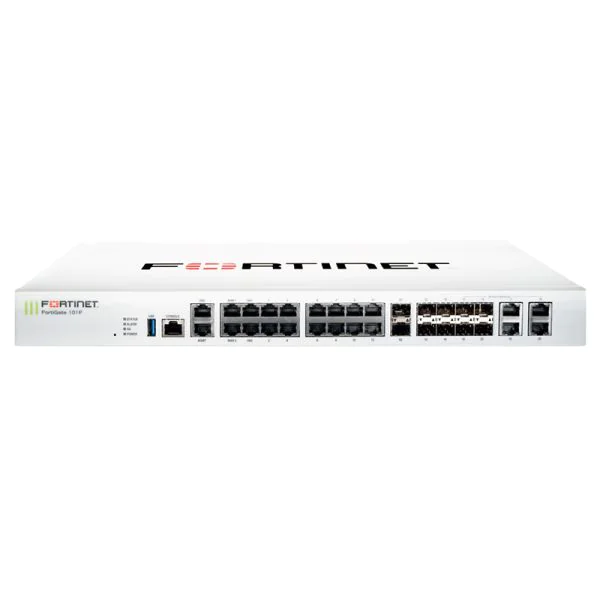
FG-101F (Fortinet FortiGate 101F FG-101F, 22x GE RJ45 ports (including 2x WAN ports, 1x DMZ port, 1x Mgmt port, 2x HA ports, 16x switch)
4.4 (5)- Firewall Appliance
- Fortinet
- Rack-mount
- Enterprise / Branch Office
- VPN / Secure Access / UTM
- Layer 7
- AC Power Supply
Est Value $6,200.00$4,273.50
31.1% offIn stockNewRefurbishedFirst-Time Buyer Discount – Get up to 2% additional off on your first order
ORM Rewards Earn $50 in Rewards + Free Expedited Delivery – Join Now!
Use eCoupon ORMSAVE10
eCoupon limited to 5 units
- BEST SELLING
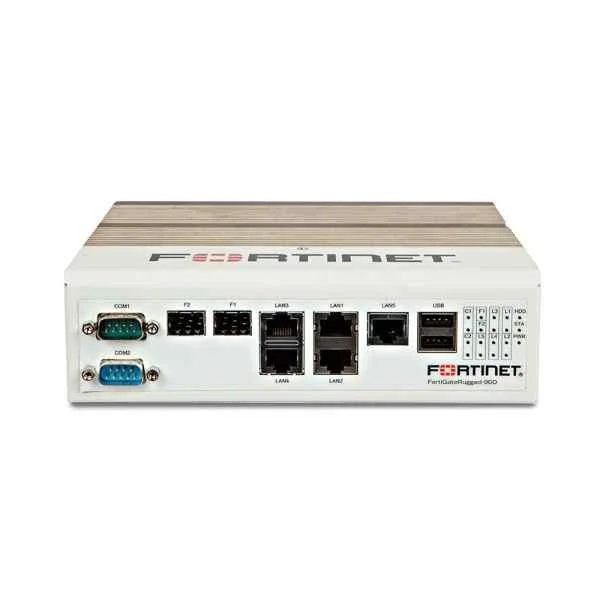
FGR-90D (FortiGateRugged-90D, Ruggedized, 5 x GE RJ45 Switch ports (Including 1x Pair GE Bypass RJ45 ports), 2 x GE SFP slots, 2x DB9 Serial/Console. Dual power input.)
4.6 (5)- Firewall Appliance
- Fortinet
- Rack-mount
- Enterprise / Branch Office
- VPN / Secure Access / UTM
- Layer 7
- AC Power Supply
Est Value $5,092.50$2,546.25
50% offIn stockRefurbishedFirst-Time Buyer Discount – Get up to 2% additional off on your first order
ORM Rewards Earn $50 in Rewards + Free Expedited Delivery – Join Now!
Use eCoupon ORMSAVE10
eCoupon limited to 5 units
- BEST SELLING
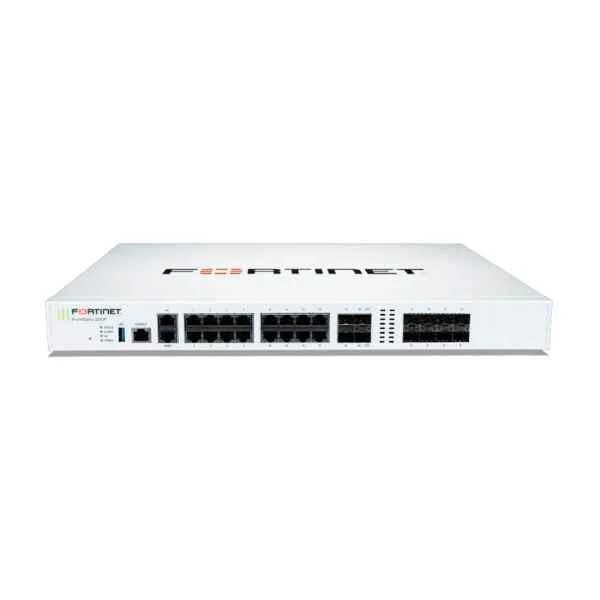
FG-200F (Fortinet FortiGate-200F - Appliance Only)
4.8 (5)- Firewall Appliance
- Fortinet
- Rack-mount
- Enterprise / Branch Office
- VPN / Secure Access / UTM
- Layer 7
- AC Power Supply
Est Value $6,900.30$1,947.75
71.8% offIn stockNewRefurbishedFirst-Time Buyer Discount – Get up to 2% additional off on your first order
ORM Rewards Earn $50 in Rewards + Free Expedited Delivery – Join Now!
Use eCoupon ORMSAVE10
eCoupon limited to 5 units
- BEST SELLING
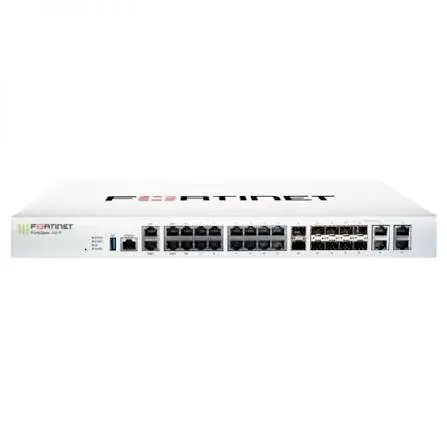
FG-101F-BDL-950-12 (FG-101F Hardware plus 1 Year 24*7 FortiCare and FortiGuard Unified (UTP) Protection (FG-101F & FC-10-F101F-950-02-12))
4.4 (5)- Firewall Appliance
- Fortinet
- Rack-mount
- Enterprise / Branch Office / Cloud
- VPN / Secure Access / UTM
- Layer 7
- AC Power Supply
Est Value $5,107.20$4,200.89
17.7% offIn stockNewFirst-Time Buyer Discount – Get up to 2% additional off on your first order
ORM Rewards Earn $50 in Rewards + Free Expedited Delivery – Join Now!
Use eCoupon ORMSAVE10
eCoupon limited to 5 units
- BEST SELLING
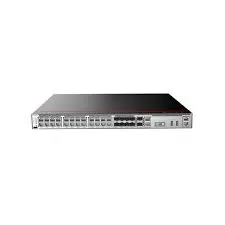
FG-101F-BDL-950-36 (FG-101F Hardware plus 3 Year 24*7 FortiCare and FortiGuard Unified (UTP) Protection (FG-101F & FC-10-F101F-950-02-36))
4.8 (5)- Firewall Appliance
- Fortinet
- Rack-mount
- Enterprise / Branch Office
- VPN / Secure Access / UTM
- Layer 7
- AC Power Supply
Est Value $8,683.52$5,619.60
35.3% offIn stockNewFirst-Time Buyer Discount – Get up to 2% additional off on your first order
ORM Rewards Earn $50 in Rewards + Free Expedited Delivery – Join Now!
Use eCoupon ORMSAVE10
eCoupon limited to 5 units
- BEST SELLING
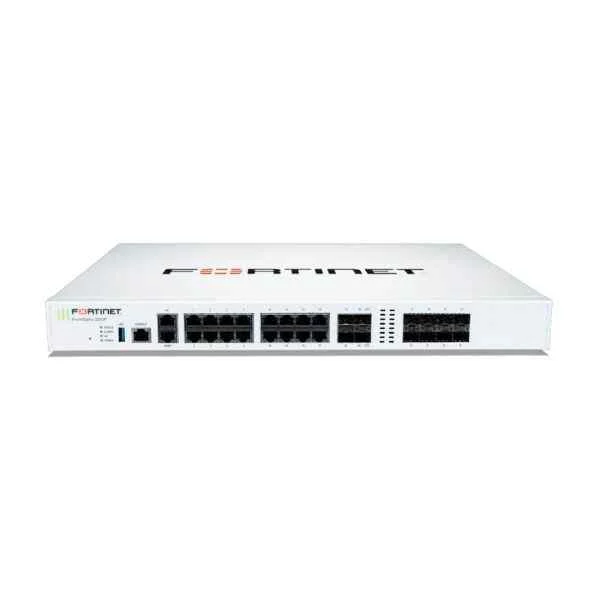
FG-200F-BDL-950-12 (FORTIGATE-200F HW PLUS 1YR 24X7 FORTICARE AND FORTIGUARD UTP UTP)
4.6 (5)- Firewall Appliance
- Fortinet
- Rack-mount
- Enterprise / Branch Office
- UTM / VPN / Secure Access
- Layer 7
- AC Power Supply
Est Value $20,454.34$10,227.17
50% offIn stockNewRefurbishedFirst-Time Buyer Discount – Get up to 2% additional off on your first order
ORM Rewards Earn $50 in Rewards + Free Expedited Delivery – Join Now!
Use eCoupon ORMSAVE10
eCoupon limited to 5 units
- BEST SELLING
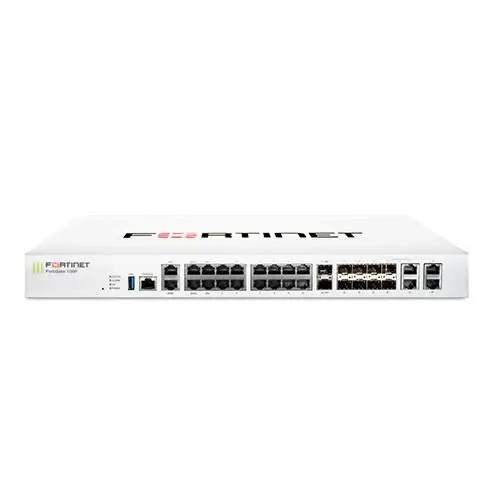
FG-101F-BDL-950-60 (FG-101F Hardware plus 5 Year 24*7 FortiCare and FortiGuard Unified (UTP) Protection (FG-101F & FC-10-F101F-950-02-60))
4.8 (5)- Firewall Appliance
- Fortinet
- Rack-mount
- Enterprise
- VPN / Secure Access / Segmentation / UTM
- Layer 7
- AC Power Supply
Est Value $11,943.68$9,471.00
20.7% offIn stockNewRefurbishedFirst-Time Buyer Discount – Get up to 2% additional off on your first order
ORM Rewards Earn $50 in Rewards + Free Expedited Delivery – Join Now!
Use eCoupon ORMSAVE10
eCoupon limited to 5 units
- BEST SELLING
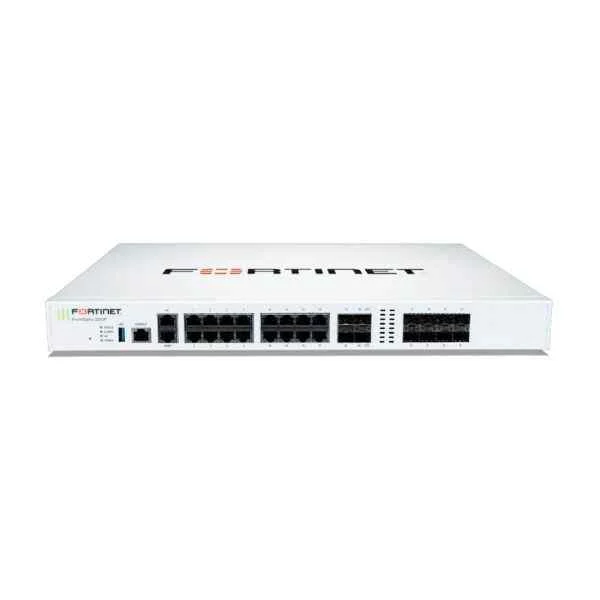
FG-200F-BDL-950-36 (FORTIGATE-200F HW PLUS 3YR 24X7 FORTICARE AND FORTIGUARD UTP UTP)
5 (5)- Firewall Appliance
- Fortinet
- Rack-mount
- Enterprise / Branch Office
- VPN / Secure Access / Segmentation / UTM
- Layer 7
- AC Power Supply
Est Value $16,269.00$15,972.77
1.8% offIn stockNewRefurbishedFirst-Time Buyer Discount – Get up to 2% additional off on your first order
ORM Rewards Earn $50 in Rewards + Free Expedited Delivery – Join Now!
Use eCoupon ORMSAVE10
eCoupon limited to 5 units
- BEST SELLING
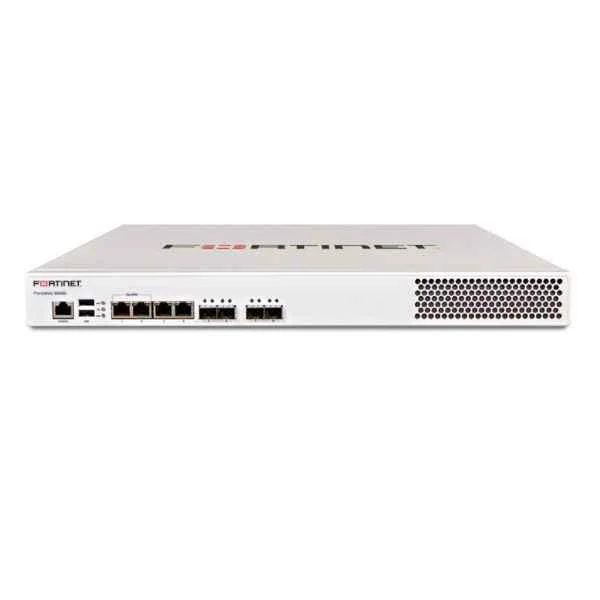
FWB-600D (Fortinet FWB-600D FortiWeb-600D, 4 x 10/100/1000 RJ45 ports, 4 x SFP GbE ports, 16GB RAM, 240GB SSD, Redundant PSU)
4.6 (5)- Firewall Appliance
- Fortinet
- Rack-mount
- Enterprise / Branch Office
- VPN / UTM
- Layer 7
- AC Power Supply
Est Value $37,024.64$18,512.32
50% offIn stockRefurbishedFirst-Time Buyer Discount – Get up to 2% additional off on your first order
ORM Rewards Earn $50 in Rewards + Free Expedited Delivery – Join Now!
Use eCoupon ORMSAVE10
eCoupon limited to 5 units

ORM Sales Advisors
Buying for your business? Get a personalised quote in under 2 hours. Talk to an expert
LEARNFilters (614) 
Questions & Answers
What is a Fortinet Firewall and how does it protect my network?
A Fortinet Firewall, also known as FortiGate, is an integrated network security solution that combines firewall, VPN, intrusion prevention, and application control to protect your network from cyber threats in real time.
What are the key features of Fortinet Firewalls?
Fortinet Firewalls offer high-performance inspection, next-generation IPS, secure SD-WAN, SSL/TLS decryption, and FortiGuard threat intelligence to ensure comprehensive, low-latency protection.
How do I choose the right Fortinet Firewall model for my business?
Select a Fortinet Firewall model based on your network’s throughput requirements, user count, interface density, and desired security services to ensure optimal performance and scalability.
How do I perform the initial setup of a Fortinet Firewall?
Connect to the management port, log in to the web-based GUI at 192.168.1.99, run the Setup Wizard to configure interfaces, administrator credentials, and basic security policies.
How can I enable high availability (HA) on Fortinet Firewalls?
Configure HA by connecting devices via HA ports, assigning a group name and password, selecting active-passive or active-active mode, and syncing configuration settings automatically.
What is FortiGuard and why is it essential for Fortinet Firewalls?
FortiGuard is Fortinet’s subscription-based security service that delivers real-time threat intelligence, IPS signatures, antivirus updates, and web filtering for comprehensive protection.
How do I create and apply security policies on a Fortinet Firewall?
Use the Policy & Objects section in the GUI to define source/destination zones, services, and schedules, then order and enable policies to enforce traffic control and monitoring.
What is the process for updating Fortinet Firewall firmware?
Download the latest firmware from the Fortinet Support site, upload it via the System > Firmware menu, and reboot the device to complete the secure upgrade.
How are Fortinet Firewall licenses structured?
Fortinet Firewall licenses include hardware capacity tiers and optional FortiGuard and FortiCare subscriptions for threat updates, technical support, and advanced services.
How can I monitor Fortinet Firewall performance and logs?
Use the built-in FortiView dashboard, log forwarding to FortiAnalyzer, or SNMP integration with third-party SIEM to track traffic, CPU, memory, and event logs in real time.
How do I integrate Fortinet Firewalls with cloud environments?
Deploy FortiGate-VM instances in AWS, Azure, or GCP marketplaces, configure cloud connectors, and apply security policies consistently across on-premises and cloud workloads.
What is SD-WAN on Fortinet Firewalls and how does it work?
Fortinet’s SD-WAN uses real-time link quality monitoring and path steering to optimize application performance, reduce WAN costs, and maintain secure connectivity across multiple transport links.
How do I troubleshoot connectivity issues on a Fortinet Firewall?
Use diagnostic tools like ping, traceroute, debug flow, and event logs in the CLI or GUI to identify misconfigurations, interface errors, or policy mismatches.
What support options are available for Fortinet Firewalls?
FortiCare offers standard and premium support plans with 24x7 access to technical experts, firmware updates, hardware replacement, and online resources for deployments of any size.
How does Fortinet leverage threat intelligence to protect my network?
Fortinet’s Security Fabric aggregates global threat data from FortiGuard services, AI-driven analysis, and partner feeds to deliver actionable defense against emerging vulnerabilities.
What best practices should I follow to secure my Fortinet Firewall?
Harden administrative access, apply the latest firmware, enforce least-privilege policies, enable two-factor authentication, and regularly audit logs to maintain robust security.