 United States
Network Security Fortinet NGFW
Elevate enterprise cybersecurity with the Fortinet Fortigate NGFW Middle-Range Series. Achieve advanced threat protection, seamless performance, and robust scalability for evolving network demands.
Talk to an expert
236 Matching results
- BEST SELLING
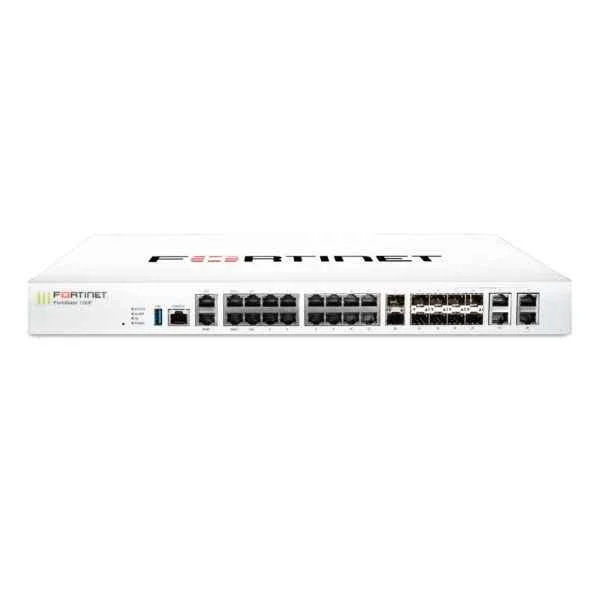
FG-100F (22XGE RJ45 PORTS 4SFP PORTS 2X 10G SFP+ FORTILINKS DUAL PWR SUP)
4.6 (5)- Firewall Appliance
- Fortinet
- Rack-mount
- Enterprise
- VPN / Secure Access / UTM
- Layer 3 / Layer 4 / Layer 7
- AC Power Supply / Redundant
Est Value $3,401.00
$510.29
85% offIn stockNewRefurbishedFirst-Time Buyer Discount – Get up to 2% additional off on your first order
ORM Rewards Earn $50 in Rewards + Free Expedited Delivery – Join Now!
Use eCoupon ORMSAVE10
eCoupon limited to 5 units
- BEST SELLING
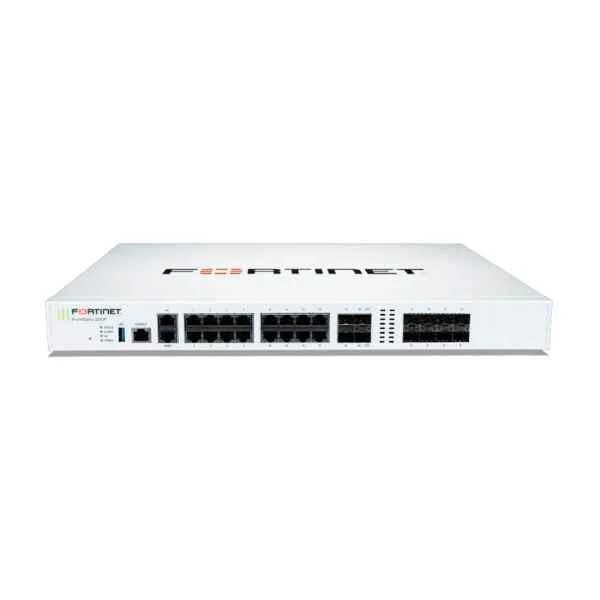
FG-200F (Fortinet FortiGate-200F - Appliance Only)
4.8 (5)- Firewall Appliance
- Fortinet
- Rack-mount
- Enterprise / Branch Office
- VPN / Secure Access / UTM
- Layer 7
- AC Power Supply
Est Value $6,900.30$1,947.75
71.8% offIn stockNewRefurbishedFirst-Time Buyer Discount – Get up to 2% additional off on your first order
ORM Rewards Earn $50 in Rewards + Free Expedited Delivery – Join Now!
Use eCoupon ORMSAVE10
eCoupon limited to 5 units
- BEST SELLING
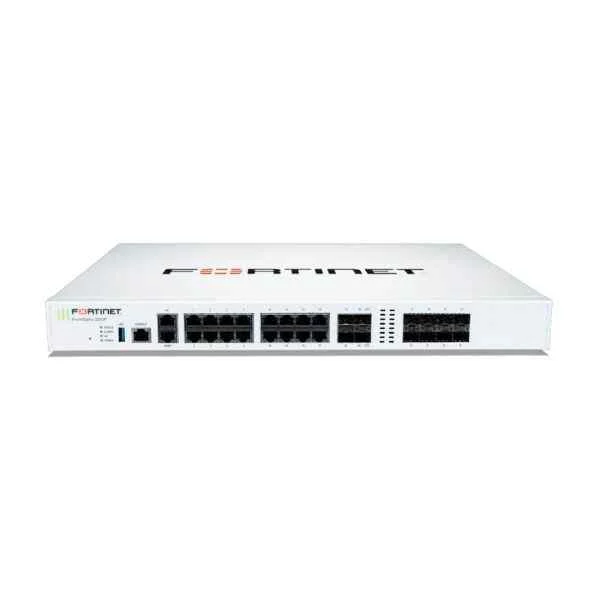
FG-200F-BDL-950-12 (FORTIGATE-200F HW PLUS 1YR 24X7 FORTICARE AND FORTIGUARD UTP UTP)
4.6 (5)- Firewall Appliance
- Fortinet
- Rack-mount
- Enterprise / Branch Office
- UTM / VPN / Secure Access
- Layer 7
- AC Power Supply
Est Value $20,454.34$10,227.17
50% offIn stockNewRefurbishedFirst-Time Buyer Discount – Get up to 2% additional off on your first order
ORM Rewards Earn $50 in Rewards + Free Expedited Delivery – Join Now!
Use eCoupon ORMSAVE10
eCoupon limited to 5 units
- BEST SELLING
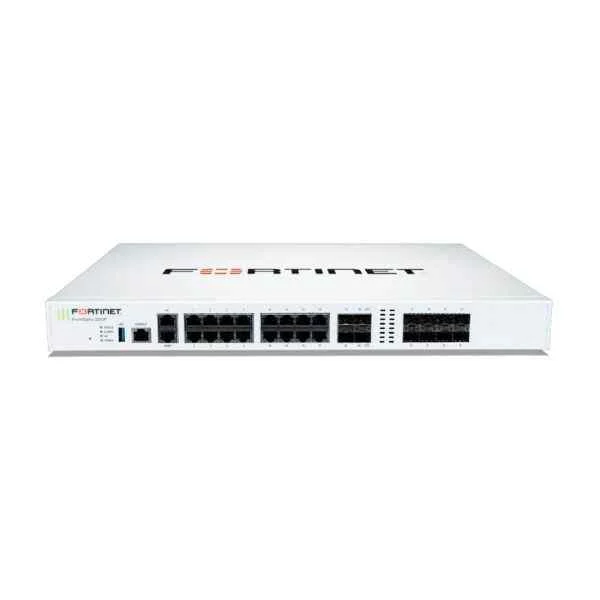
FG-200F-BDL-950-36 (FORTIGATE-200F HW PLUS 3YR 24X7 FORTICARE AND FORTIGUARD UTP UTP)
5 (5)- Firewall Appliance
- Fortinet
- Rack-mount
- Enterprise / Branch Office
- VPN / Secure Access / Segmentation / UTM
- Layer 7
- AC Power Supply
Est Value $16,269.00$15,972.77
1.8% offIn stockNewRefurbishedFirst-Time Buyer Discount – Get up to 2% additional off on your first order
ORM Rewards Earn $50 in Rewards + Free Expedited Delivery – Join Now!
Use eCoupon ORMSAVE10
eCoupon limited to 5 units
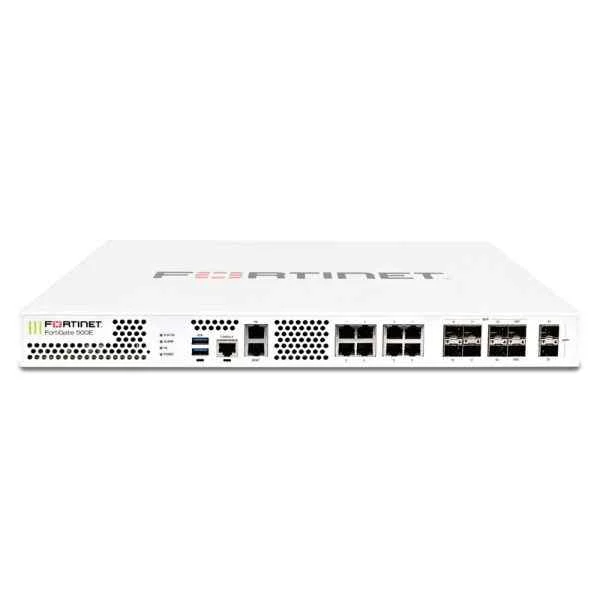
FG-501E (Fortinet FG-501E, 2x 10 GE SFP+ slots, 10x GE RJ45 ports (including 1x MGMT port, 1x HA port, 8x switch ports), 8x GE SFP slots, SPU NP6 and CP9 hardware accelerated, 2x 240 GB onboard SSD storage)
4.6 (5)- Firewall Appliance
- Fortinet
- Rack-mount
- Enterprise / Branch Office / Cloud
- VPN / Secure Access / Segmentation / UTM
- Layer 3 / Layer 4 / Layer 7
- AC Power Supply
Est Value $10,350.00$1,552.52
85% offIn stockNewRefurbishedFirst-Time Buyer Discount – Get up to 2% additional off on your first order
ORM Rewards Earn $50 in Rewards + Free Expedited Delivery – Join Now!
Use eCoupon ORMSAVE10
eCoupon limited to 5 units
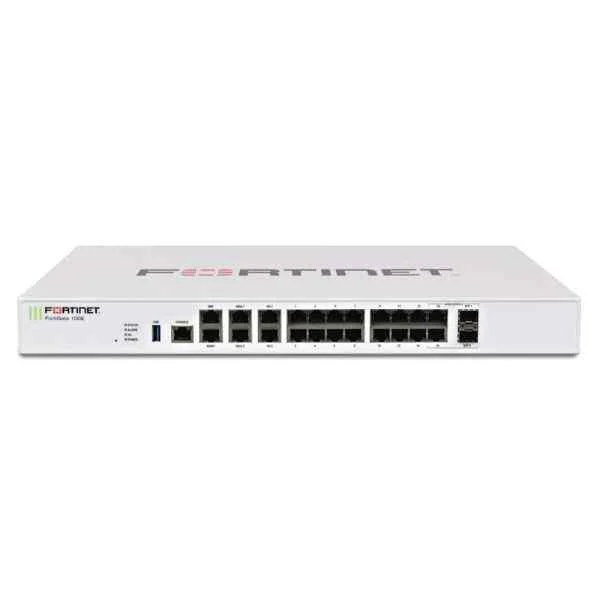
FG-100EF (Fortinet FG-100EF 14 x GE RJ45 ports (including 2x WAN ports, 1 x DMZ port, 1 x Mgmt port, 2 x HA ports, 8 x internal switch ports), 8x SFP ports. Max managed FortiAPs (Total / Tunnel) 64 / 32)
4.8 (5)- Firewall Appliance
- Fortinet
- Rack-mount
- Enterprise / Branch Office
- VPN / Secure Access / UTM
- Layer 7
- AC Power Supply
Est Value $2,448.19$2,210.54
9.7% offIn stockNewRefurbishedFirst-Time Buyer Discount – Get up to 2% additional off on your first order
ORM Rewards Earn $50 in Rewards + Free Expedited Delivery – Join Now!
Use eCoupon ORMSAVE10
eCoupon limited to 5 units
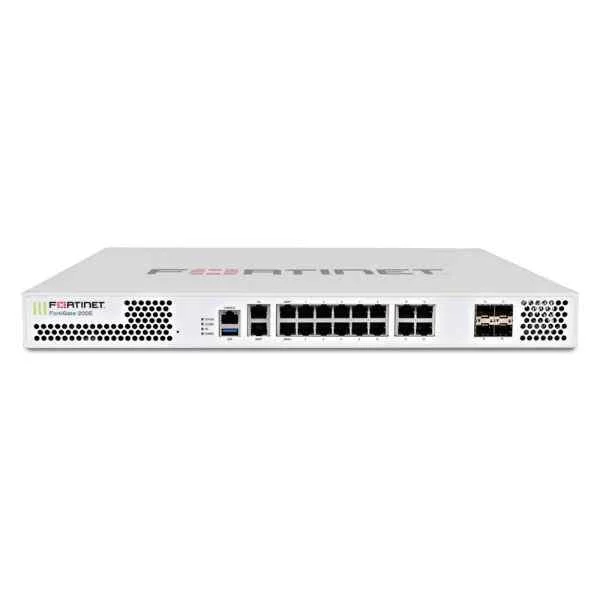
FG-200E (Fortinet FG-200E, 18 x GE RJ45 (including 2 x WAN ports, 1 x MGMT port, 1 X HA port, 14 x switch ports), 4 x GE SFP slots. SPU NP6Lite and CP9 hardware accelerated.)
4.6 (5)- Firewall Appliance
- Fortinet
- Rack-mount
- Enterprise / Branch Office
- VPN / Secure Access / Segmentation / UTM
- Layer 7
- AC Power Supply
Est Value $4,552.42$714.40
84.3% offIn stockNewRefurbishedFirst-Time Buyer Discount – Get up to 2% additional off on your first order
ORM Rewards Earn $50 in Rewards + Free Expedited Delivery – Join Now!
Use eCoupon ORMSAVE10
eCoupon limited to 5 units
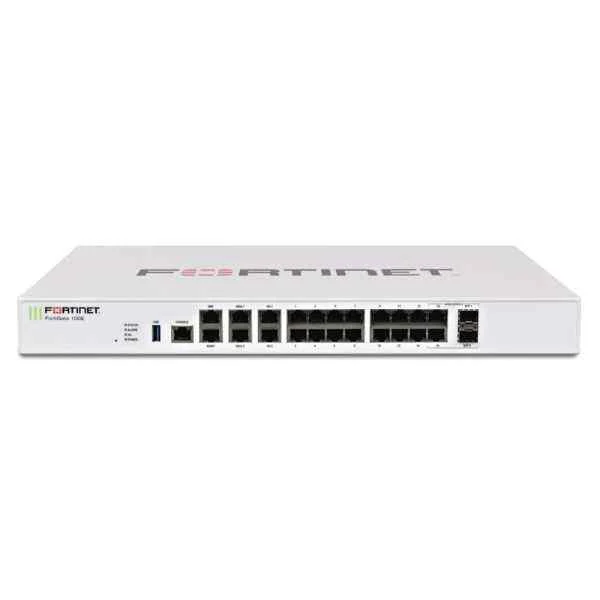
FG-100E (Fortinet FG-100E, 20 x GE RJ45 ports (including 2 x WAN ports, 1 x DMZ port, 1 x Mgmt port, 2 x HA ports, 14 x switch ports), 2 x Shared Media pairs (Including 2 x GE RJ45 ports, 2 x SFP slots). Max managed FortiAPs (Total / Tunnel) 64 / 32)
4.2 (5)- Firewall Appliance
- Fortinet
- Rack-mount
- Enterprise
- UTM
- Layer 7
- AC Power Supply
Est Value $1,561.00$234.26
85% offIn stockNewRefurbishedFirst-Time Buyer Discount – Get up to 2% additional off on your first order
ORM Rewards Earn $50 in Rewards + Free Expedited Delivery – Join Now!
Use eCoupon ORMSAVE10
eCoupon limited to 5 units
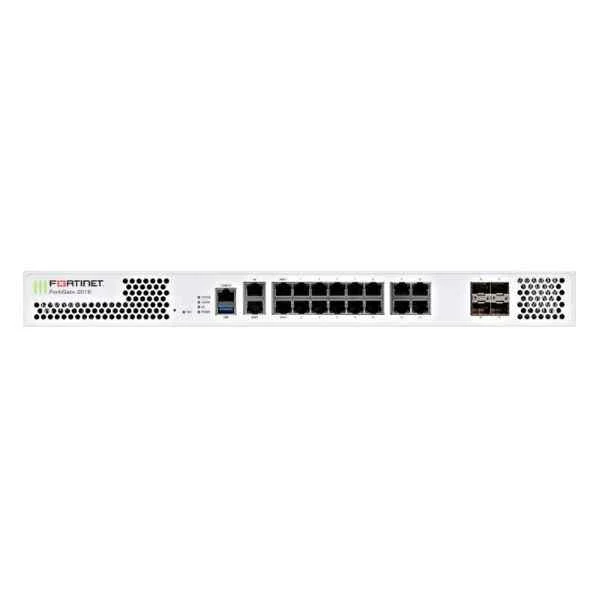
FG-201E (Fortinet FG-201E, 18 x GE RJ45 (including 2 x WAN ports, 1 x MGMT port, 1 X HA port, 14 x switch ports), 4 x GE SFP slots, SPU NP6Lite and CP9 hardware accelerated, 480GB onboard SSD storage.)
4.6 (5)- Firewall Appliance
- Fortinet
- Rack-mount
- Enterprise / Branch Office
- VPN / Secure Access / UTM
- Layer 7
- AC Power Supply
Est Value $5,816.99$1,160.25
80.1% offIn stockNewRefurbishedFirst-Time Buyer Discount – Get up to 2% additional off on your first order
ORM Rewards Earn $50 in Rewards + Free Expedited Delivery – Join Now!
Use eCoupon ORMSAVE10
eCoupon limited to 5 units
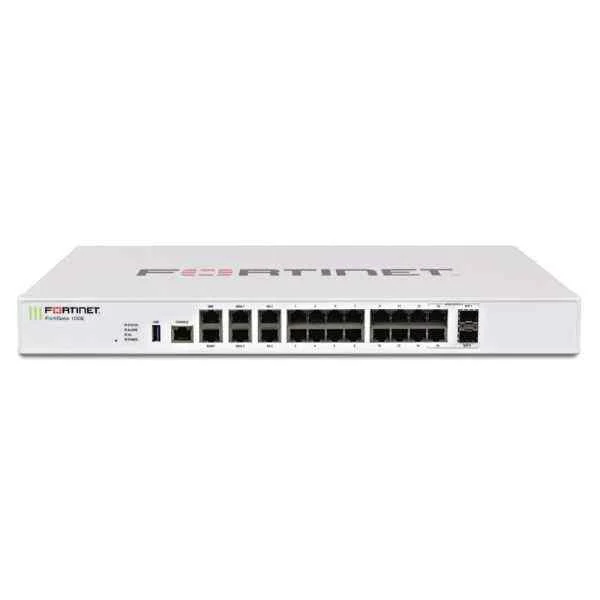
FG-100EF-BDL (FortiGate-100EF, Hardware plus 1 Year 8x5 FortiCare and FortiGuard Unified (UTM) Protection)
5 (5)- Firewall Appliance
- Fortinet
- Rack-mount
- Enterprise / Branch Office
- VPN / Secure Access / UTM
- Layer 3 / Layer 4 / Layer 7
- AC Power Supply
Est Value $3,794.70$2,310.97
39.1% offIn stockNewFirst-Time Buyer Discount – Get up to 2% additional off on your first order
ORM Rewards Earn $50 in Rewards + Free Expedited Delivery – Join Now!
Use eCoupon ORMSAVE10
eCoupon limited to 5 units
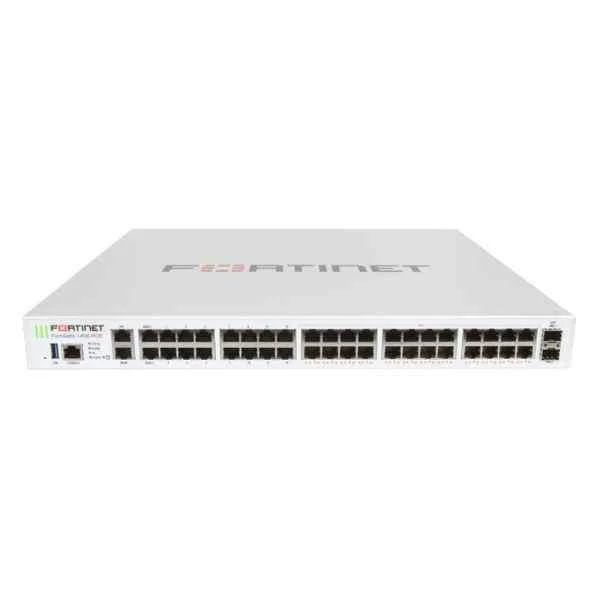
FG-140E-POE (Fortinet FG-140E-POE 40 x GE RJ45(including 24 x RJ45 GE POE/POE+ ports, 14 x switch ports, 1 x MGMT port, 1x HA port, 2 x WAN ports), 2 x GE SFP DMZ slots. Max managed FortiAPs (Total / Tunnel) 64 / 32)
4.6 (5)- Firewall Appliance
- Fortinet
- Rack-mount
- Enterprise / Branch Office
- VPN / Secure Access / UTM
- Layer 7
- AC Power Supply
Est Value $4,284.34$2,410.46
43.7% offIn stockNewRefurbishedFirst-Time Buyer Discount – Get up to 2% additional off on your first order
ORM Rewards Earn $50 in Rewards + Free Expedited Delivery – Join Now!
Use eCoupon ORMSAVE10
eCoupon limited to 5 units
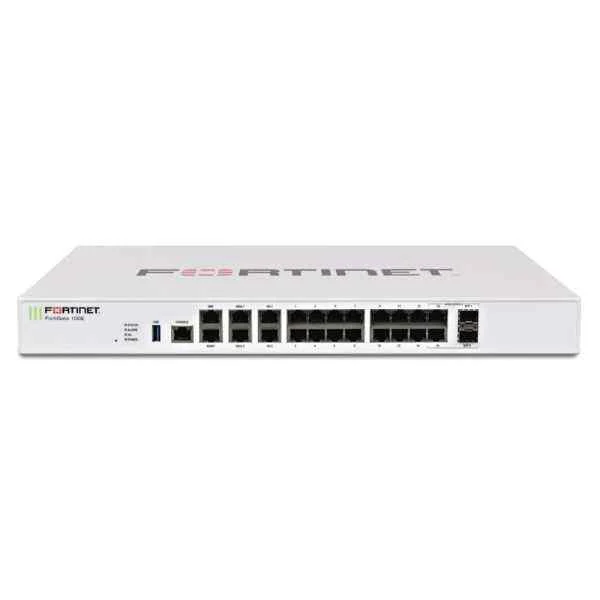
FG-100E-BDL-950-12 (FG-100E Hardware plus 1 Year 24*7 FortiCare and FortiGuard Unified (UTM) Protection (FG-100E & FC-10-FG1HE-950-02-12))
4.4 (5)- Firewall Appliance
- Fortinet
- Rack-mount
- Enterprise / Branch Office
- VPN / Secure Access / UTM
- Layer 3 / Layer 4 / Layer 7
- AC Power Supply
Est Value $4,039.51$3,864.00
4.3% offIn stockNewRefurbishedFirst-Time Buyer Discount – Get up to 2% additional off on your first order
ORM Rewards Earn $50 in Rewards + Free Expedited Delivery – Join Now!
Use eCoupon ORMSAVE10
eCoupon limited to 5 units
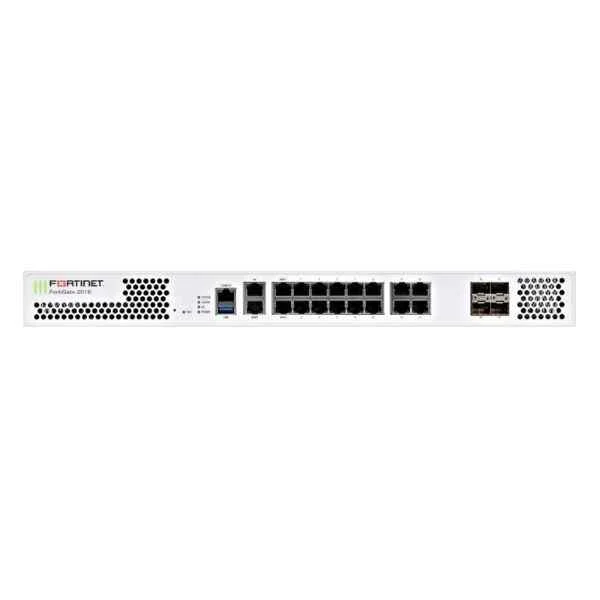
FG-201E-BDL-950-12 (FORTIGATE-201E PLUS 1YR 24X7 UTM BNDL)
4.6 (5)- Firewall Appliance
- Fortinet
- Rack-mount
- Enterprise
- UTM
- Layer 7
- AC Power Supply
Est Value $9,598.02$3,424.05
64.3% offIn stockNewFirst-Time Buyer Discount – Get up to 2% additional off on your first order
ORM Rewards Earn $50 in Rewards + Free Expedited Delivery – Join Now!
Use eCoupon ORMSAVE10
eCoupon limited to 5 units
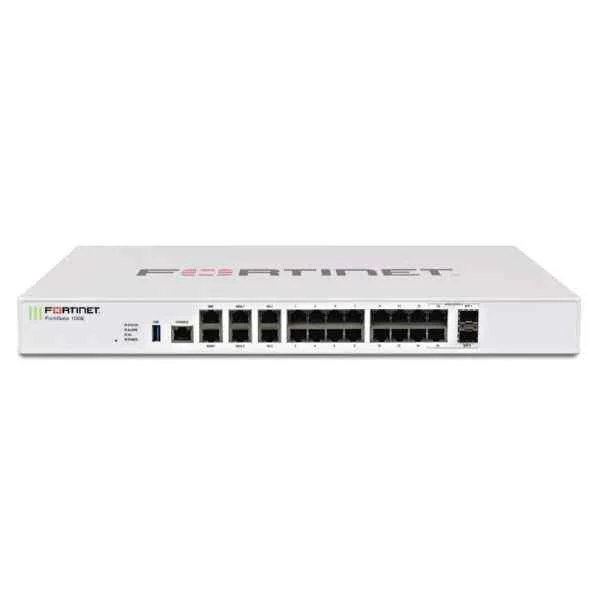
FG-100E-BDL (FG-100E Hardware plus 1 year 8x5 FortiCare and FortiGuard Unified (UTM) Protection)
4.4 (5)- Firewall Appliance
- Fortinet
- Rack-mount
- Enterprise / Branch Office
- VPN / Secure Access / UTM
- Layer 3 / Layer 7
- AC Power Supply
Est Value $3,794.70$3,426.61
9.7% offIn stockNewFirst-Time Buyer Discount – Get up to 2% additional off on your first order
ORM Rewards Earn $50 in Rewards + Free Expedited Delivery – Join Now!
Use eCoupon ORMSAVE10
eCoupon limited to 5 units
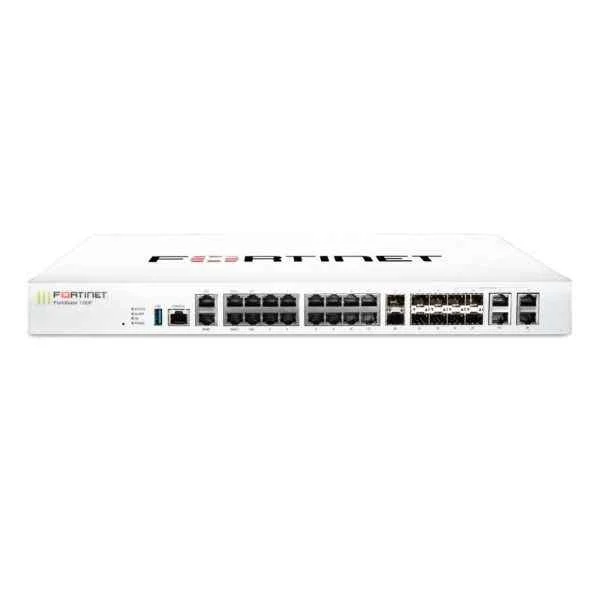
FG-100F-BDL-950-12 (FG 100F HW PLUS 1YR 24X7 FC AND FG UNIFIED UTM PROTECTION)
4.4 (5)- Firewall Appliance
- Fortinet
- Rack-mount
- Enterprise / Branch Office
- VPN / Secure Access / UTM
- Layer 7
- AC Power Supply
Est Value $13,304.28$6,652.14
50% offIn stockNewRefurbishedFirst-Time Buyer Discount – Get up to 2% additional off on your first order
ORM Rewards Earn $50 in Rewards + Free Expedited Delivery – Join Now!
Use eCoupon ORMSAVE10
eCoupon limited to 5 units
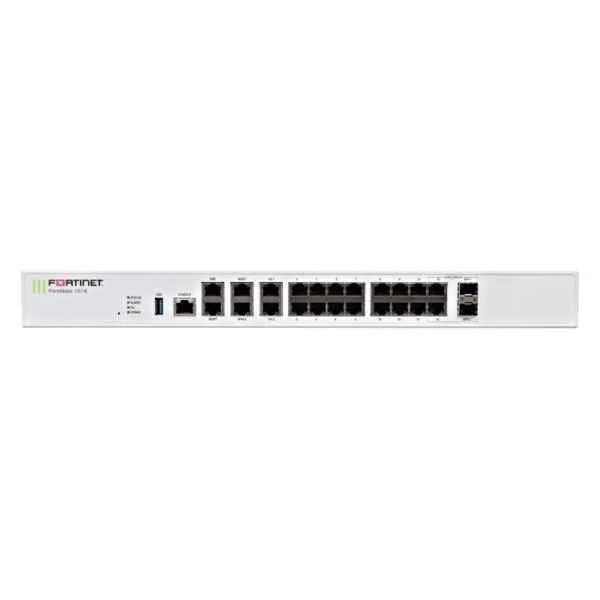
FG-101E-BDL (FG-101E Hardware plus 1 year 8x5 FortiCare and FortiGuard Unified (UTM) Protection)
4.8 (5)- Firewall Appliance
- Fortinet
- Rack-mount
- Enterprise / Branch Office
- VPN / Secure Access / UTM
- Layer 7
- AC Power Supply
Est Value $5,692.04$3,645.76
35.9% offIn stockNewFirst-Time Buyer Discount – Get up to 2% additional off on your first order
ORM Rewards Earn $50 in Rewards + Free Expedited Delivery – Join Now!
Use eCoupon ORMSAVE10
eCoupon limited to 5 units
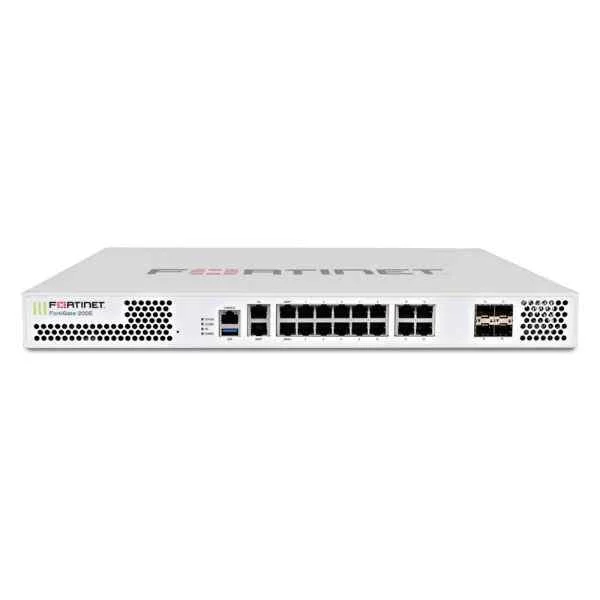
FG-200E-BDL (FG-200E Hardware plus 1 year 8x5 FortiCare and FortiGuard Unified (UTM) Protection)
4.8 (5)- Firewall Appliance
- Fortinet
- Rack-mount
- Enterprise / Branch Office
- VPN / Secure Access / UTM
- Layer 7
- AC Power Supply
Est Value $7,056.26$1,551.49
78% offIn stockNewRefurbishedFirst-Time Buyer Discount – Get up to 2% additional off on your first order
ORM Rewards Earn $50 in Rewards + Free Expedited Delivery – Join Now!
Use eCoupon ORMSAVE10
eCoupon limited to 5 units
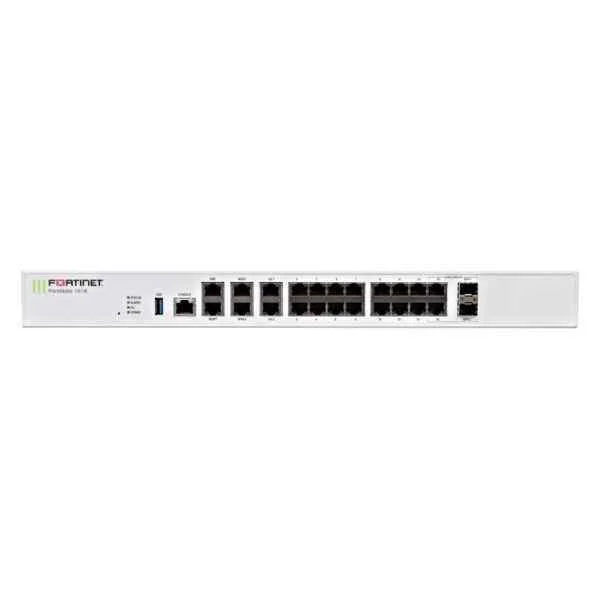
FG-101E-BDL-950-12 (FG-101E Hardware plus 1 Year 24*7 FortiCare and FortiGuard Unified (UTM) Protection (FG-101E & FC-10-00119-950-02-12))
4.8 (5)- Firewall Appliance
- Fortinet
- Rack-mount
- Enterprise / Branch Office / Data Center / Cloud
- VPN / Secure Access / Segmentation / UTM
- Layer 3 / Layer 7
- AC Power Supply with Redundant Option
Est Value $6,059.28$4,199.08
30.7% offIn stockNewFirst-Time Buyer Discount – Get up to 2% additional off on your first order
ORM Rewards Earn $50 in Rewards + Free Expedited Delivery – Join Now!
Use eCoupon ORMSAVE10
eCoupon limited to 5 units
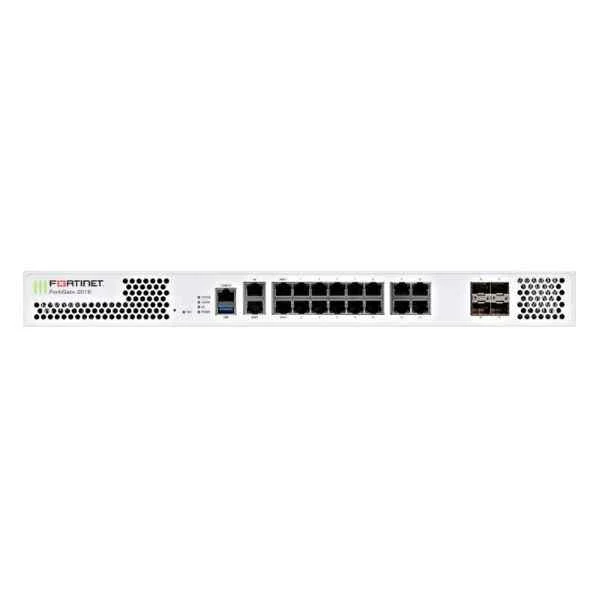
FG-201E-BDL (FG-201E Hardware plus 1 year 8x5 FortiCare and FortiGuard Unified (UTM) Protection)
4.4 (5)- Firewall Appliance
- Fortinet
- Rack-mount
- Enterprise / Branch Office
- VPN / Secure Access / Segmentation / UTM
- Layer 7
- AC Power Supply
Est Value $9,016.32$4,733.57
47.5% offIn stockNewFirst-Time Buyer Discount – Get up to 2% additional off on your first order
ORM Rewards Earn $50 in Rewards + Free Expedited Delivery – Join Now!
Use eCoupon ORMSAVE10
eCoupon limited to 5 units
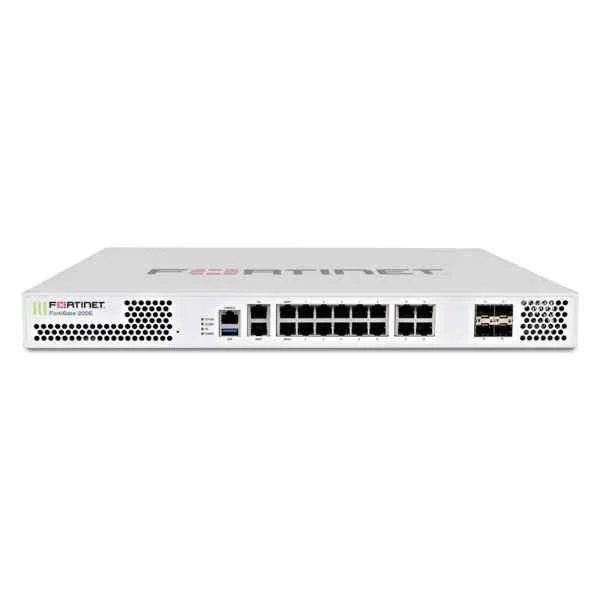
FG-200E-BDL-950-36 (FORTIGATE-200E PLUS 3YR 24X7UTM BNDL)
5 (5)- Firewall Appliance
- Fortinet
- Rack-mount
- Enterprise / Branch Office
- VPN / Secure Access / Segmentation / UTM
- Layer 7
- AC Power Supply
Est Value $11,517.62$4,887.75
57.6% offIn stockNewFirst-Time Buyer Discount – Get up to 2% additional off on your first order
ORM Rewards Earn $50 in Rewards + Free Expedited Delivery – Join Now!
Use eCoupon ORMSAVE10
eCoupon limited to 5 units

ORM Sales Advisors
Buying for your business? Get a personalised quote in under 2 hours. Talk to an expert
LEARNFilters (236) 
Questions & Answers
What is the Fortinet FortiGate NGFW Middle-Range Series?
The FortiGate NGFW Middle-Range Series is a line of unified threat management firewalls designed for mid-sized organizations, offering high-performance next-generation firewall capabilities, integrated security services, and scalable throughput.
What key features distinguish the FortiGate Middle-Range Series?
The Middle-Range Series provides hardware-accelerated SSL/TLS inspection, consolidated security (NGFW, IPS, application control, antivirus), SD-WAN integration, high availability, and centralized management via FortiManager.
What firewall throughput can I expect from the Middle-Range Series?
Depending on the model, firewall throughput ranges from 4 Gbps to 20 Gbps, with deep packet inspection (NGFW) throughput up to 5 Gbps and SSL inspection throughput up to 2 Gbps.
How does the Middle-Range Series ensure advanced threat protection?
It uses FortiGuard Labs threat intelligence for real-time updates, Cloud-based sandboxing, AI-driven malware detection, IPS, and web filtering to block known and zero-day threats.
Which deployment scenarios suit the Middle-Range Series?
Ideal for campus networks, distributed branch offices, data center edge, and hybrid cloud environments requiring balanced performance, flexible interface options, and integrated security.
Can the Middle-Range Series inspect SSL/TLS traffic at line rate?
Yes, with ASIC acceleration it inspects and decrypts SSL/TLS traffic at up to 2 Gbps without degrading latency or performance.
How is high availability configured on FortiGate Middle-Range devices?
High availability is achieved via active-active or active-passive clustering with session synchronization and link redundancy to ensure continuous uptime during appliance or link failures.
What licensing options are available for the Middle-Range Series?
FortiGate Middle-Range supports subscription-based licensing for FortiGuard Security Services (NGFW, IPS, Web Filter), FortiCare support tiers, and optional FortiSandbox and SD-WAN bundles.
How does FortiGate Middle-Range integrate with Fortinet Security Fabric?
It natively connects with FortiManager, FortiAnalyzer, FortiSandbox, and other Fabric components to deliver synchronized security, automated response, and centralized visibility.
Can I manage FortiGate Middle-Range appliances centrally?
Yes, you can manage configurations, policies, and firmware updates from FortiManager, or use FortiCloud for zero-touch provisioning and cloud-based monitoring.
What SD-WAN capabilities does the Middle-Range Series offer?
It provides dynamic path selection, application-aware steering, bandwidth shaping, real-time link quality monitoring, and integrated analytics for optimal WAN performance.
Is the FortiGate Middle-Range Series suitable for mid-sized enterprises?
Absolutely. It delivers enterprise-grade security, flexible throughput scaling, and multi-service consolidation that meets the networking and security needs of mid-market organizations.
What are the power and environmental specifications?
Models support dual hot-swappable PSUs, redundant fans, operating temperatures from 0 °C to 40 °C, and compliance with RoHS, FCC, CE, VCCI, and RCM standards.
How do real-world benchmarks validate Middle-Range performance?
Independent tests (e.g., NSS Labs) demonstrate above-average threat protection efficiency and sustained throughput under full security load compared to competing mid-range firewalls.
What support and warranty options are available?
FortiCare offers 24x7 support, advance hardware replacement, and firmware updates. Standard warranty includes one year of hardware coverage with options to extend up to five years.
How do I upgrade firmware on a FortiGate Middle-Range firewall?
Download the latest image from support.fortinet.com, upload via the GUI or CLI, verify checksum, then install and reboot. Always back up configurations before upgrading.
How does the Middle-Range Series handle virtualization and multi-tenant deployments?
It supports Virtual Domains (VDOMs) for segmentation, VLAN tagging, and multi-tenant tenancy, enabling isolated security policies and resource allocation per customer or department.