 United States
Cisco Routers Superior Network Efficiency
Engineered to deliver robust connectivity, Cisco routers integrate advanced security protocols, scalability, and optimized performance, ensuring reliable network communications for businesses and enterprises while meeting rigorous modern standards.
Talk to an expert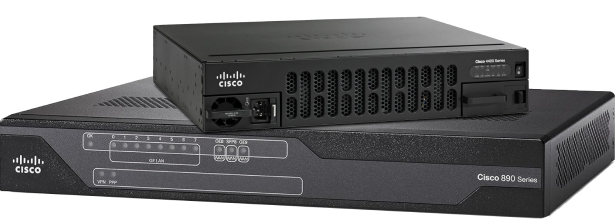
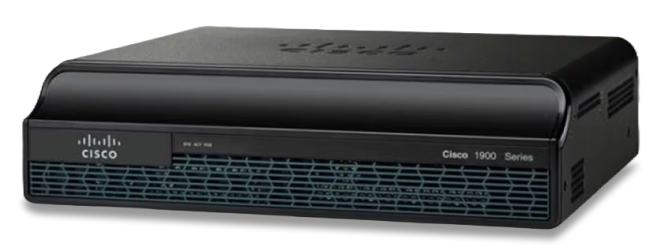
Router Isr 1900
(23)ISR 1900 routers suit branch WAN edge refreshes, with Gigabit Ethernet, EHWIC expansion, IPsec VPN, and OSPF routing
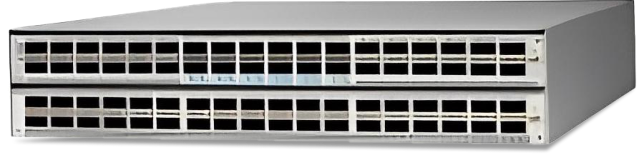
Router 7200 Series
(14)Cisco 7200 Series routers fit legacy provider edge labs, with NPE throughput, Fast Ethernet, ATM, and BGP route testing
Router Asr 1000
(48)ASR 1000 routers target high-throughput branch aggregation, with ESP forwarding, 10 Gigabit Ethernet, MPLS, and IPsec termination services
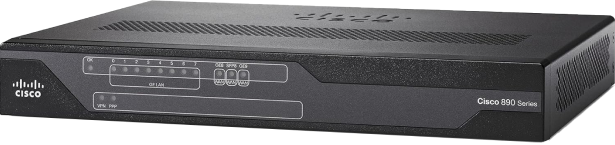
Router Isr 800
(89)ISR 800 routers serve sub-50-user remote sites, with DSL, LTE, Fast Ethernet, firewall policy, and site-to-site IPsec VPN
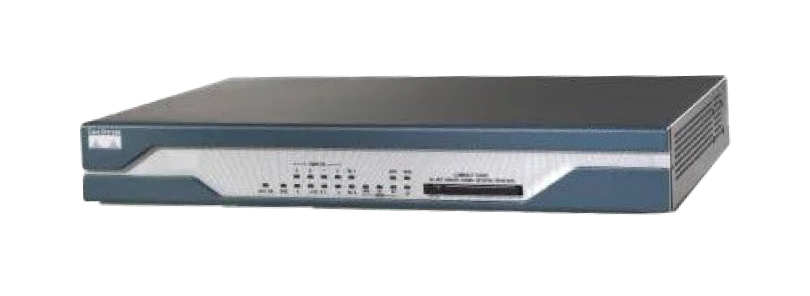
Router Isr 1800
(49)ISR 1800 routers suit T1 branch access racks, with modular WIC slots, T1/E1 access, OSPF, and IPsec VPN
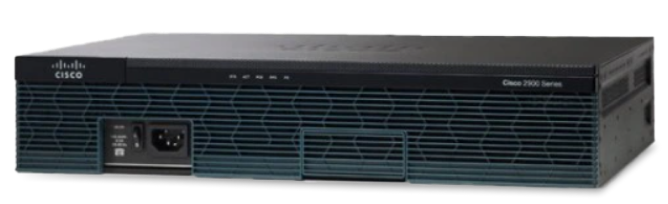
Router Isr 3900
(34)ISR 3900 routers handle regional office WAN hubs, with service modules, Gigabit Ethernet, DMVPN, and voice gateway interfaces

Router Isr 2900
(43)ISR 2900 routers fit multiservice branch closets, with EHWIC slots, Gigabit Ethernet, SIP voice, OSPF, and IPsec VPN
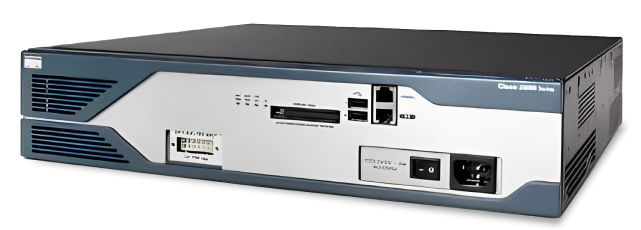
Router Isr 3800
(34)ISR 3800 routers support distributed campus WAN rooms, with network modules, T1/E1 circuits, QoS, and SRST voice services
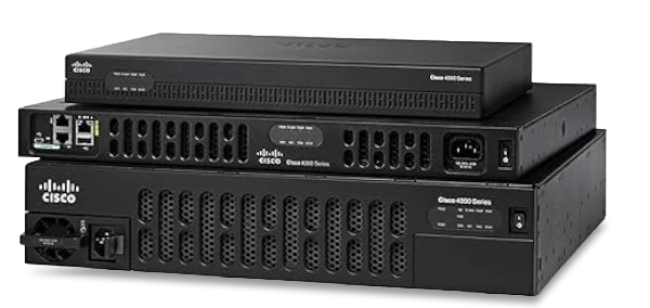
Router Isr 4000
(43)ISR 4000 routers anchor managed SD-WAN branch rollouts, with UCS-E options, Gigabit Ethernet, AppNav, and encrypted throughput licensing
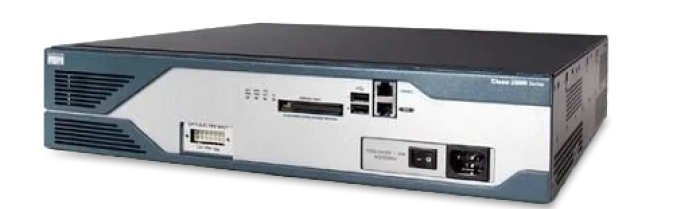
Router Isr 2800
(78)ISR 2800 routers serve voice-enabled branch offices, with PVDM slots, WIC interfaces, MGCP/SIP gateways, and IPsec VPN termination
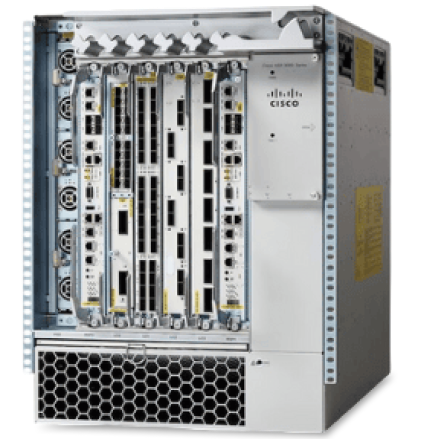
Router Asr 9000
(23)ASR 9000 routers fit carrier core and edge POPs, with 100 Gigabit Ethernet, MPLS, BGP, and IOS XR
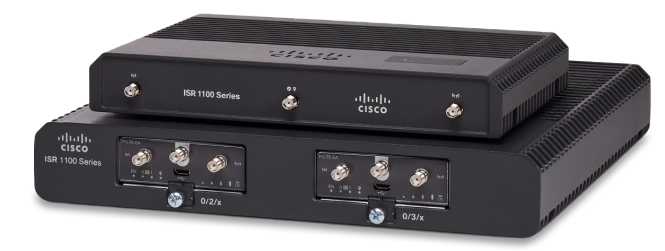
Router Isr 1100
(98)ISR 1100 routers suit cloud-managed microbranches, with LTE options, Gigabit Ethernet, SD-WAN, and integrated security zones for retail kiosks
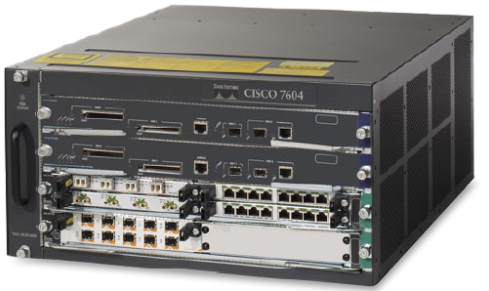
Routers 7600 Series
(111)Cisco 7600 Series routers serve metro Ethernet aggregation, with Supervisor engines, 10 Gigabit Ethernet, MPLS, and BGP peering
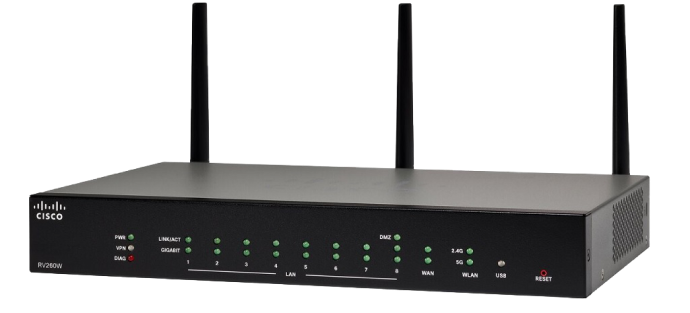
Cisco Smb Router
(4)Cisco SMB routers target small business internet edges, with NAT, VLANs, dual WAN, IPsec VPN, and Gigabit Ethernet ports
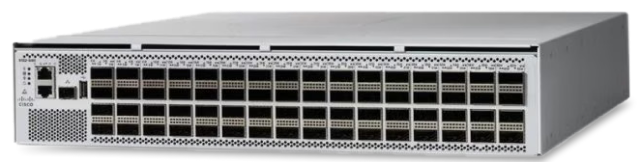
Cisco 8000 Series Routers
(5)Cisco 8000 Series routers address hyperscale peering edge sites, with 400 Gigabit Ethernet, Segment Routing, EVPN, and IOS XR
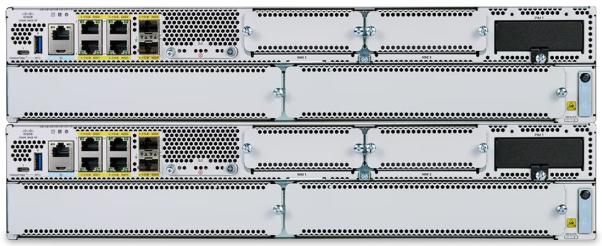
Cisco Catalyst 8300 Series Edge Platforms
(4)Cisco Catalyst 8300 edge platforms fit cloud-first regional SD-WAN sites, with SD-WAN, 10 Gigabit Ethernet, LTE, and SASE integration
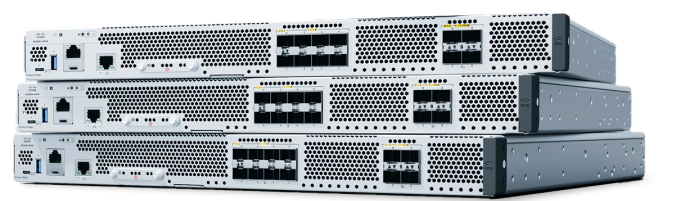
Cisco Catalyst 8500 Series Edge Platforms
(2)Cisco Catalyst 8500 edge platforms serve colocation WAN headends, with QSFP ports, SD-WAN control, IPsec, and 40G throughput
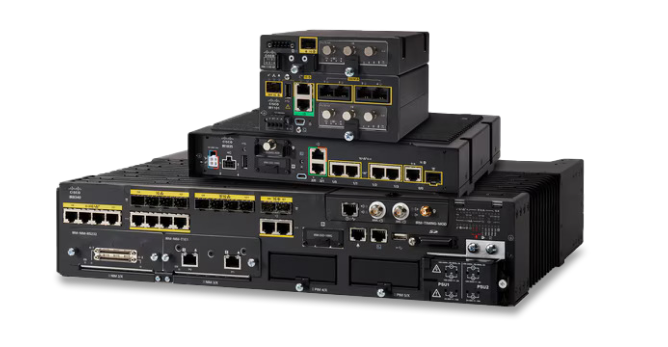
Cisco Industrial Routers
(41)Cisco industrial routers support roadway cabinets and utility substations, with ruggedized Ethernet, serial interfaces, LTE, and IEC 61850 traffic
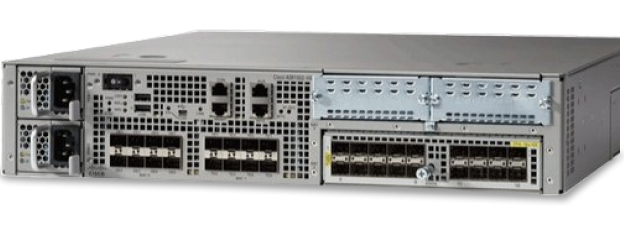
Cisco Router 10000 Series
(29)Cisco 10000 Series routers suit broadband aggregation shelves, with PRE modules, OC-12 links, MPLS, and subscriber PPPoE termination
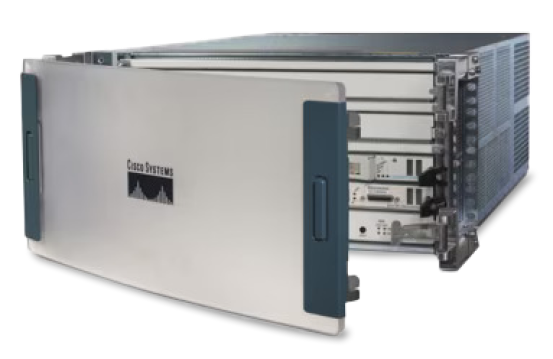
Cisco Router 12000 Series
(42)Cisco 12000 Series routers serve legacy carrier core labs, with Packet over SONET, OC-192 interfaces, MPLS, and BGP convergence
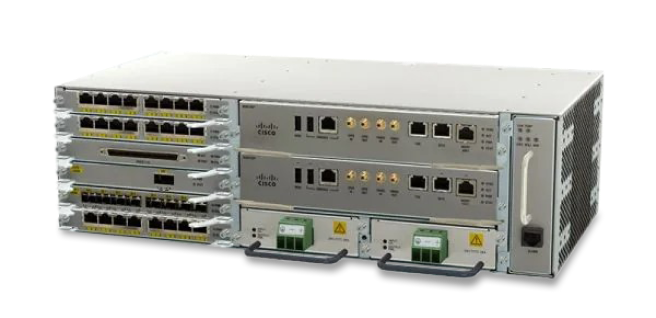
Cisco Router Asr 900
(17)Cisco ASR 900 routers fit mobile backhaul aggregation, with NCS-compatible IOS XE, TDM pseudowire, Gigabit Ethernet, and MPLS
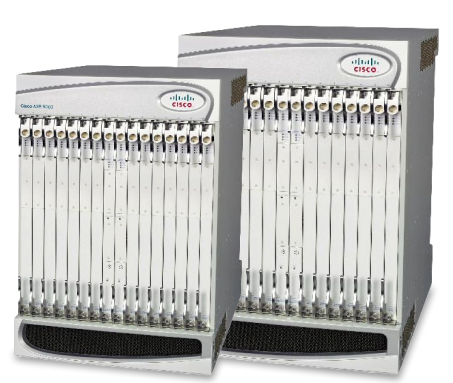
Cisco Router Asr 5000
(3)Cisco ASR 5000 routers address packet core service nodes, with GTP, Diameter, Gi-LAN routing, multi-10G interfaces, and uplink redundancy
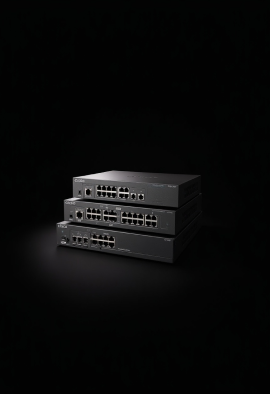
Cisco Router Isr 900
(10)Cisco ISR 900 routers serve budget branch internet edges, with Gigabit Ethernet, LTE options, 802.1Q VLANs, and IPsec VPN
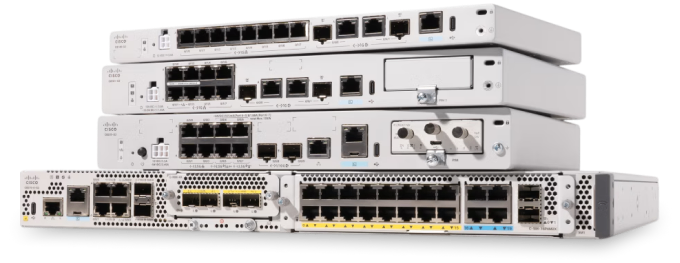
Cisco Catalyst 8200 Series Edge Platforms
(1)Catalyst 8200 platforms anchor SD-WAN branch edges, with IOS XE routing, NIM modules, IPsec security, and DNA licensing
845 Matching results
- BEST SELLING
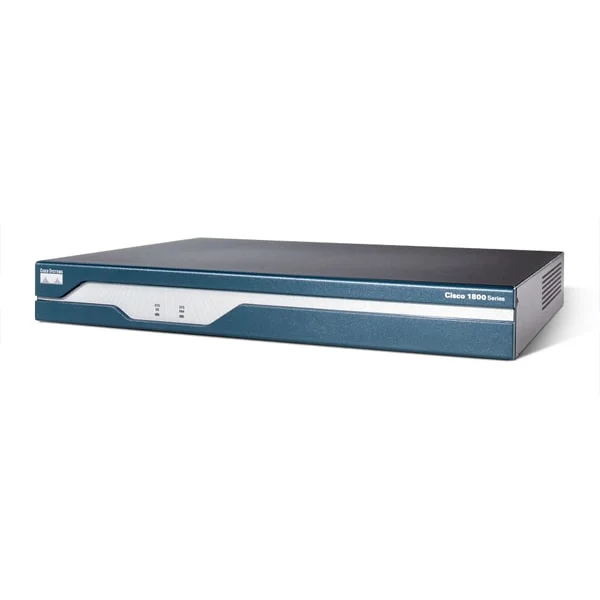
CISCO1841 (Cisco 1800 Series Router: Cisco 1841 Modular Router w/2xFE, 2 WAN slots, 64 FL/256 DR)
4.6 (5)- Enterprise Router
- Cisco
- IPSec / GRE / N/A
- AC Power Supply
- OSPF / BGP / EIGRP / RIP / Static Routing
- Modular
Est Value $1,395.00
$120.44
91.4% offIn stockNewRefurbishedFirst-Time Buyer Discount – Get up to 2% additional off on your first order
ORM Rewards Earn $50 in Rewards + Free Expedited Delivery – Join Now!
Use eCoupon ORMSAVE10
eCoupon limited to 5 units
- BEST SELLING
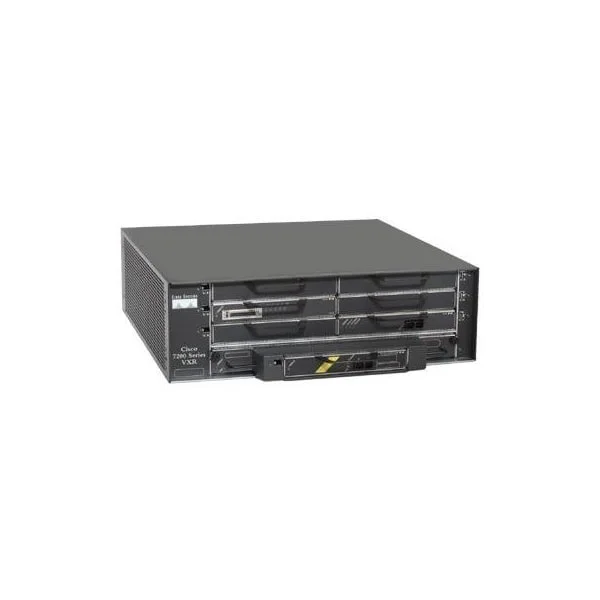
CISCO7206VXR (Cisco 7206VXR, 6-slot chassis, 1 AC Supply w/IP Software)
4.6 (5)- Modular Chassis Router
- Cisco
- IPSec / GRE
- Redundant AC Power Supply
- OSPF / BGP / EIGRP / MPLS / IS-IS / RIP / Static Routing
- Modular
Est Value $7,000.00$135.45
98.1% offIn stockRefurbishedFirst-Time Buyer Discount – Get up to 2% additional off on your first order
ORM Rewards Earn $50 in Rewards + Free Expedited Delivery – Join Now!
Use eCoupon ORMSAVE10
eCoupon limited to 5 units
- BEST SELLING
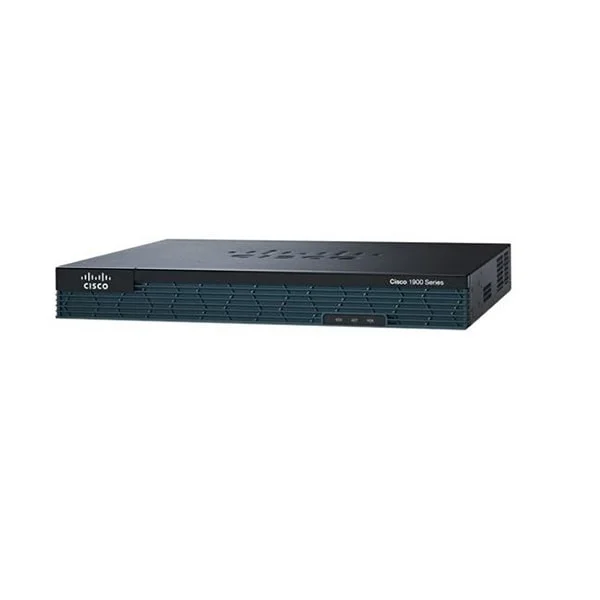
CISCO1921-SEC/K9 (Cisco 1921 Security Bundle w/SEC license PAK)
4.2 (5)- Enterprise Router
- Cisco
- IPSec / SSL VPN
- AC Power Supply
- OSPF / BGP / EIGRP / RIP / Static Routing
- Fixed
Est Value $1,695.00$107.10
93.7% offIn stockNewRefurbishedFirst-Time Buyer Discount – Get up to 2% additional off on your first order
ORM Rewards Earn $50 in Rewards + Free Expedited Delivery – Join Now!
Use eCoupon ORMSAVE10
eCoupon limited to 5 units
- BEST SELLING
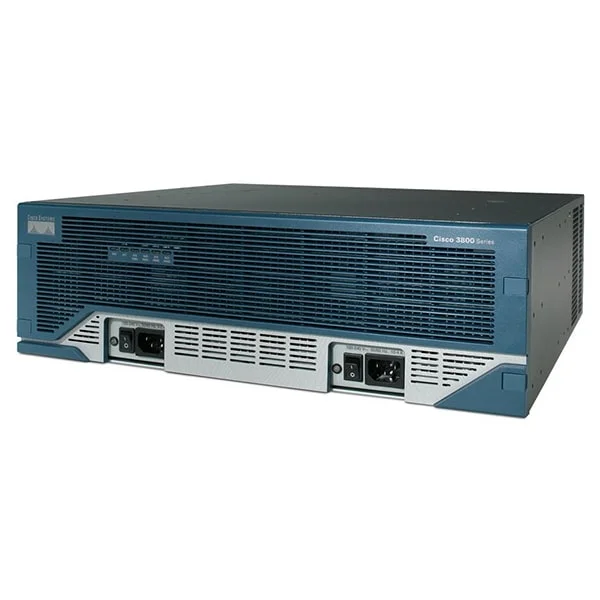
CISCO3845 (3845 w/AC PWR,2GE,1SFP,4NME,4HWIC, IP Base, 128F/512D)
4.6 (5)- Enterprise Router
- Cisco
- IPSec
- AC Power Supply / Redundant
- OSPF / BGP / EIGRP / RIP / Static Routing
- Modular
Est Value $236.25$168.97
28.5% offIn stockRefurbishedFirst-Time Buyer Discount – Get up to 2% additional off on your first order
ORM Rewards Earn $50 in Rewards + Free Expedited Delivery – Join Now!
Use eCoupon ORMSAVE10
eCoupon limited to 5 units
- BEST SELLING
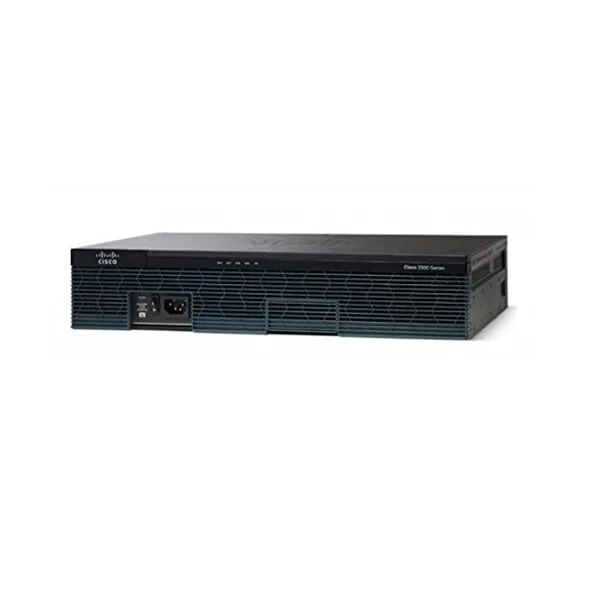
CISCO2911/K9 (Cisco 2911 router w/3 GE,4 EHWIC,2 DSP,1 SM,256MB CF,512MB DRAM,IPB)
4.6 (5)- Enterprise Router
- Cisco
- IPSec
- AC Power Supply / Redundant
- OSPF / BGP / EIGRP / RIP / Static Routing
- Modular
Est Value $3,550.00$131.25
96.3% offIn stockNewRefurbishedFirst-Time Buyer Discount – Get up to 2% additional off on your first order
ORM Rewards Earn $50 in Rewards + Free Expedited Delivery – Join Now!
Use eCoupon ORMSAVE10
eCoupon limited to 5 units
- BEST SELLING
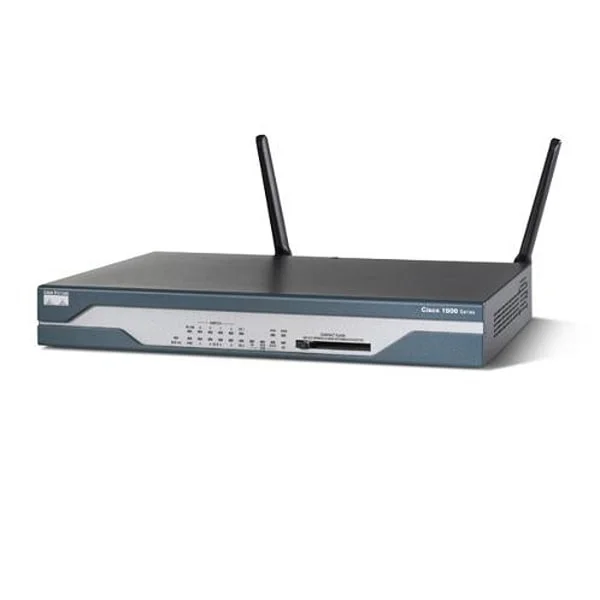
CISCO1803/K9 (G.SHDSL Router with Firewall/IDS and IPSEC)
4.2 (5)- Enterprise Router
- Cisco
- IPSec / GRE / DMVPN
- AC Power Supply
- OSPF / BGP / EIGRP / RIP / Static Routing
- Fixed
Est Value $365.40$182.70
50% offIn stockRefurbishedFirst-Time Buyer Discount – Get up to 2% additional off on your first order
ORM Rewards Earn $50 in Rewards + Free Expedited Delivery – Join Now!
Use eCoupon ORMSAVE10
eCoupon limited to 5 units
- BEST SELLING
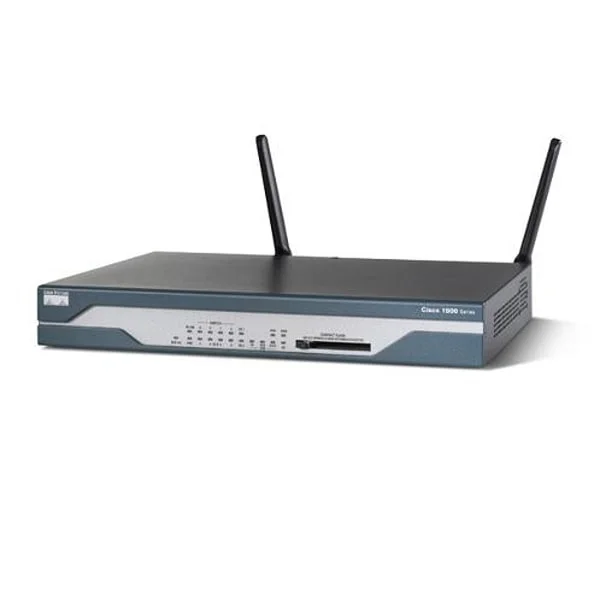
CISCO1801/K9 (ADSL/POTS Router with Firewall/IDS and IPSEC 3DES)
4.4 (5)- Enterprise Router
- Cisco
- IPSec / SSL VPN
- AC Power Supply
- OSPF / BGP / EIGRP / RIP / Static Routing
- Fixed
Est Value $1,495.00$146.35
90.2% offIn stockNewRefurbishedFirst-Time Buyer Discount – Get up to 2% additional off on your first order
ORM Rewards Earn $50 in Rewards + Free Expedited Delivery – Join Now!
Use eCoupon ORMSAVE10
eCoupon limited to 5 units
- BEST SELLING
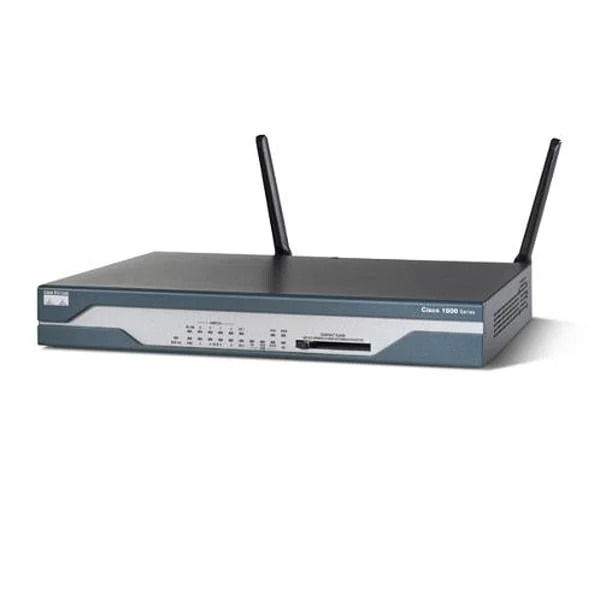
CISCO1812/K9 (Dual Ethernet Security Router with ISDN S/T Backup)
4.4 (5)- Integrated Services Router
- Cisco
- IPSec / SSL VPN / DMVPN
- AC Power Supply / Redundant
- OSPF / BGP / EIGRP / RIP / Static Routing
- DSL
- Fixed
Est Value $1,295.00$120.31
90.7% offIn stockNewRefurbishedFirst-Time Buyer Discount – Get up to 2% additional off on your first order
ORM Rewards Earn $50 in Rewards + Free Expedited Delivery – Join Now!
Use eCoupon ORMSAVE10
eCoupon limited to 5 units
- BEST SELLING
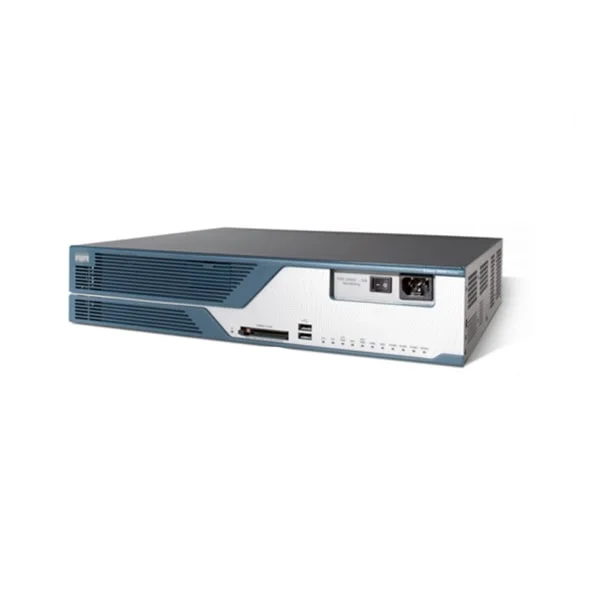
CISCO3825 (3825 w/AC PWR, 2GE,1SFP, 2NME, 4HWIC, IP Base, 128F/512D)
4.6 (5)- Enterprise Router
- Cisco
- IPSec / DMVPN / SSL VPN
- AC Power Supply with Redundant Options
- OSPF / BGP / EIGRP / RIP / Static Routing
- Modular
Est Value $9,500.00$204.75
97.8% offIn stockRefurbishedFirst-Time Buyer Discount – Get up to 2% additional off on your first order
ORM Rewards Earn $50 in Rewards + Free Expedited Delivery – Join Now!
Use eCoupon ORMSAVE10
eCoupon limited to 5 units
- BEST SELLING
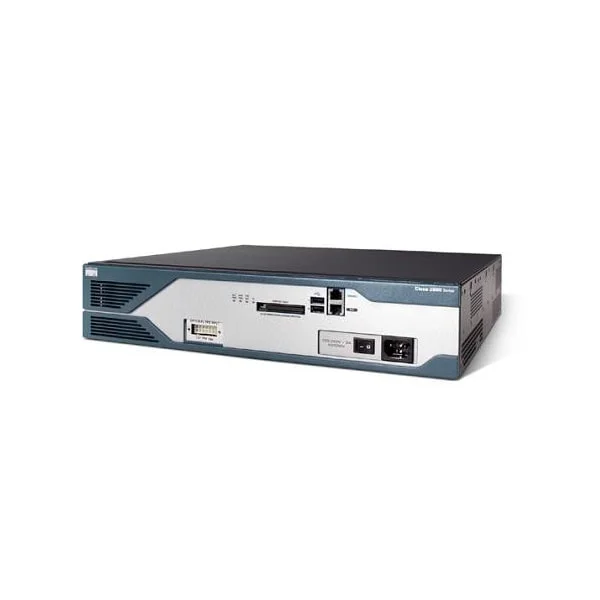
CISCO2821 (Cisco 2821 router 2821 w/ AC PWR, 2GE, 4HWICs, 3PVDM, 1NME-X, 2AIM, IP BASE, 128F/512D)
4.6 (5)- Enterprise Router
- Cisco
- IPSec
- AC Power Supply
- OSPF / EIGRP / BGP / RIP / Static Routing
- Modular
Est Value $300.00$143.85
52.1% offIn stockNewRefurbishedFirst-Time Buyer Discount – Get up to 2% additional off on your first order
ORM Rewards Earn $50 in Rewards + Free Expedited Delivery – Join Now!
Use eCoupon ORMSAVE10
eCoupon limited to 5 units
- BEST SELLING
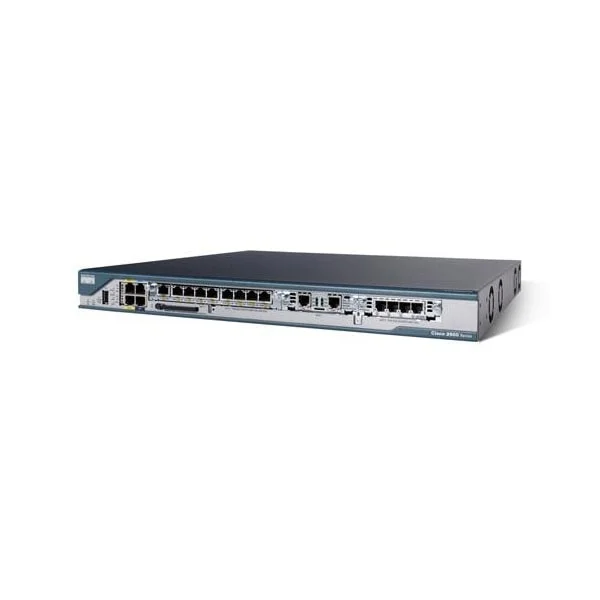
CISCO2801 (Cisco 2801 router 2801 w/AC PWR, 2FE,4slots(2HWIC), 2PVDM, 2AIM, IP BASE, 128F/384D)
4.4 (5)- Enterprise Router
- Cisco
- IPSec / DMVPN
- AC Power Supply
- OSPF / BGP / EIGRP / RIP / Static Routing
- Fixed
Est Value $1,995.00$94.50
95.3% offIn stockNewRefurbishedFirst-Time Buyer Discount – Get up to 2% additional off on your first order
ORM Rewards Earn $50 in Rewards + Free Expedited Delivery – Join Now!
Use eCoupon ORMSAVE10
eCoupon limited to 5 units
- BEST SELLING
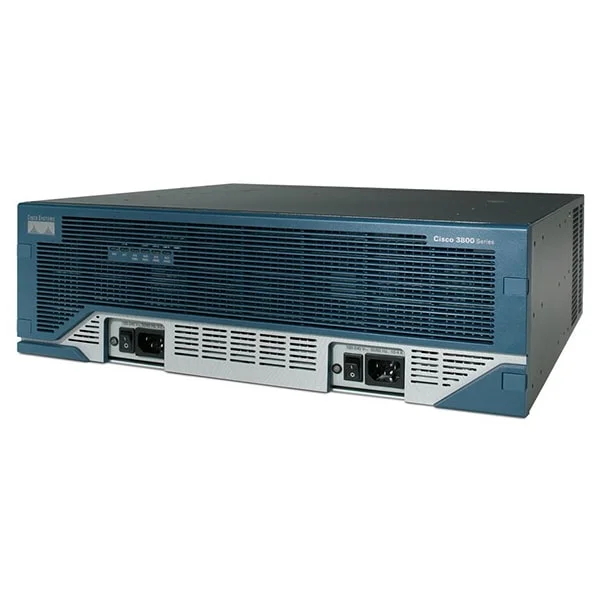
CISCO3845-V/K9 (3845 Voice Bundle,PVDM2-64,SP Serv,128F/512D)
4.4 (5)- Enterprise Router
- Cisco
- IPSec / SSL VPN
- AC Power Supply / Redundant
- OSPF / BGP / EIGRP / RIP / Static Routing
- Modular
Est Value $13,995.00$245.70
98.2% offIn stockRefurbishedFirst-Time Buyer Discount – Get up to 2% additional off on your first order
ORM Rewards Earn $50 in Rewards + Free Expedited Delivery – Join Now!
Use eCoupon ORMSAVE10
eCoupon limited to 5 units
- BEST SELLING
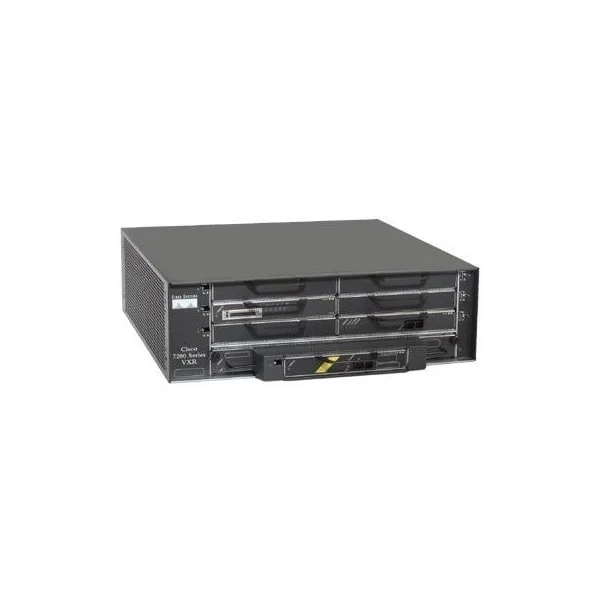
CISCO7204VXR (Cisco 7204VXR, 4-slot chassis, 1 AC Supply w/IP Software)
5 (5)- Enterprise Router
- Cisco
- IPSec
- AC Power Supply / Redundant
- OSPF / BGP / EIGRP / RIP / Static Routing
- Modular
Est Value $6,000.00$246.75
95.9% offIn stockRefurbishedFirst-Time Buyer Discount – Get up to 2% additional off on your first order
ORM Rewards Earn $50 in Rewards + Free Expedited Delivery – Join Now!
Use eCoupon ORMSAVE10
eCoupon limited to 5 units
- BEST SELLING
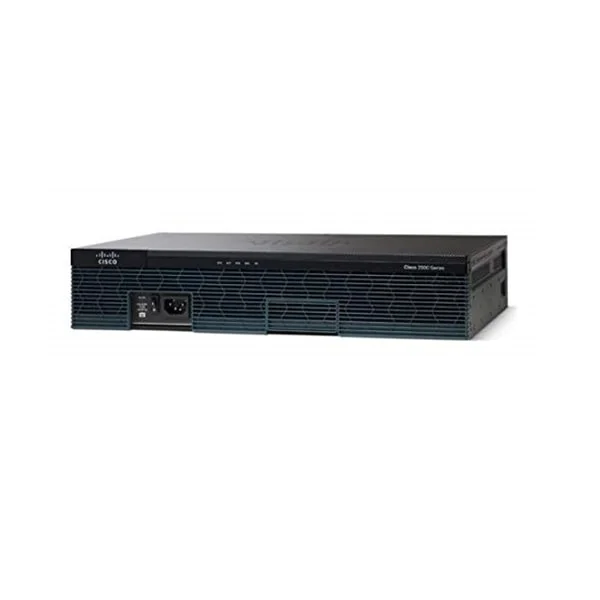
CISCO2951/K9 (Cisco 2951 Router w/3 GE,4 EHWIC,3 DSP,2 SM,256MB CF,512MB DRAM,IPB)
4.2 (5)- Enterprise Router
- Cisco
- IPSec / DMVPN
- AC Power Supply
- OSPF / BGP / EIGRP / RIP / Static Routing
- Modular
Est Value $9,900.00$204.75
97.9% offIn stockNewRefurbishedFirst-Time Buyer Discount – Get up to 2% additional off on your first order
ORM Rewards Earn $50 in Rewards + Free Expedited Delivery – Join Now!
Use eCoupon ORMSAVE10
eCoupon limited to 5 units
- BEST SELLING
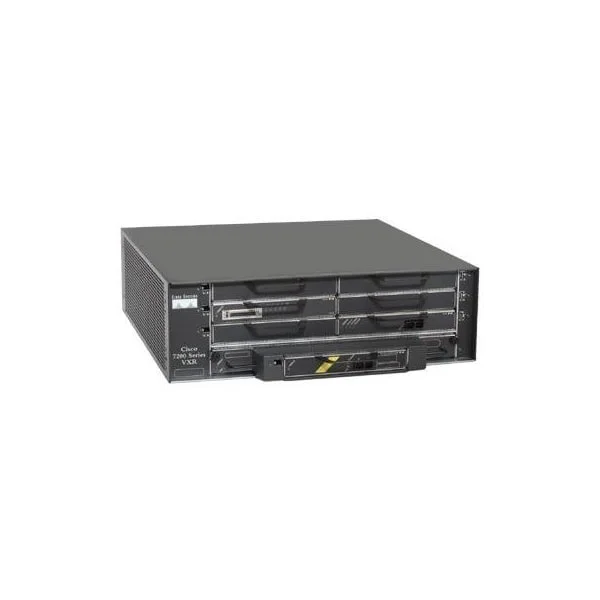
CISCO7204VXR-CH (Cisco 7204VXR, 4-slot chassis, Power Supply w/ Slot Covers)
4.8 (5)- Enterprise Router
- Cisco
- IPSec
- AC Power Supply / DC Power Supply / Redundant
- OSPF / BGP / EIGRP / RIP / Static Routing
- Modular
Est Value $6,000.00$296.26
95.1% offIn stockRefurbishedFirst-Time Buyer Discount – Get up to 2% additional off on your first order
ORM Rewards Earn $50 in Rewards + Free Expedited Delivery – Join Now!
Use eCoupon ORMSAVE10
eCoupon limited to 5 units
- BEST SELLING
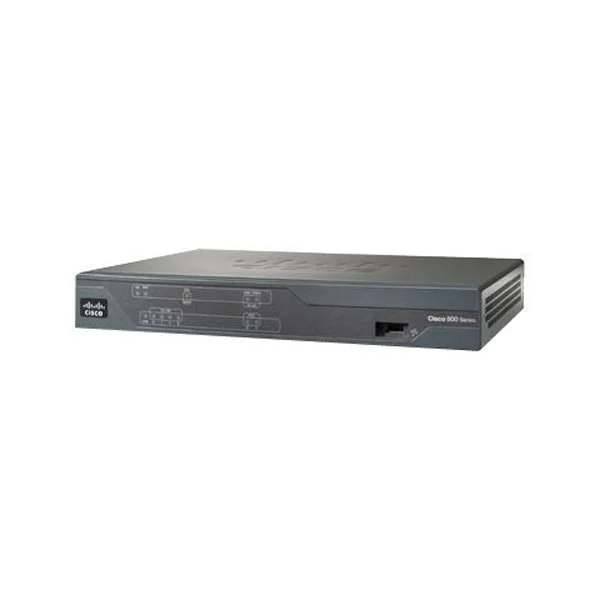
C891F-K9 (CISCO C891F-K9 small business branch router, 1 SFP, 4 POE, security, wireless controller, AVC, WAN optimization, multimedia collaboration)
4.6 (5)- Enterprise Router
- Cisco
- IPSec / SSL VPN
- AC Power Supply / Redundant
- OSPF / BGP / EIGRP / RIP / Static Routing
- DSL
- Fixed
Est Value $1,988.00$99.75
95% offIn stockNewRefurbishedFirst-Time Buyer Discount – Get up to 2% additional off on your first order
ORM Rewards Earn $50 in Rewards + Free Expedited Delivery – Join Now!
Use eCoupon ORMSAVE10
eCoupon limited to 5 units
- BEST SELLING
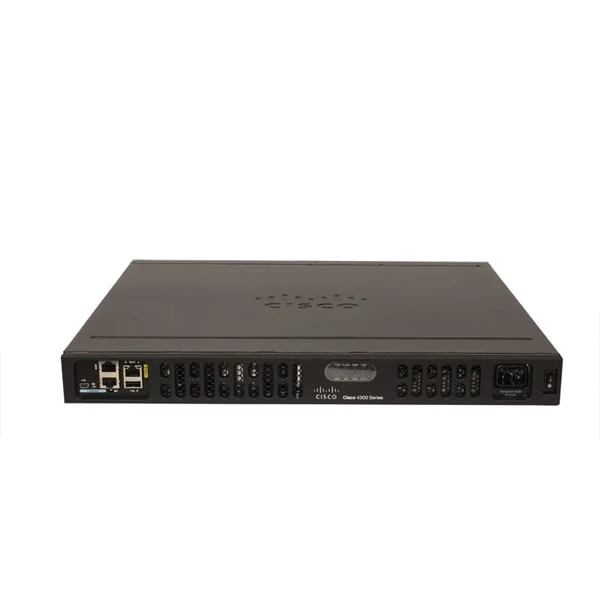
ISR4331-AX/K9 (Cisco ISR 4331 AX Bundle w/ APP,SEC lic)
4.8 (5)- Enterprise Router
- Cisco
- IPSec / SSL VPN / DMVPN / FlexVPN
- AC Power Supply
- OSPF / BGP / EIGRP / MPLS / RIP / Static Routing
- Fixed / Modular
Est Value $7,851.00$136.48
98.3% offIn stockNewRefurbishedFirst-Time Buyer Discount – Get up to 2% additional off on your first order
ORM Rewards Earn $50 in Rewards + Free Expedited Delivery – Join Now!
Use eCoupon ORMSAVE10
eCoupon limited to 5 units
- BEST SELLING
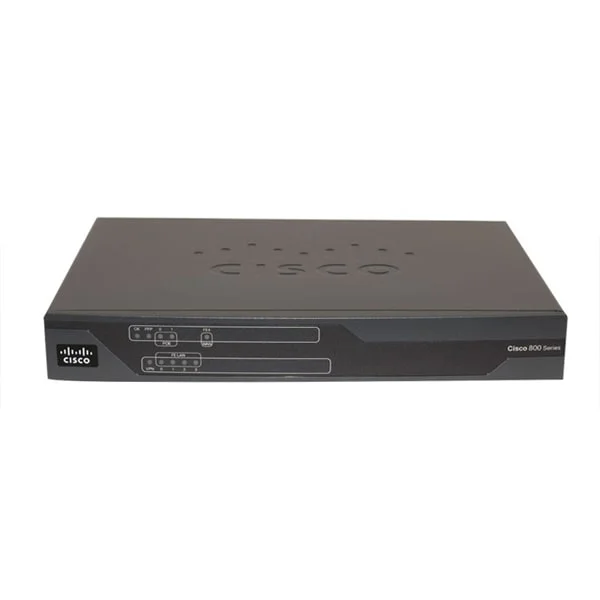
C881-K9 (Cisco 881 Ethernet Security Router, SSL, VPN, Firewall, 4 switching ports)
4.8 (5)- Enterprise Router
- Cisco
- IPSec / SSL VPN / N/A
- AC Power Supply
- OSPF / EIGRP / RIP / Static Routing
- Fixed
Est Value $832.00$128.10
84.6% offIn stockNewRefurbishedFirst-Time Buyer Discount – Get up to 2% additional off on your first order
ORM Rewards Earn $50 in Rewards + Free Expedited Delivery – Join Now!
Use eCoupon ORMSAVE10
eCoupon limited to 5 units
- BEST SELLING
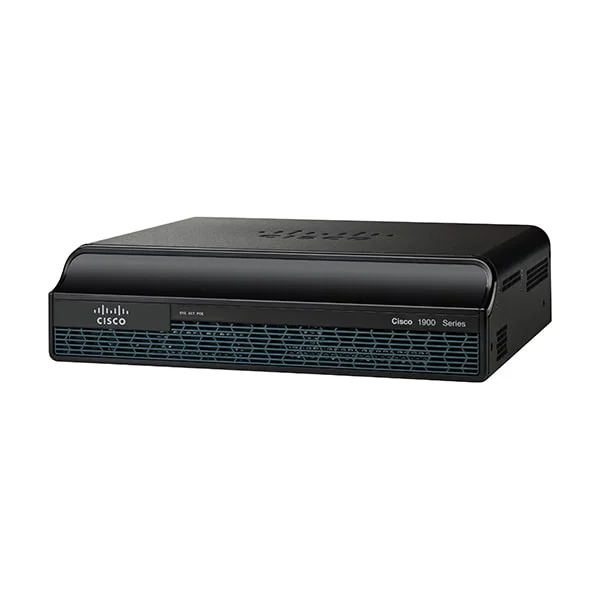
CISCO1941W-A/K9 (Cisco 1941 Router w/ 802.11 a/b/g/n FCC Compliant WLAN ISM)
4.8 (5)- Enterprise Router
- Cisco
- IPSec / SSL VPN / DMVPN / N/A
- AC Power Supply / Redundant
- OSPF / BGP / EIGRP / RIP / Static Routing
- Fixed
Est Value $2,095.00$1,776.30
15.2% offIn stockNewRefurbishedFirst-Time Buyer Discount – Get up to 2% additional off on your first order
ORM Rewards Earn $50 in Rewards + Free Expedited Delivery – Join Now!
Use eCoupon ORMSAVE10
eCoupon limited to 5 units
- BEST SELLING
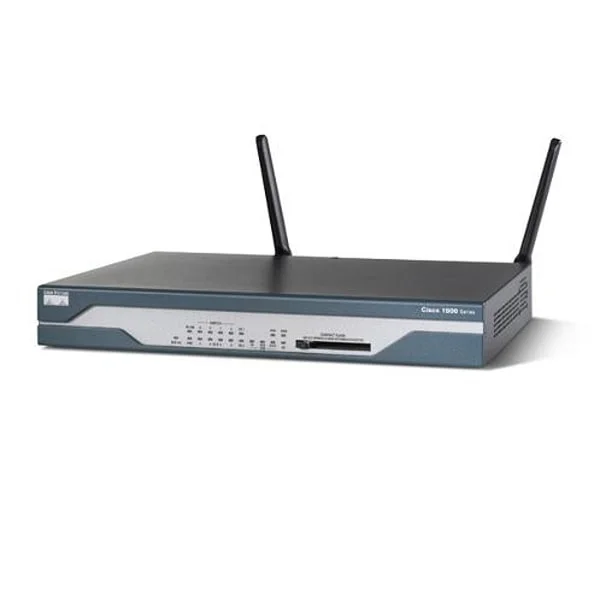
CISCO1802/K9 (ADSL/ISDN Router with Firewall/IDS and IPSEC 3DES)
4.8 (5)- Enterprise Router
- Cisco
- IPSec
- AC Power Supply
- OSPF / BGP / EIGRP / RIP / Static Routing
- Fixed
Est Value $1,495.00$500.99
66.5% offIn stockRefurbishedFirst-Time Buyer Discount – Get up to 2% additional off on your first order
ORM Rewards Earn $50 in Rewards + Free Expedited Delivery – Join Now!
Use eCoupon ORMSAVE10
eCoupon limited to 5 units

ORM Sales Advisors
Buying for your business? Get a personalised quote in under 2 hours. Talk to an expert
LEARNFilters (845) 
Questions & Answers
What is a Cisco Router?
A Cisco Router is a network device that forwards data packets between LANs, WANs, and the Internet using Cisco’s proprietary hardware, software and security features to ensure high performance and reliability.
How do I configure a Cisco Router for the first time?
Connect via console or SSH, enter global configuration mode (configure terminal), set a hostname, secure passwords, assign IP addresses to interfaces, enable routing protocols, then save with write memory.
Which Cisco Router model is best for small businesses?
The Cisco ISR 1000 Series balances performance, scalability and affordability for small offices, offering integrated security, WAN connectivity and cloud-managed options in a compact form factor.
How do I secure my Cisco Router against cyber threats?
Enable strong passwords, deploy Cisco IOS Firewall and Access Control Lists, implement SSH for management, configure DHCP snooping and Unicast Reverse Path Forwarding, and keep IOS up to date.
What is Cisco IOS and why is it important?
Cisco IOS is the operating system running on Cisco Routers that provides routing, switching, security and network services; it’s essential for feature support, stability and software updates.
How do I update the firmware on a Cisco Router?
Download the correct IOS image from Cisco’s website, transfer it to the router via TFTP/FTP/SCP, verify the image with show boot, set the boot variable, then reload to apply the new firmware.
What is the difference between Cisco ISR and ASR routers?
ISR (Integrated Services Routers) serve branch offices with integrated services like security and voice, while ASR (Aggregation Services Routers) deliver high-throughput, carrier-grade performance at scale.
How many devices can a Cisco Router support?
Device capacity depends on the model: entry-level ISR 1000 supports up to hundreds of endpoints, midrange ISR 4000 up to thousands, and ASR platforms scale to tens of thousands of sessions.
How do I reset a Cisco Router to factory defaults?
Power cycle the router, press the Mode button during boot to enter ROMMON, use the confreg command to reset config register to 0x2142, reload, then erase startup-config and reload again.
What are Cisco Router licensing requirements?
Cisco routers use feature-based licensing on IOS-XE: Base for core routing, Security for firewall/VPN, AppX for advanced services and DNA Advantage for SD-WAN, activated via Smart Licensing.
How do I monitor performance on a Cisco Router?
Use built-in tools: show interfaces, show processes cpu, NetFlow for traffic analysis, SNMP for remote monitoring, and Cisco Prime or DNA Center for centralized performance dashboards.
Can I use third-party modules with a Cisco Router?
Cisco only supports approved Network Interface Modules (NIM) and Service Modules; third-party hardware may void warranty and interoperability is not guaranteed.
How do I troubleshoot connectivity issues on a Cisco Router?
Start with ping and traceroute to verify reachability, use show ip route and show ip interface brief for routing/interface status, check logs (show logging), then isolate with debug commands.
What warranty and support options are available for Cisco Routers?
Cisco provides a limited lifetime warranty on hardware, plus multiple support tiers (SMARTnet) offering 24/7 access to software updates, technical support and advanced hardware replacement.
How does Cisco SD-WAN integrate with Cisco Routers?
Cisco SD-WAN runs as a software overlay on ISR and ASR routers, using vEdge or IOS-XE controllers to manage secure, policy-driven WAN connectivity with central orchestration.
How do I optimize QoS on a Cisco Router?
Define traffic classes with class-map, create QoS policies (policy-map) to shape or prioritize packets, apply them to interfaces with service-policy, and verify with show policy-map interface.
Cisco Routers – Superior Performance for Modern Networks
Cisco routers are the backbone of secure, high-speed connectivity for SMBs and global enterprises alike. From branch deployments to carrier-grade backbones, Cisco delivers flexibility, resilience, and scale. At ORM Systems, explore the full range at competitive prices, with bulk quotations, fast global delivery, and up to 3-year warranty coverage.
Why Choose Cisco Routers?
- Advanced Security: Integrated IPSec/SSL VPN and secure WAN protocols protect distributed environments.
- Scalability: Modular designs across ISR and ASR lines grow with sites, bandwidth, and features.
- High Performance: OSPF, BGP, EIGRP, and static routing ensure low latency at scale.
- Reliability: Dual WAN options, redundant power supplies, and fiber connectivity minimize downtime.
- Cost Efficiency: Global pricing, volume discounts, and bulk quotations from ORM Systems.
Explore Cisco Router Series
Cisco ISR (Integrated Services Routers)
- ISR 800 Series: Compact, entry-level routers for SMBs, remote workers, and branch offices.
- ISR 1900 Series: Reliable entry-to-mid range routers for small businesses.
- ISR 2900 Series: Mid-range platforms balancing performance and cost for growing networks.
- ISR 3900 Series: Enterprise-grade ISR routers with modular scalability and WAN features.
- ISR 4000 Series: Designed for enterprises demanding secure, high-capacity WAN connectivity.
Cisco ASR (Aggregation Services Routers)
- ASR 1000 Series: High-performance edge routing with secure WAN aggregation.
- ASR 9000 Series: Carrier and data-center grade, built for massive throughput and always-on reliability.
Specialized and Legacy
- Cisco 7200 Series: Proven enterprise workhorses with versatile deployment options.
How to Choose the Right Cisco Router
Match your business size and use case to the right series using the quick guide below.
| Business Size / Use Case | Recommended Models | Key Advantages |
|---|---|---|
| Small Business / Branch | ISR 800 / ISR 1900 | Compact, affordable, secure VPN, easy deployment |
| Mid-Sized Enterprise | ISR 2900 / ISR 3900 | Modular scalability, WAN optimization, multi-service support |
| Large Enterprise | ISR 4000 / ASR 1000 | High throughput, advanced security, resilient architecture |
| Service Provider / Data Center | ASR 9000 | Carrier-grade reliability, extreme scale, always-on performance |
Need a tailored recommendation? Request a bulk quote or talk to an expert.
Cisco Routers: Frequently Asked Questions
What is a Cisco router used for?
A Cisco router directs data between networks, delivering secure, fast, and reliable communication across sites, users, and cloud apps.
Which Cisco router is best for small businesses?
Cisco ISR 800 and 1900 Series are ideal for SMBs—compact, cost-efficient, and VPN-ready for secure remote access and branch connectivity.
How do ISR and ASR routers differ?
ISR targets enterprise branch and WAN needs with modular services; ASR serves high-capacity edge and service-provider roles with carrier-grade scale.
Do Cisco routers support VPN?
Yes. Most models support IPSec and SSL VPN, with options for GRE, DMVPN, and FlexVPN for advanced, scalable secure connectivity.
Can I scale Cisco routers as my network grows?
Yes. Modular ISR and ASR platforms let you add interfaces, features, and bandwidth as requirements expand.
What warranty does ORM Systems provide?
Up to 3-year warranty coverage with extended support options available on eligible models.
How fast is delivery?
Fast-track global shipping is available, with many units delivered within 3–5 business days.
Ready to Upgrade Your Network?
Buy authentic Cisco Routers from ORM Systems with global pricing, expert guidance, and rapid delivery. Request a Bulk Quote or Talk to an Expert.