 United States
Router Cisco SMB Performance
Engineered for small and medium-sized businesses, the Cisco SMB Router delivers robust security, unmatched connectivity, and scalable performance to empower digital transformation with advanced networking features.
Talk to an expert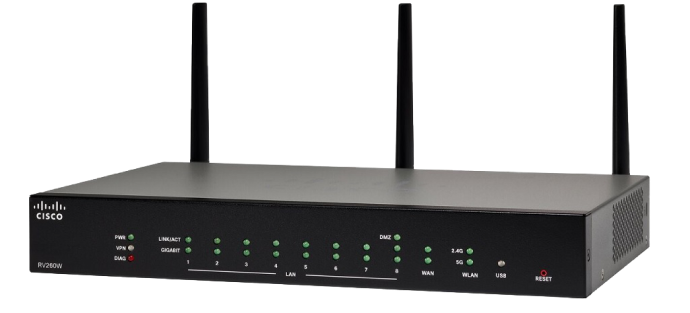
Cisco Router Rv 100
(2)Cisco RV100 routers fit single-site storefront broadband edges, with 10/100 Ethernet, NAT, IPsec VPN, and basic firewall policies
Cisco Router Rv 200
(2)Cisco RV200 routers support small clinic dual-WAN edges, with Gigabit Ethernet, IPsec VPN, VLAN tagging, and web filtering
4 Matching results
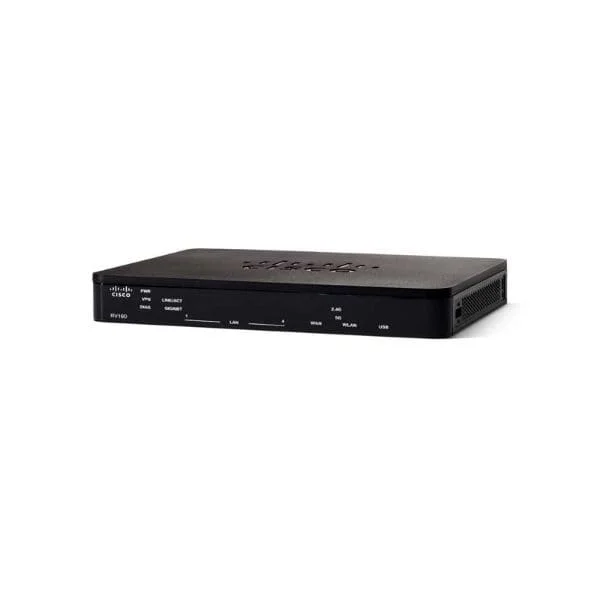
RV160-K9-NA (Cisco RV160 5-Ports Gigabit VPN Router)
5 (5)- Small Business Router
- Cisco
- IPSec / SSL VPN
- AC Power Supply
- Static Routing
- Fixed
Est Value $467.46
$233.73
50% offIn stockRefurbishedFirst-Time Buyer Discount – Get up to 2% additional off on your first order
ORM Rewards Earn $50 in Rewards + Free Expedited Delivery – Join Now!
Use eCoupon ORMSAVE10
eCoupon limited to 5 units
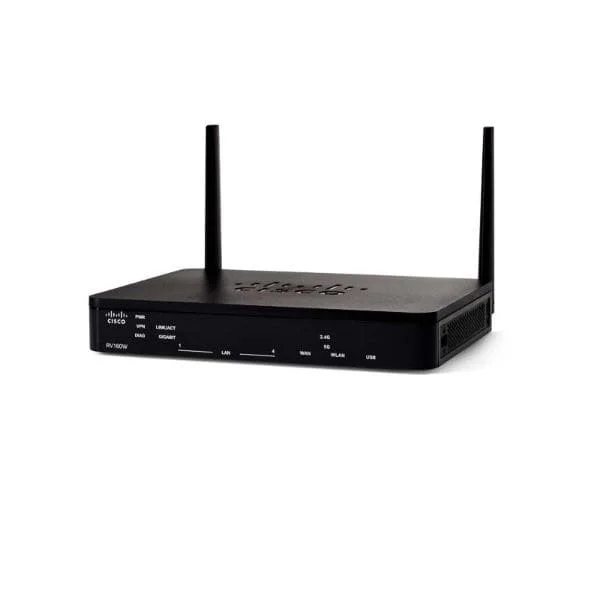
RV160W-E-K9-G5 (Cisco RV160W IEEE 802.11ac Ethernet Wireless Router)
4.4 (5)- Enterprise Router
- Cisco
- IPSec / SSL VPN / N/A
- AC Power Supply
- Static Routing / N/A
- Fixed
Est Value In stockFirst-Time Buyer Discount – Get up to 2% additional off on your first order
ORM Rewards Earn $50 in Rewards + Free Expedited Delivery – Join Now!
Use eCoupon ORMSAVE10
eCoupon limited to 5 units
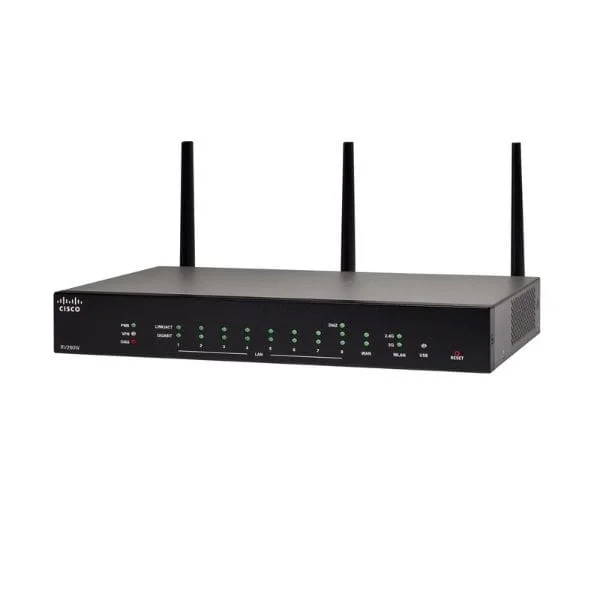
RV260W-A-K9-NA (Cisco RV260W Wireless-AC Gigabit VPN Router)
5 (5)- Small Business Router
- Cisco
- IPSec / SSL VPN
- AC Power Supply
- Static Routing
- Fixed
Est Value In stockFirst-Time Buyer Discount – Get up to 2% additional off on your first order
ORM Rewards Earn $50 in Rewards + Free Expedited Delivery – Join Now!
Use eCoupon ORMSAVE10
eCoupon limited to 5 units
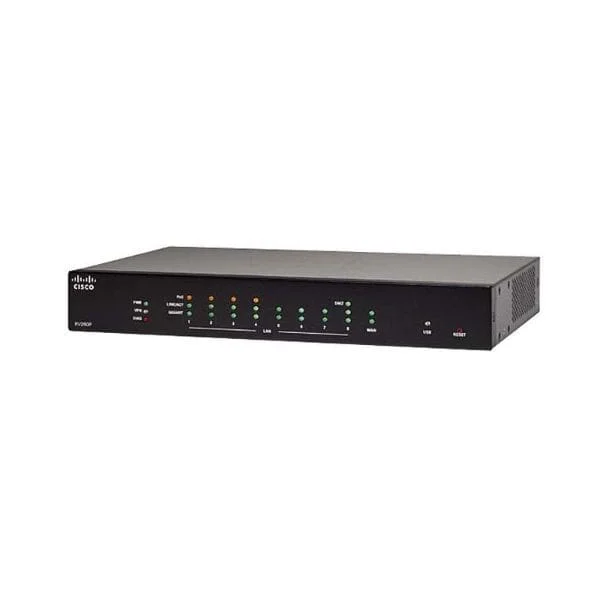
RV260P-K8-RU (Cisco RV260P 9-Port Gigabit VPN Router with PoE)
4.6 (5)- Enterprise Router
- Cisco
- IPSec / SSL VPN
- AC Power Supply
- OSPF / BGP / RIP / Static Routing
- Fixed
Est Value In stockFirst-Time Buyer Discount – Get up to 2% additional off on your first order
ORM Rewards Earn $50 in Rewards + Free Expedited Delivery – Join Now!
Use eCoupon ORMSAVE10
eCoupon limited to 5 units

ORM Sales Advisors
Buying for your business? Get a personalised quote in under 2 hours. Talk to an expert
LEARNFilters (4) 
Questions & Answers
What is a Cisco SMB Router?
A Cisco SMB Router is a business-grade networking device designed to deliver secure, high-performance connectivity, advanced routing, and integrated security features tailored for small to midsize enterprises.
Which features distinguish Cisco SMB Routers?
Key features include multi-gigabit throughput, built-in VPN, firewall protection, QoS traffic management, integrated Wi-Fi options, and centralized cloud or on-premises management.
How do I set up a Cisco SMB Router for the first time?
Connect WAN and LAN cables, power on the router, access the web GUI at its default IP (usually 192.168.1.1), then follow the guided setup wizard to configure internet and LAN settings.
How can I secure my Cisco SMB Router?
Enable the built-in firewall, configure strong admin credentials, deploy site-to-site or client VPN, apply security patches promptly, and isolate guest traffic in a separate VLAN.
What VPN options are supported on Cisco SMB Routers?
Cisco SMB Routers support IPsec site-to-site VPN, remote-access VPN, SSL VPN, and Dynamic Multipoint VPN (DMVPN) for secure encrypted tunnels between branch offices or remote users.
How do I update the firmware on a Cisco SMB Router?
Download the latest firmware from Cisco’s support portal, log into the router’s web interface, navigate to Administration > Firmware Upgrade, upload the file, and reboot when prompted.
How do I reset my Cisco SMB Router to factory defaults?
Press and hold the Reset button on the router’s back panel for 10 seconds. Release when LEDs flash, then reconfigure or restore settings from backup.
How many users can a Cisco SMB Router support?
Performance varies by model, but most Cisco SMB Routers reliably handle 50–500 concurrent users with gigabit throughput and enterprise-grade QoS.
How do I configure Quality of Service (QoS) on a Cisco SMB Router?
In the web GUI, go to Traffic Management > QoS. Create classes for voice, video, and data, assign priorities and bandwidth limits to ensure critical traffic stays uninterrupted.
How can I monitor network performance on a Cisco SMB Router?
Use the built-in Real-Time Monitoring tools under Status > Traffic Statistics or integrate with Cisco Meraki Dashboard or Cisco DNA Center for advanced analytics and alerts.
What troubleshooting steps should I take for connectivity issues?
Verify physical cabling, check WAN link status, review router logs under Administration > System Log, test with ping/traceroute tools, and reboot if necessary.
Can I manage Cisco SMB Routers remotely?
Yes. Enable secure HTTPS or SSH management, configure port forwarding or VPN access, and optionally use Cisco Network Assistant or Meraki Dashboard for centralized remote administration.
What VLAN configurations are supported?
Cisco SMB Routers support multiple VLANs for network segmentation, static and dynamic VLAN assignment, inter-VLAN routing, and guest isolation to enhance security and traffic management.
How energy-efficient are Cisco SMB Routers?
Most models are ENERGY STAR® certified, featuring low-power hardware design and automatic power-saving modes, reducing operational costs without compromising performance.
What warranty and support options are available?
Cisco offers a limited lifetime warranty on hardware and 90 days of complimentary technical support. Extended support and SMARTnet maintenance contracts are available for enhanced service.
How do I integrate a Cisco SMB Router into an existing network?
Assign a unique LAN subnet, disable duplicate DHCP servers, configure static routes or dynamic routing protocols (OSPF/RIP), and update firewall rules to allow authorized traffic.