 United States
Switches Cisco Catalyst 4900
Built for high-performance enterprise aggregation, Cisco Catalyst 4900 switches deliver low-latency, wire-speed connectivity for mission-critical environments. Achieve reliable, secure, and scalable network performance with advanced Layer 2 and Layer 3 features.
Talk to an expert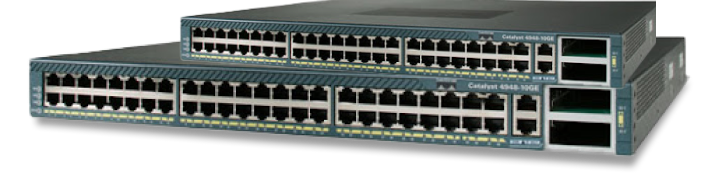
23 Matching results
- BEST SELLING
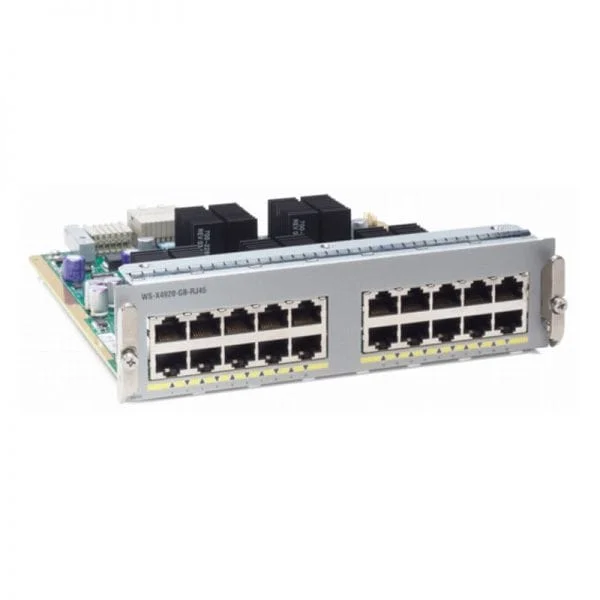
WS-X4920-GB-RJ45 (Cisco 4900M Switch WS-X4920-GB-RJ45)
4.4 (5)- Switch
- Cisco
- Redundant Power Supply / AC Power Supply / N/A
- Layer 2 / Layer 3
- Rack-mount
- 75 W
- 24–48 Ports
Est Value $4,000.00
$1,544.00
61.4% offIn stockNewFirst-Time Buyer Discount – Get up to 2% additional off on your first order
ORM Rewards Earn $50 in Rewards + Free Expedited Delivery – Join Now!
Use eCoupon ORMSAVE10
eCoupon limited to 5 units
- BEST SELLING
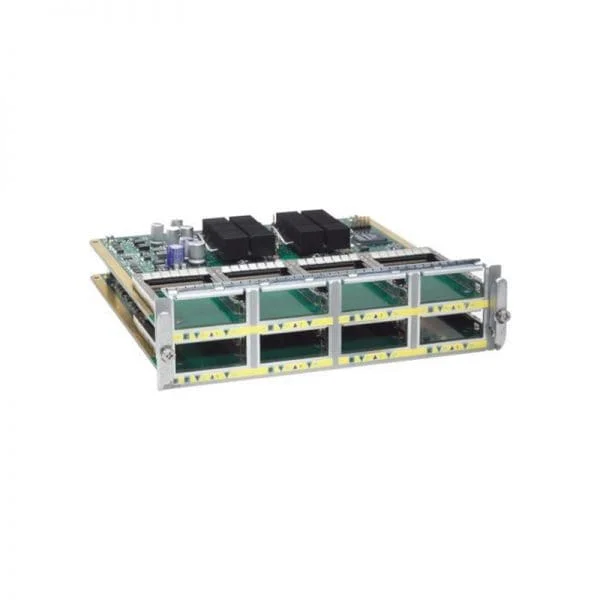
WS-X4904-10GE (Cisco 4900M Switch WS-X4904-10GE)
4.6 (5)- Switch
- Cisco
- Layer 2 / Layer 3
- Chassis
- Under 12 Ports
Est Value $5,800.00$2,511.00
56.7% offIn stockNewFirst-Time Buyer Discount – Get up to 2% additional off on your first order
ORM Rewards Earn $50 in Rewards + Free Expedited Delivery – Join Now!
Use eCoupon ORMSAVE10
eCoupon limited to 5 units
- BEST SELLING
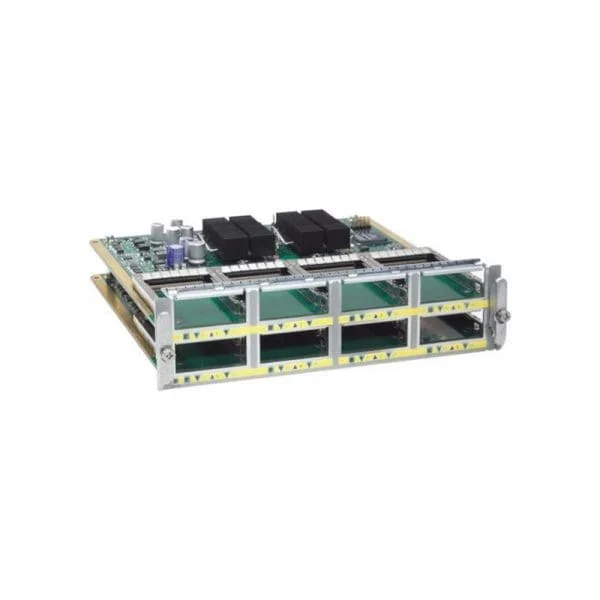
WS-X4908-10GE (Cisco 4900M Switch WS-X4908-10GE)
4.2 (5)- Switch
- Cisco
- Redundant Power Supply
- Layer 2 / Layer 3
- Chassis
- Under 12 Ports
Est Value $8,600.00$3,766.00
56.2% offIn stockNewFirst-Time Buyer Discount – Get up to 2% additional off on your first order
ORM Rewards Earn $50 in Rewards + Free Expedited Delivery – Join Now!
Use eCoupon ORMSAVE10
eCoupon limited to 5 units
- BEST SELLING
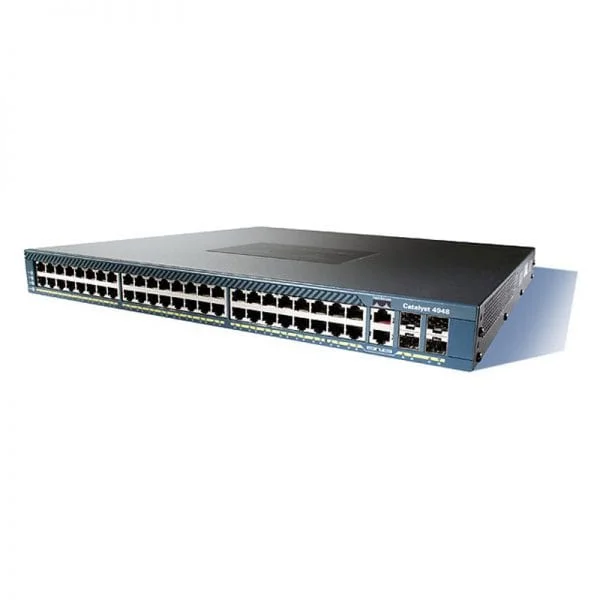
WS-C4948-S (Cisco 4948 Switch WS-C4948-S)
4.6 (5)- Switch
- Cisco
- AC Power Supply
- Layer 2
- Rack-mount
- 24–48 Ports
Est Value $12,500.00$6,038.00
51.7% offIn stockNewFirst-Time Buyer Discount – Get up to 2% additional off on your first order
ORM Rewards Earn $50 in Rewards + Free Expedited Delivery – Join Now!
Use eCoupon ORMSAVE10
eCoupon limited to 5 units
- BEST SELLING
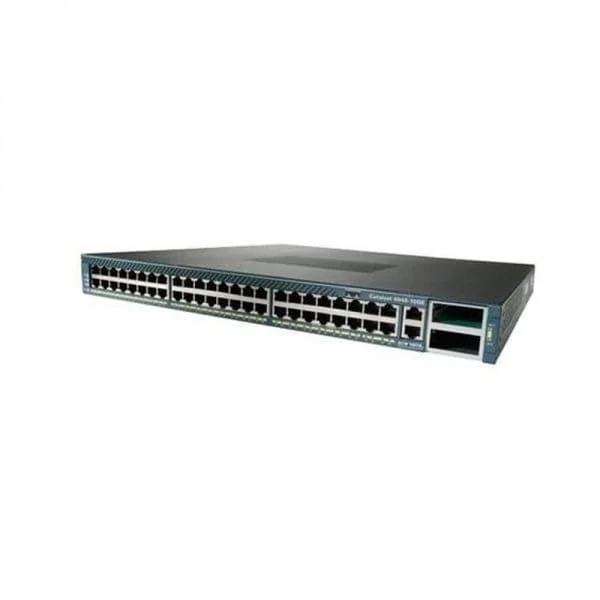
WS-C4948-10GE-S (Cisco 4948 Switch WS-C4948-10GE-S)
4.2 (5)- Switch
- Cisco
- Redundant Power Supply / AC Power Supply
- Layer 2 / Layer 3
- Rack-mount
- 24–48 Ports
Est Value $15,000.00$7,245.00
51.7% offIn stockNewFirst-Time Buyer Discount – Get up to 2% additional off on your first order
ORM Rewards Earn $50 in Rewards + Free Expedited Delivery – Join Now!
Use eCoupon ORMSAVE10
eCoupon limited to 5 units
- FEARURED
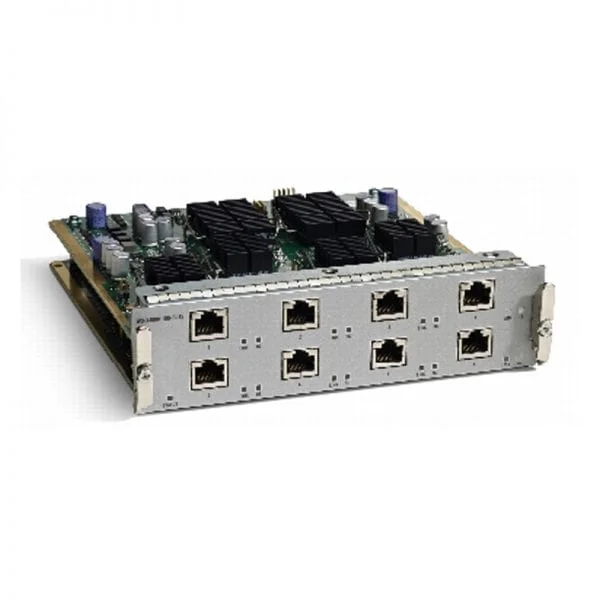
WS-X4908-10G-RJ45 (Cisco 4900M Switch WS-X4908-10G-RJ45)
4.6 (5)- Switch
- Cisco
- Redundant Power Supply / AC Power Supply
- Layer 2 / Layer 3
- Chassis
- 24–48 Ports
Est Value $4,000.00$1,757.00
56.1% offIn stockNewFirst-Time Buyer Discount – Get up to 2% additional off on your first order
ORM Rewards Earn $50 in Rewards + Free Expedited Delivery – Join Now!
Use eCoupon ORMSAVE10
eCoupon limited to 5 units
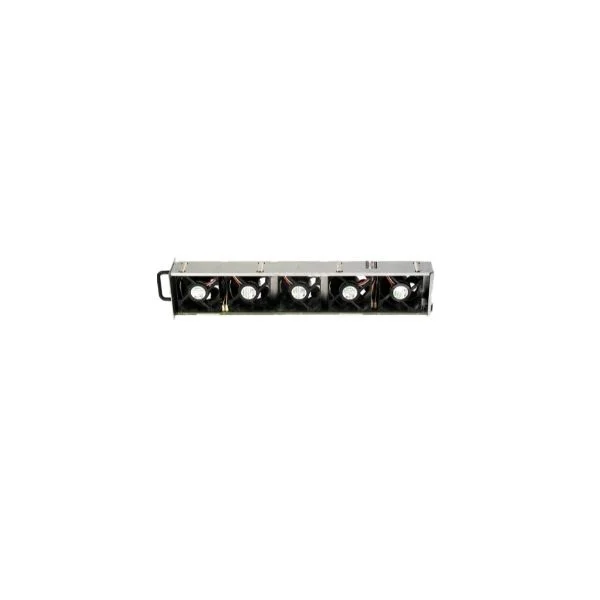
WS-X4992 (Cisco 4900M Switch WS-X4992)
4.6 (5)- Switch
- Cisco
- Redundant Power Supply / AC Power Supply
- Layer 2 / Layer 3
- Rack-mount
- 200 W
- 24–48 Ports
Est Value $700.00$299.00
57.3% offIn stockNewFirst-Time Buyer Discount – Get up to 2% additional off on your first order
ORM Rewards Earn $50 in Rewards + Free Expedited Delivery – Join Now!
Use eCoupon ORMSAVE10
eCoupon limited to 5 units
WS-X4993 (Catalyst 4948E switch WS-X4993)
4.6 (5)- Switch
- Cisco
- Redundant Power Supply / AC Power Supply
- Layer 2 / Layer 3
- Rack-mount
- 350 W
- 24–48 Ports
Est Value $374.00
In stockNewFirst-Time Buyer Discount – Get up to 2% additional off on your first order
ORM Rewards Earn $50 in Rewards + Free Expedited Delivery – Join Now!
Use eCoupon ORMSAVE10
eCoupon limited to 5 units
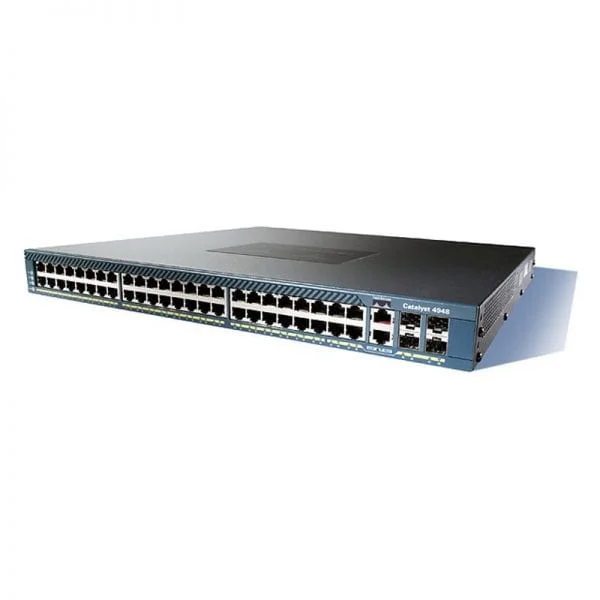
WS-C4948-E (Cisco 4948 Switch WS-C4948-E)
4.6 (5)- Switch
- Cisco
- AC Power Supply
- Layer 2
- Rack-mount
- 24–48 Ports
Est Value $16,500.00$4,338.00
73.7% offIn stockNewFirst-Time Buyer Discount – Get up to 2% additional off on your first order
ORM Rewards Earn $50 in Rewards + Free Expedited Delivery – Join Now!
Use eCoupon ORMSAVE10
eCoupon limited to 5 units
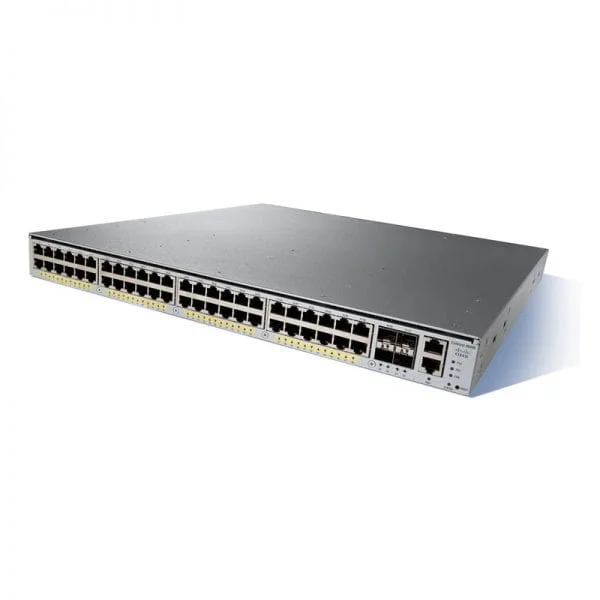
WS-C4948E-F (Catalyst 4948E switch WS-C4948E-F)
5 (5)- Switch
- Cisco
- AC Power Supply
- Layer 2
- Rack-mount
- 165 W
- 24–48 Ports
Est Value $15,525.00$4,665.00
70% offIn stockNewFirst-Time Buyer Discount – Get up to 2% additional off on your first order
ORM Rewards Earn $50 in Rewards + Free Expedited Delivery – Join Now!
Use eCoupon ORMSAVE10
eCoupon limited to 5 units
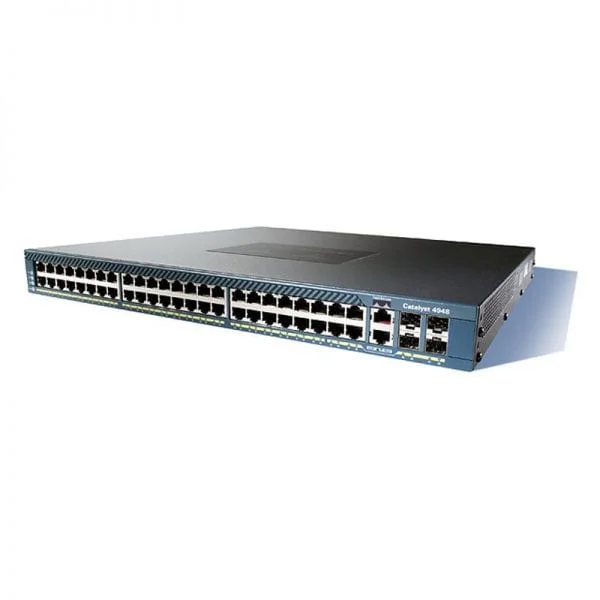
WS-C4948 (Cisco 4948 Switch WS-C4948)
5 (5)- Switch
- Cisco
- AC Power Supply
- Layer 2
- Rack-mount
- 24–48 Ports
Est Value $10,000.00$4,830.00
51.7% offIn stockNewFirst-Time Buyer Discount – Get up to 2% additional off on your first order
ORM Rewards Earn $50 in Rewards + Free Expedited Delivery – Join Now!
Use eCoupon ORMSAVE10
eCoupon limited to 5 units
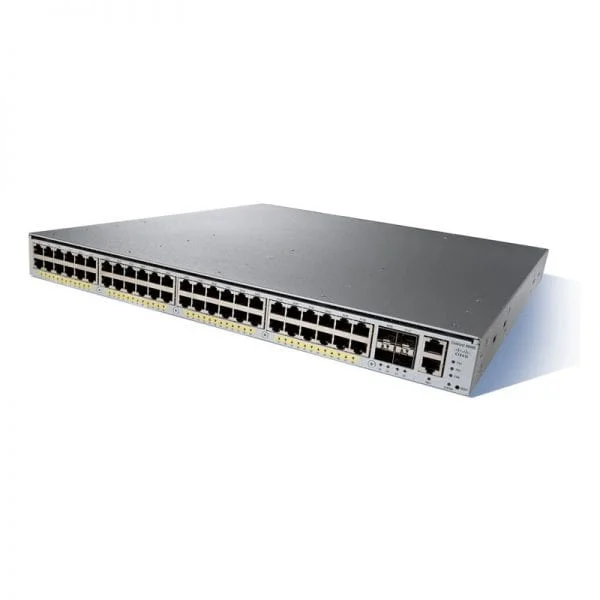
WS-C4948E (Catalyst 4948E switch WS-C4948E)
4.6 (5)- Switch
- Cisco
- AC Power Supply
- Layer 2
- Rack-mount
- 24–48 Ports
Est Value $15,525.00$5,197.00
66.5% offIn stockNewFirst-Time Buyer Discount – Get up to 2% additional off on your first order
ORM Rewards Earn $50 in Rewards + Free Expedited Delivery – Join Now!
Use eCoupon ORMSAVE10
eCoupon limited to 5 units
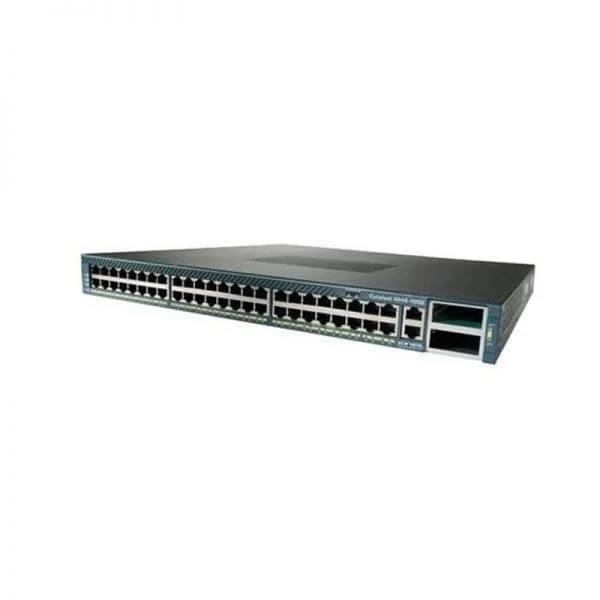
WS-C4948-10GE-E (Cisco 4948 Switch WS-C4948-10GE-E)
4.2 (5)- Switch
- Cisco
- Redundant Power Supply
- Layer 2
- Rack-mount
- 350 W
- 24–48 Ports
Est Value $19,000.00$5,873.00
69.1% offIn stockNewFirst-Time Buyer Discount – Get up to 2% additional off on your first order
ORM Rewards Earn $50 in Rewards + Free Expedited Delivery – Join Now!
Use eCoupon ORMSAVE10
eCoupon limited to 5 units
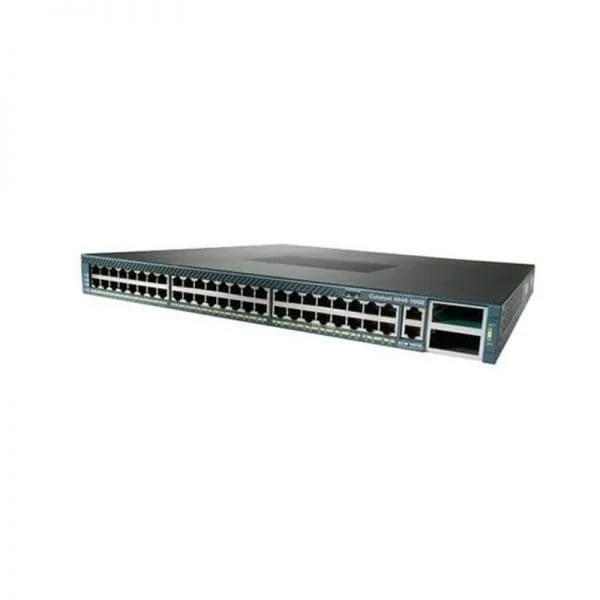
WS-C4948-10GE (Cisco 4948 Switch WS-C4948-10GE)
5 (5)- Switch
- Cisco
- Redundant Power Supply / AC Power Supply
- Layer 2
- Rack-mount
- 350 W
- 24–48 Ports
Est Value $12,500.00$6,038.00
51.7% offIn stockNewFirst-Time Buyer Discount – Get up to 2% additional off on your first order
ORM Rewards Earn $50 in Rewards + Free Expedited Delivery – Join Now!
Use eCoupon ORMSAVE10
eCoupon limited to 5 units
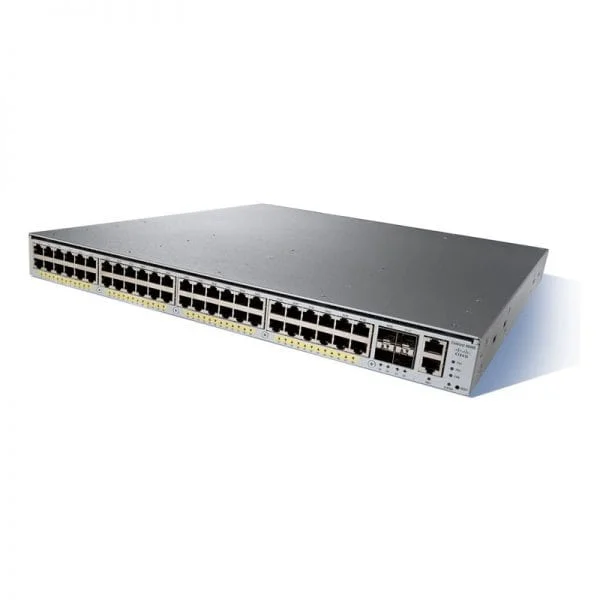
WS-C4948E-S (CATALYST 4948E IPB 48PORT 10/100/1000+ 4 SFP+ AC P/S)
4.6 (5)- Switch
- Cisco
- AC Power Supply
- Layer 2
- Rack-mount
- 24–48 Ports
Est Value $18,400.00$6,277.00
65.9% offIn stockNewFirst-Time Buyer Discount – Get up to 2% additional off on your first order
ORM Rewards Earn $50 in Rewards + Free Expedited Delivery – Join Now!
Use eCoupon ORMSAVE10
eCoupon limited to 5 units
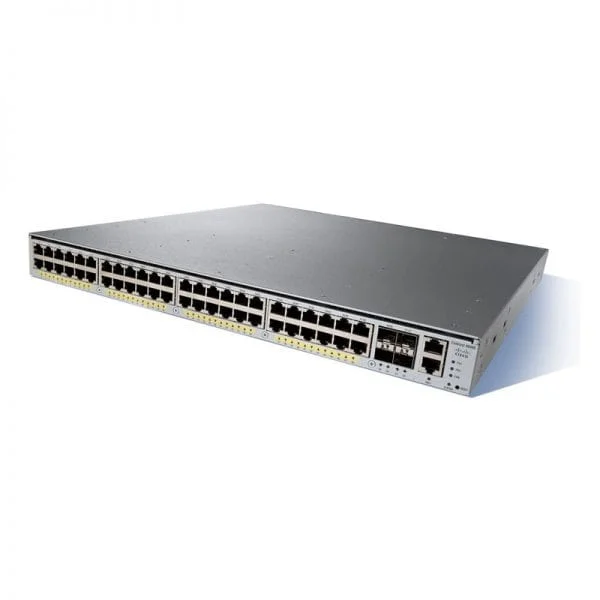
WS-C4948E-F-S (Catalyst 4948E switch WS-C4948E-F-S)
4.6 (5)- Switch
- Cisco
- AC Power Supply
- Layer 2
- Rack-mount
- 24–48 Ports
Est Value $18,400.00$6,277.00
65.9% offIn stockNewFirst-Time Buyer Discount – Get up to 2% additional off on your first order
ORM Rewards Earn $50 in Rewards + Free Expedited Delivery – Join Now!
Use eCoupon ORMSAVE10
eCoupon limited to 5 units
WS-C4900M (Cisco 4948 Switch WS-C4900M)
5 (5)- Switch
- Cisco
- Redundant Power Supply / AC Power Supply
- Layer 2 / Layer 3
- Rack-mount
- 24–48 Ports
Est Value $22,400.00$7,729.00
65.5% offIn stockNewFirst-Time Buyer Discount – Get up to 2% additional off on your first order
ORM Rewards Earn $50 in Rewards + Free Expedited Delivery – Join Now!
Use eCoupon ORMSAVE10
eCoupon limited to 5 units
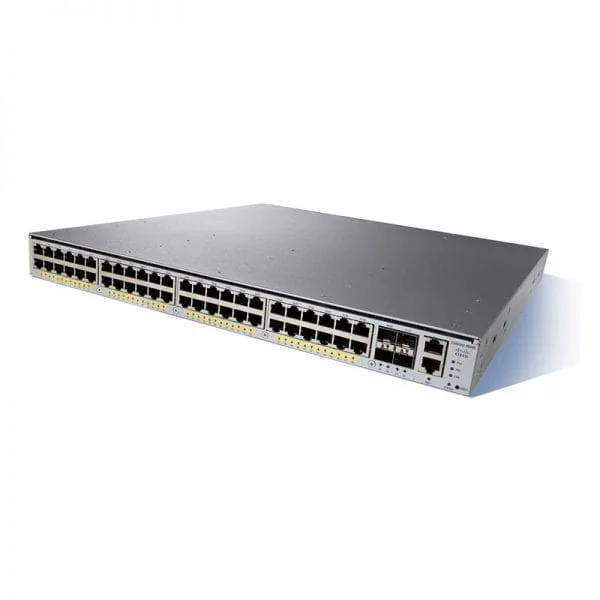
WS-C4948E-F-E (4948E-F ES 48X10/100/1000GBPS 4SFP+ AC PS FR EXT)
4.6 (5)- Switch
- Cisco
- AC Power Supply
- Layer 2
- Rack-mount
- 24–48 Ports
Est Value $23,000.00$8,210.00
64.3% offIn stockNewFirst-Time Buyer Discount – Get up to 2% additional off on your first order
ORM Rewards Earn $50 in Rewards + Free Expedited Delivery – Join Now!
Use eCoupon ORMSAVE10
eCoupon limited to 5 units
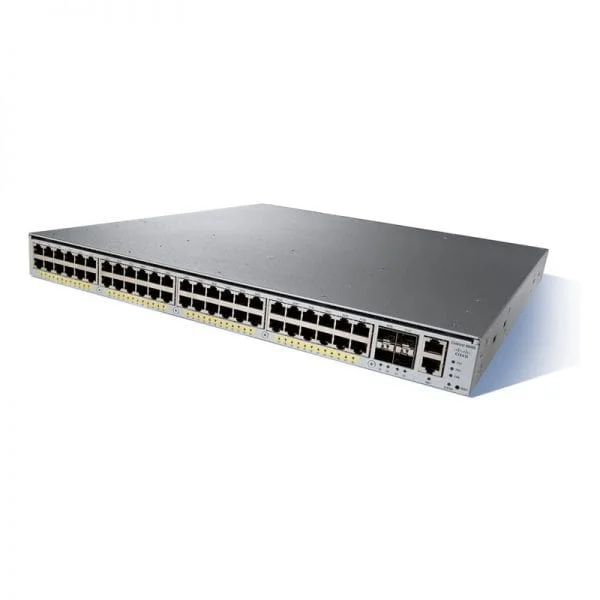
WS-C4948E-E (Catalyst 4948E switch WS-C4948E-E)
4.8 (5)- Switch
- Cisco
- AC Power Supply / Redundant Power Supply
- Layer 2 / Layer 3
- Rack-mount
- 24–48 Ports
Est Value $23,000.00$9,661.00
58% offIn stockNewFirst-Time Buyer Discount – Get up to 2% additional off on your first order
ORM Rewards Earn $50 in Rewards + Free Expedited Delivery – Join Now!
Use eCoupon ORMSAVE10
eCoupon limited to 5 units
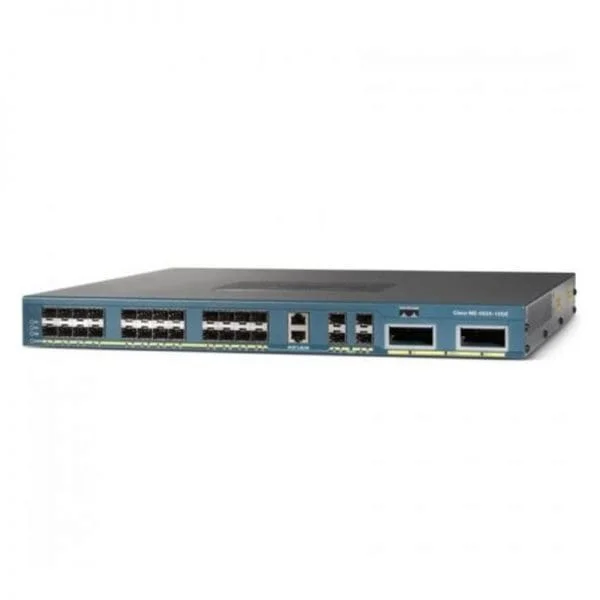
WS-C4928-10GE (CATALYST 4928 28X 1GBASE-X SFP 2X 10GBASE-X NO POWER SUPPLY)
4.4 (5)- Switch
- Cisco
- Redundant Power Supply / AC Power Supply
- Layer 2 / Layer 3
- Rack-mount
- 24–48 Ports
Est Value $43,500.00$21,856.00
49.8% offIn stockNewFirst-Time Buyer Discount – Get up to 2% additional off on your first order
ORM Rewards Earn $50 in Rewards + Free Expedited Delivery – Join Now!
Use eCoupon ORMSAVE10
eCoupon limited to 5 units

ORM Sales Advisors
Buying for your business? Get a personalised quote in under 2 hours. Talk to an expert
LEARNFilters (23) 
Questions & Answers
What is the Cisco Catalyst 4900 Series Switch?
The Cisco Catalyst 4900 Series Switch is a modular, high-performance Layer 2/3 enterprise switch delivering up to 6.4 Tbps switching capacity, advanced security, and resilient stacking for campus and data center aggregation.
What are the key features of the Catalyst 4900 Switch?
The Catalyst 4900 Switch offers high-density Gigabit and 10 Gigabit ports, 6.4 Tbps throughput, hardware-based security, flexible uplink modules, StackWise 640, Energy Efficient Ethernet, and comprehensive QoS for mission-critical networks.
How many ports and uplink modules does the Catalyst 4900 support?
The Catalyst 4900 supports up to 48 fixed Gigabit Ethernet ports with optional PoE/PoE+, four integrated 10 Gigabit SFP+ uplinks, and two modular expansion slots for additional uplink or service modules.
Does the Catalyst 4900 support Power over Ethernet (PoE)?
Yes. The Catalyst 4900 delivers up to 3700W of PoE/PoE+ per switch, automatically classifying and powering IP phones, wireless access points, and IP cameras with efficient power management.
What stacking capabilities does the Catalyst 4900 offer?
Catalyst 4900 switches support Cisco StackWise 640 technology, enabling up to eight units to operate as a single logical switch with 640 Gbps stacking bandwidth, unified management, and sub-50 ms failover.
What management options are available for the Catalyst 4900?
Manage the Catalyst 4900 via Cisco DNA Center for automation, IOS XE CLI, WebUI, SNMP, and NETCONF/RESTCONF APIs, providing full programmability and integration with existing network management tools.
What high availability features does the Catalyst 4900 provide?
Catalyst 4900 offers nondisruptive software upgrades (NSU), redundant hot-swappable power supplies and fans, StackWise resilience, and in-service software upgrades to ensure minimal downtime.
Does the Catalyst 4900 Series support IPv6?
Yes. Cisco Catalyst 4900 fully supports IPv6 routing protocols (OSPFv3, EIGRP for IPv6, BGP), DHCPv6, IPv6 ACLs, and management, ensuring seamless integration in dual-stack environments.
What QoS capabilities are included in the Catalyst 4900?
Catalyst 4900 provides hardware-based QoS with flexible classification, traffic policing, shaping, low-latency queuing, WRED, and deep buffer support to optimize voice, video, and critical data flows.
What security features are available on the Catalyst 4900?
Features include 802.1X port authentication, MACsec encryption, dynamic ARP inspection, IP Source Guard, DHCP snooping, control plane policing, and TrustSec segmentation for robust threat defense.
Which software licenses does the Catalyst 4900 require?
The Catalyst 4900 uses Cisco Smart Licensing with feature-based tiers: Network Essentials, Network Advantage, and DNA Essentials/Premier, enabling flexible activation and in-field upgrades of advanced features.
How do I upgrade the Catalyst 4900 firmware?
Upgrade via Cisco IOS XE using Cisco Prime Infrastructure or CLI (‘software install’). In-service software upgrades (ISSU) are supported to minimize downtime during maintenance windows.
What are the environmental specifications of the Catalyst 4900?
It operates from 0°C to 45°C (32°F–113°F) and 5%–90% non-condensing humidity, and complies with Energy Efficient Ethernet, NEBS Level 3, FCC, CE, and RoHS standards.
How do I configure VLANs on the Catalyst 4900?
Use IOS XE CLI or WebUI: issue ‘vlan [ID]’ to create, ‘switchport access vlan [ID]’ or ‘switchport trunk allowed vlan [ID]’ to assign ports, and verify with ‘show vlan brief.’
How can I monitor performance and health on the Catalyst 4900?
Monitor via SNMP (MIB-II, RMON, sFlow), Cisco Prime Infrastructure or DNA Center for real-time analytics, and leverage Syslog and NetFlow telemetry for proactive visibility.
What warranties and support are available for the Catalyst 4900?
Cisco provides a limited lifetime hardware warranty with next-business-day replacement and optional Smart Net Total Care for 24/7 technical support, software updates, and advanced hardware replacement.
How do I troubleshoot common Catalyst 4900 issues?
Use ‘show interfaces status’ and ‘show log’ for diagnostics, enable debug for detailed analysis, consult Cisco TAC, and follow Catalyst 4900 troubleshooting guides for step-by-step resolution.