 United States
Networking Cisco 220 Smart Switches
Designed for high-performance networks, Cisco 220 Series Smart Switches deliver scalable connectivity, robust security, streamlined management, and industry-leading reliability to empower efficient, uninterrupted business operations.
Talk to an expert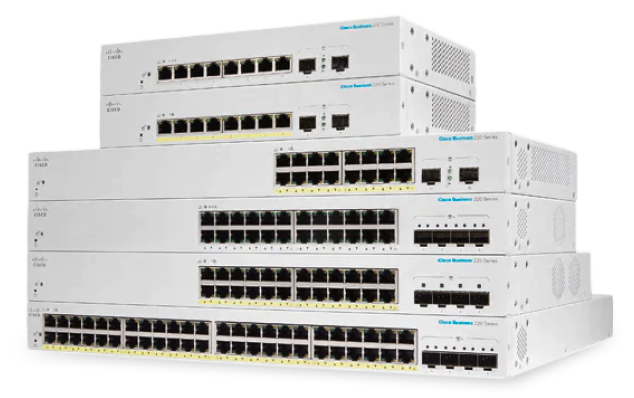
14 Matching results
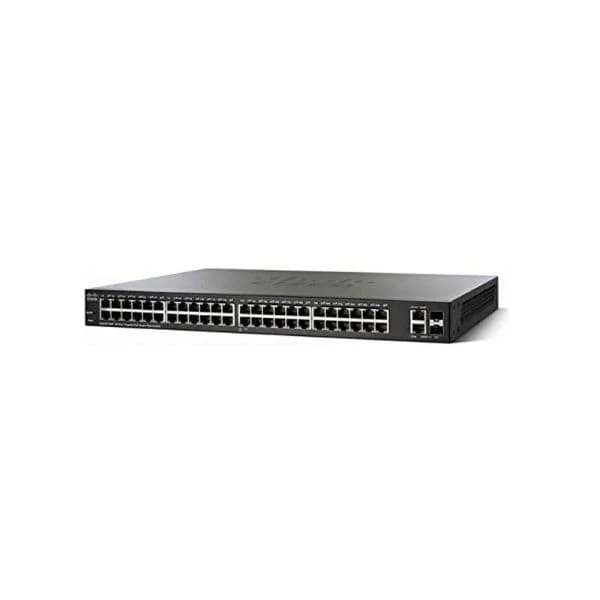
SG220-50P (Cisco SG220-50P 220 48-Port Gigabit PoE+ Switch, 2x1G Combo Uplinks)
4.6 (5)- SG220-50P
- Cisco
- 220
- SMB
- Smart Managed
- Layer 2
Est Value $289.02
$144.51
50% offIn stockRefurbishedFirst-Time Buyer Discount – Get up to 2% additional off on your first order
ORM Rewards Earn $50 in Rewards + Free Expedited Delivery – Join Now!
Use eCoupon ORMSAVE10
eCoupon limited to 5 units
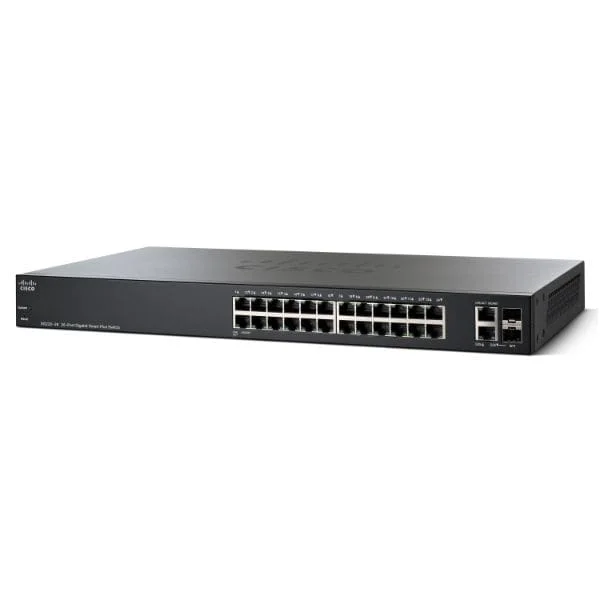
SG220-26 (Cisco SG220-26 220 24-Port Gigabit Switch, 2x1G Combo Uplinks)
4.8 (5)- SG220-26
- Cisco
- 220
- SMB
- Smart Managed
- Layer 2
Est Value $395.86$197.93
50% offIn stockRefurbishedFirst-Time Buyer Discount – Get up to 2% additional off on your first order
ORM Rewards Earn $50 in Rewards + Free Expedited Delivery – Join Now!
Use eCoupon ORMSAVE10
eCoupon limited to 5 units
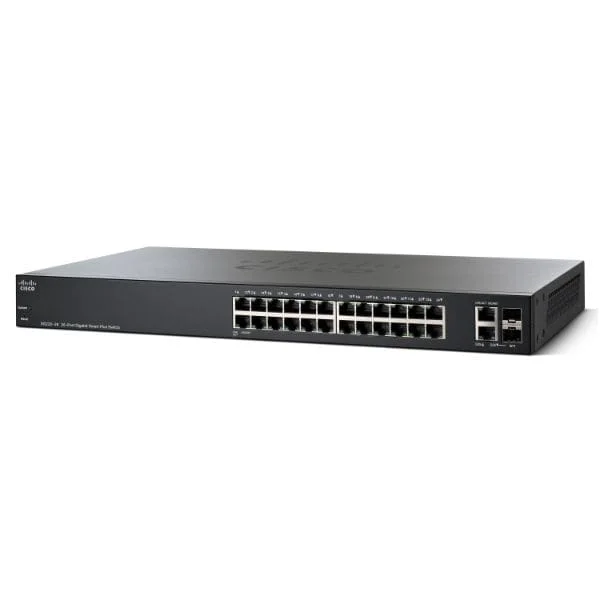
SG220-26-K9-EU (24 10/100/1000 ports, 2 Gigabit RJ45/SFP combo port, EU)
4.6 (5)- Switch
- Cisco
- AC Power Supply
- Layer 2
- Rack-mount
- 24–48 Ports
Est Value $317.00$198.77
37.3% offIn stockNewRefurbishedFirst-Time Buyer Discount – Get up to 2% additional off on your first order
ORM Rewards Earn $50 in Rewards + Free Expedited Delivery – Join Now!
Use eCoupon ORMSAVE10
eCoupon limited to 5 units
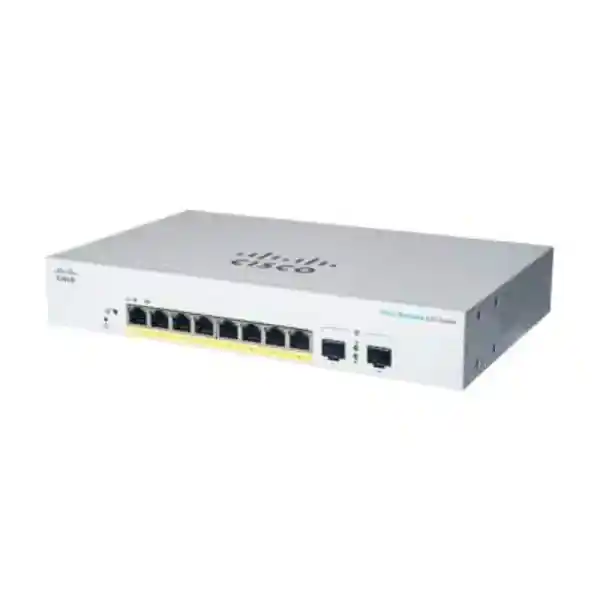
CBS220-8P-E-2G (Business 220 Series CBS220-8P-E-2G - Switch - smart - 8 x 10/100/1000 (PoE+) + 2 x Gigabit SFP (uplink) - rack-mountable - PoE+ (67 W))
4.5 (8)- Switch
- Cisco
- AC Power Supply
- Layer 2
- Desktop
- Under 12 Ports
Est Value $1,116.96$558.48
50% offIn stockNewRefurbishedFirst-Time Buyer Discount – Get up to 2% additional off on your first order
ORM Rewards Earn $50 in Rewards + Free Expedited Delivery – Join Now!
Use eCoupon ORMSAVE10
eCoupon limited to 5 units
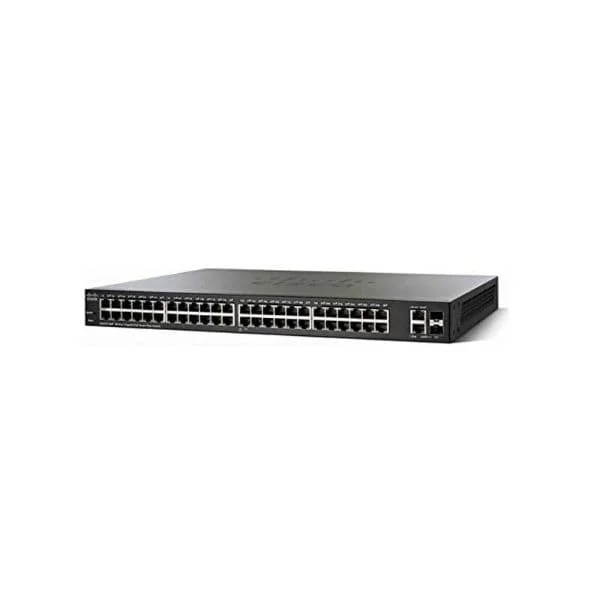
SG220-50 (Cisco SG220-50 220 48-Port Gigabit Switch, 2x1G Combo Uplinks)
4.6 (5)- SG220-50
- Cisco
- 220
- SMB
- Smart Managed
- Layer 2
Est Value $416.45$355.51
14.6% offIn stockRefurbishedFirst-Time Buyer Discount – Get up to 2% additional off on your first order
ORM Rewards Earn $50 in Rewards + Free Expedited Delivery – Join Now!
Use eCoupon ORMSAVE10
eCoupon limited to 5 units
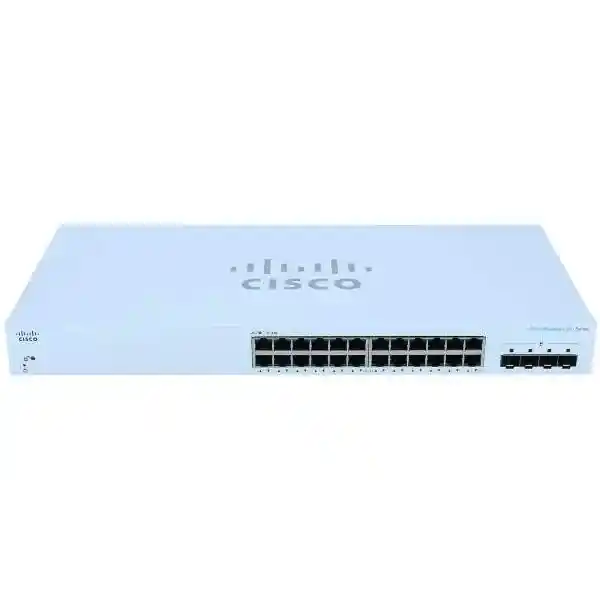
CBS220-24T-4G (Business 220 Series CBS220-24T-4G - Switch - smart - 24 x 10/100/1000 + 4 x Gigabit SFP (uplink) - rack-mountable)
4.8 (8)- Switch
- Cisco
- AC Power Supply
- Layer 2
- Desktop
- 28 W
- 12–24 Ports
Est Value $506.25$173.15
65.8% offIn stockNewRefurbishedFirst-Time Buyer Discount – Get up to 2% additional off on your first order
ORM Rewards Earn $50 in Rewards + Free Expedited Delivery – Join Now!
Use eCoupon ORMSAVE10
eCoupon limited to 5 units
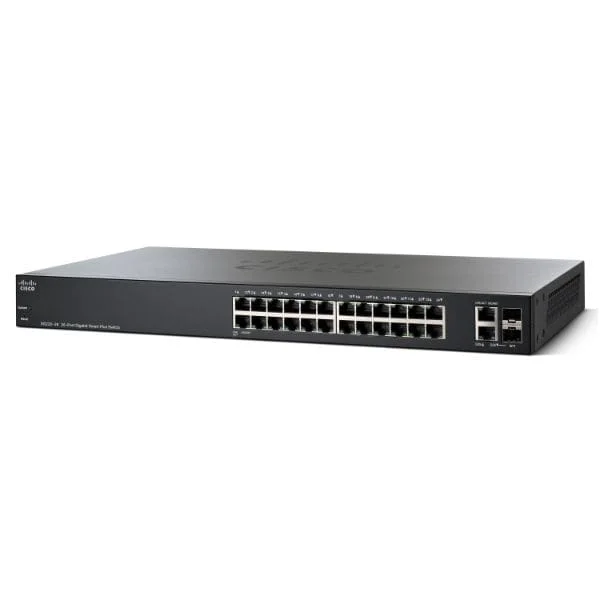
SG220-26P (Cisco SG220-26P 220 24-Port Gigabit PoE+ Switch, 2x1G Combo Uplinks)
4.8 (5)- SG220-26P
- Cisco
- 220
- SMB
- Smart Managed
- Layer 2
Est Value $624.68$447.56
28.4% offIn stockRefurbishedFirst-Time Buyer Discount – Get up to 2% additional off on your first order
ORM Rewards Earn $50 in Rewards + Free Expedited Delivery – Join Now!
Use eCoupon ORMSAVE10
eCoupon limited to 5 units
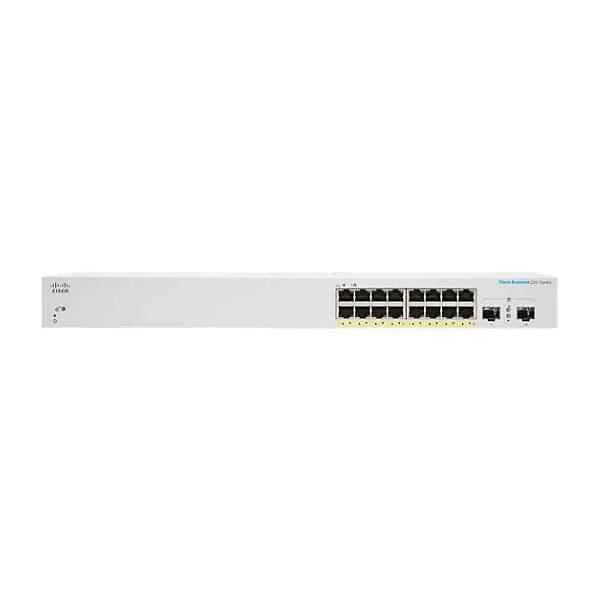
CBS220-16P-2G (CBS220-16P-2G - Cisco Business 220 Series Smart Switches)
4.4 (8)- Switch
- Cisco
- AC Power Supply
- Layer 2
- Desktop / Rack-mount
- 12–24 Ports
Est Value $1,032.75$405.78
60.7% offIn stockNewRefurbishedFirst-Time Buyer Discount – Get up to 2% additional off on your first order
ORM Rewards Earn $50 in Rewards + Free Expedited Delivery – Join Now!
Use eCoupon ORMSAVE10
eCoupon limited to 5 units
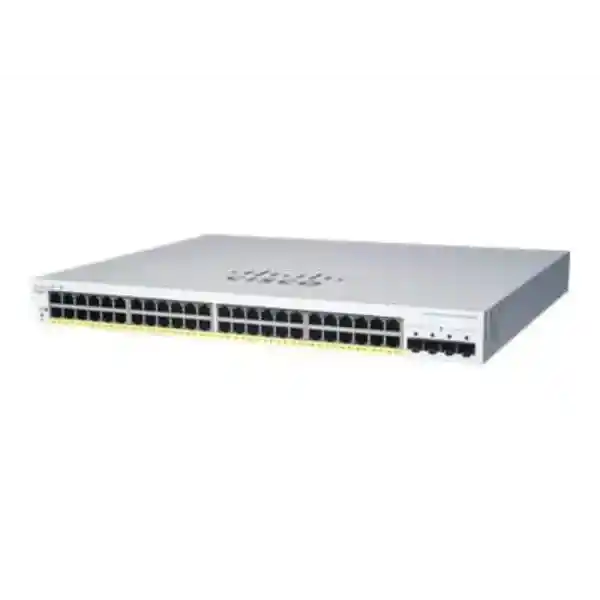
CBS220-48P-4G (Business 220 Series CBS220-48P-4G - Switch - smart - 48 x 10/100/1000 (PoE+) + 4 x Gigabit SFP (uplink) - rack-mountable - PoE+ (382 W))
4.6 (8)- Switch
- Cisco
- AC Power Supply
- Layer 2
- Rack-mount
- 24–48 Ports
Est Value $1,102.95$318.99
71.1% offIn stockNewRefurbishedFirst-Time Buyer Discount – Get up to 2% additional off on your first order
ORM Rewards Earn $50 in Rewards + Free Expedited Delivery – Join Now!
Use eCoupon ORMSAVE10
eCoupon limited to 5 units
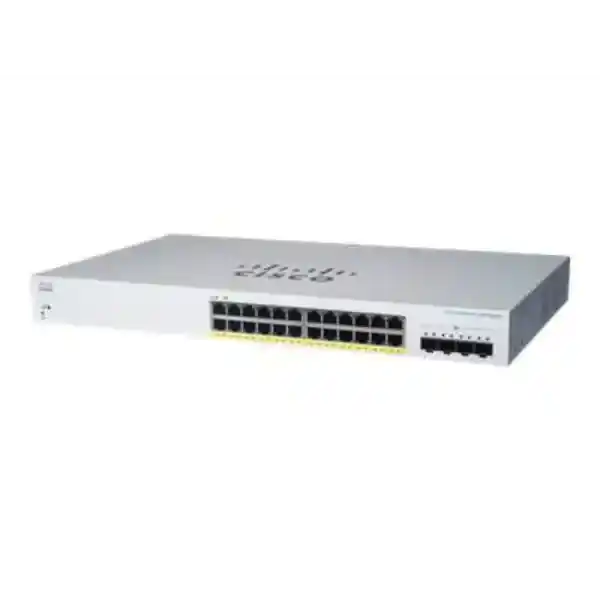
CBS220-24FP-4X (Business 220 Series CBS220-24FP-4X - Switch - smart - 24 x 10/100/1000 (PoE+) + 4 x 10 Gigabit SFP+ (uplink) - rack-mountable - PoE+ (382 W))
4.6 (8)- Switch
- Cisco
- AC Power Supply
- Layer 2
- Desktop / Rack-mount
- 12–24 Ports
Est Value $1,242.00$588.00
52.7% offIn stockNewRefurbishedFirst-Time Buyer Discount – Get up to 2% additional off on your first order
ORM Rewards Earn $50 in Rewards + Free Expedited Delivery – Join Now!
Use eCoupon ORMSAVE10
eCoupon limited to 5 units
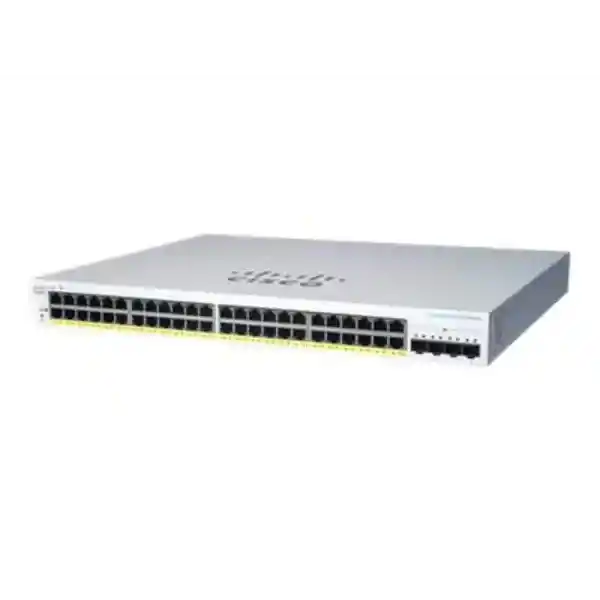
CBS220-48FP-4X (Business 220 Series CBS220-48FP-4X - Switch - smart - 48 x 10/100/1000 (PoE+) + 4 x 10 Gigabit SFP+ (uplink) - rack-mountable - PoE+ (740 W))
4.8 (8)- Switch
- Cisco
- AC Power Supply
- Layer 2
- Rack-mount
- 24–48 Ports
Est Value $2,241.00$994.35
55.6% offIn stockNewRefurbishedFirst-Time Buyer Discount – Get up to 2% additional off on your first order
ORM Rewards Earn $50 in Rewards + Free Expedited Delivery – Join Now!
Use eCoupon ORMSAVE10
eCoupon limited to 5 units
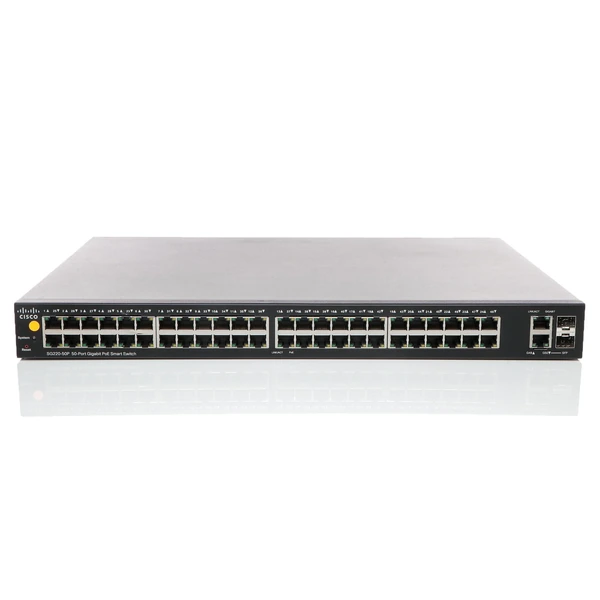
SG220-50P-K9-UK (Cisco SG220-50P-K9-UK 220 48-Port Gigabit PoE+ Switch, 2x1G Combo Uplinks)
0 (0)- SG220-50P-K9-UK
- Cisco
- 220
- SMB
- Smart Managed
- Layer 2
Est Value $1,116.96$558.48
50% offIn stockRefurbishedFirst-Time Buyer Discount – Get up to 2% additional off on your first order
ORM Rewards Earn $50 in Rewards + Free Expedited Delivery – Join Now!
Use eCoupon ORMSAVE10
eCoupon limited to 5 units
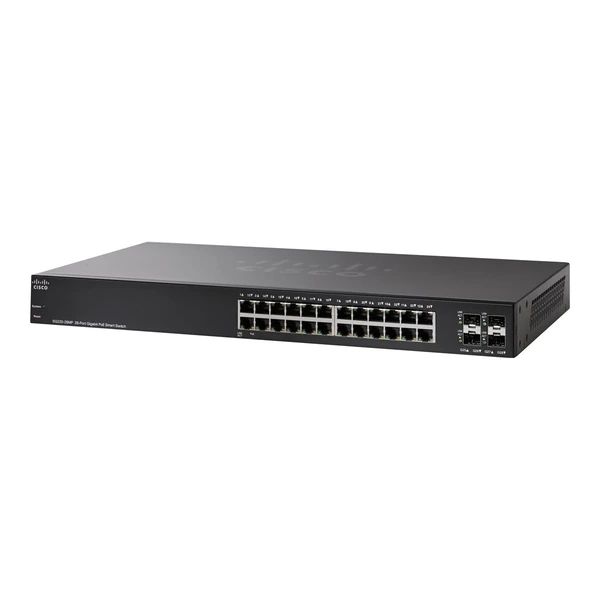
SG220-28MP-K9-EU (Cisco SG220-28MP-K9-EU 220 24-Port Gigabit PoE+ Switch, 4x1G Uplinks)
0 (0)- SG220-28MP-K9-EU
- Cisco
- 220
- SMB
- Smart Managed
- Layer 2
Est Value $3,953.46$1,976.73
50% offIn stockRefurbishedFirst-Time Buyer Discount – Get up to 2% additional off on your first order
ORM Rewards Earn $50 in Rewards + Free Expedited Delivery – Join Now!
Use eCoupon ORMSAVE10
eCoupon limited to 5 units
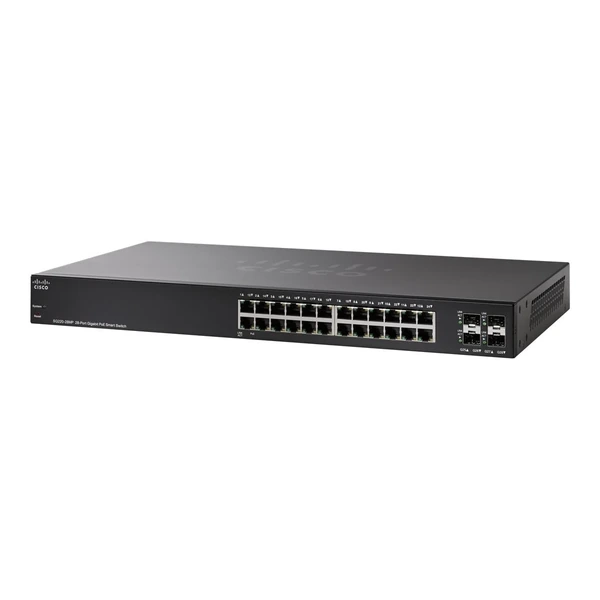
SG220-28MP-K9-NA (Cisco SG220-28MP-K9-NA 220 24-Port Gigabit PoE+ Switch, 4x1G SFP Uplinks)
0 (0)- SG220-28MP-K9-NA
- Cisco
- 220
- SMB
- Smart Managed
- Layer 2
Est Value $3,953.46$1,976.73
50% offIn stockRefurbishedFirst-Time Buyer Discount – Get up to 2% additional off on your first order
ORM Rewards Earn $50 in Rewards + Free Expedited Delivery – Join Now!
Use eCoupon ORMSAVE10
eCoupon limited to 5 units

ORM Sales Advisors
Buying for your business? Get a personalised quote in under 2 hours. Talk to an expert
LEARNFilters (14) 
Questions & Answers
What is the Cisco 220 Series Smart Switch and who is it designed for?
The Cisco 220 Series Smart Switch is a line of managed Gigabit Ethernet switches with optional PoE+ designed for small and midsize businesses seeking cost-effective, easy-to-deploy network infrastructure with advanced Layer 2 features.
Which PoE capabilities do Cisco 220 Series Smart Switches offer?
Cisco 220 Series switches support IEEE 802.3af PoE and IEEE 802.3at PoE+ across selected ports, delivering up to 30 W per port and a combined PoE budget up to 370 W to power access points, cameras, and IP phones.
How do I configure VLANs on a Cisco 220 Series switch?
You can create and manage up to 4096 VLANs using the web-based interface or command-line tool, assigning ports to access or trunk modes for segmented, secure network traffic separation.
What management options are available for Cisco 220 Series Smart Switches?
Cisco 220 Series supports an intuitive web GUI, CLI via SSH/Telnet, SNMP v2/v3, and Cisco Network Plug and Play for zero-touch deployment and centralized management.
Can I stack Cisco 220 Series Smart Switches for higher port density?
No, Cisco 220 Series switches are standalone units and do not support hardware stacking; however, you can interconnect multiple switches via high-speed uplinks for expanded port capacity.
What security features are included in the Cisco 220 Series?
Cisco 220 Series offers access control lists (ACLs), 802.1X port-based authentication, DHCP snooping, dynamic ARP inspection, and IP source guard to protect against unauthorized access and network attacks.
How much bandwidth do the Cisco 220 Series uplink ports provide?
Selected models include two SFP-based Gigabit Ethernet uplink ports, offering flexible fiber connectivity and up to 2 Gbps of uplink capacity per switch.
What quality-of-service (QoS) features does the Cisco 220 Series support?
The switches provide eight hardware queues, weighted tail drop (WTD), 802.1p prioritization, and rate limiting to ensure consistent performance for voice, video, and critical data.
Is the Cisco 220 Series compatible with Cisco DNA Center?
No, Cisco 220 Series Smart Switches are not natively integrated with Cisco DNA Center but can be managed via Cisco Network Plug and Play and third-party SNMP tools.
How do I update the firmware on a Cisco 220 Series switch?
You can download the latest IOS firmware from Cisco’s Software Download portal and apply it via the web GUI or CLI using TFTP/FTP, with automatic backup and rollback options.
What is the power consumption of a Cisco 220 Series switch?
Power consumption varies by model and PoE load but typically ranges from 5 W to 450 W; no-PoE models consume under 10 W idle, while PoE+ models scale with connected device demand.
Do Cisco 220 Series switches support IPv6?
Yes, the switches support IPv6 host and management protocols, IPv6 ACLs, and DHCPv6 snooping to ensure seamless integration in modern dual-stack networks.
What warranty and support options come with Cisco 220 Series Smart Switches?
Cisco 220 Series includes a limited lifetime warranty, 90-day software support, and access to optional Cisco SMARTnet® service for 24x7 technical assistance and hardware replacement.
How does the Cisco 220 Series differ from the Cisco 200 Series?
Compared to the 200 Series, the 220 Series adds higher PoE budgets, improved security with dynamic ARP inspection, and expanded management features such as Cisco Network Plug and Play.
What deployment scenarios are ideal for Cisco 220 Series switches?
The Cisco 220 Series is ideal for branch offices, retail stores, and campus edge deployments that require secure, reliable Gigabit connectivity with optional PoE for IP devices.
Where can I purchase Cisco 220 Series Smart Switches?
Cisco 220 Series switches are available through authorized Cisco partners, resellers, and online marketplaces; check Cisco’s partner locator for certified vendors in your region.