 United States
Trusted by the Highest-Stakes Buyers
Federal agencies and Fortune 500 operations source through ORM Systems.
US Government & Defense
Enterprise Clients

Featured Deal
Hand-picked by our procurement team for standout value. This unit is offered at our sharpest price on current stock, verified against live market rates.
Name:

Added to cart 28 times recently
Ready to Ship
Certified Refurbished
Professionally inspected, bench-tested, and firmware-verified, with configurations wiped. Restored to full working order and backed by our warranty.


3 Year Extended Warranty


Same-day Shipping

30-Day Money Back Guarantee
Shipping:
Payment:
3 Year Extended Warranty
Same-day Shipping
30-Day Money Back Guarantee
Need Additional Discount on Product?
Request a quote below - Get Exclusive Pricing and Support.
Shipping:
Payment:
TE60-1080P60-W-P-02
Huawei VC8MAVPEN VP9050,Videoconferencing Terminal(720P,touc...
Trusted by the Highest-Stakes Buyers
Federal agencies and Fortune 500 operations source through ORM Systems.
US Government & Defense




Enterprise Clients



Built Global. Stocked Local.
Regional teams and 25+ distribution partners keep stock near you and accountability in your time zone.
Buyer Protection on Every Order
Pay by PayPal or Revolut with full chargeback rights. Order on PO terms, Net-30 for government.
Verified By Federal Bodies
Every registration we claim is public record — check our federal contractor status yourself before you spend a dollar.



Since 2016, Enterprise-Trusted
Ten years serving buyers who audit their vendors. From federal agencies to 20,000+ enterprise clients worldwide.
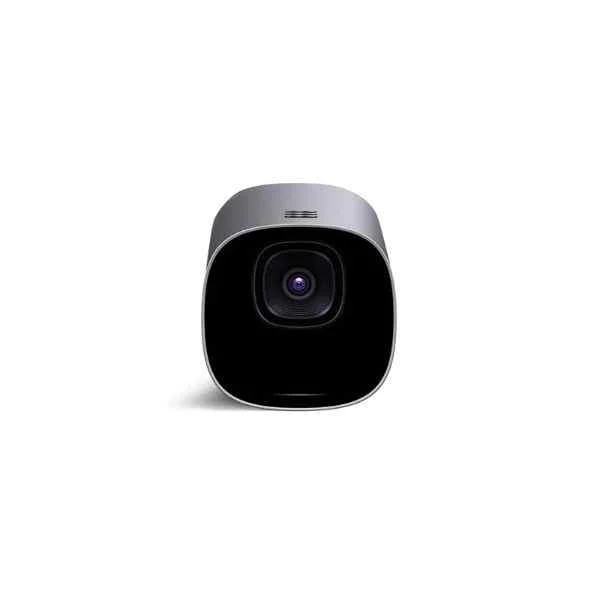
TE60-1080P60-W-P-02-Huawei VC8MAVPEN VP9050,Videoconferencing Terminal(720P,touch screen,cables-British) is a video conferencing solution designed as a room kit for boardrooms, offering a 720p camera with a 60 FPS frame rate and a 90° field of view. Integrated with a touchscreen for intuitive control, the system also features a built-in microphone array and speaker, delivering full duplex audio performance. It comes equipped with HDMI connectivity and supports Power over Ethernet (PoE) to ensure a reliable and streamlined connection.
This advanced terminal is compatible with major conferencing platforms such as Zoom, Microsoft Teams, and Webex, making it ideal for hybrid workspaces and professional meeting rooms. Its tabletop design, coupled with proprietary operating software and British-standard cables, ensures that it meets the demands of modern videoconferencing environments while maintaining ease of installation and use.
TE60-1080P60-W-P-02 price is is available on request. Get immediate quote.
Request bulk order quote for TE60-1080P60-W-P-02 for additional pricing. Browse the full Hd Video Conferencing Endpoints series or explore all Huawei products.
Mon–Fri: [09:00-16:00]
Avg. response under 30 mins

| TE60-1080P60-W-P-02 | 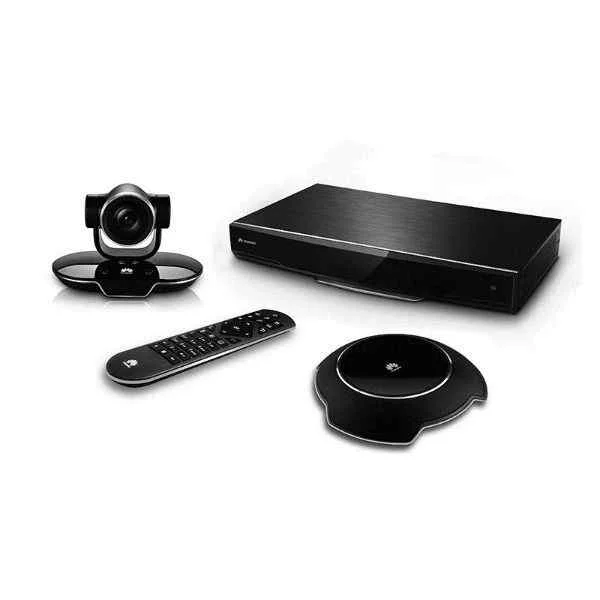 DP300-1080P30-00 DP300-1080P30-00 | 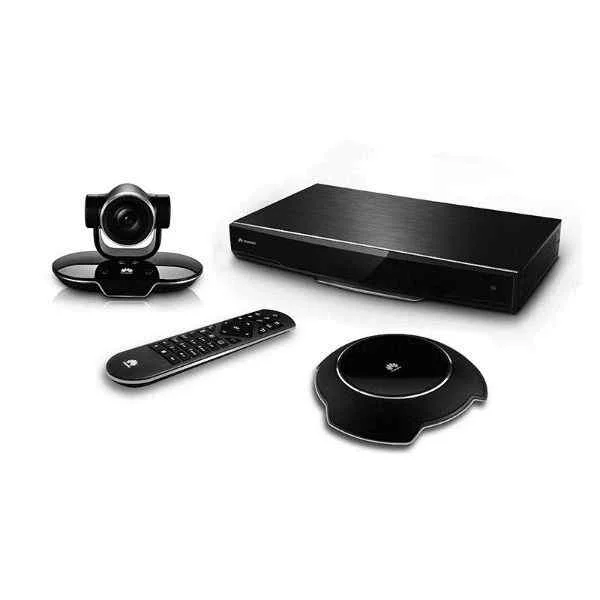 TE30-1080P-10B TE30-1080P-10B | 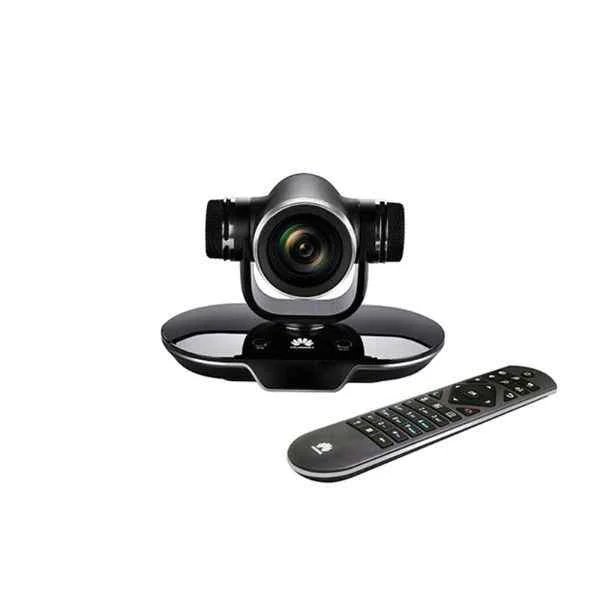 TE50-1080P30-P-12 TE50-1080P30-P-12 | 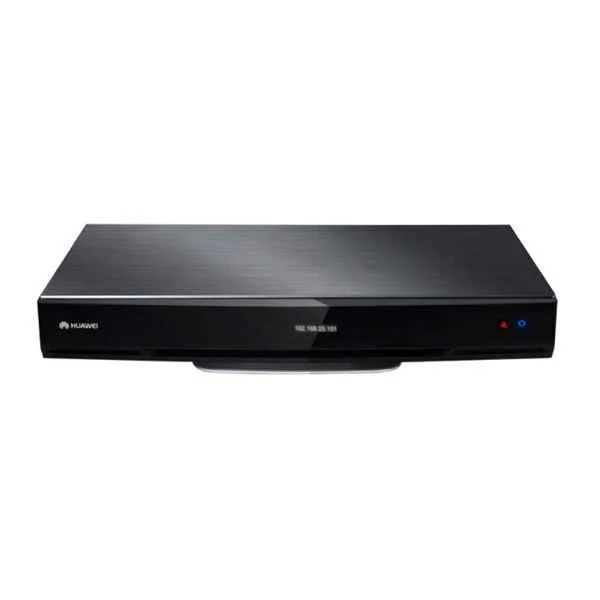 TE50-1080P60-P-02 TE50-1080P60-P-02 | |
|---|---|---|---|---|---|
| Product Type | Video Conferencing Solution | Video Conferencing Solution | Video Conferencing Solution | Video Conferencing Solution | Video Conferencing Solution |
| Device Type | Room Kit | Video Conferencing Endpoints | Video Conferencing Endpoint | Room Kit | Video Bar |
| Use Case | Boardroom | Boardroom | Huddle Room / Boardroom / Hybrid Office / Classroom | Boardroom / Hybrid Office / Huddle Room / Classroom | Huddle Room / Boardroom / Hybrid Office / Classroom |
| Camera Resolution | 720p | 1080p | 1080p | 1080p | 1080p |
| Frame Rate | 60 FPS | 30 FPS | 60 FPS | 30 FPS | 60 FPS |
| Speaker Integration | Built-in Speaker | Built-in Speaker | Built-in Speaker | Built-in Speaker | Built-in Speaker |
| Audio Features | Full Duplex | Full Duplex | Full Duplex / Noise Suppression / Echo Cancellation / HD Audio | HD Audio / Noise Suppression / Echo Cancellation | HD Audio |
| Connectivity | HDMI | HDMI | HDMI / Ethernet | USB-A, HDMI, PoE | USB-A / HDMI / Ethernet / PoE |
| Wireless Support | No | No | No | Wi-Fi | No |
| PoE Support | Yes | No | No | Yes | Yes |
| Control Interface | Touchscreen | Touchscreen | Remote Control | Remote Control | Remote Control |
| Platform Compatibility | Zoom / Microsoft Teams / Webex | Zoom / Microsoft Teams / Webex | Zoom / Microsoft Teams / Webex | Zoom, Microsoft Teams, Webex | Zoom / Microsoft Teams / Webex |
| Mounting Option | Tabletop | Tabletop | Tabletop | Tabletop | Tabletop |
| Power Source | PoE | External Adapter | External Adapter | PoE | PoE |
| Operating System (if applicable) | Proprietary | Proprietary | Proprietary | Proprietary | Proprietary |
| Product Name | TE60-1080P60-W-P-02-Huawei VC8MAVPEN VP9050,Videoconferencing Terminal(720P,touch screen,cables-British) | DP300-1080P30-00-Huawei VC8MB4PEN VP9050,Videoconferencing Terminal(1080P,miniMCU,touch screen,cables-British) | TE30-1080P-10B-Huawei TE50, Videoconferencing Terminal (1080P60, Remote Control, Cable Assembly) | TE50-1080P30-P-12-Huawei ER480RC01 ViewPoint 80XX Terminal Remote controller | TE50-1080P60-P-02-Huawei TE40, HD Video Conference Terminal (1080P60, Remote Control, Cable Assembly) |


Every unit is authentic, sourced through trusted and authorised channels, and serial-verified on request. Genuine networking and IT hardware, guaranteed, or your money back.

New products are backed by up to 3 years of extended warranty, and certified refurbished units by up to 3 months, for dependable protection on every order. Coverage is clear, honoured in full, and confirmed on each product page.

If a unit ever falls short, our streamlined RMA process gets a replacement to you fast, with advance replacement available to keep your network running. No jargon, no runaround.

Every device is inspected, bench-tested, and firmware-verified, with configurations wiped before dispatch. Additional testing can be arranged to confirm full working condition on request.

Our specialists assist with compatibility, configuration, licensing, and installation, before and after you buy. Real hardware expertise, whenever you need it.

dispatched quickly and shipped worldwide from regional hubs, fully tracked and insured.
Reviewed on the 4 November 2017

Excellent 60fps video quality.
Reviewed on the 8 December 2019
Smooth wireless conferencing experience.
Reviewed on the 3 March 2023
Reliable high frame rate performance.
Reviewed on the 16 March 2022
Great for executive meeting rooms.
Reviewed on the 6 December 2023
Stable connection and clear visuals.
Reviewed on the 11 June 2017
Professional grade conferencing solution.
The Huawei VC8MAVPEN VP9050 supports up to 720p HD video at 60fps for crisp, clear videoconferencing.
Yes, the Huawei VC8MAVPEN VP9050 features an integrated touch screen for intuitive control of calls and settings.
The package includes British-standard power and HDMI cables pre-configured for easy setup in the UK.
It features dual-array microphones and high-fidelity speakers, delivering clear voice pickup up to 4 meters.
Use the onboard Ethernet port (RJ-45) with DHCP or static IP configuration for seamless integration into your LAN.
Yes, it supports standard SIP and H.323 protocols, ensuring interoperability with leading videoconferencing platforms.
The terminal measures 250 mm × 180 mm × 40 mm (W × D × H), making it ideal for small to medium meeting rooms.
Yes, the VP9050 supports Miracast and AirPlay for wireless content casting from laptops, tablets, and smartphones.
Typical power consumption is 20W during operation and under 5W in standby mode.
Navigate to System > Maintenance > Firmware Update in the touch-screen menu or upload via web interface.
Yes, it includes standard 1/4″ tripod and VESA-75 mounting points for flexible installation.
It supports AES 128-bit encryption, SSL/TLS, and secure boot to protect calls and device integrity.
The terminal supports up to 4 concurrent streams (1 main + 3 auxiliary) for multi-site conferences.
Yes, it integrates with LDAP/Active Directory and supports local meeting scheduling and calendar sync.
Huawei offers a standard one-year warranty covering hardware defects and software updates.
In the touch-screen menu, go to System > Maintenance > Factory Reset, then confirm to restore defaults.







