 United States
Trusted by the Highest-Stakes Buyers
Federal agencies and Fortune 500 operations source through ORM Systems.
US Government & Defense
Enterprise Clients

Featured Deal
Hand-picked by our procurement team for standout value. This unit is offered at our sharpest price on current stock, verified against live market rates.
Name:

Added to cart 28 times recently
Ready to Ship
Certified Refurbished
Professionally inspected, bench-tested, and firmware-verified, with configurations wiped. Restored to full working order and backed by our warranty.


3 Year Extended Warranty


Same-day Shipping

30-Day Money Back Guarantee
Shipping:
Payment:
3 Year Extended Warranty
Same-day Shipping
30-Day Money Back Guarantee
Need Additional Discount on Product?
Request a quote below - Get Exclusive Pricing and Support.
Shipping:
Payment:
14208-06
EVOLVE LINK UC FOR EVOLVE 80
Trusted by the Highest-Stakes Buyers
Federal agencies and Fortune 500 operations source through ORM Systems.
US Government & Defense




Enterprise Clients



Built Global. Stocked Local.
Regional teams and 25+ distribution partners keep stock near you and accountability in your time zone.
Buyer Protection on Every Order
Pay by PayPal or Revolut with full chargeback rights. Order on PO terms, Net-30 for government.
Verified By Federal Bodies
Every registration we claim is public record — check our federal contractor status yourself before you spend a dollar.



Since 2016, Enterprise-Trusted
Ten years serving buyers who audit their vendors. From federal agencies to 20,000+ enterprise clients worldwide.
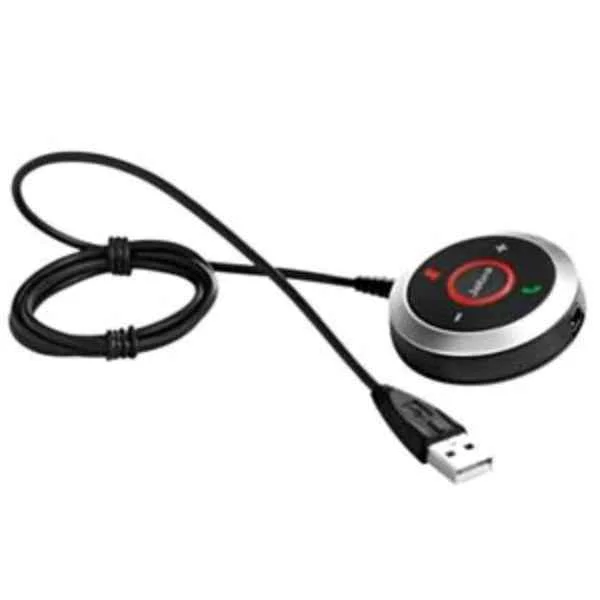
14208-06-EVOLVE LINK UC FOR EVOLVE 80 is an audio interface accessory specifically designed for seamless unified communications and conferencing applications. This device functions as a USB controller cable, providing a connection bridge between Jabra Evolve 80 headsets and computers or unified communications platforms. It enables intuitive call control and audio management, supporting bi-directional audio for both voice input and output. The connectivity is facilitated via a standard USB interface, ensuring universal compatibility with a wide range of UC systems, meeting spaces, and desktops.
The 14208-06-EVOLVE LINK UC FOR EVOLVE 80 supports full-range audio transmission (20 Hz – 20 kHz), maintaining high-fidelity sound suitable for professional conferencing and VoIP deployments. The built-in DSP (Digital Signal Processing) enhances voice clarity and communication reliability while supporting remote call controls, including answer/end, mute, and volume adjustments. Typical use cases include corporate boardrooms, personal workstations, and unified communications environments where reliable headset connectivity and superior call management are required.
14208-06 price is is available on request. Get immediate quote.
Request bulk order quote for 14208-06 for additional pricing. Browse the full Headsets series or explore all Jabra products.
Mon–Fri: [09:00-16:00]
Avg. response under 30 mins

| 14208-06 | 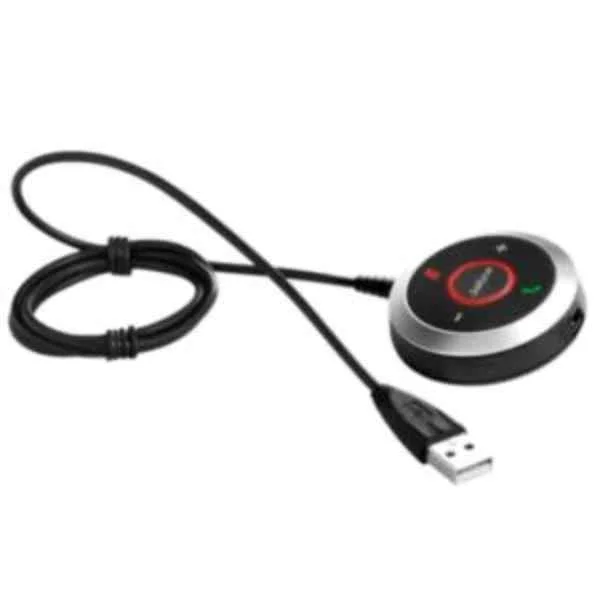 14208-18 14208-18 | 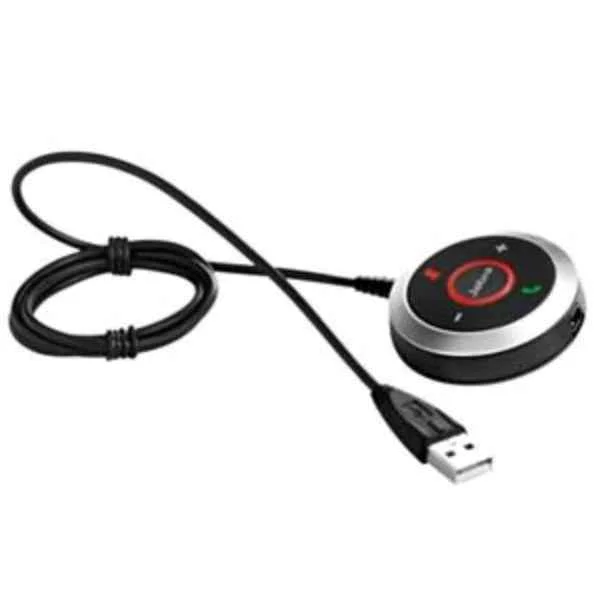 14208-05 14208-05 | 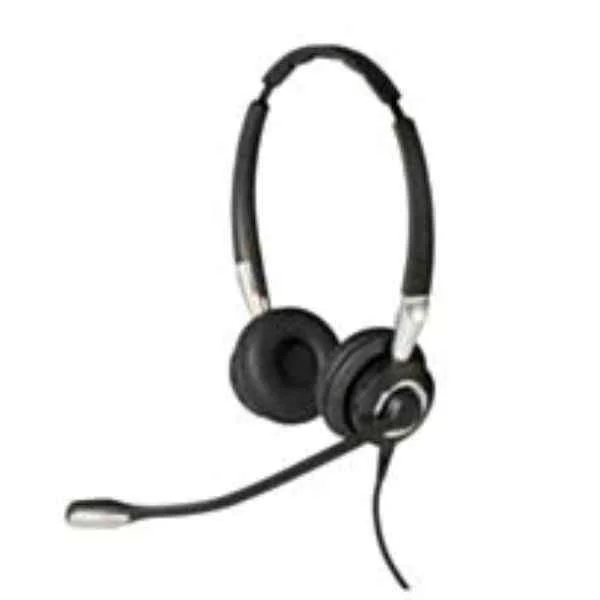 2499-823-309 2499-823-309 | 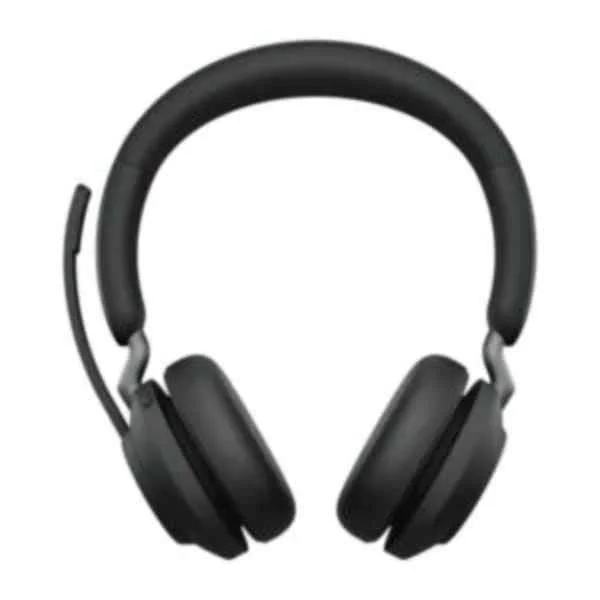 26599-989-899 26599-989-899 | |
|---|---|---|---|---|---|
| Product Type | Audio Equipment | Audio Equipment | Audio Equipment | Audio Equipment | Audio Equipment |
| Audio Device Type | Conference Audio Hub | Conference Audio Hub | Conference Audio Hub | Headset | Headset |
| Form Factor | Desktop | Desktop | Desktop | Portable | Portable |
| Use Case | Conference Room / Unified Communications / Meeting Spaces | Unified Communications / Conference Room / Meeting Spaces / UC Deployments | Unified Communications / Conference Room / Meeting Room / Remote Work | Unified Communications / Conference Room / Contact Center | Unified Communications |
| Channel Configuration | Stereo | Stereo | Stereo | Stereo | Stereo |
| Connectivity | USB | USB / 3.5mm | USB | USB | USB / Bluetooth |
| Input Types | USB | 3.5mm / USB | USB | USB | USB / Bluetooth |
| Output Types | USB | 3.5mm / USB | USB | USB | USB / Bluetooth |
| Power Source | USB-Powered | USB-Powered | USB-Powered | USB-Powered | Battery / USB-Powered |
| Frequency Response | 20 Hz – 20 kHz | 150 Hz – 7 kHz | 20 Hz – 20 kHz | 100 Hz – 12 kHz (Speaker), 100 Hz – 6.8 kHz (Microphone) | 20 Hz – 20 kHz |
| Signal Processing | DSP | DSP | DSP / AEC | DSP / Noise Suppression | DSP / AEC |
| Control Interface | Physical Buttons | Physical Buttons | Physical Buttons | Physical Buttons | Physical Buttons |
| Wireless Support | No | No | No | No | Bluetooth |
| Product Name | Jabra Evolve Link UC for Evolve 80 (14208-06) | Jabra Evolve 40 USB Link Controller (14208-18) | 14208-05-EVOLVE LINK MS FOR EVOLVE 80 LYNC OPTIMIZED | Jabra BIZ 2400 II Duo USB NC CC MS | Jabra Evolve2 65 Link380c UC Stereo Black |


Every unit is authentic, sourced through trusted and authorised channels, and serial-verified on request. Genuine networking and IT hardware, guaranteed, or your money back.

New products are backed by up to 3 years of extended warranty, and certified refurbished units by up to 3 months, for dependable protection on every order. Coverage is clear, honoured in full, and confirmed on each product page.

If a unit ever falls short, our streamlined RMA process gets a replacement to you fast, with advance replacement available to keep your network running. No jargon, no runaround.

Every device is inspected, bench-tested, and firmware-verified, with configurations wiped before dispatch. Additional testing can be arranged to confirm full working condition on request.

Our specialists assist with compatibility, configuration, licensing, and installation, before and after you buy. Real hardware expertise, whenever you need it.

dispatched quickly and shipped worldwide from regional hubs, fully tracked and insured.
Reviewed on the 19 March 2023

Reliable UC link delivering stable audio performance.
Reviewed on the 14 November 2020
Simple setup with immediate clarity improvement.
Reviewed on the 8 August 2022
Consistent connectivity across platforms.
Reviewed on the 29 June 2017
Professional accessory for structured deployments.
Reviewed on the 13 December 2024
Stable and predictable enterprise performance.
Reviewed on the 21 May 2023
Enhances headset communication quality.
Reviewed on the 29 May 2018
Reliable daily accessory for offices.
EVOLVE LINK UC is a USB wireless adapter that creates a dedicated, high-quality audio link between your Plantronics Evolve 80 headset and computer for seamless unified communications.
To install, simply plug EVOLVE LINK UC into any USB-A port on your Windows or macOS computer; the OS will auto-detect the device and complete setup without additional drivers.
Yes. EVOLVE LINK UC supports Windows 10 or later and macOS 10.14 (Mojave) or later, delivering plug-and-play connectivity across both platforms.
Ensure your Evolve 80 headset is powered on, then insert the dongle within 2 metres; pairing occurs automatically within seconds—no manual steps required.
EVOLVE LINK UC offers up to 25 metres of line-of-sight range and approximately 10 metres in typical office environments for flexible mobility.
No. EVOLVE LINK UC uses native USB audio drivers on Windows and macOS. For advanced settings and firmware updates, install the Plantronics Hub application.
No. EVOLVE LINK UC pairs one-to-one with a single Evolve 80 headset. To use another headset, plug the dongle into the target device and pair each headset separately.
Install and open Plantronics Hub on your computer, connect EVOLVE LINK UC, select the dongle in the device list, click 'Check for Updates,' and follow on-screen instructions.
With EVOLVE LINK UC connected, the Evolve 80 headset delivers up to 24 hours of talk time on a full battery charge.
Use the call control button on your Evolve 80 headset: press once to answer or end a call, and press twice to reject an incoming call while connected via EVOLVE LINK UC.
Yes. EVOLVE LINK UC is certified for Microsoft Teams, Zoom, Cisco Webex, and other leading unified communications platforms for guaranteed interoperability.
EVOLVE LINK UC comes with a one-year limited hardware warranty covering manufacturing defects; register on the Poly support site within 30 days of purchase for full coverage.
Open Plantronics Hub with the dongle connected, select EVOLVE LINK UC, choose 'Factory Reset,' confirm the action, and wait for the device to restore default settings.
Ensure the dongle is within range, remove any USB extension cables, update firmware via Plantronics Hub, reboot your computer, and re-pair the headset if needed.
Yes. EVOLVE LINK UC provides a dedicated, low-latency wireless link that minimizes packet loss and interference, resulting in clearer voice and music streaming.
EVOLVE LINK UC uses 1.9 GHz DECT Class 1 wireless technology for a secure, interference-free connection and up to 25 metres of operational range.
Launch Plantronics Hub, connect EVOLVE LINK UC, navigate to 'Devices,' select the dongle, and view the reported firmware version in the device details section.







