 United States
Trusted by the Highest-Stakes Buyers
Federal agencies and Fortune 500 operations source through ORM Systems.
US Government & Defense
Enterprise Clients

Featured Deal
Hand-picked by our procurement team for standout value. This unit is offered at our sharpest price on current stock, verified against live market rates.
Name:

Added to cart 28 times recently
Ready to Ship
Certified Refurbished
Professionally inspected, bench-tested, and firmware-verified, with configurations wiped. Restored to full working order and backed by our warranty.


3 Year Extended Warranty


Same-day Shipping

30-Day Money Back Guarantee
Shipping:
Payment:
3 Year Extended Warranty
Same-day Shipping
30-Day Money Back Guarantee
Need Additional Discount on Product?
Request a quote below - Get Exclusive Pricing and Support.
Shipping:
Payment:
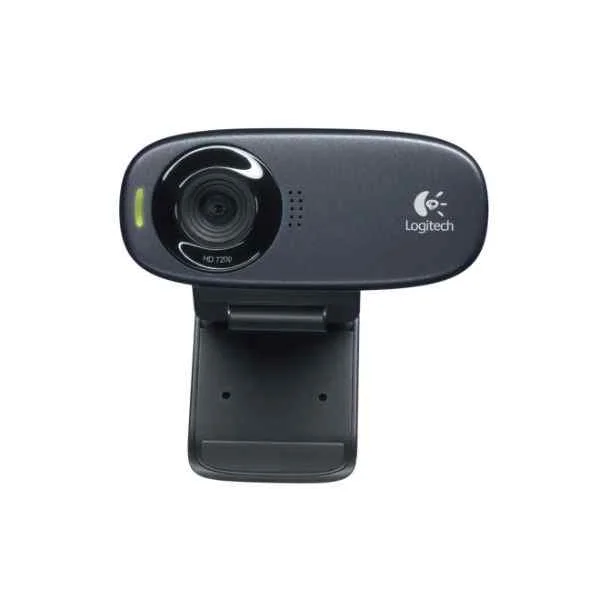
960-001065
C310 webcam - 5 MP - 1280 x 720 pixels - 720p - USB - Black...
Trusted by the Highest-Stakes Buyers
Federal agencies and Fortune 500 operations source through ORM Systems.
US Government & Defense




Enterprise Clients



Built Global. Stocked Local.
Regional teams and 25+ distribution partners keep stock near you and accountability in your time zone.
Buyer Protection on Every Order
Pay by PayPal or Revolut with full chargeback rights. Order on PO terms, Net-30 for government.
Verified By Federal Bodies
Every registration we claim is public record — check our federal contractor status yourself before you spend a dollar.



Since 2016, Enterprise-Trusted
Ten years serving buyers who audit their vendors. From federal agencies to 20,000+ enterprise clients worldwide.
960-001065-C310 webcam - 5 MP - 1280 x 720 pixels - 720p - USB - Black - Clip is a high-performance webcam designed for a variety of video conferencing applications. This plug-and-play device delivers 720p HD video quality in a compact form factor, making it an ideal choice for hybrid workspaces, classrooms, and huddle rooms that require crisp and clear video communications.
The webcam supports popular platforms such as Zoom, Microsoft Teams, and Webex, ensuring seamless integration into your existing conference setups. With USB connectivity and an easy clip mounting option, the device is engineered for simplicity and reliability, offering efficient use in both personal and professional video conferencing environments.
960-001065 price is is available on request. Get immediate quote.
Request bulk order quote for 960-001065 for additional pricing. Browse the full Logitech Video Conferencing series or explore all Logitech products.
Mon–Fri: [09:00-16:00]
Avg. response under 30 mins

| 960-001065 | 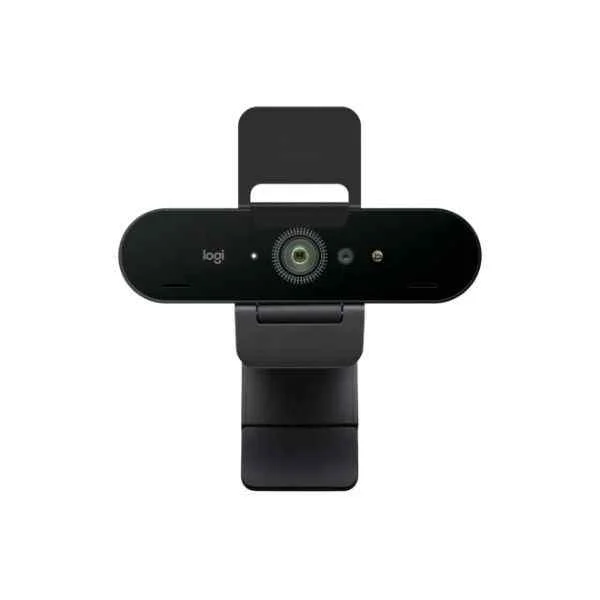 960-001194 960-001194 | 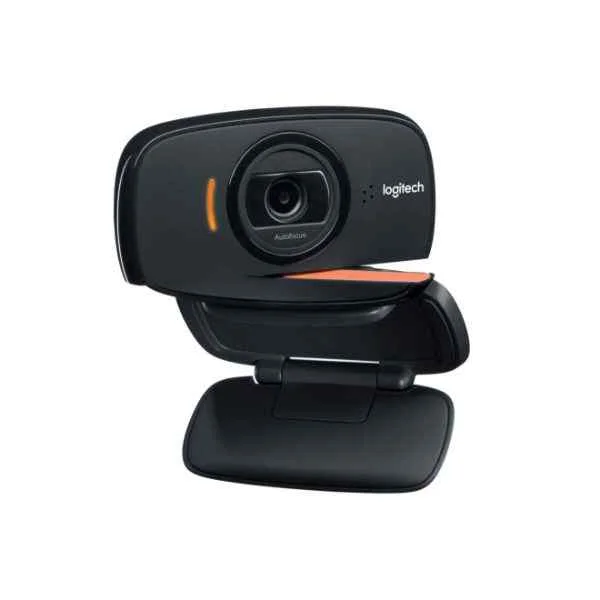 960-000842 960-000842 | 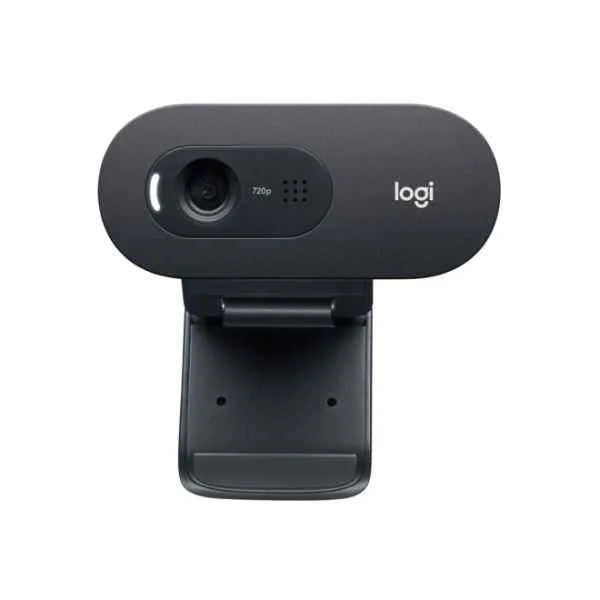 960-001372 960-001372 | 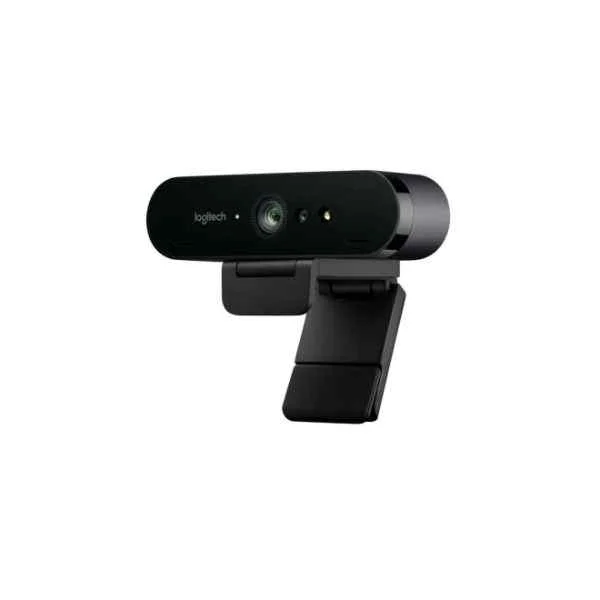 960-001106 960-001106 | |
|---|---|---|---|---|---|
| Product Type | Webcam | Video Conferencing Solution | Video Conferencing Solution | Video Conferencing Solution | Video Conferencing Solution |
| Device Type | Webcam | Webcam | Webcam | Webcam | Webcam |
| Use Case | Hybrid Office / Classroom / Huddle Room | Hybrid Office / Classroom / Boardroom | Huddle Room | Huddle Room / Boardroom / Hybrid Office / Classroom | Hybrid Office |
| Camera Resolution | 720p | 1080p | 720p | 720p | 4K |
| Frame Rate | 30 FPS | 60 FPS | 30 FPS | 30 FPS | 30 FPS |
| Auto Framing | No | No | No | No | No |
| Speaker Integration | None | None | None | Built-in Speaker | None |
| Connectivity | USB-A | USB-A | USB-A | USB-A | USB-A |
| Wireless Support | No | No | No | No | No |
| PoE Support | No | No | No | No | No |
| Platform Compatibility | Zoom / Microsoft Teams / Webex | Zoom / Microsoft Teams / Google Meet / Webex | Zoom / Microsoft Teams / Webex | Zoom / Microsoft Teams / Webex | Zoom / Microsoft Teams / Google Meet / Webex / Skype for Business |
| Mounting Option | Tabletop | Tabletop | Tabletop | Tabletop | Tabletop |
| Power Source | USB | USB | USB | USB | USB |
| Product Name | 960-001065-C310 webcam - 5 MP - 1280 x 720 pixels - 720p - USB - Black - Clip | 960-001194-Logitech Brio Stream Webcam (960-001194) | 960-000842-B525 HD - 2 MP - 1280 x 720 pixels - 30 fps - 720p - 1280 x 720 pixels - USB 2.0 | 960-001372-C505e - 1280 x 720 pixels - 30 fps - 1280x720@30fps - 720p - 60° - USB | Logitech BRIO 4K Ultra HD Webcam |


Every unit is authentic, sourced through trusted and authorised channels, and serial-verified on request. Genuine networking and IT hardware, guaranteed, or your money back.

New products are backed by up to 3 years of extended warranty, and certified refurbished units by up to 3 months, for dependable protection on every order. Coverage is clear, honoured in full, and confirmed on each product page.

If a unit ever falls short, our streamlined RMA process gets a replacement to you fast, with advance replacement available to keep your network running. No jargon, no runaround.

Every device is inspected, bench-tested, and firmware-verified, with configurations wiped before dispatch. Additional testing can be arranged to confirm full working condition on request.

Our specialists assist with compatibility, configuration, licensing, and installation, before and after you buy. Real hardware expertise, whenever you need it.

dispatched quickly and shipped worldwide from regional hubs, fully tracked and insured.
Reviewed on the 22 February 2024

C310 webcam offers reliable 720p performance for basic conferencing needs.
Reviewed on the 17 April 2025
Consistent USB connectivity and stable frame rates.
Reviewed on the 19 July 2021
Affordable HD webcam with dependable output.
Reviewed on the 22 June 2024
Reliable entry-level option for office use.
Reviewed on the 23 February 2017
Smooth installation and predictable video quality.
Reviewed on the 3 January 2021
Solid webcam for small team environments.
The Logitech C310 delivers 720p HD video at 1280 x 720 resolution, leveraging a 5 MP sensor for sharp, detailed images.
Yes, the Logitech C310 is compatible with Windows 7 and later, as well as macOS 10.10 and above, via standard USB drivers—no additional software required.
Simply plug the C310’s USB 2.0 cable into any available USB-A port; the device is recognized automatically through plug-and-play.
Yes, the C310 features an integrated noise-reduction microphone that delivers clear voice quality for calls and recordings.
Absolutely—its universal clip design fits laptops, monitors, or tripods securely, and can be folded for tabletop placement.
The C310 supports 30 frames per second at 720p HD, ensuring smooth, fluid video for conferencing and streaming.
Yes, the C310 features Logitech’s RightLight 2 technology, which automatically adjusts exposure for clear video in low-light conditions.
The Logitech C310 offers a 60-degree diagonal field of view, framing subjects naturally for one-on-one video calls.
No driver installation is required—your operating system will automatically detect and configure the C310 upon USB connection.
Yes, with 720p at 30 fps and a built-in mic, the C310 is ideal for live streaming, webinars, and video conferencing.
The C310 requires a PC or Mac with an available USB-A port, at least 512 MB RAM, and a broadband internet connection for HD video.
Wipe the lens gently with a soft, lint-free cloth; avoid liquids or abrasive materials to preserve optimal image quality.
Yes, the C310 is certified for Skype, Microsoft Teams, Zoom, and most major video-conferencing apps without additional setup.
The Logitech C310 comes with a two-year limited hardware warranty covering defects in materials and workmanship.
Basic video and audio functions are supported on many Linux distributions via UVC drivers, though advanced features may require additional setup.
Use Logitech’s free Camera Settings software (Windows only) to check for updates, adjust image settings, and manage firmware.







